




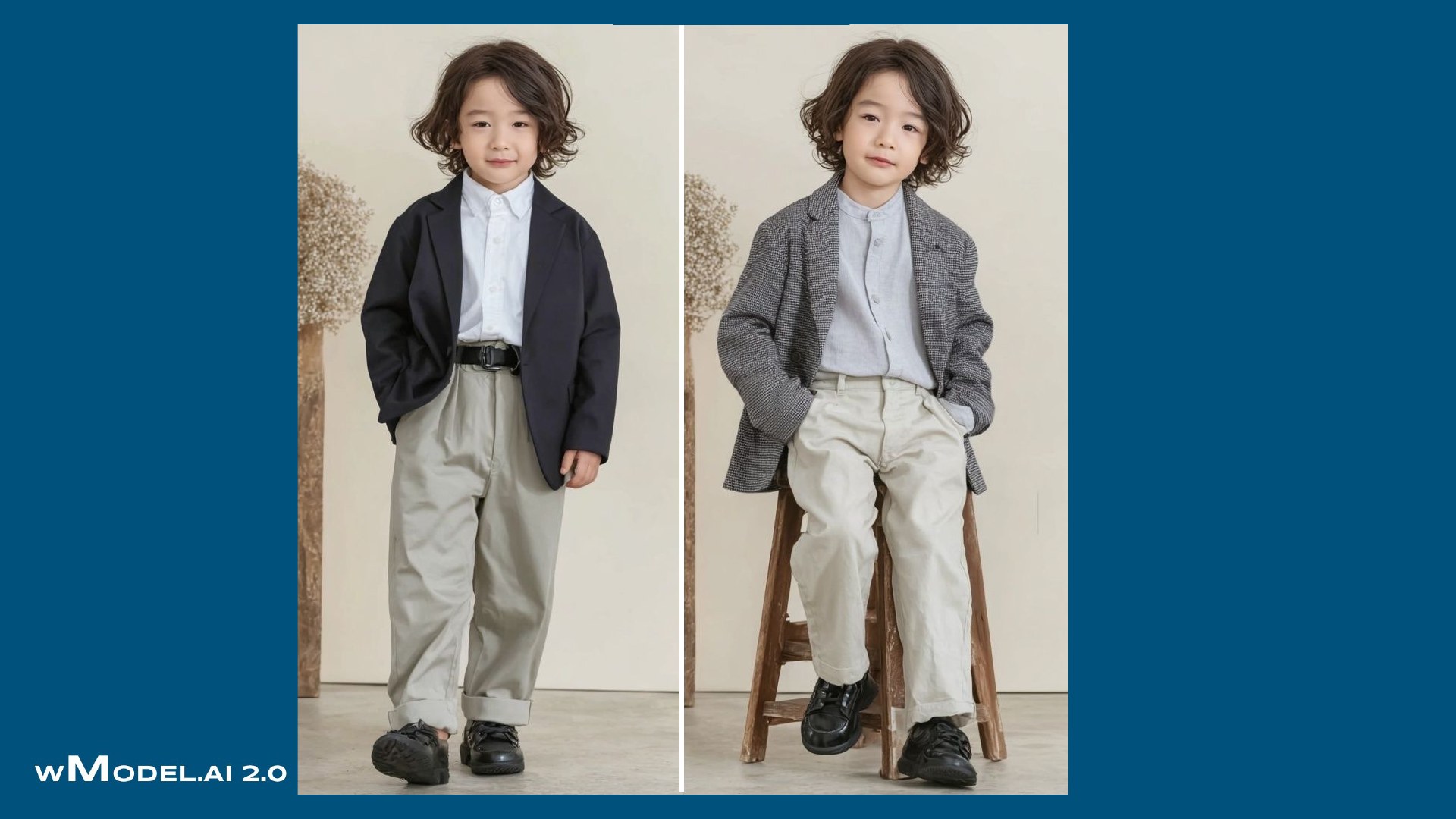
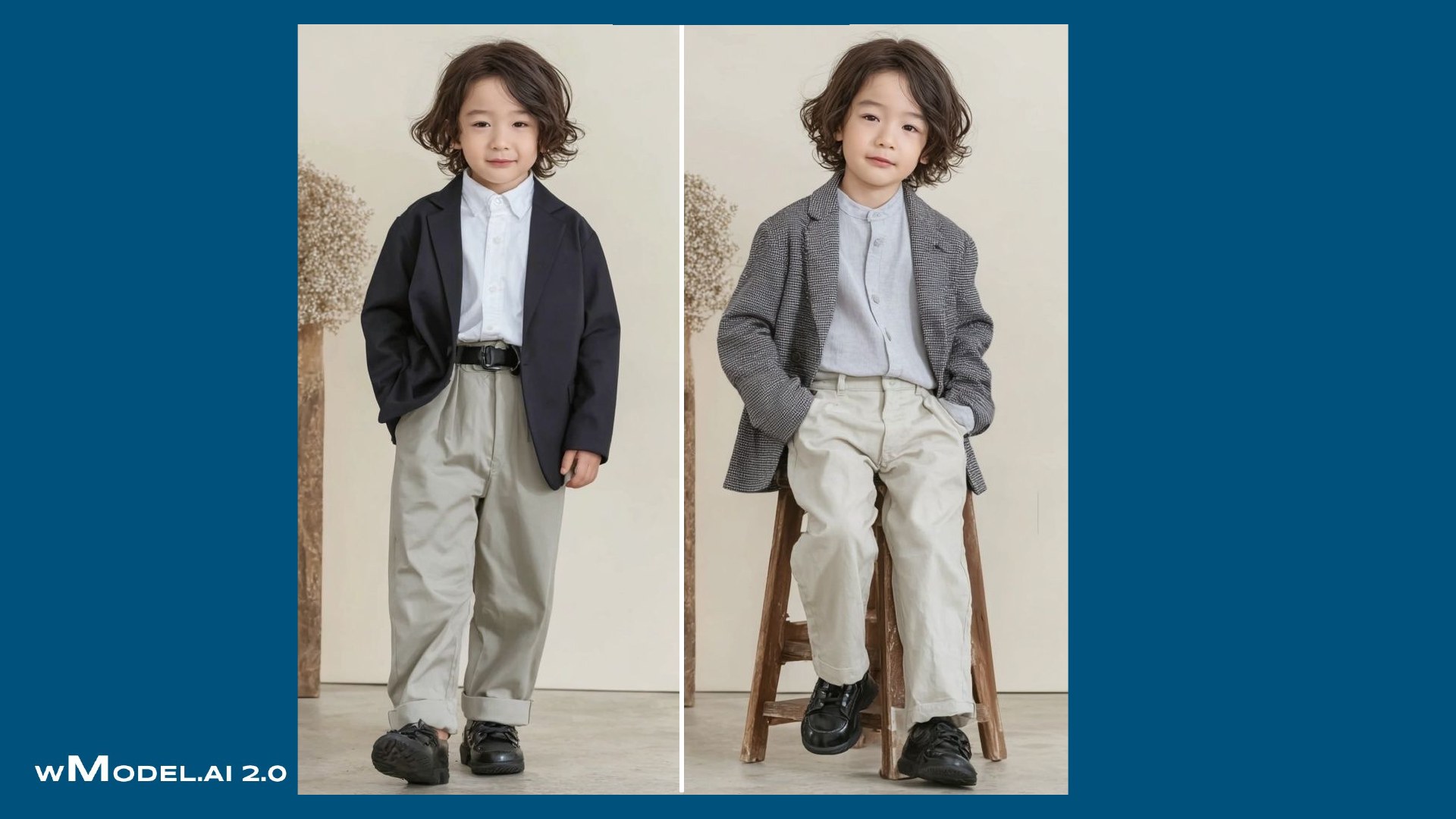
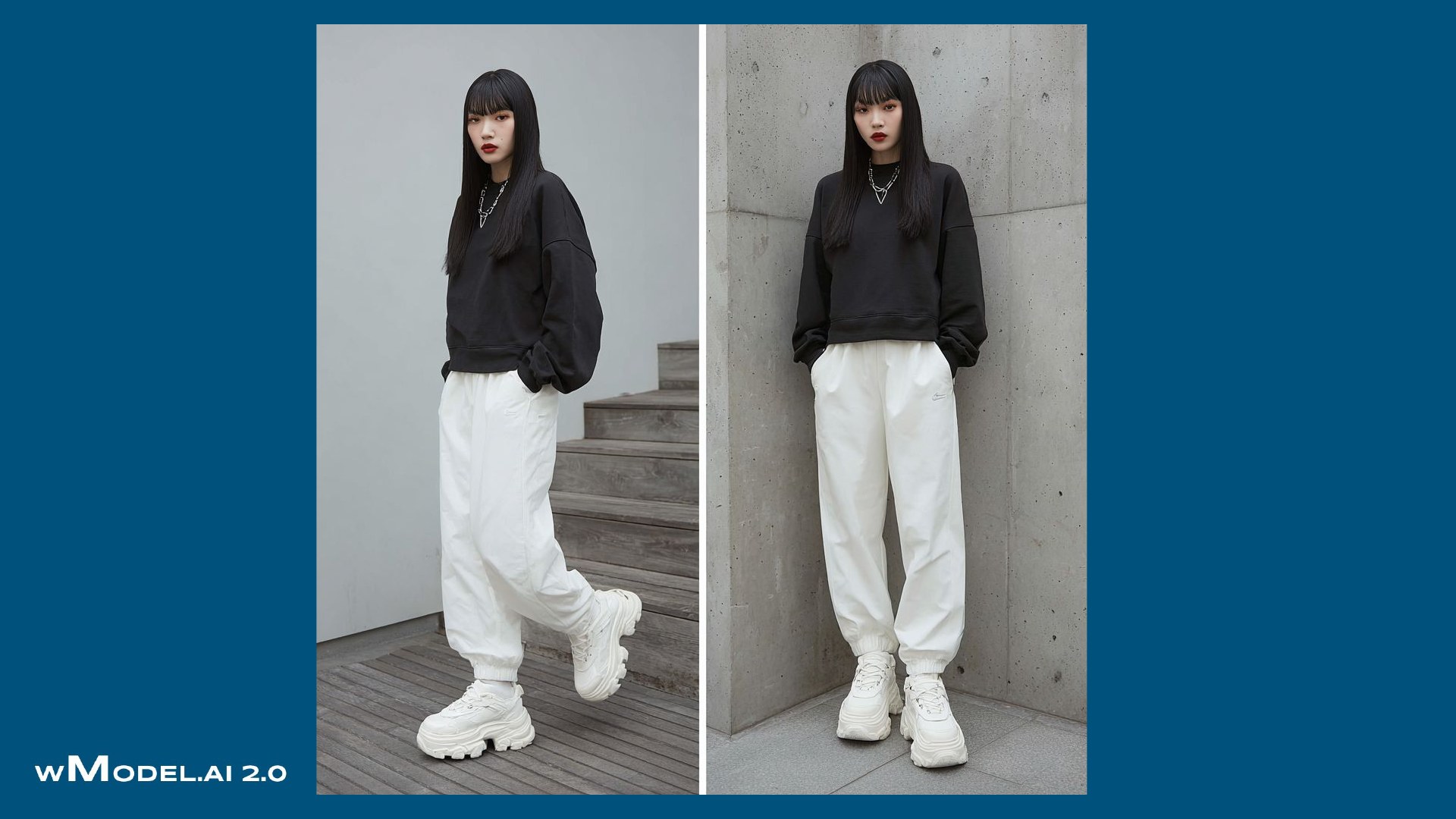
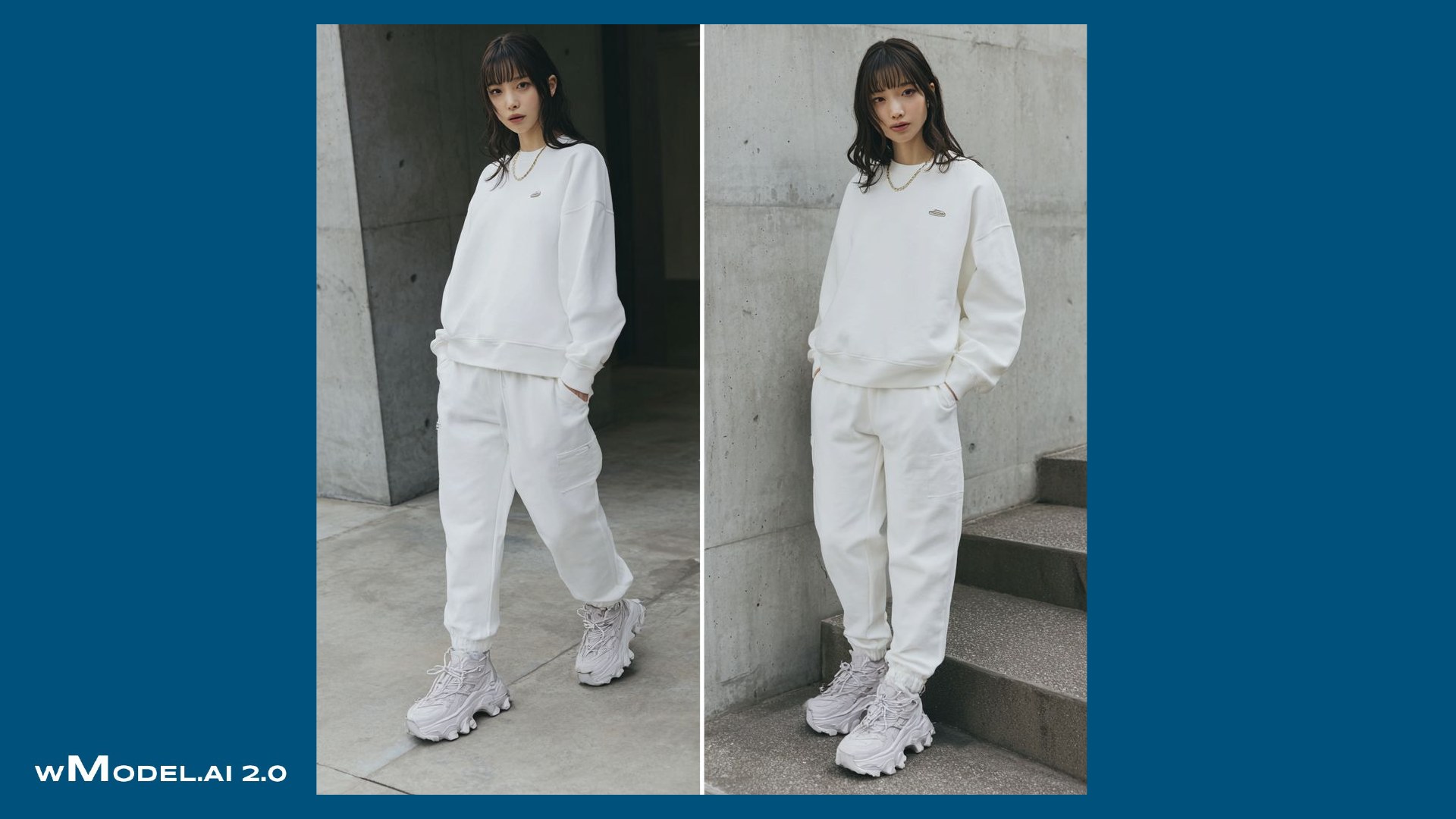
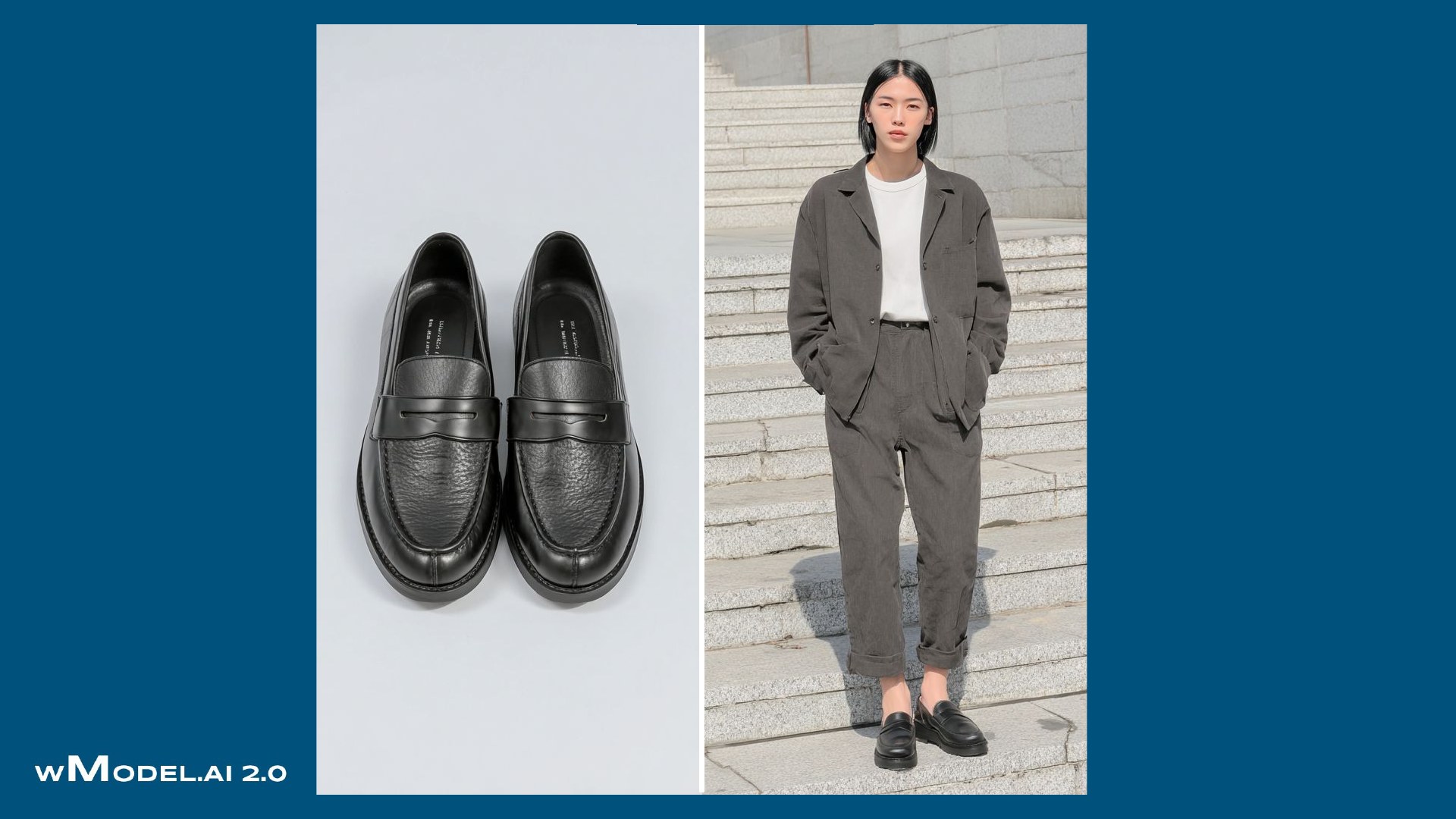
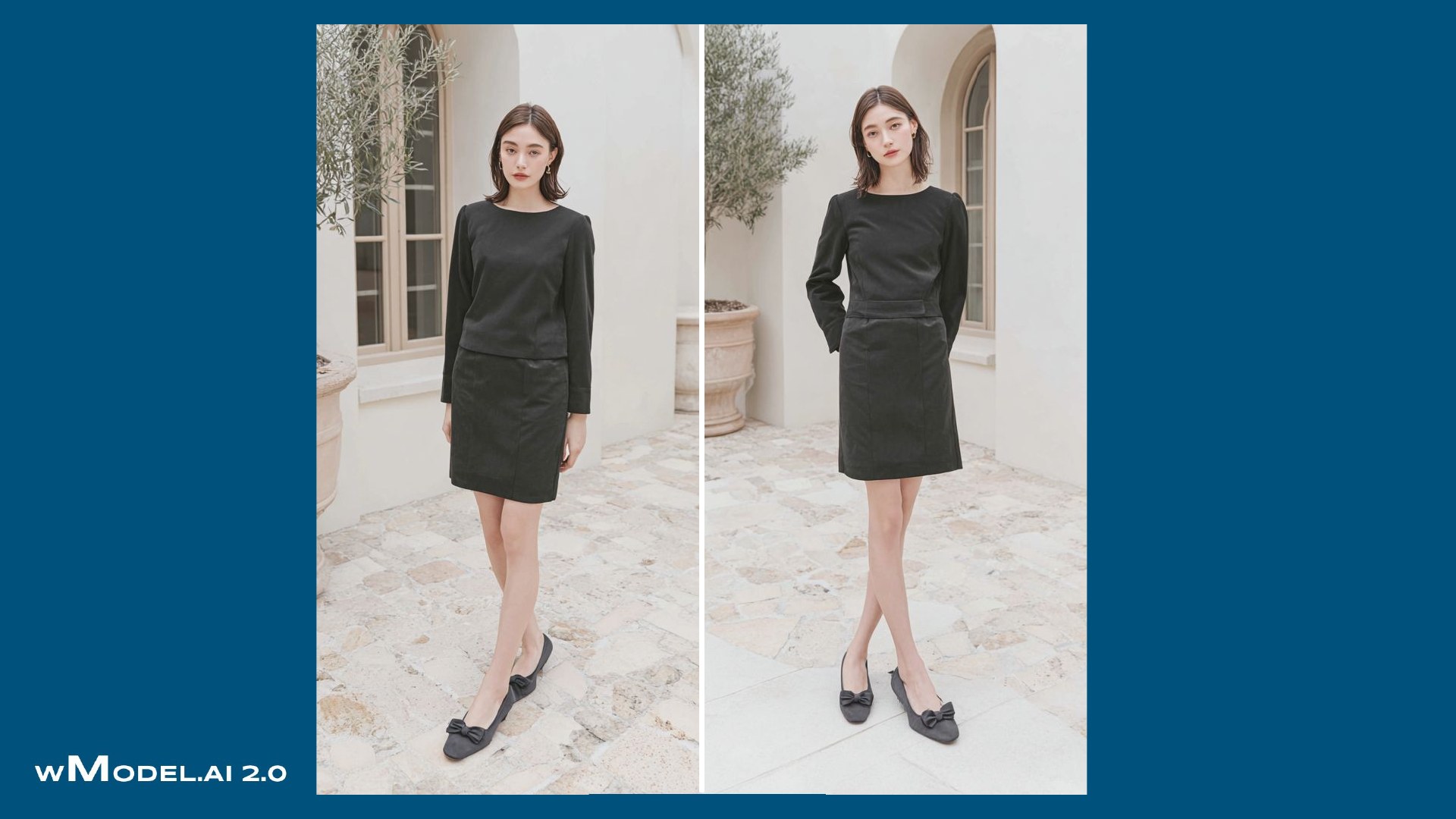
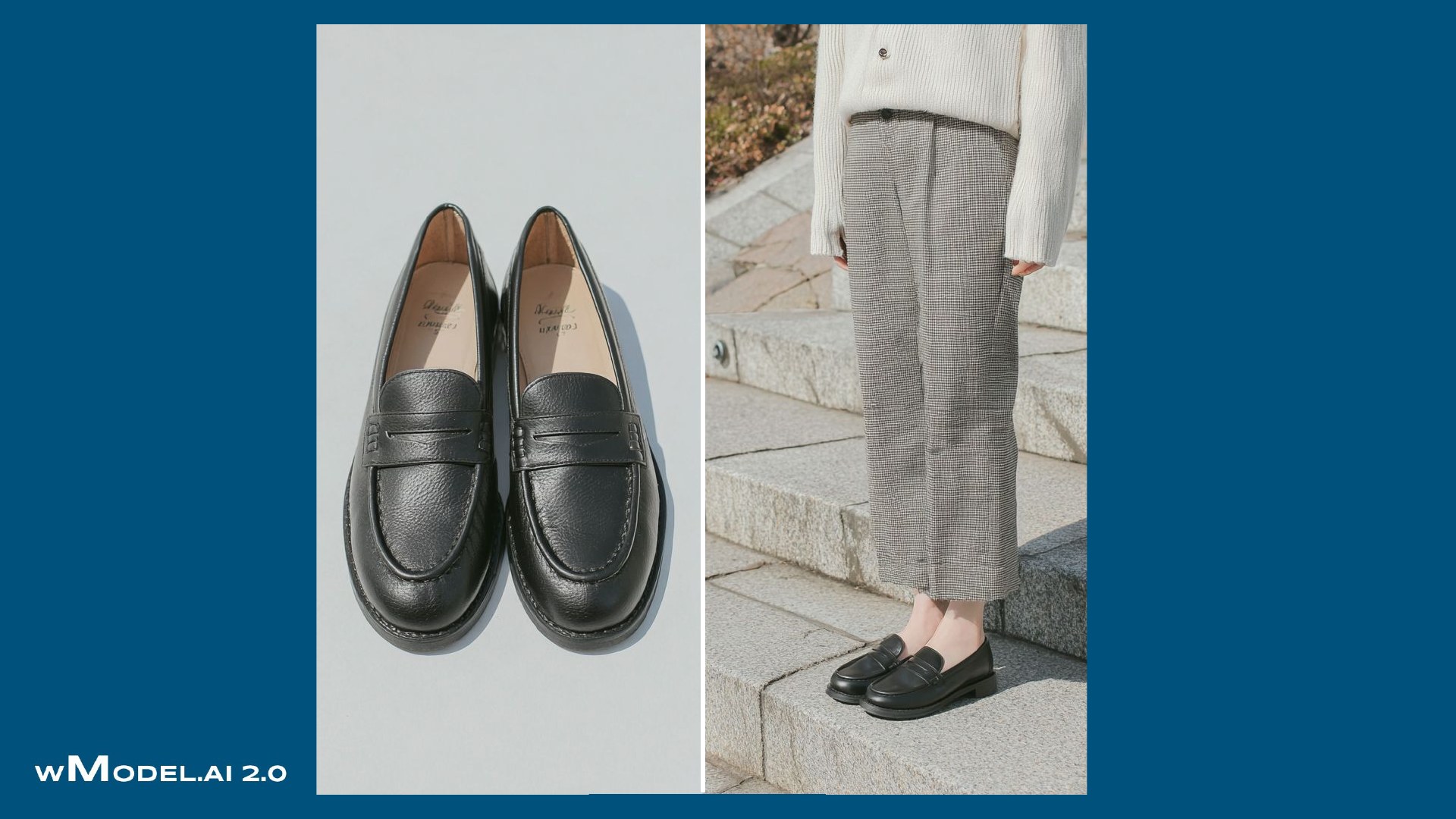
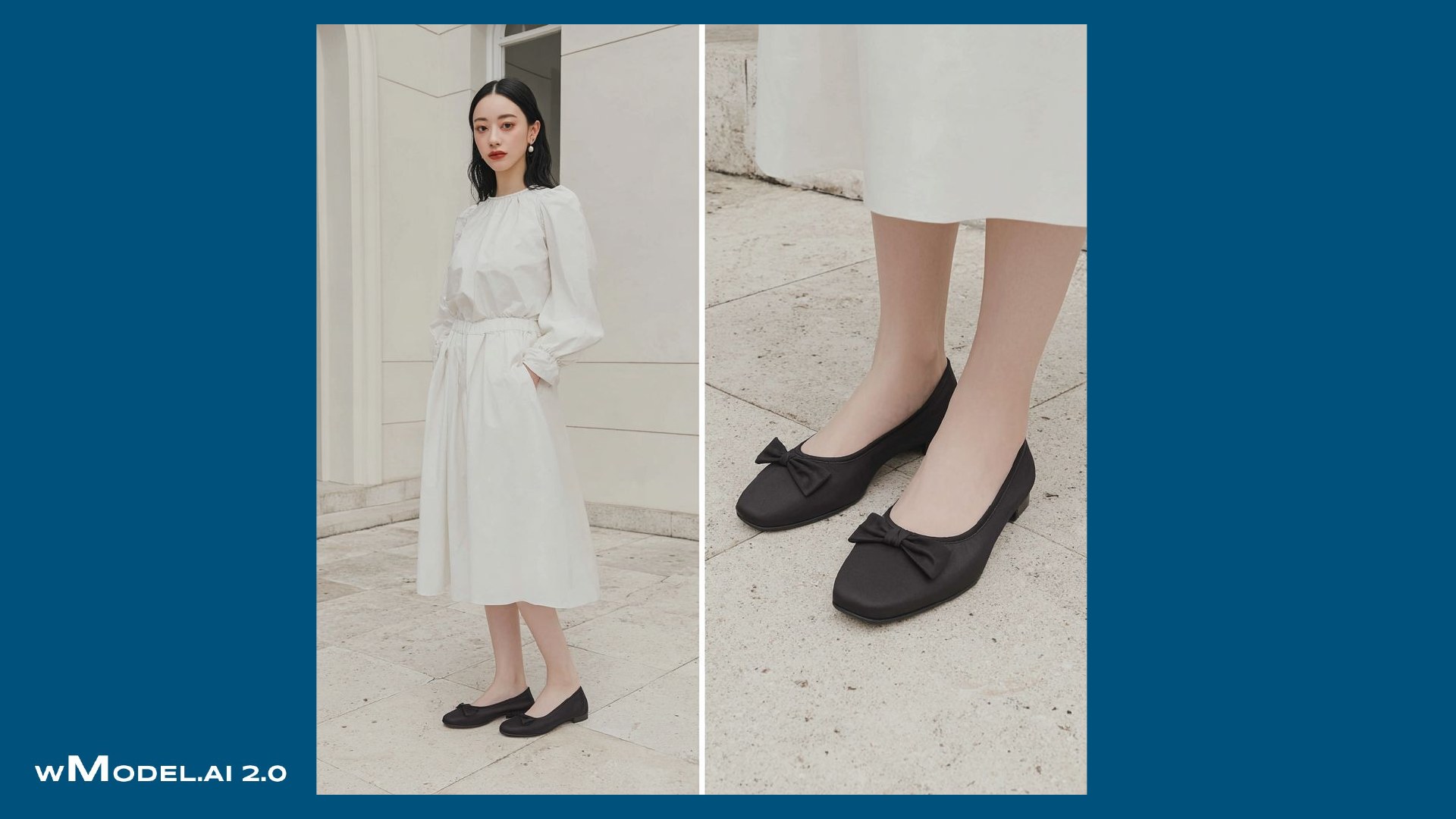
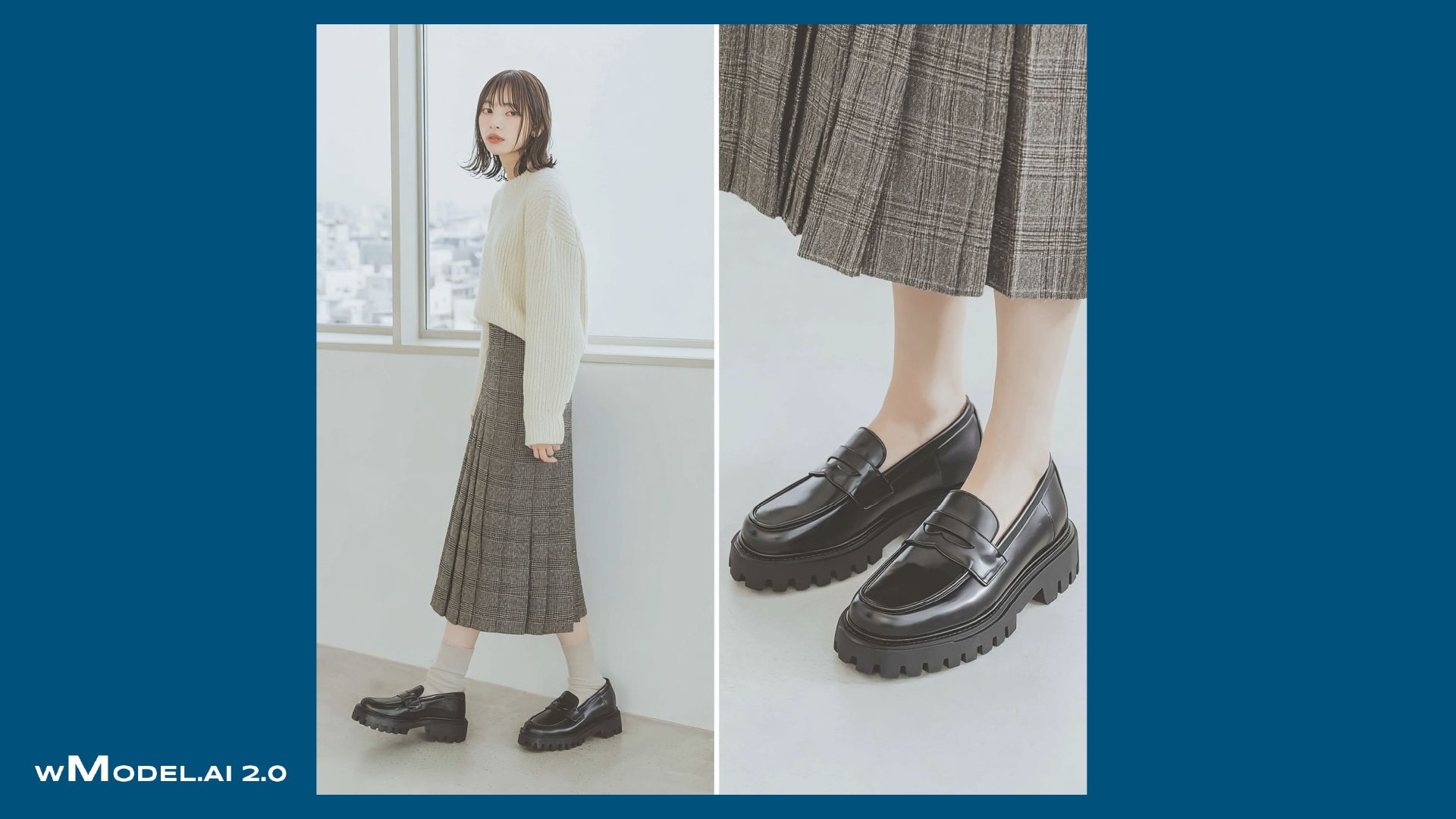
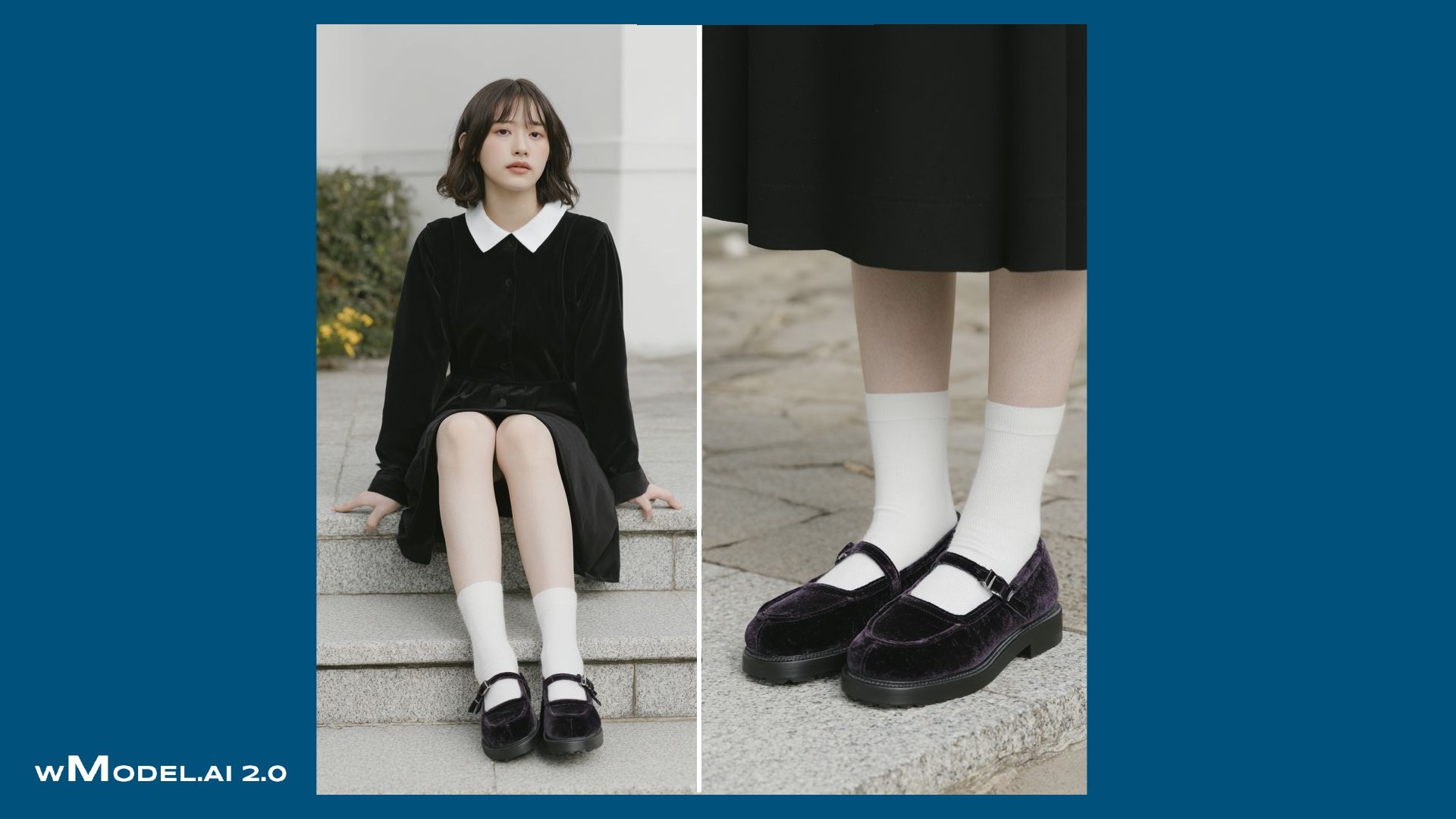
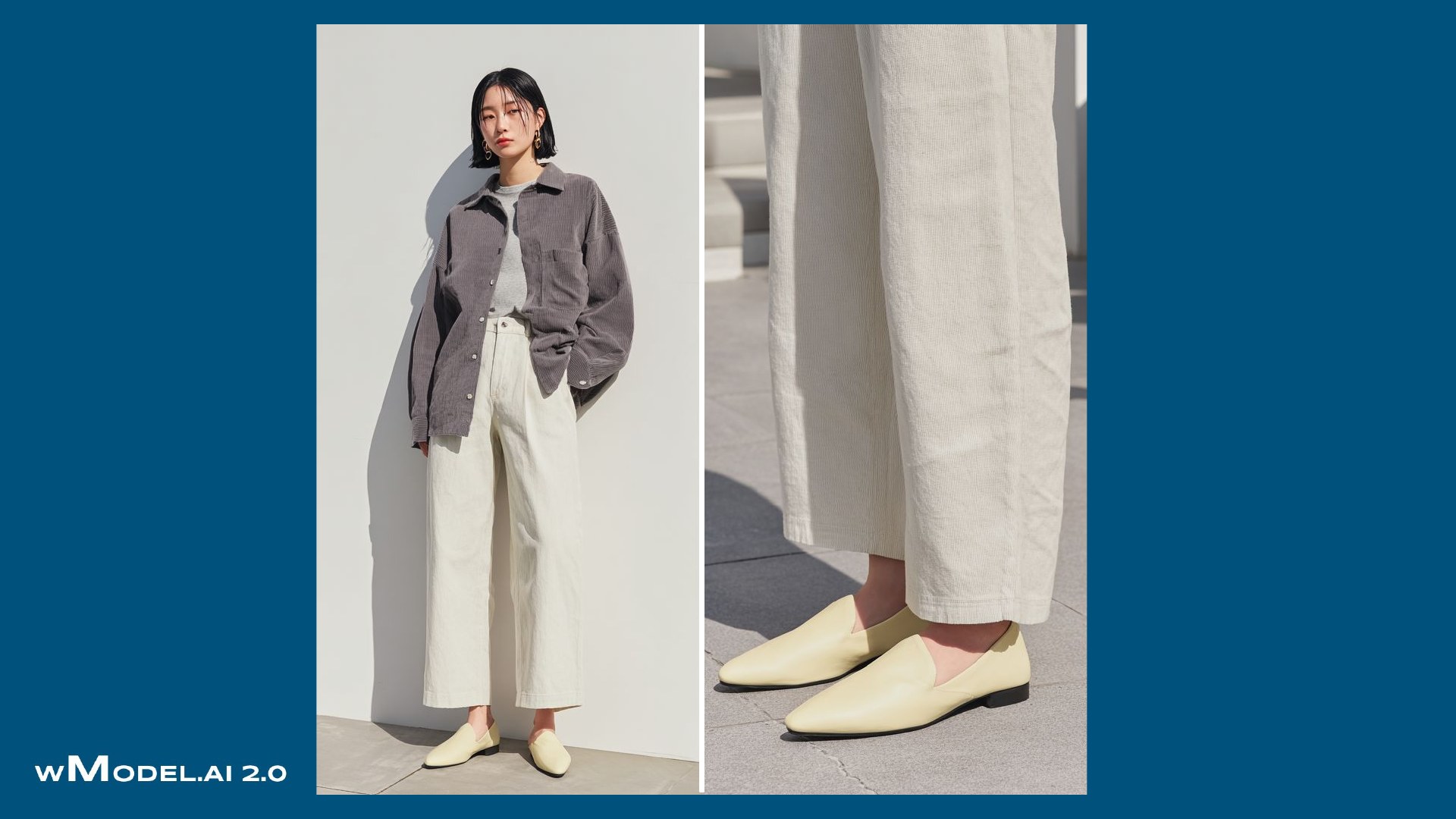
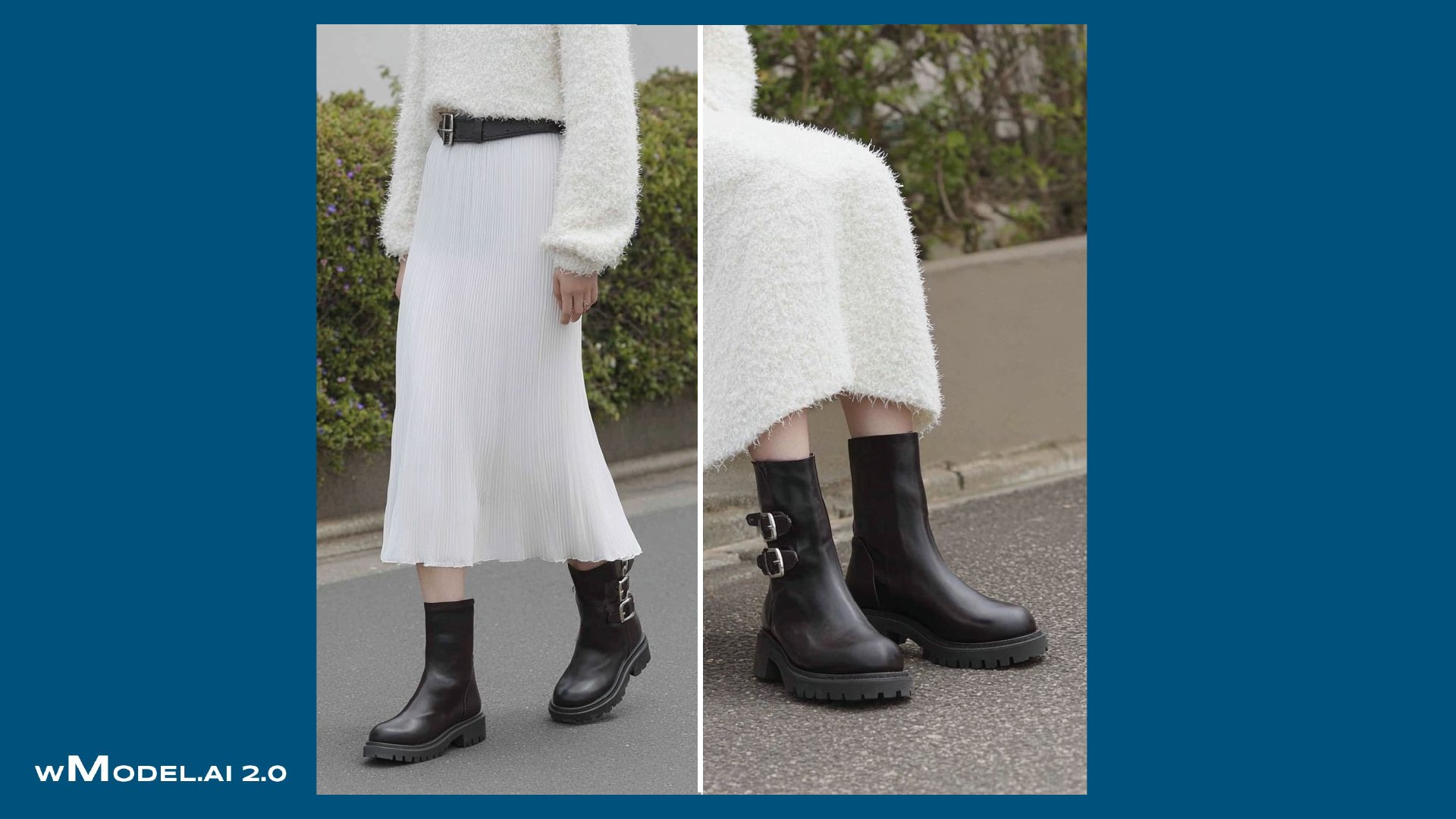
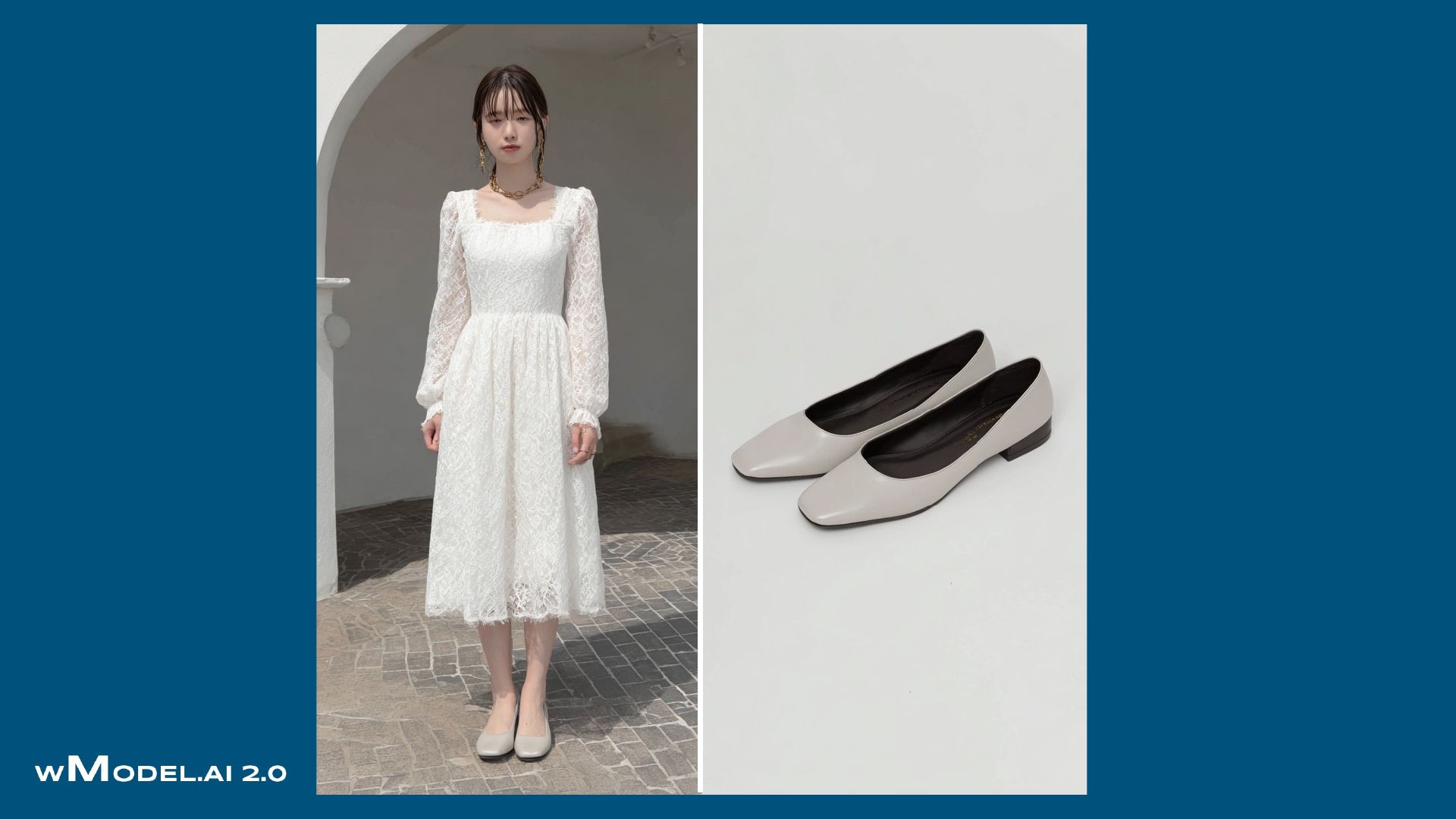
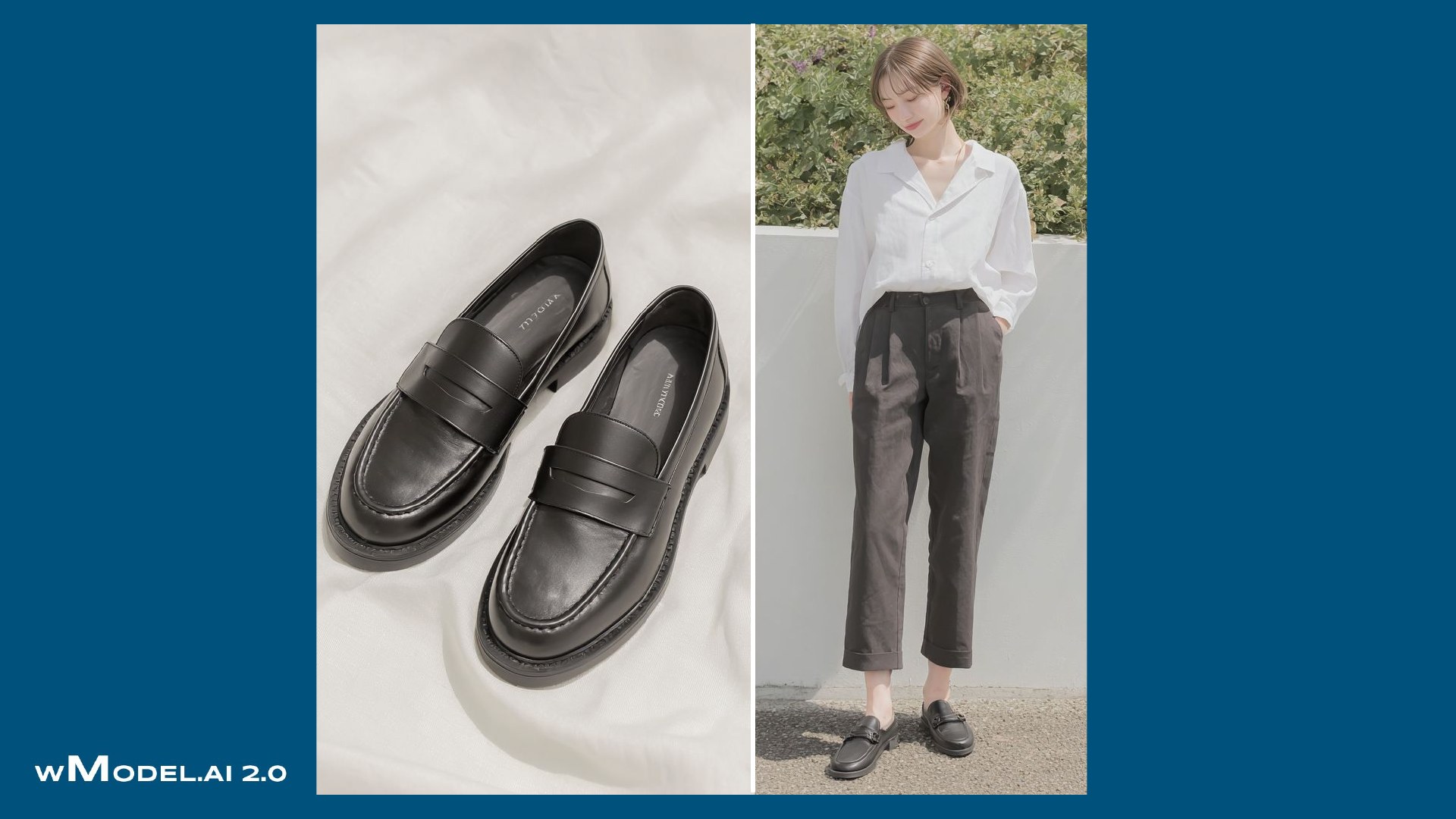
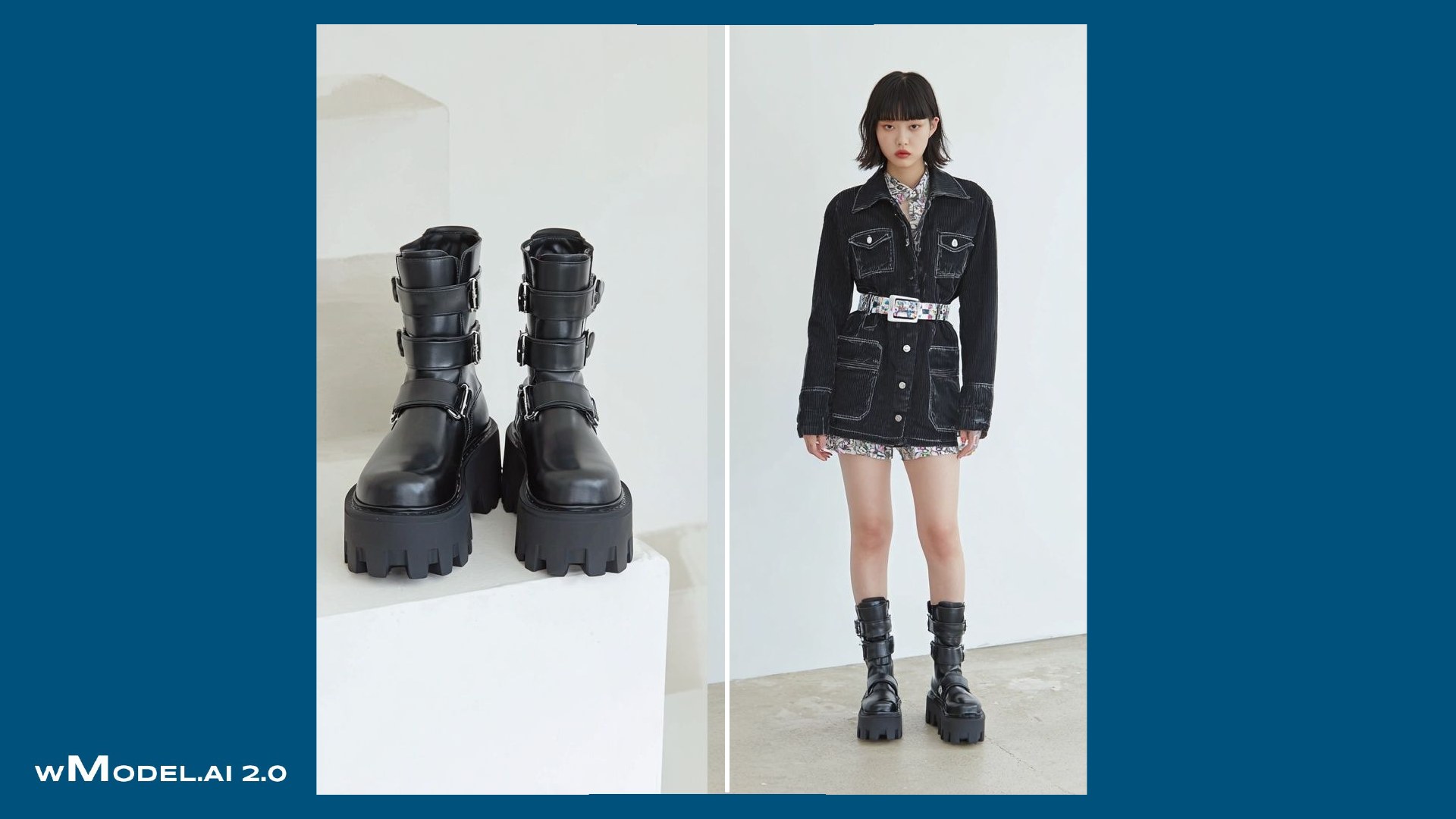
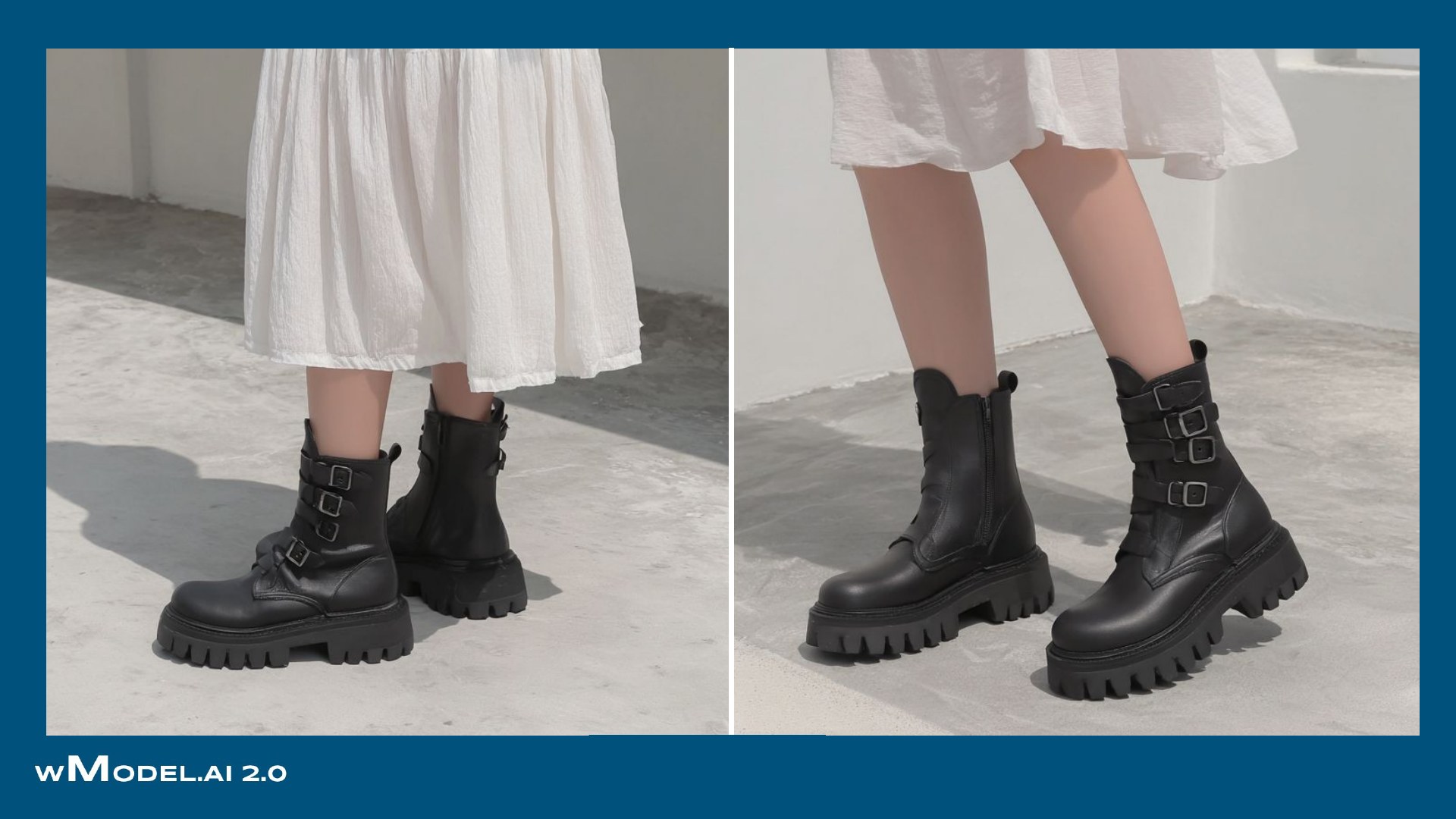
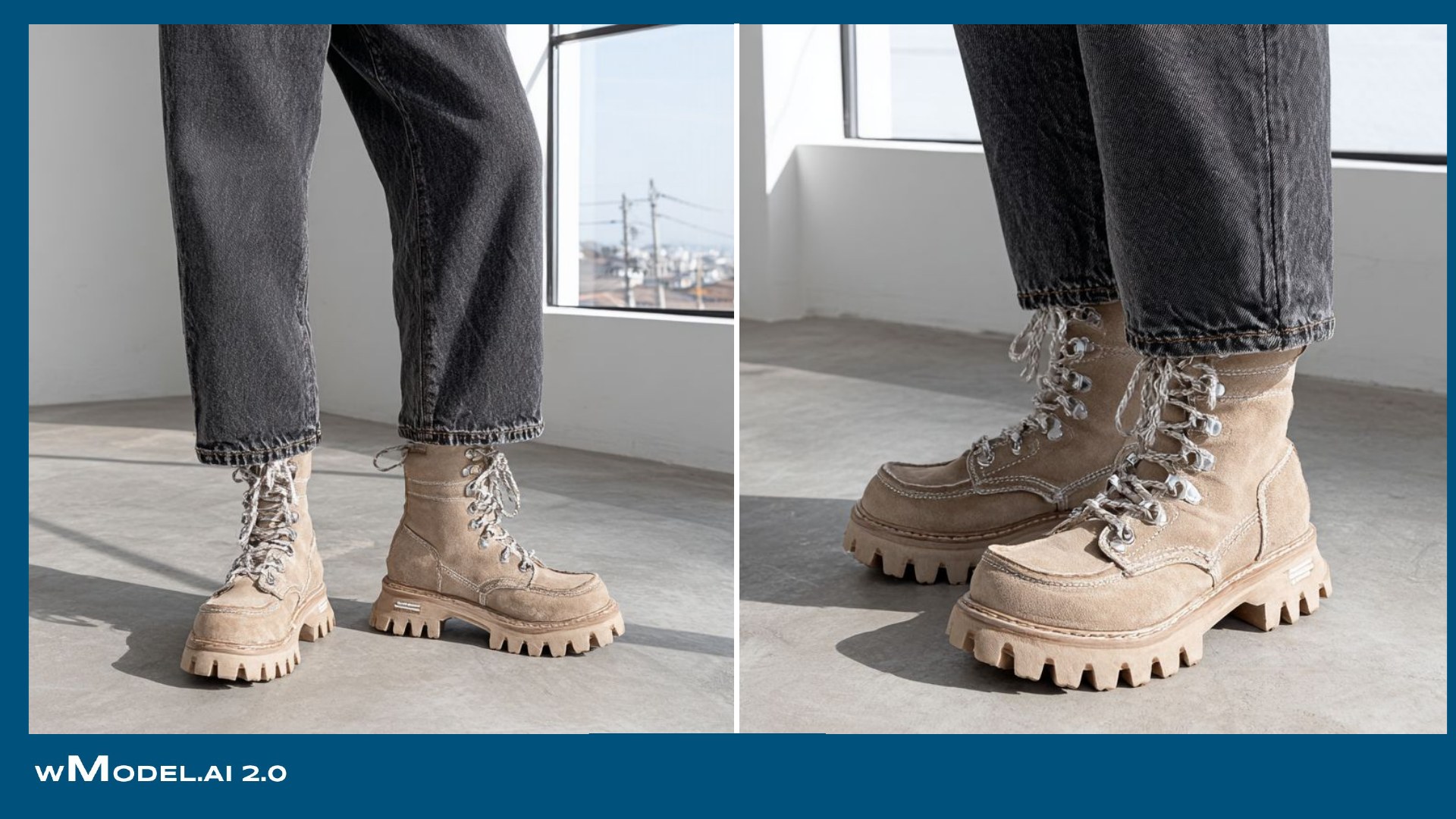
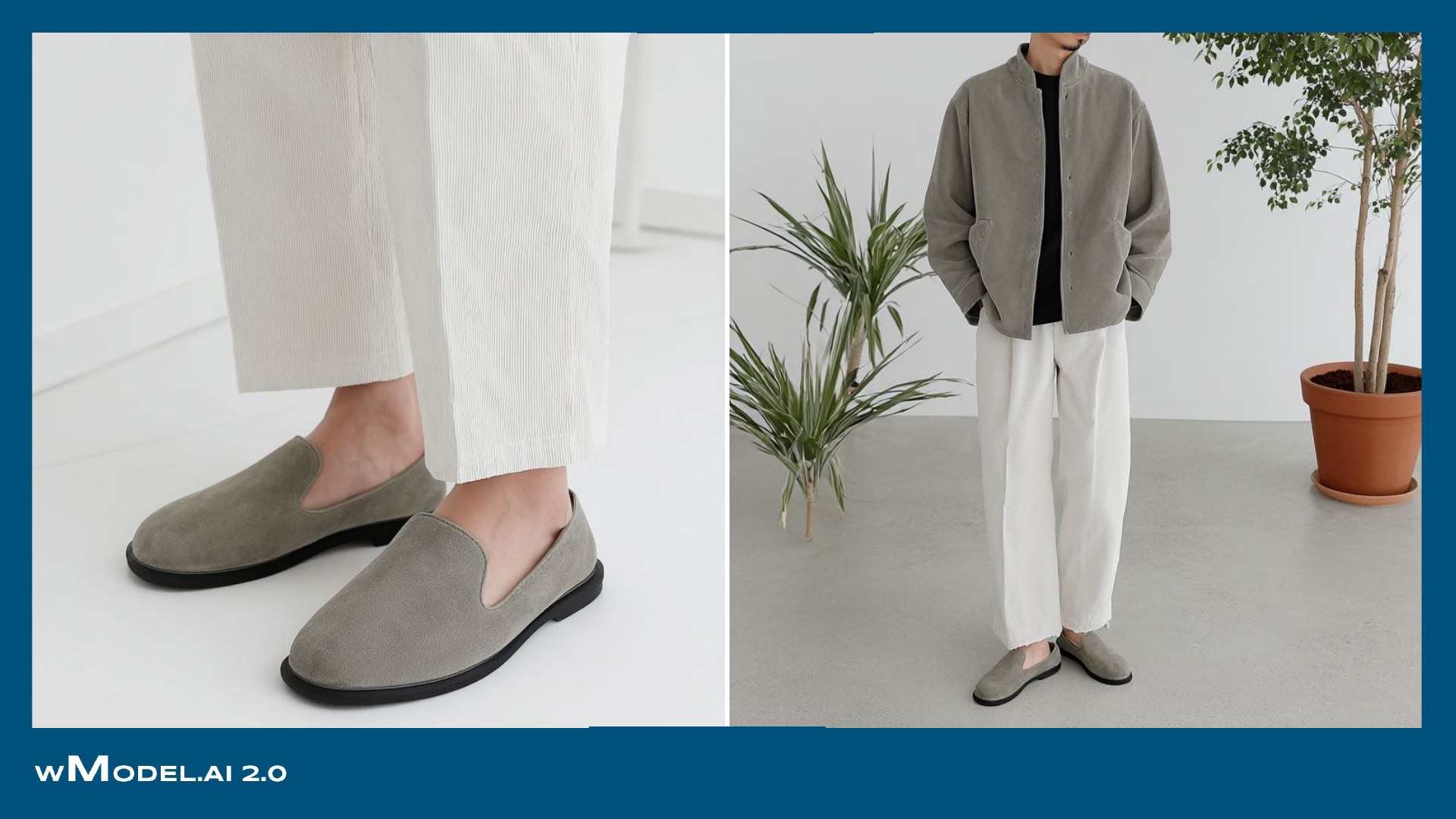
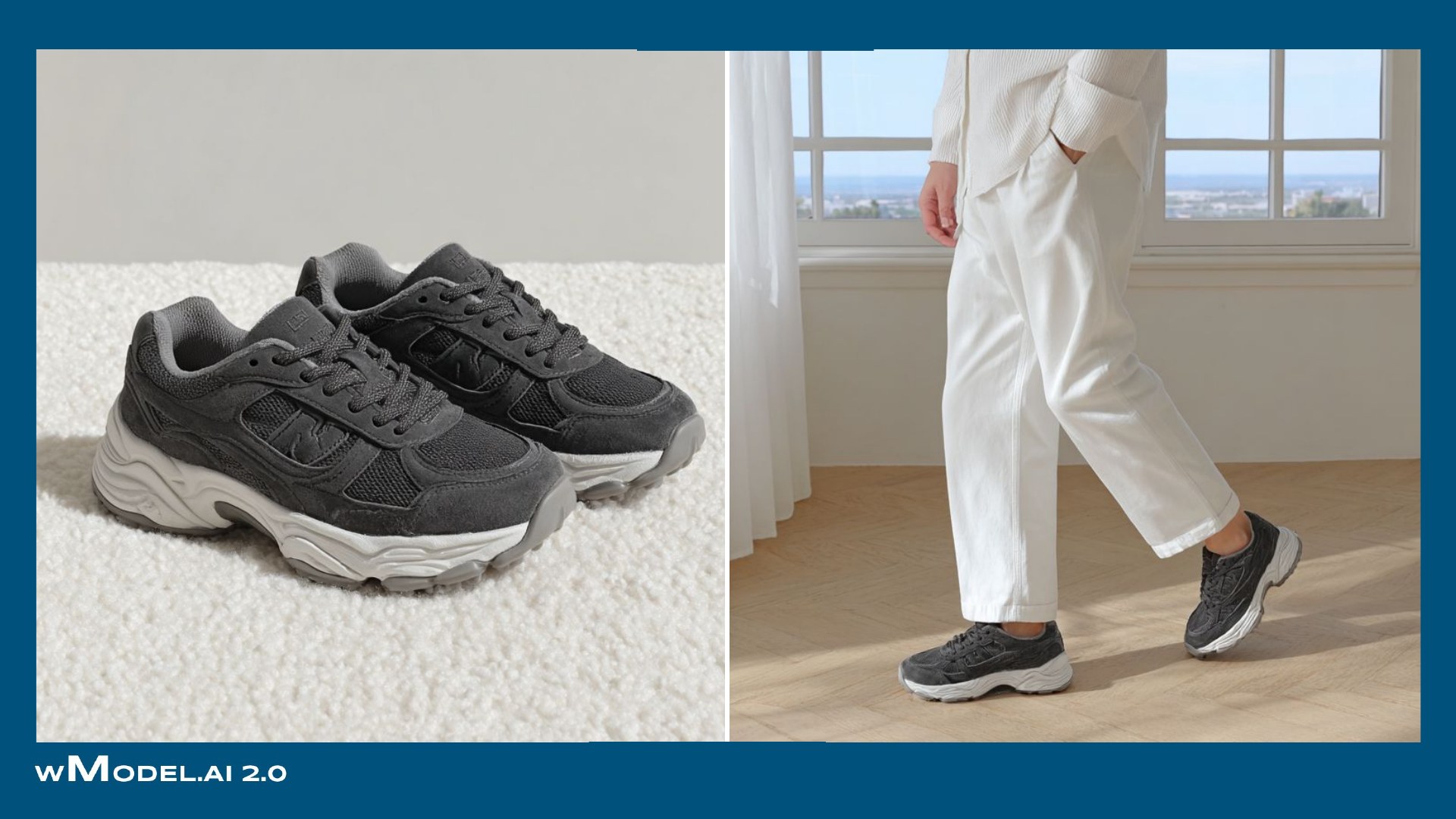
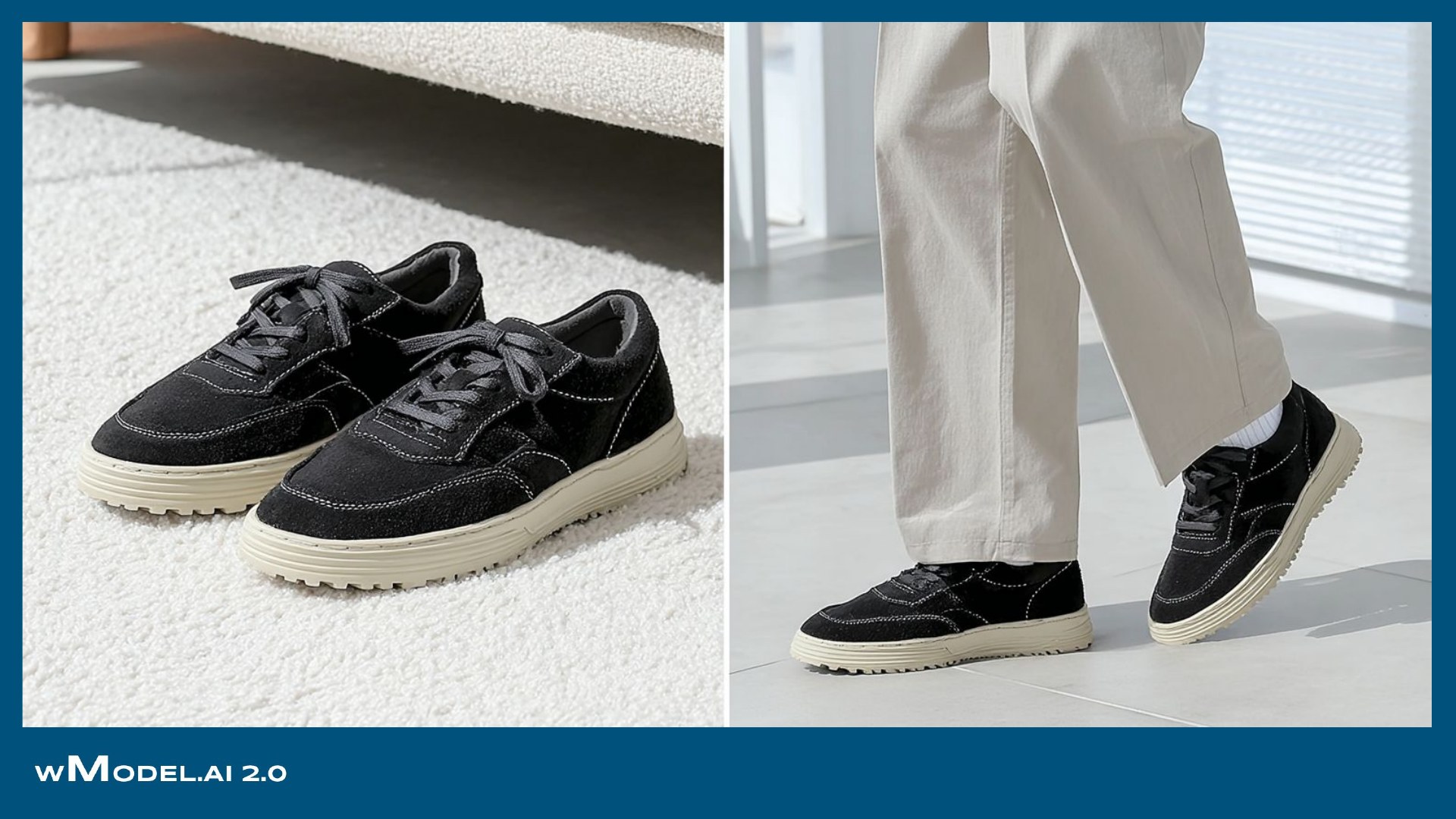
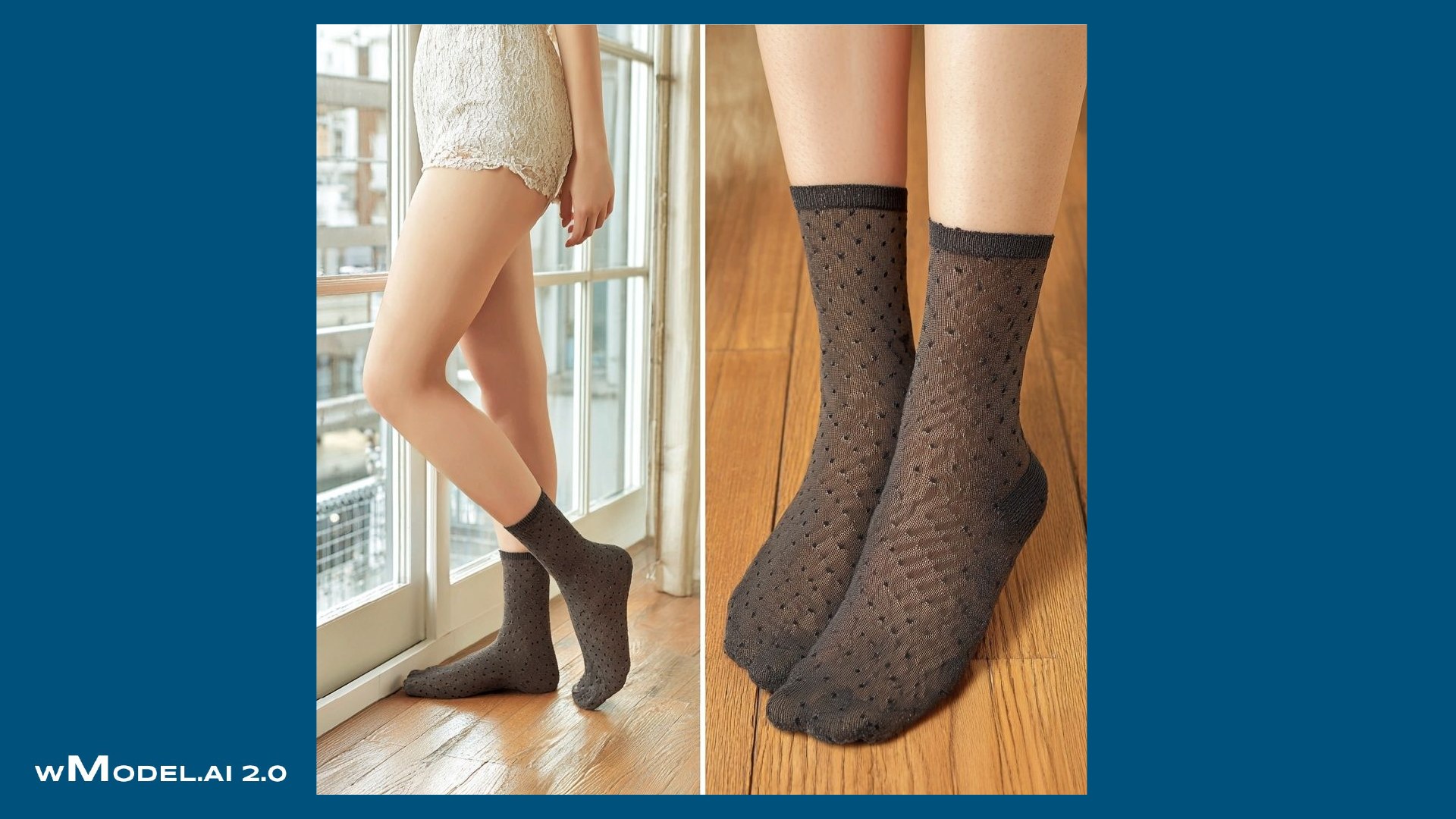
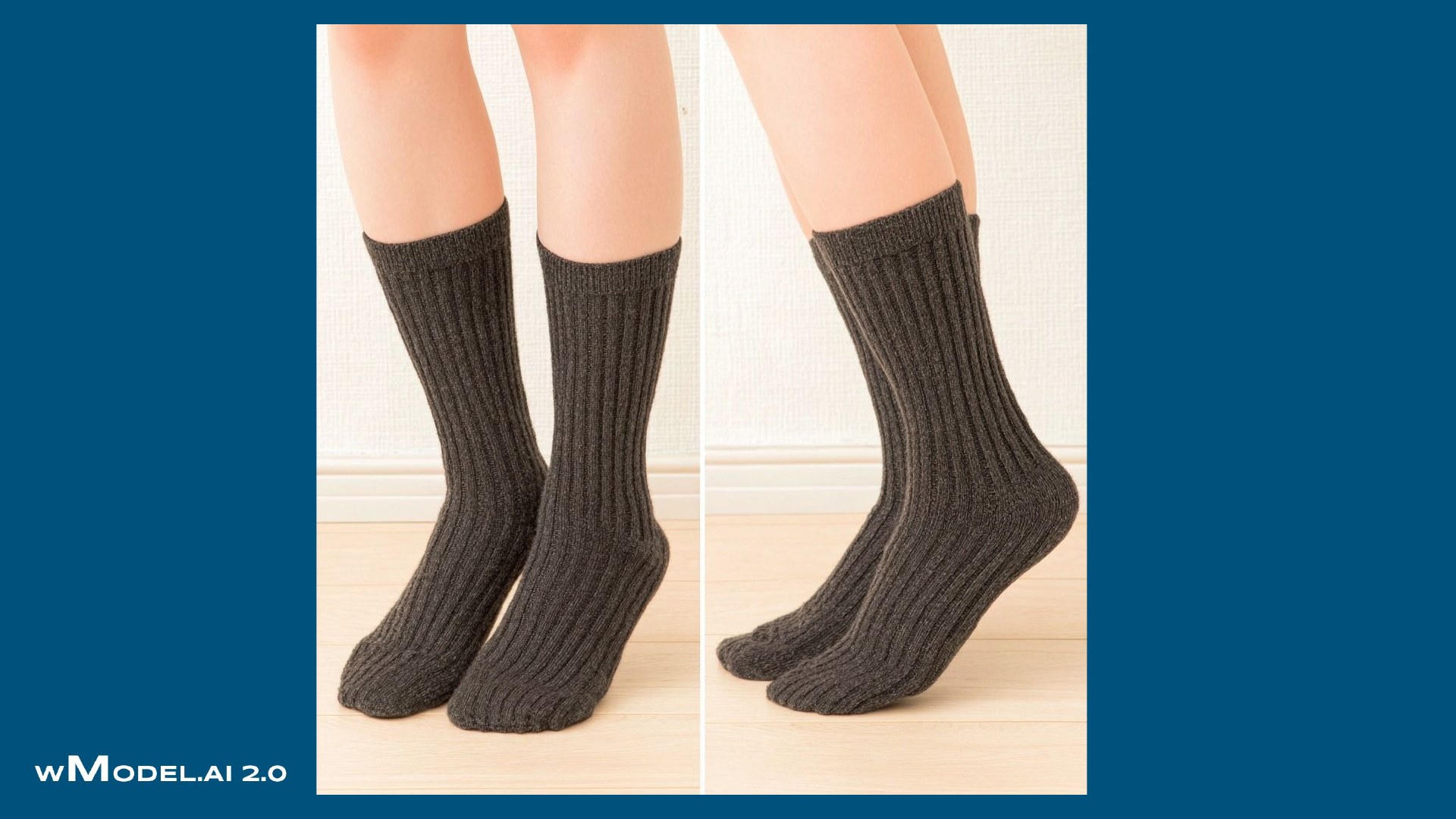
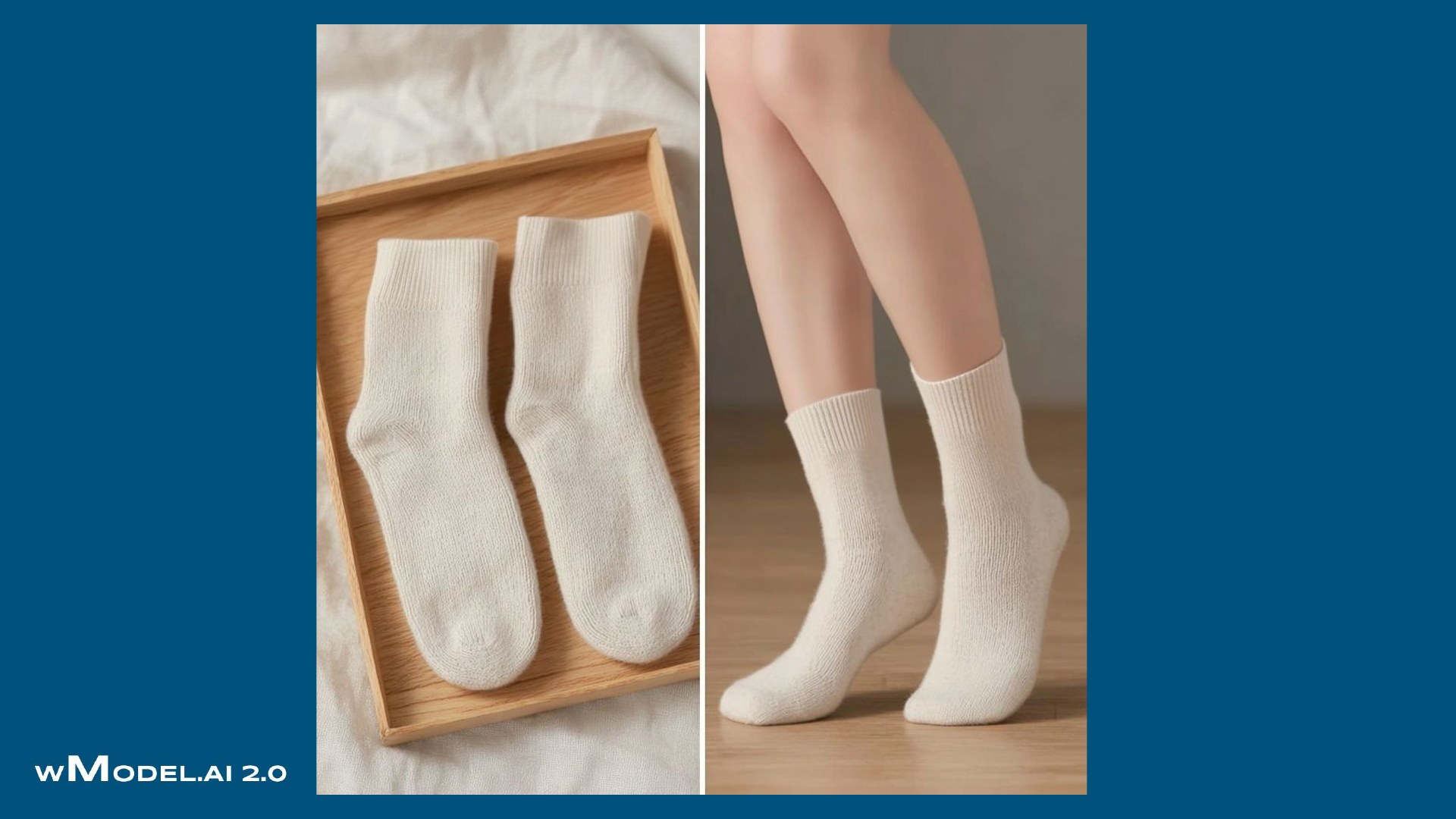
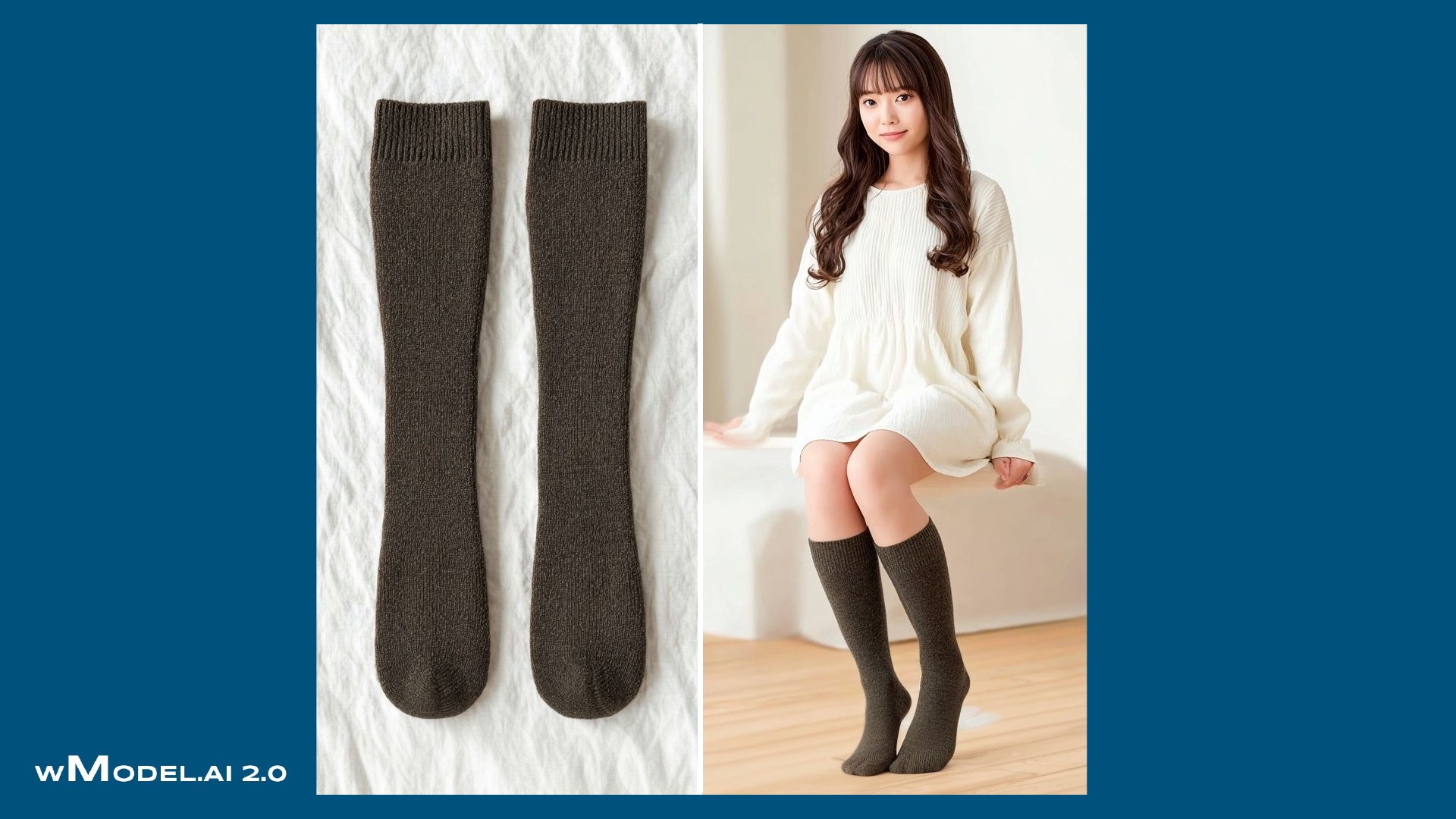
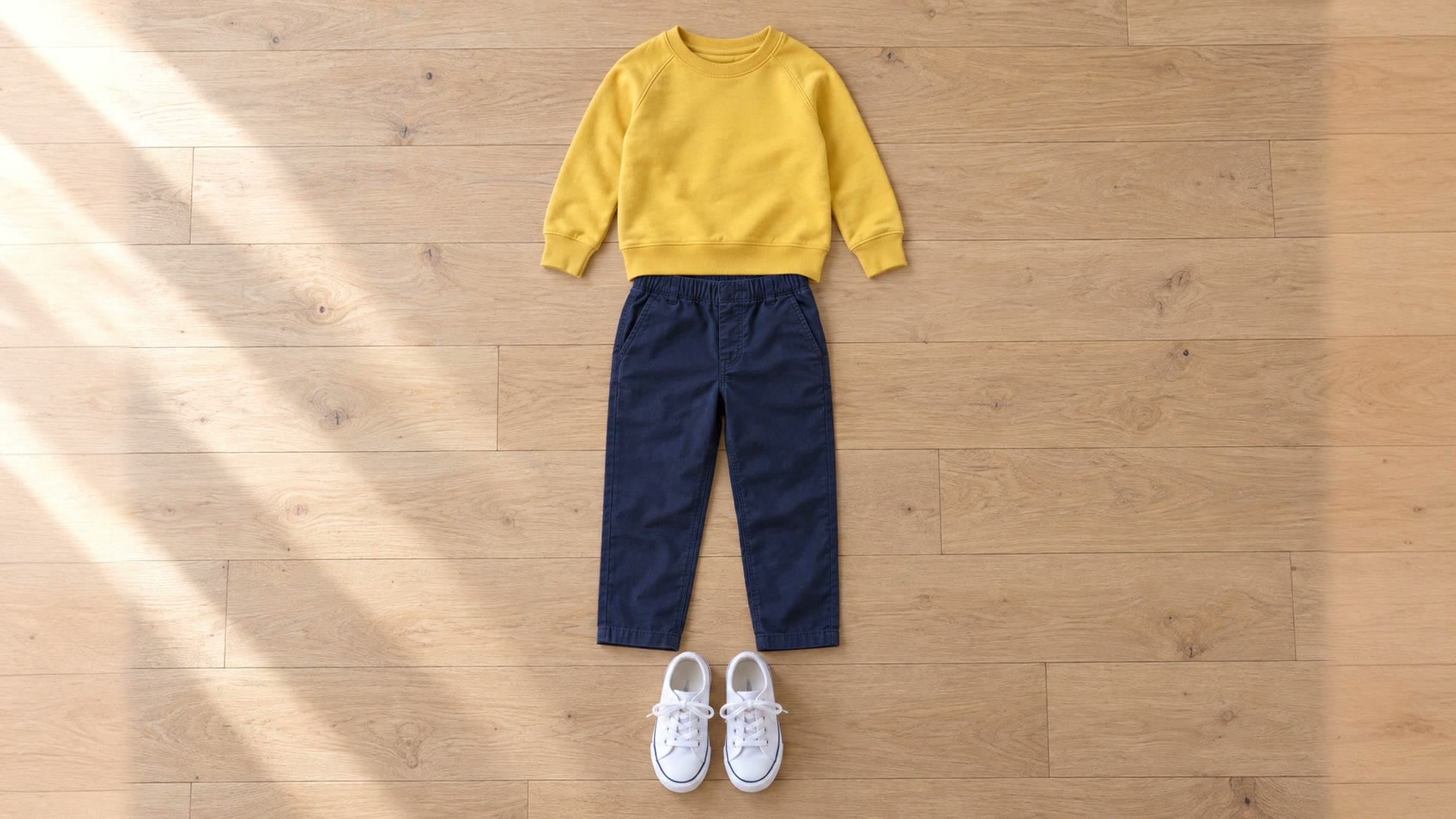
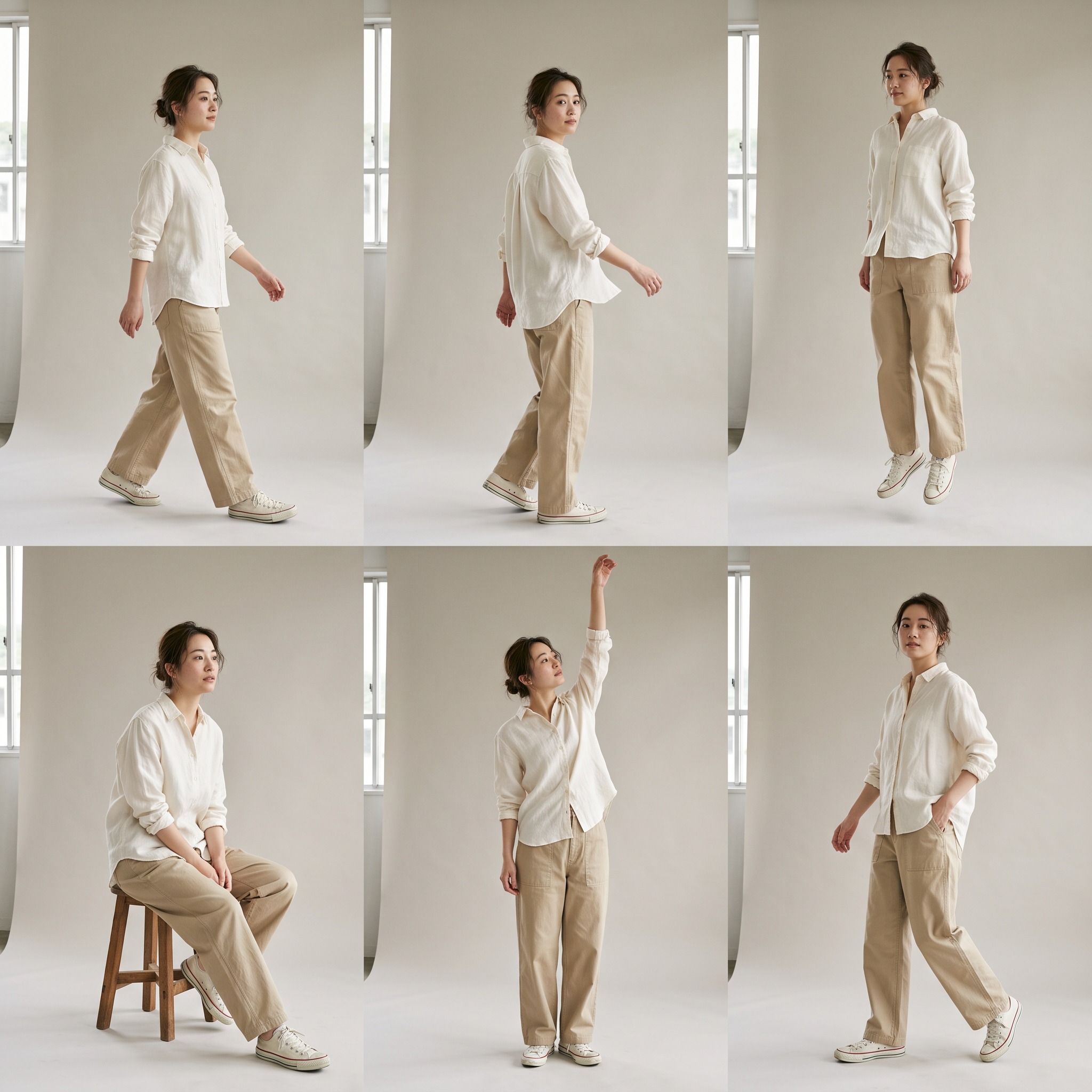
A complete look, from top to bottom.
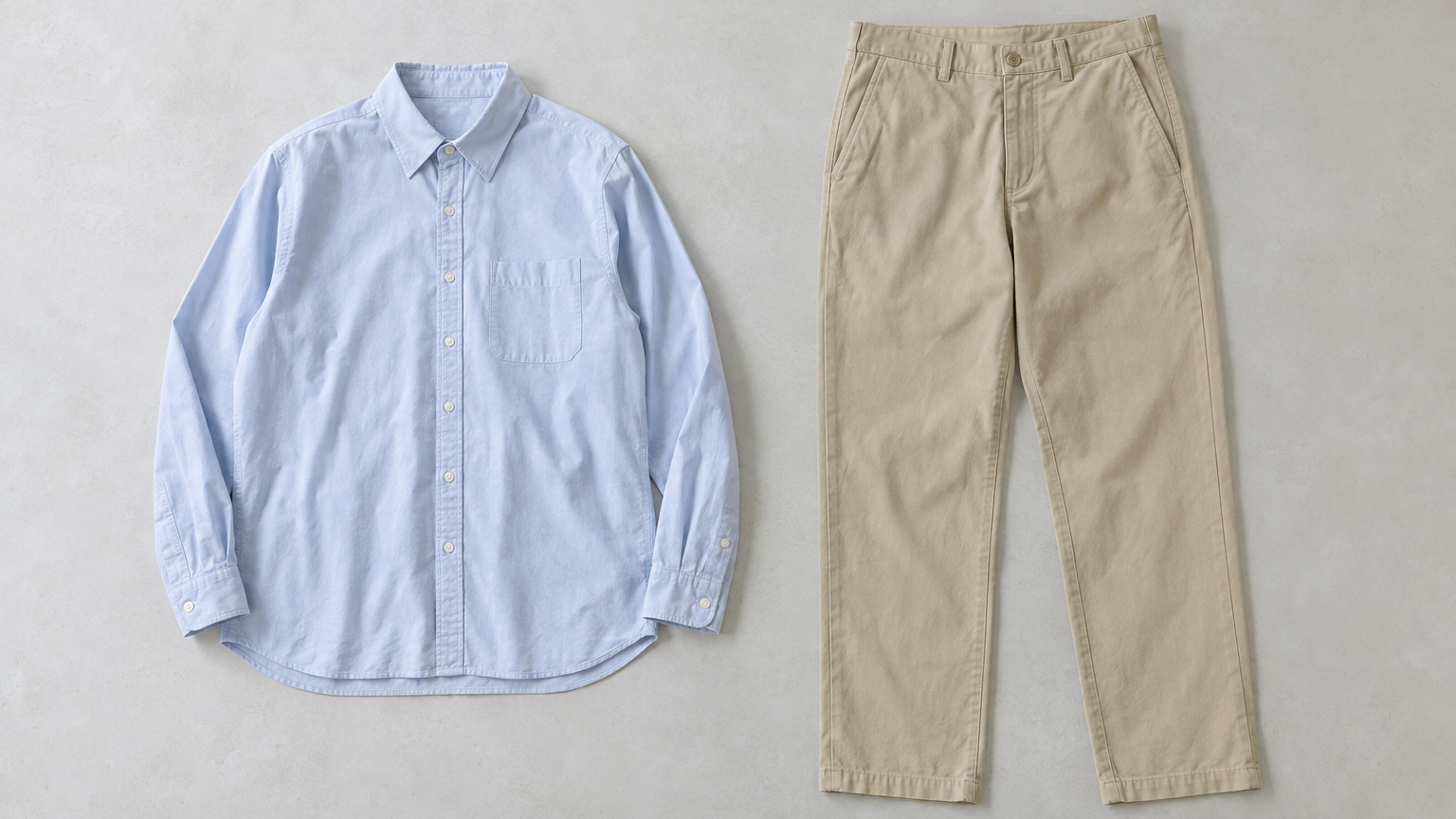
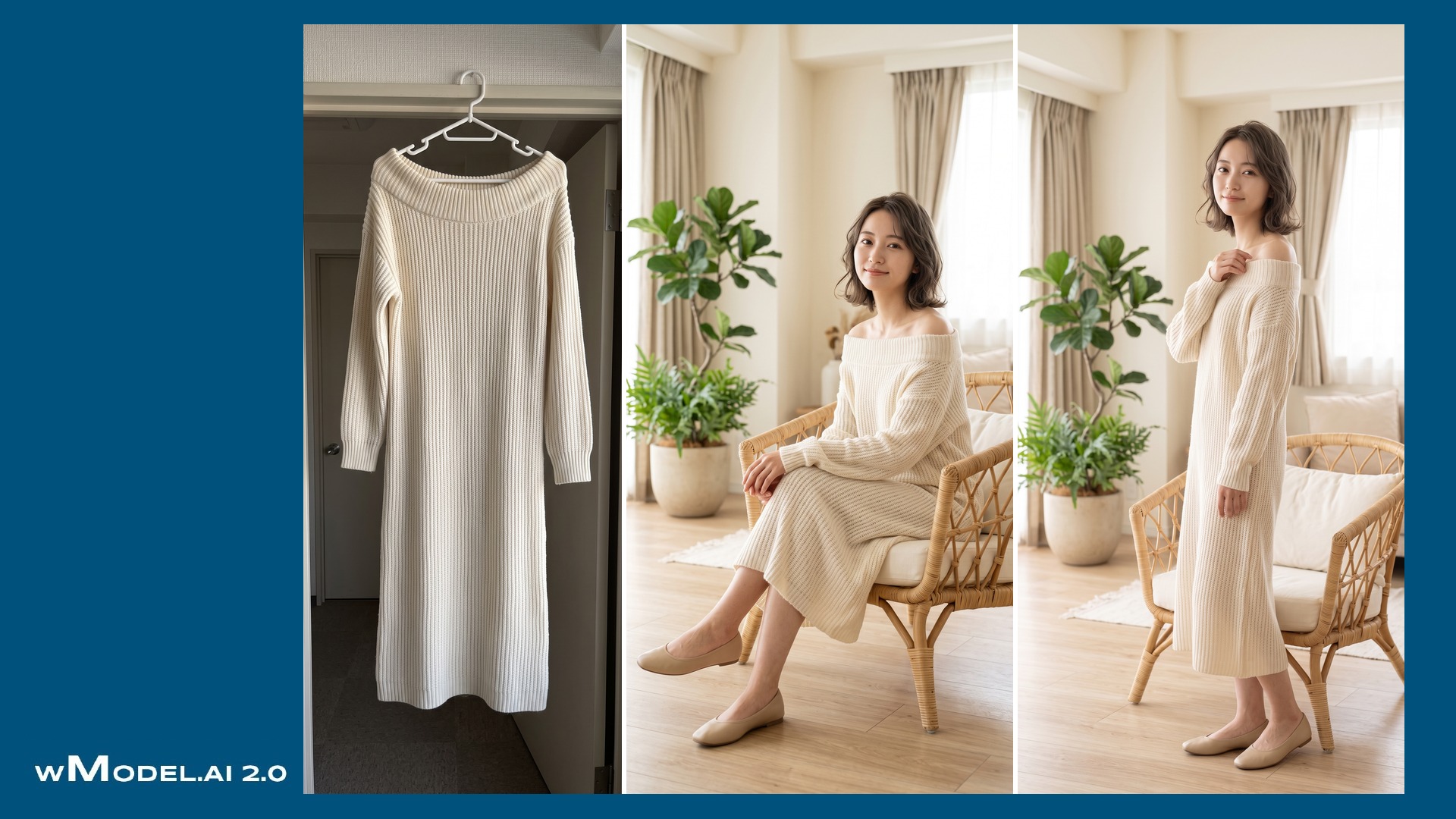
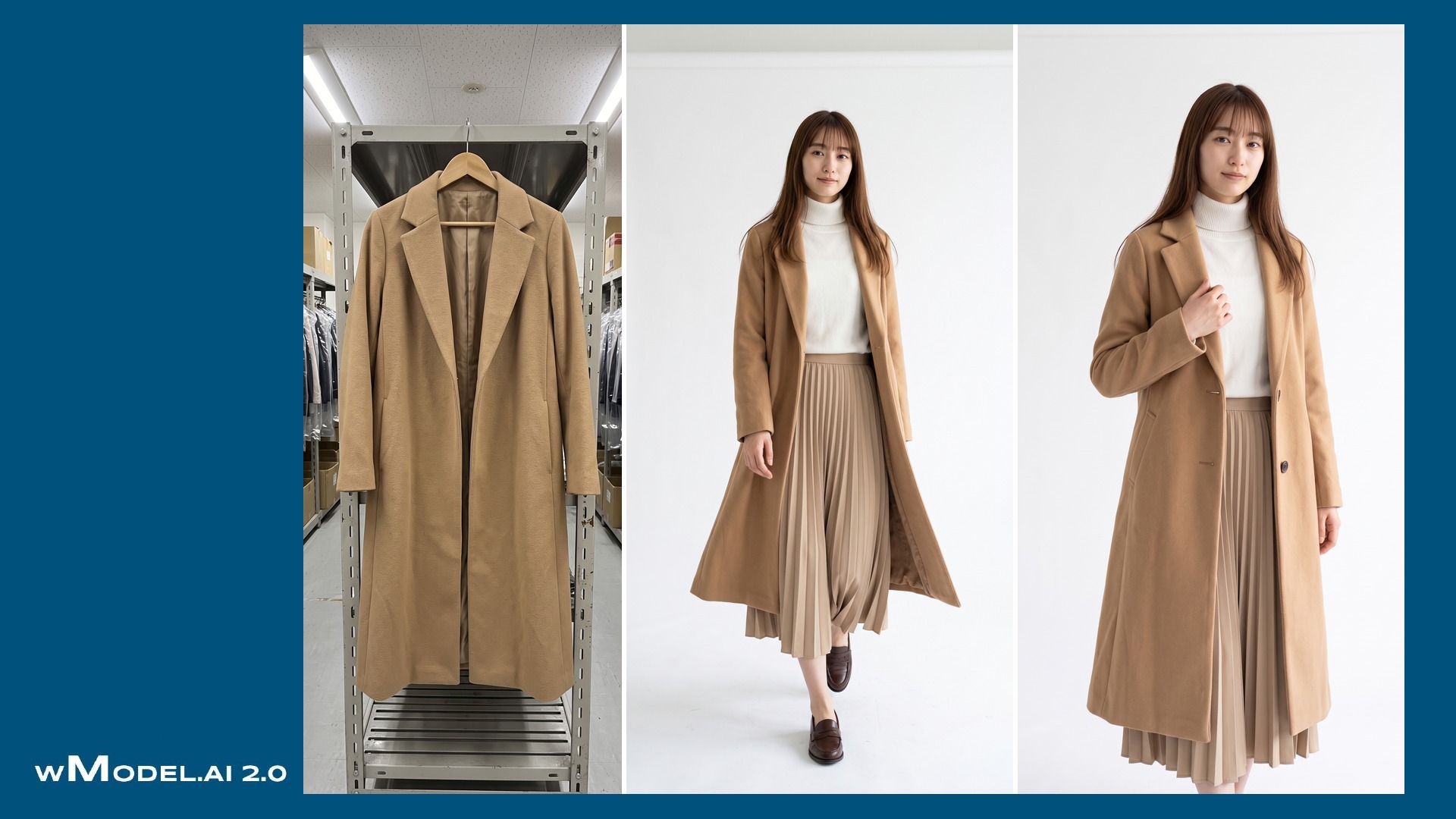
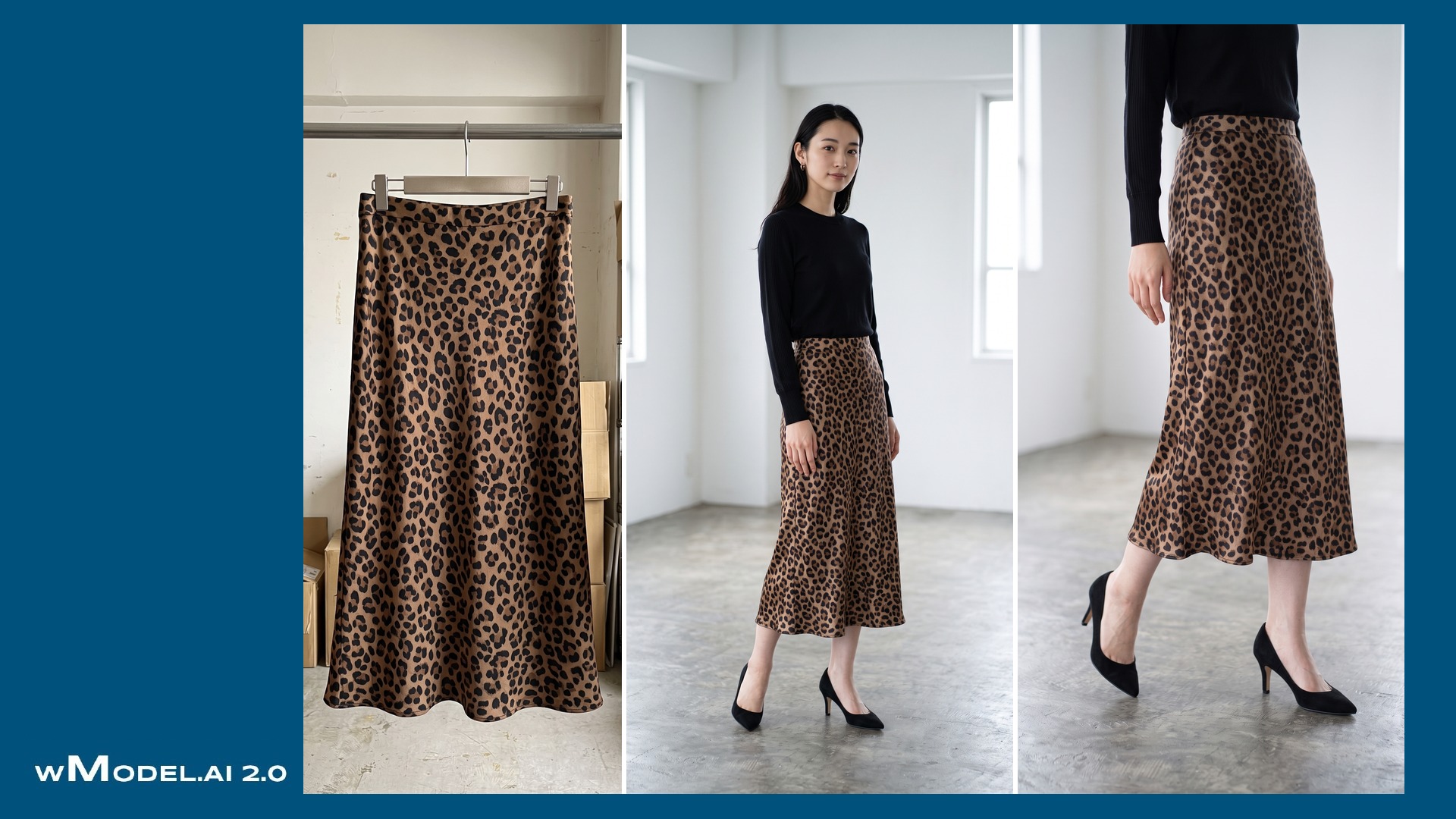
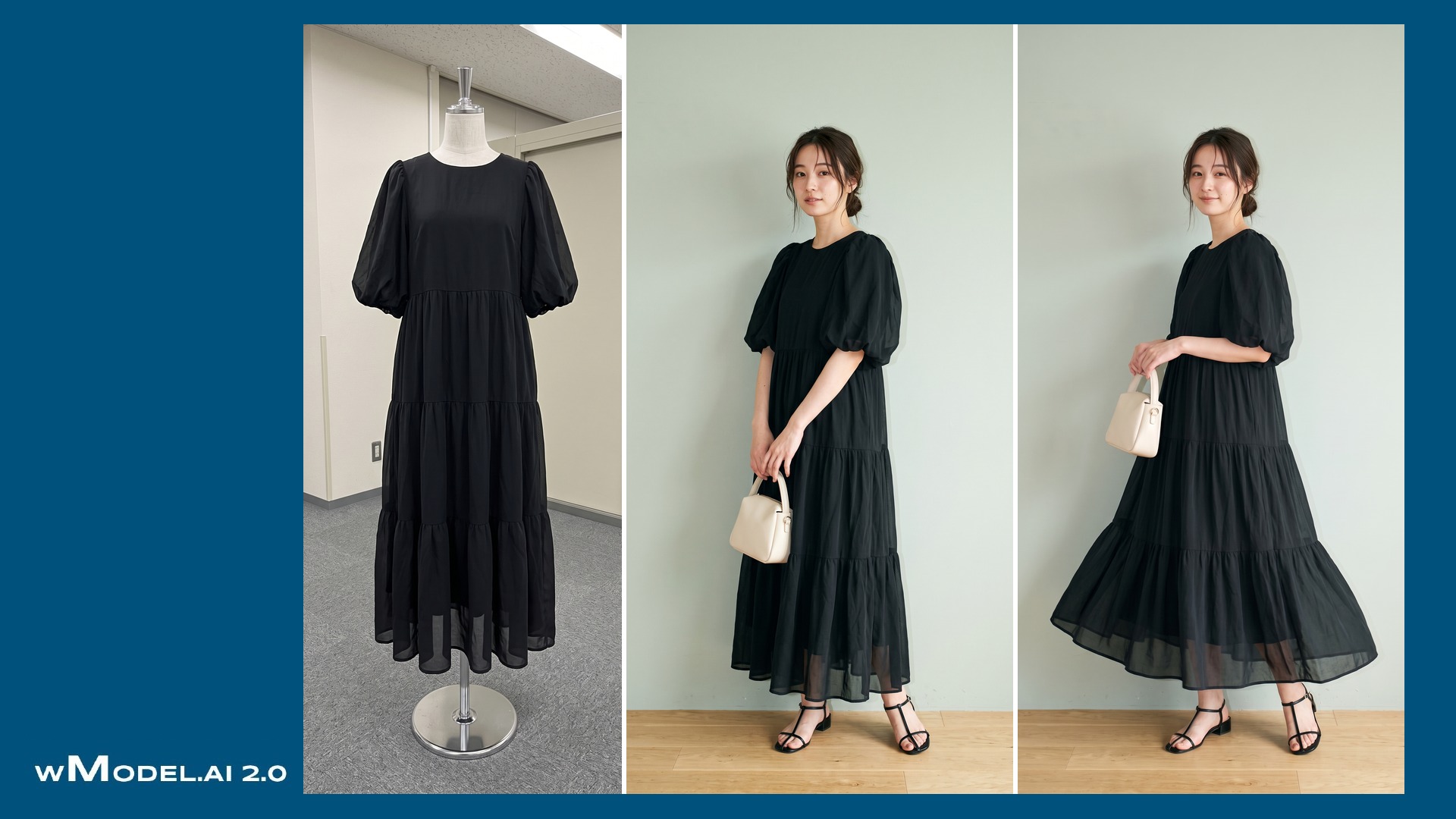
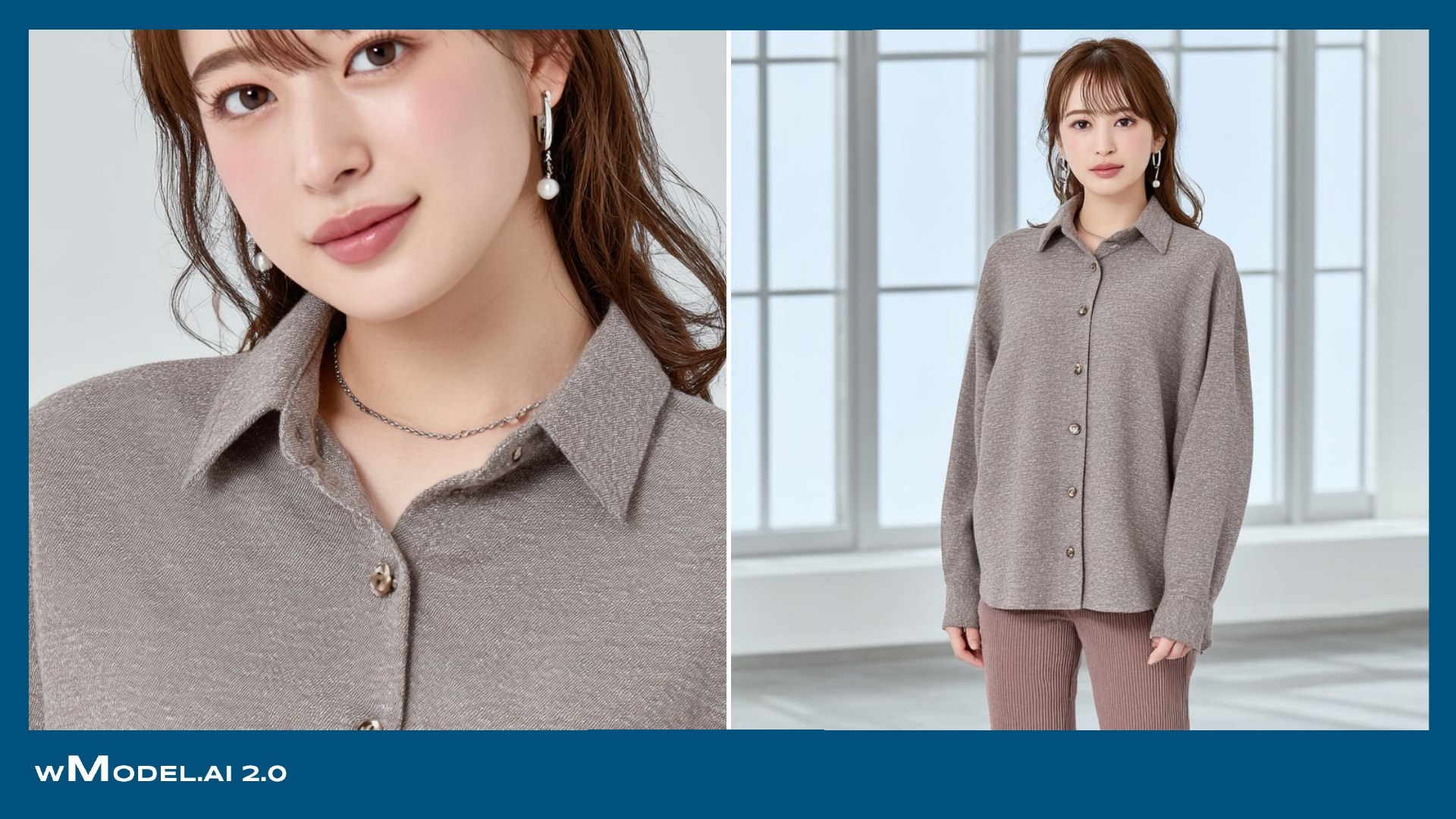
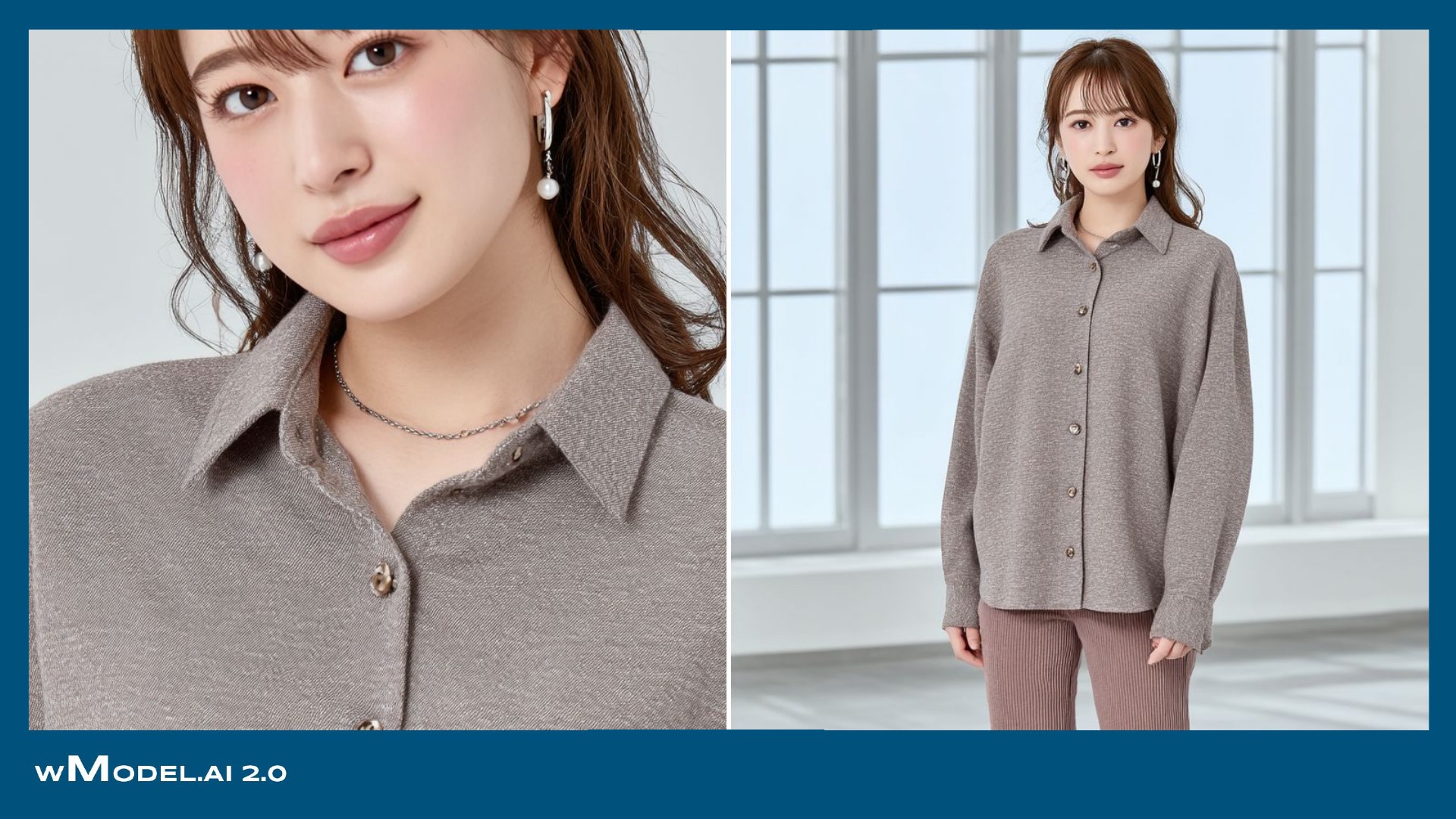
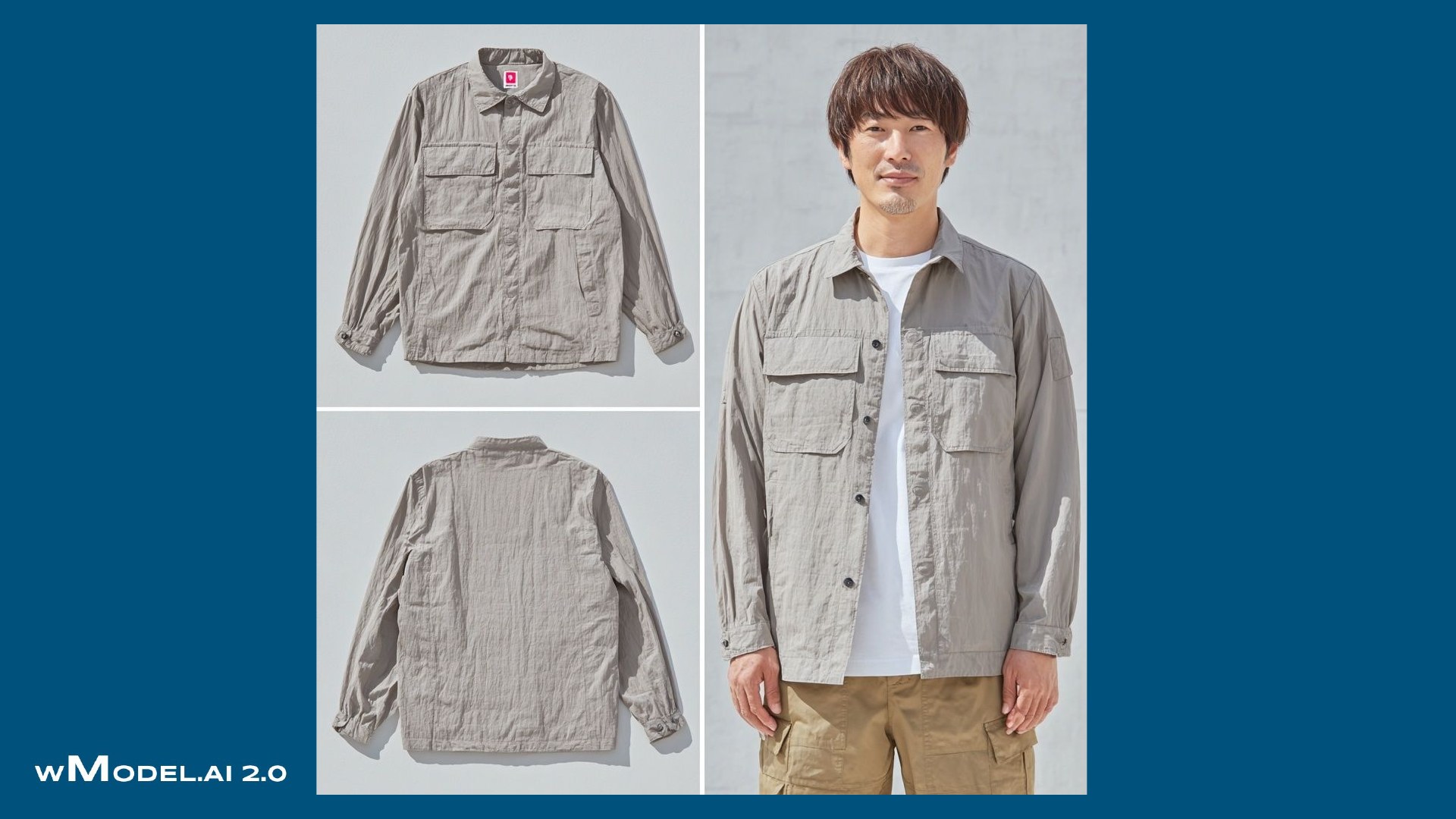
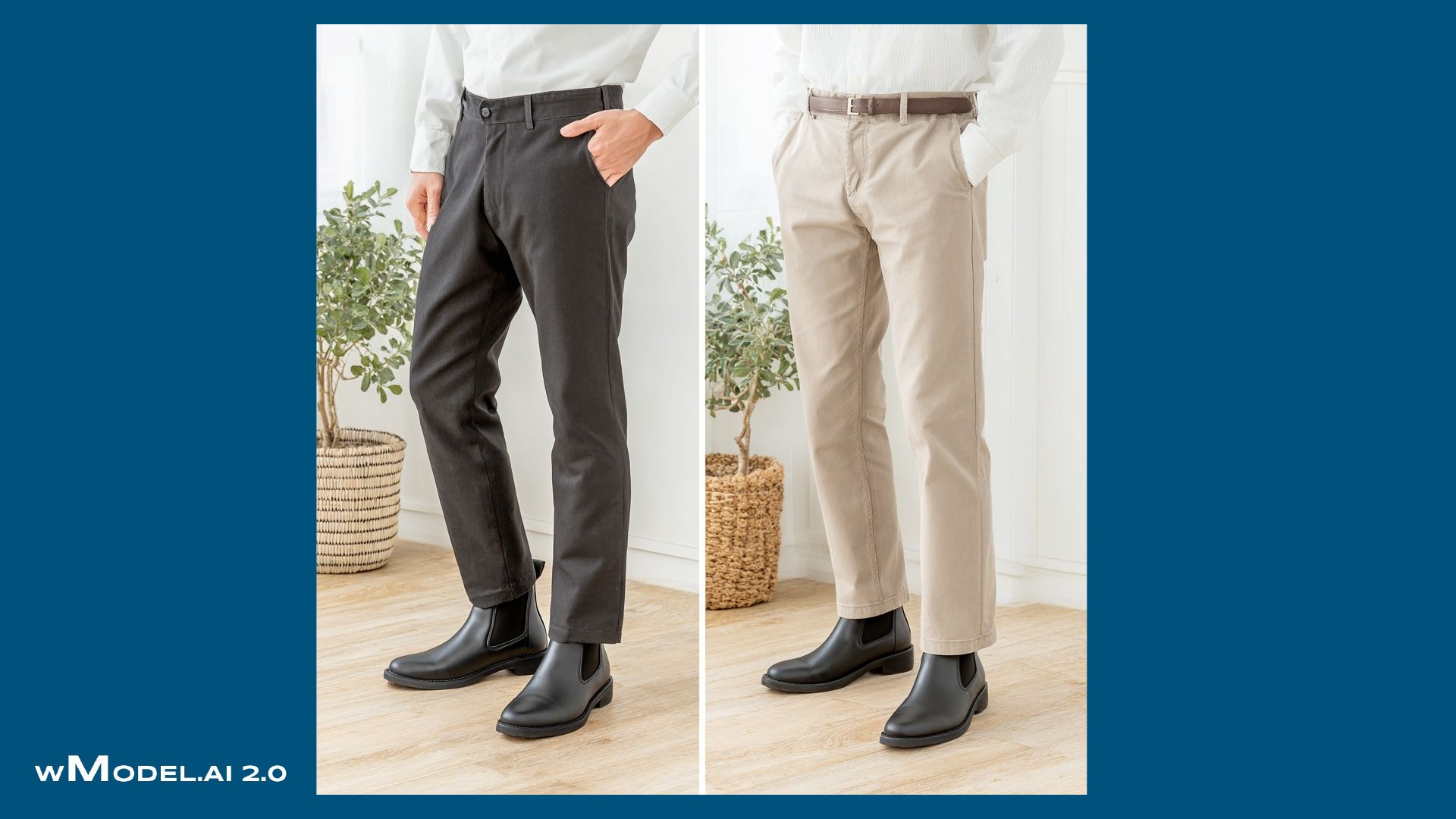
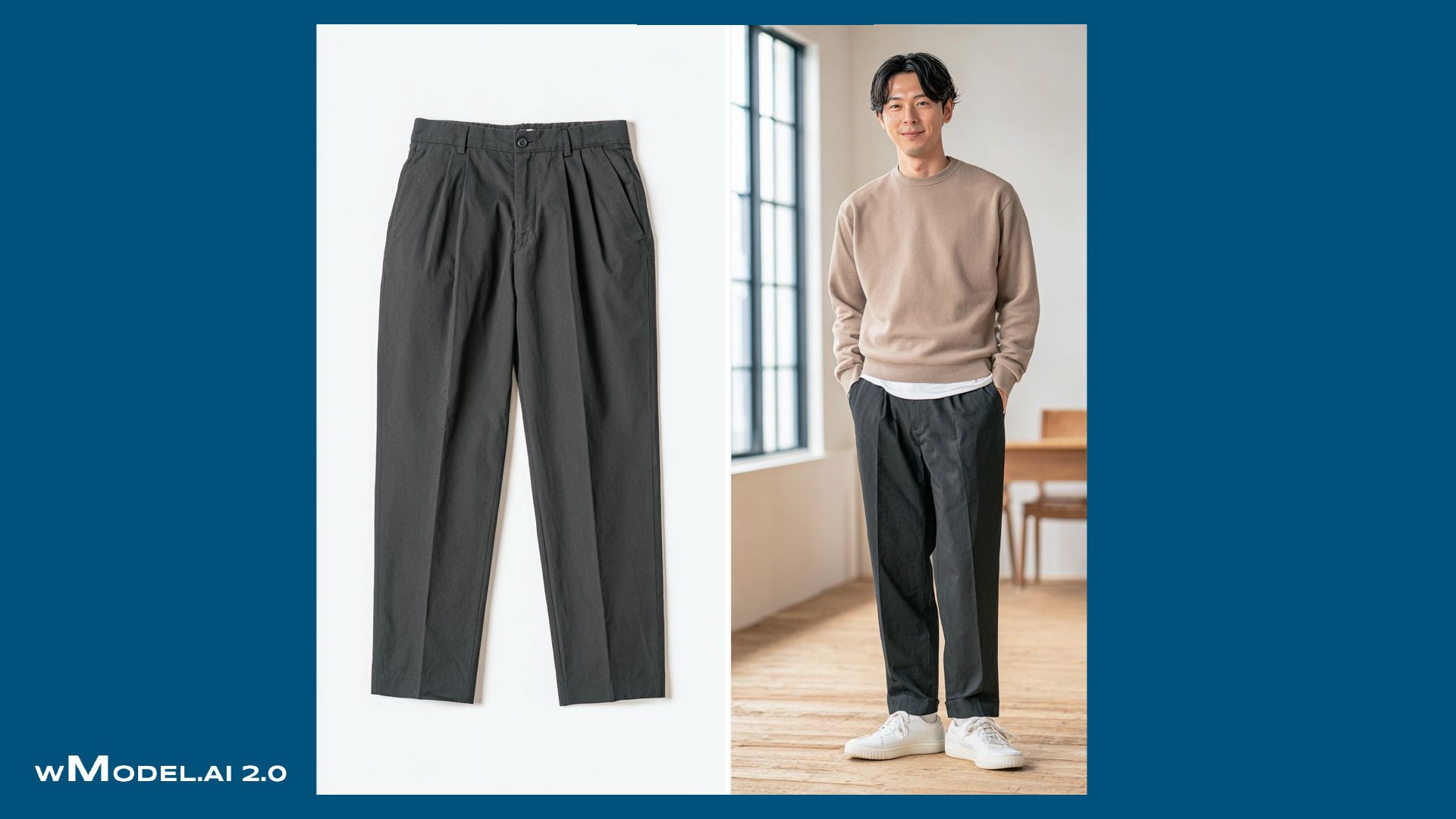
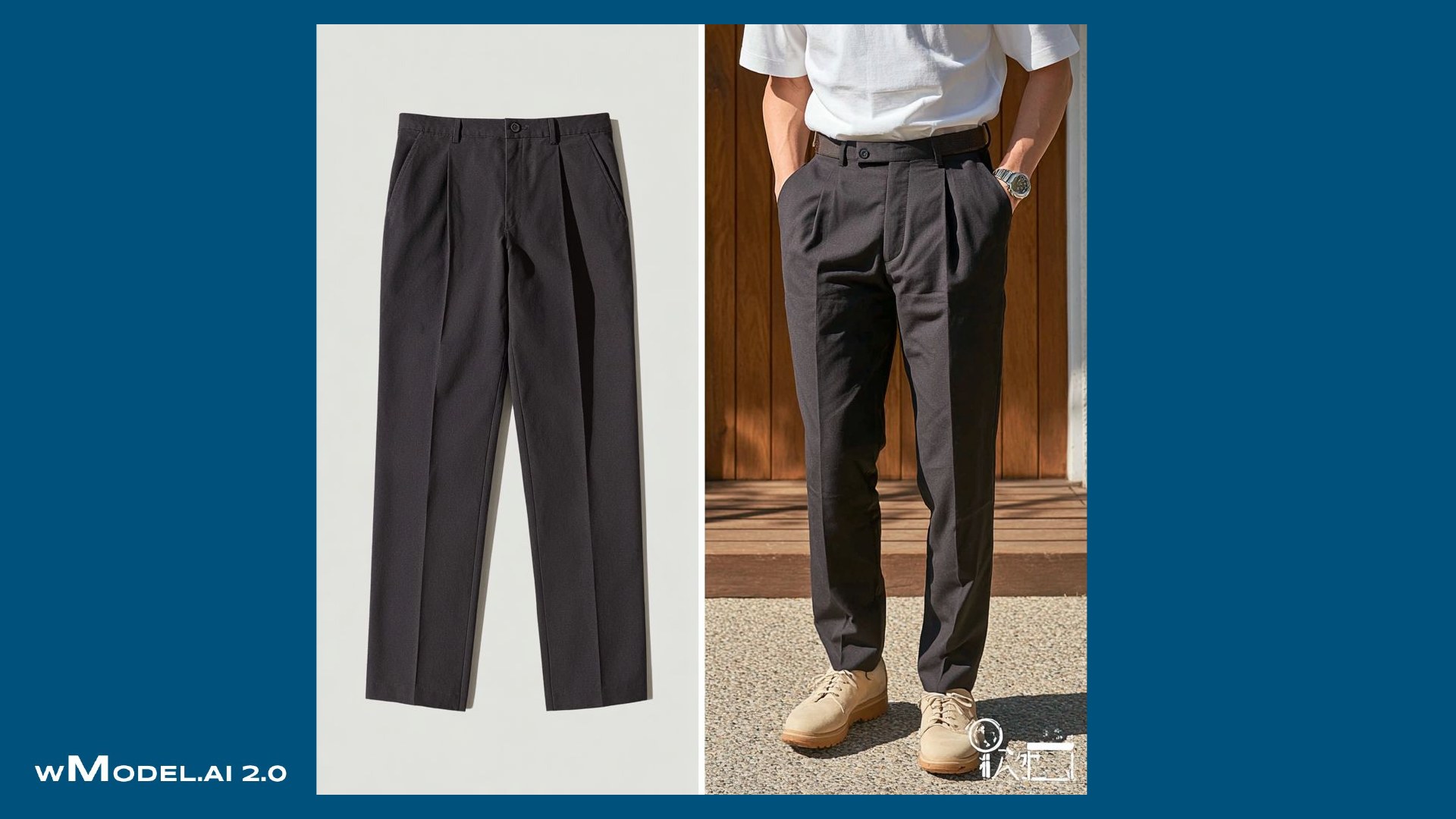
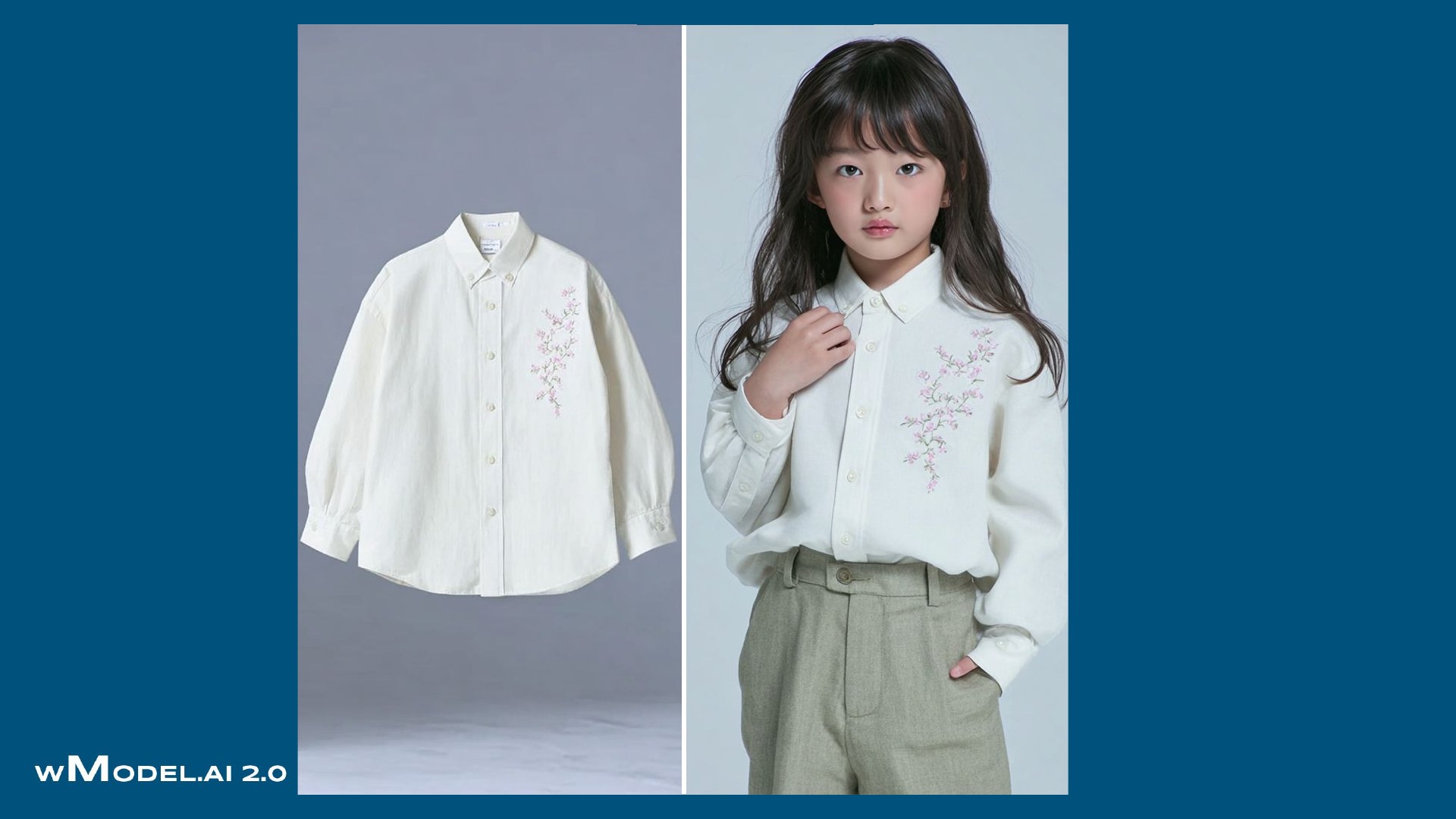
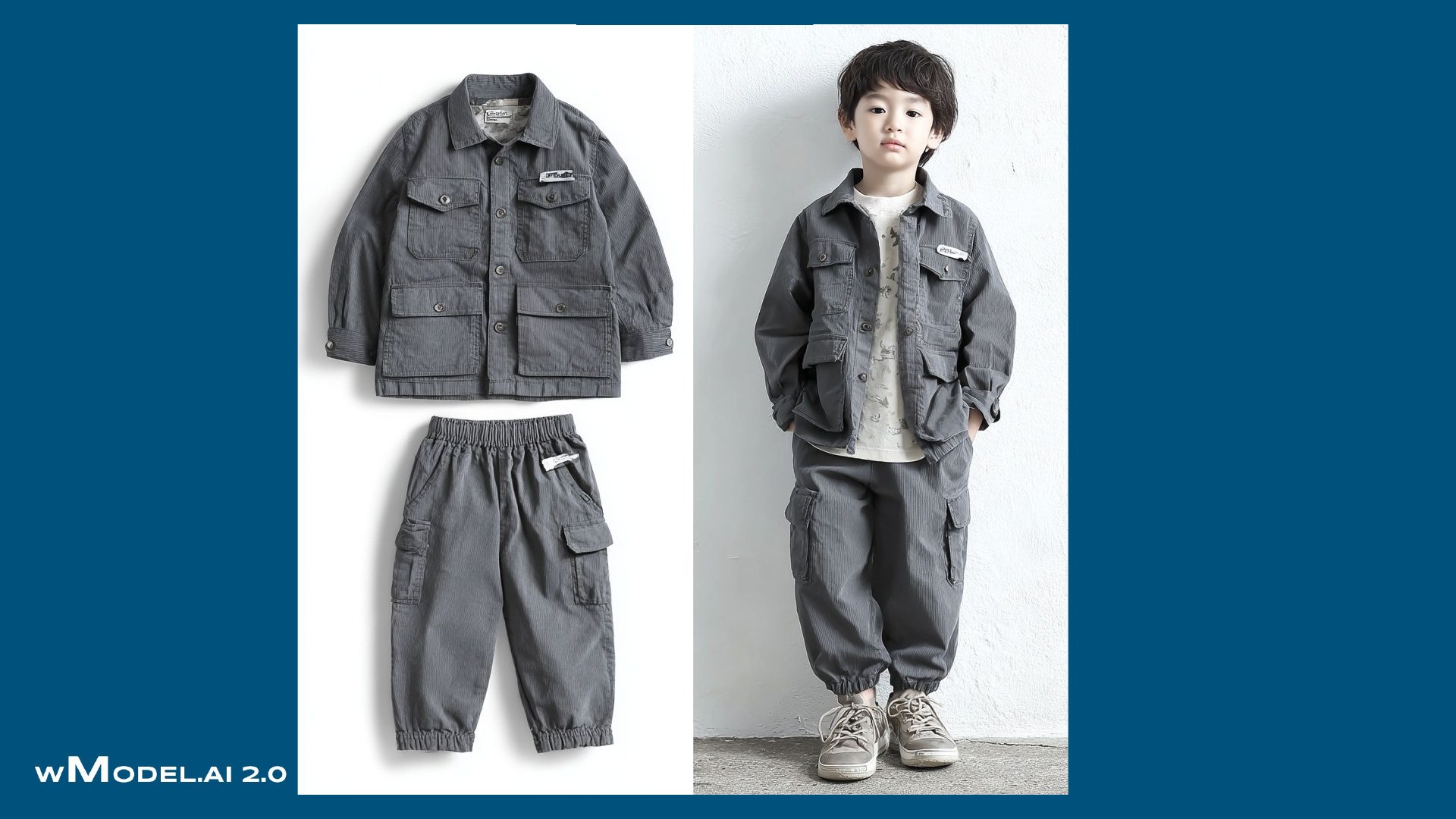
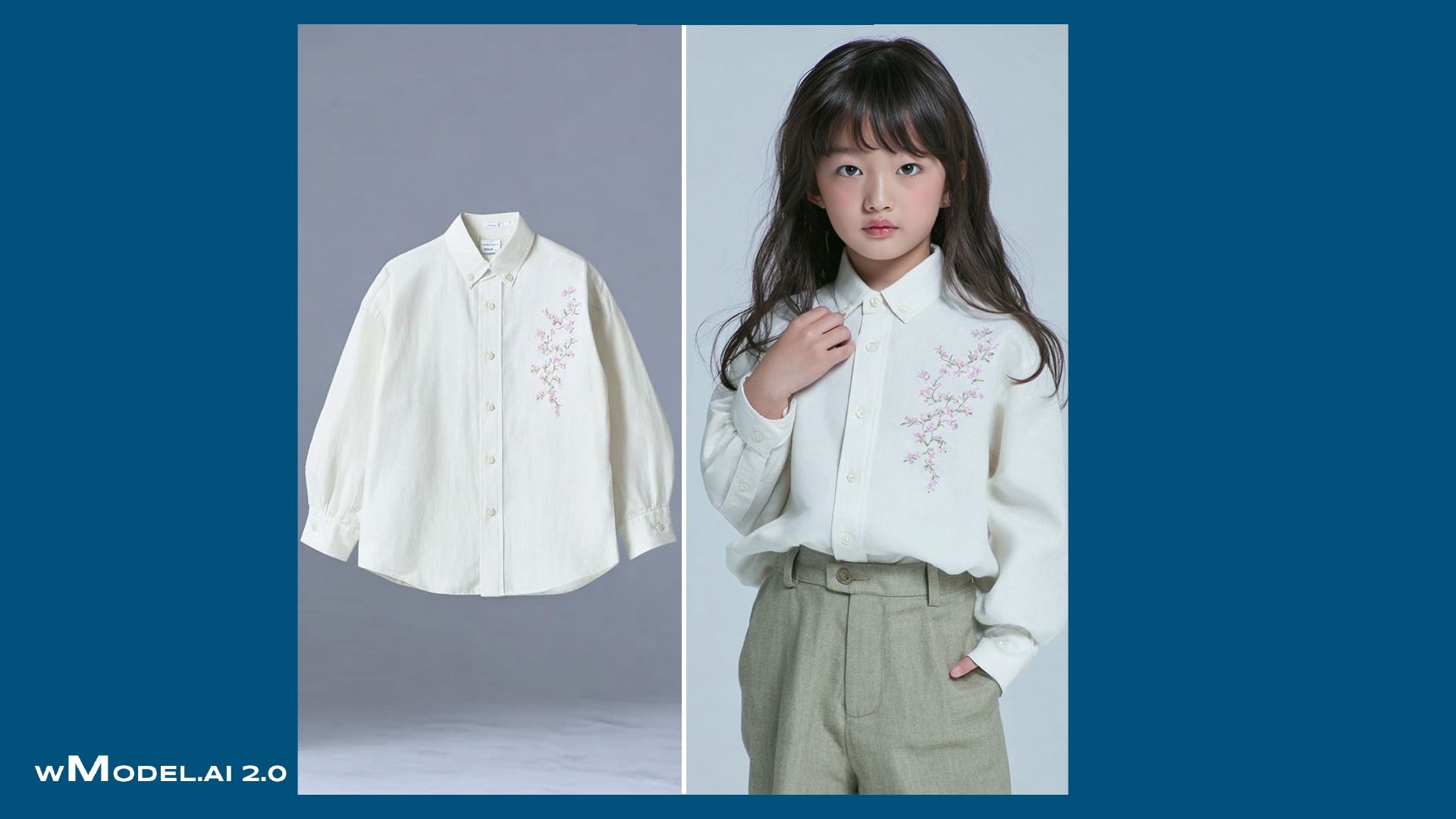
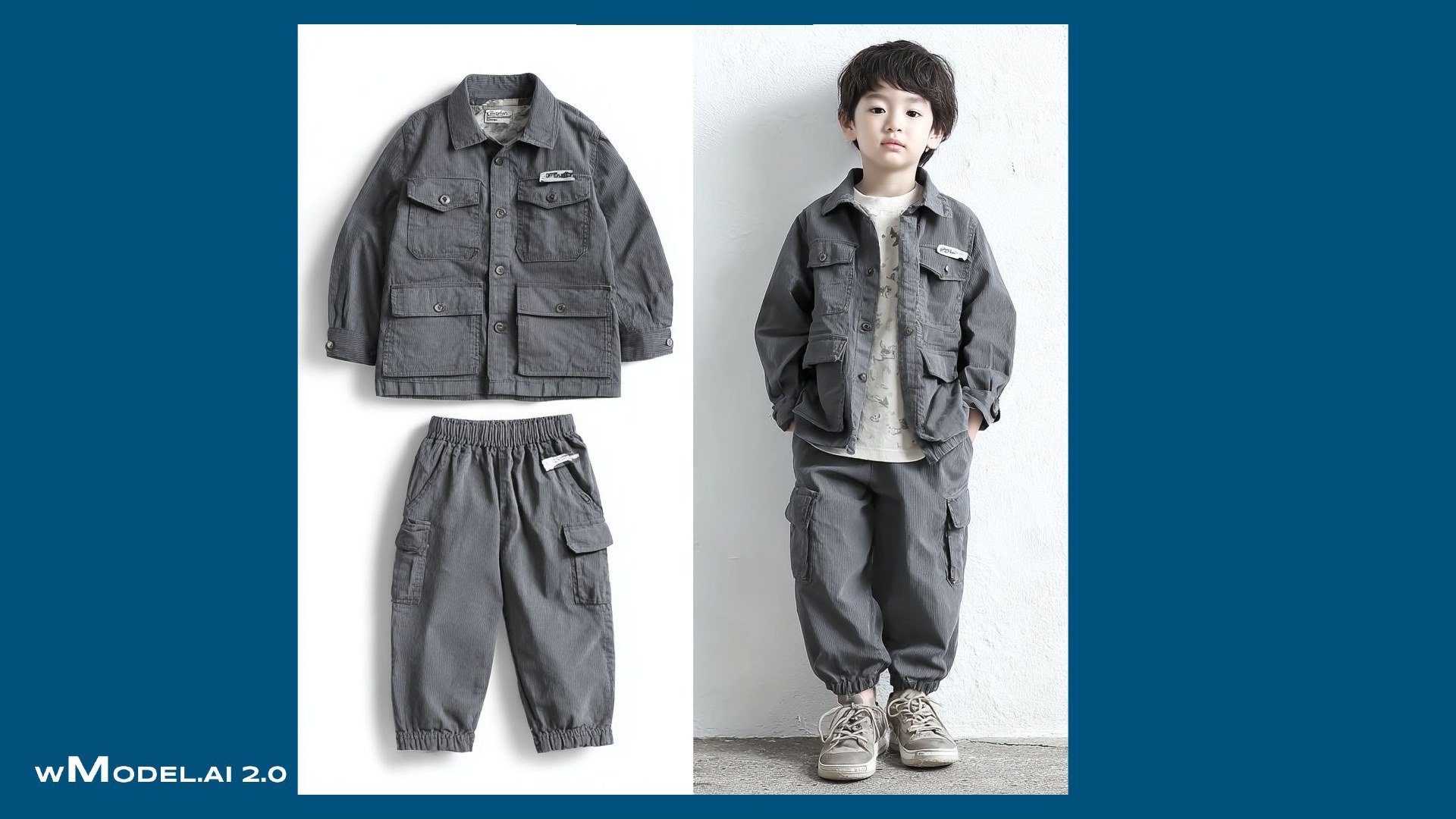
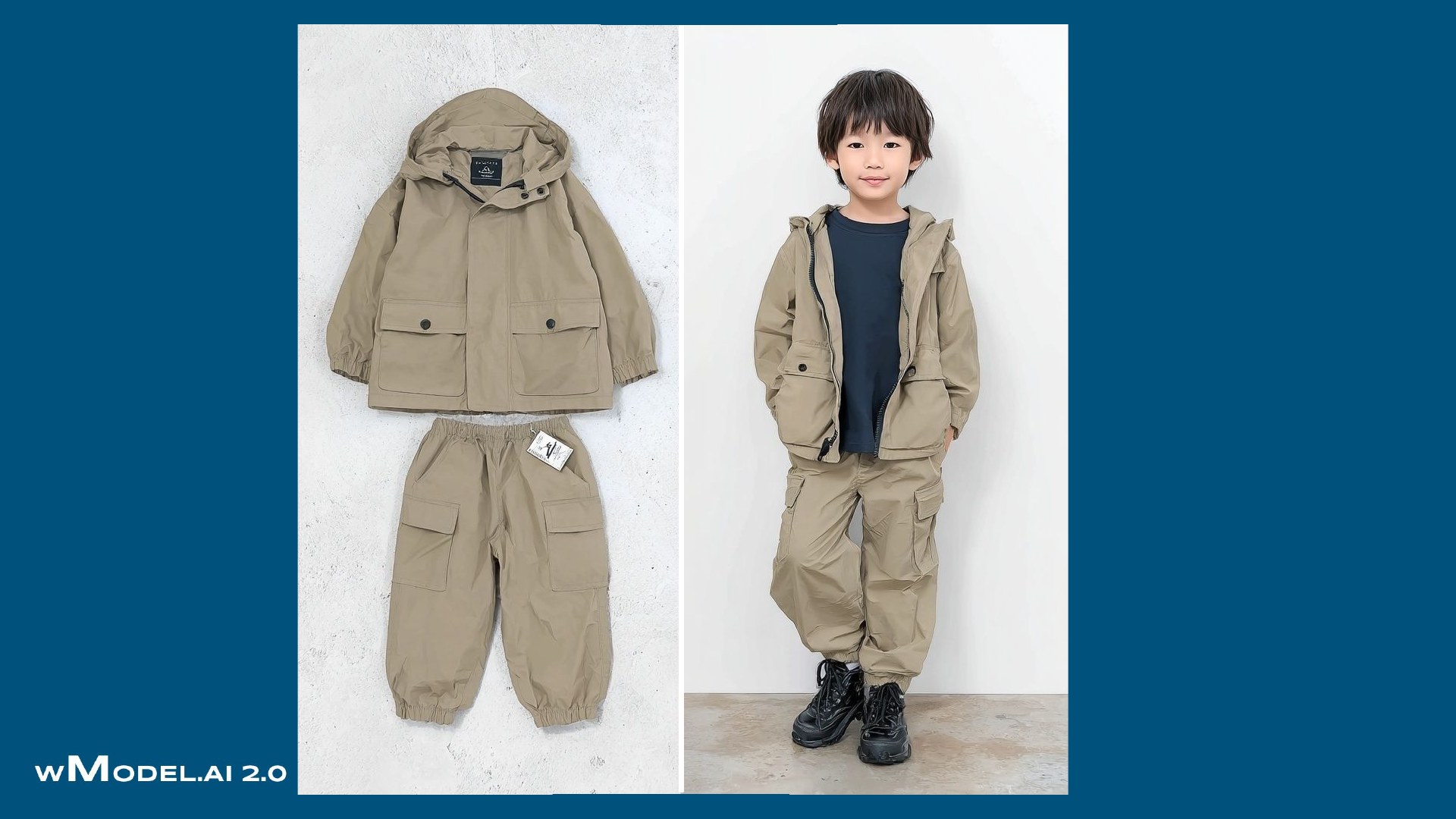
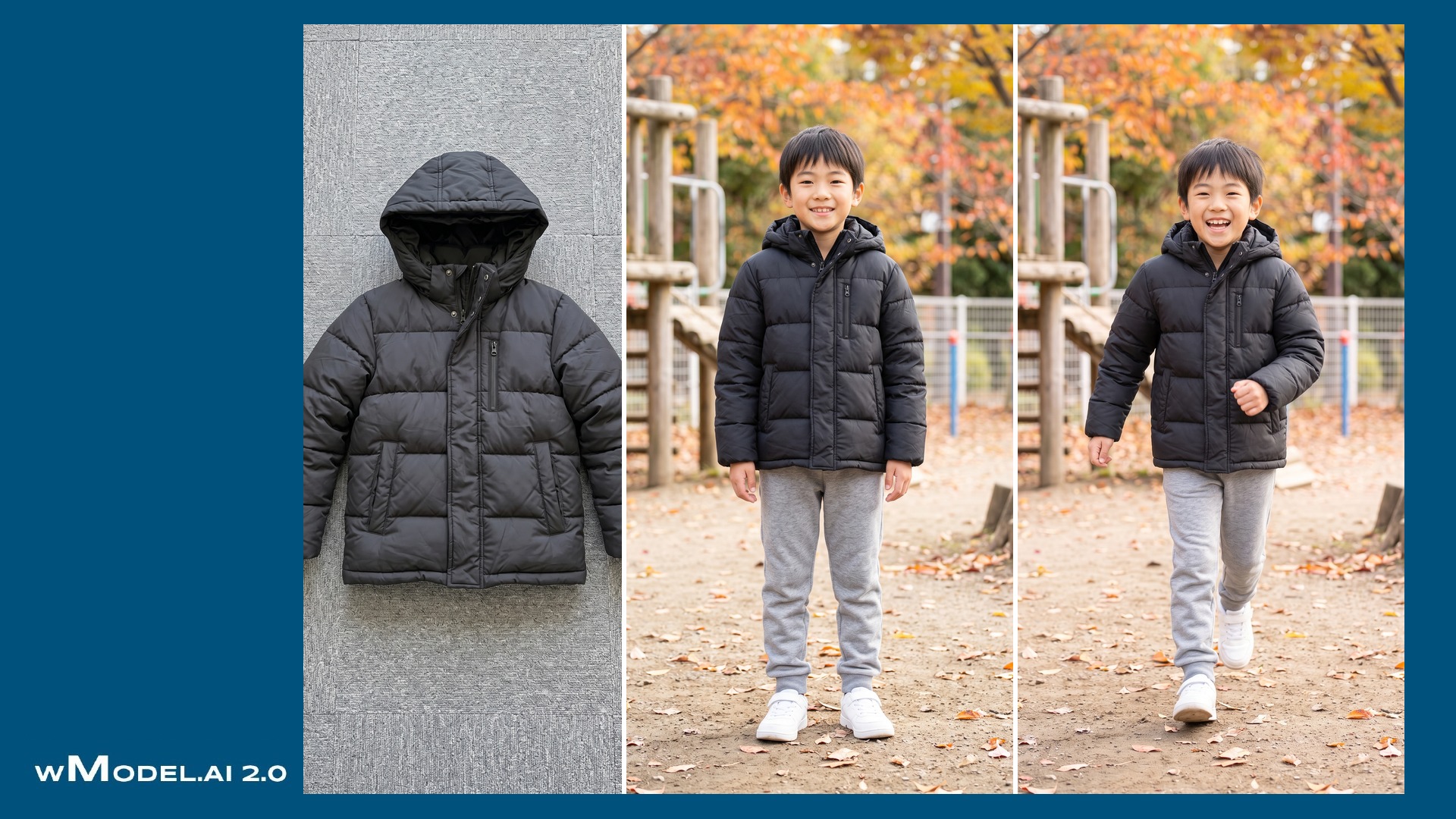
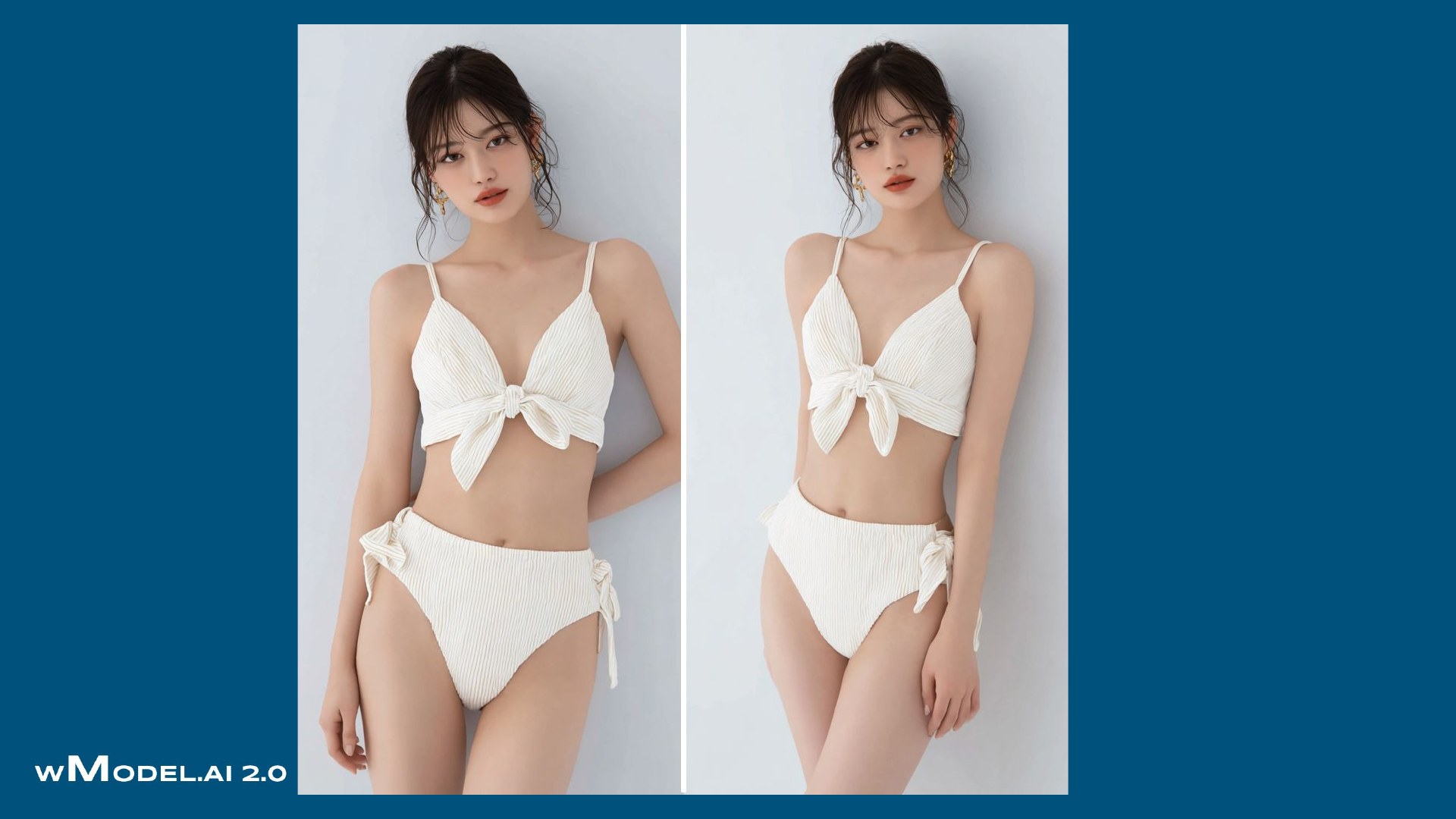
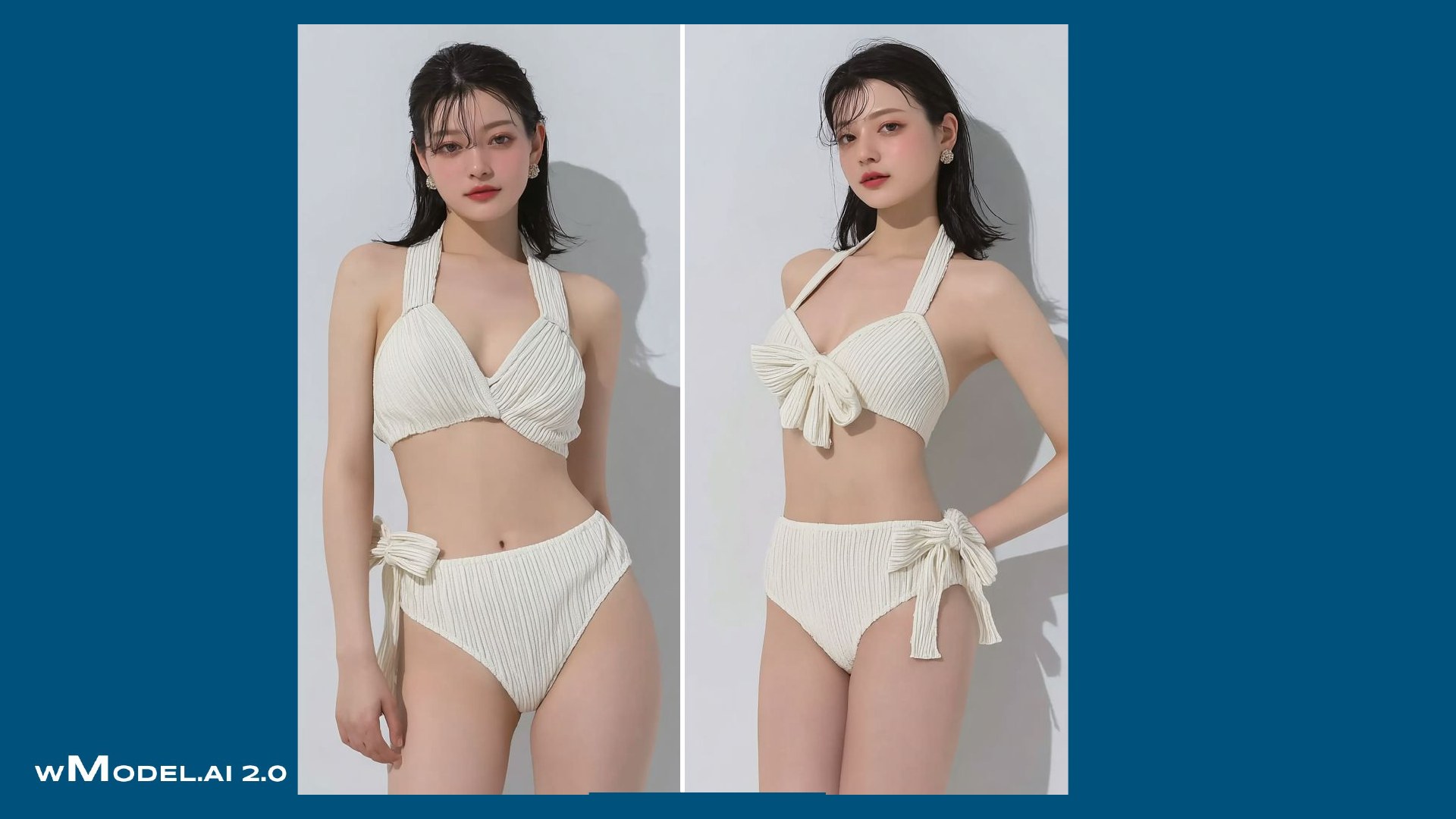
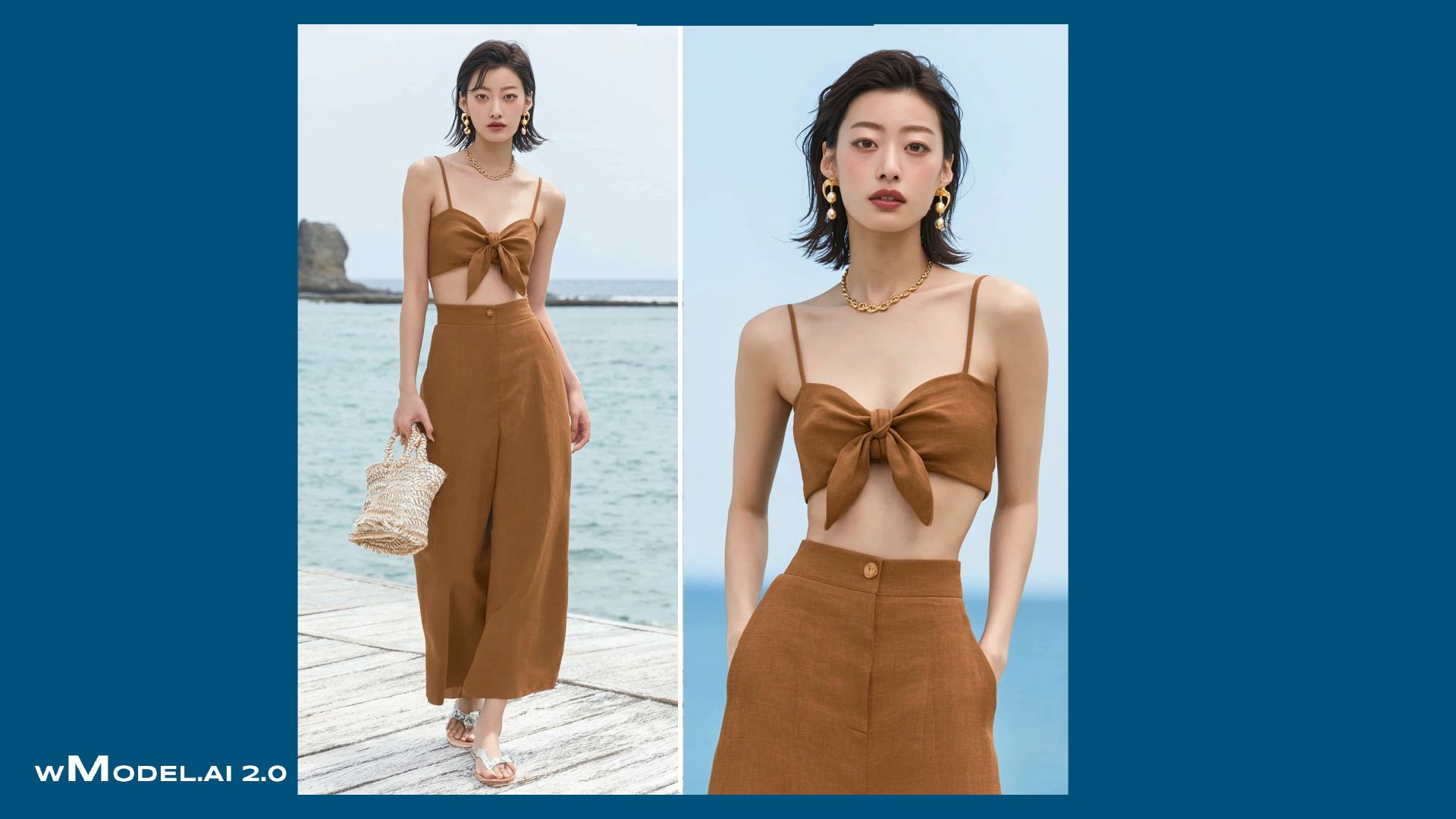
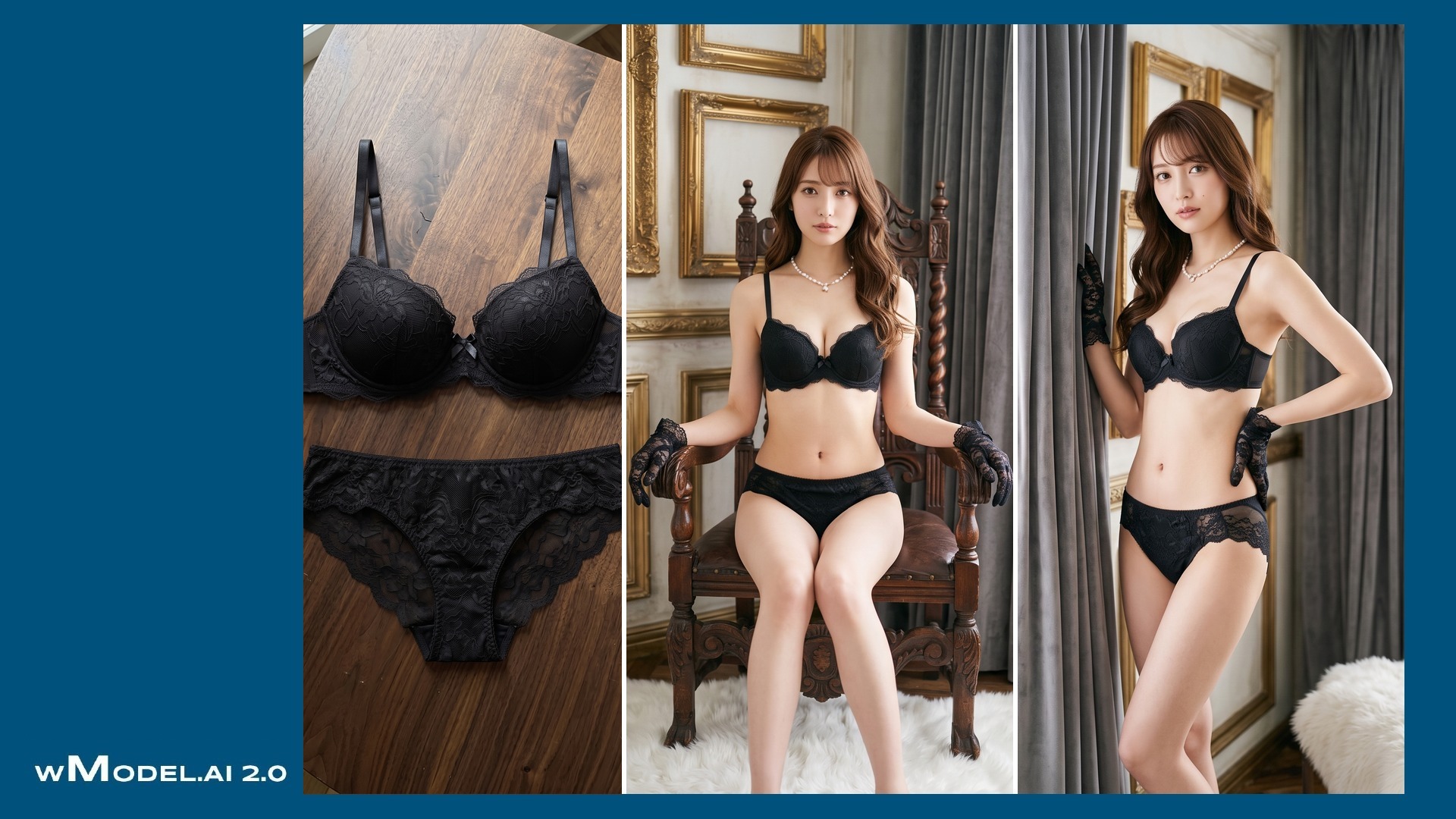
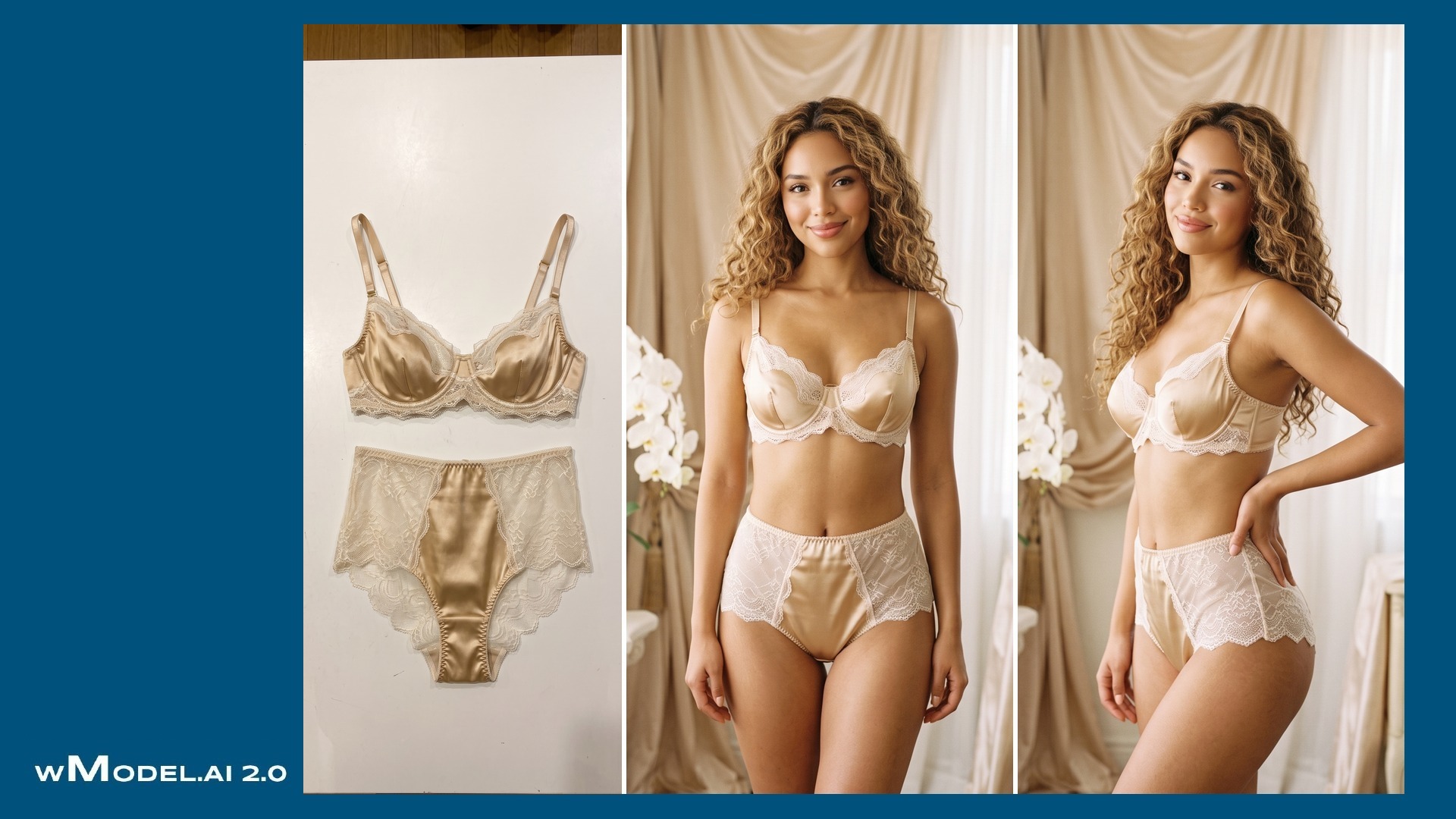
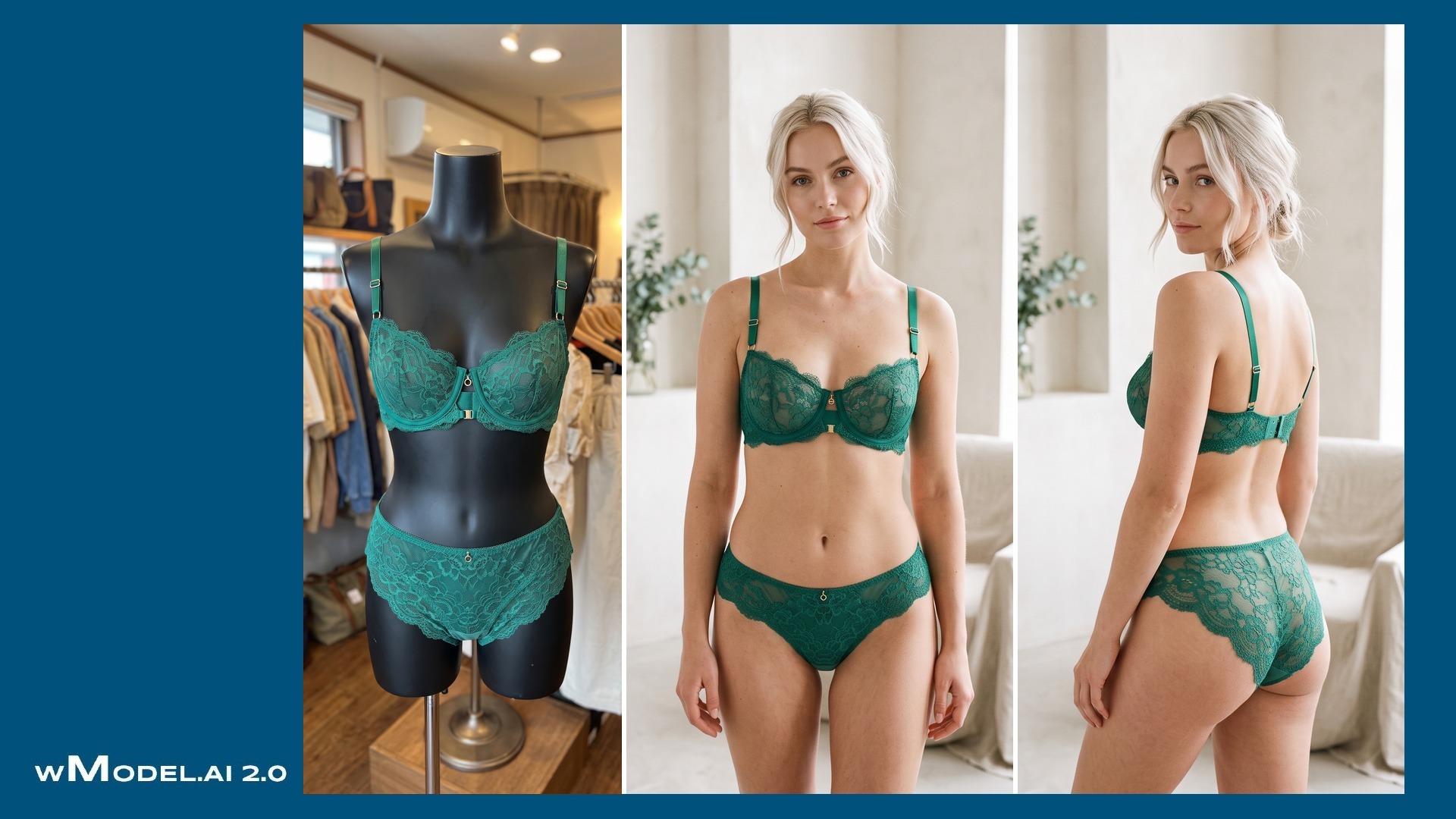
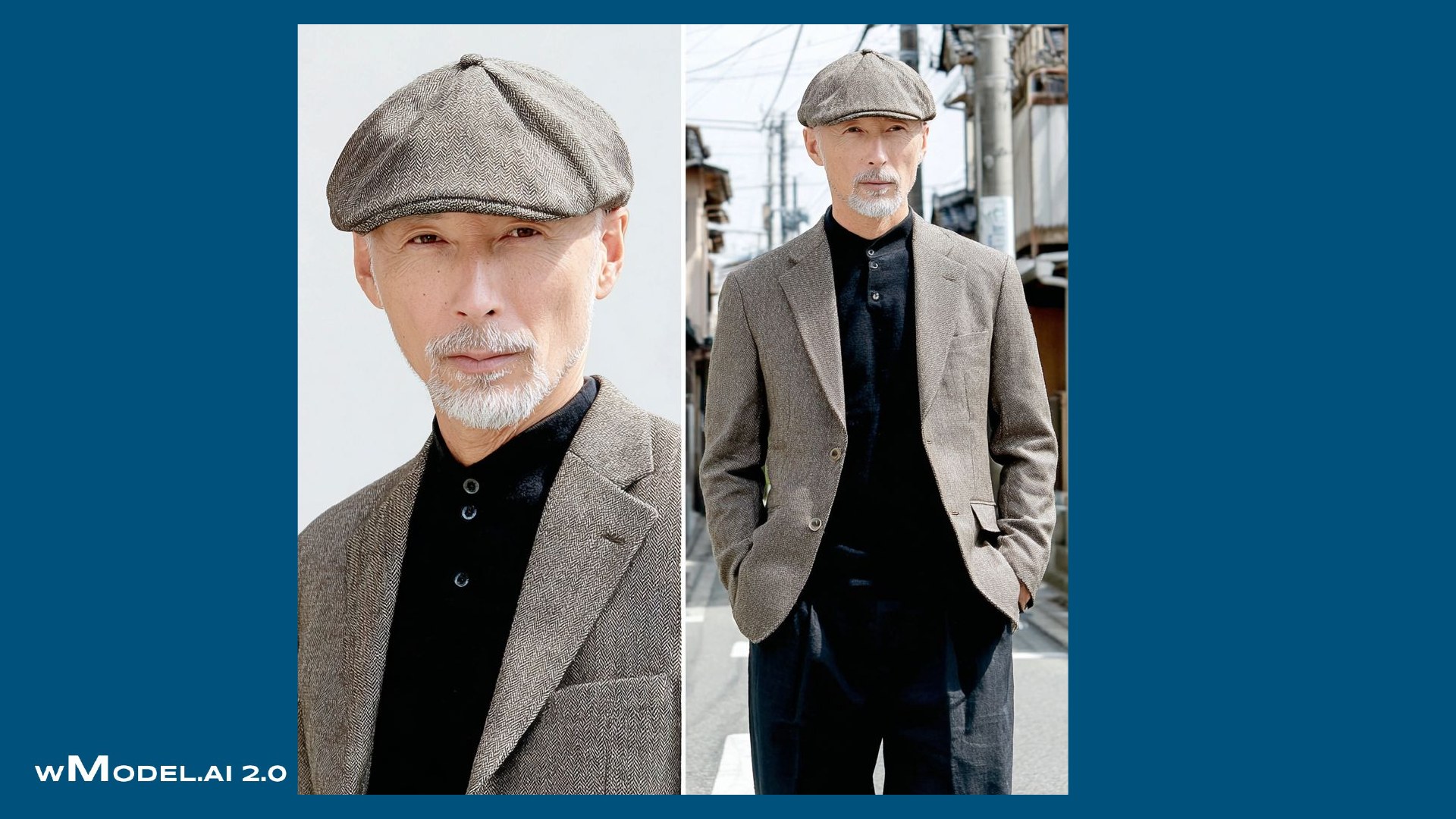
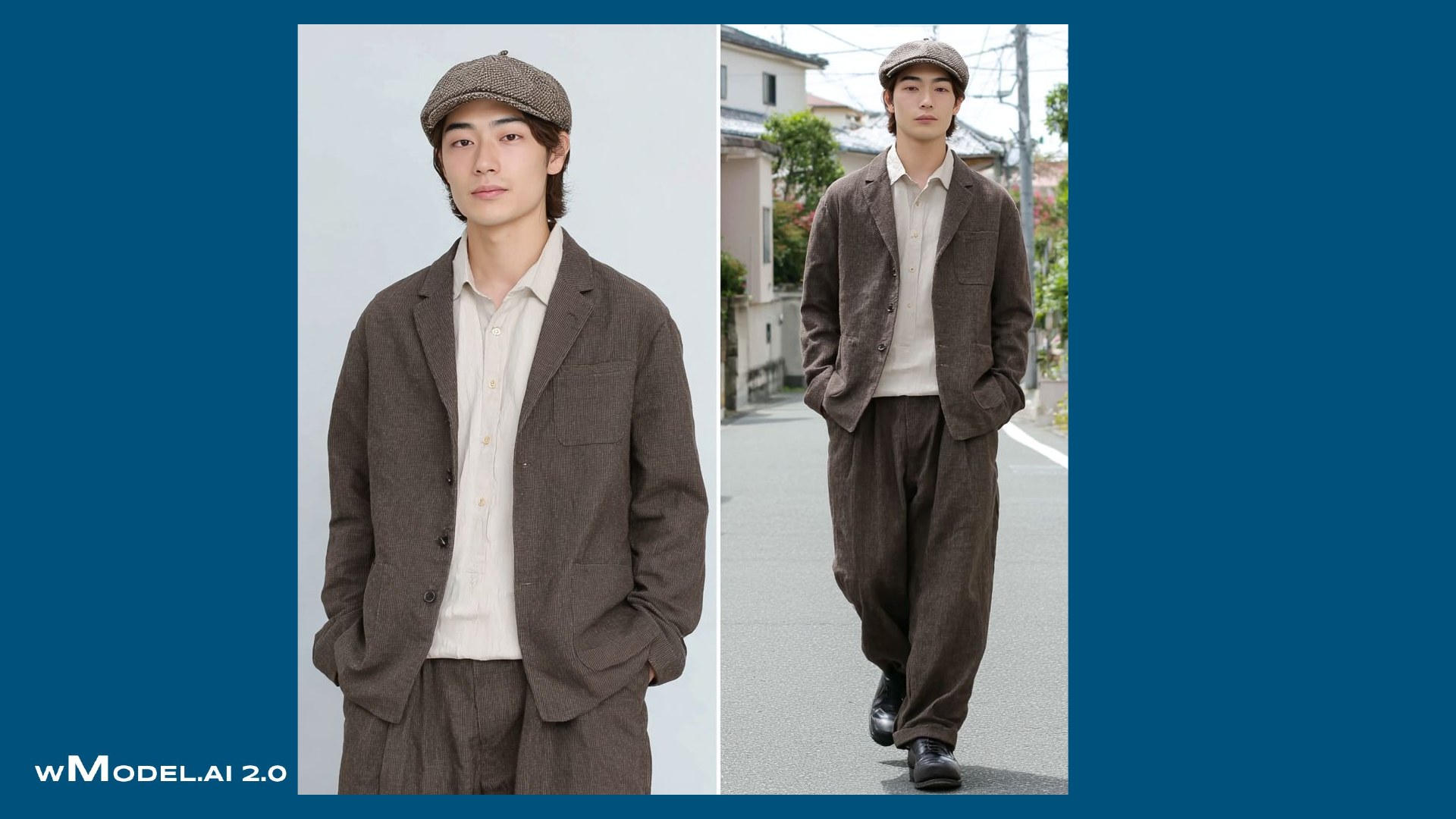
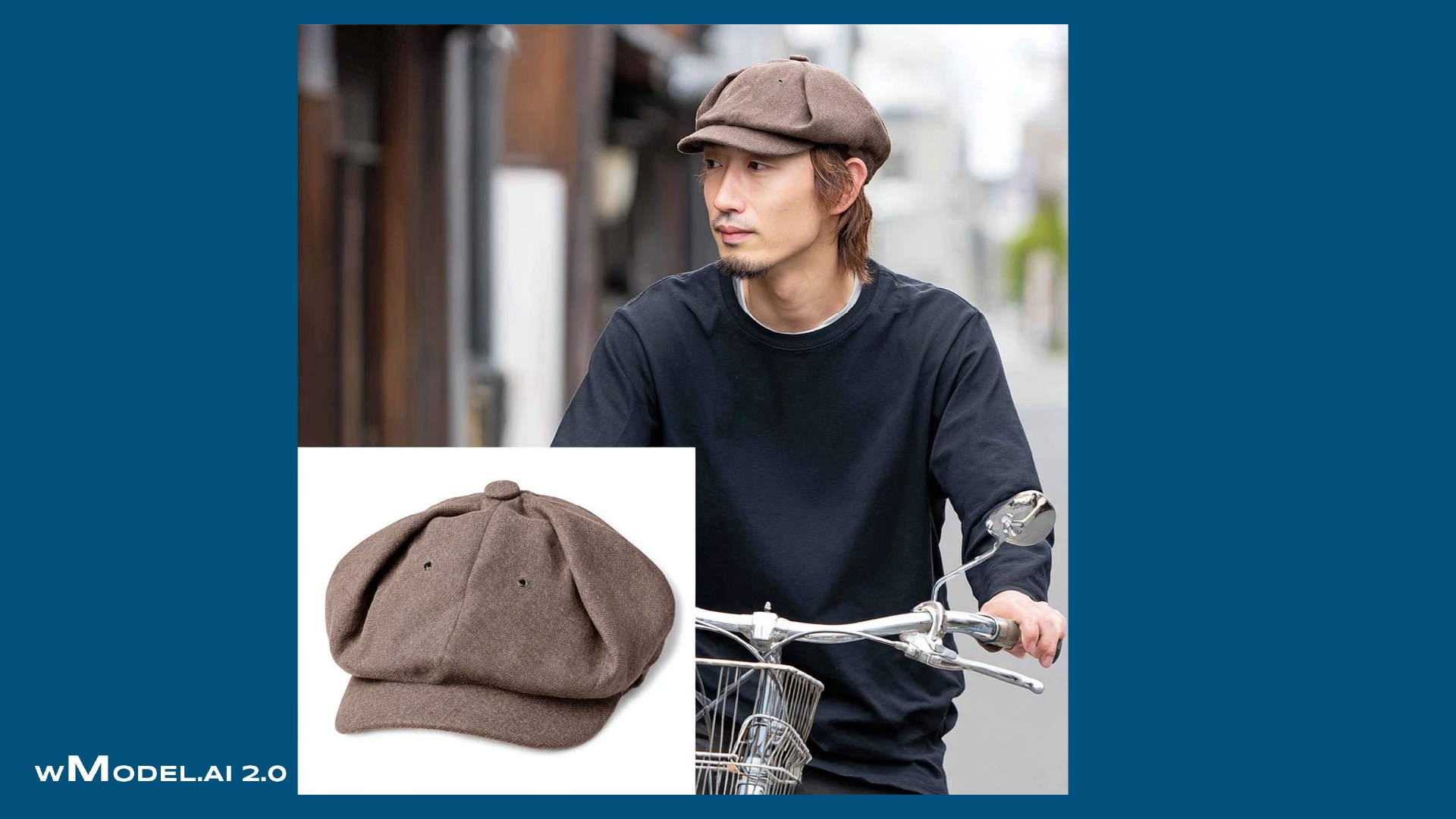
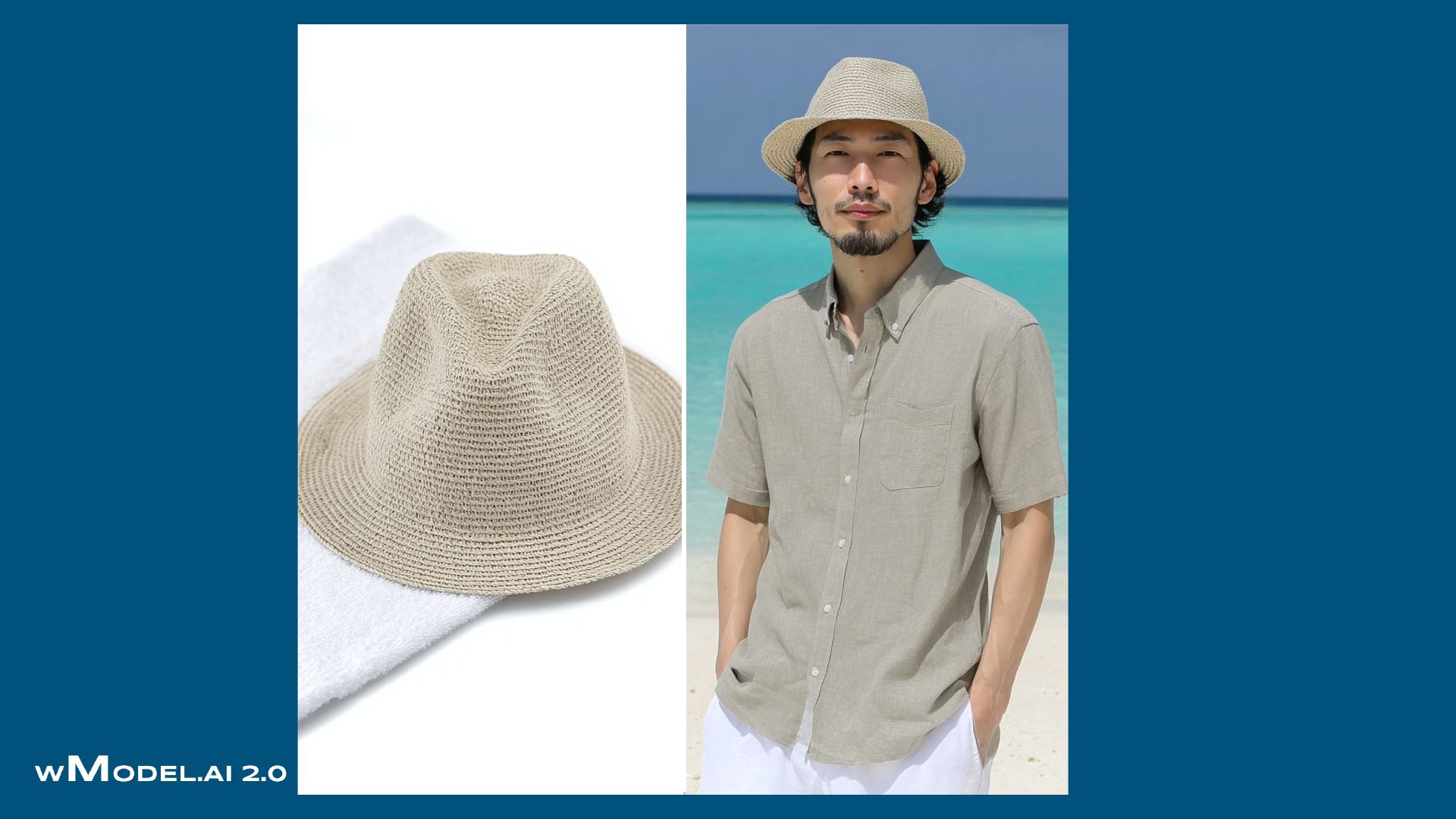
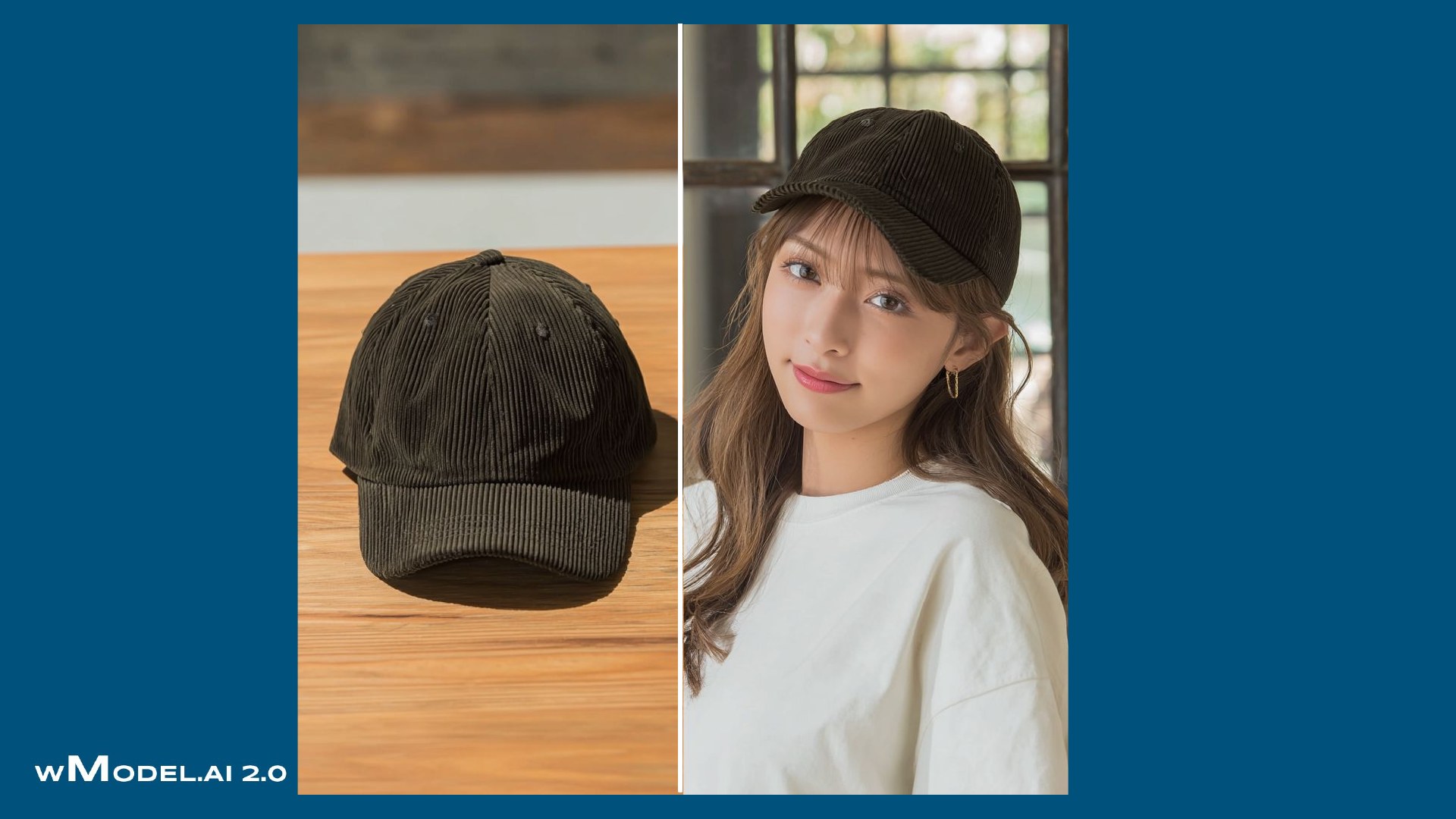
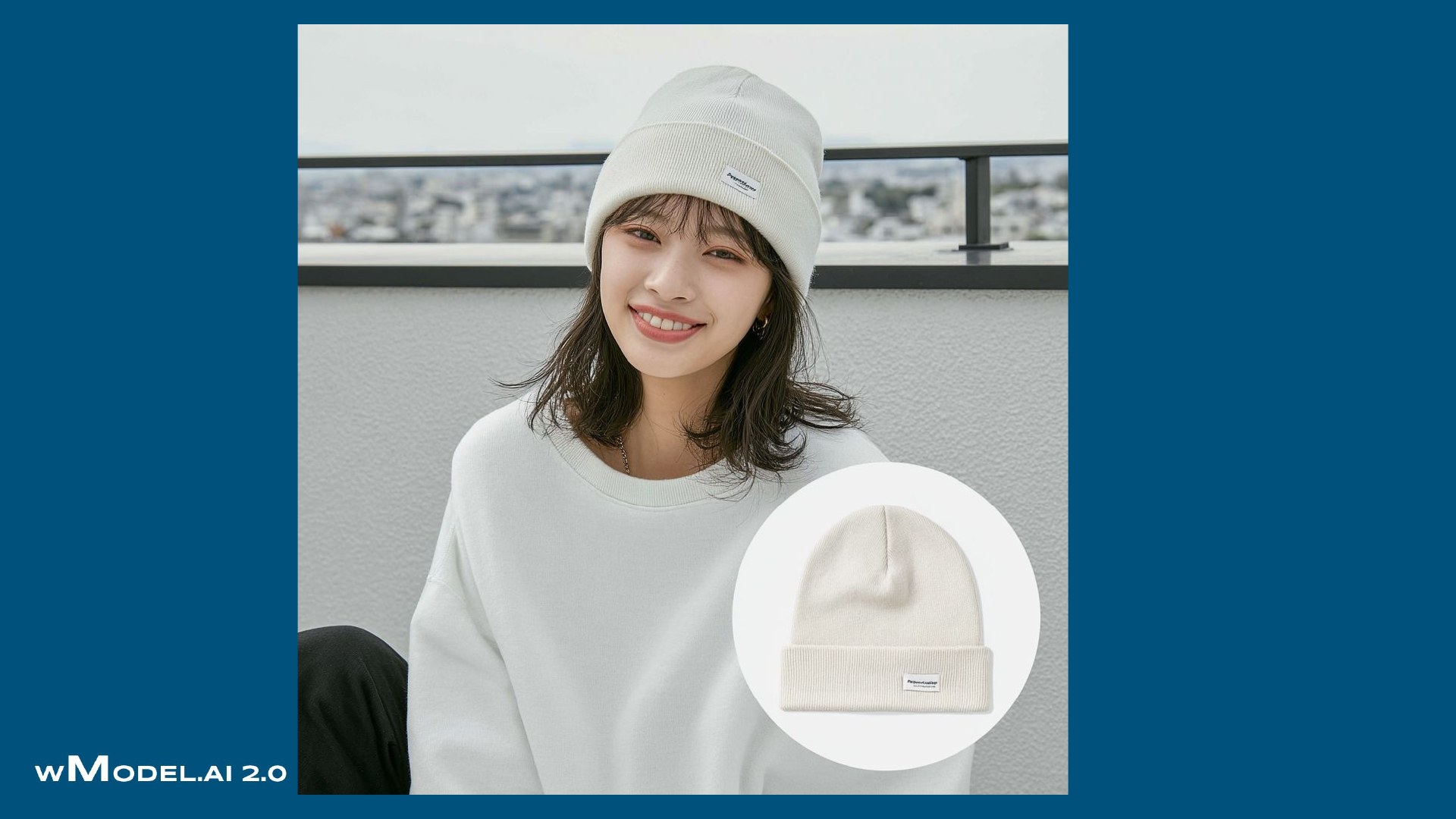
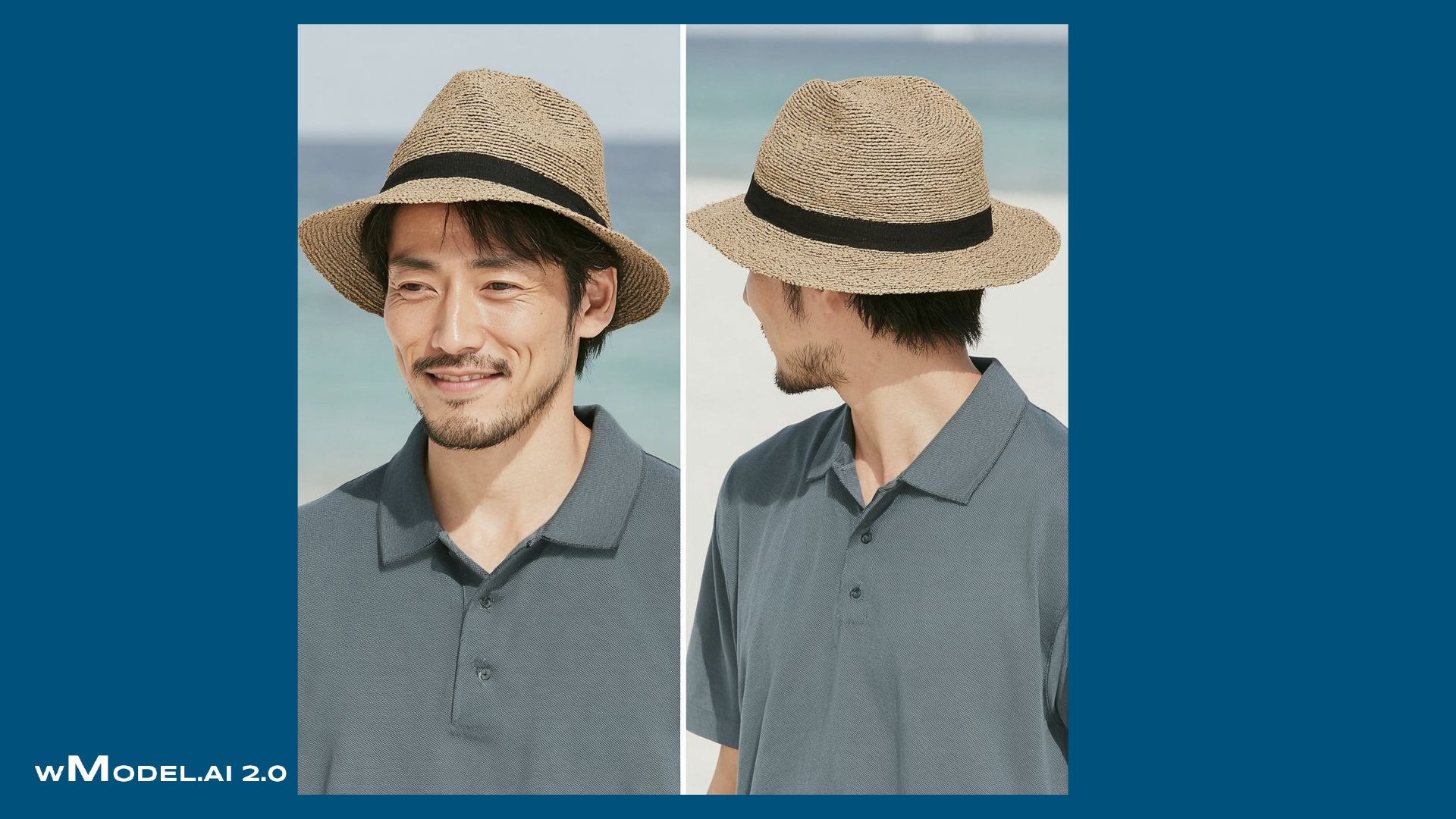
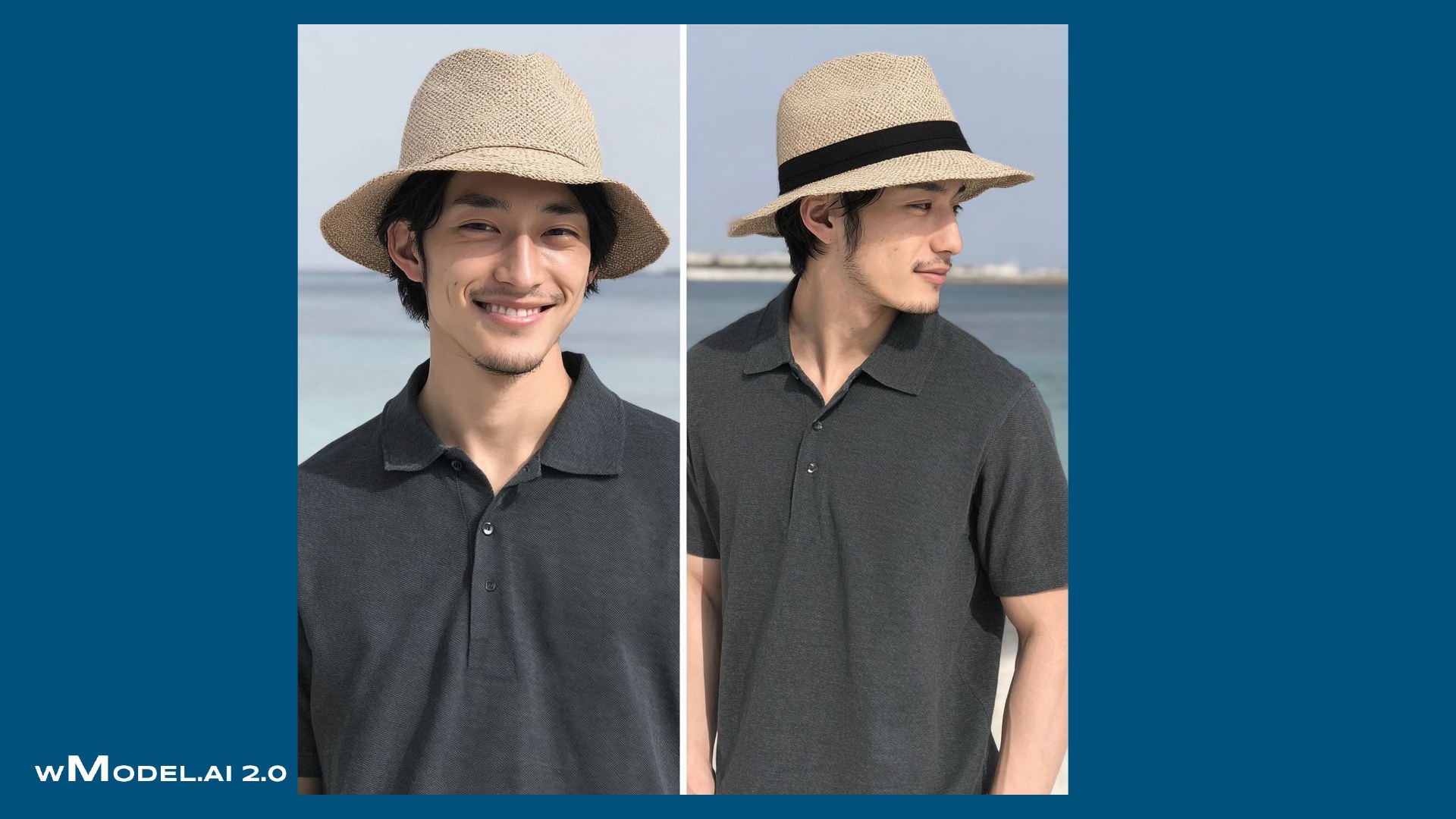
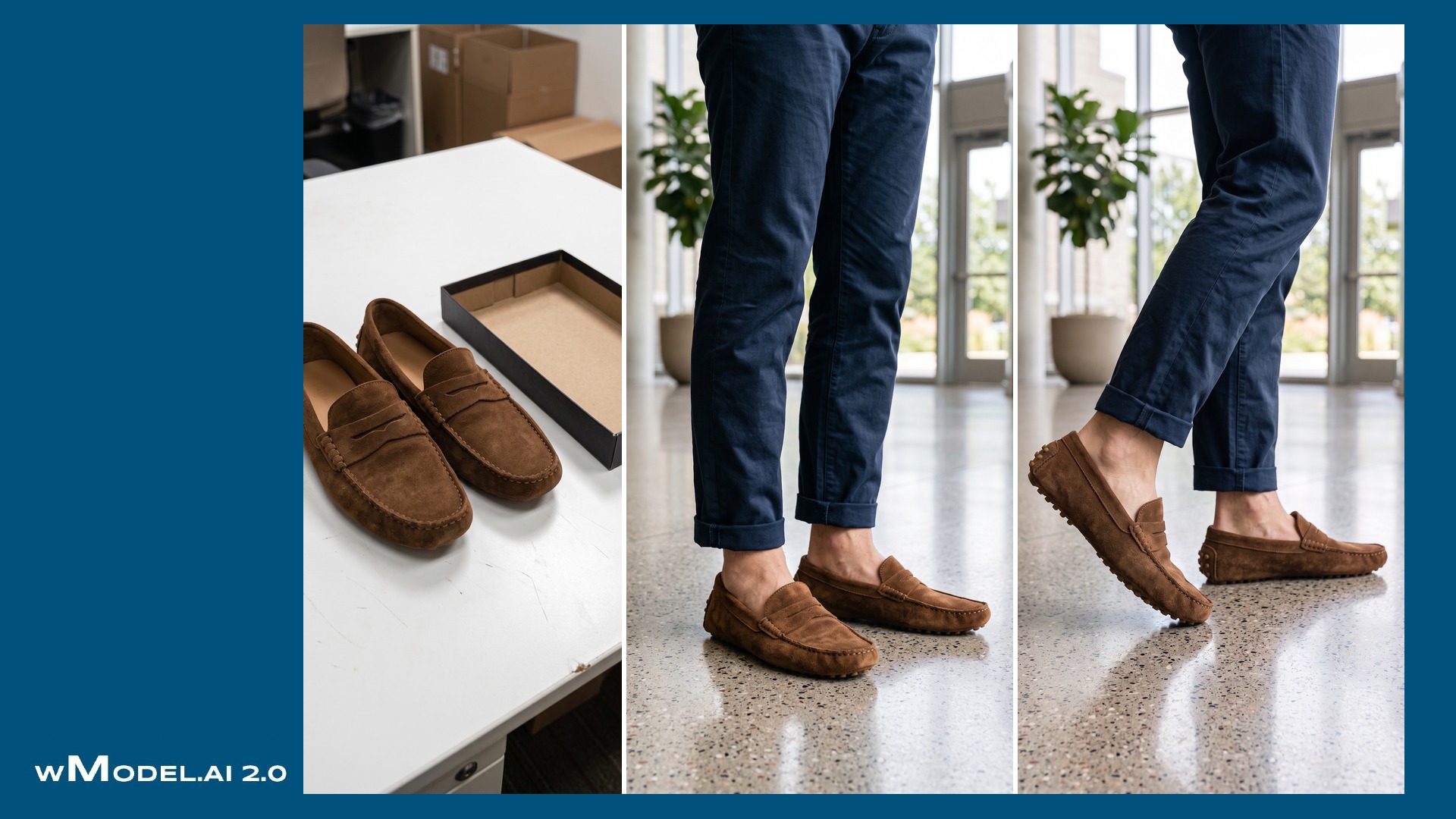
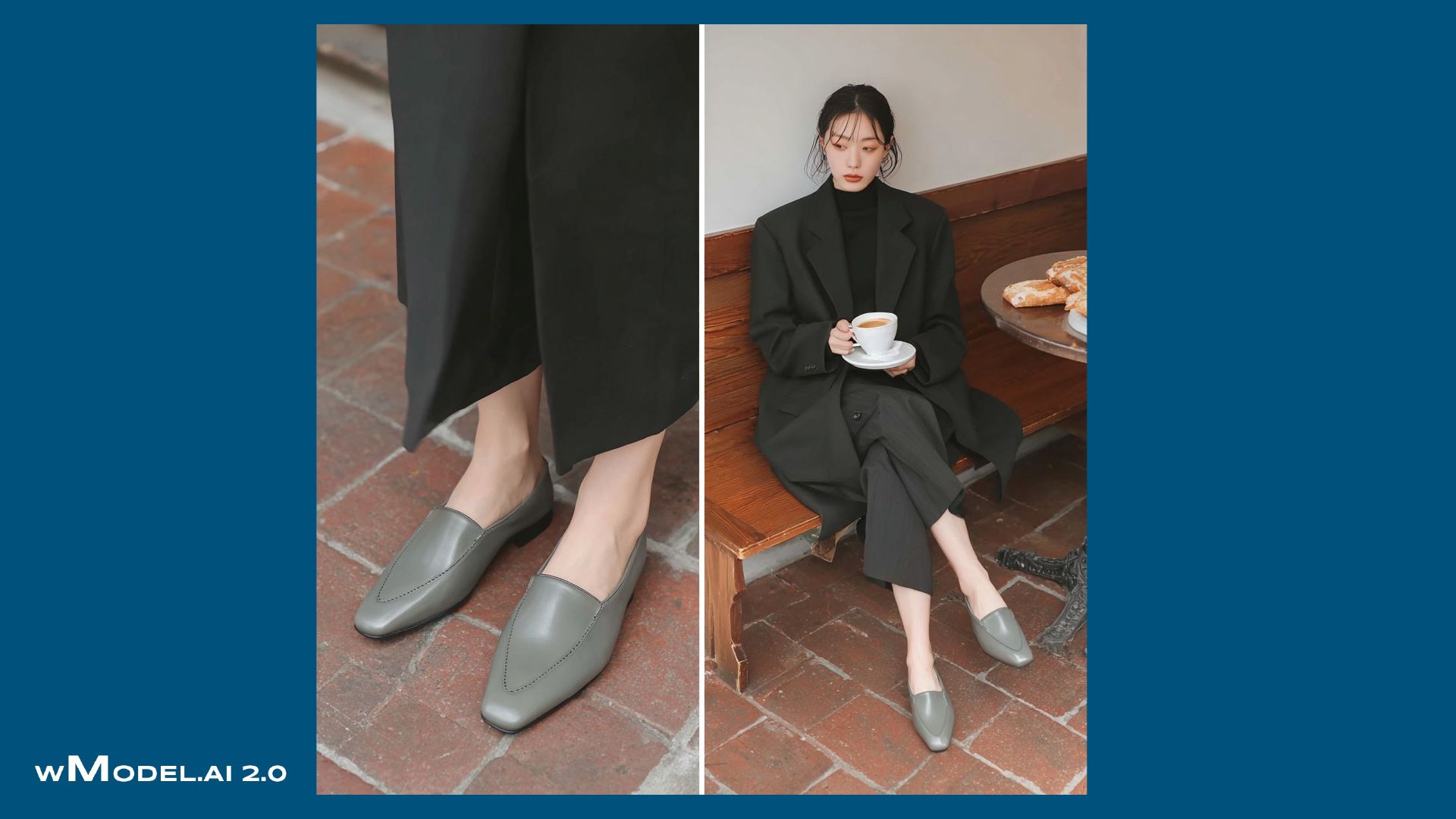
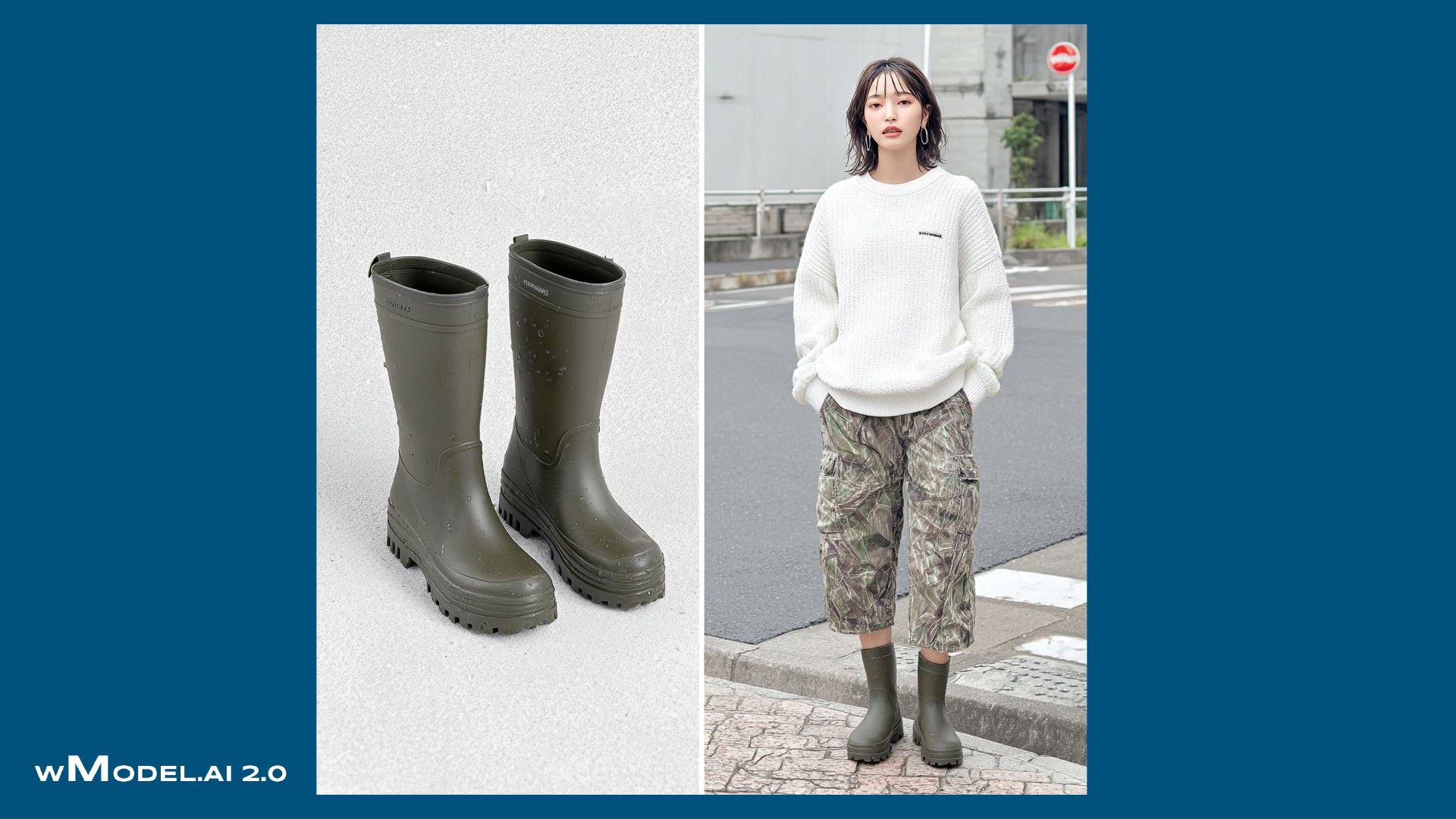
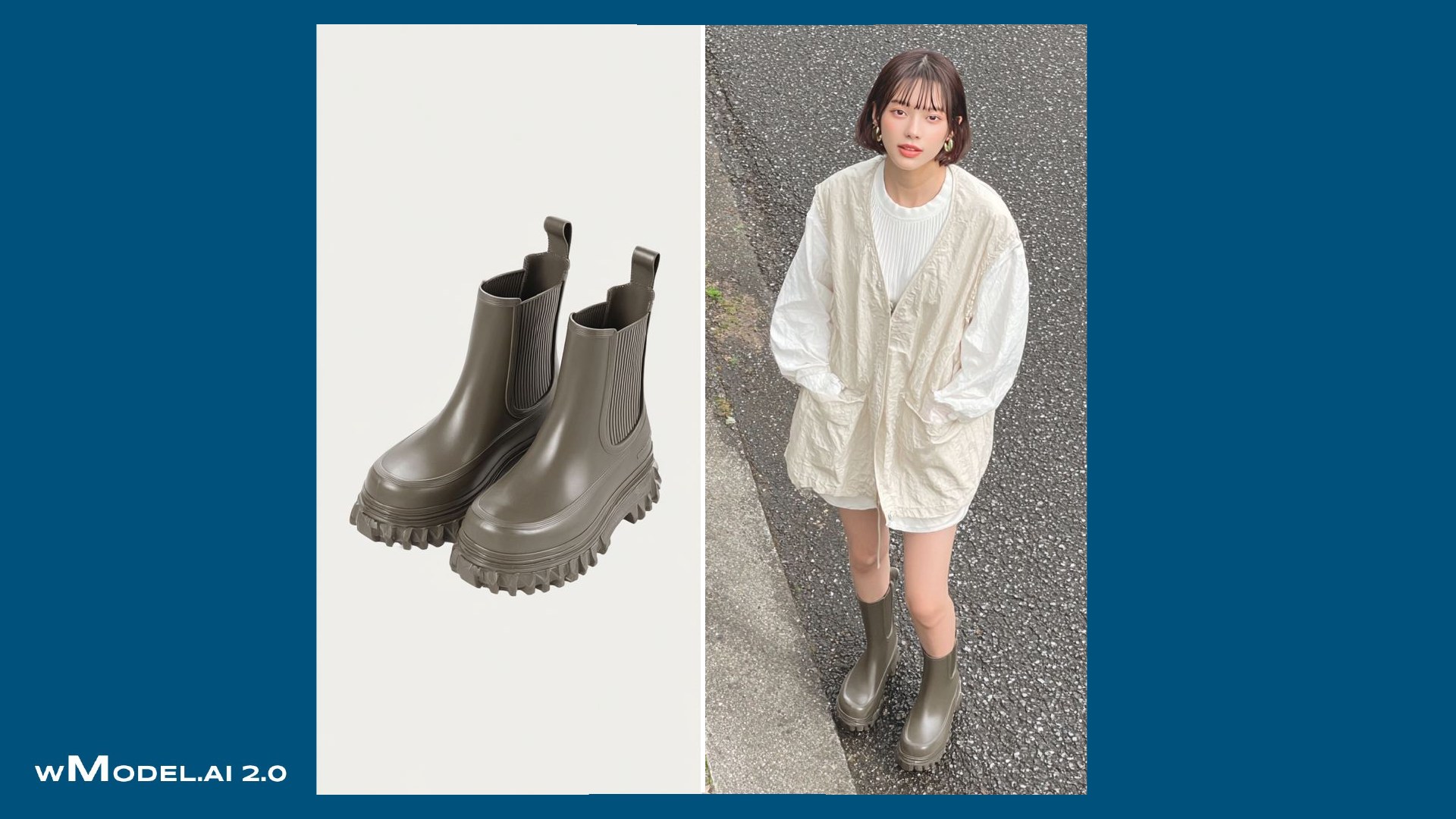
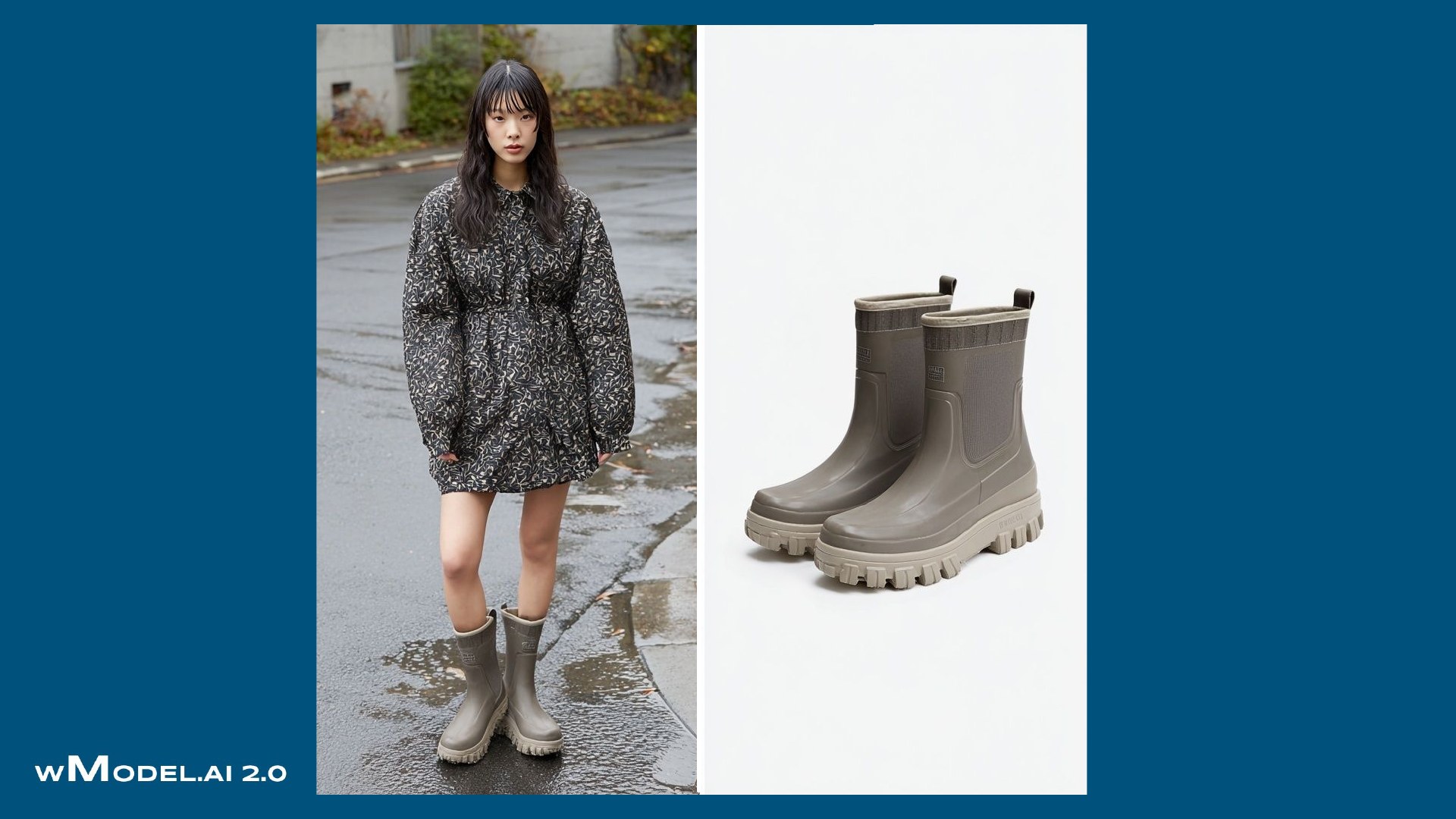
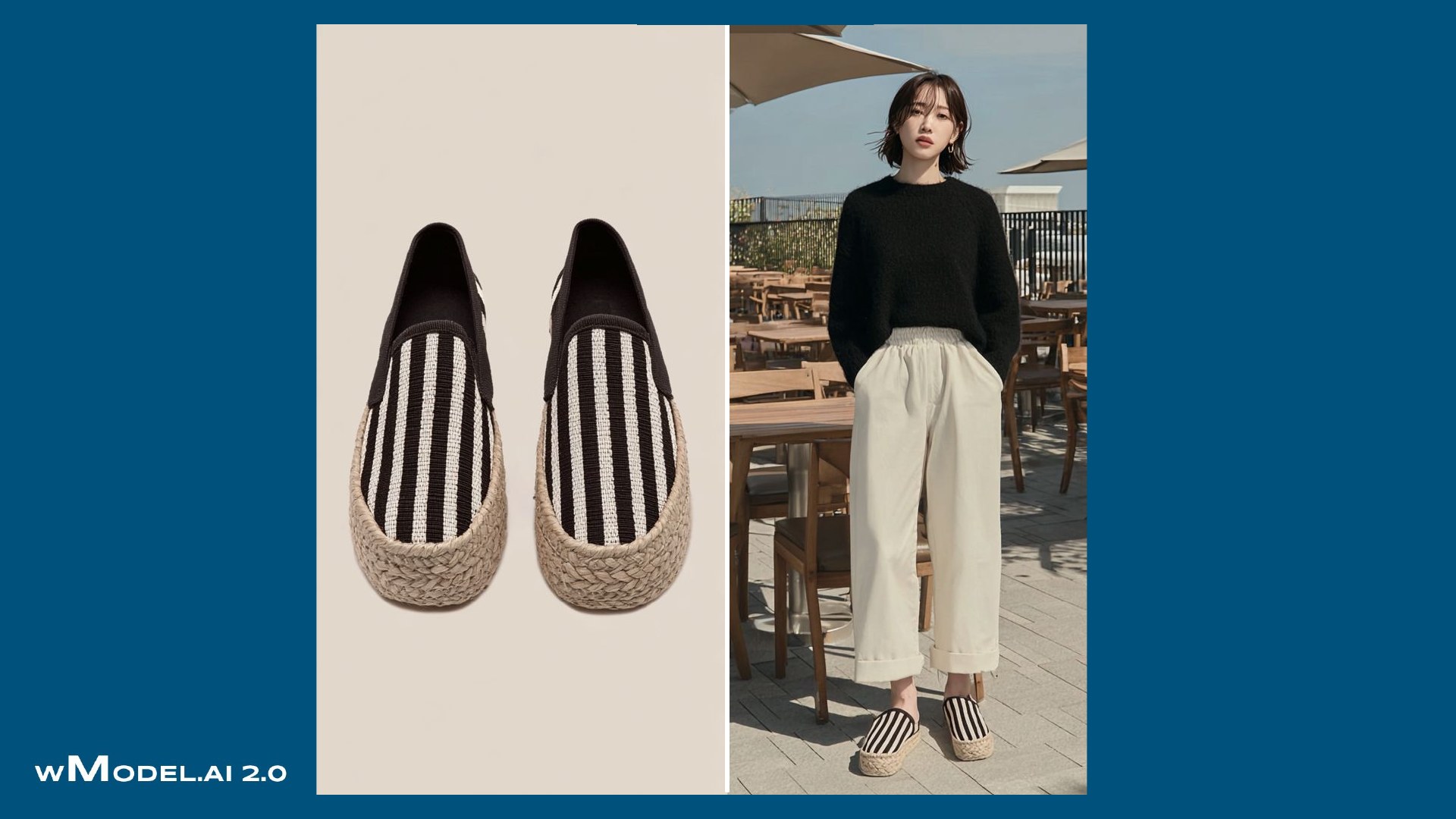
Product photo → On-model view → Movement → Detail

wModel.AI 2.0|An AI generation platform tailored to your business
World-class technology, applied to enterprise production.
Finished images and videos, ready to use.
wModel 2.0 is an enterprise AI generation service that understands your brand and quality standards and continually improves its ability to meet your needs. Our proprietary AI platform, developed in-house, learns from experience and improves its own generation, quality review, and refinement processes. With a generation line tailored to your business, we handle everything from image and video generation at scale to delivery of finished assets.
Tell us what you need and how you plan to use it. wModel handles generation, quality review, and refinement, delivering finished images and videos ready to use.
Your existing product photos become images and video, ready to use.
wModel 2.0 combines its 4A capabilities with an in-house technology foundation for product fidelity, consistent identities, quality and safety management, and generation at scale.
Turn proprietary AI technology into productive capacity for your business. wModel learns from your requirements and feedback, continually improving its generation, quality review, and refinement processes. A dedicated generation platform supports work at scale and delivers finished images and videos ready to use.
Explore our technology foundationFirst, explore the finished images and video. Behind them is a system that learns from requirements and feedback and keeps refining how it generates.
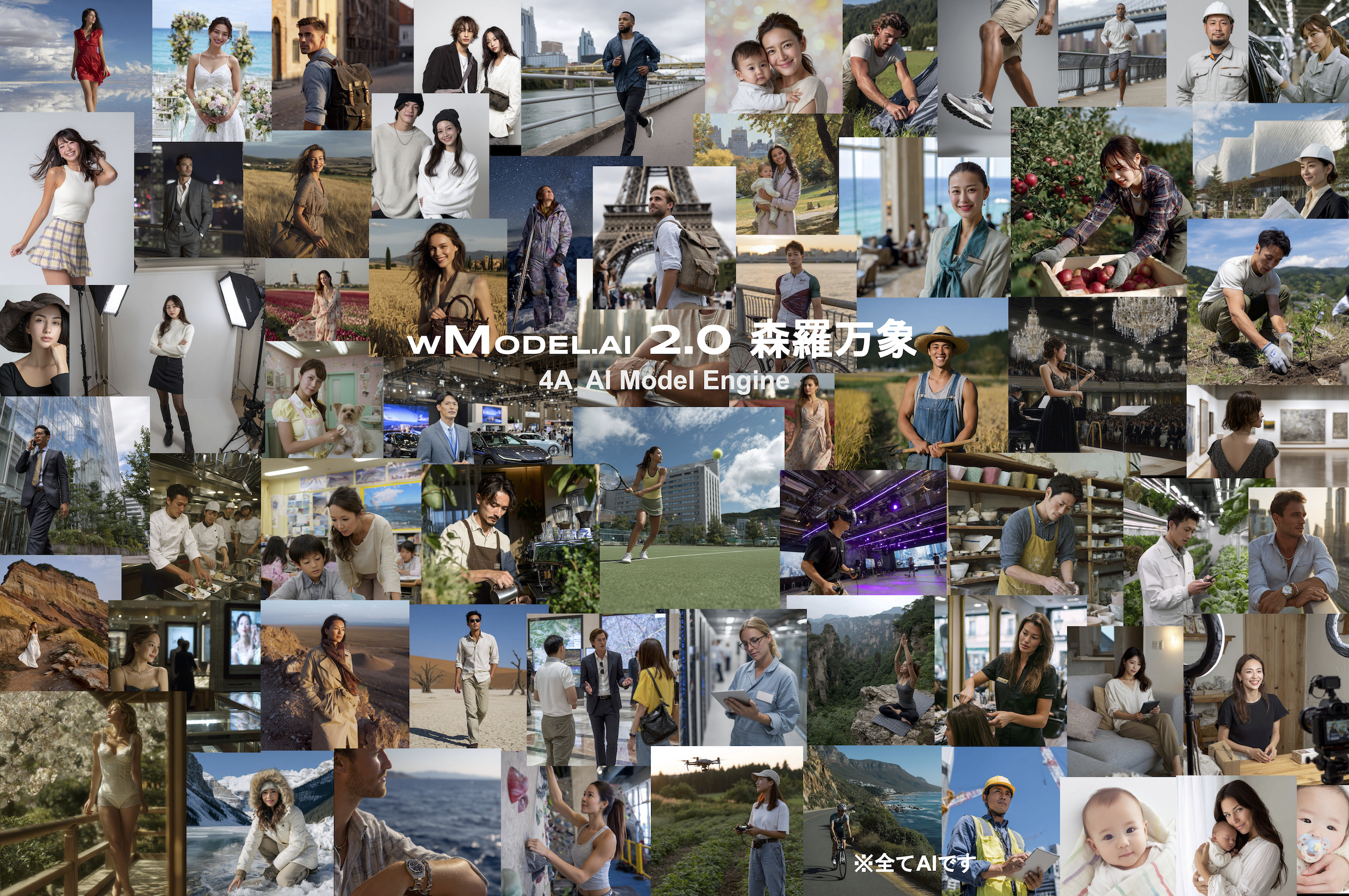
Explore a continuous collection of image and video examples across 14 product categories. Jump to a category from the menu or keep scrolling through the page.
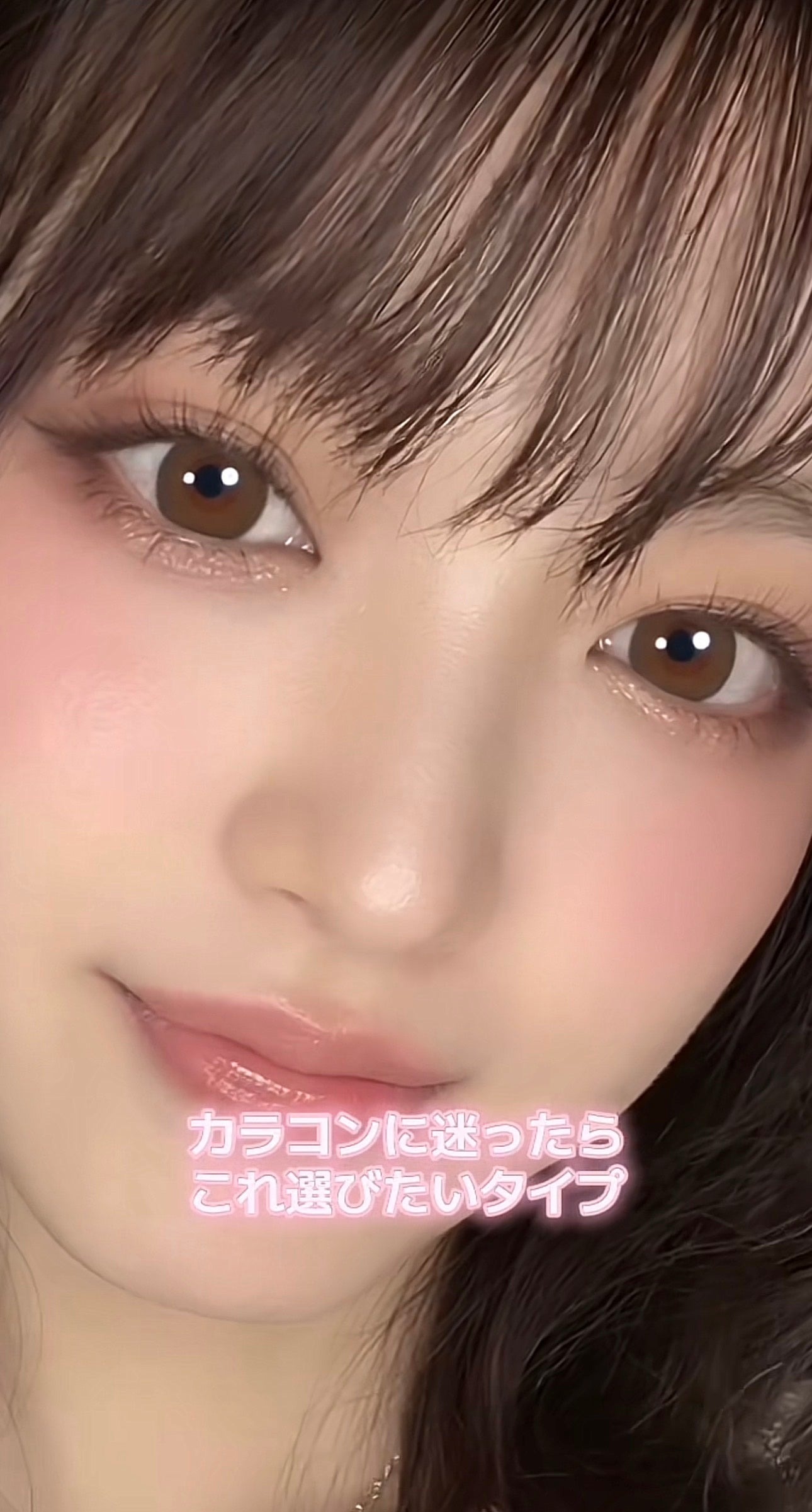
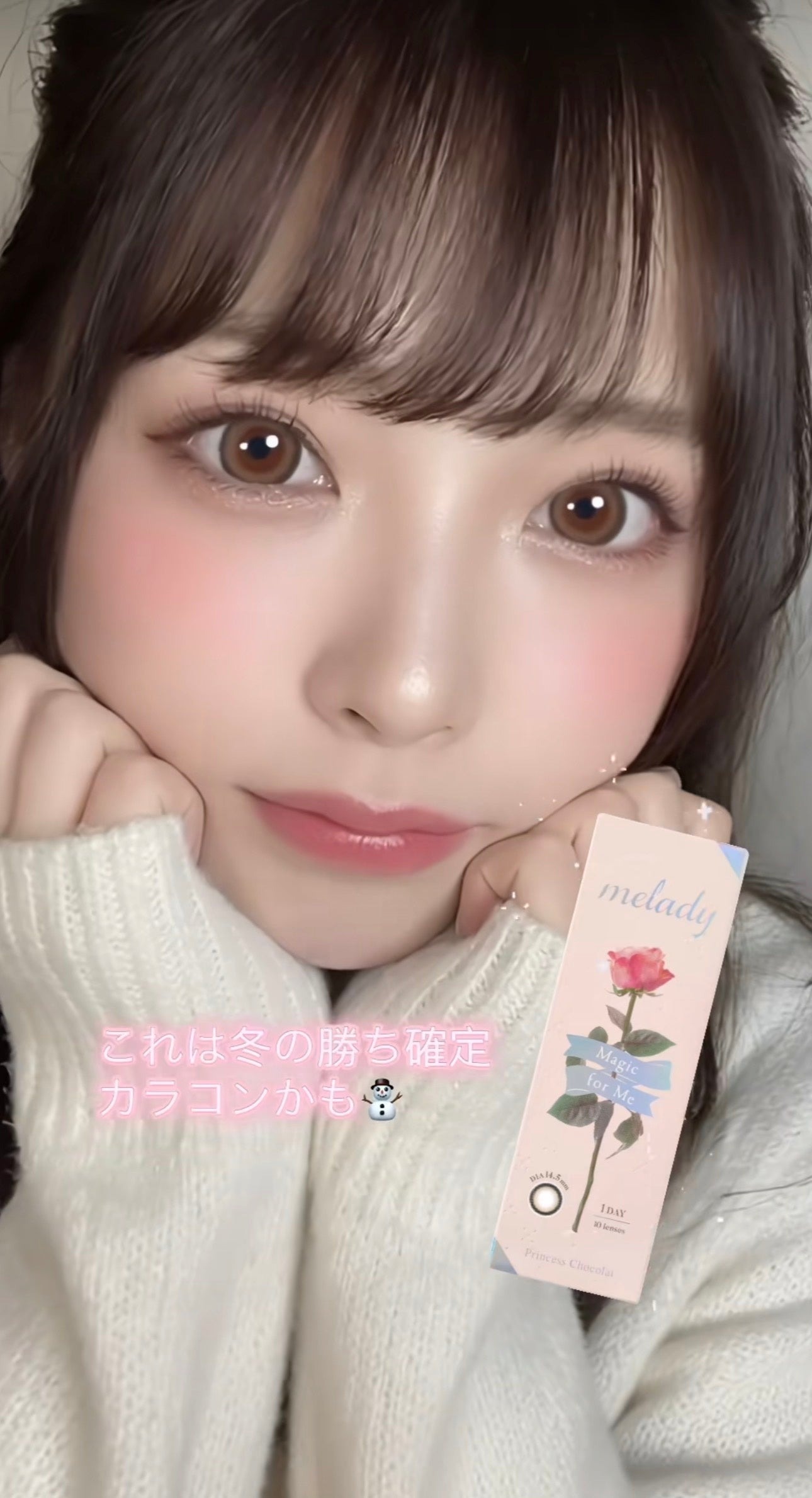
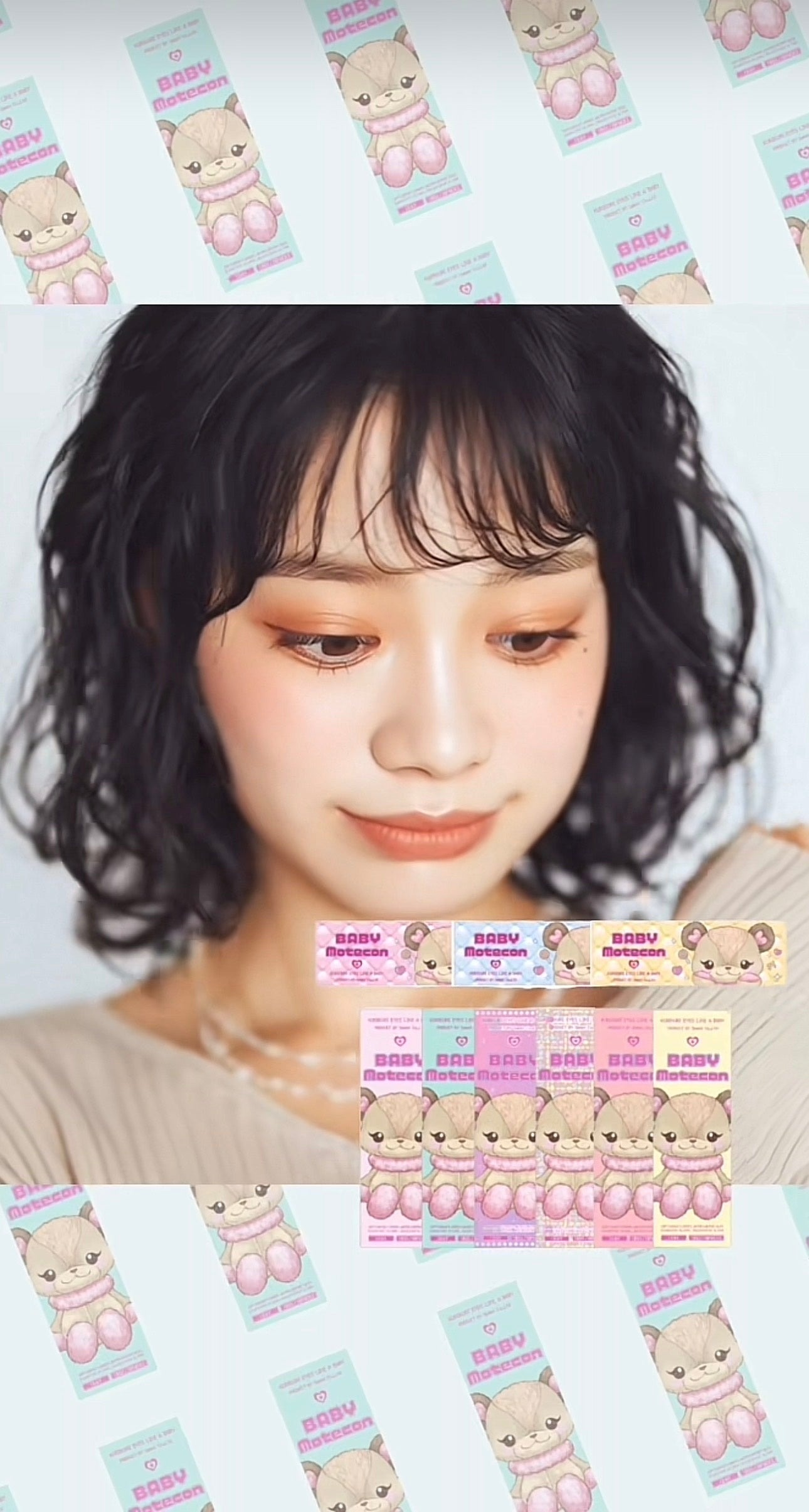
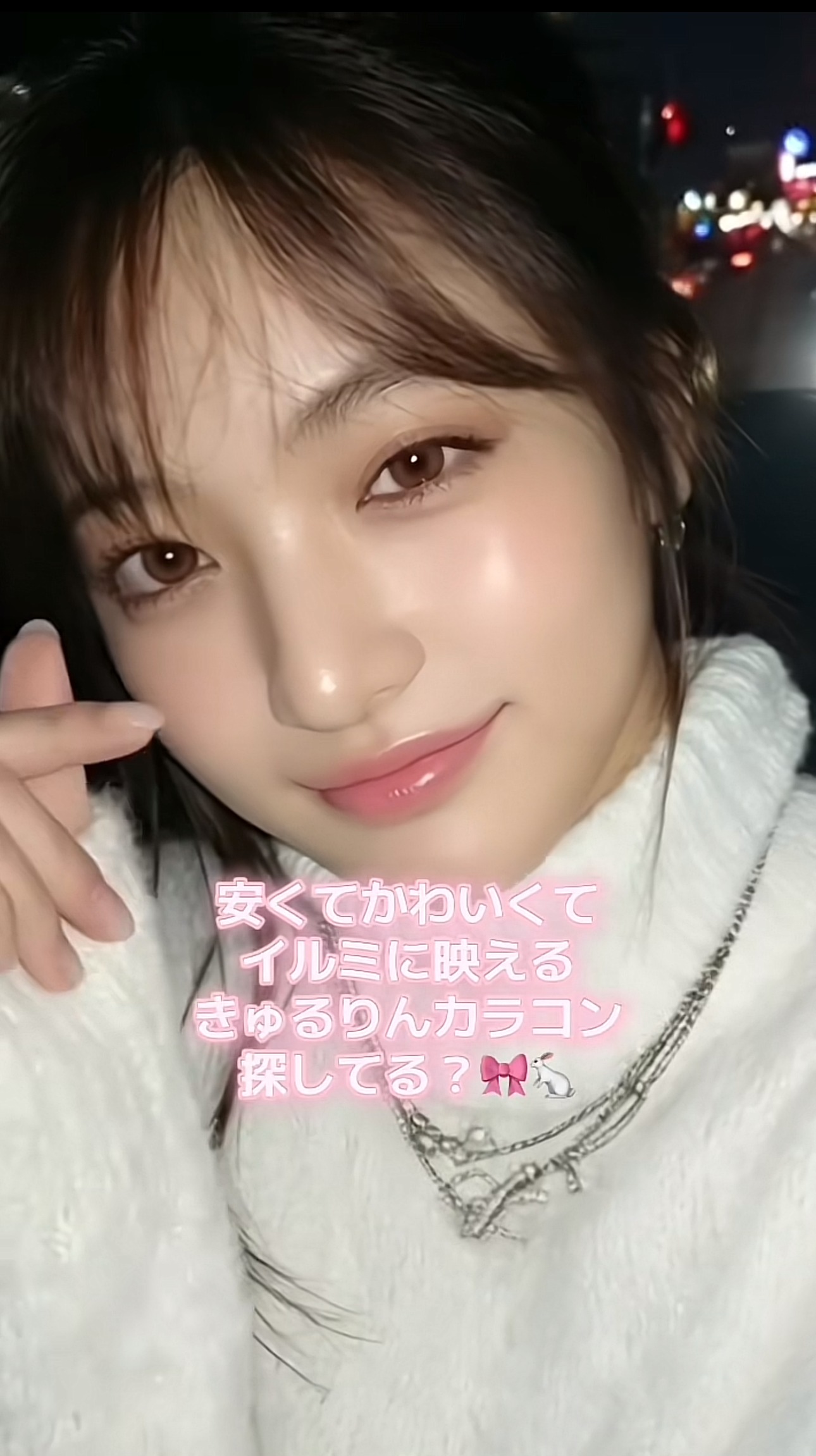
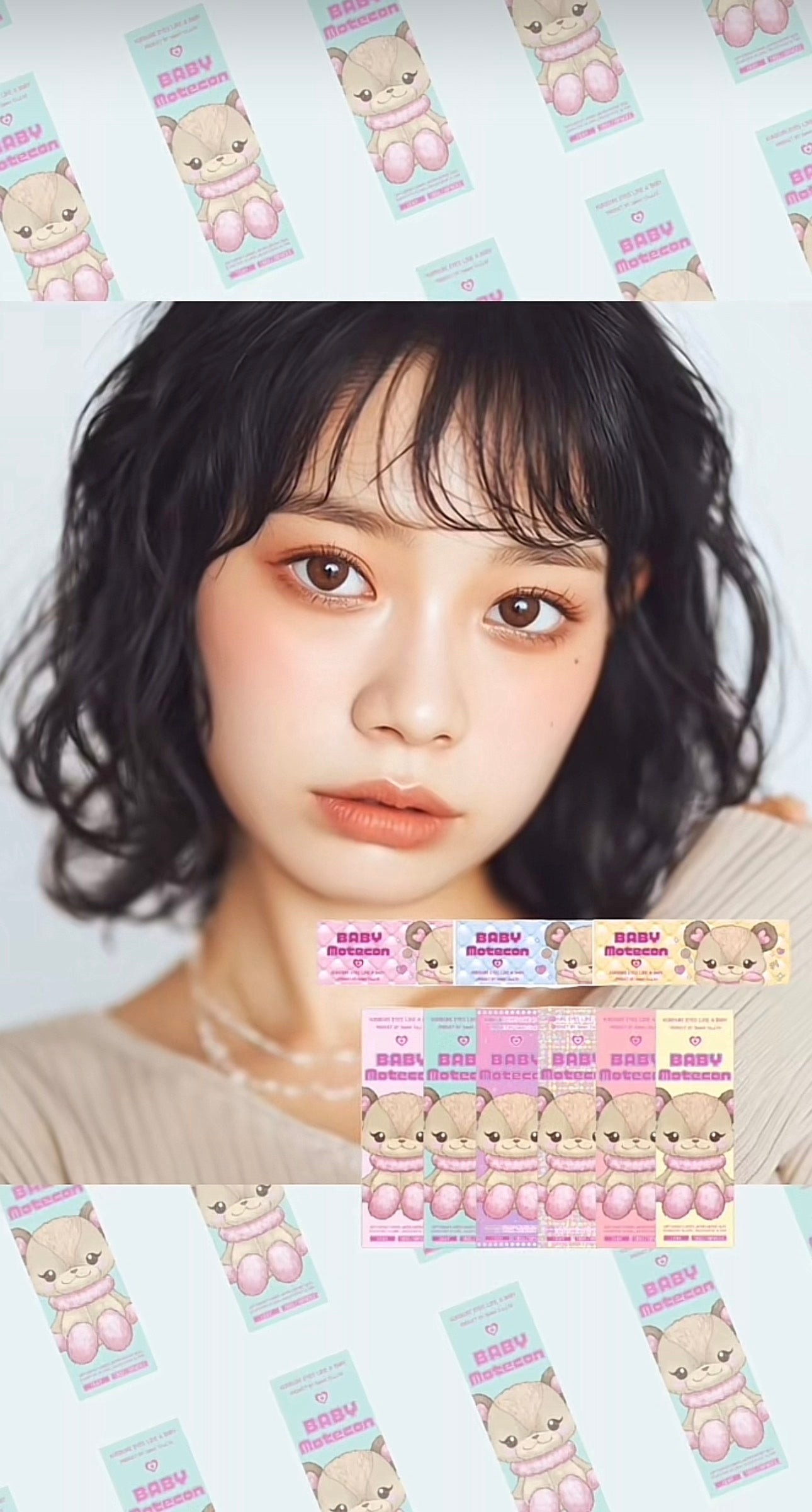
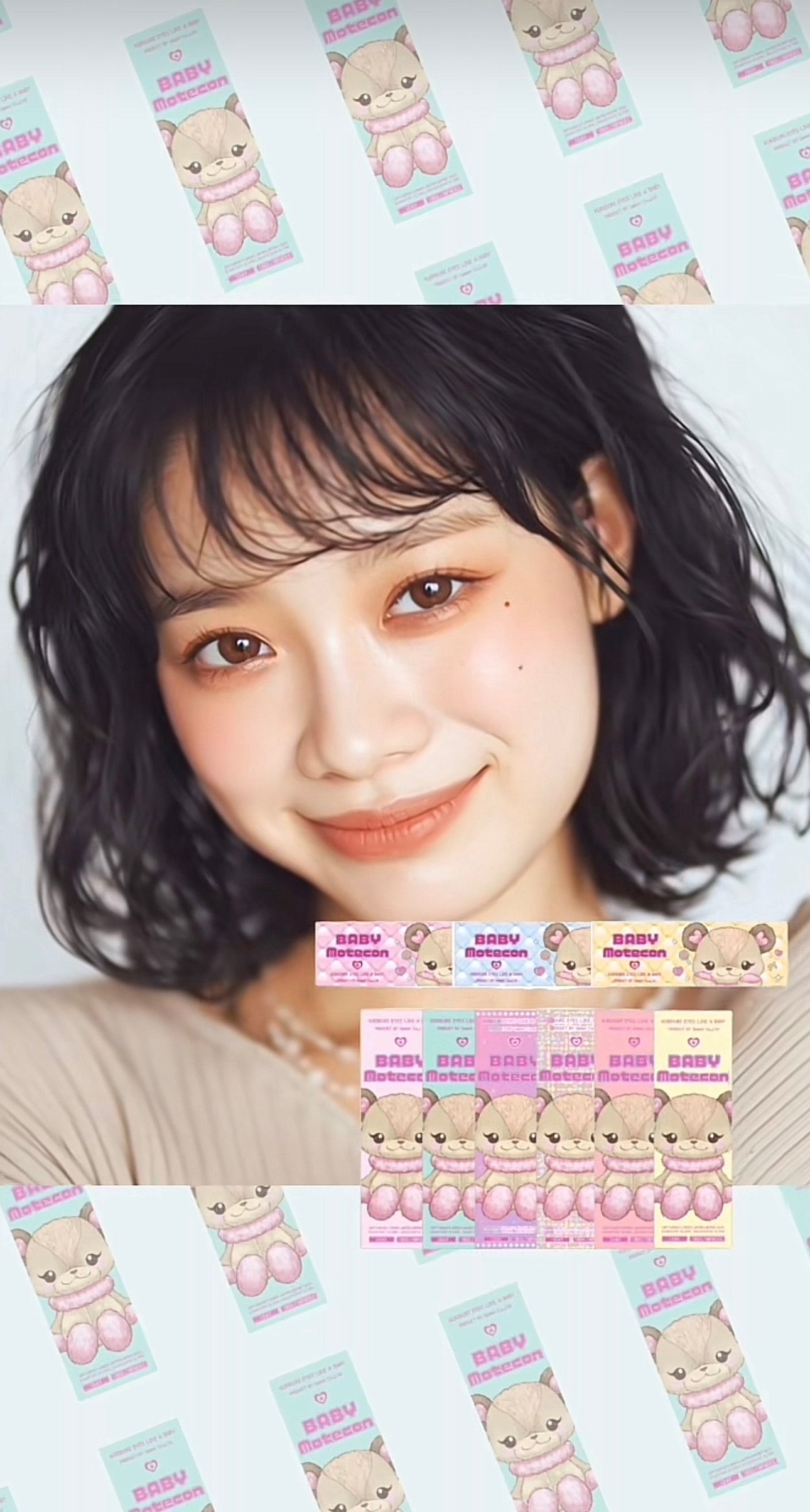
AI-model films for colored contacts
Thirty AI-model films for colored contacts. Explore expressions, gaze and the appearance of each lens in motion.
CASE · Our own shop
The source case describes SSQQB's own @earthmade_lens shop using wModel.AI images and videos. Its claim of top-tier sales in the color-contact category is dated January 2026 and based on the company's own research.
Brand history, product characteristics, audience and trends inform the visual direction before generation. The case emphasizes lens texture, pattern and color.
These images and videos were generated by SSQQB for its own shop; they are not official manufacturer assets.
Product names, brands, logos and packaging belong to their respective owners. Their display does not imply endorsement, partnership or sponsorship.
Models are AI-generated, not real people or official manufacturer models. Lens appearance may differ from the actual product.
Source: company press release, PR TIMES, February 2, 2026
PICK UP
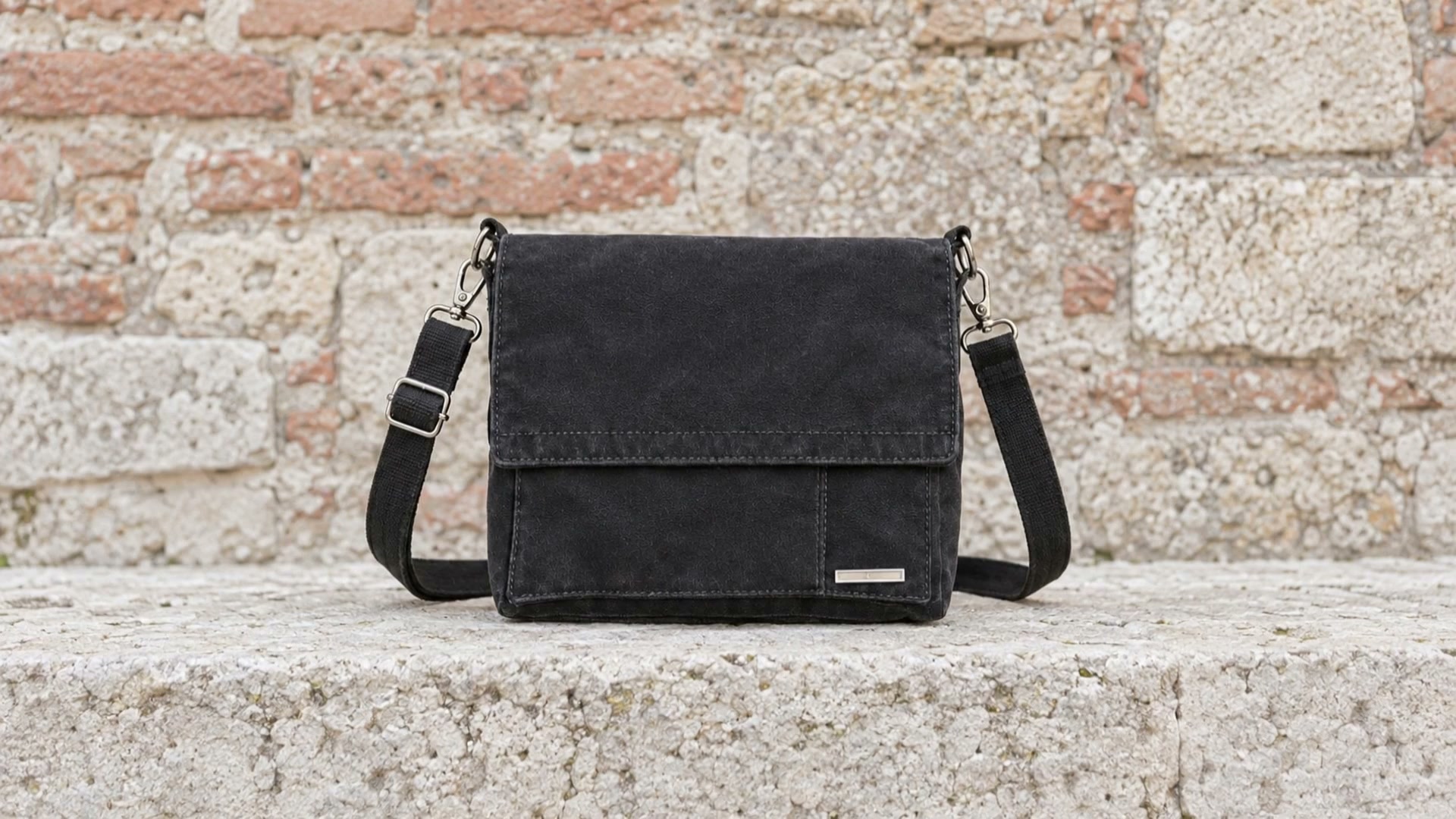
The same men's shoulder bag becomes a product-focused video and an on-model walking video.
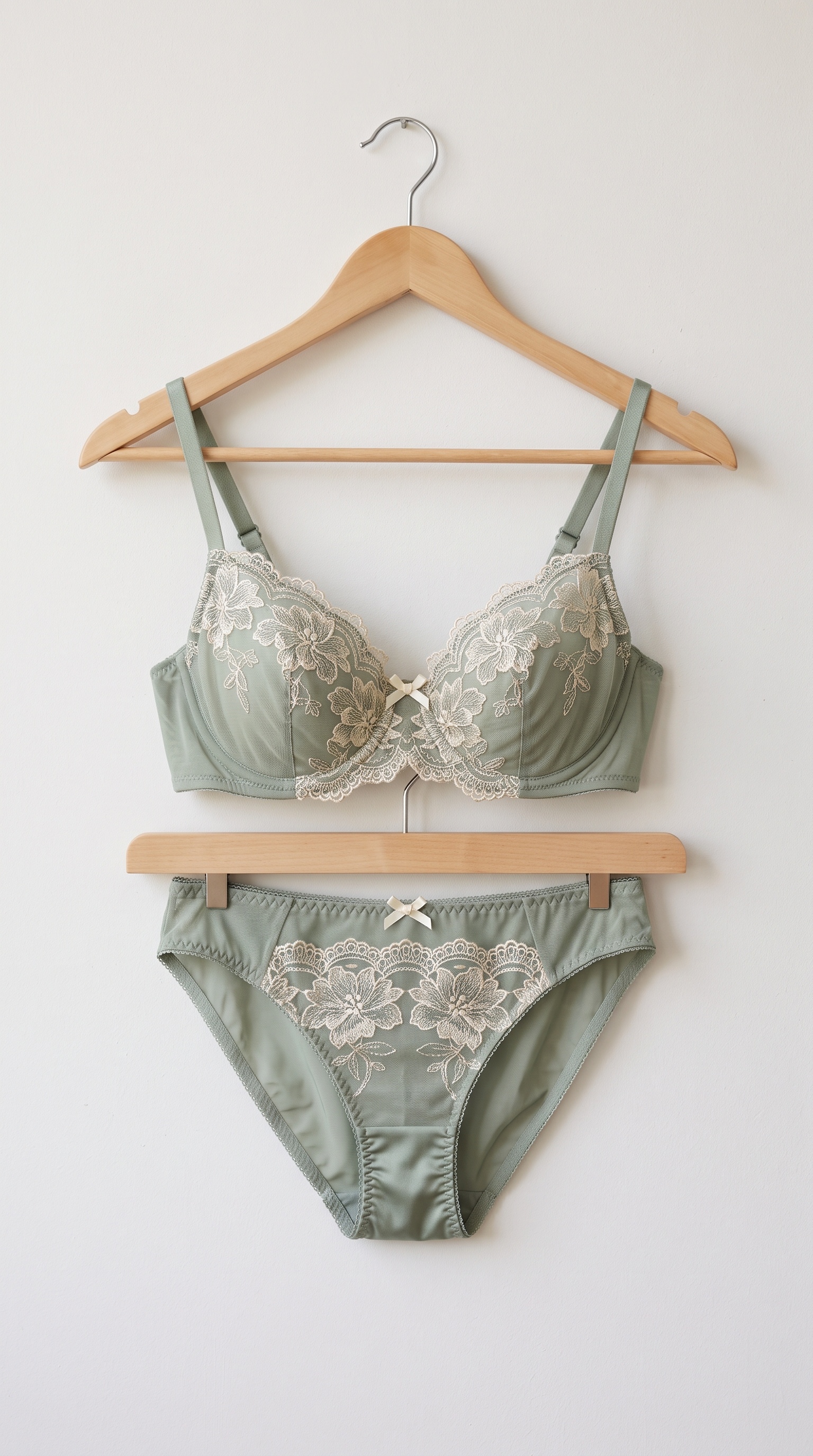
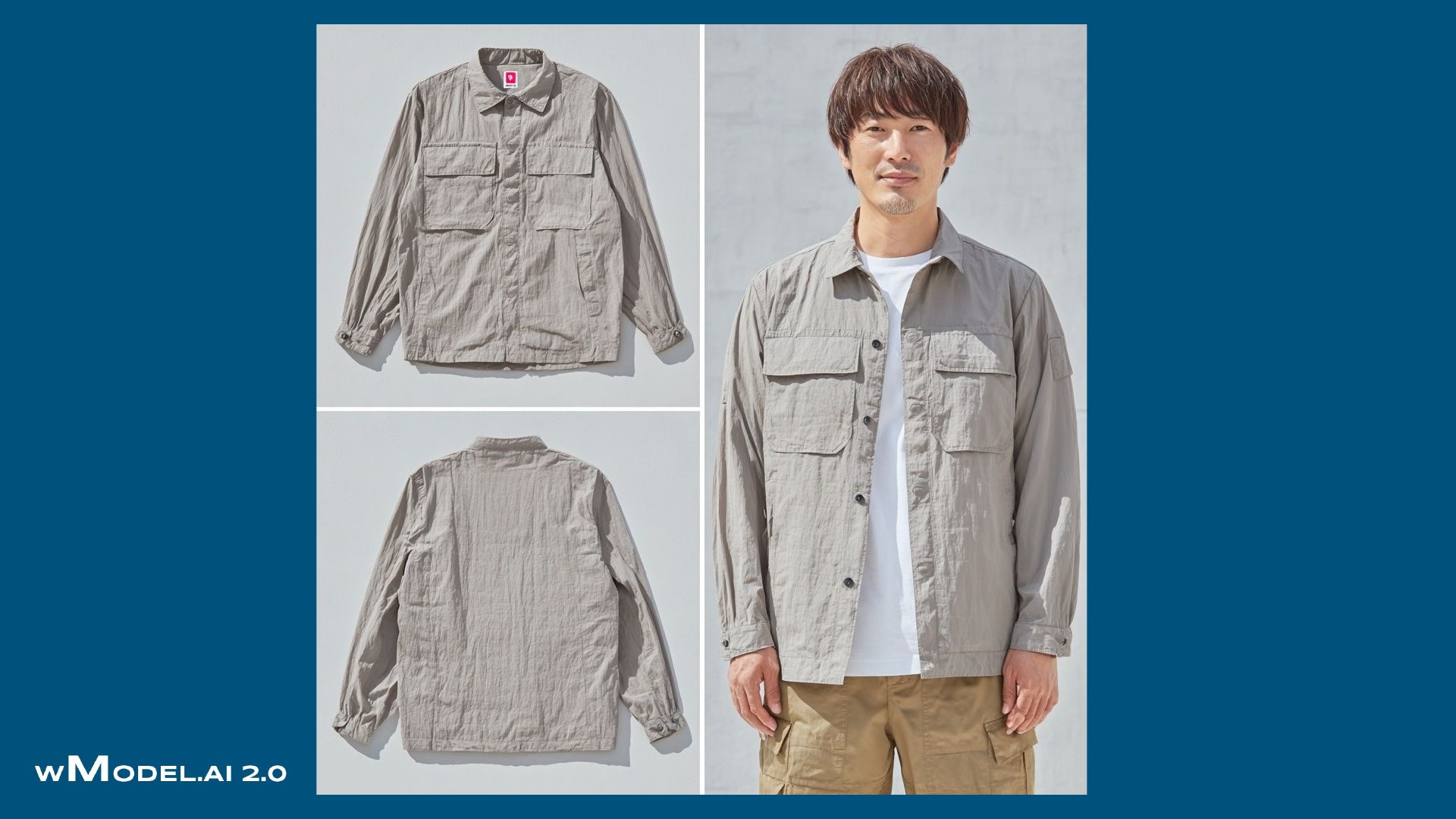
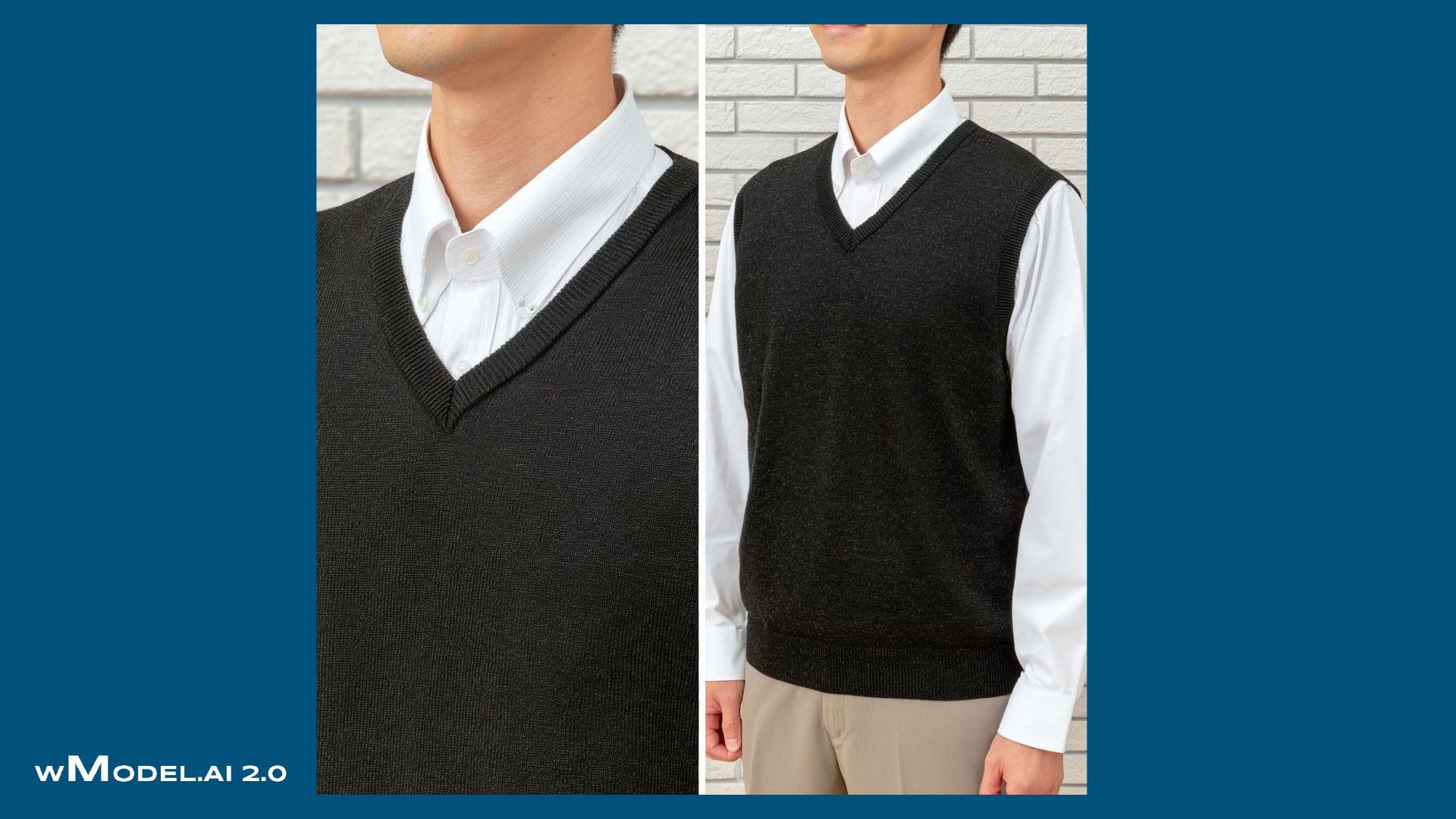
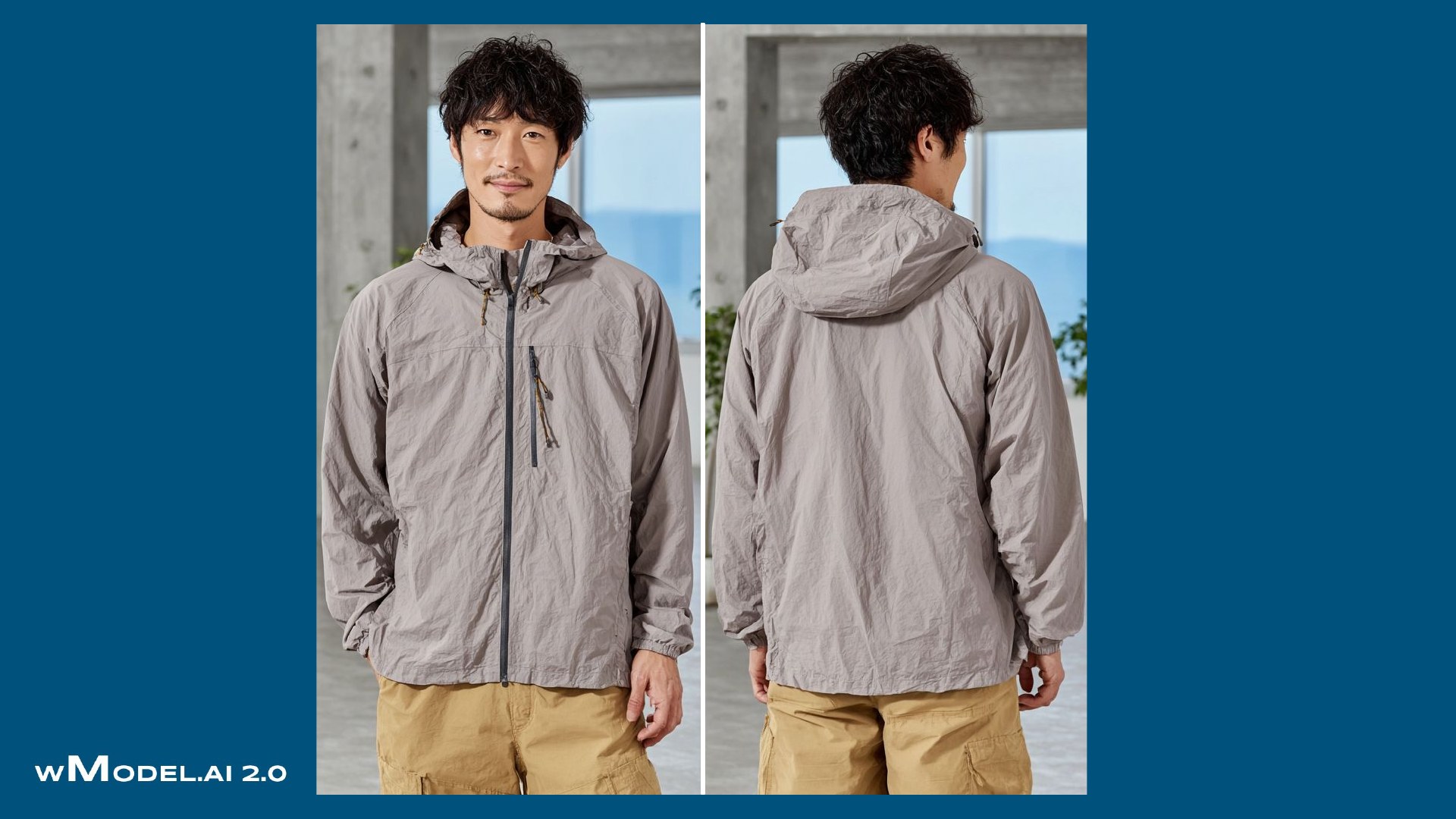
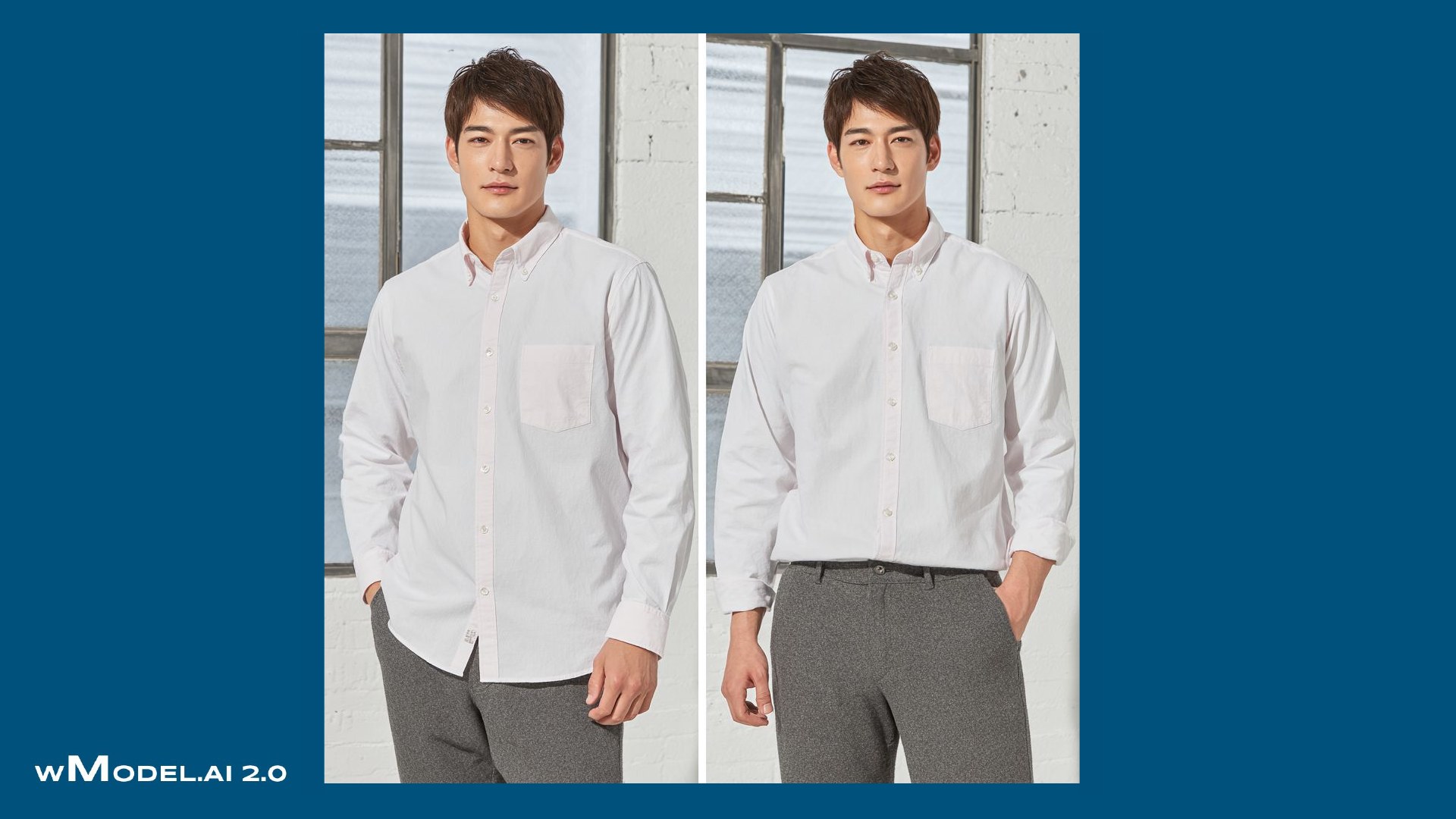
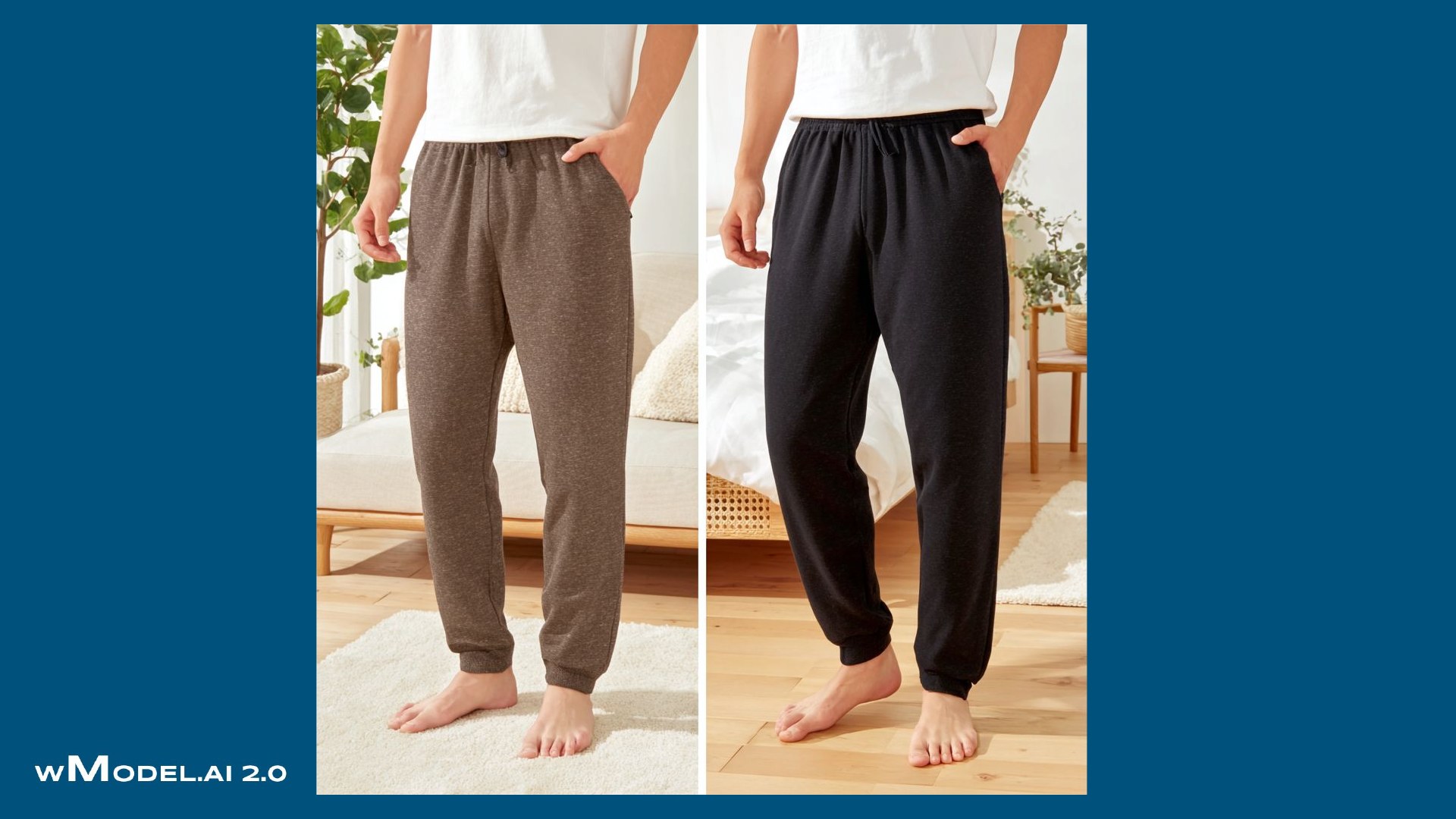
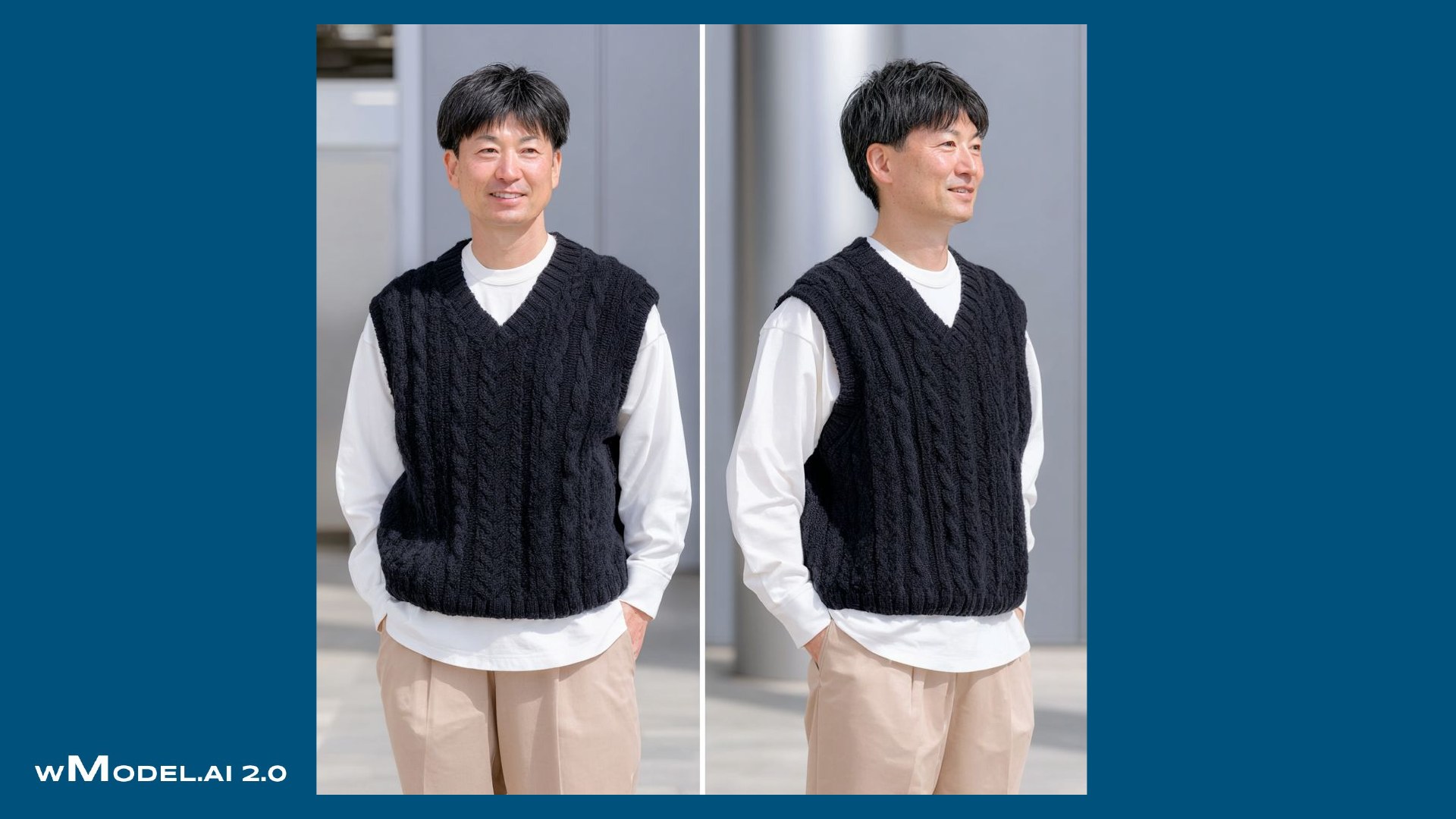
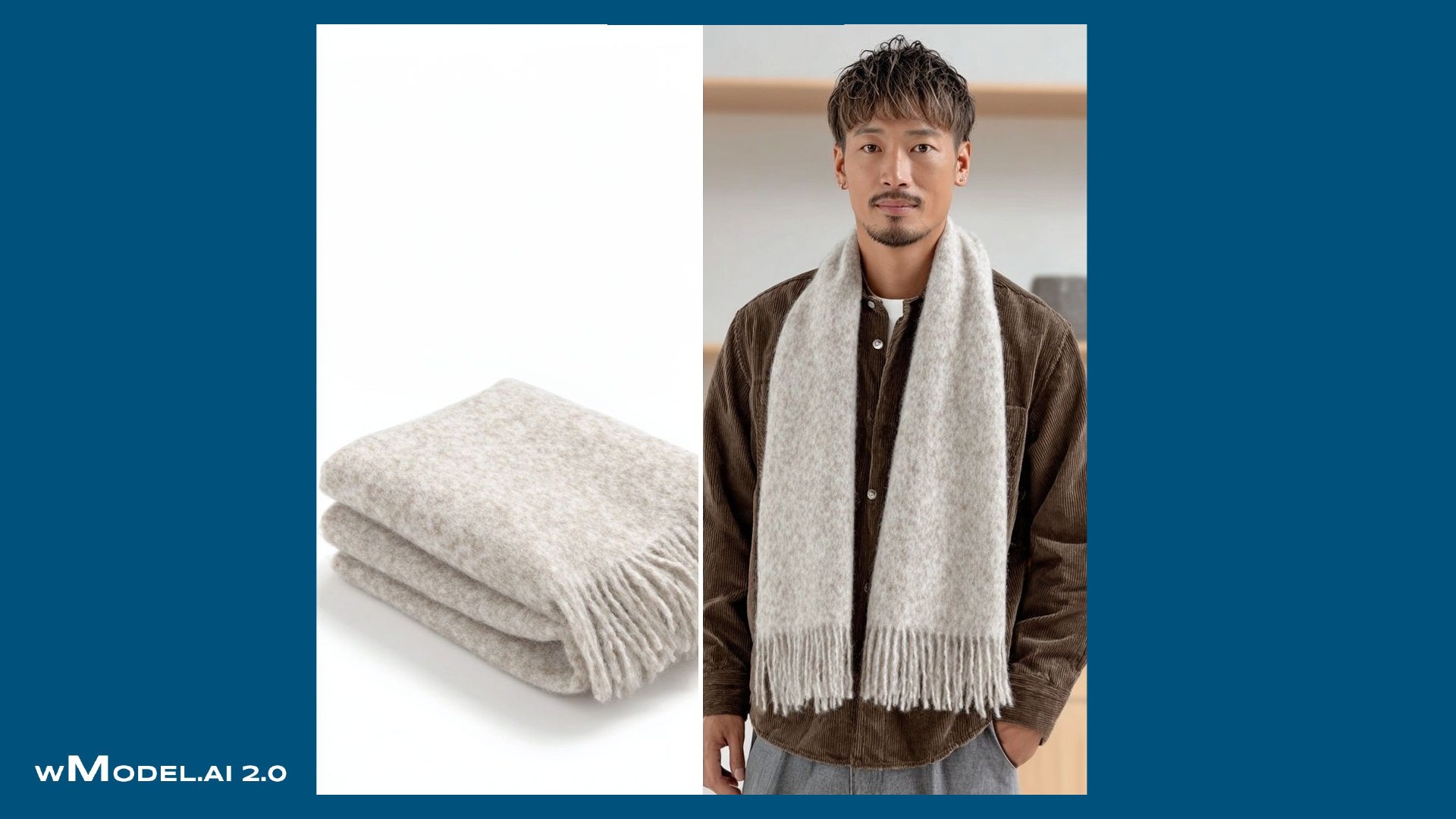
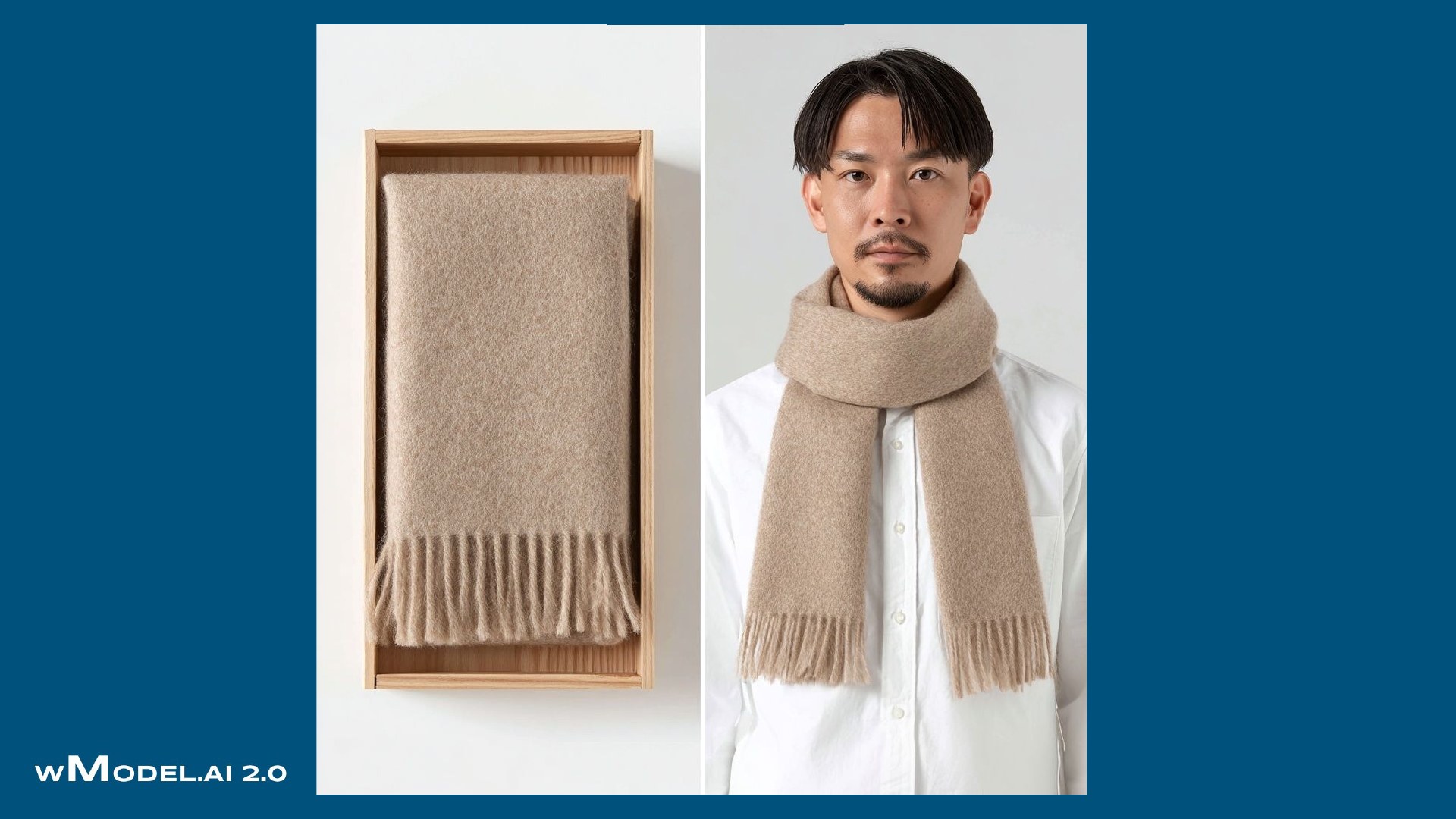
From product photos to on-model video. See garments worn, moving and in detail.
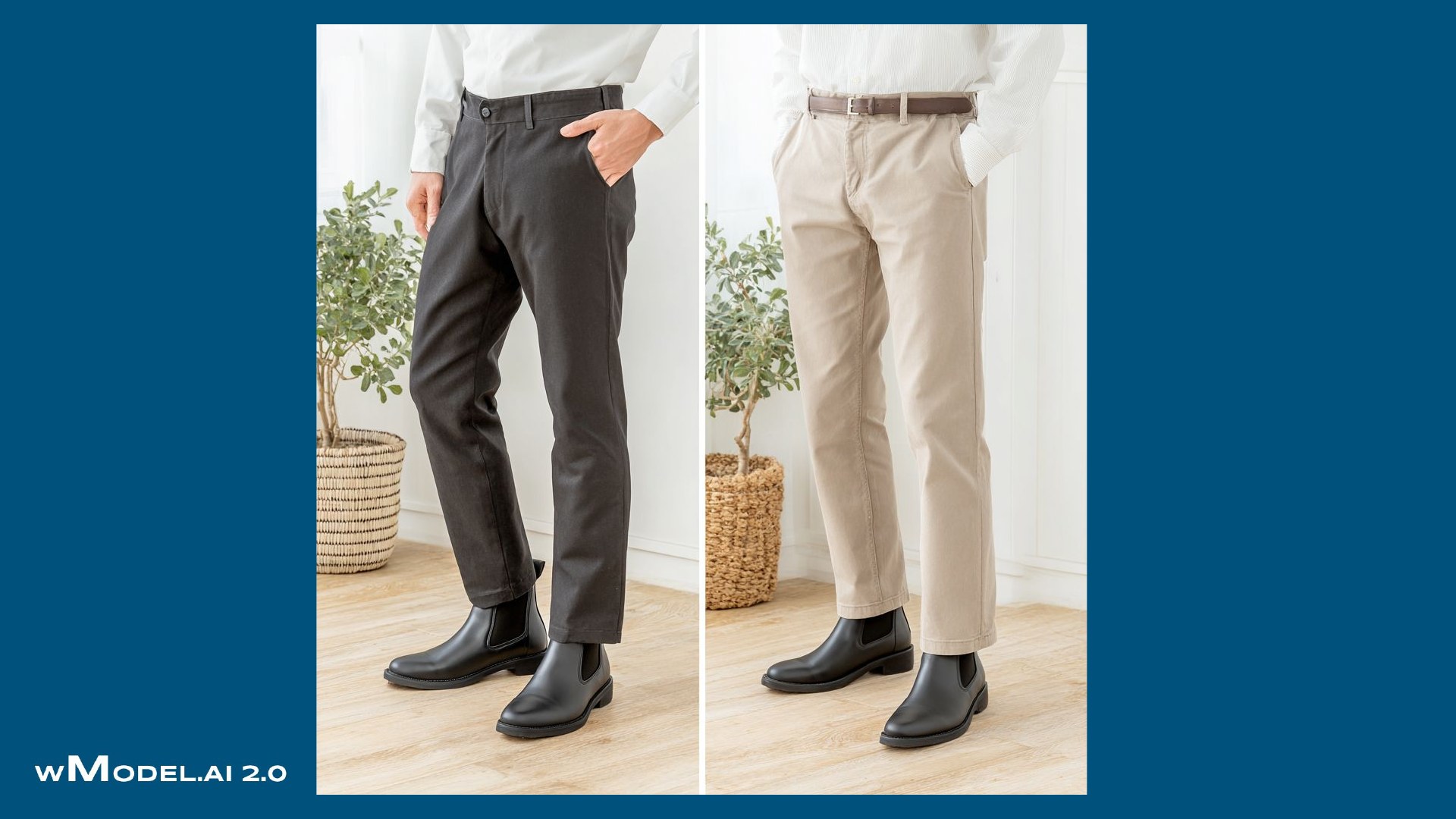
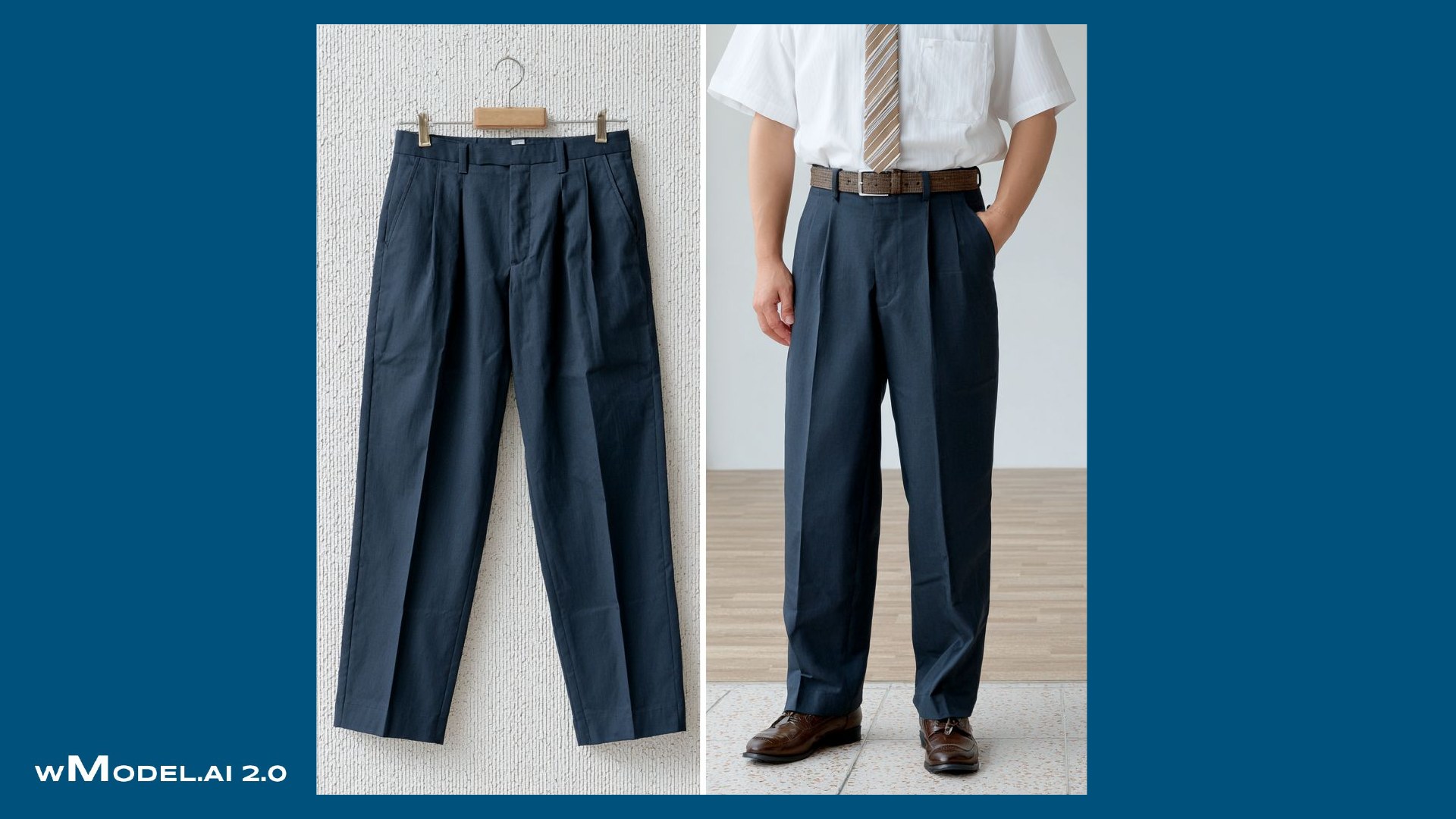
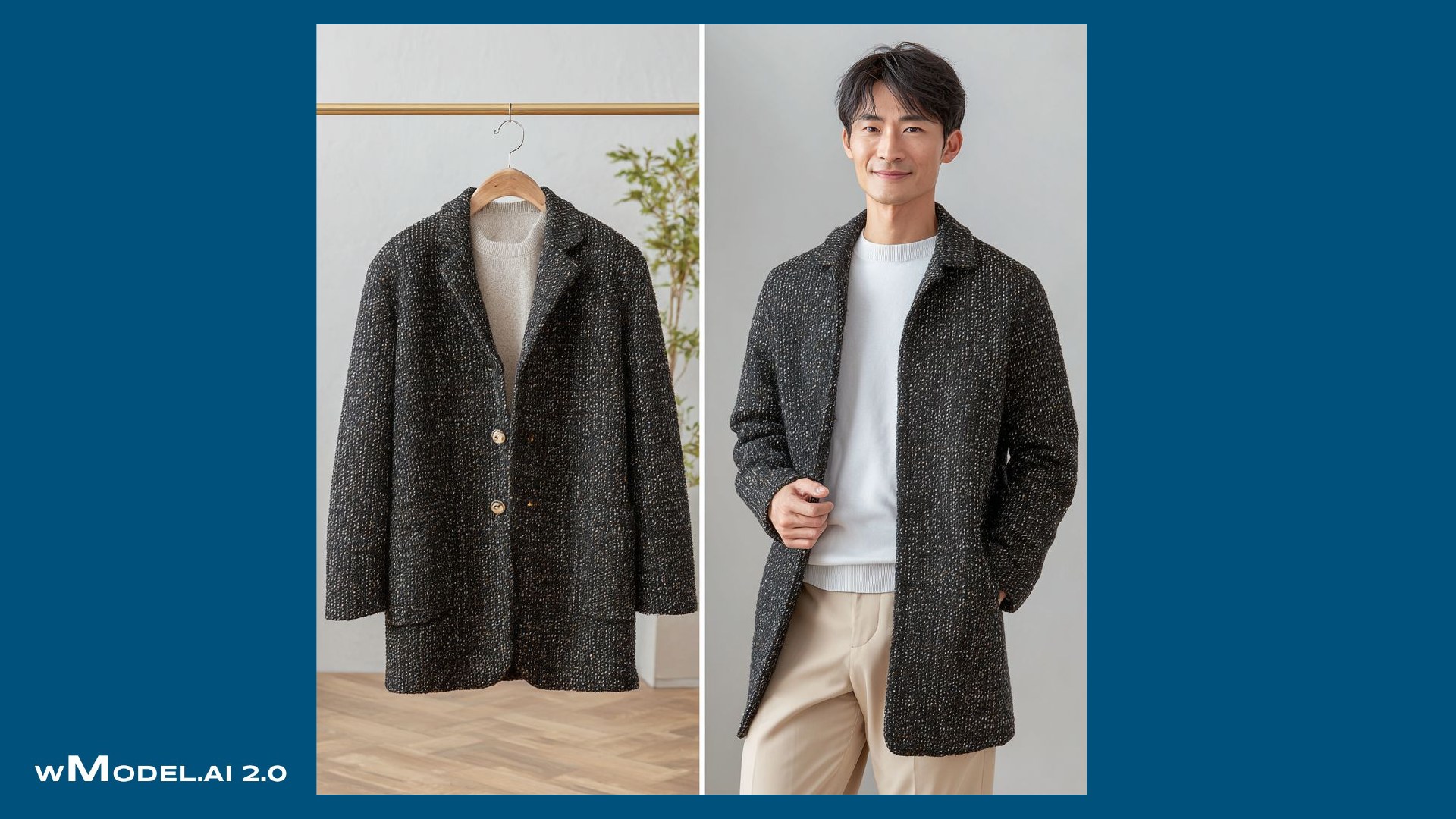
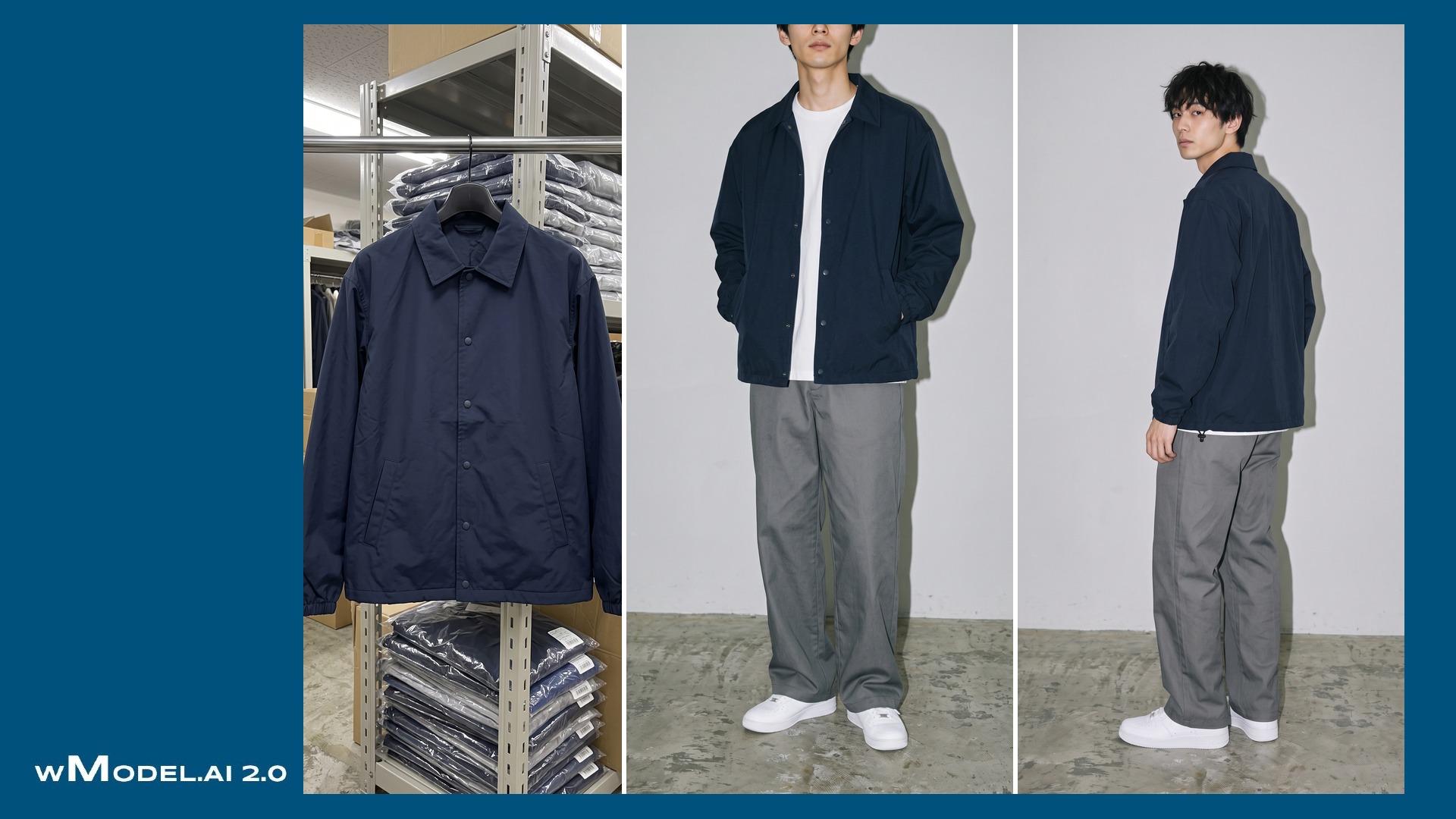
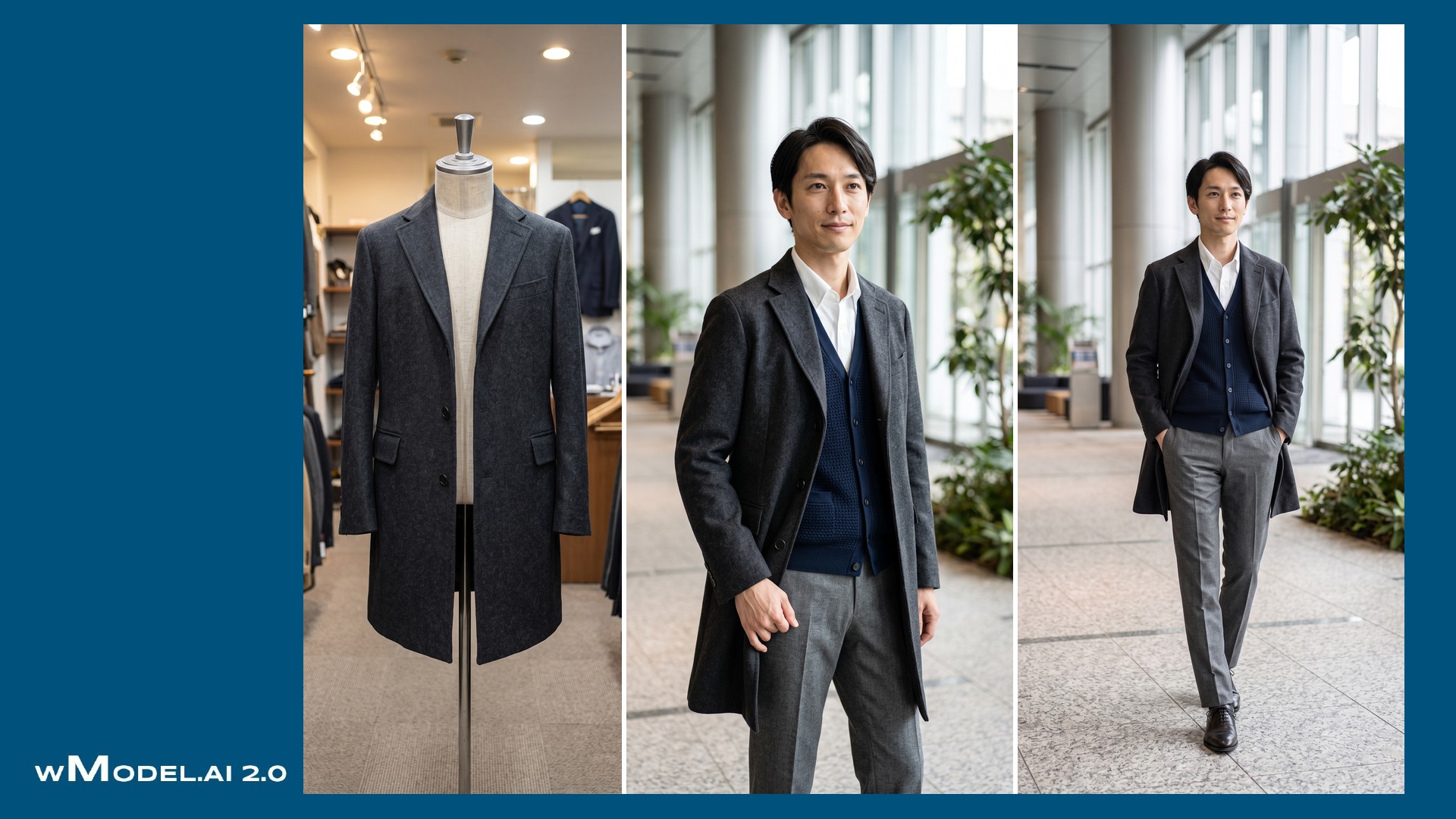
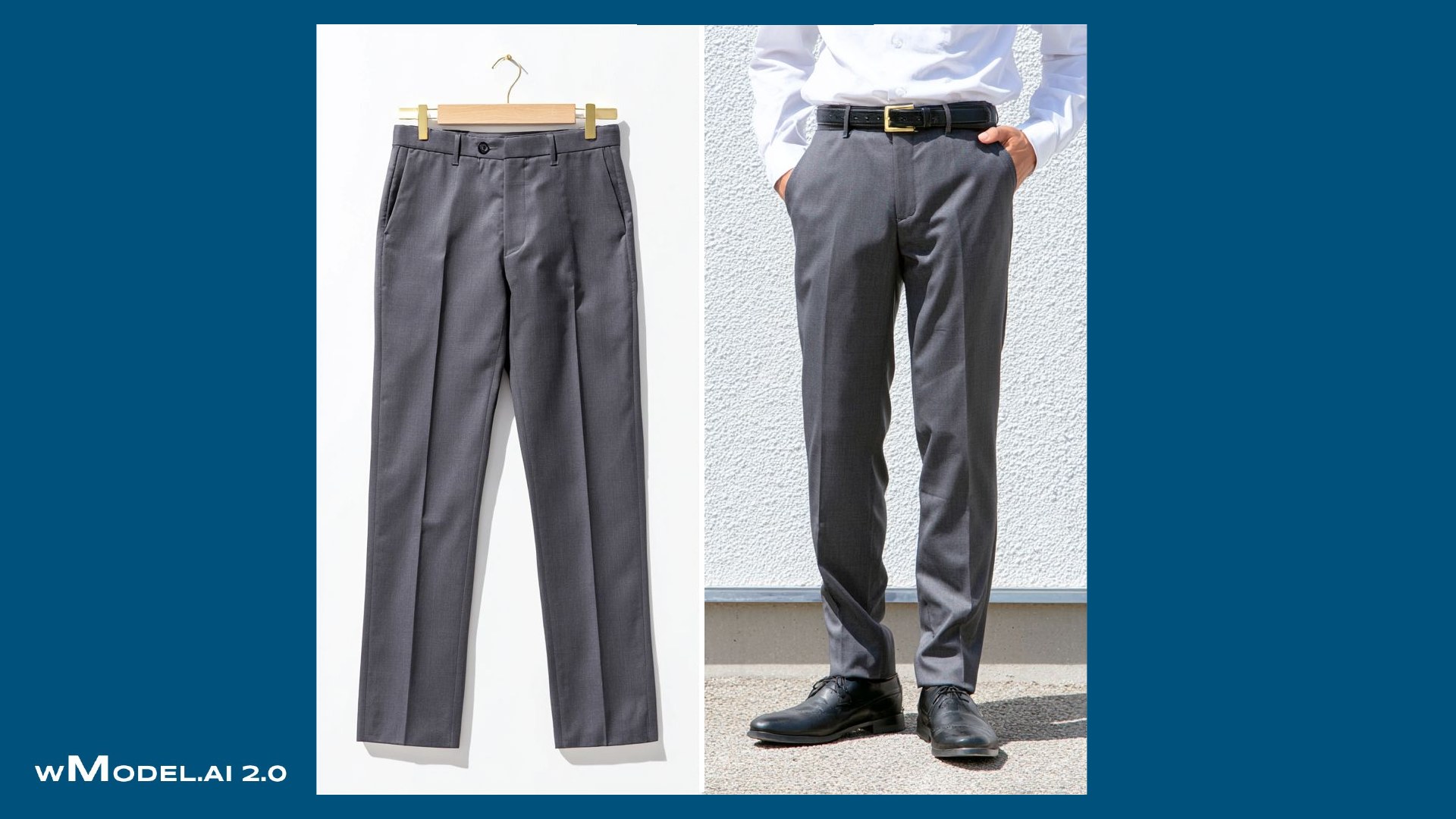
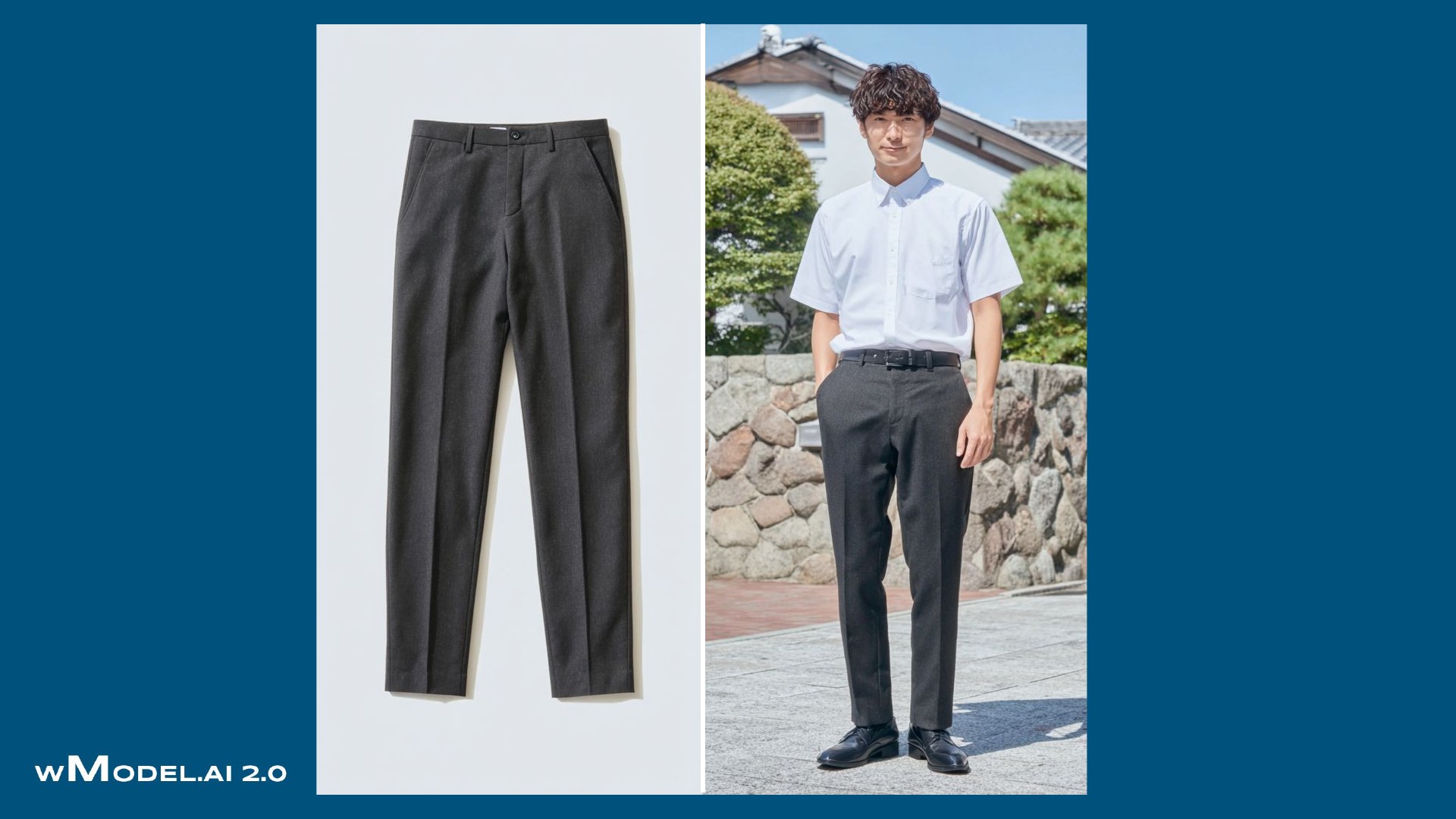
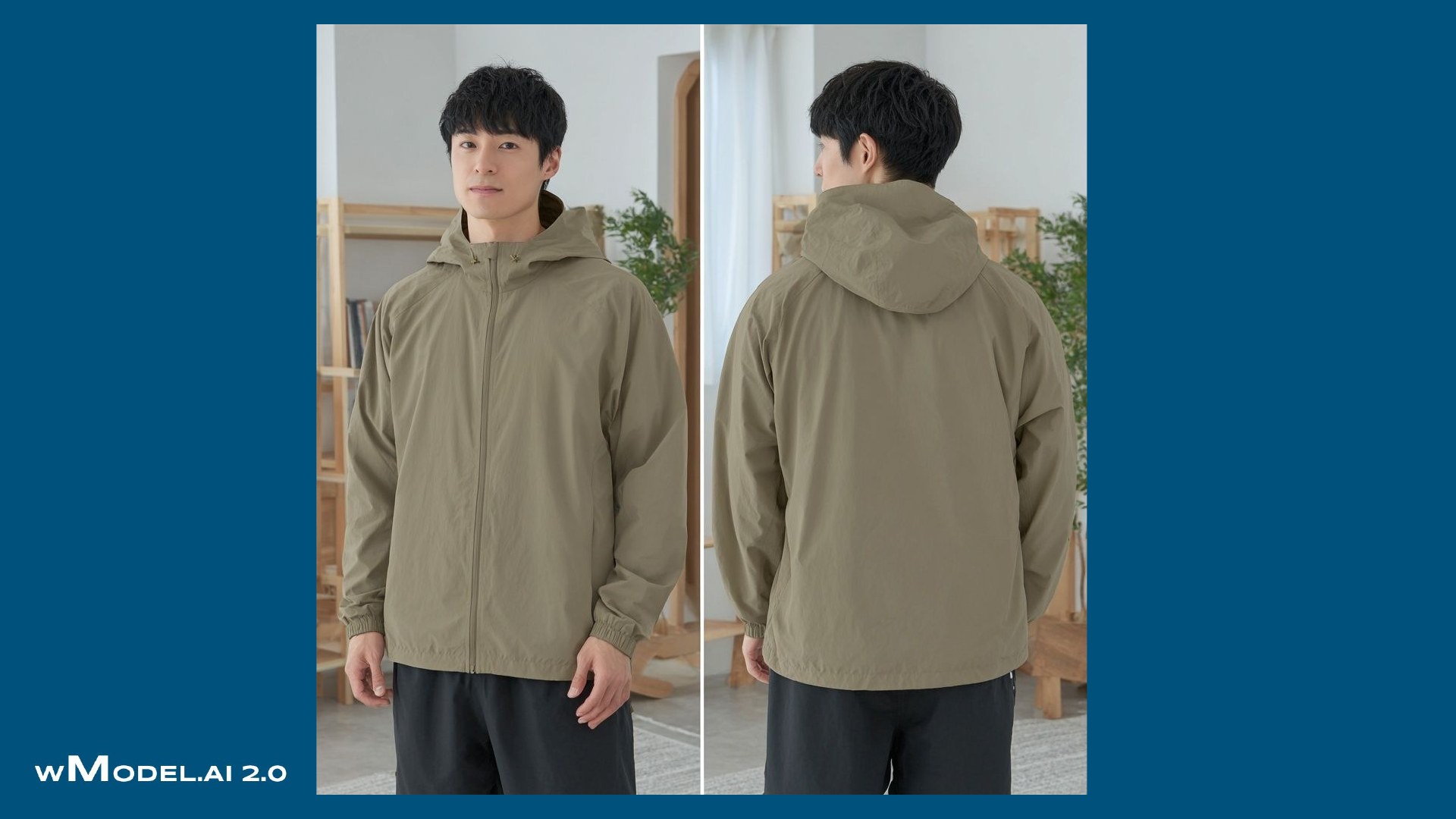
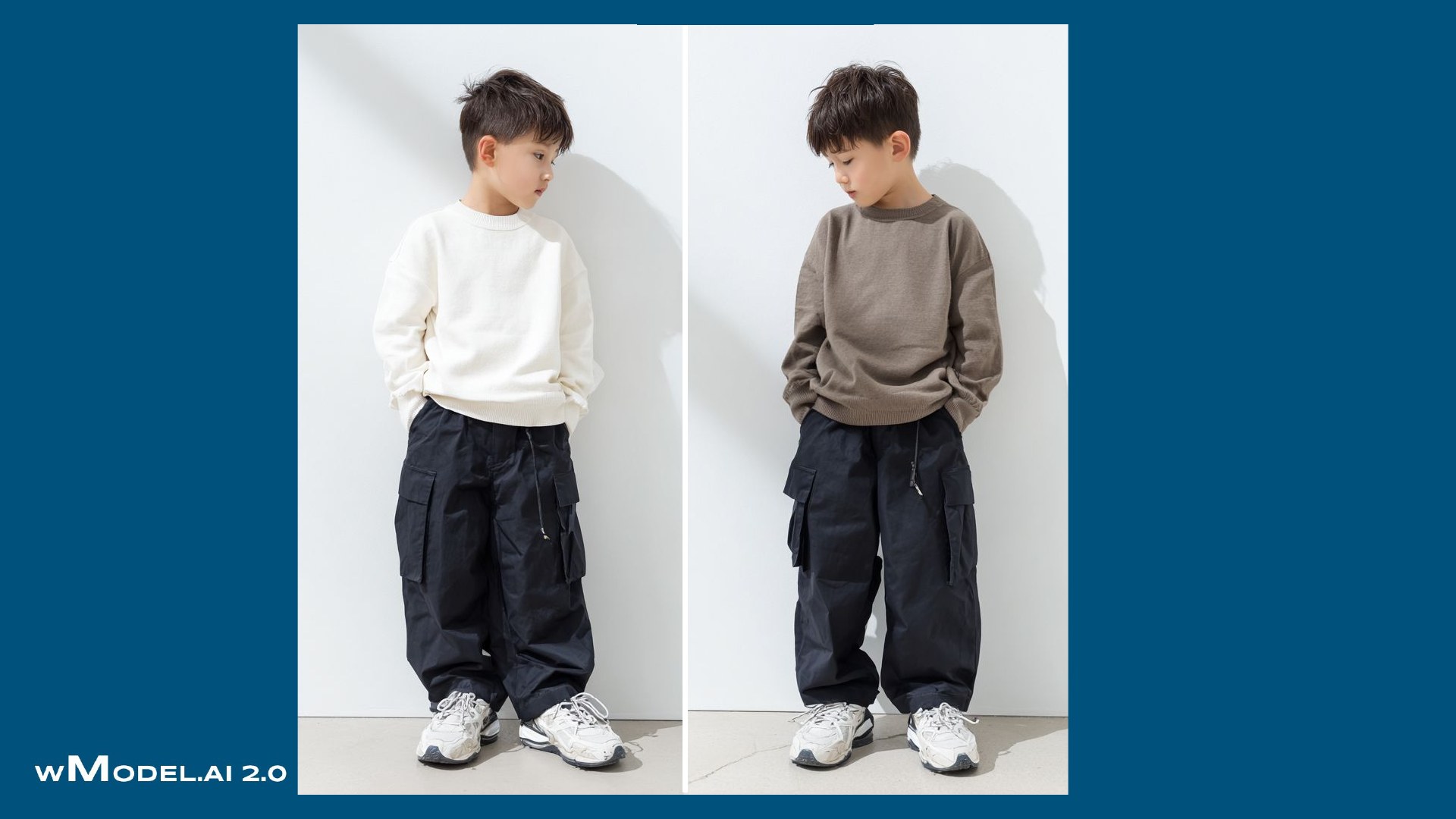
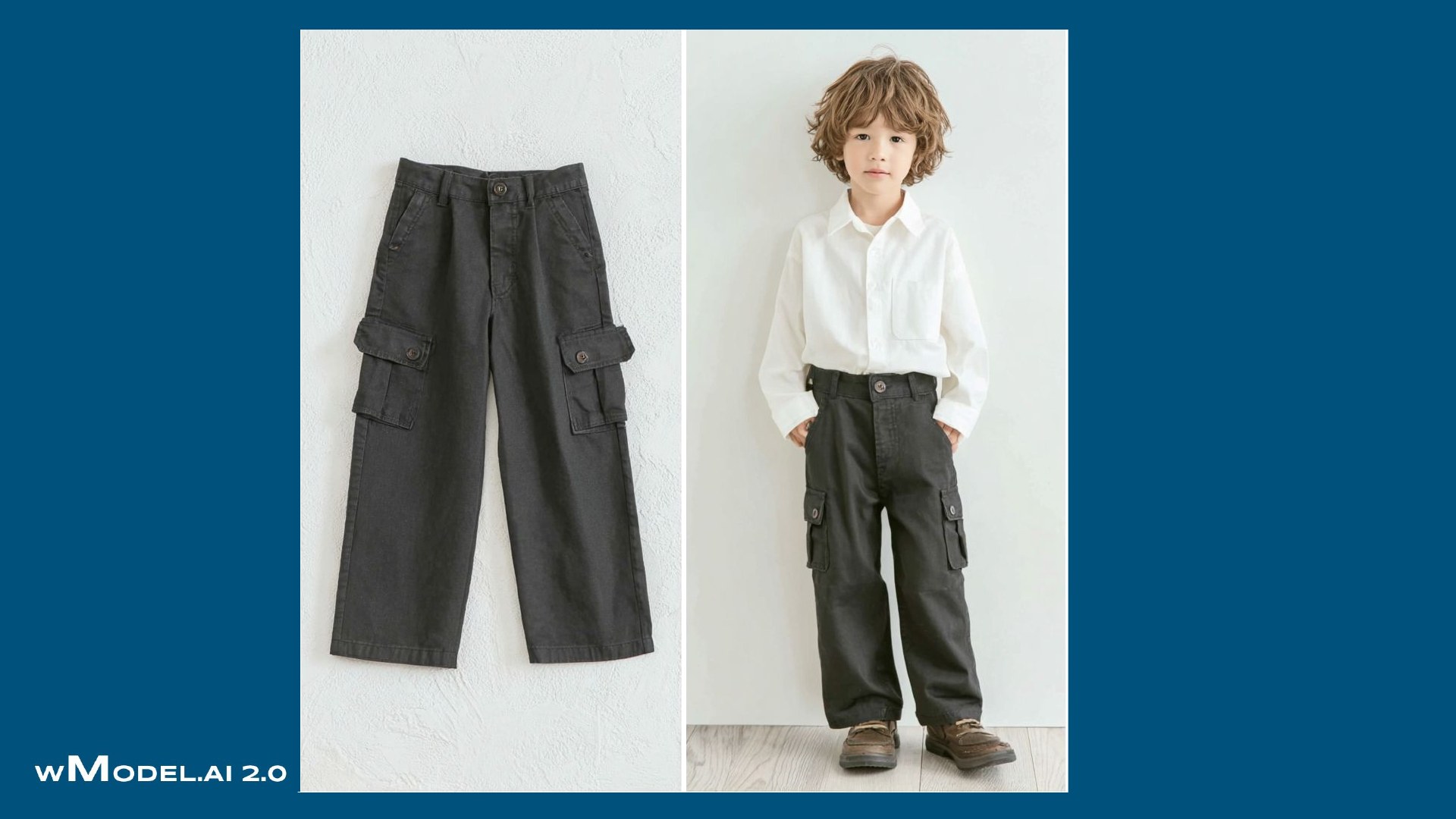
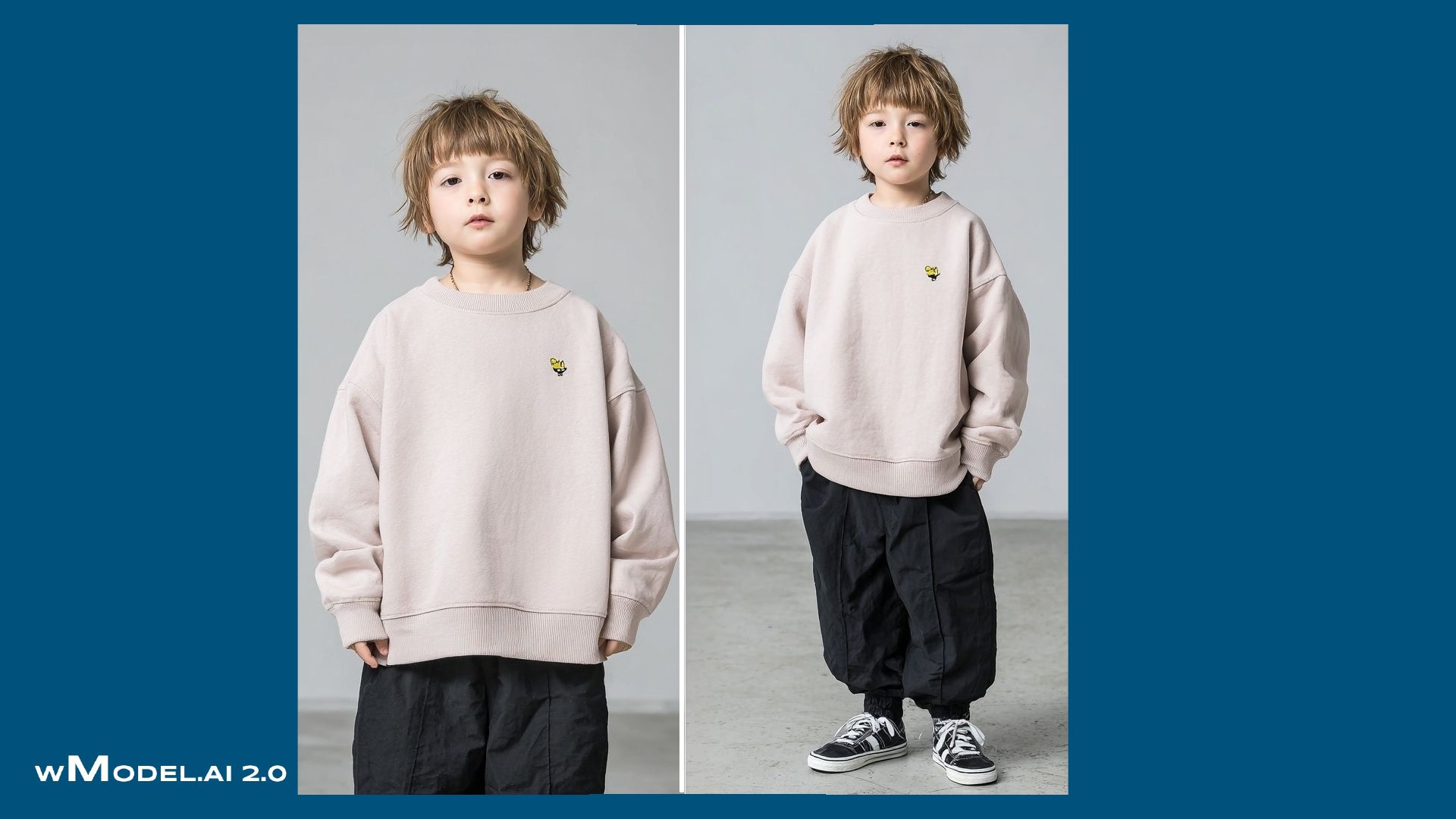
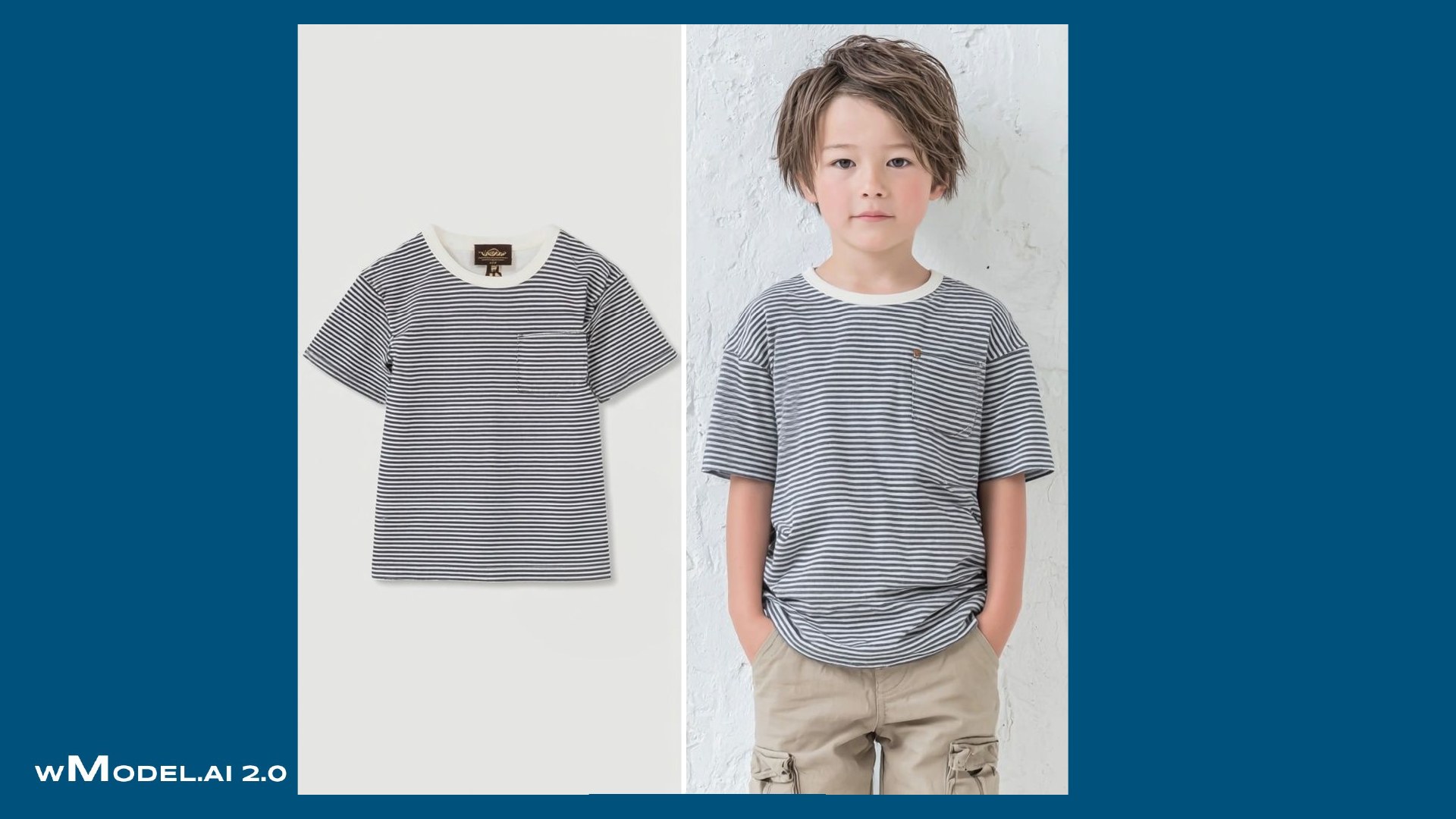
From flat-lay and hanger photos to wearing, movement and detail.
See it in a photograph. Understand the fit. Feel it in motion.
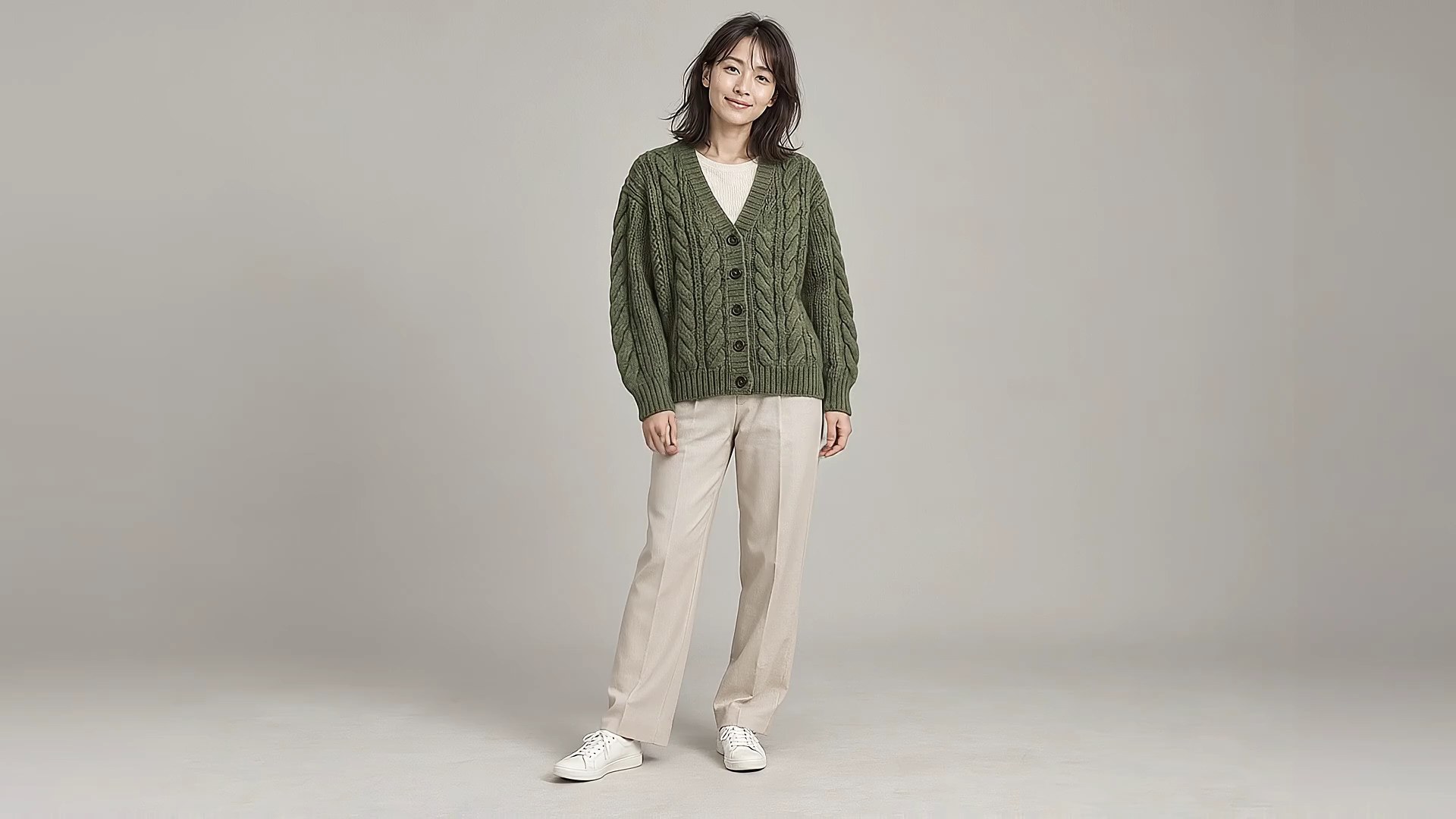
Images and videos, ready to use.
Product photo → On-model view → Movement → Detail
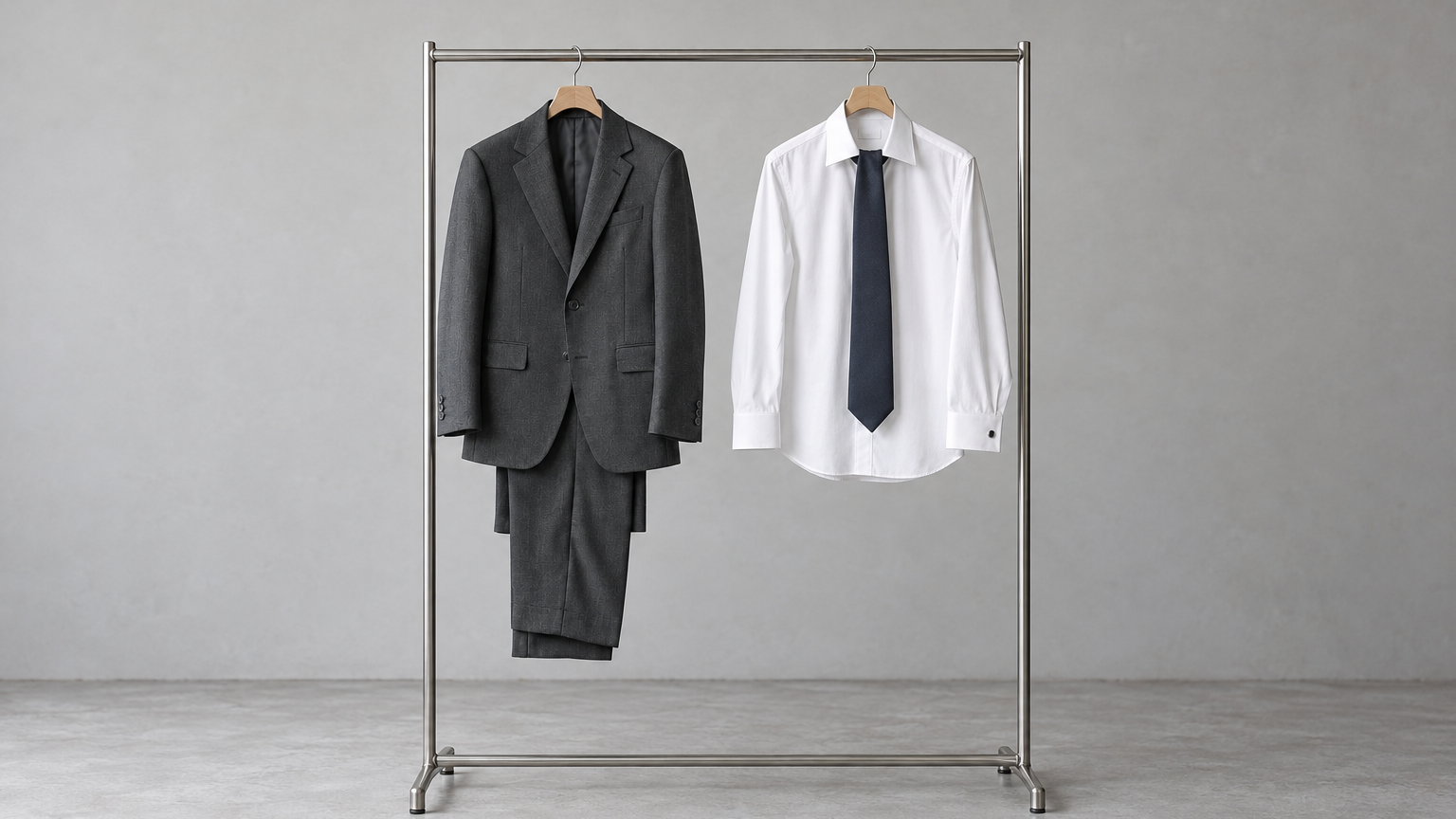
Product photo → On-model view → Movement → Detail
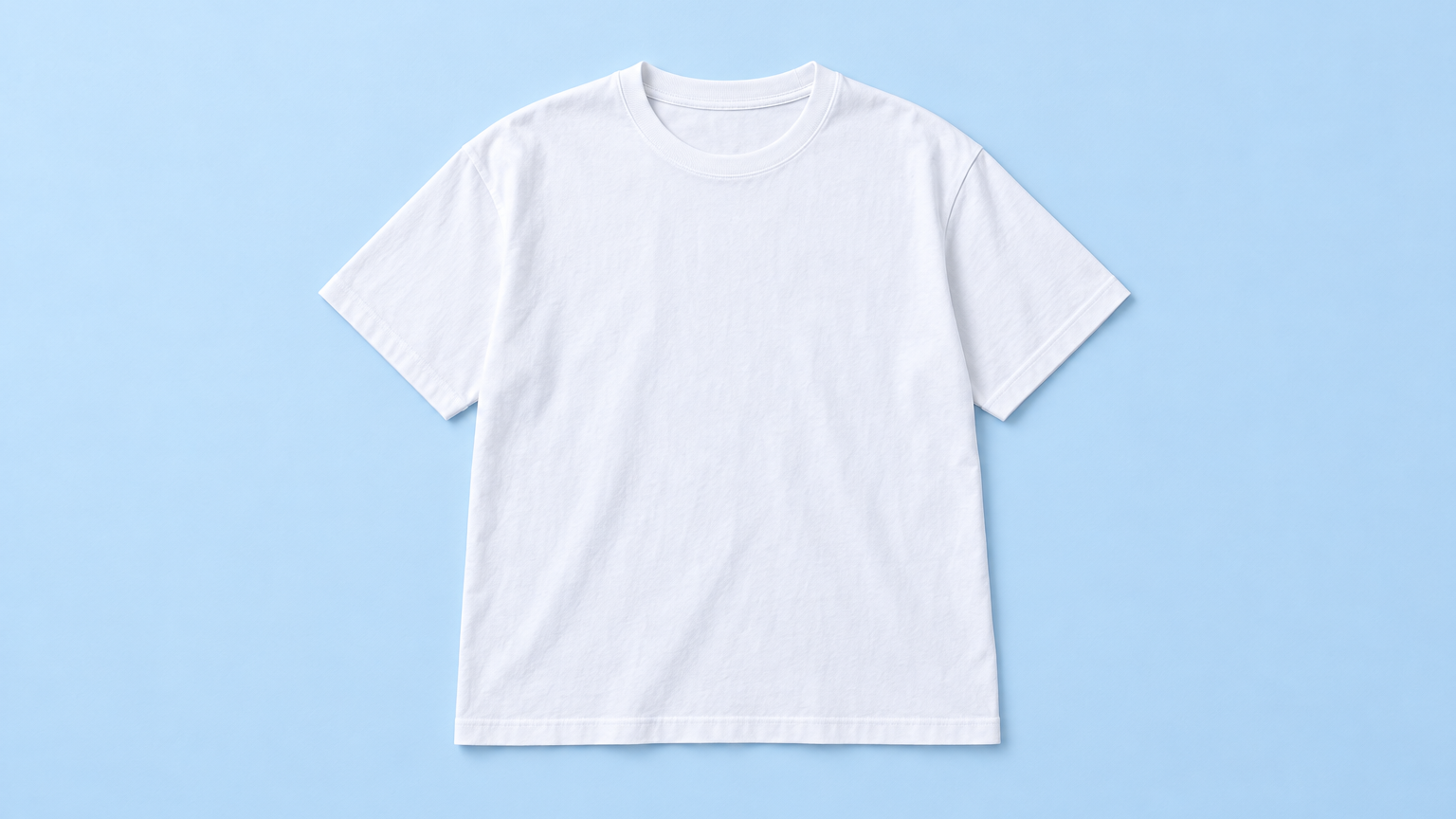
Product photo → On-model view → Movement → Detail
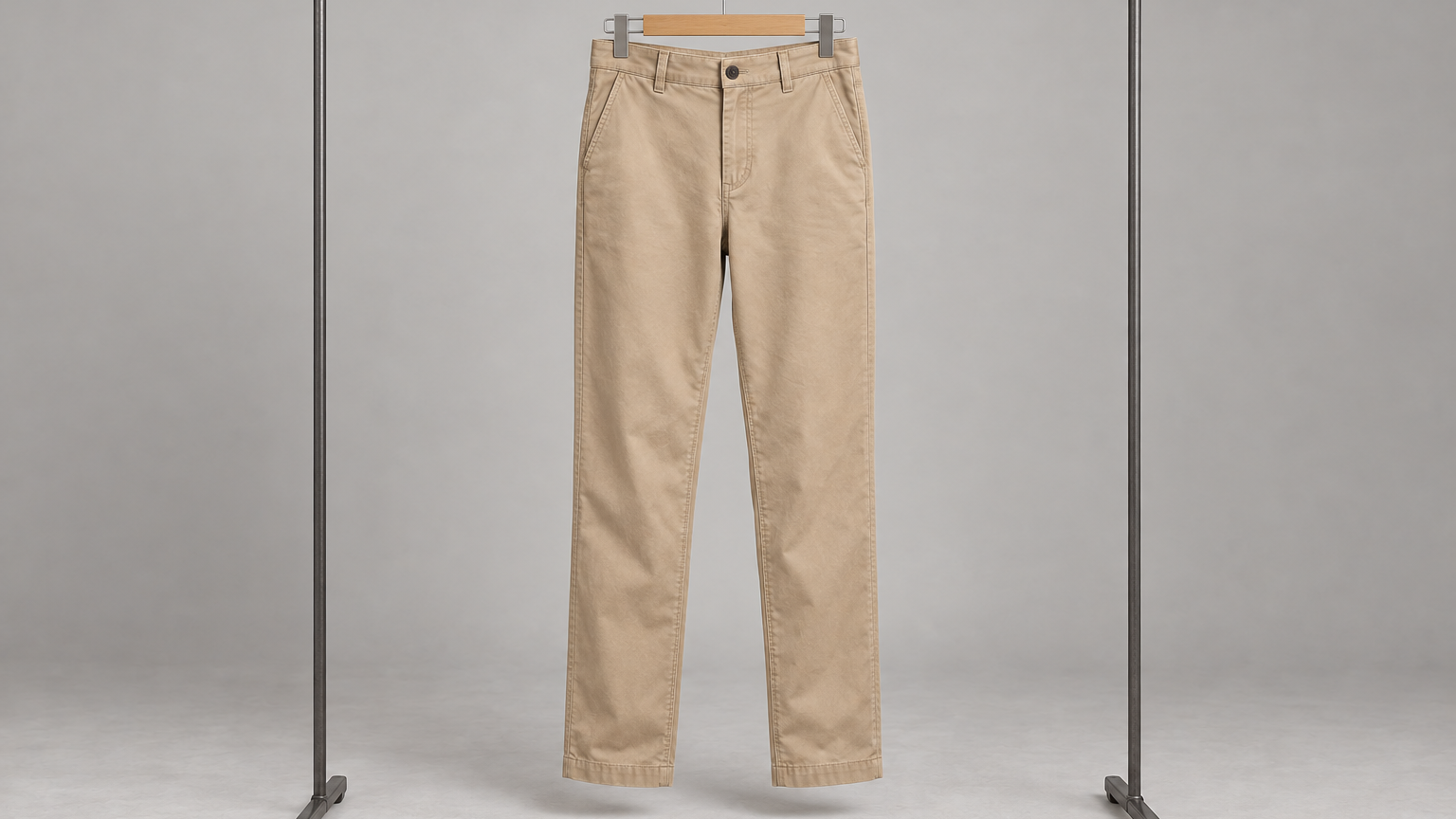
Product photo → On-model view → Movement → Detail
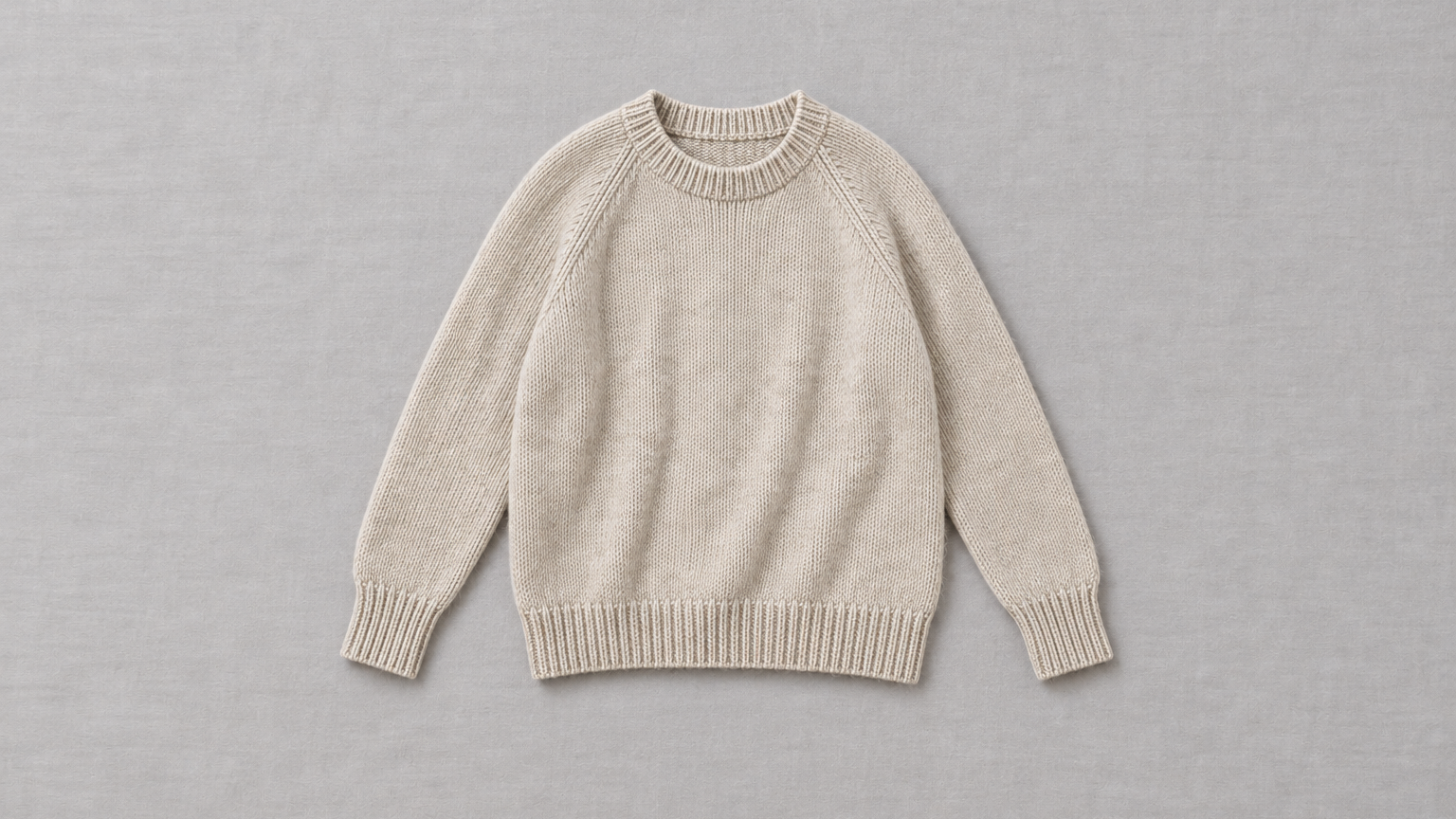
Product photo → On-model view → Movement → Detail
Find examples for products like yours.
Fourteen categories, from apparel, bags, hats and shoes to pet products and cosmetics. Explore examples and discuss your project.


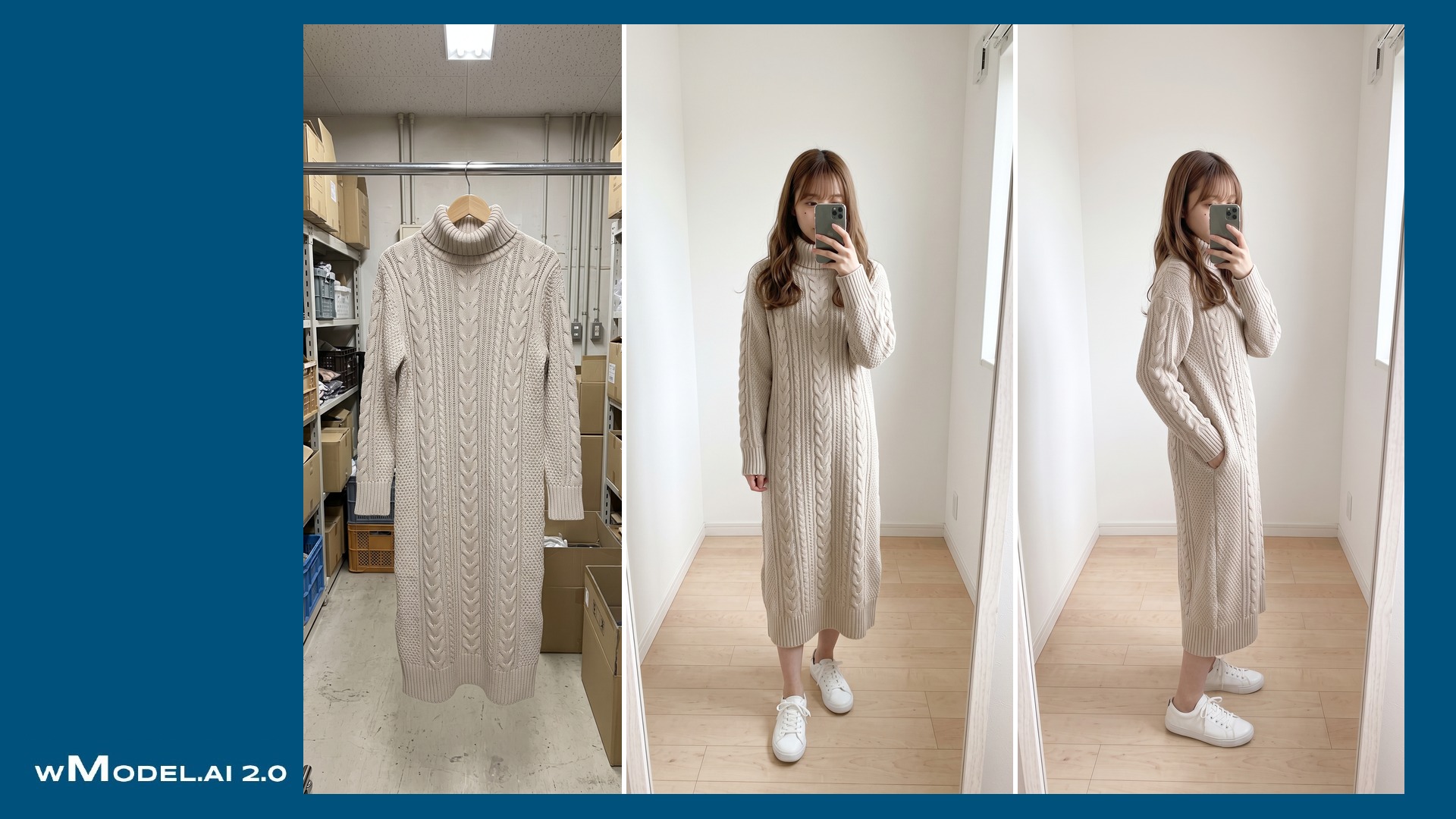
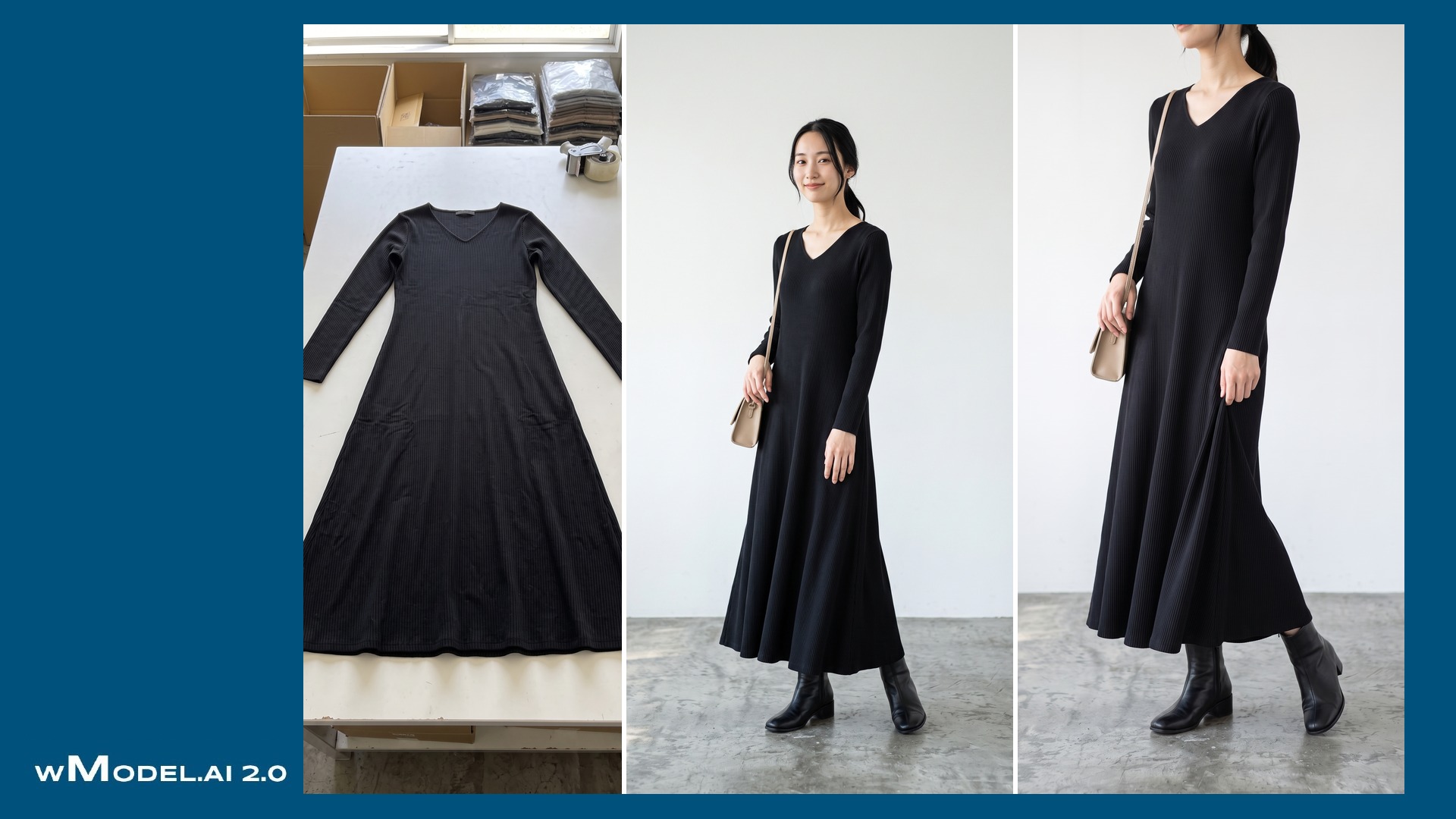





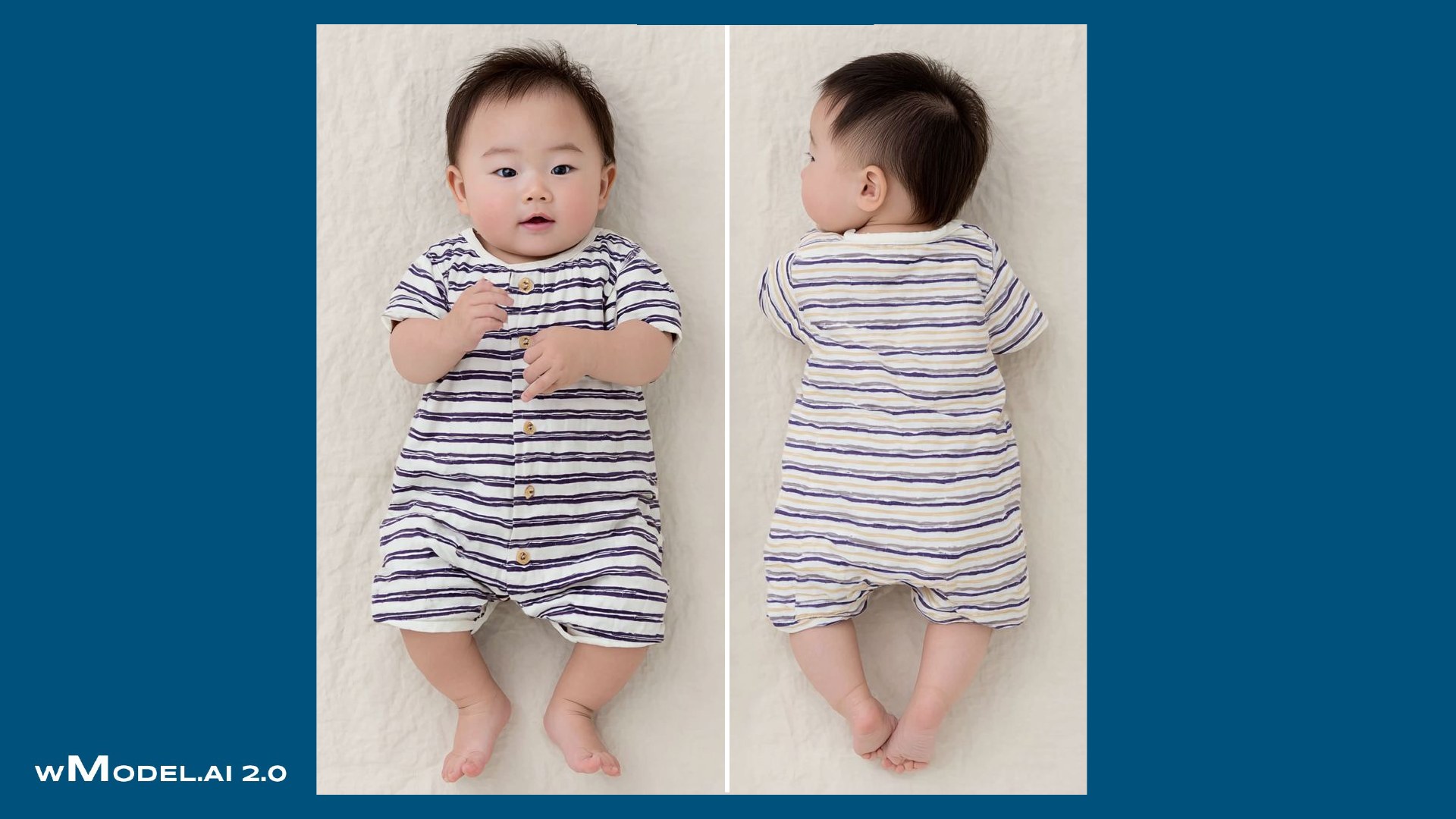
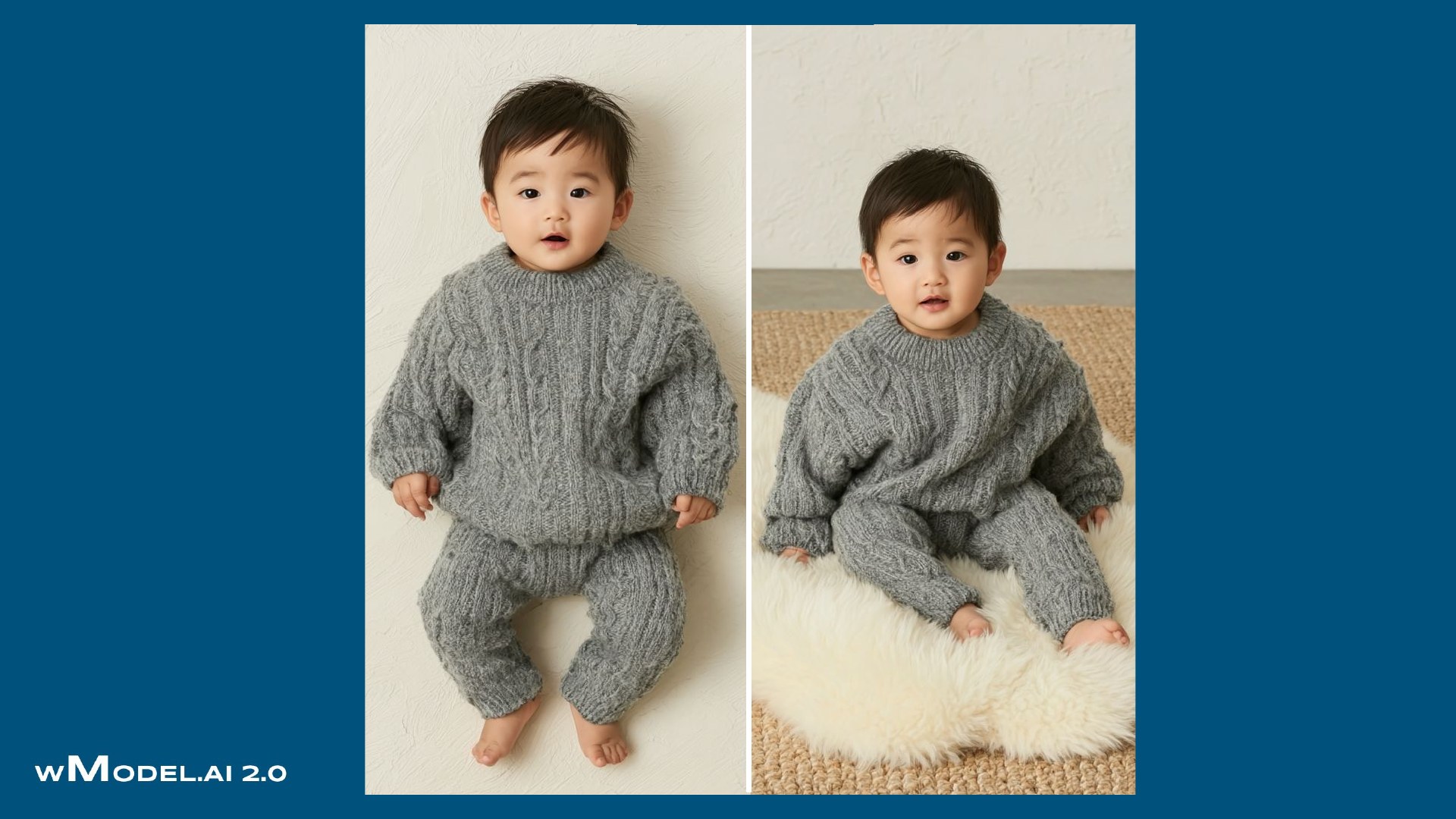
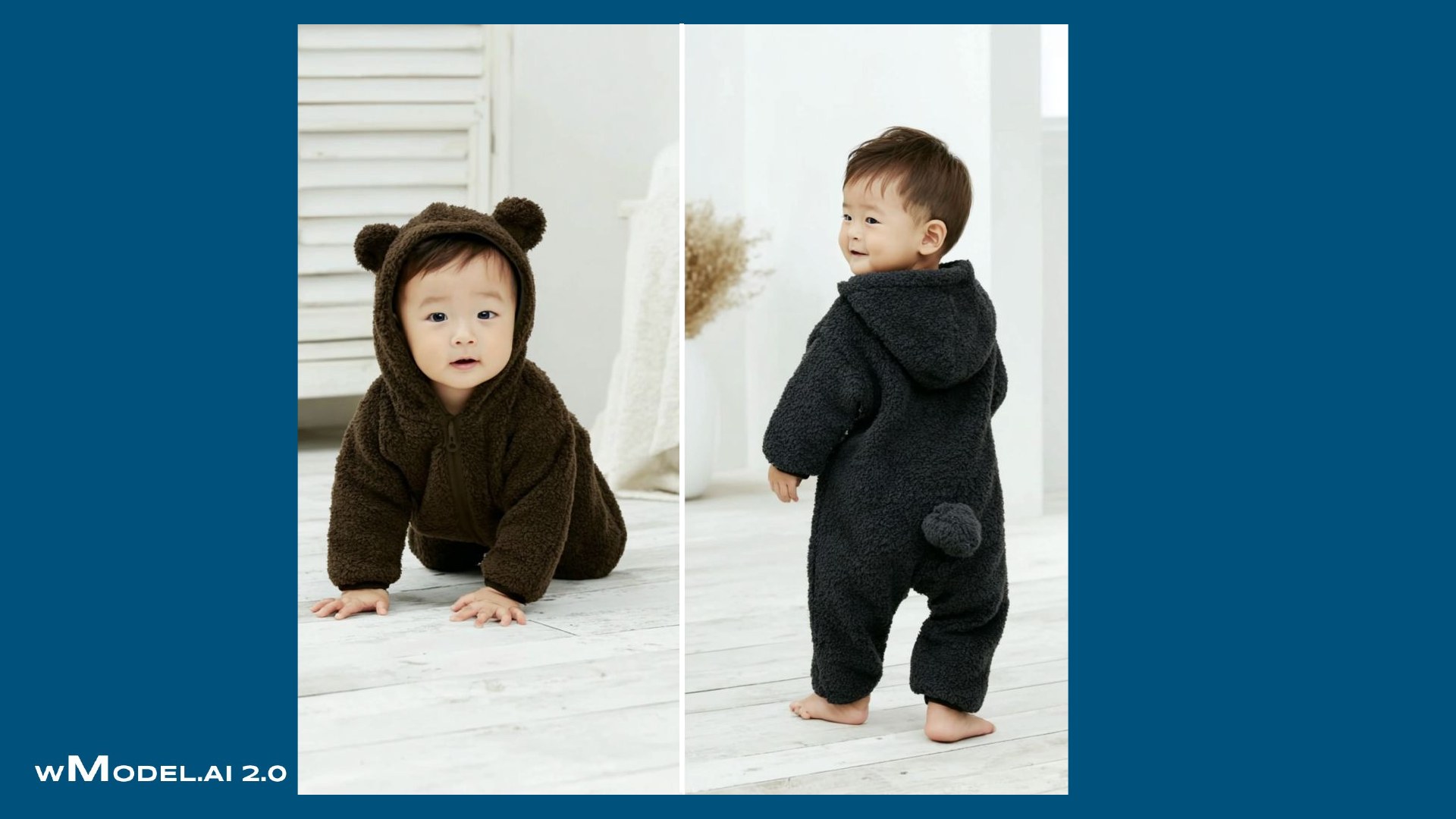
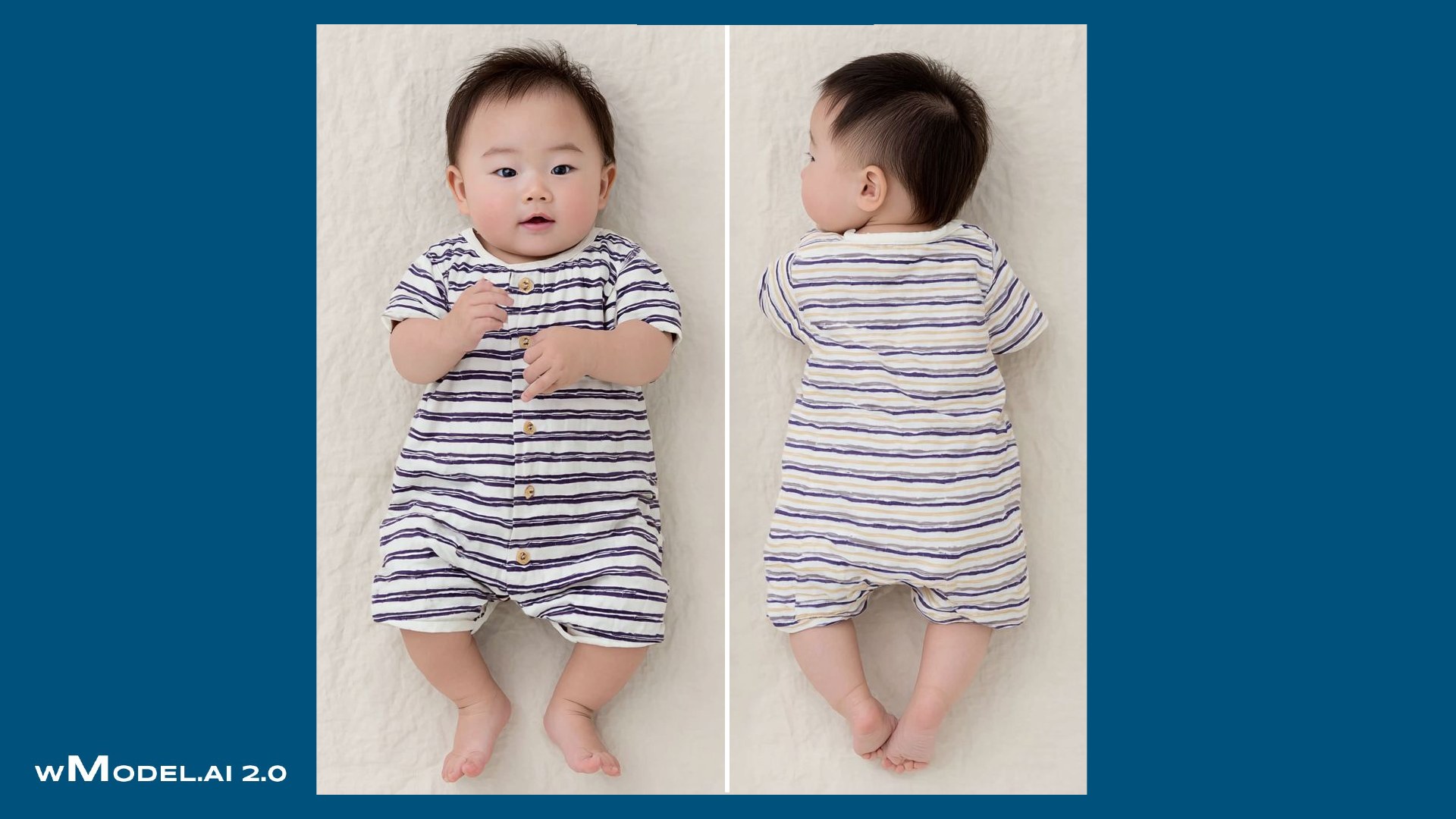
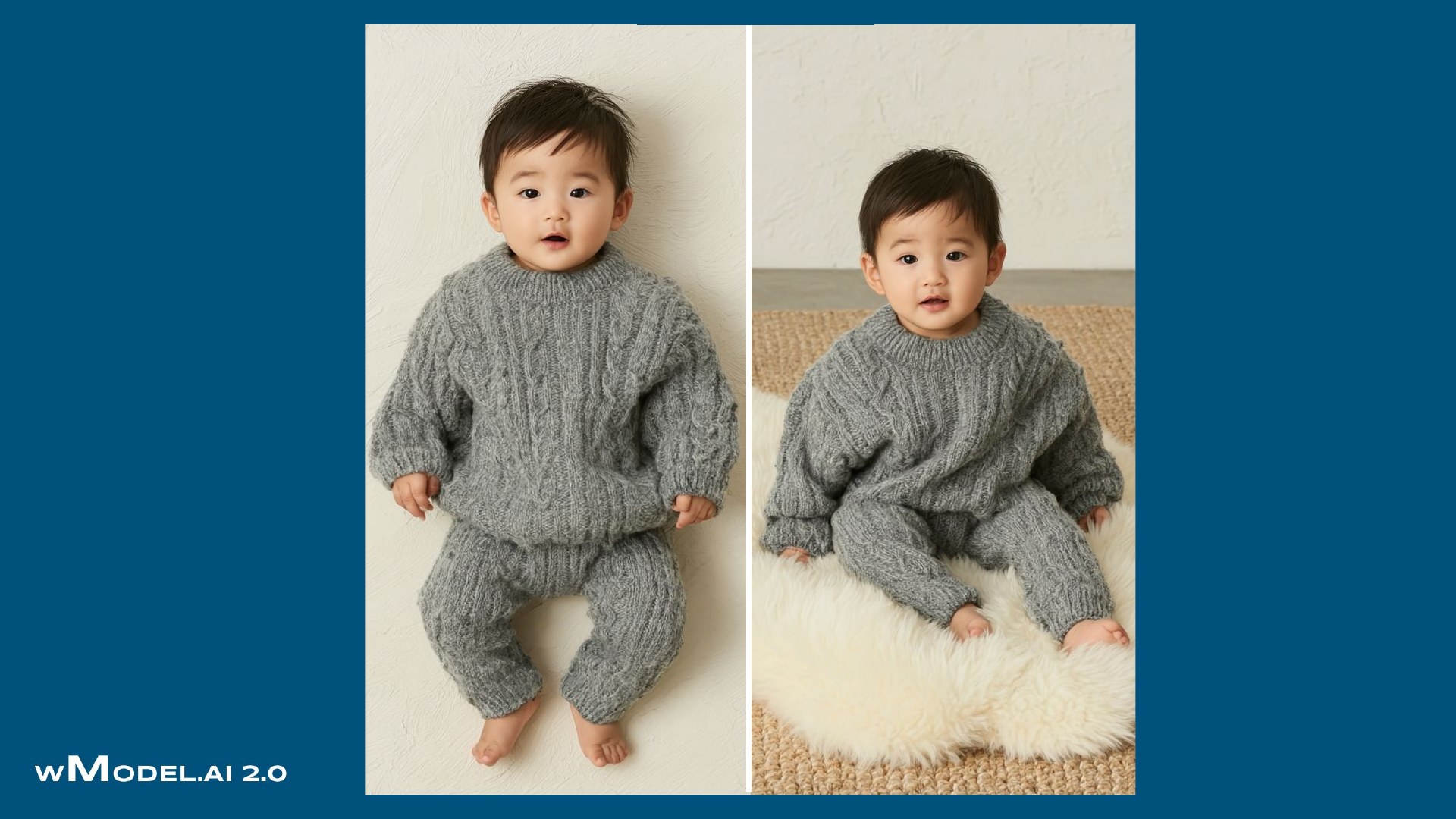
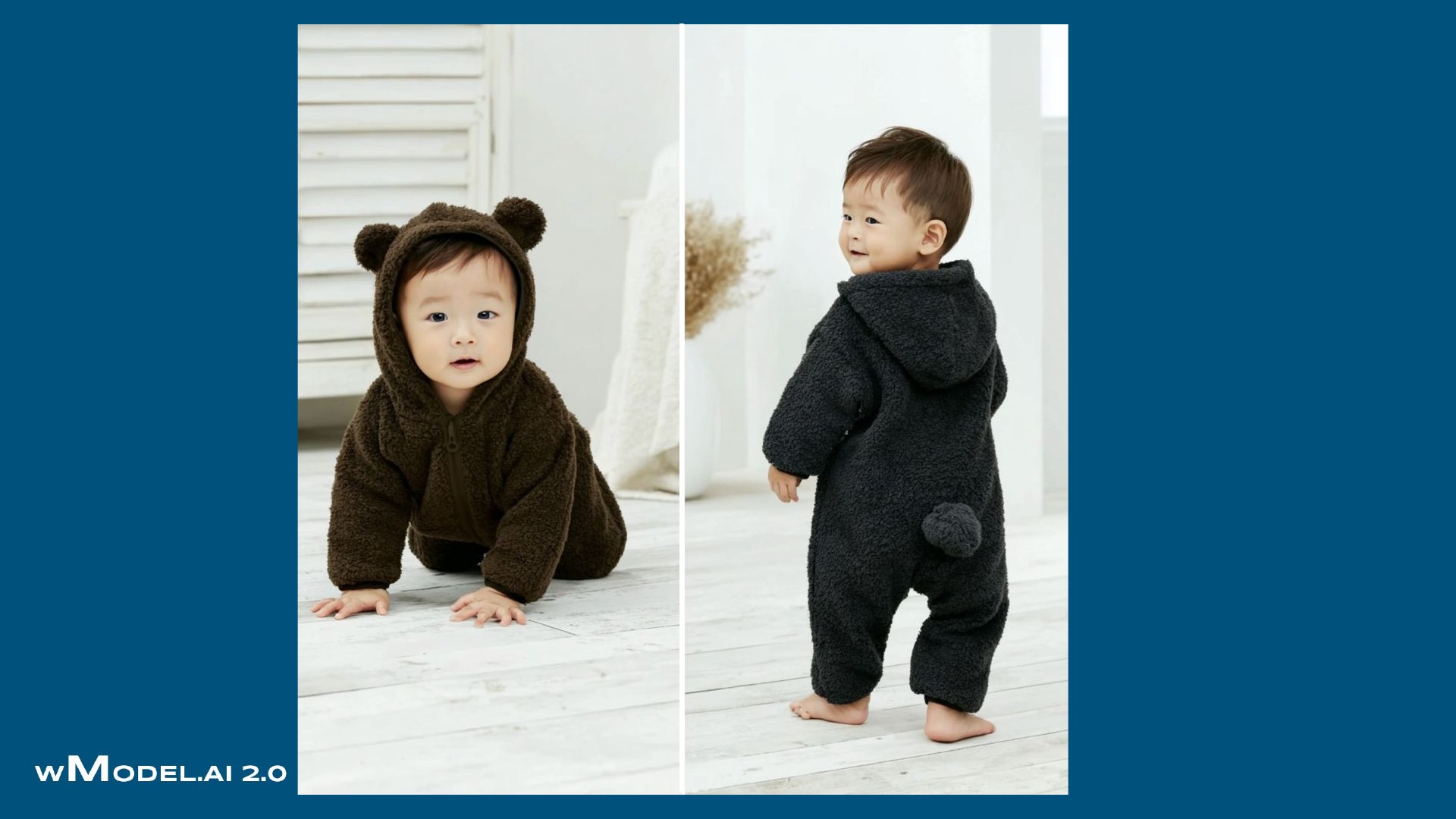
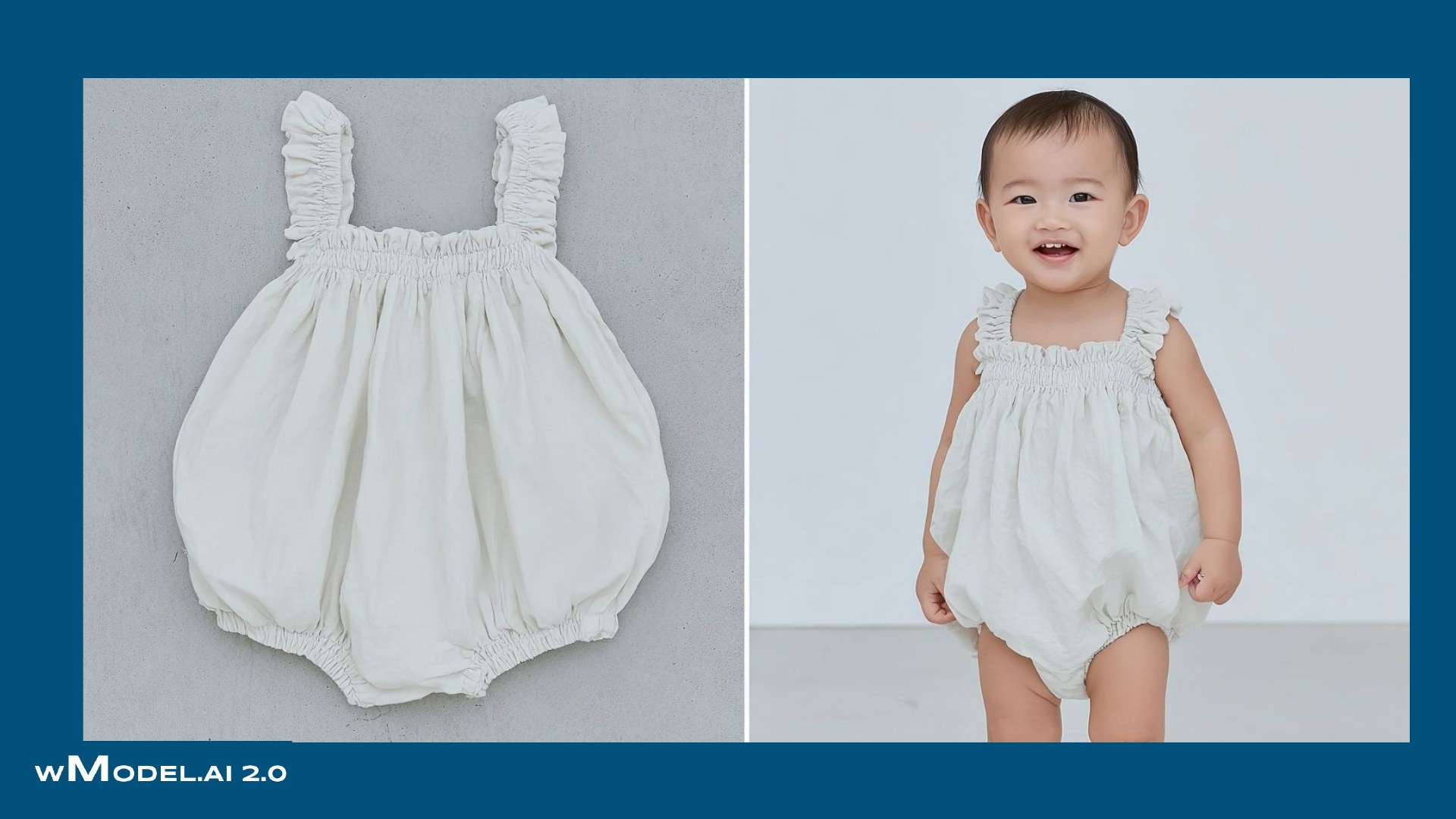
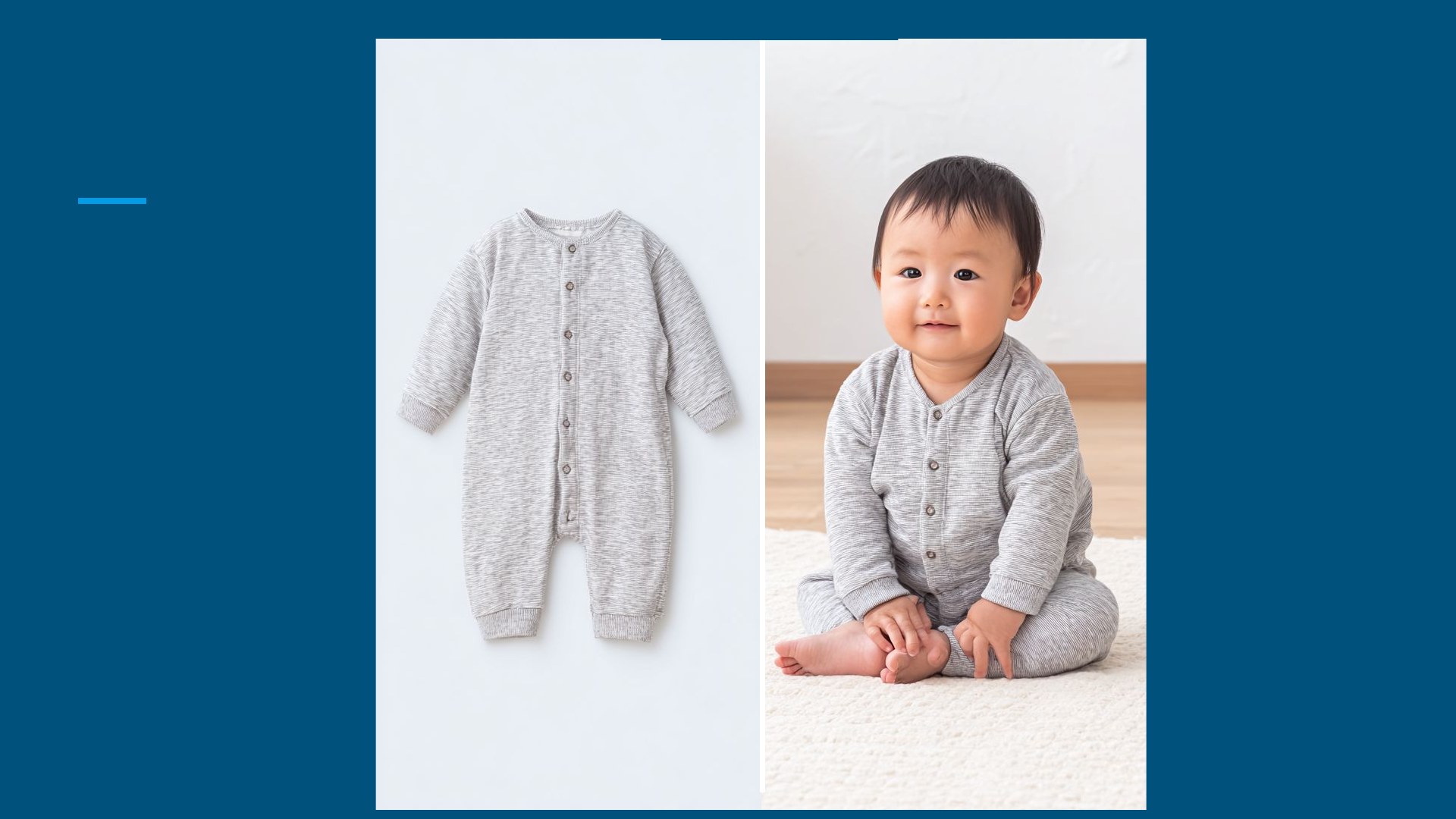
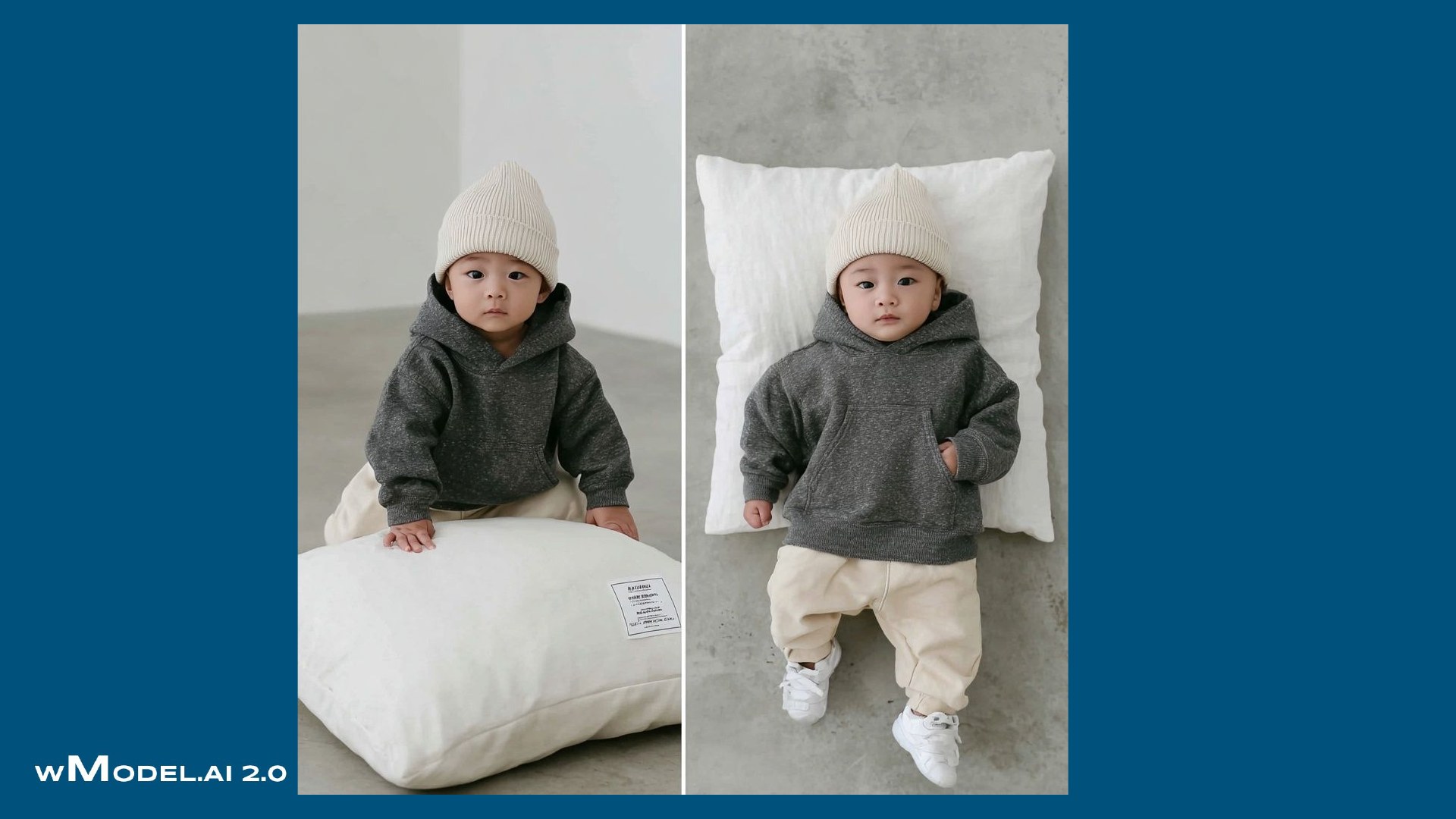
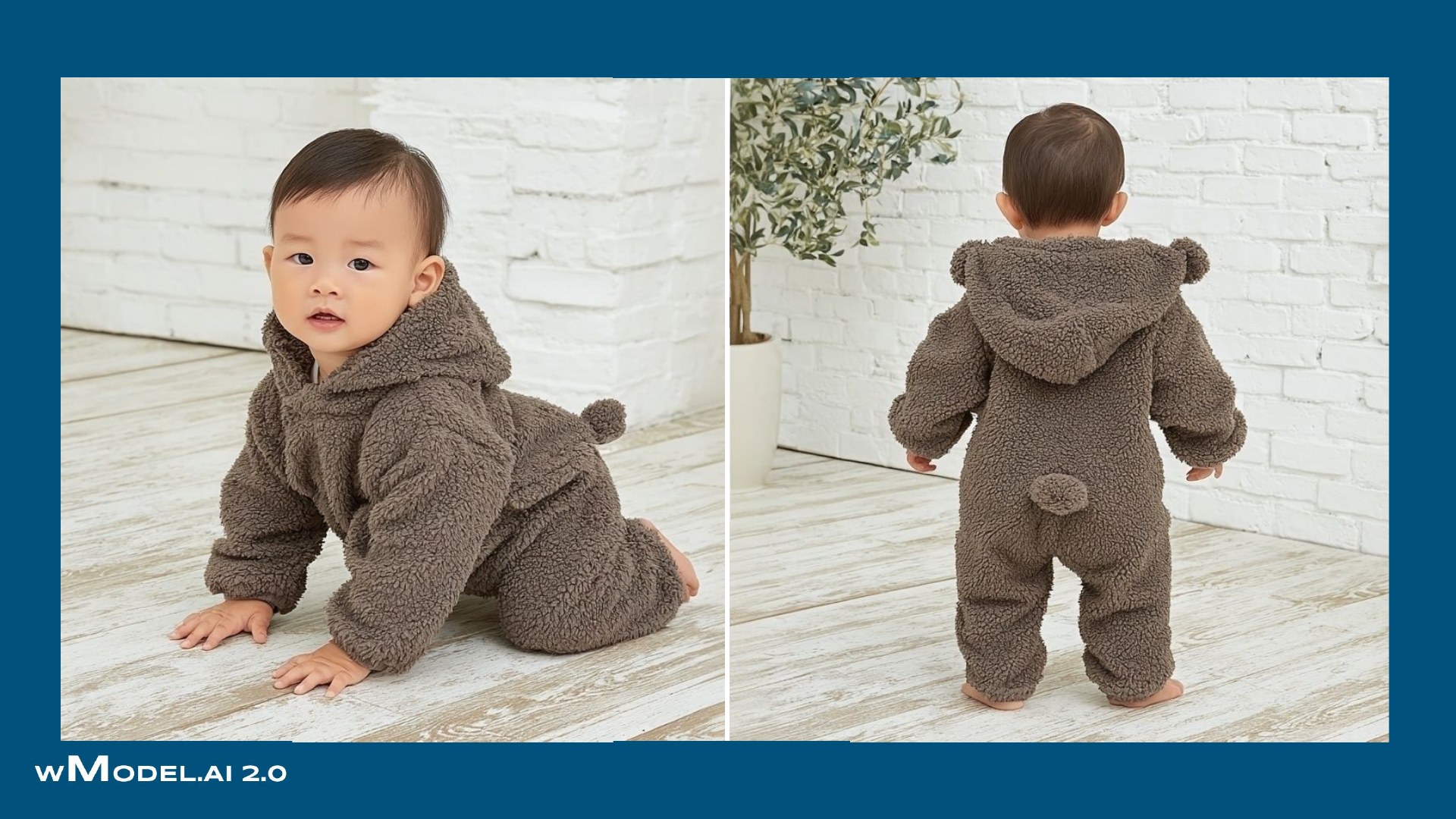
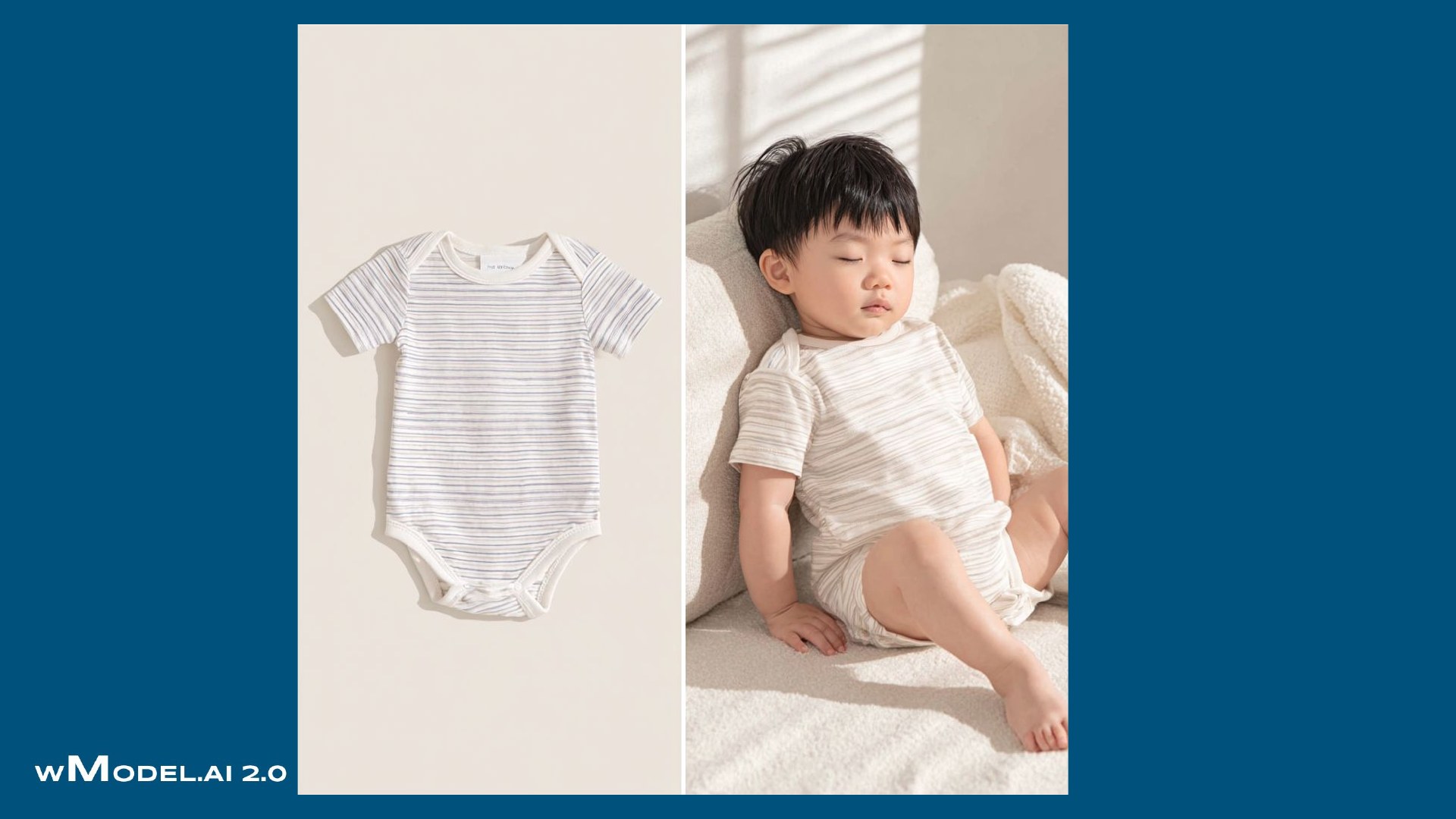
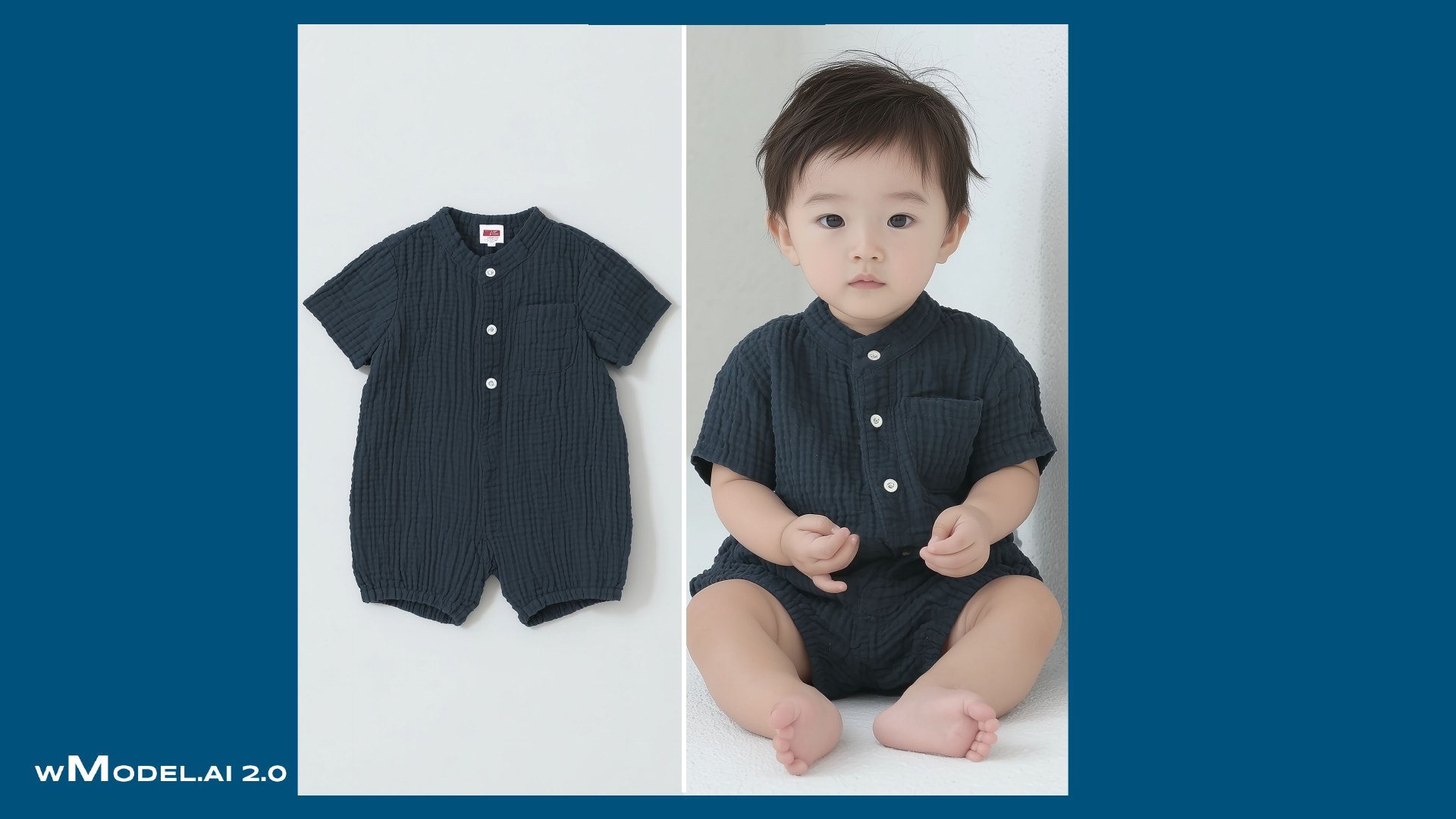
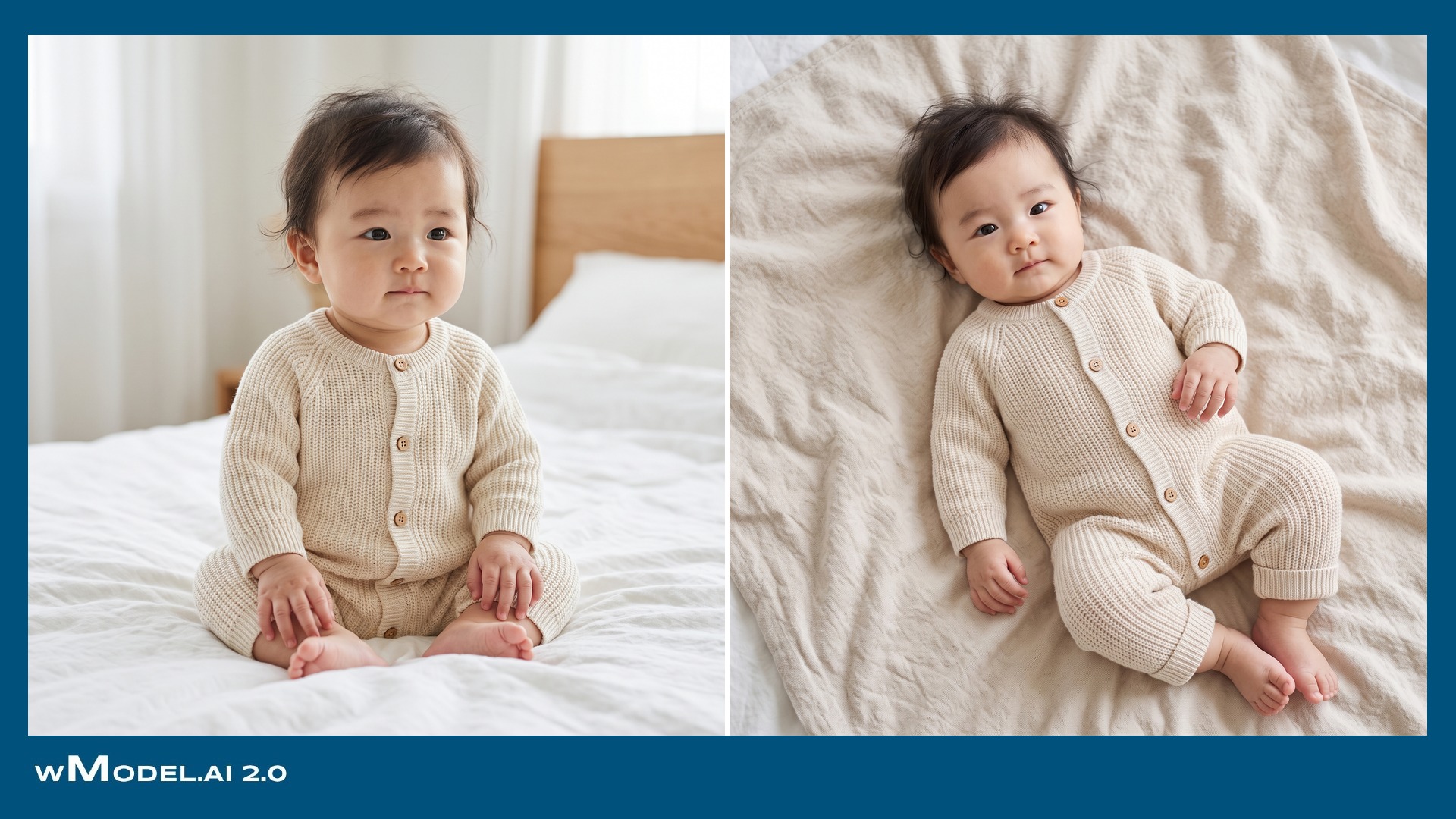
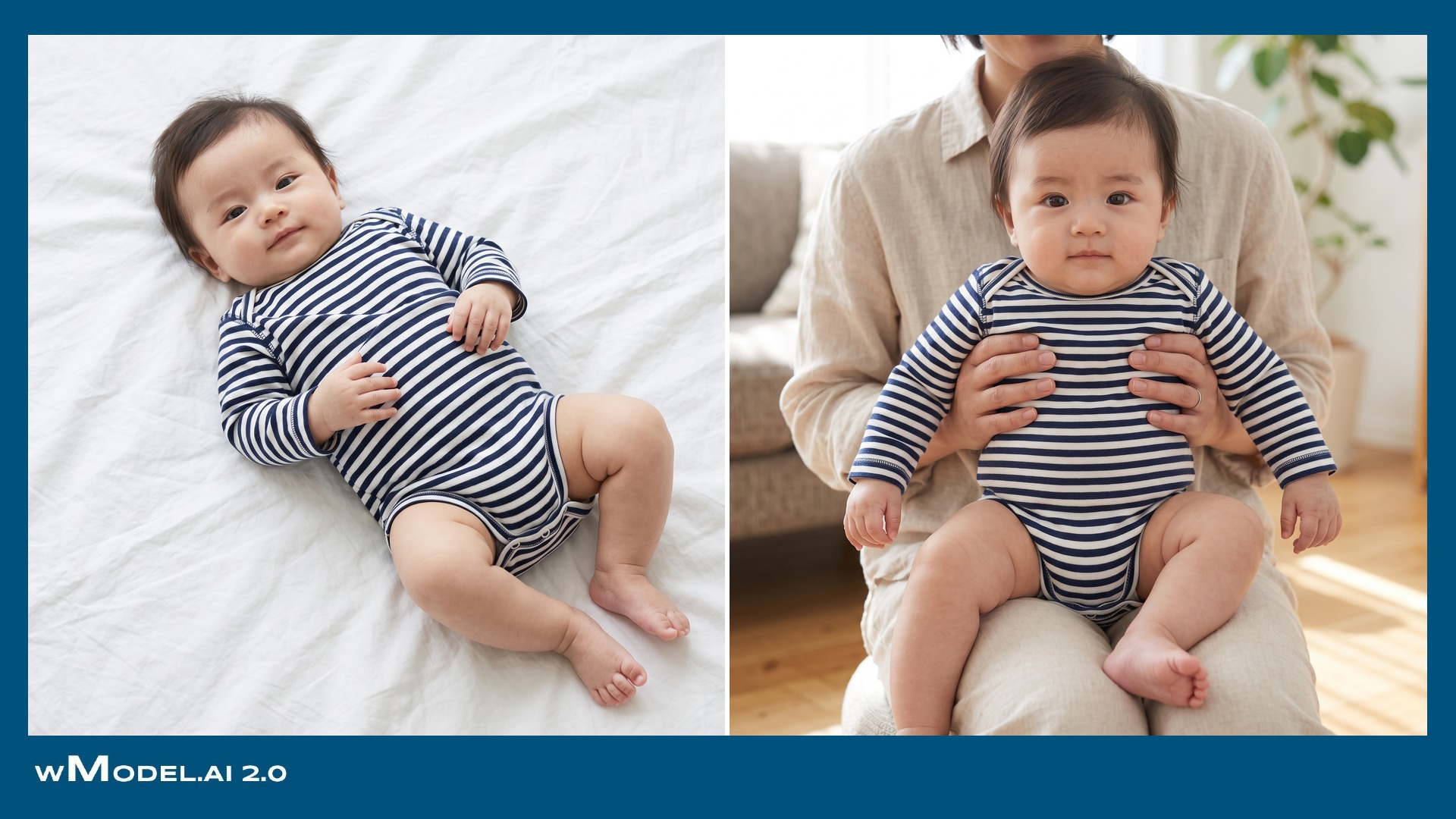
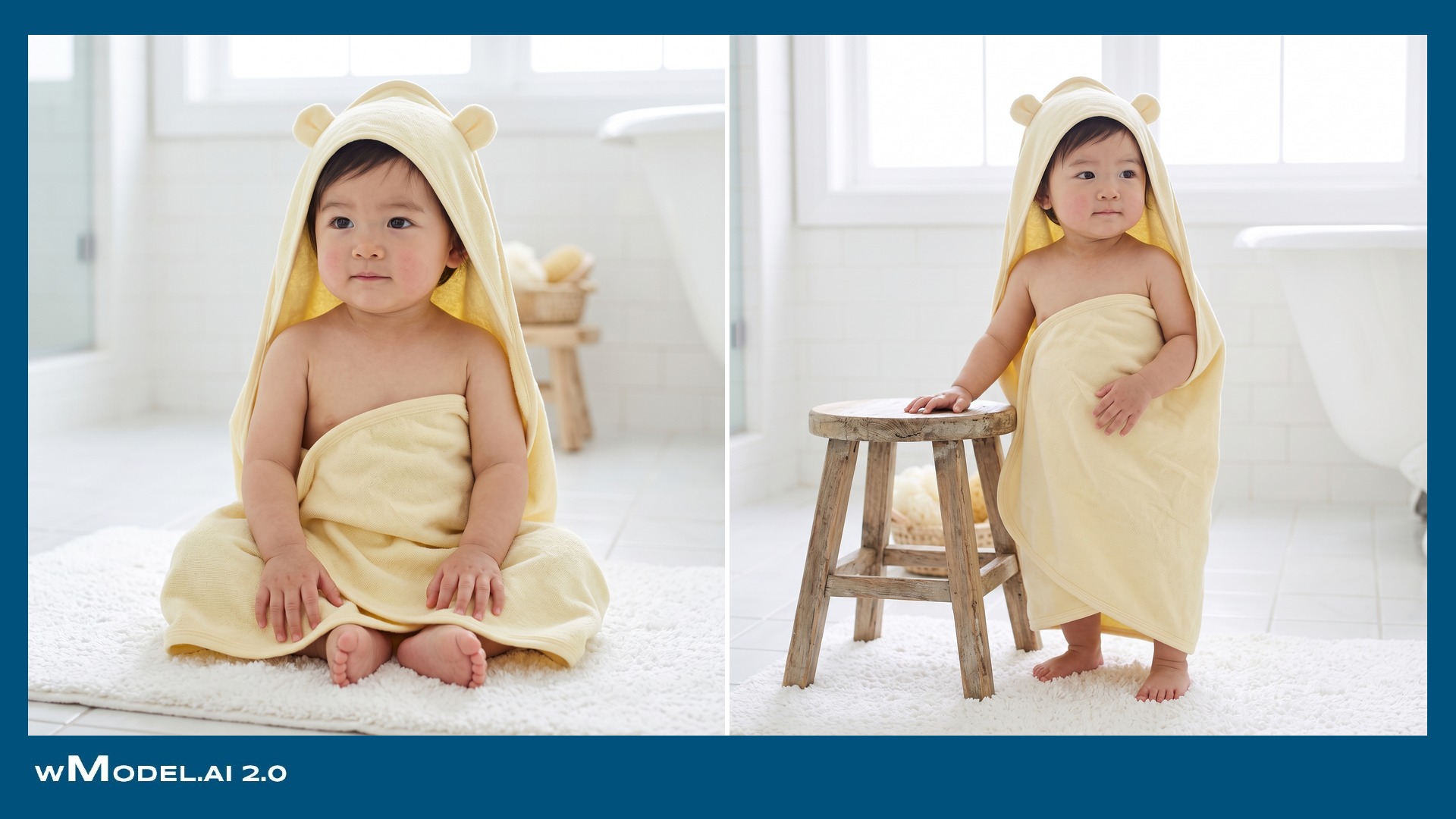
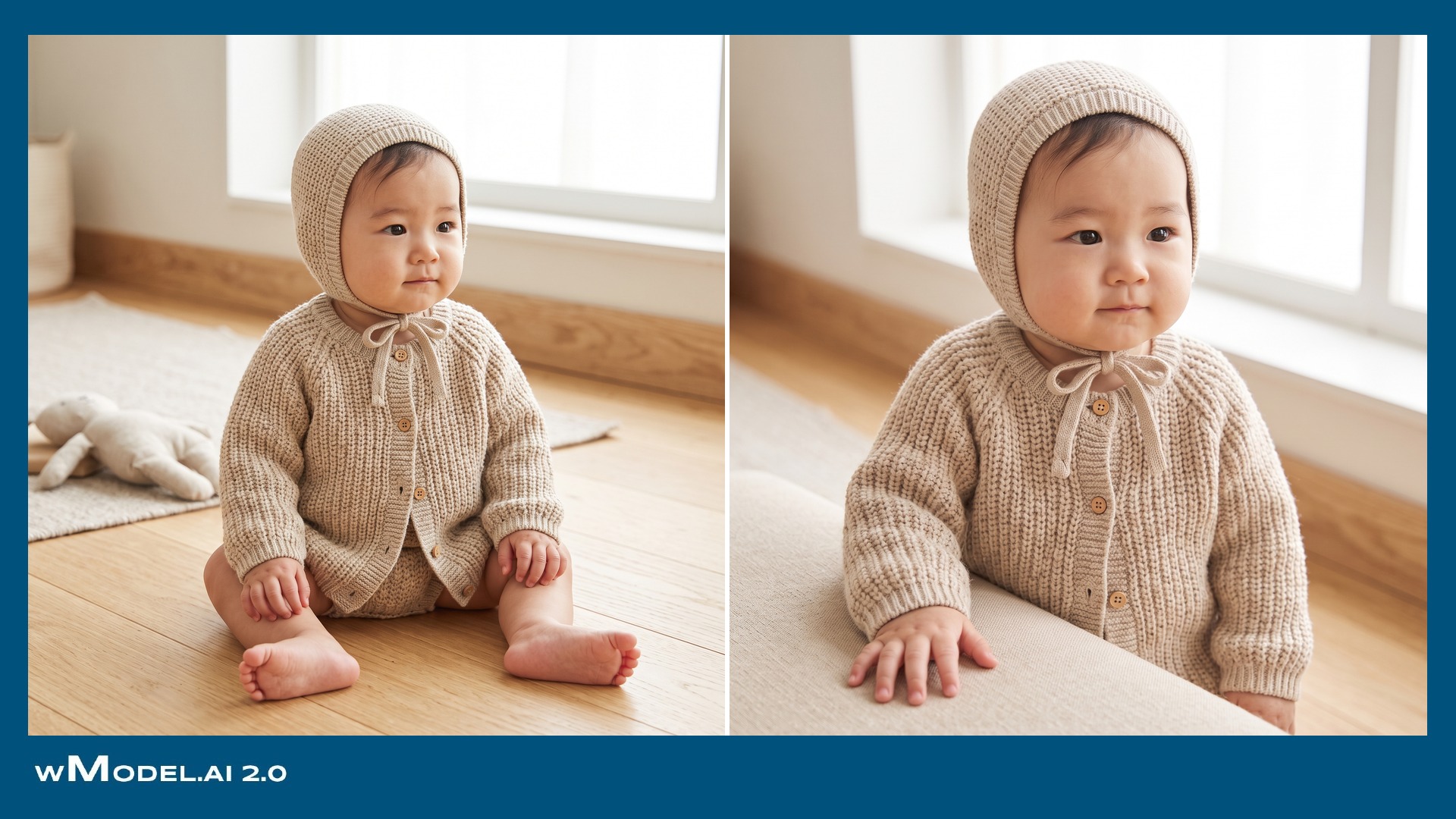
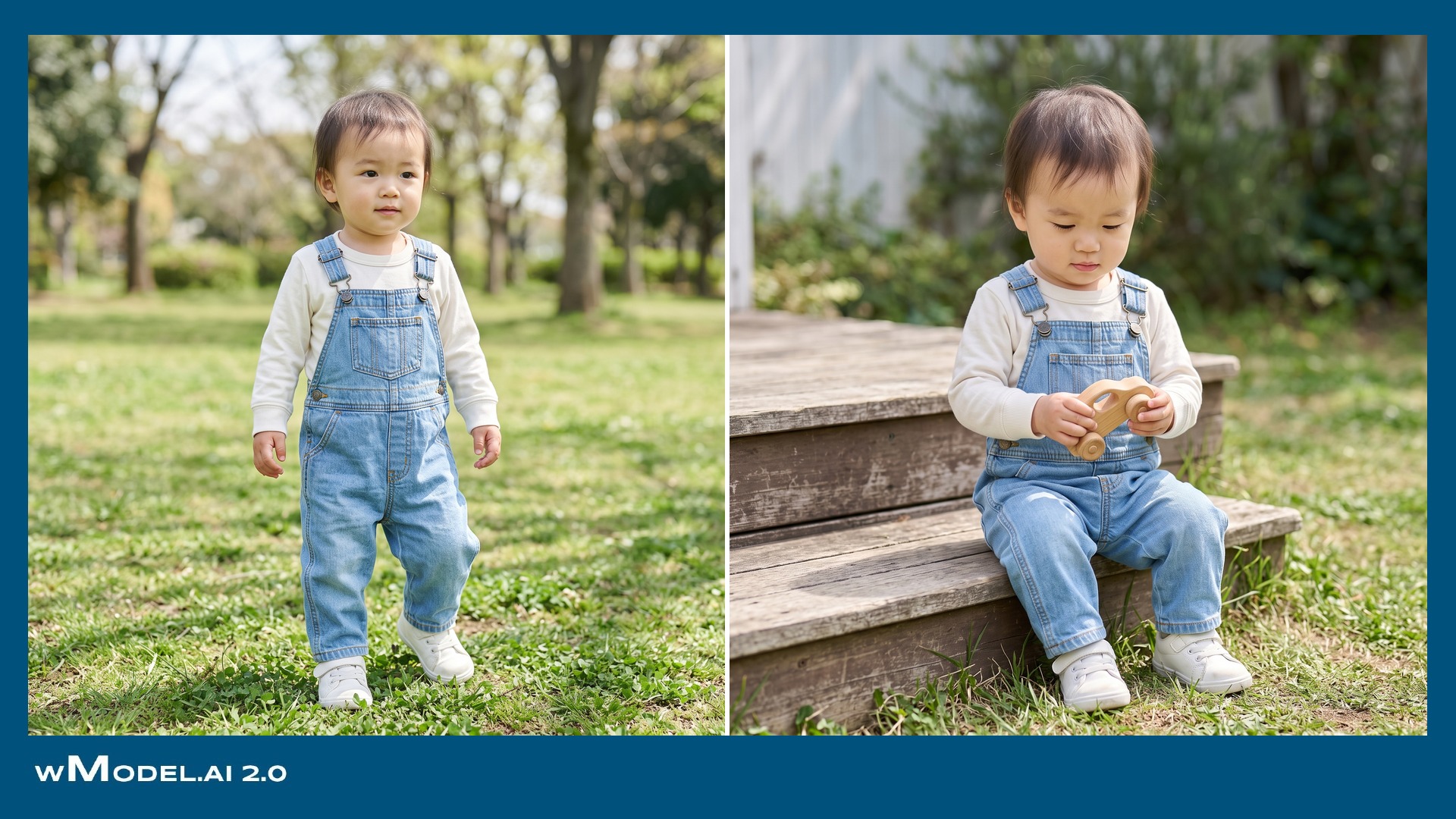
Maternity and baby products.



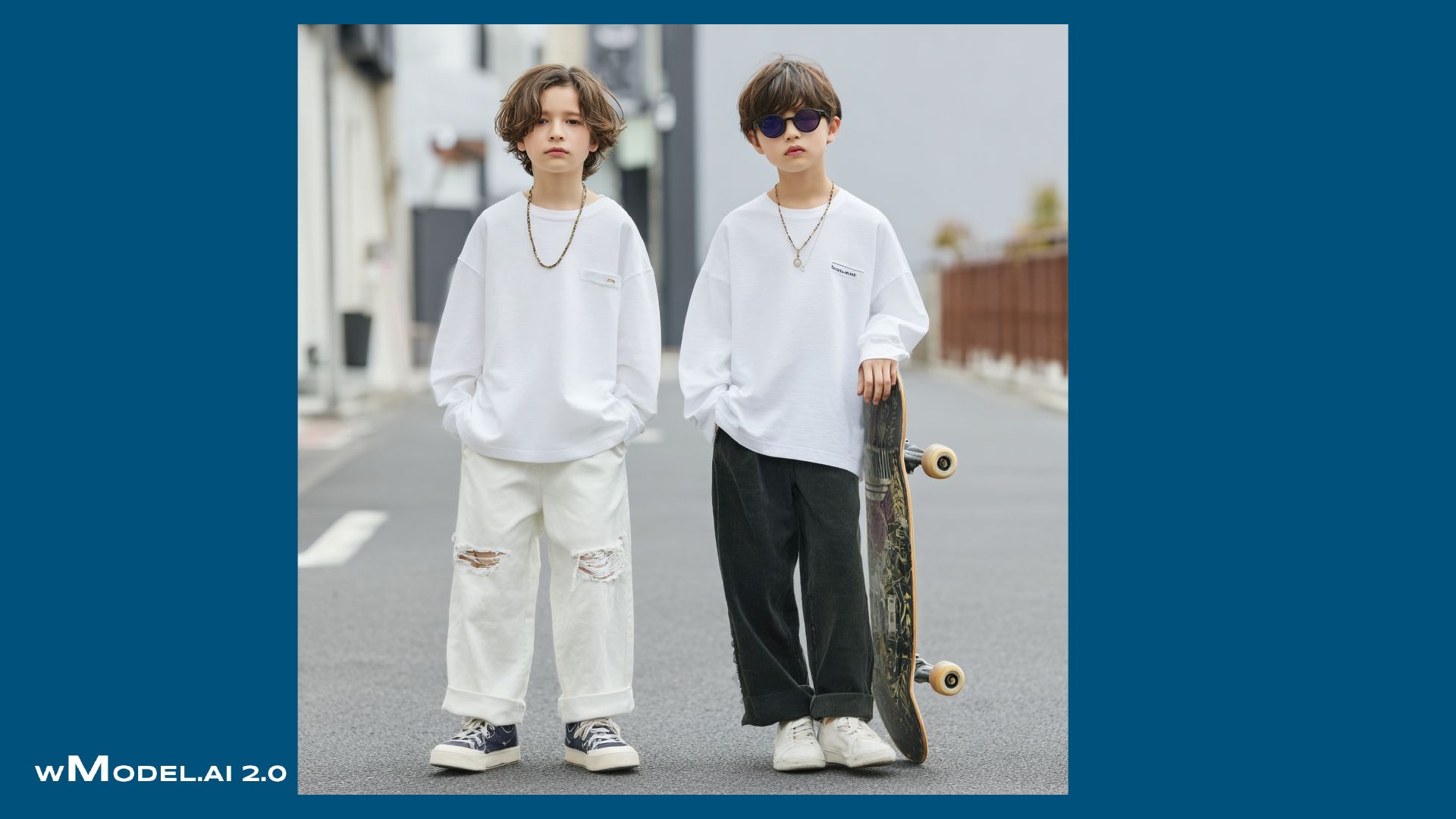
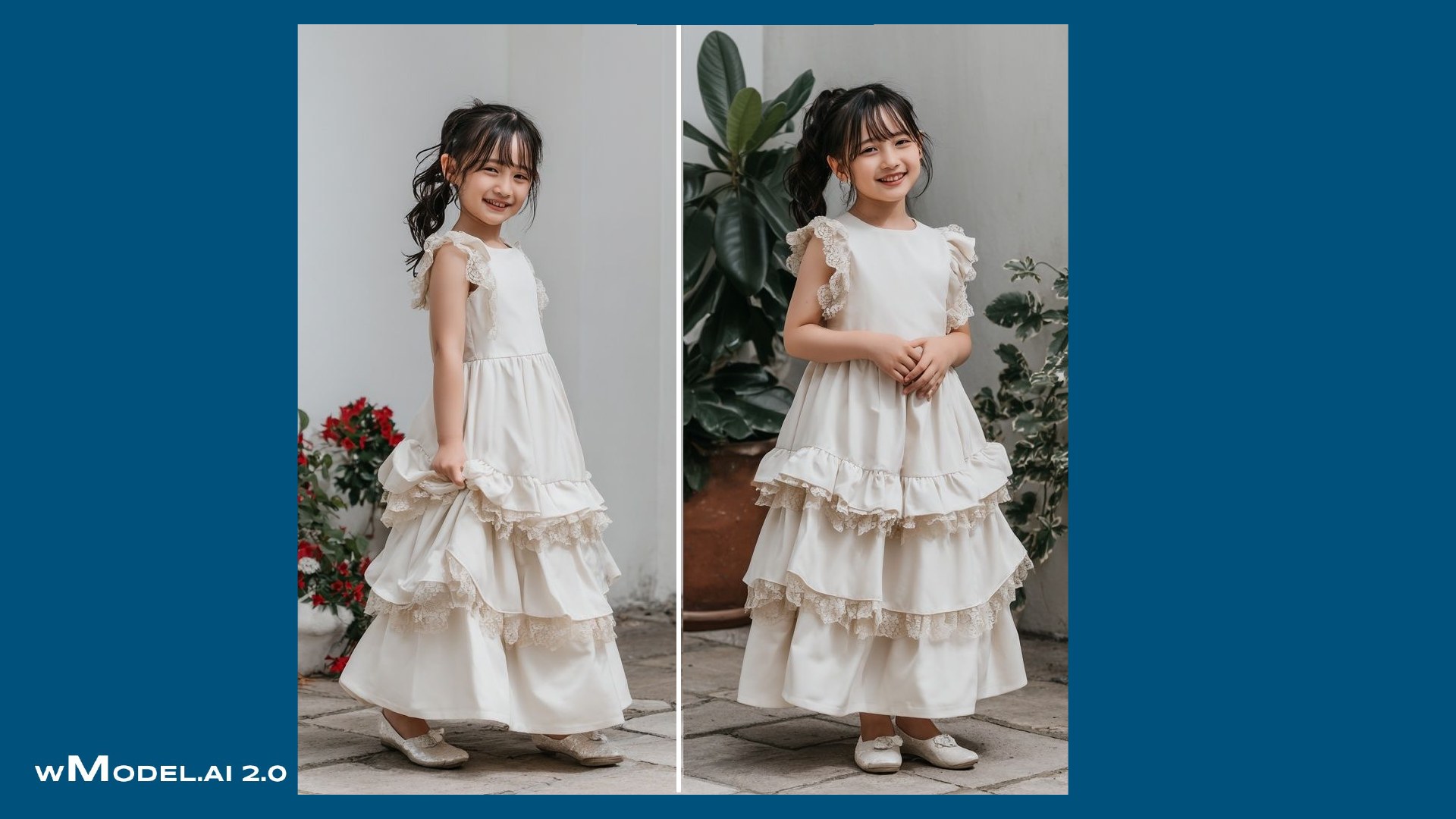
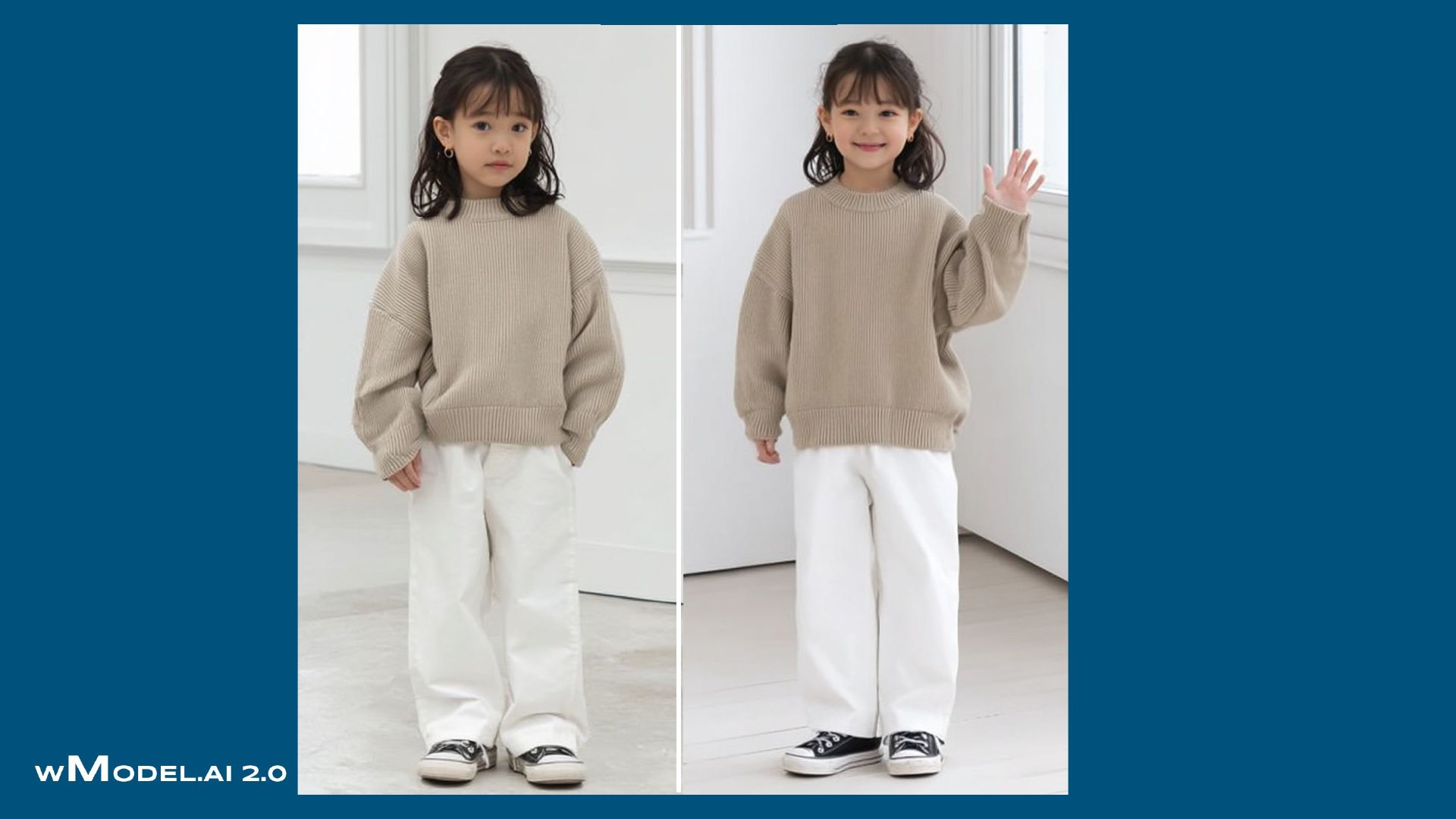
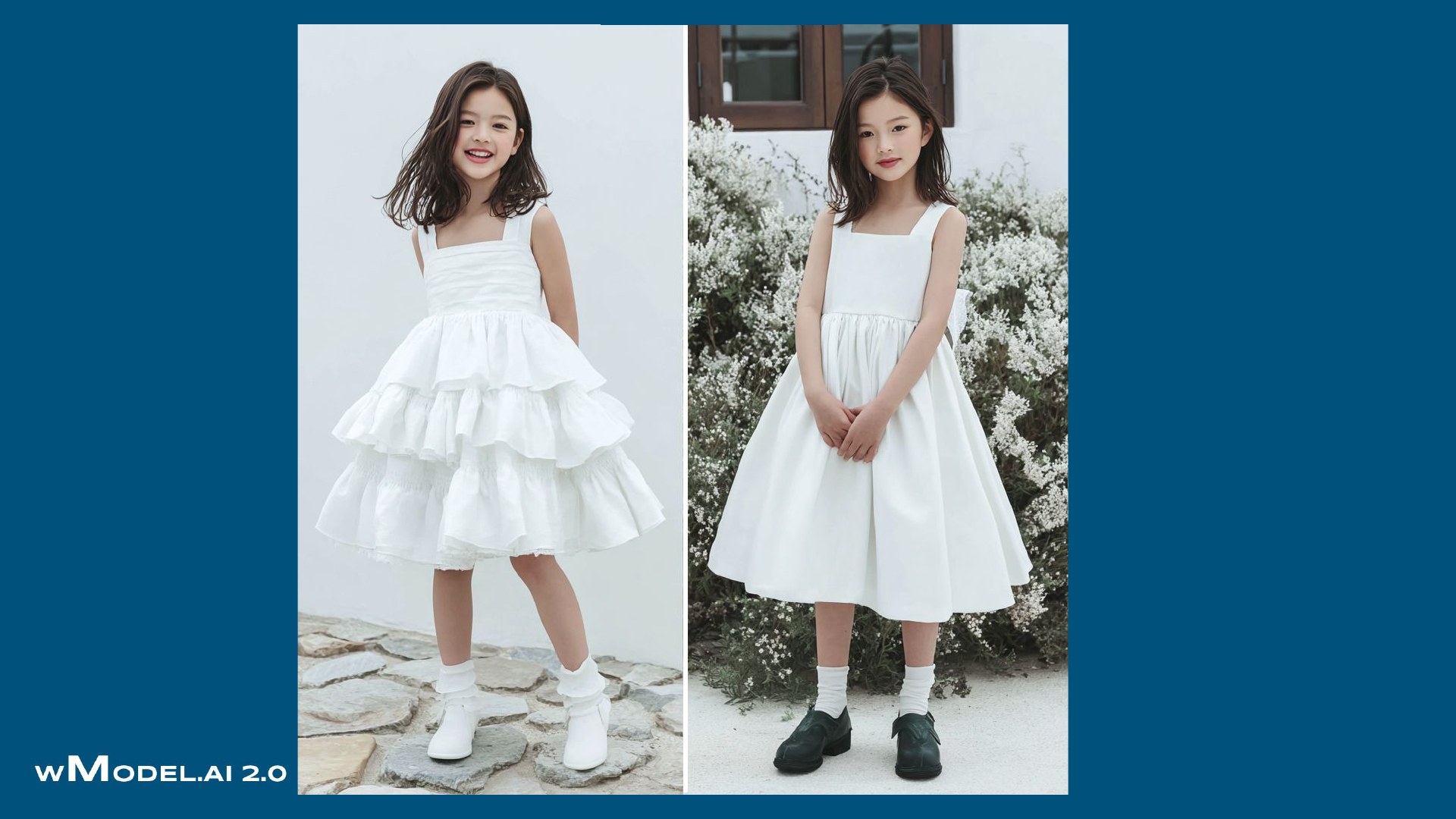
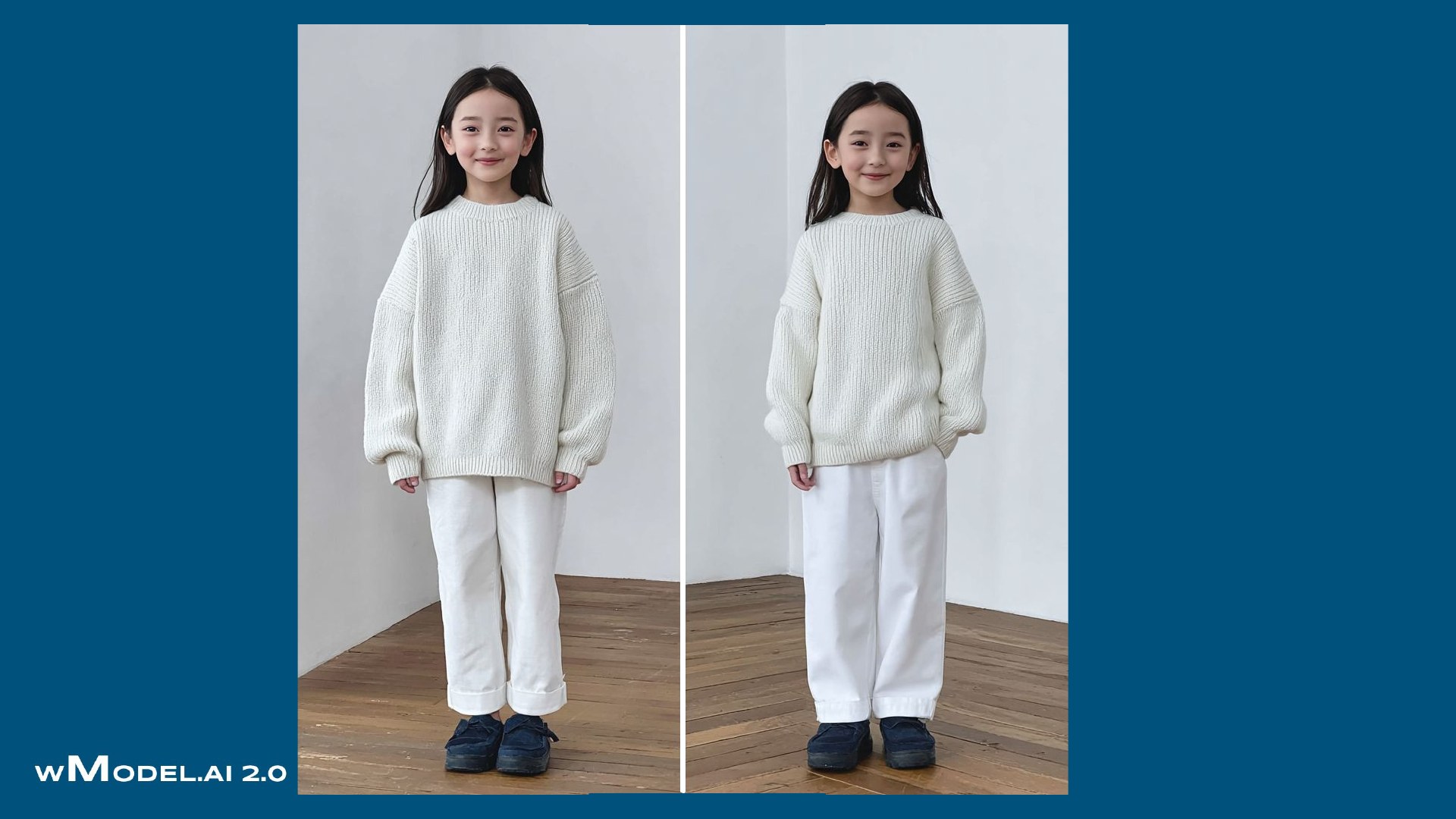
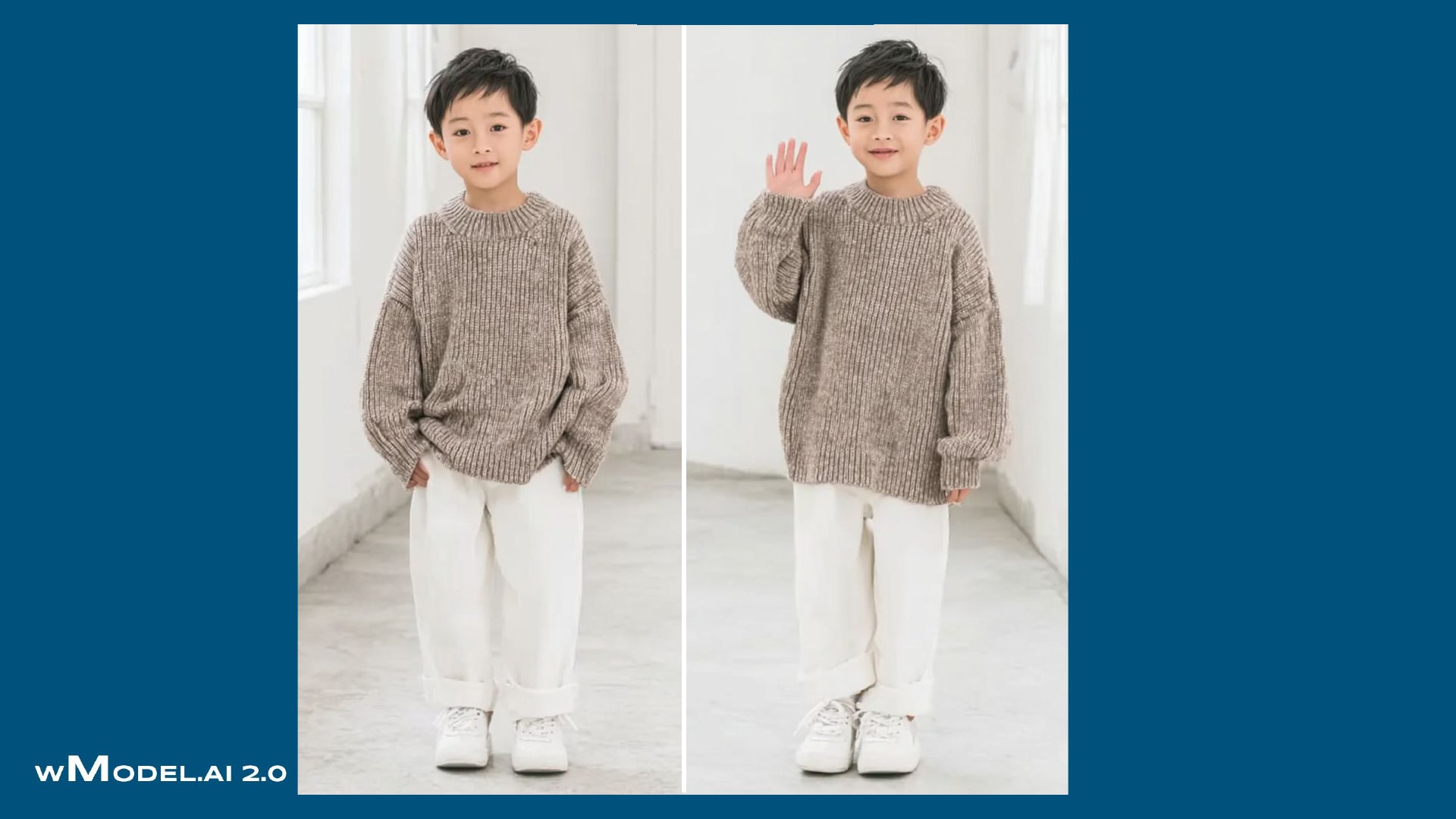
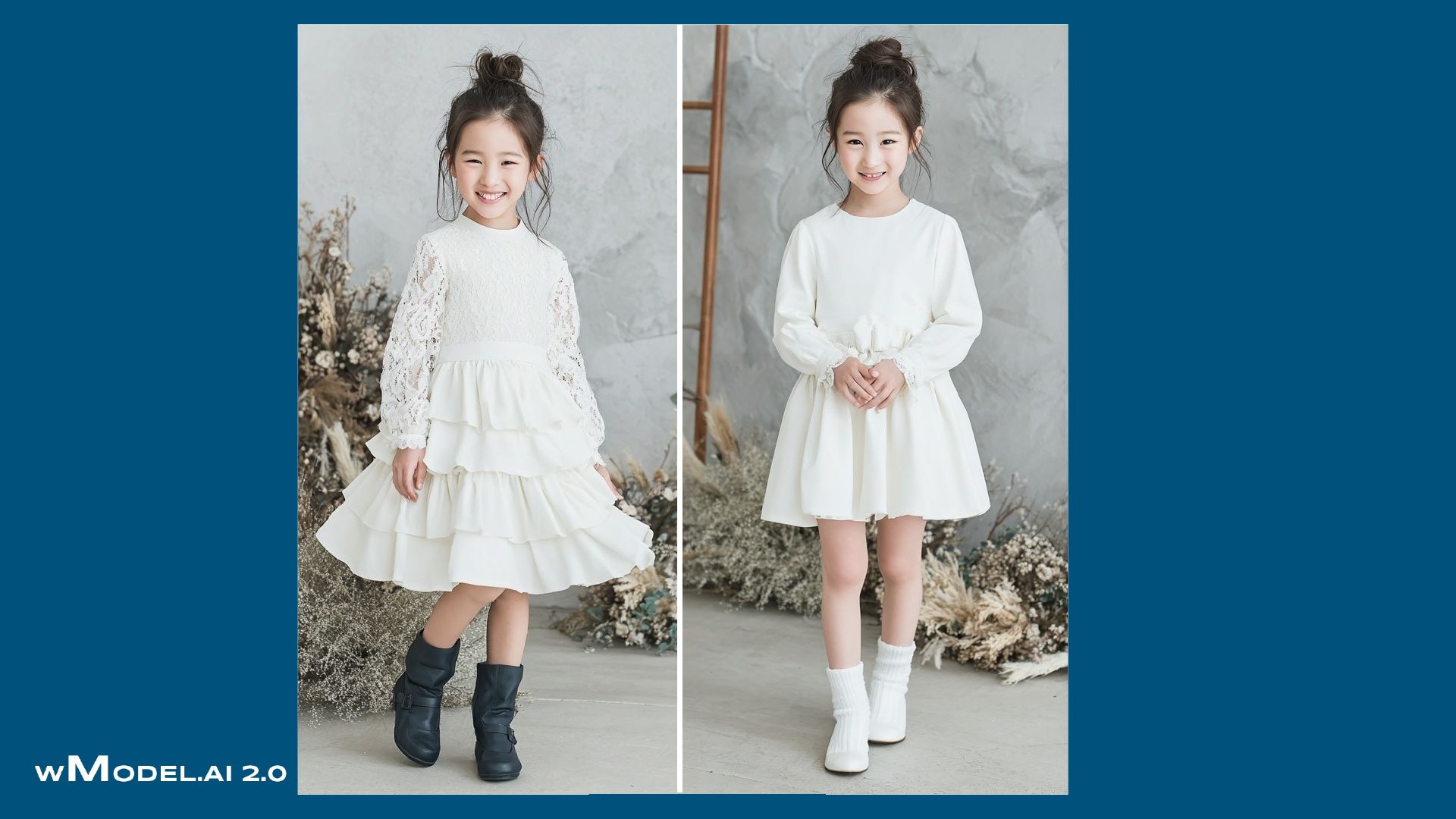
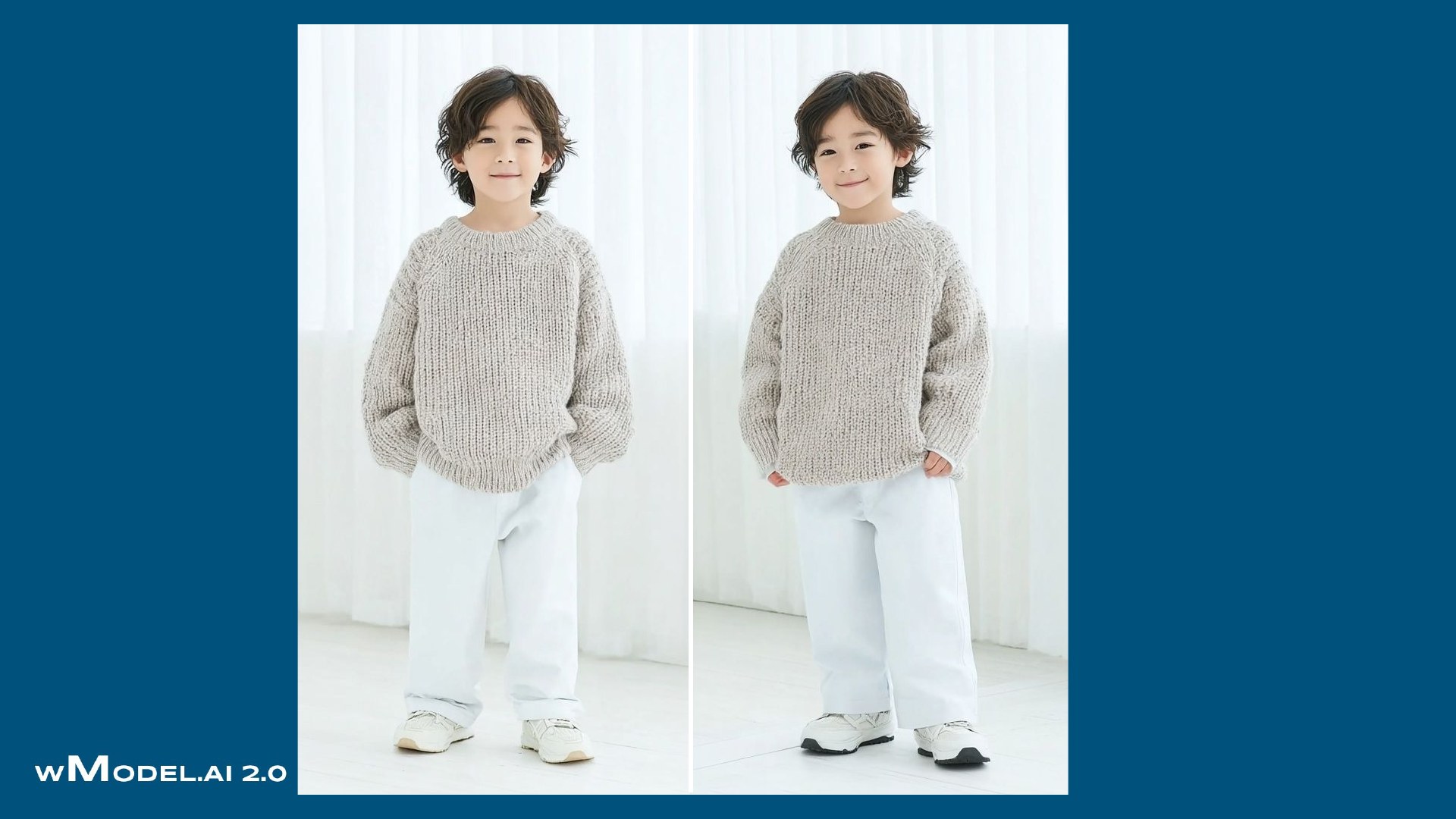
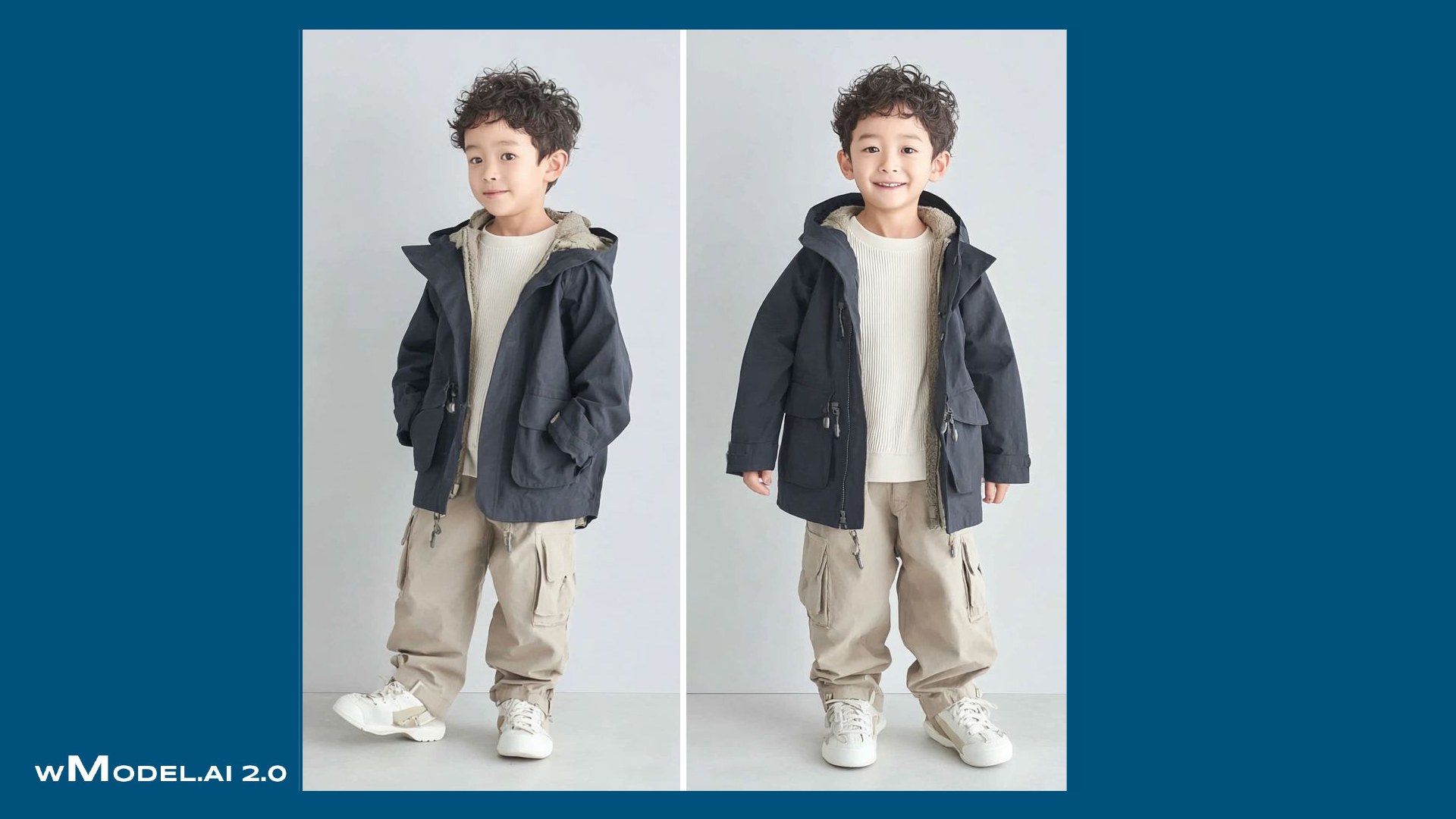
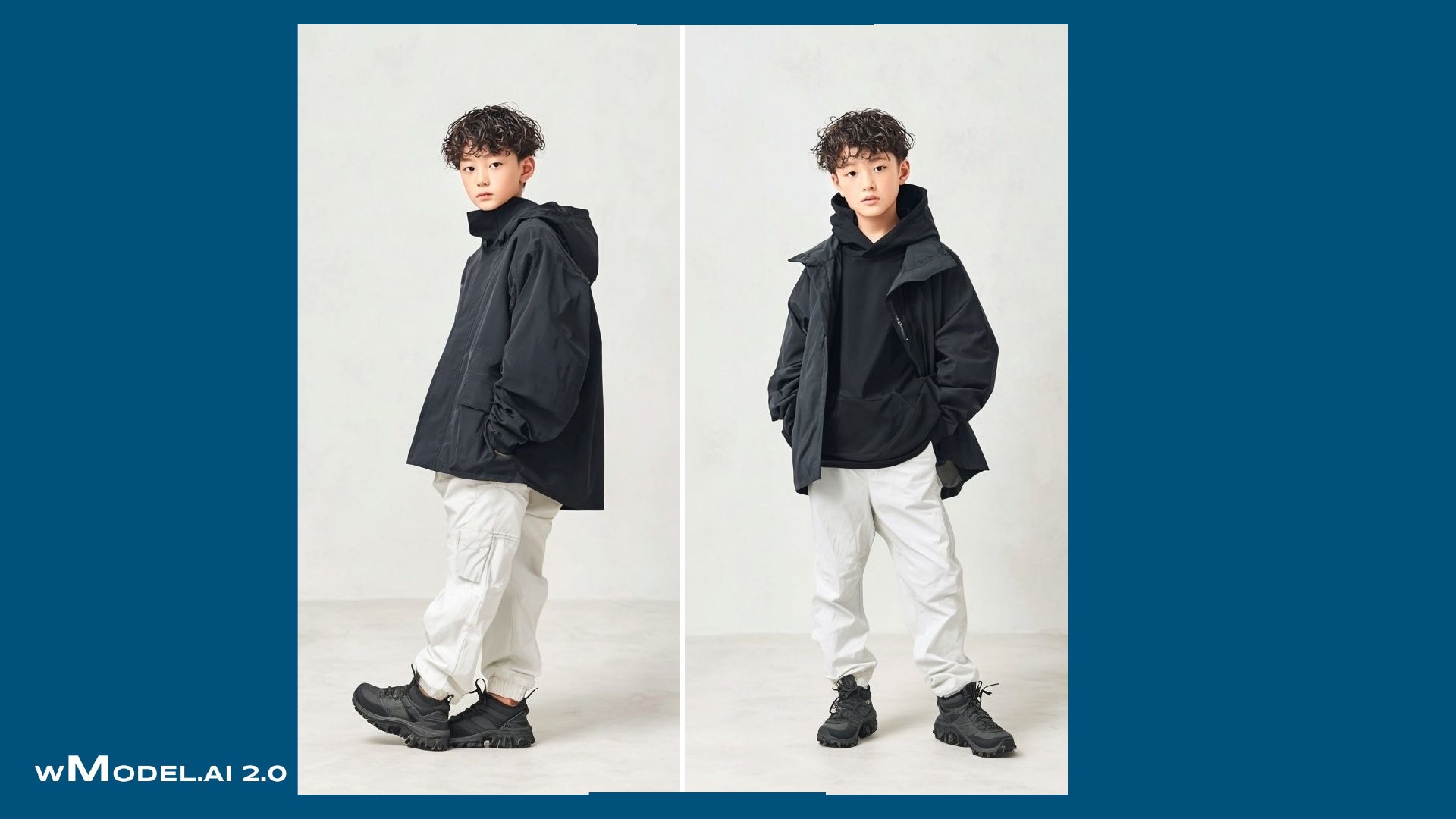
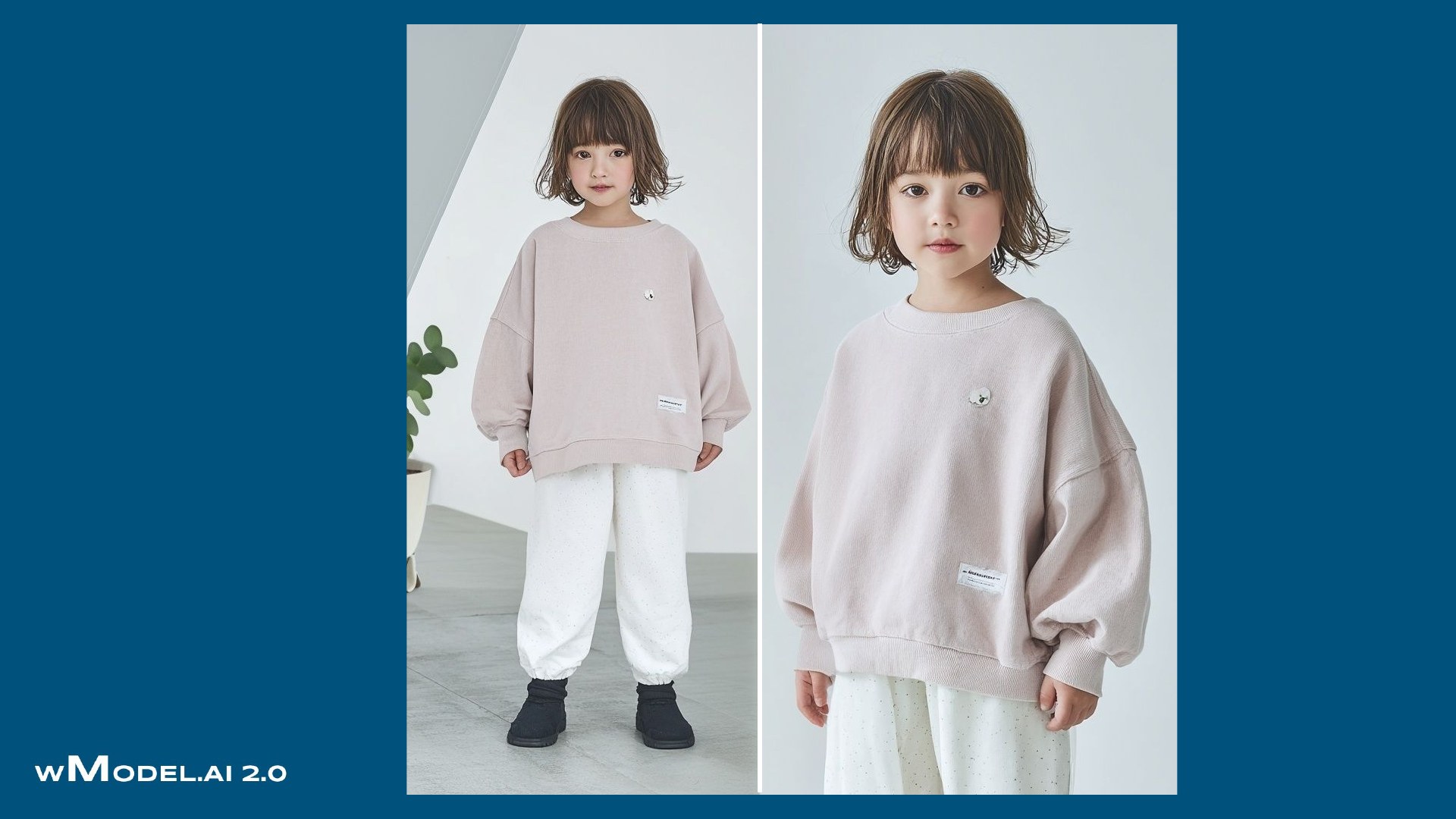
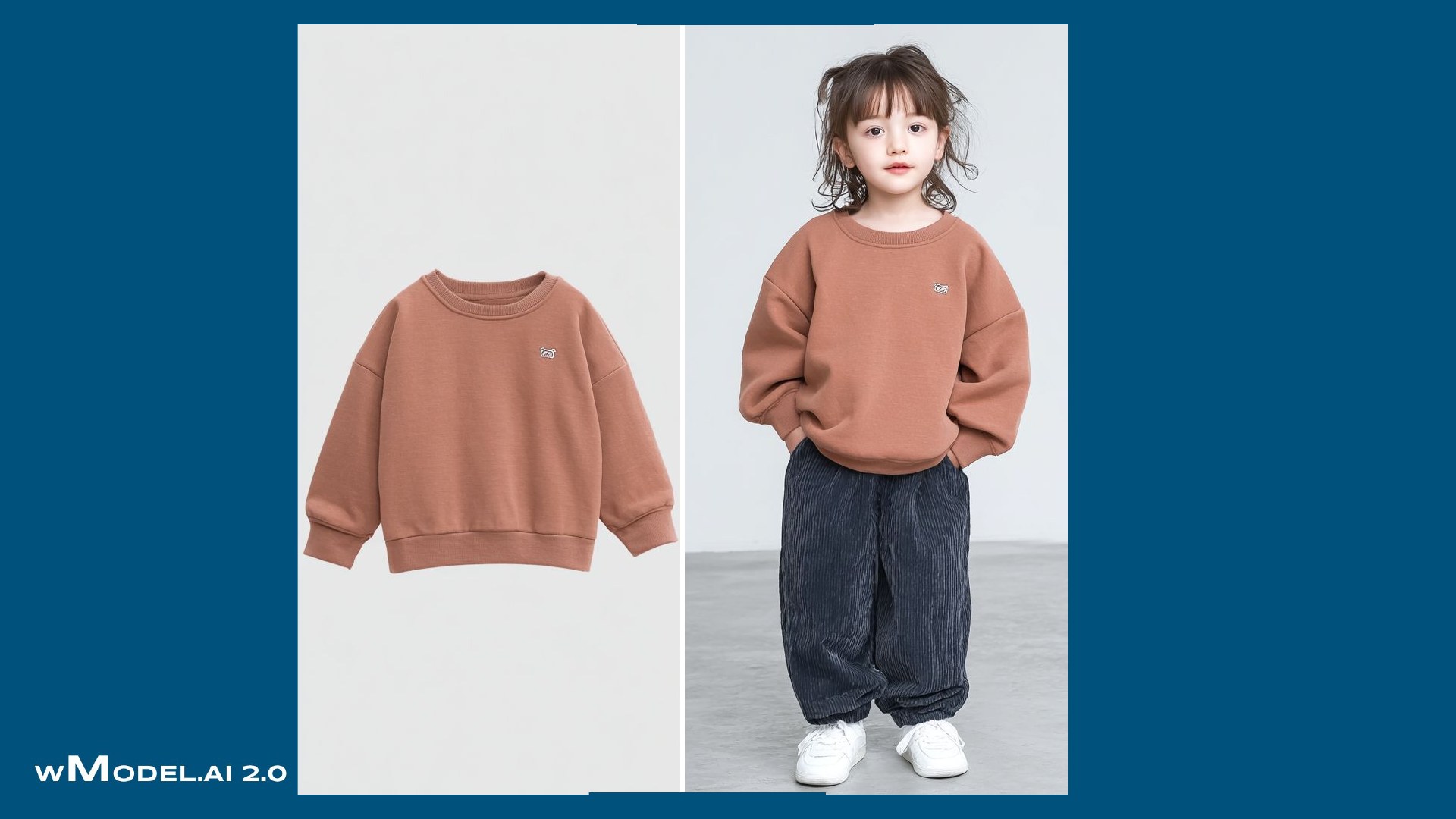
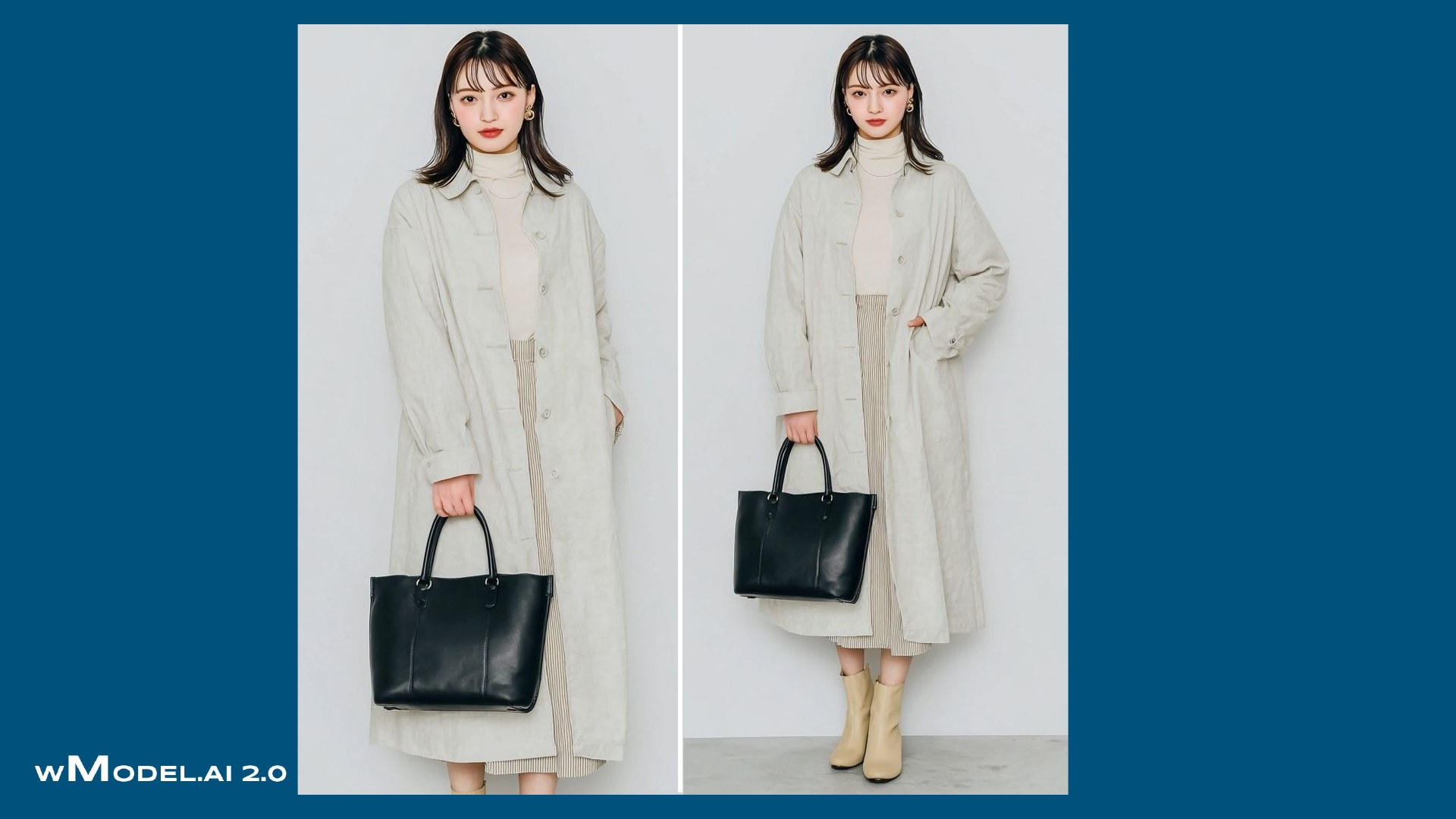
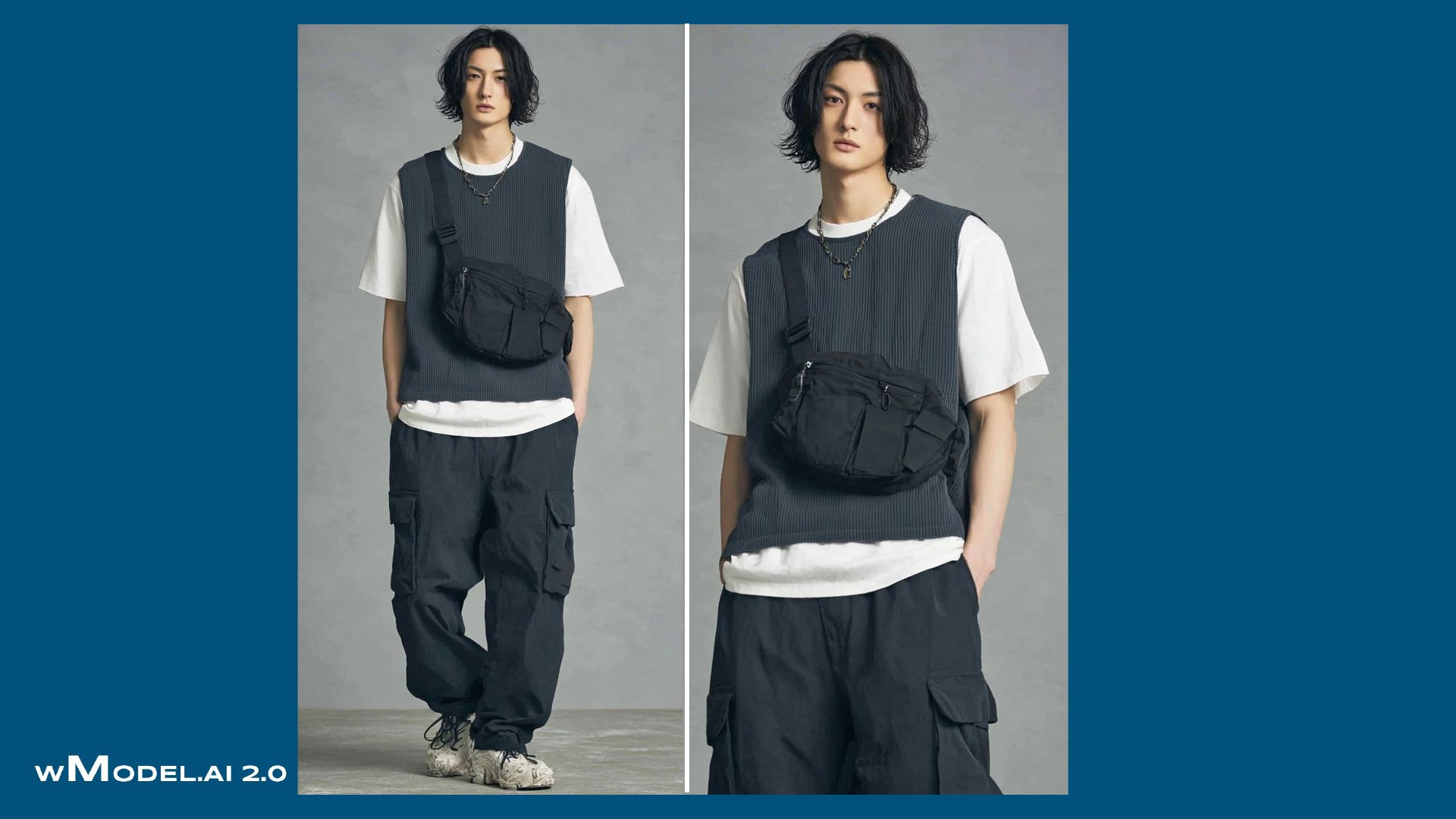
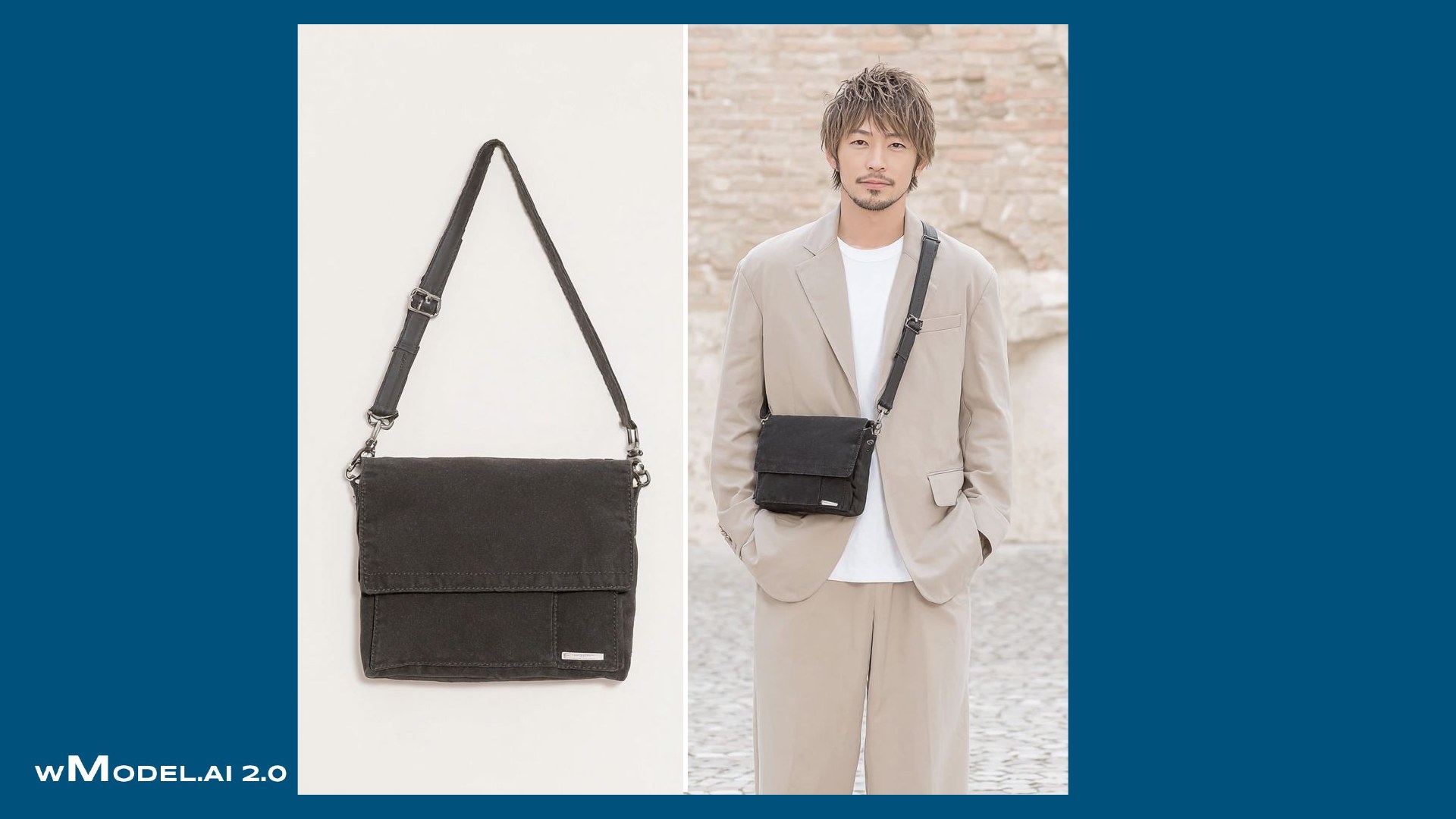
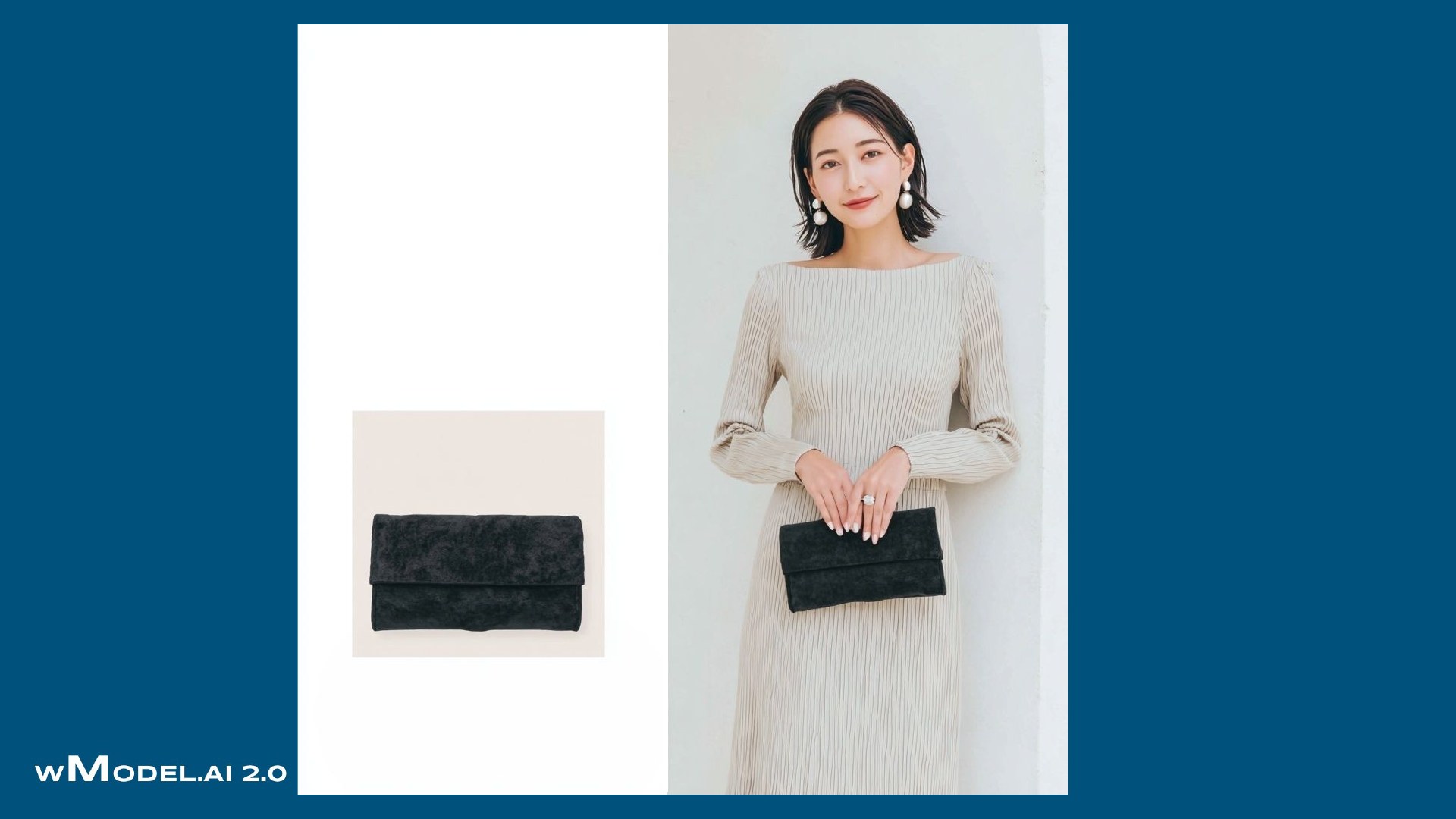
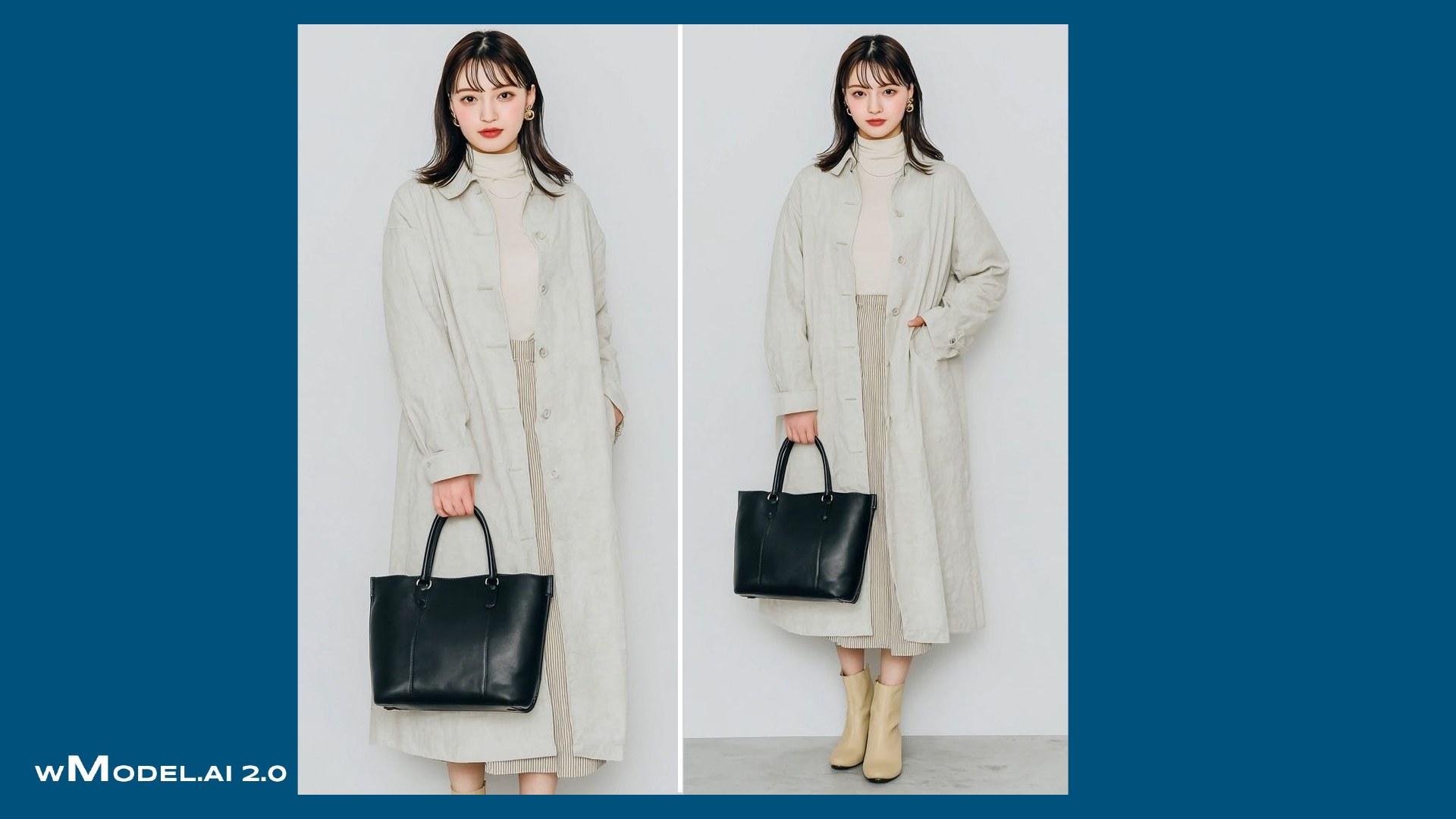
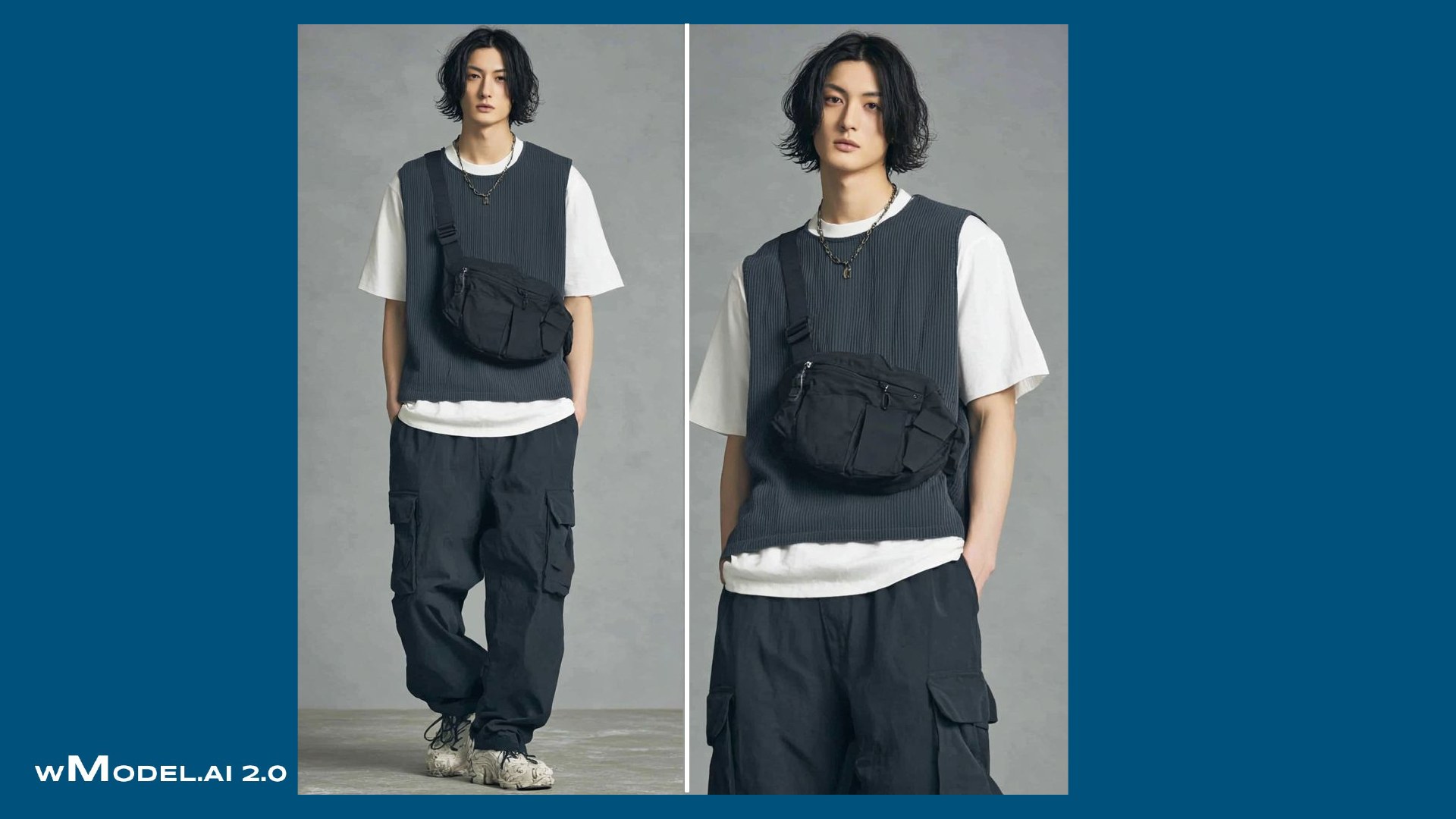
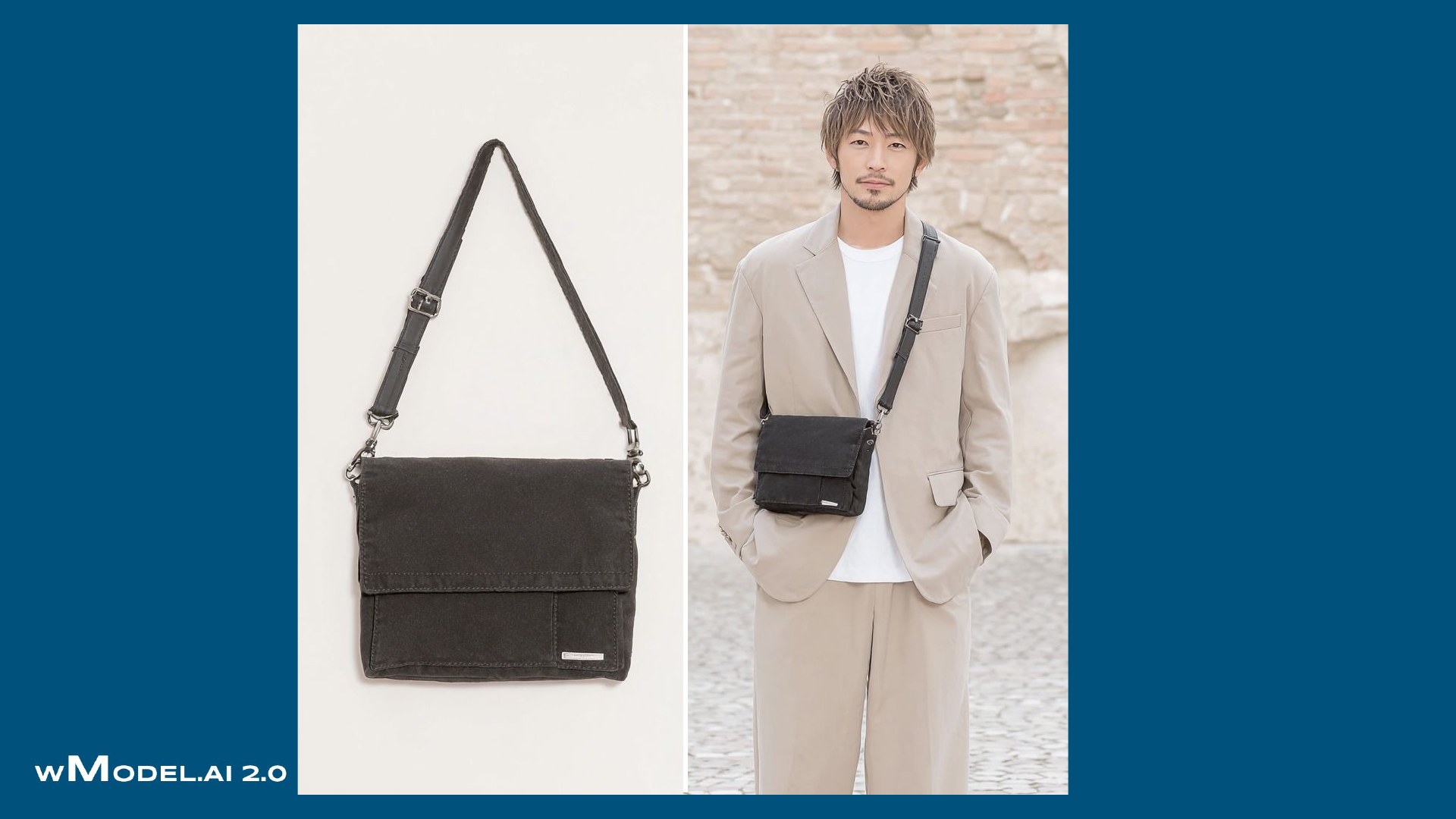
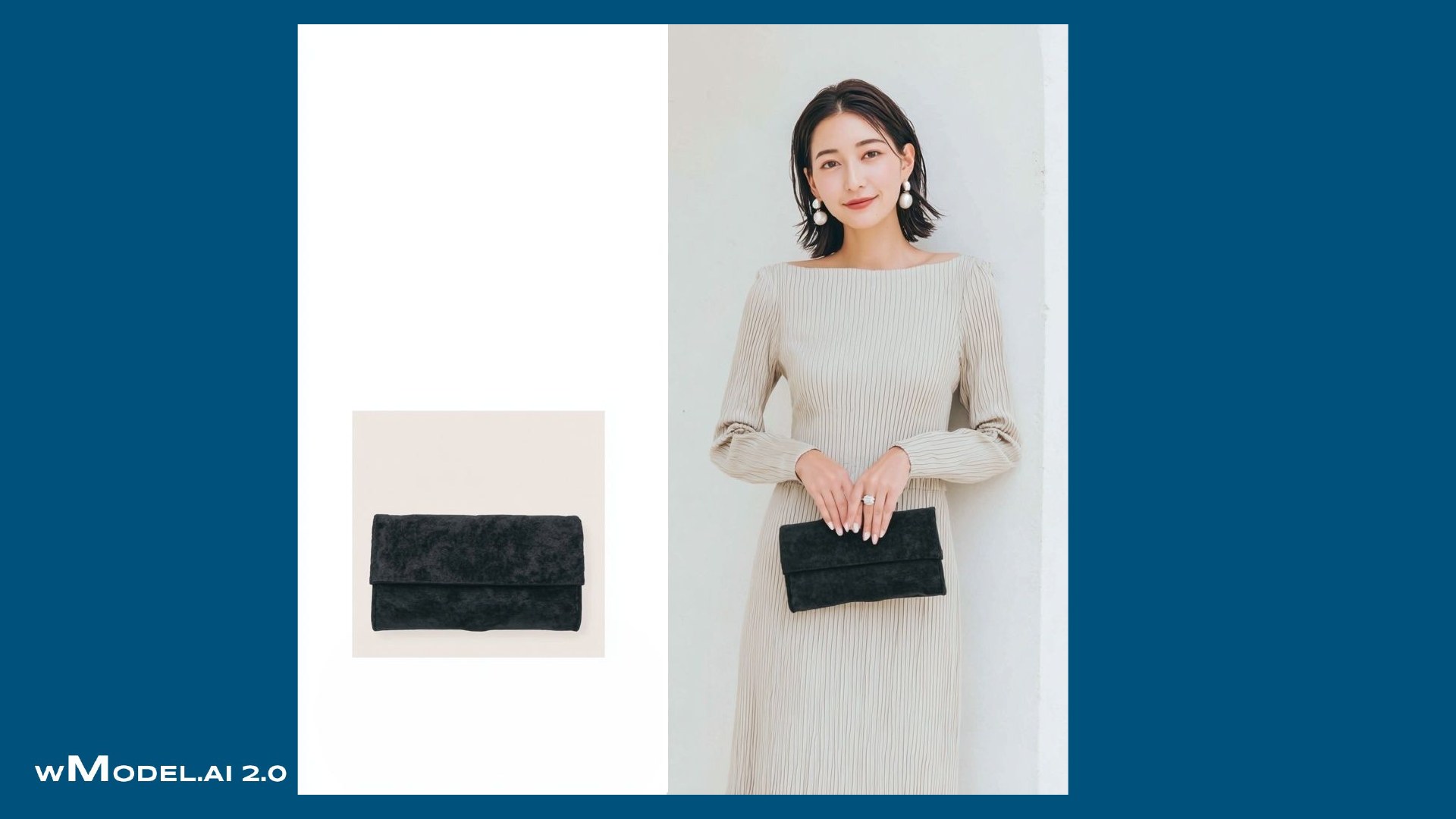


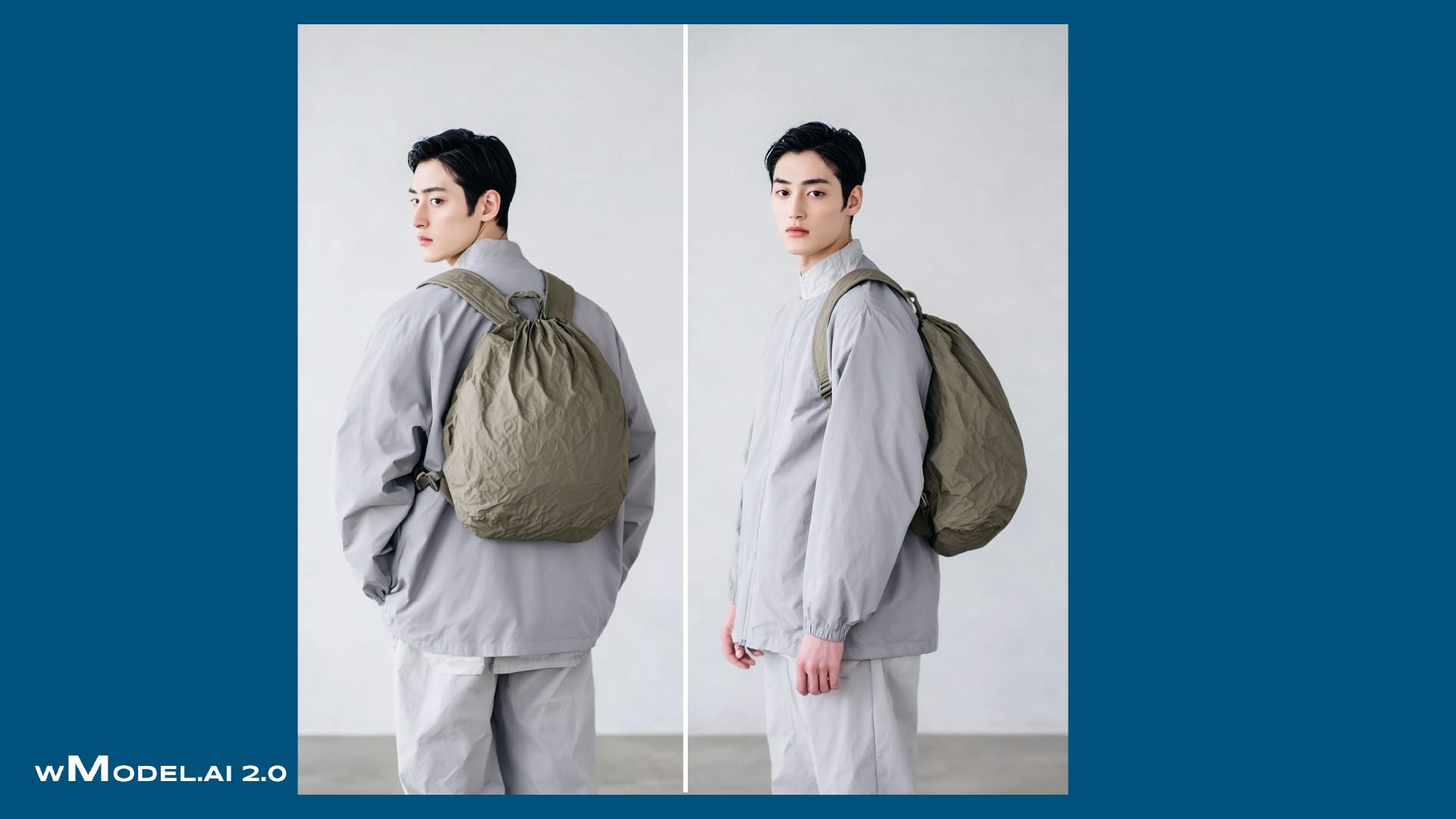
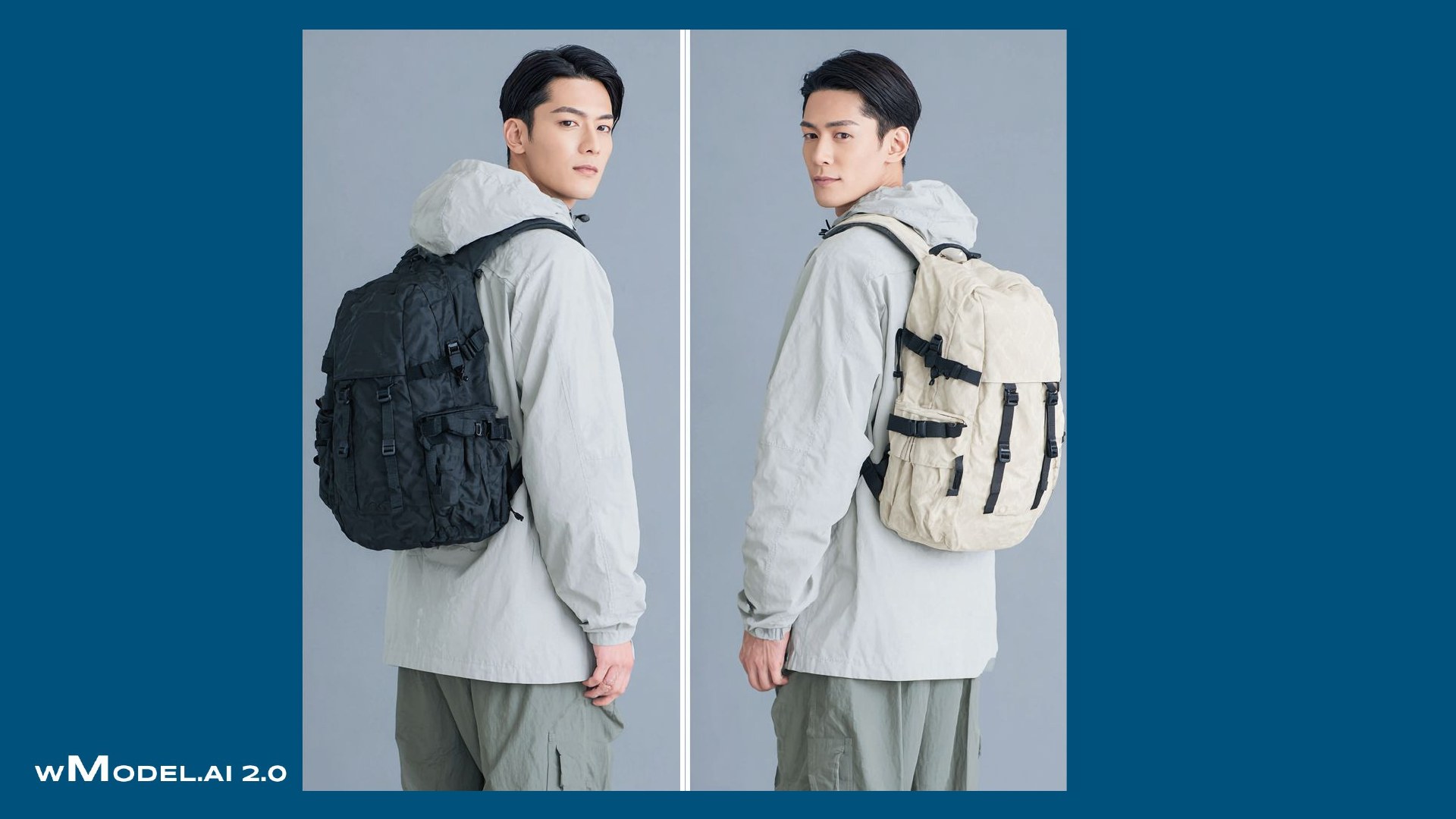
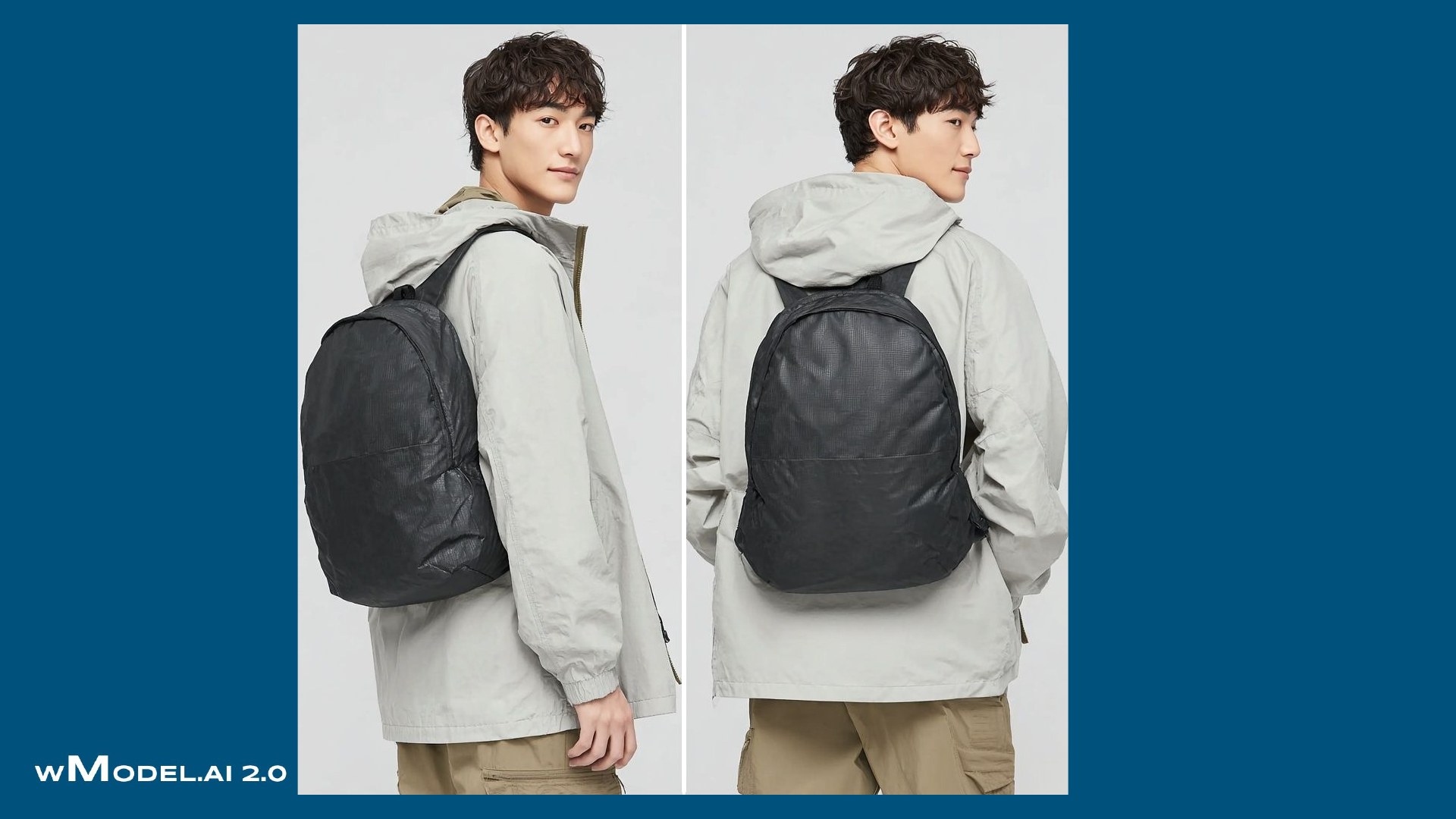
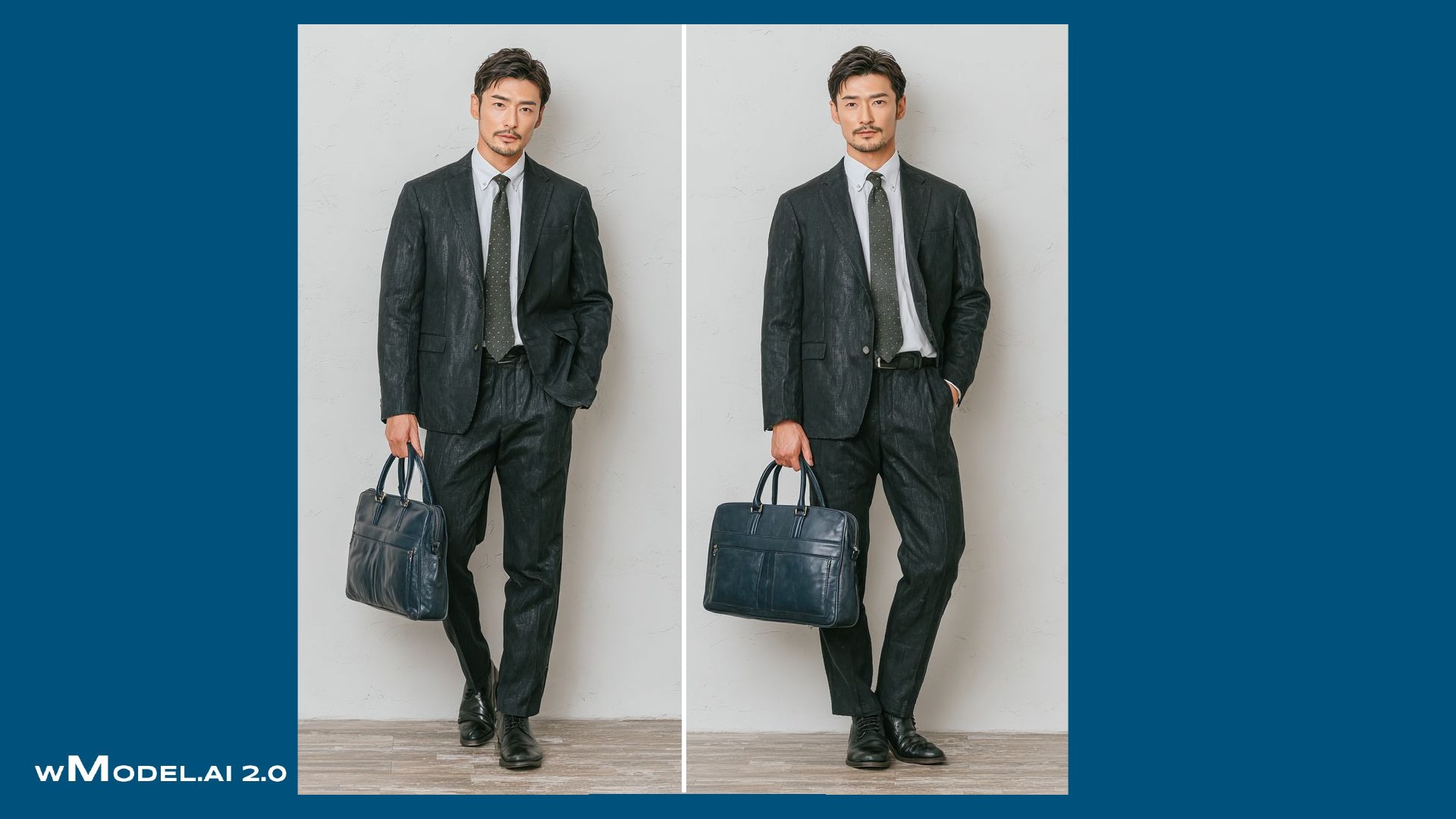
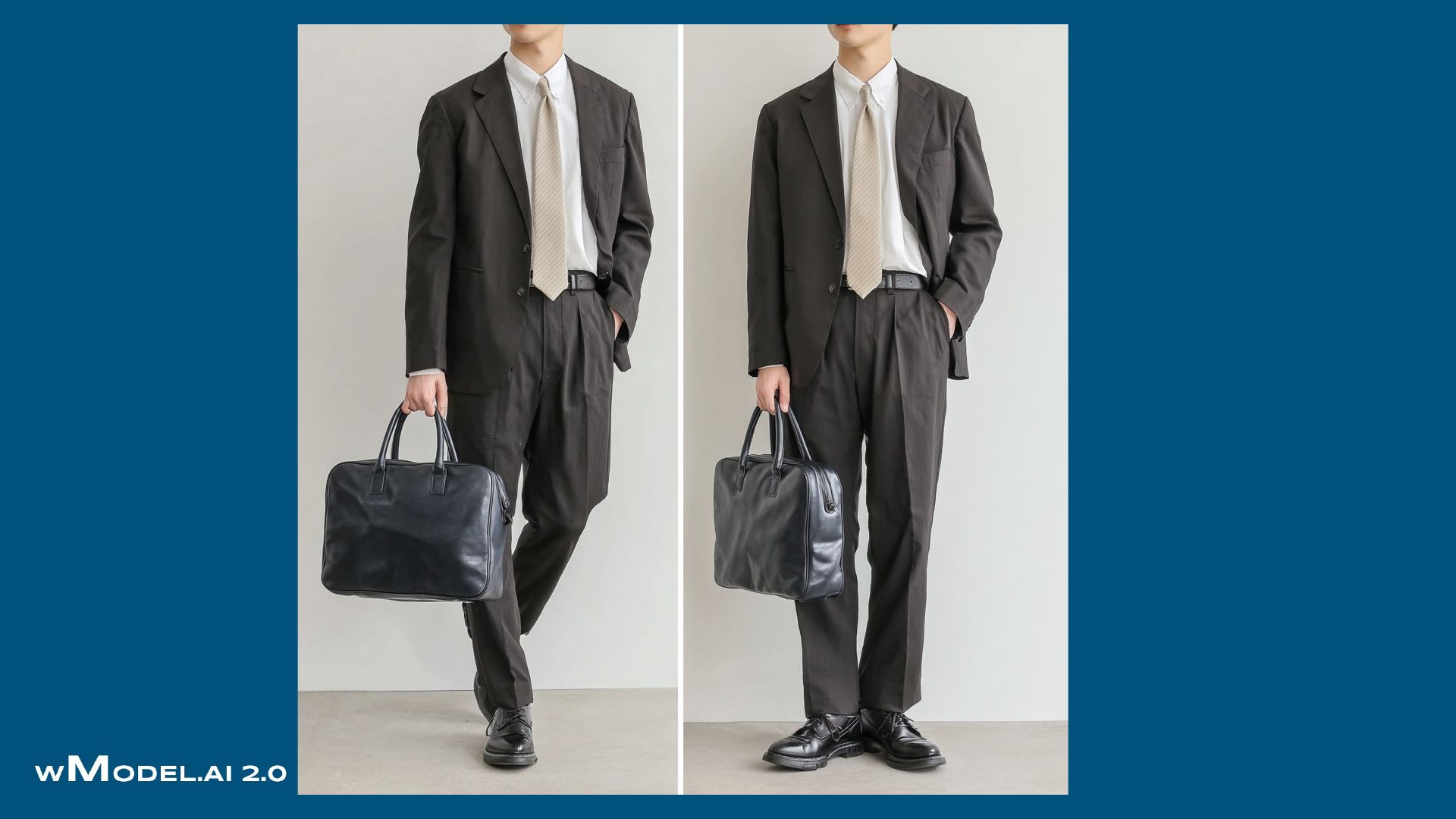
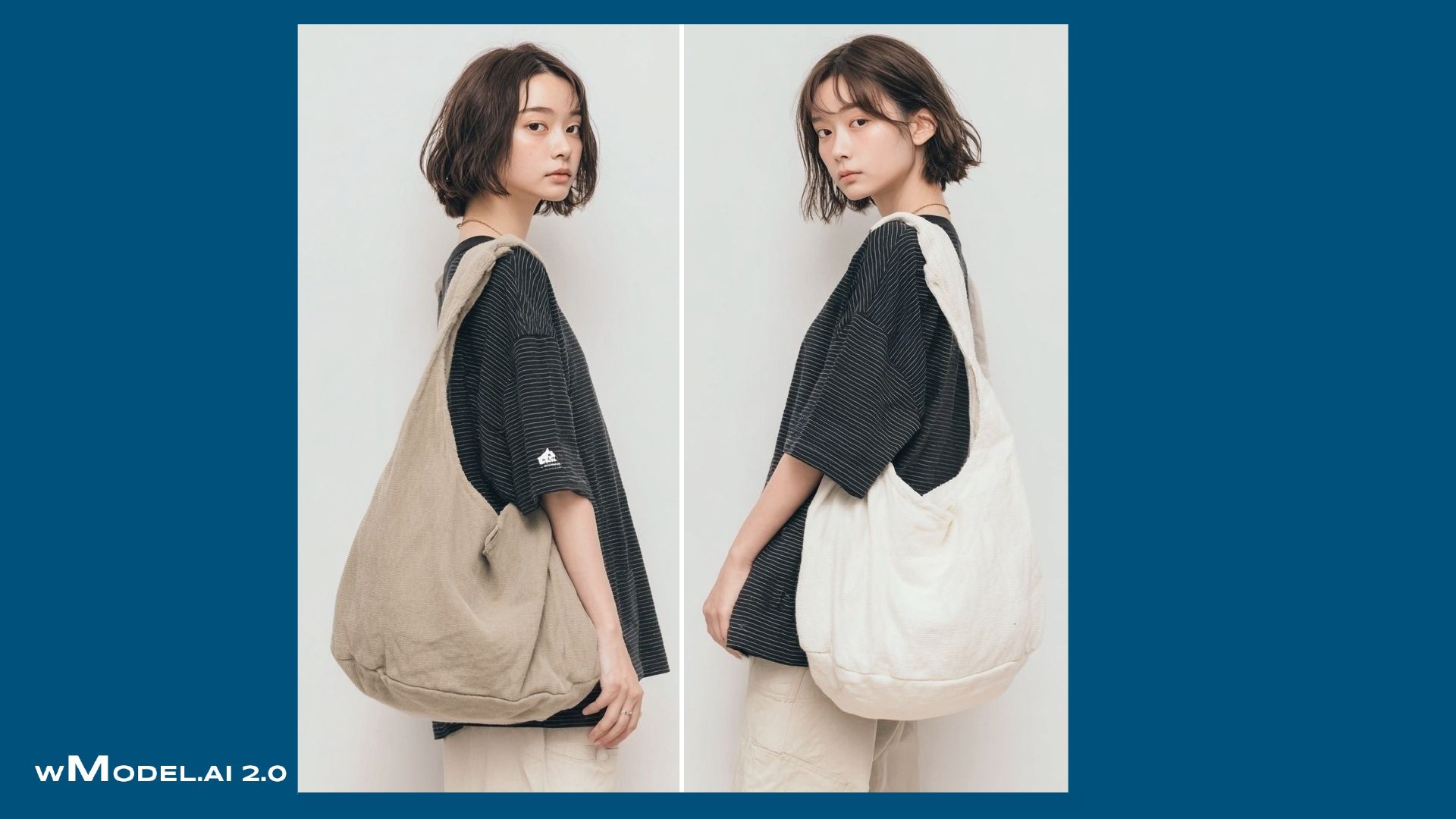
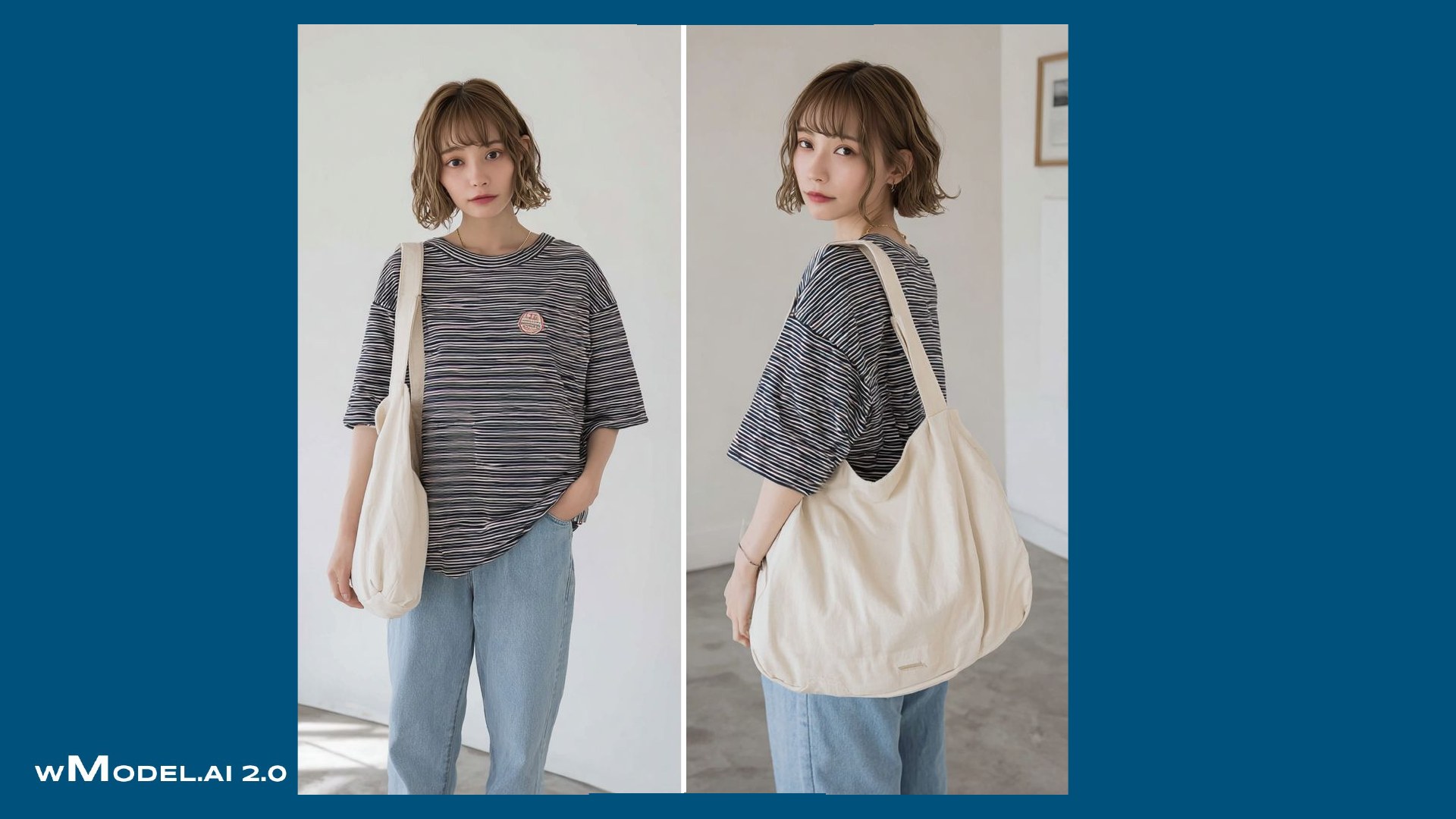
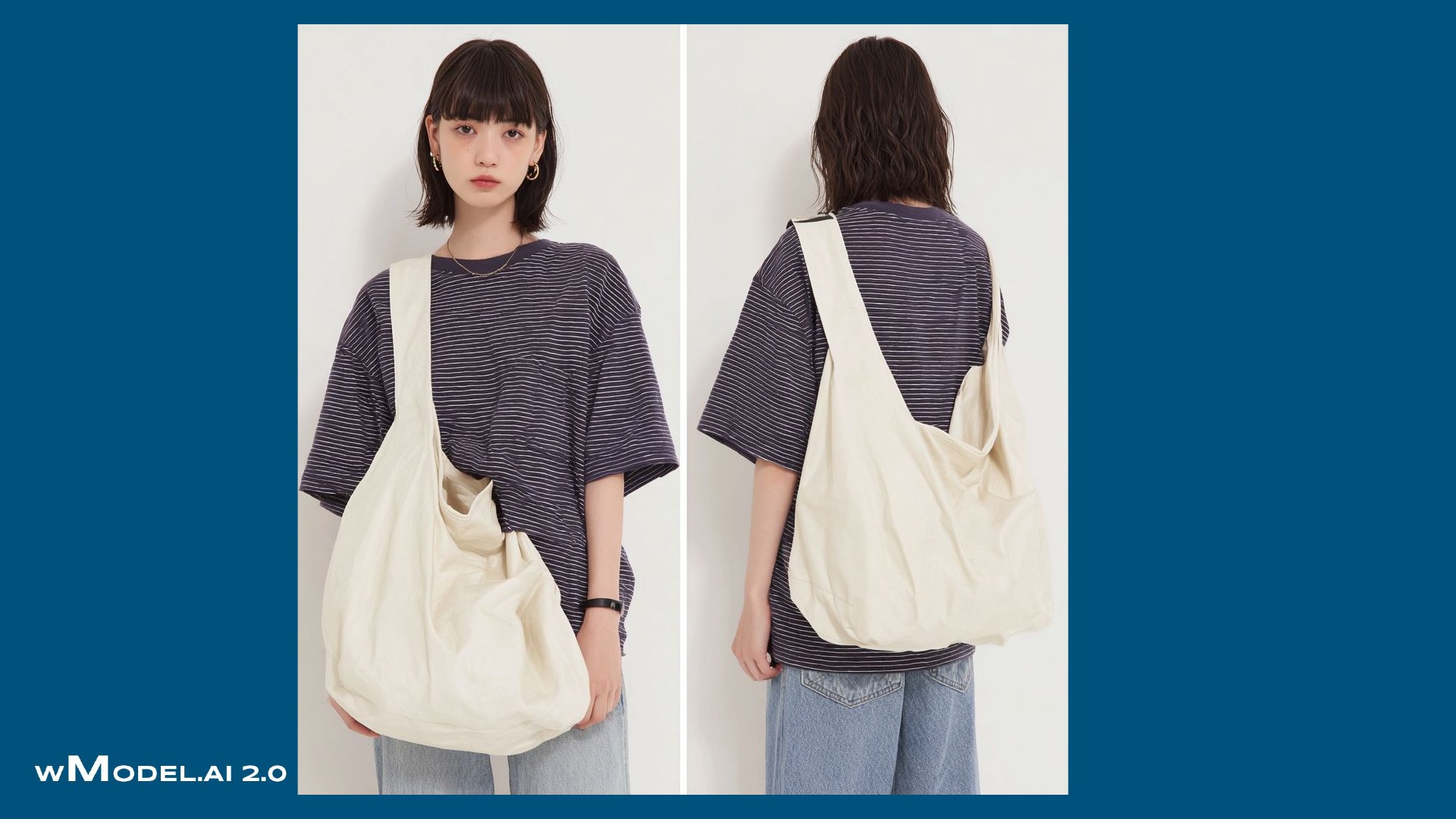
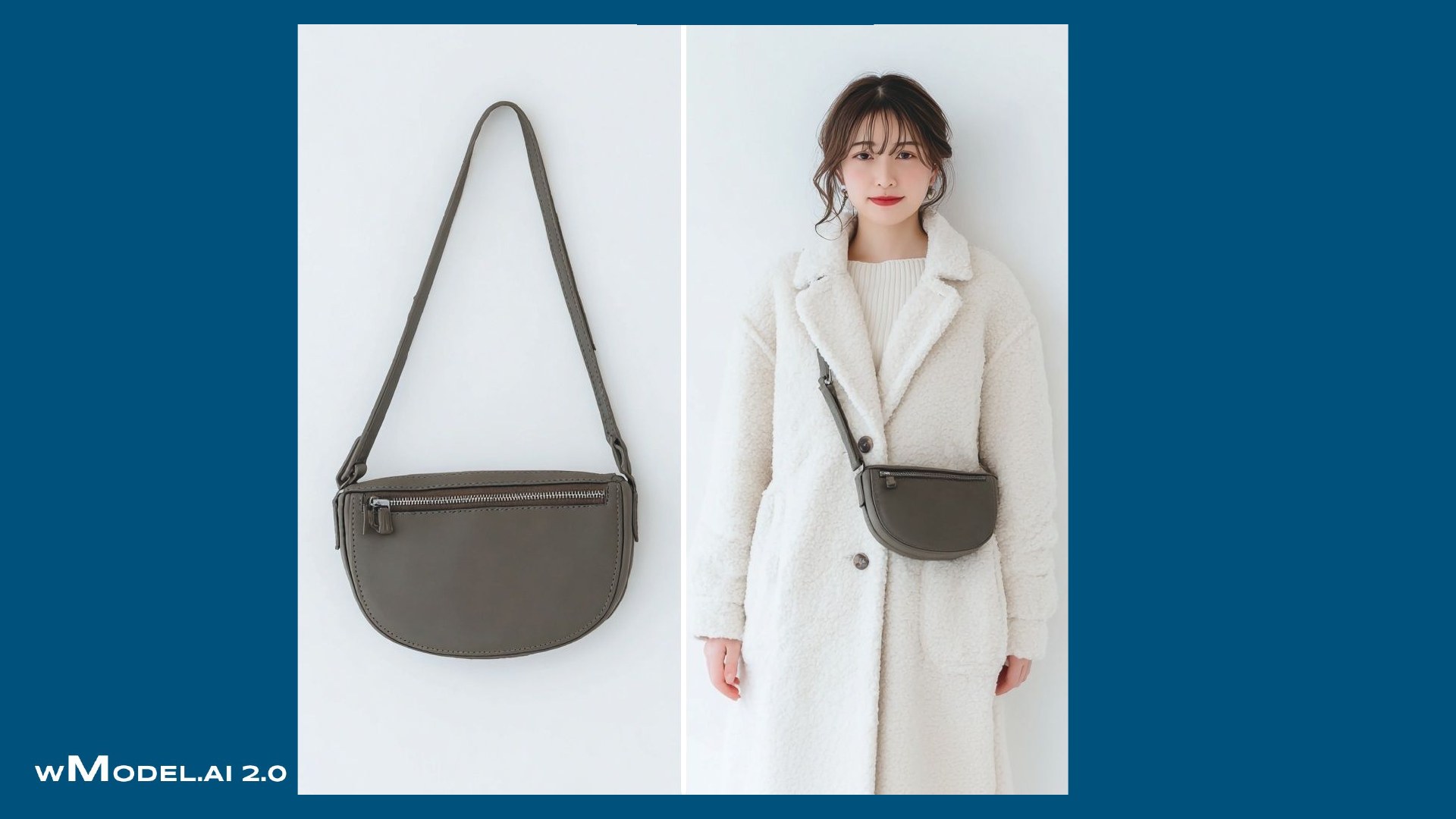
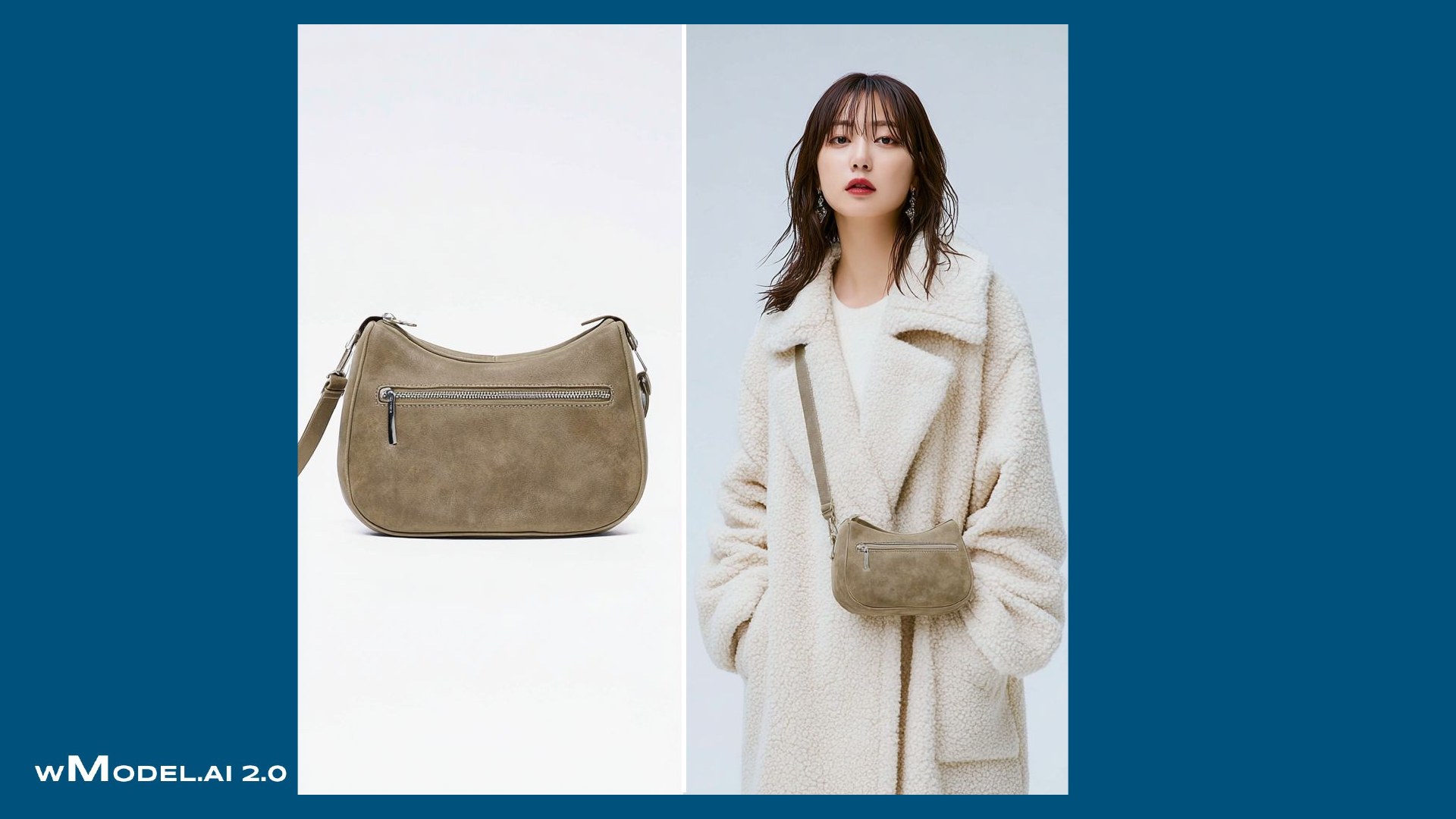
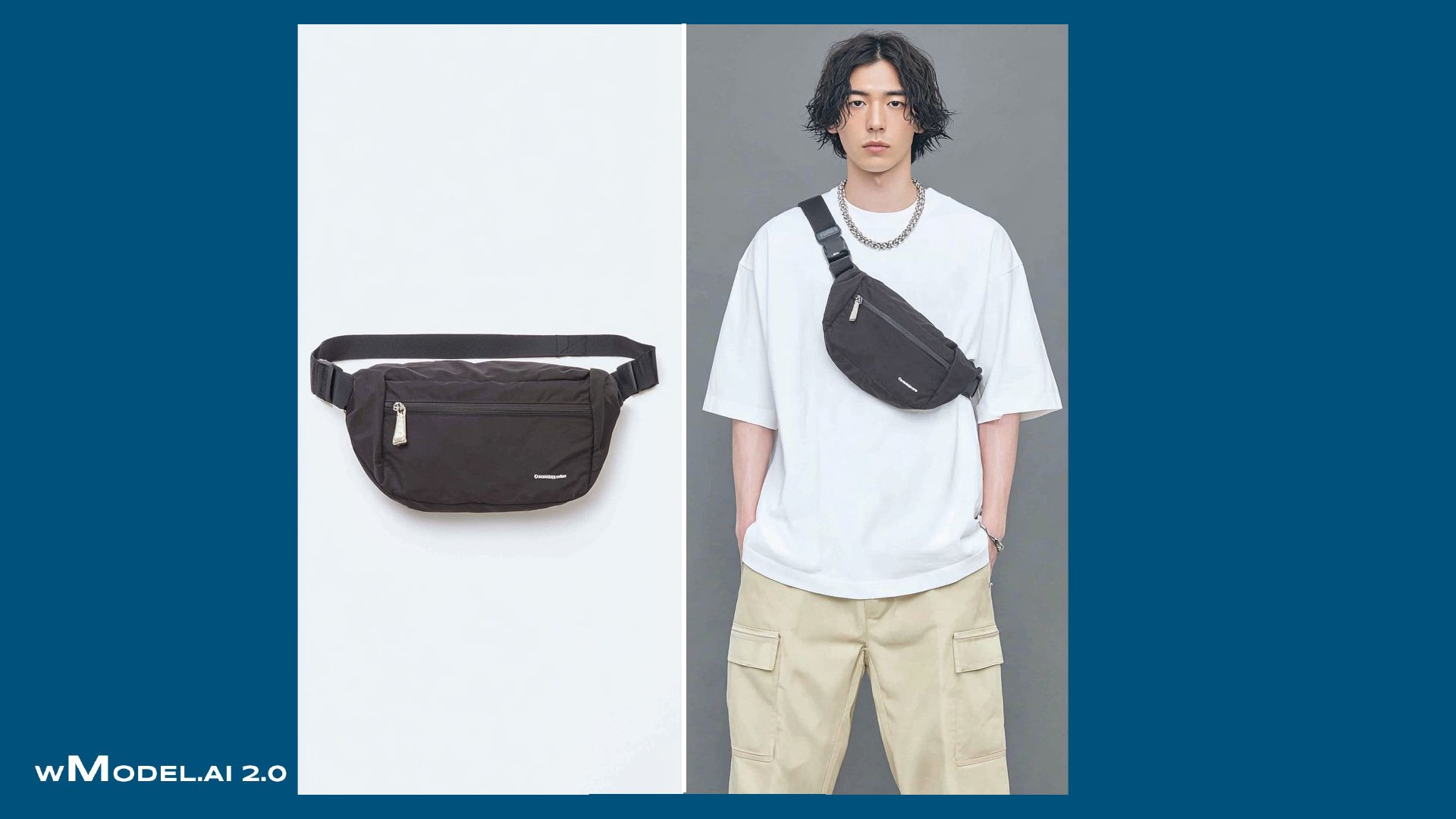
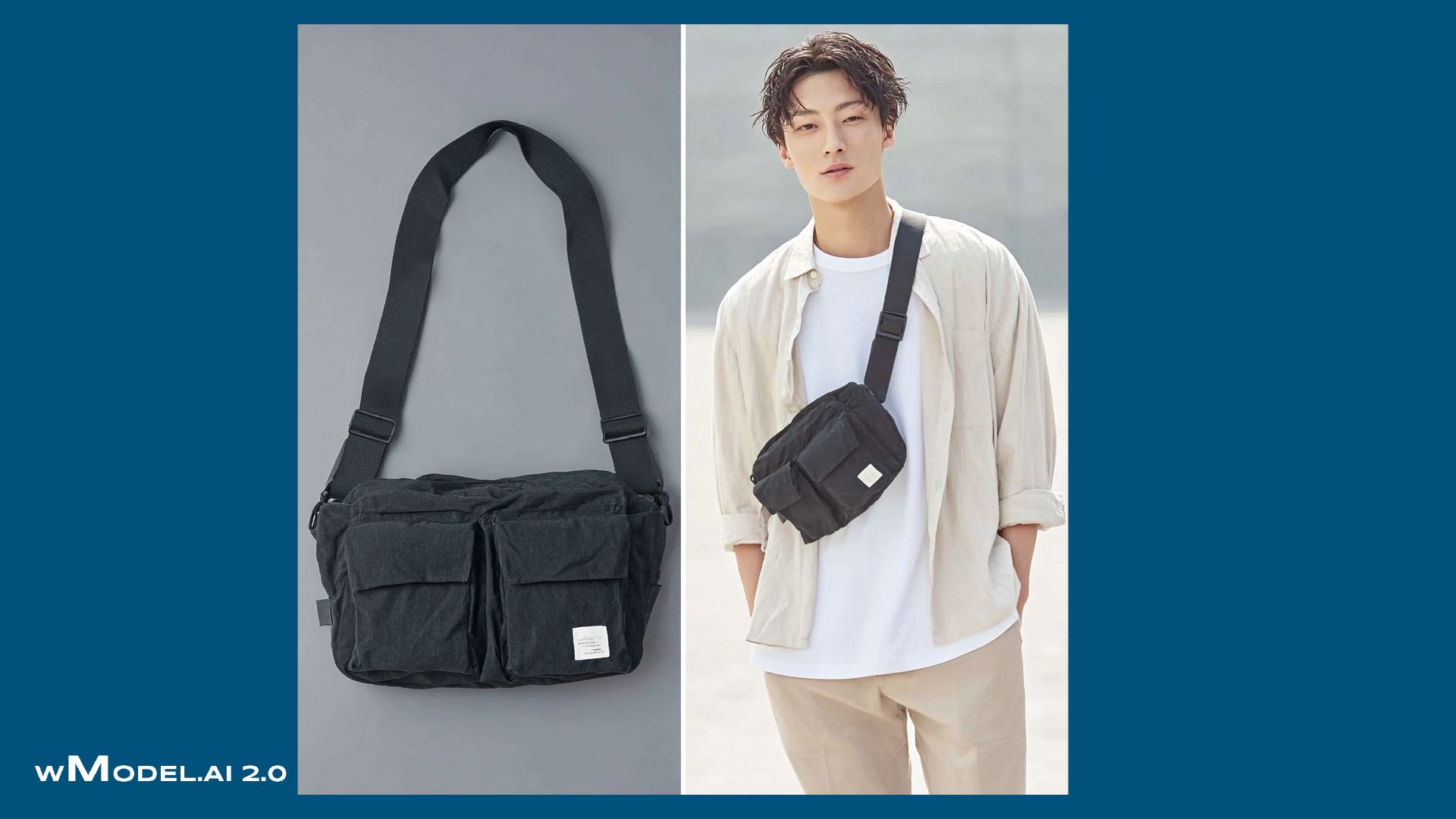







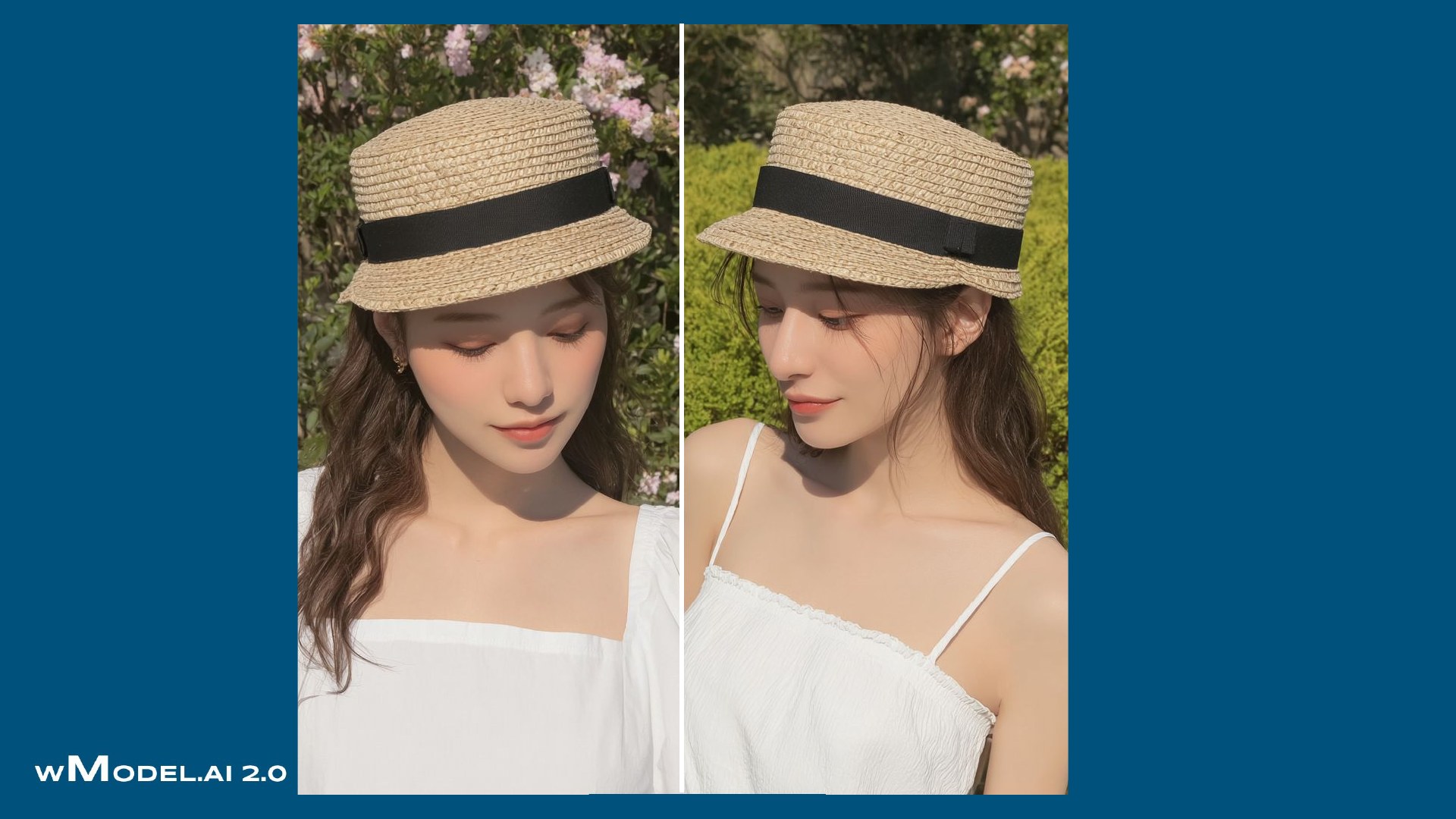
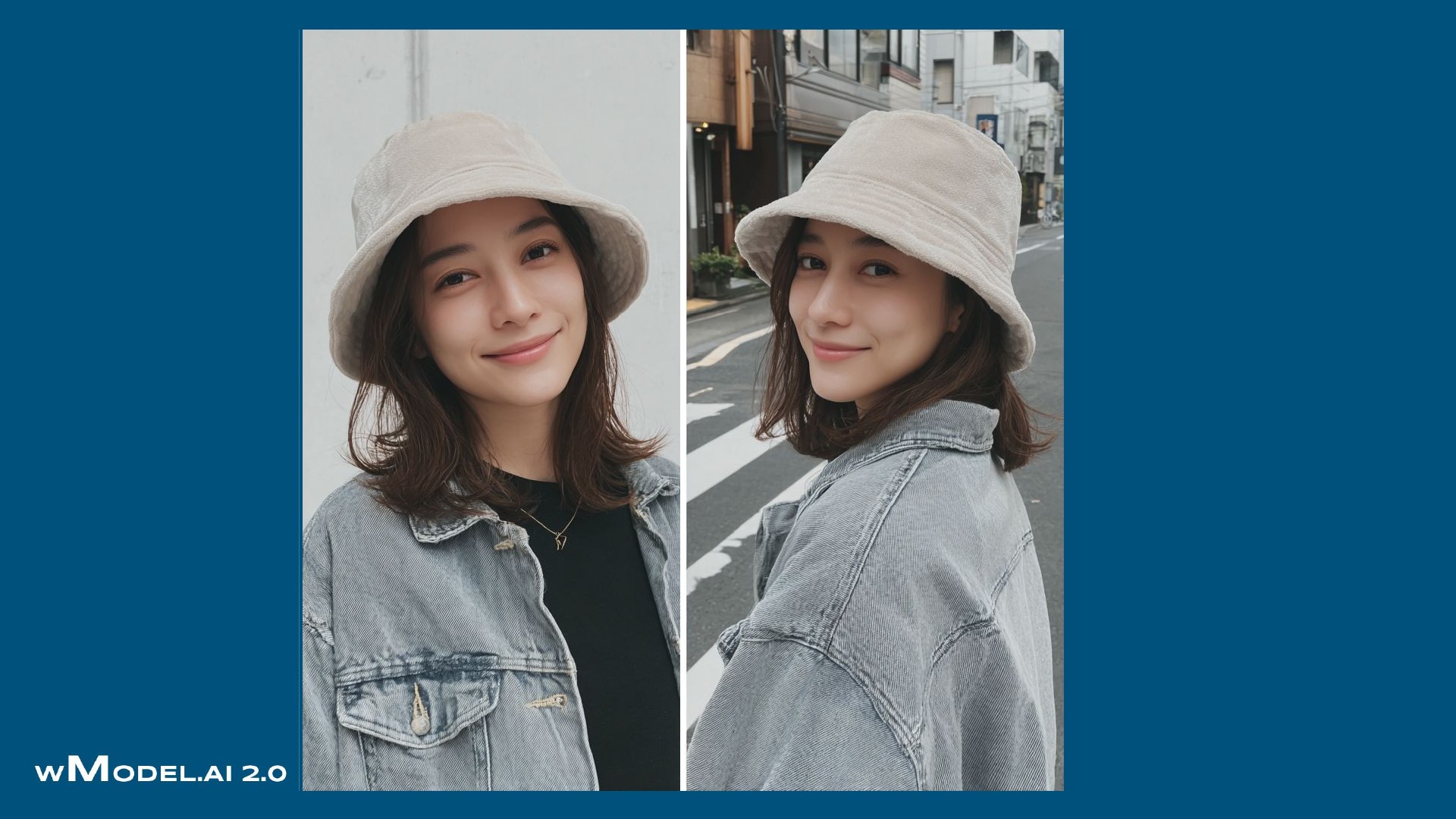
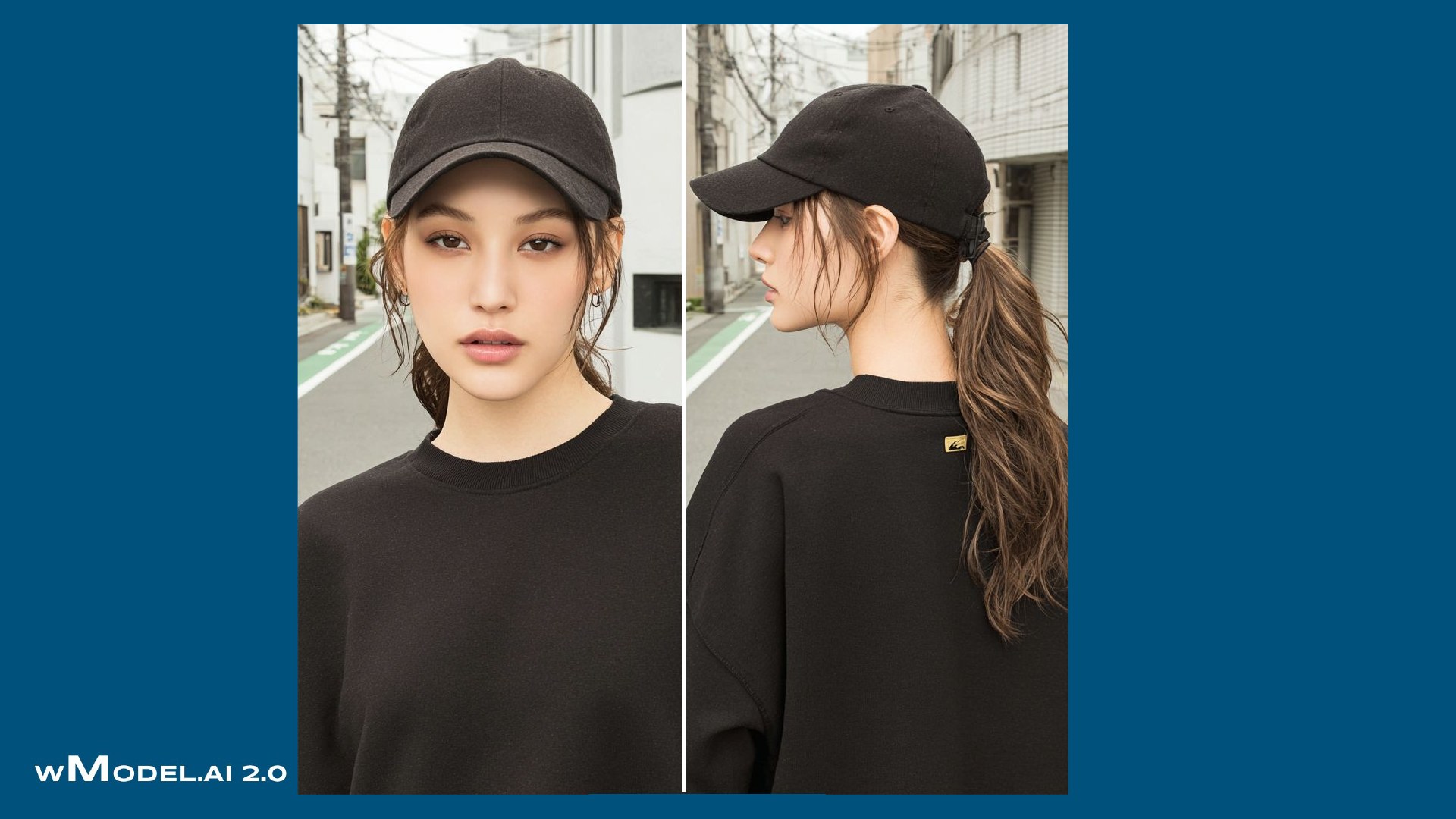
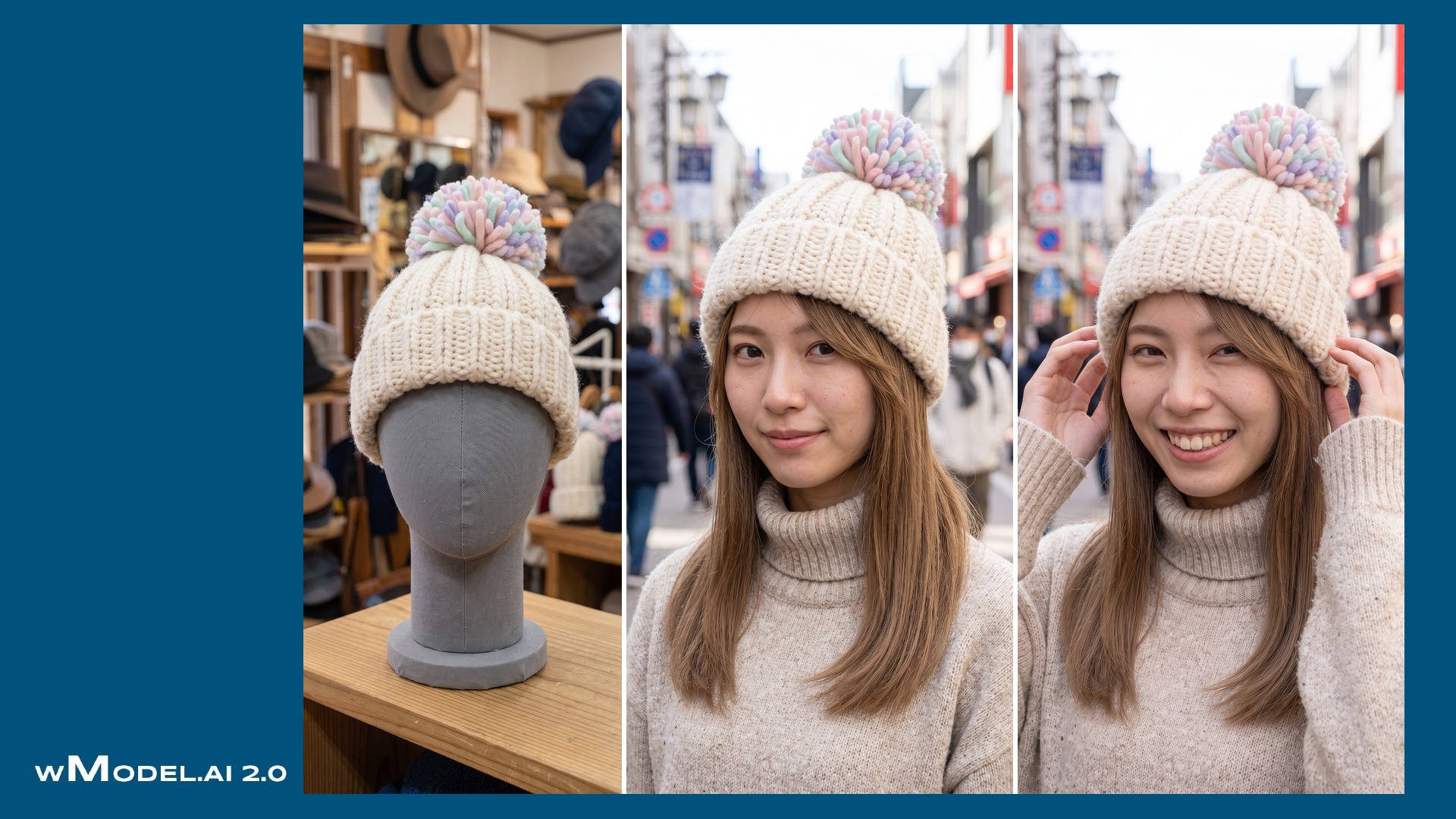

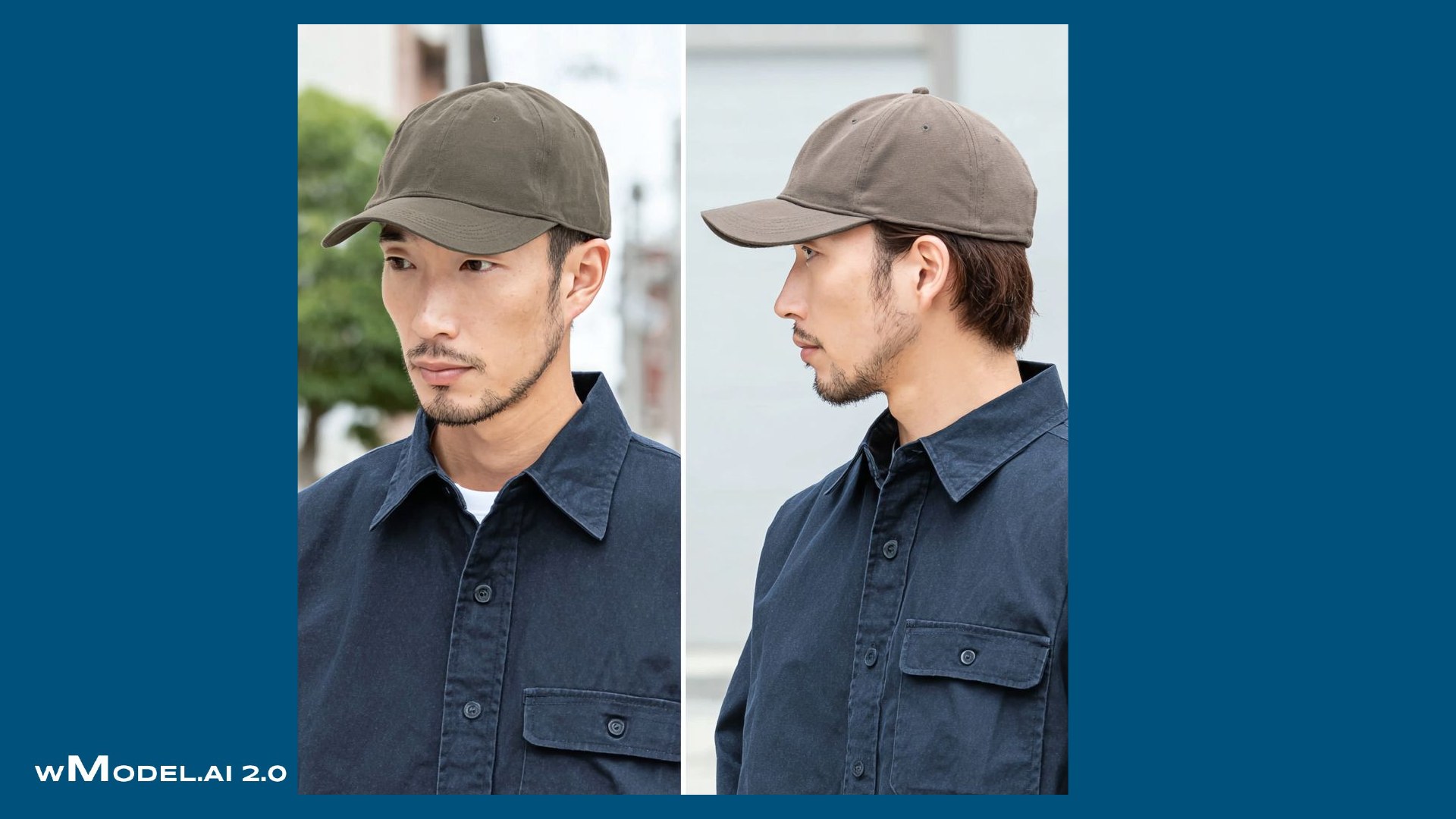
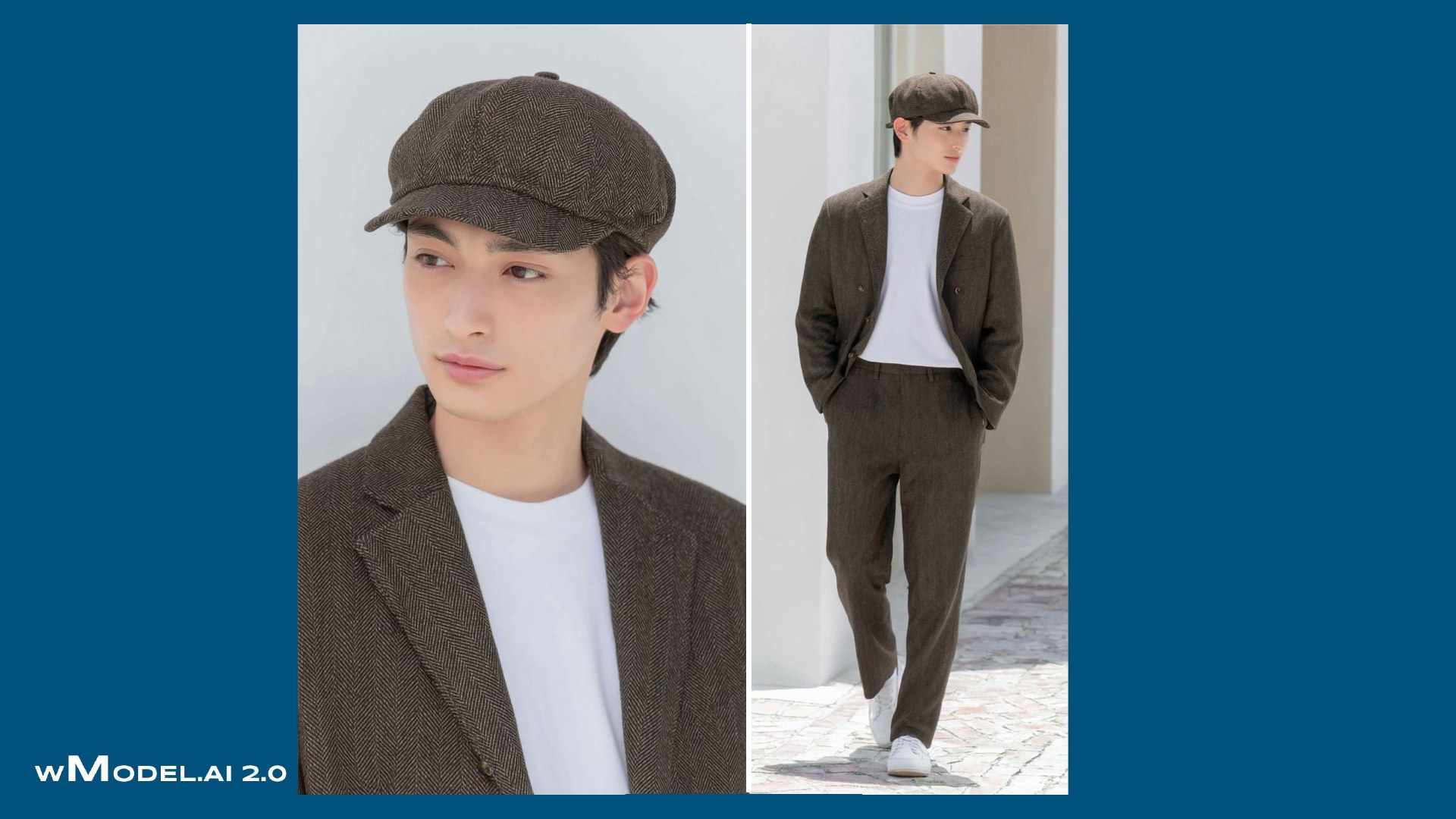
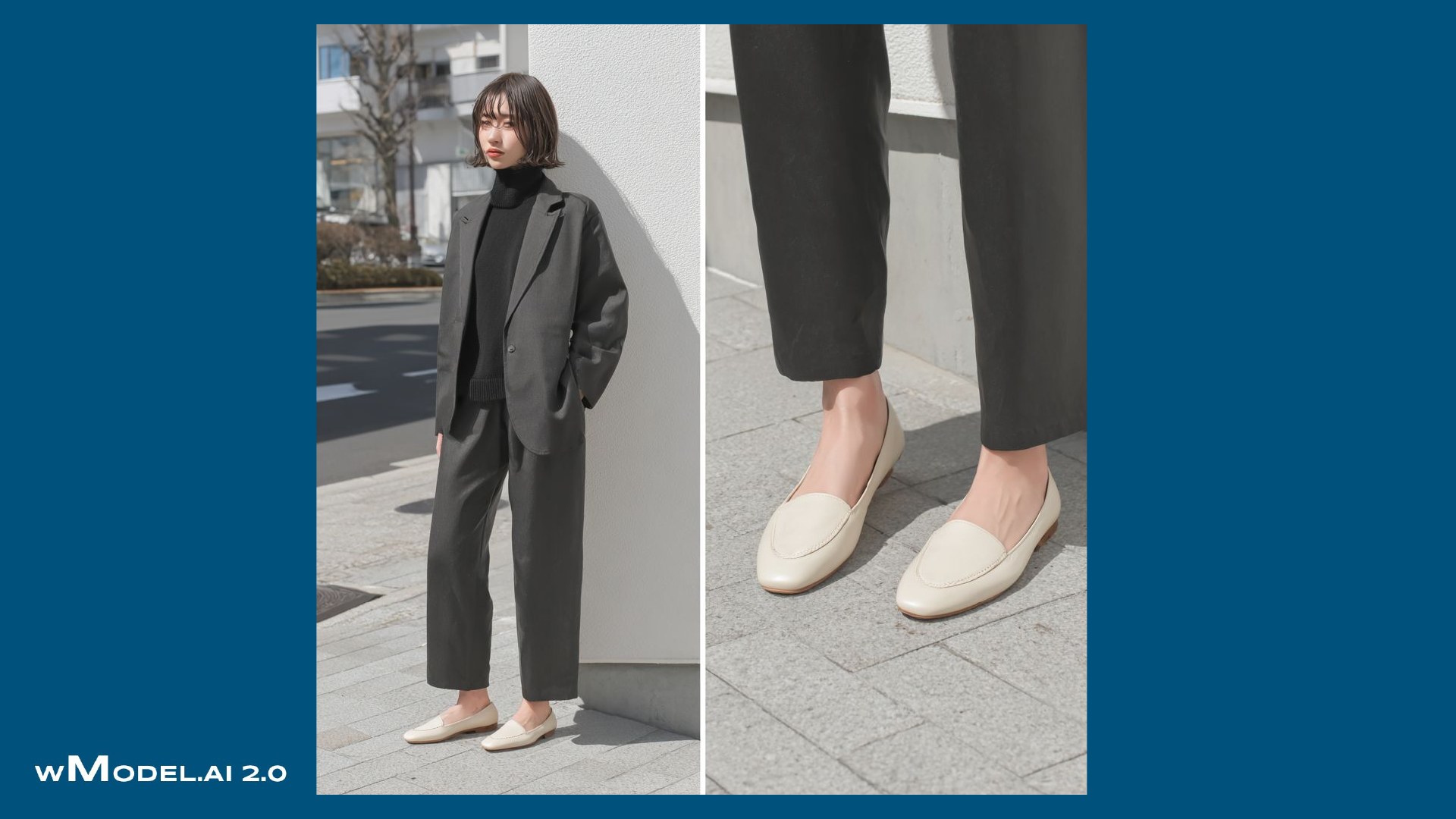
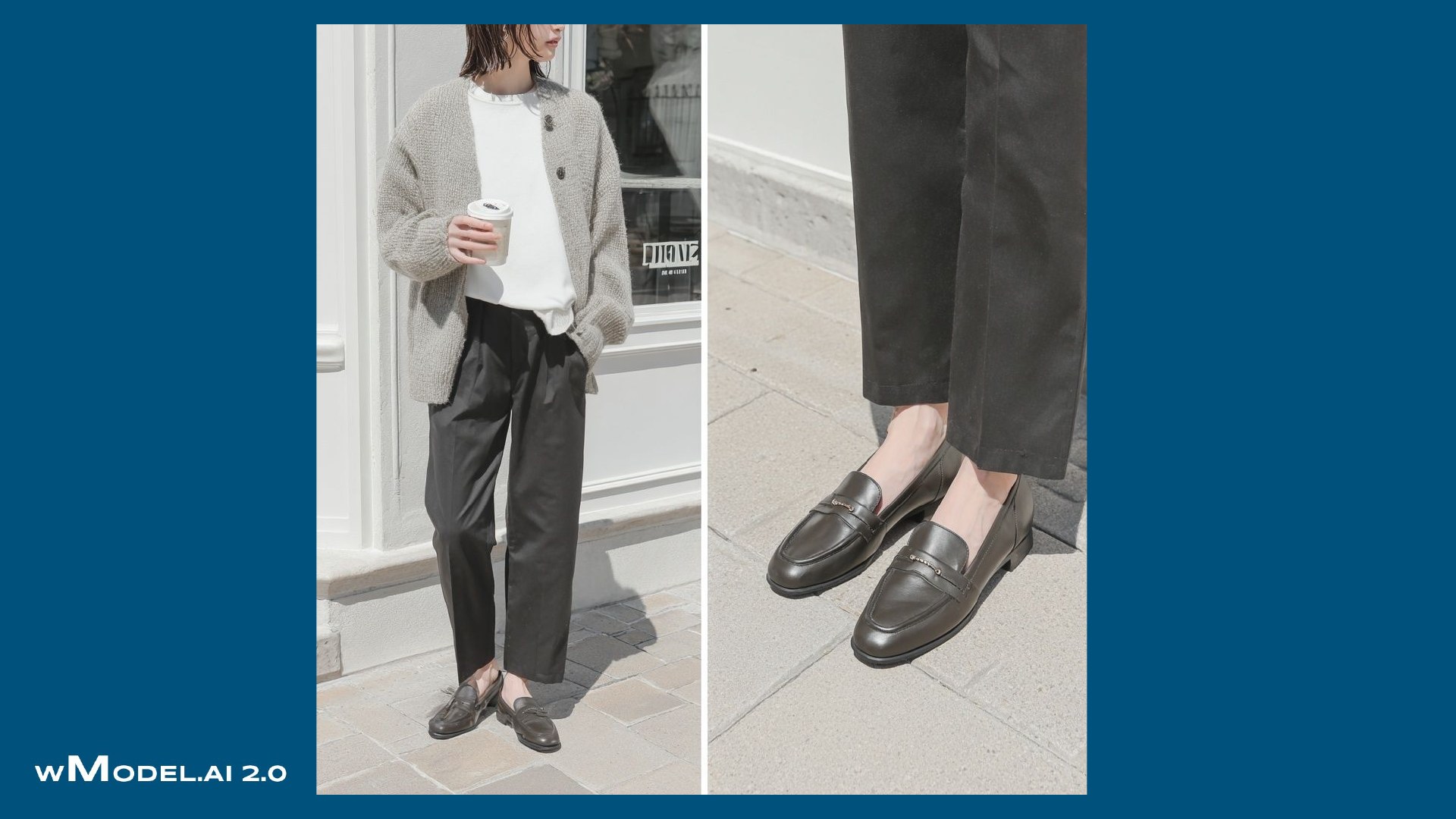
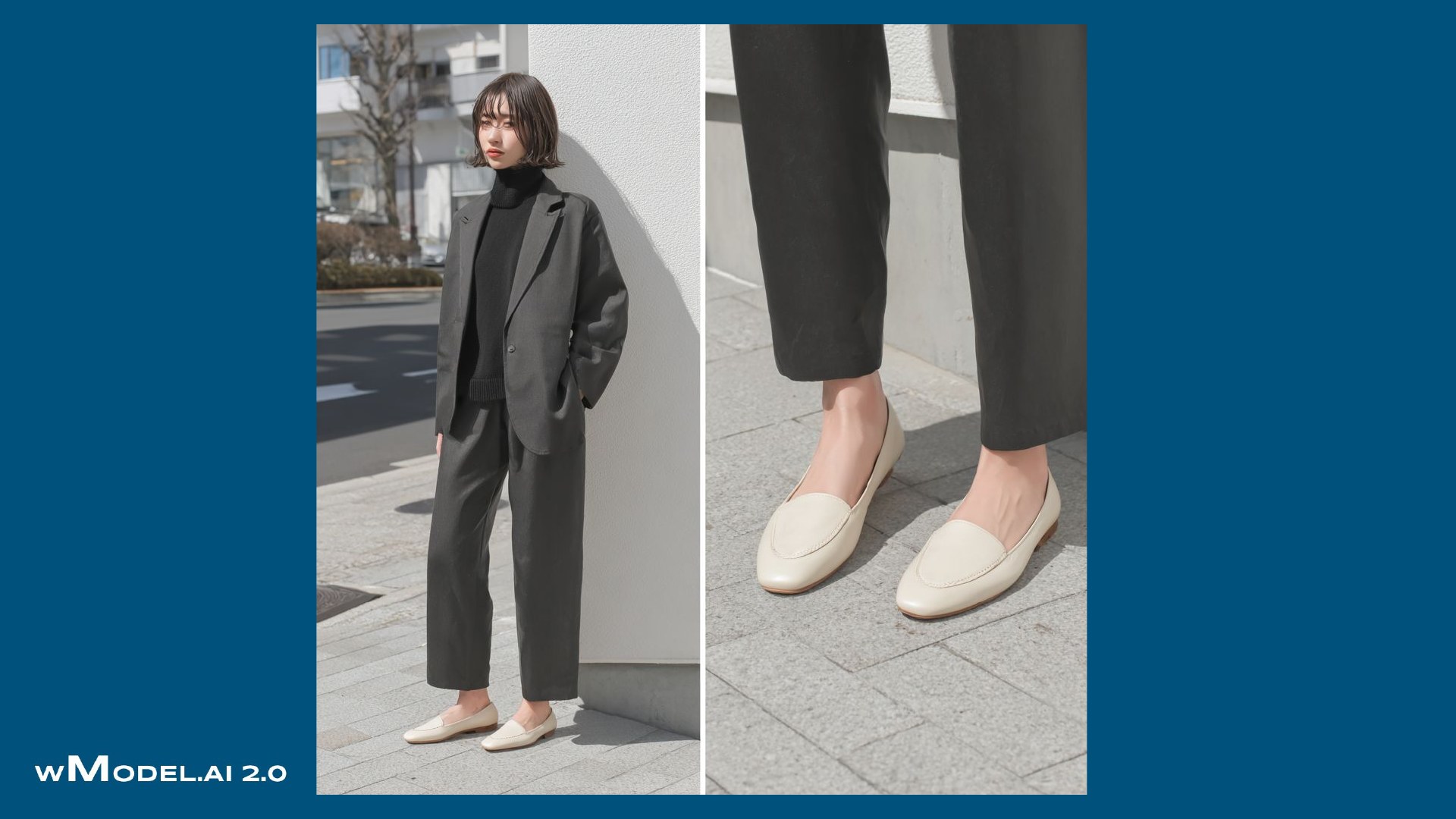
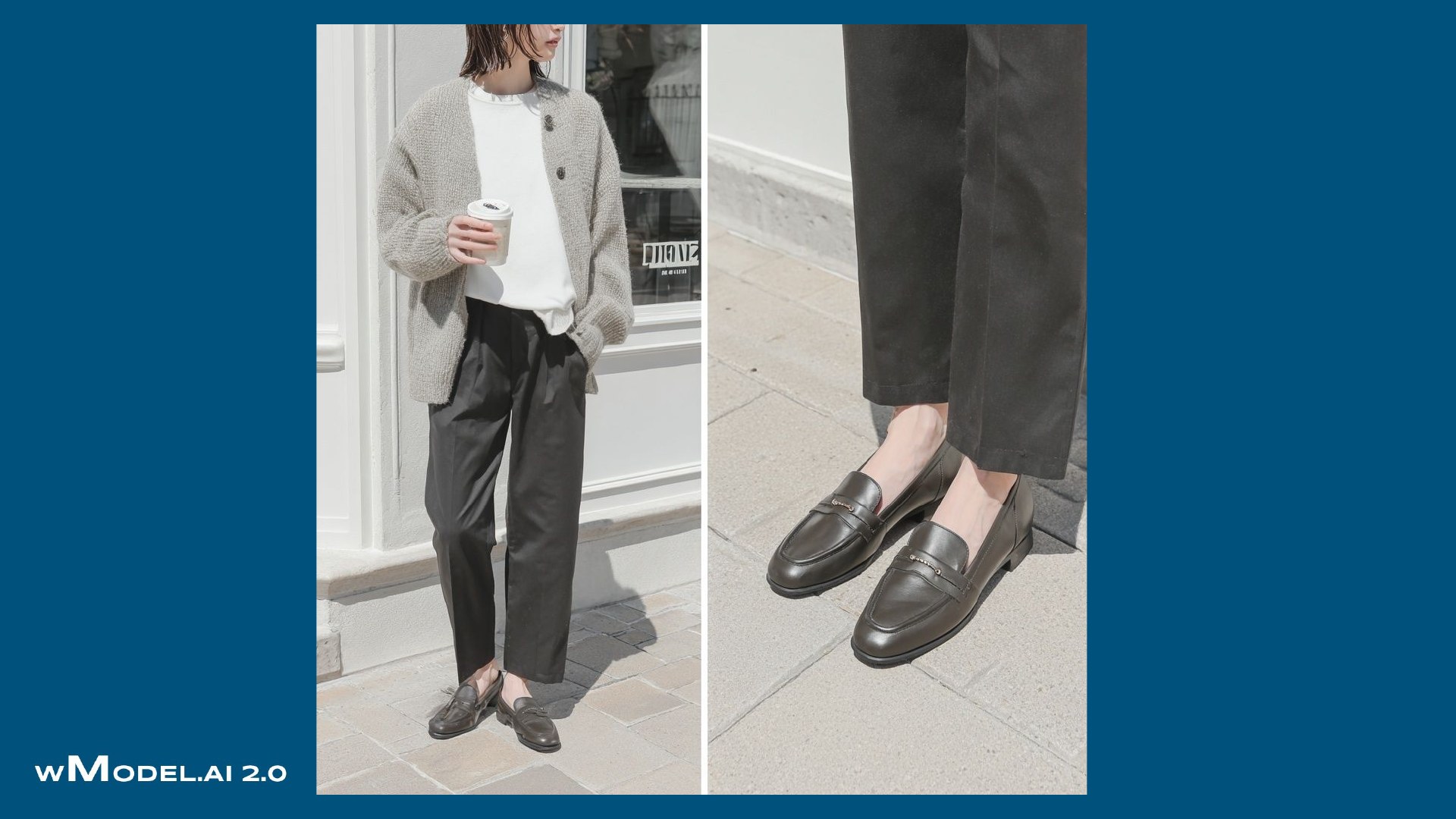

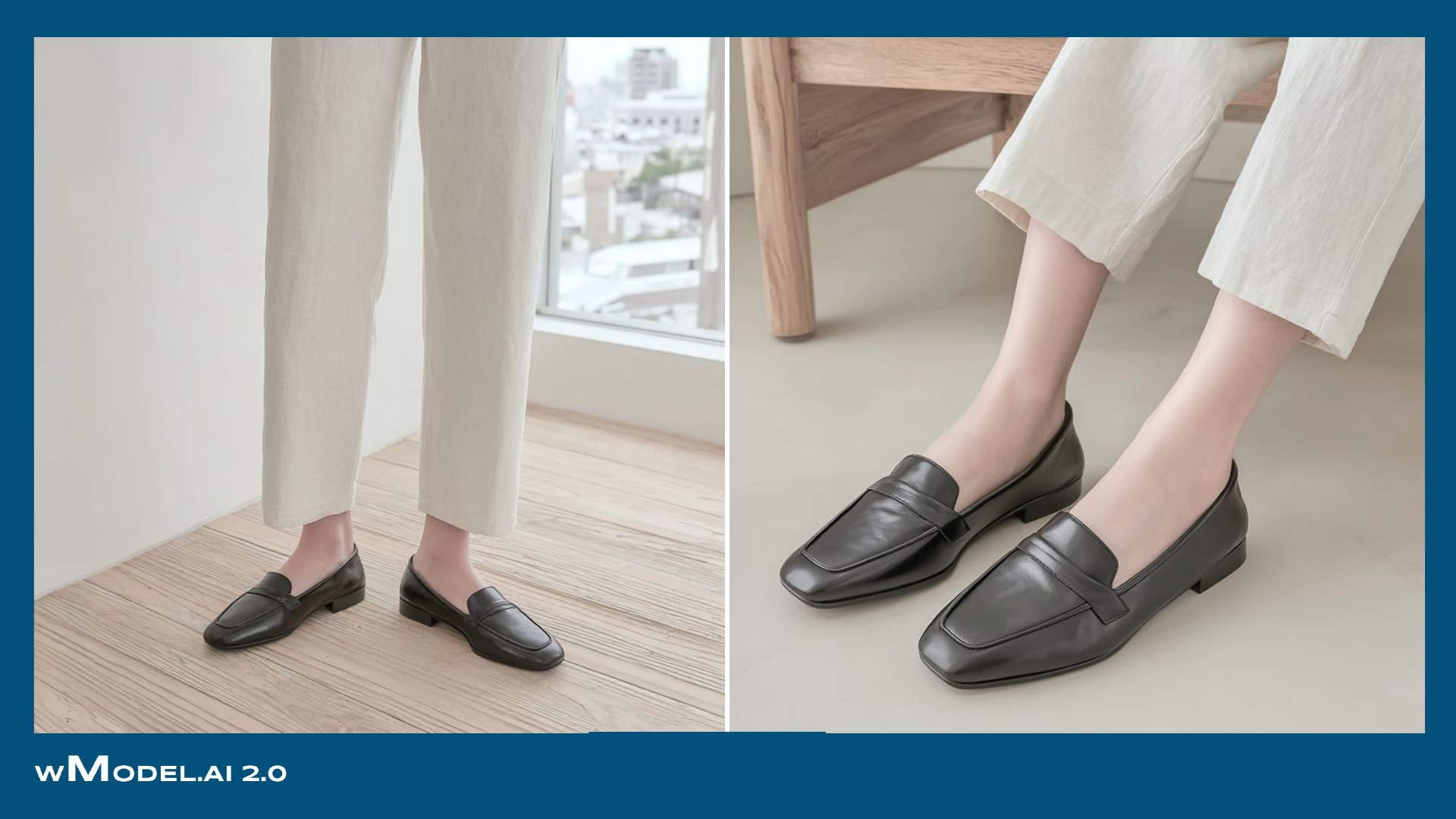
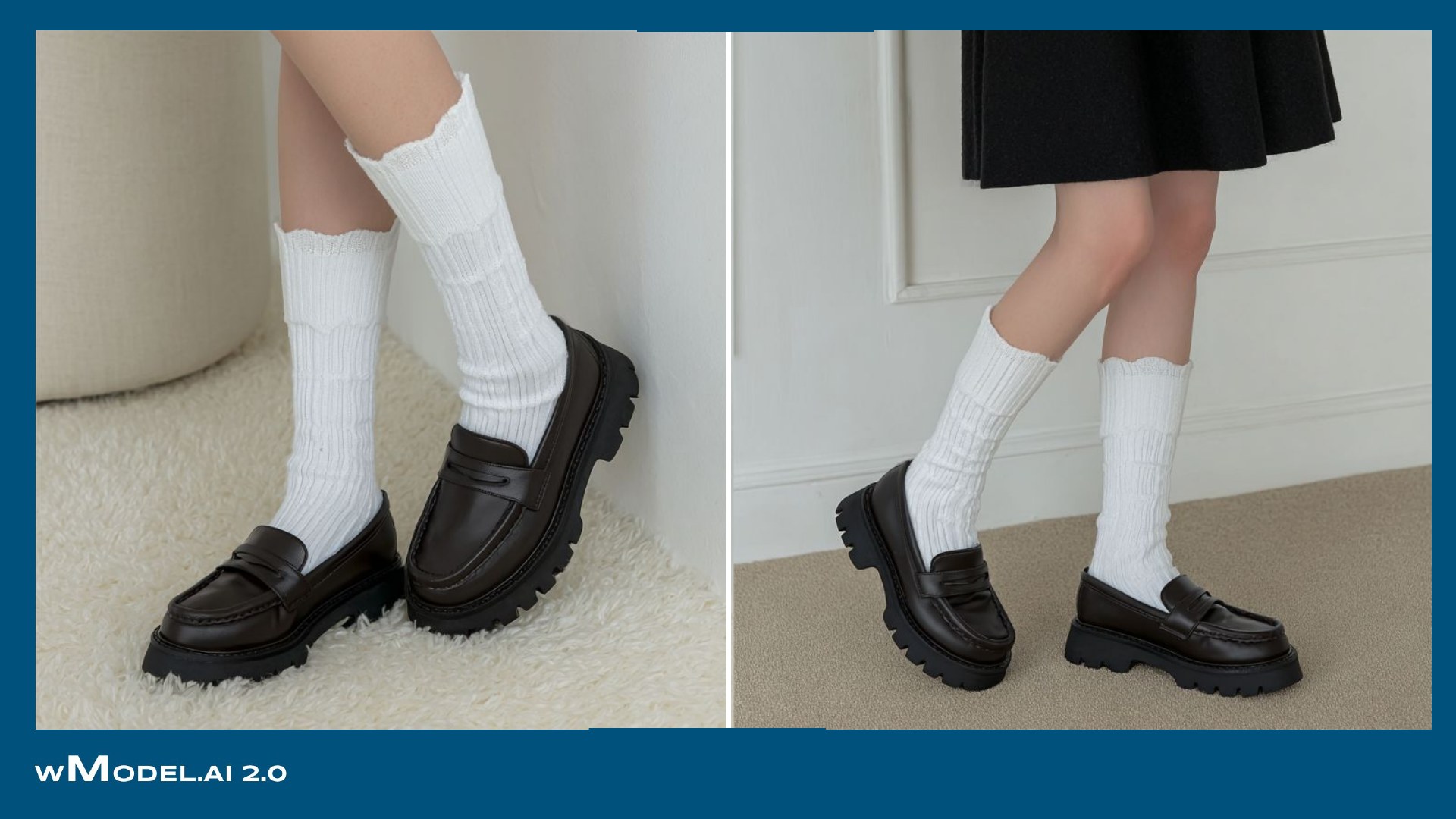
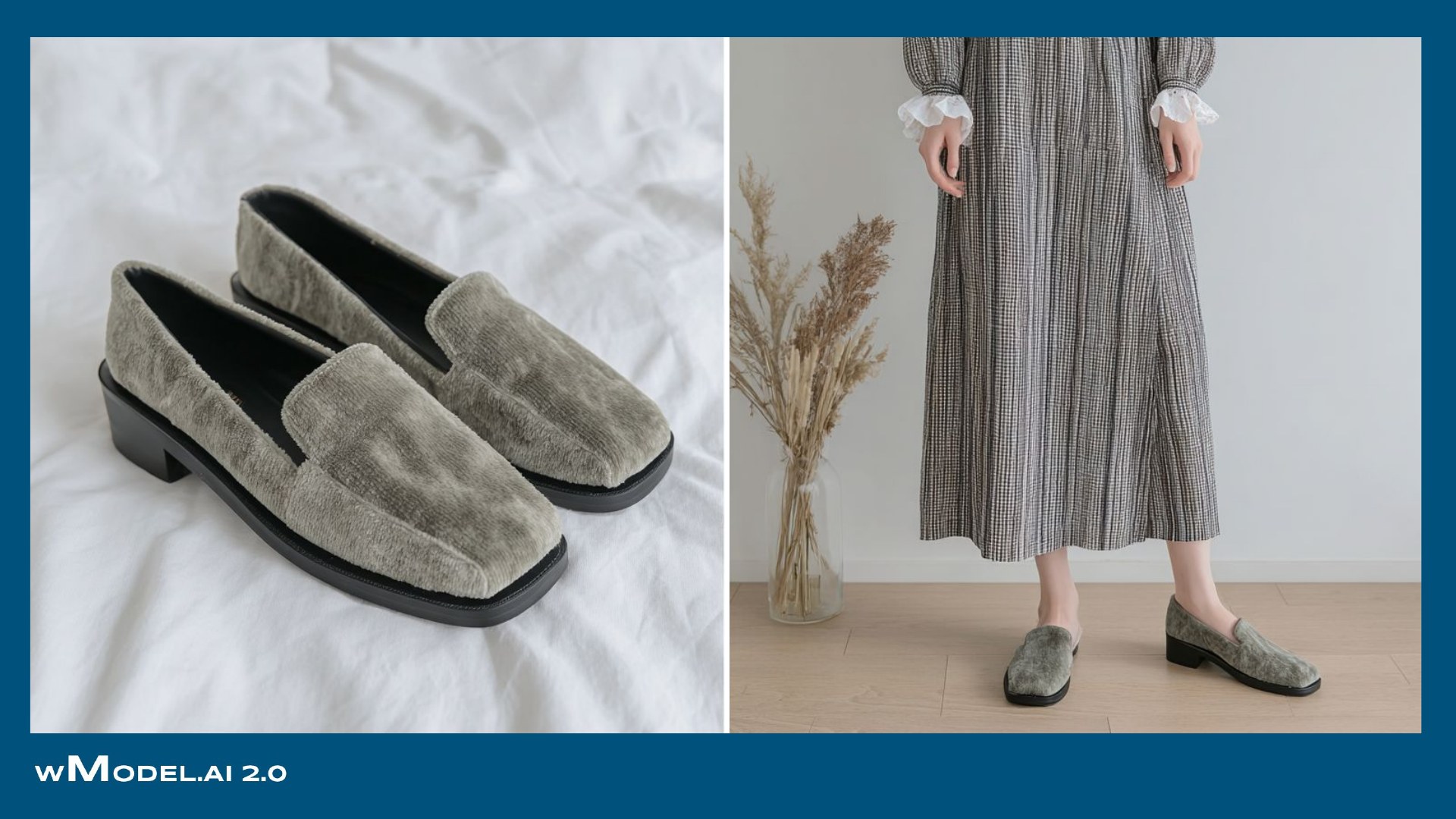
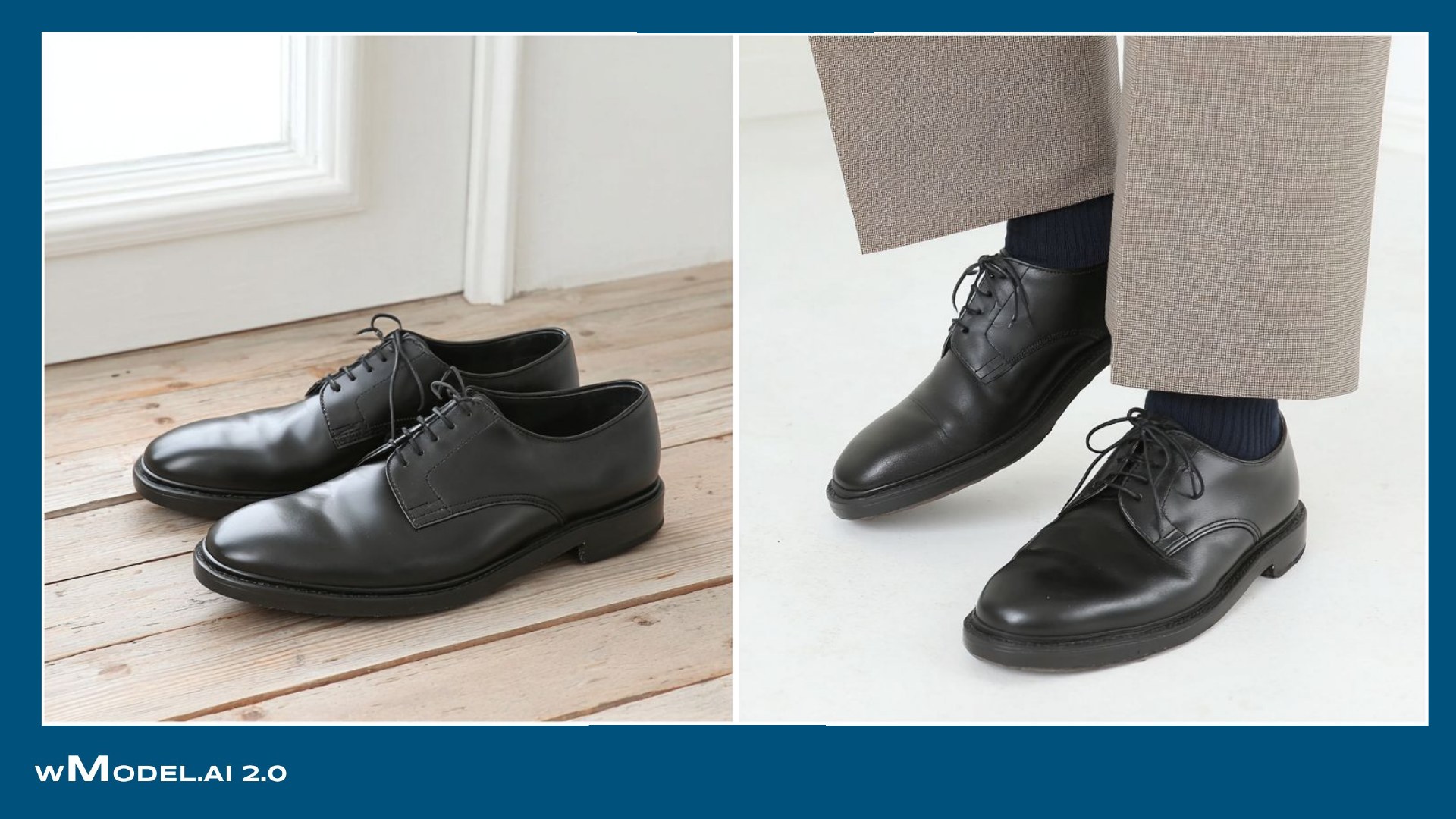
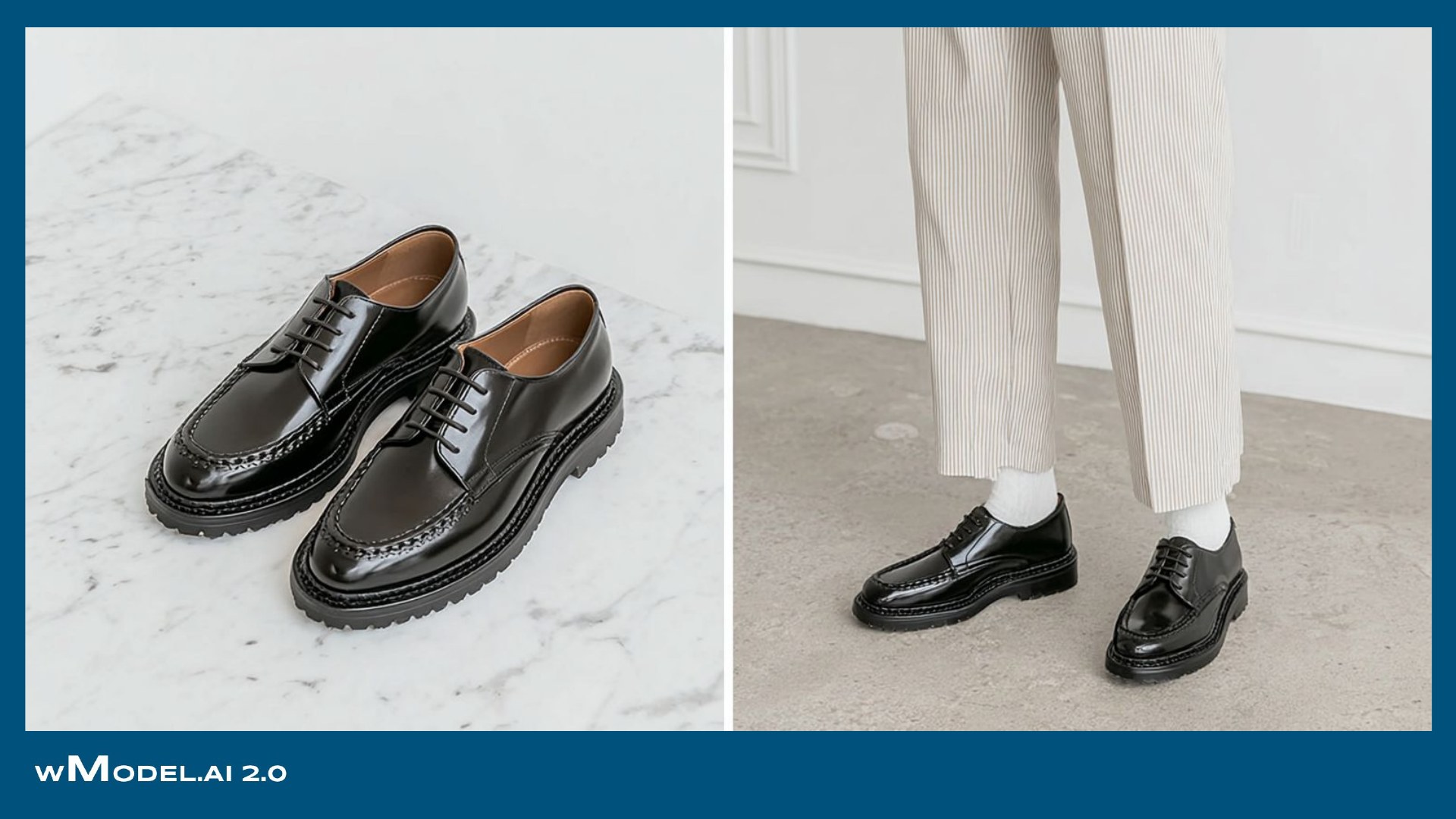
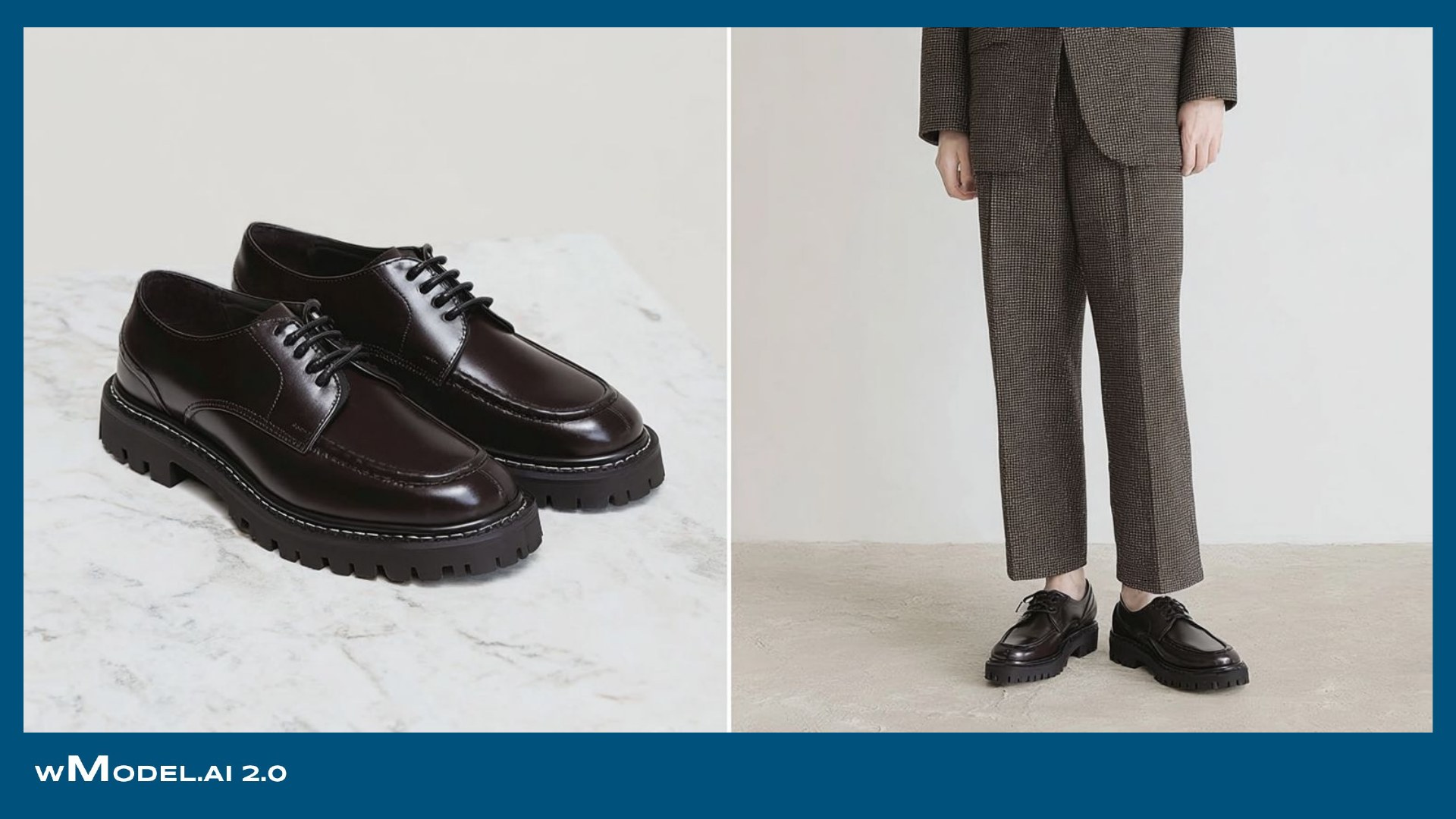
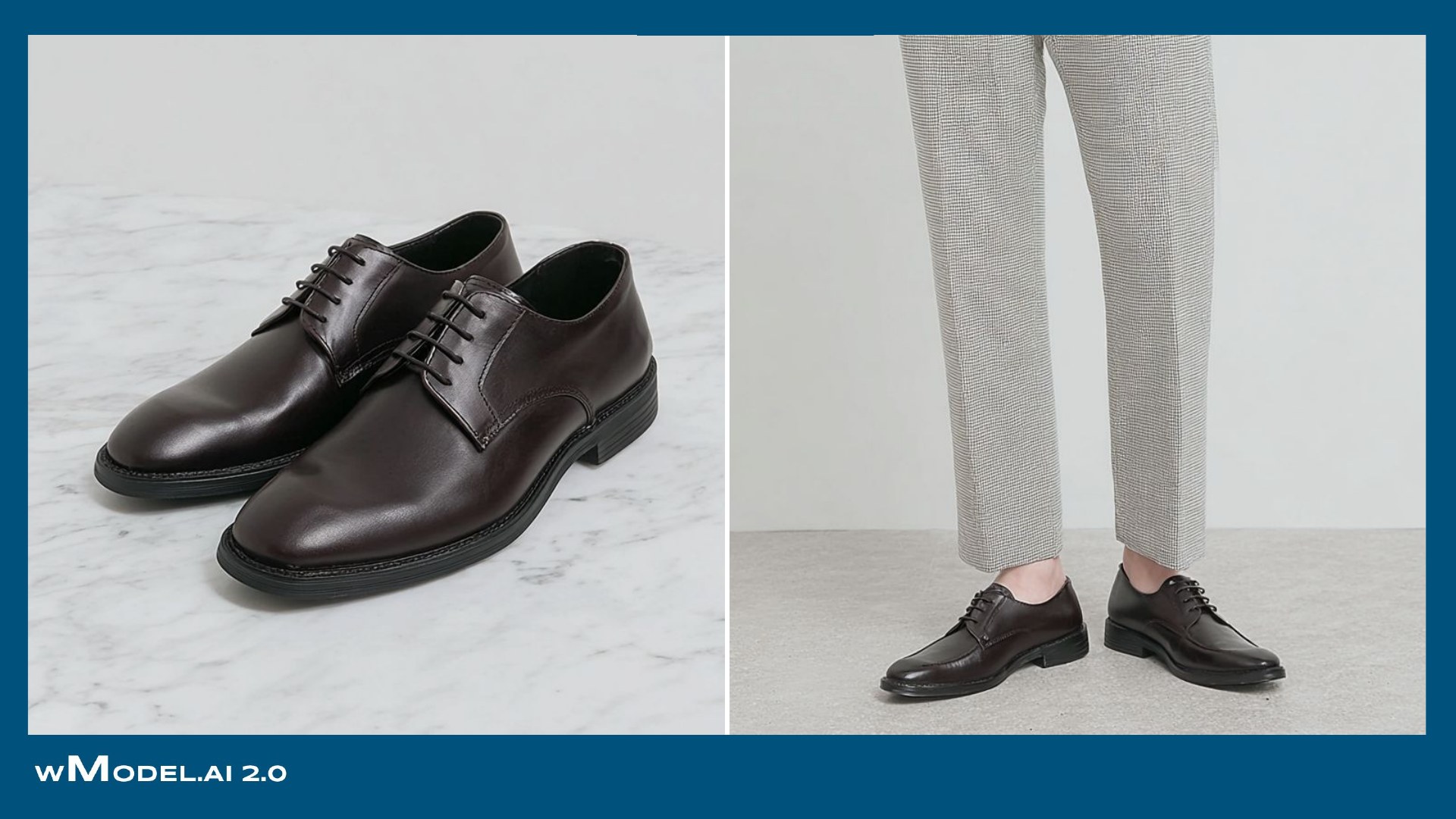
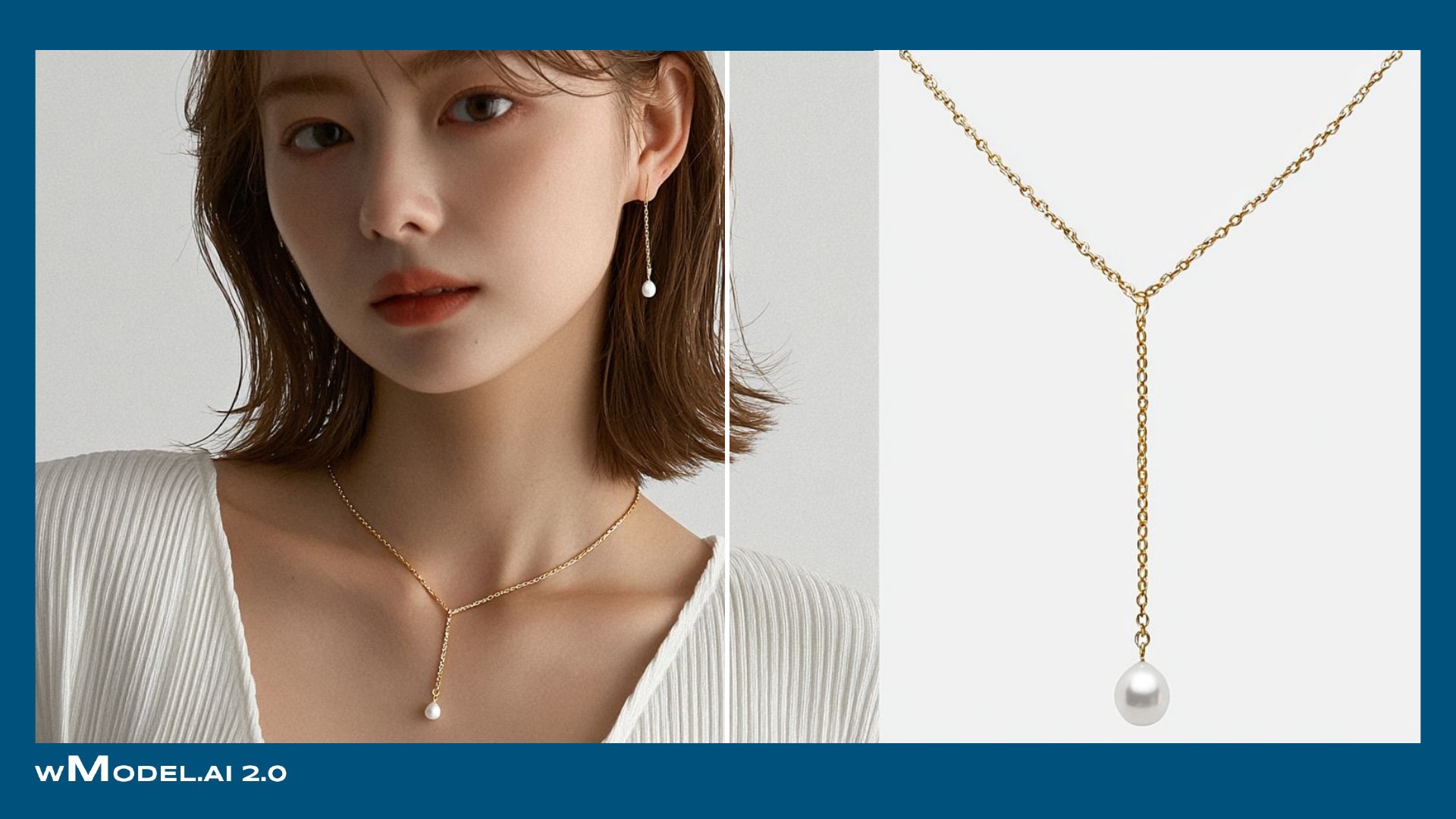
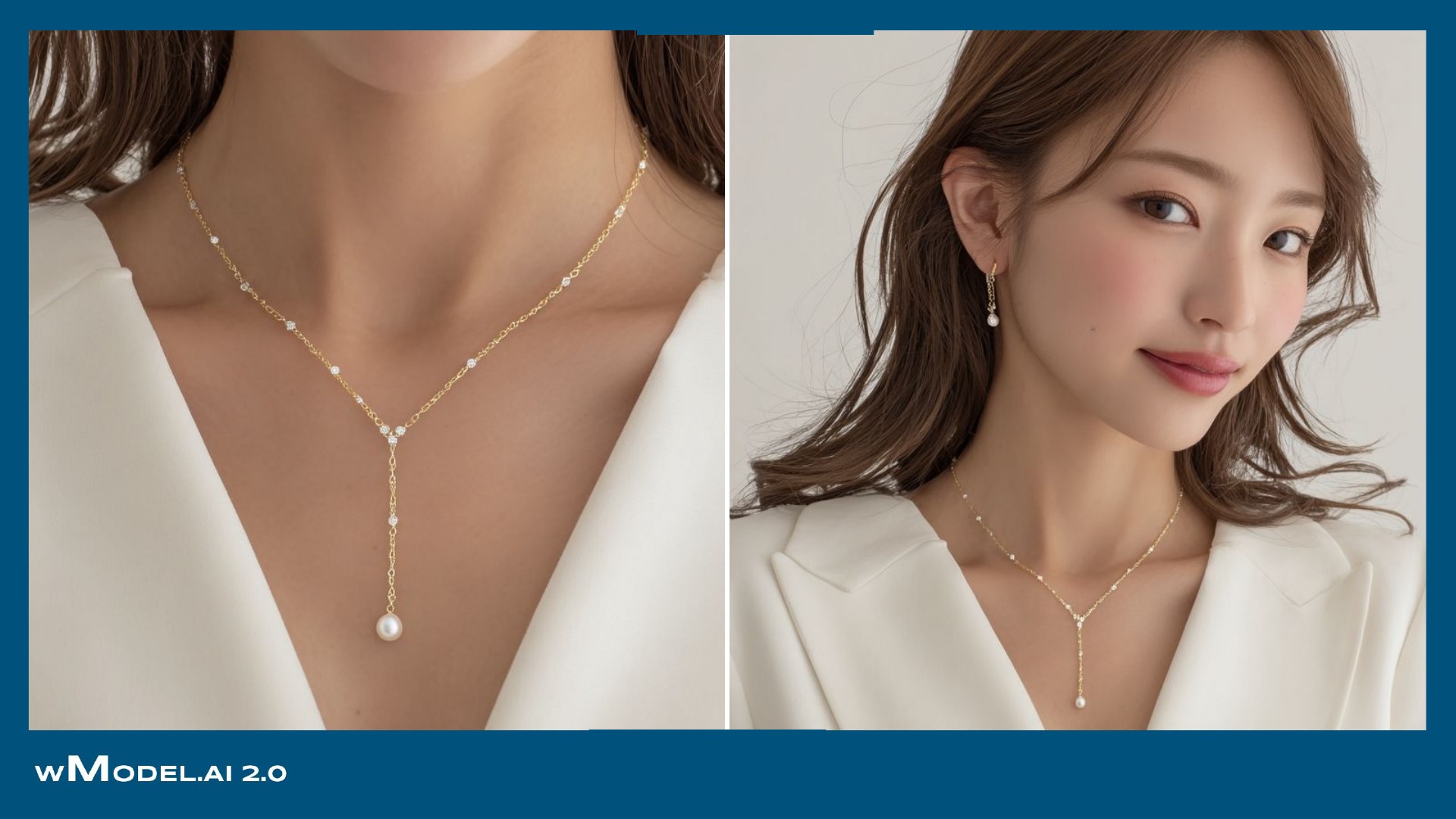
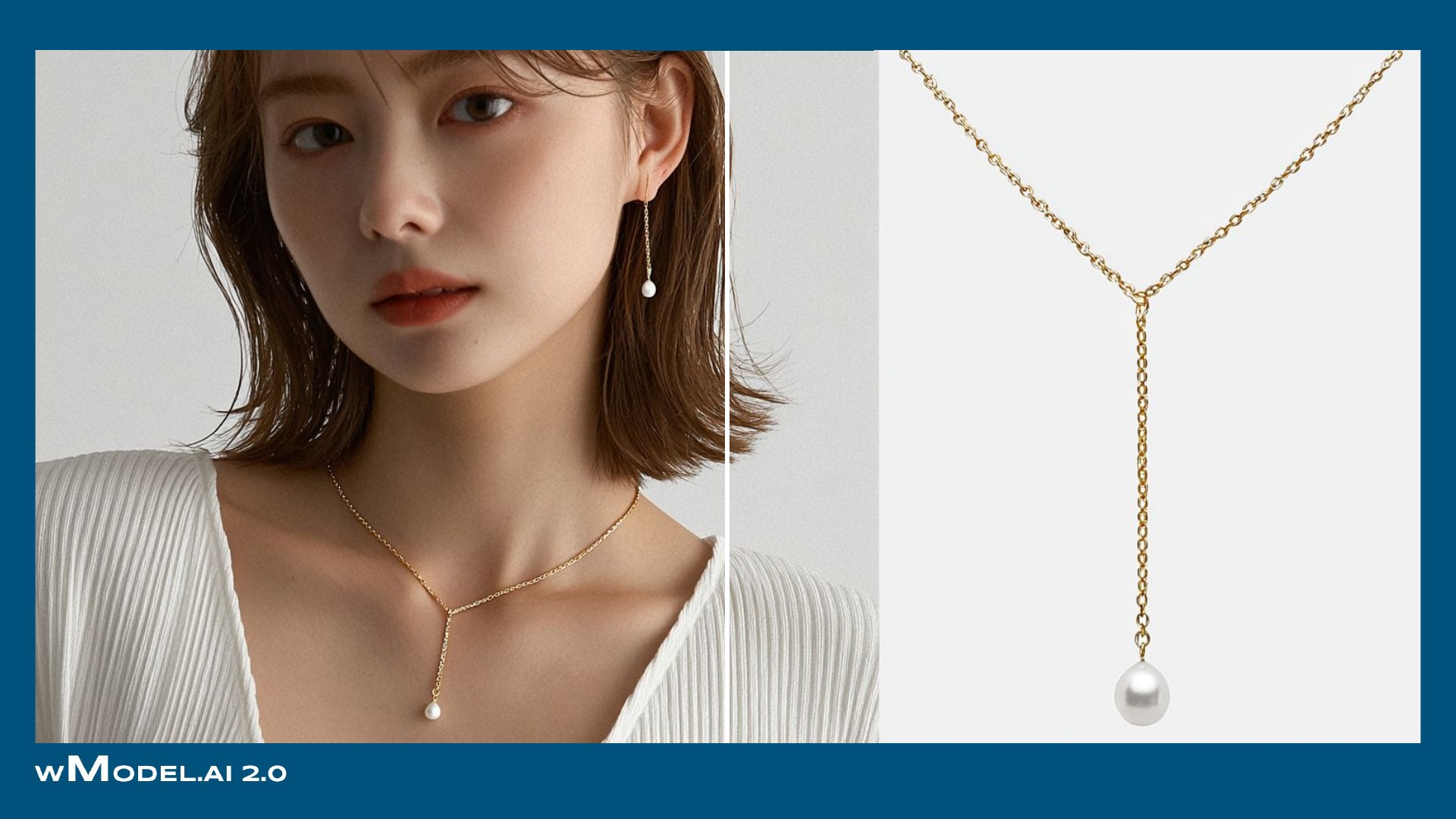
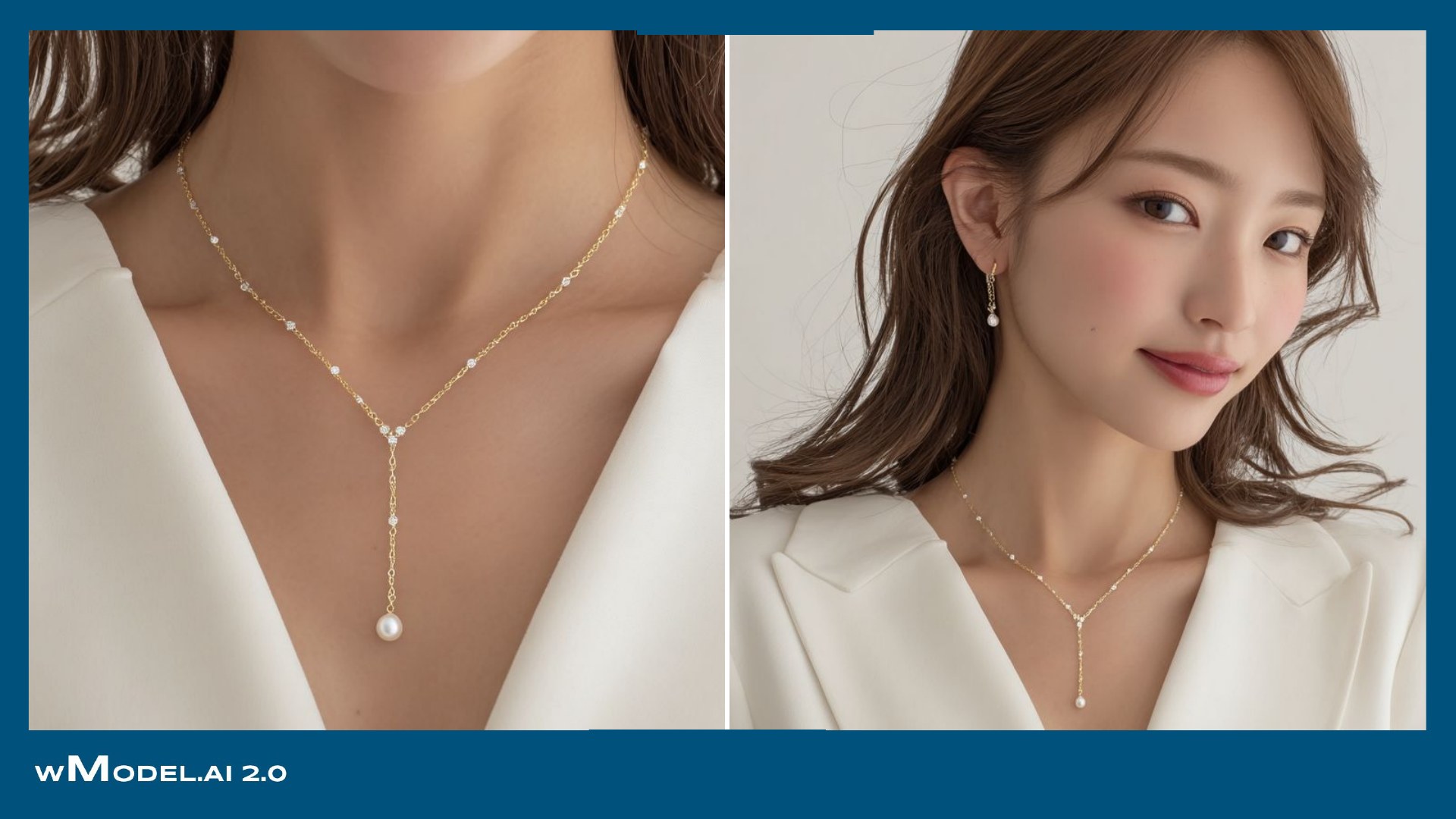
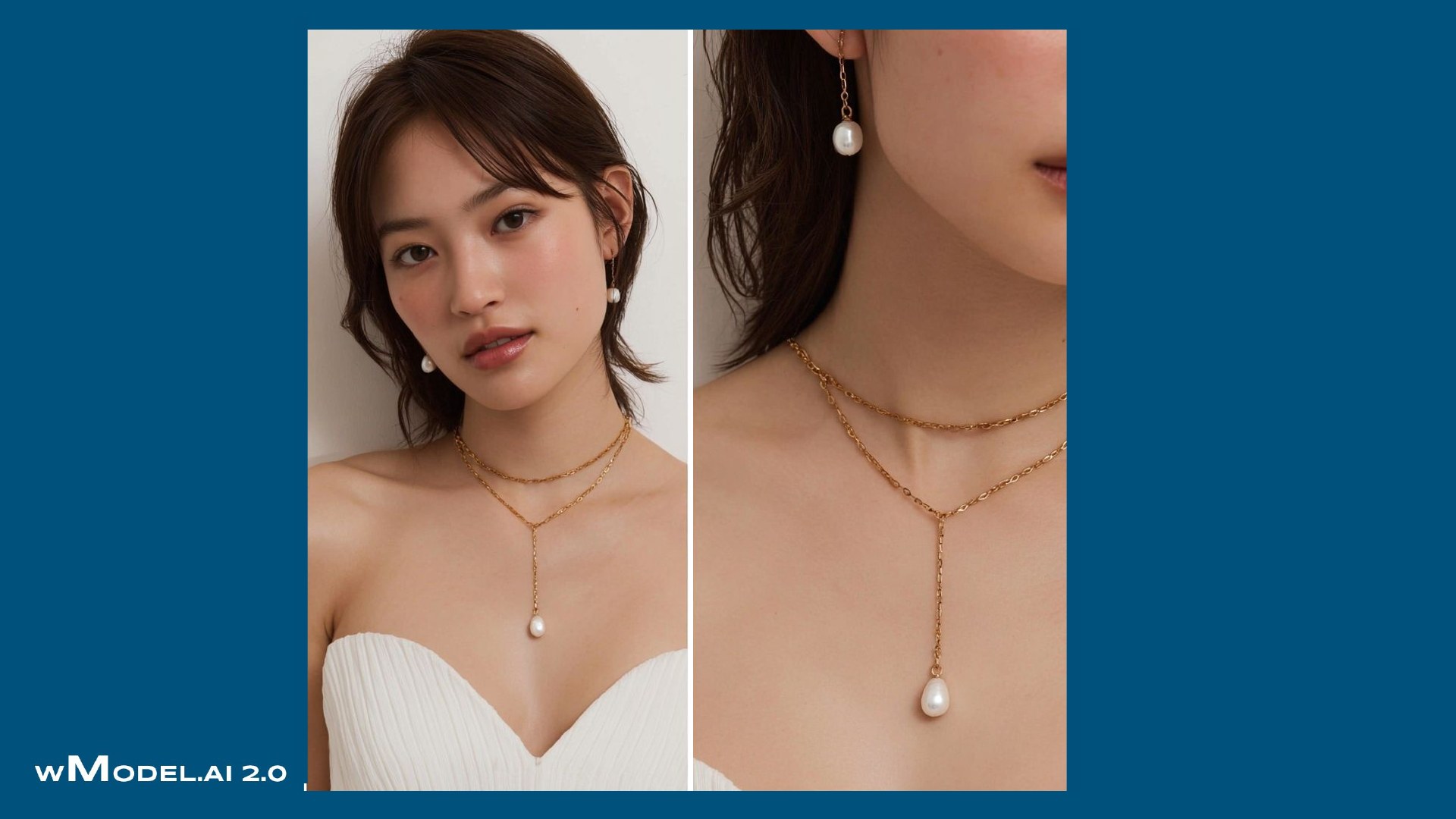
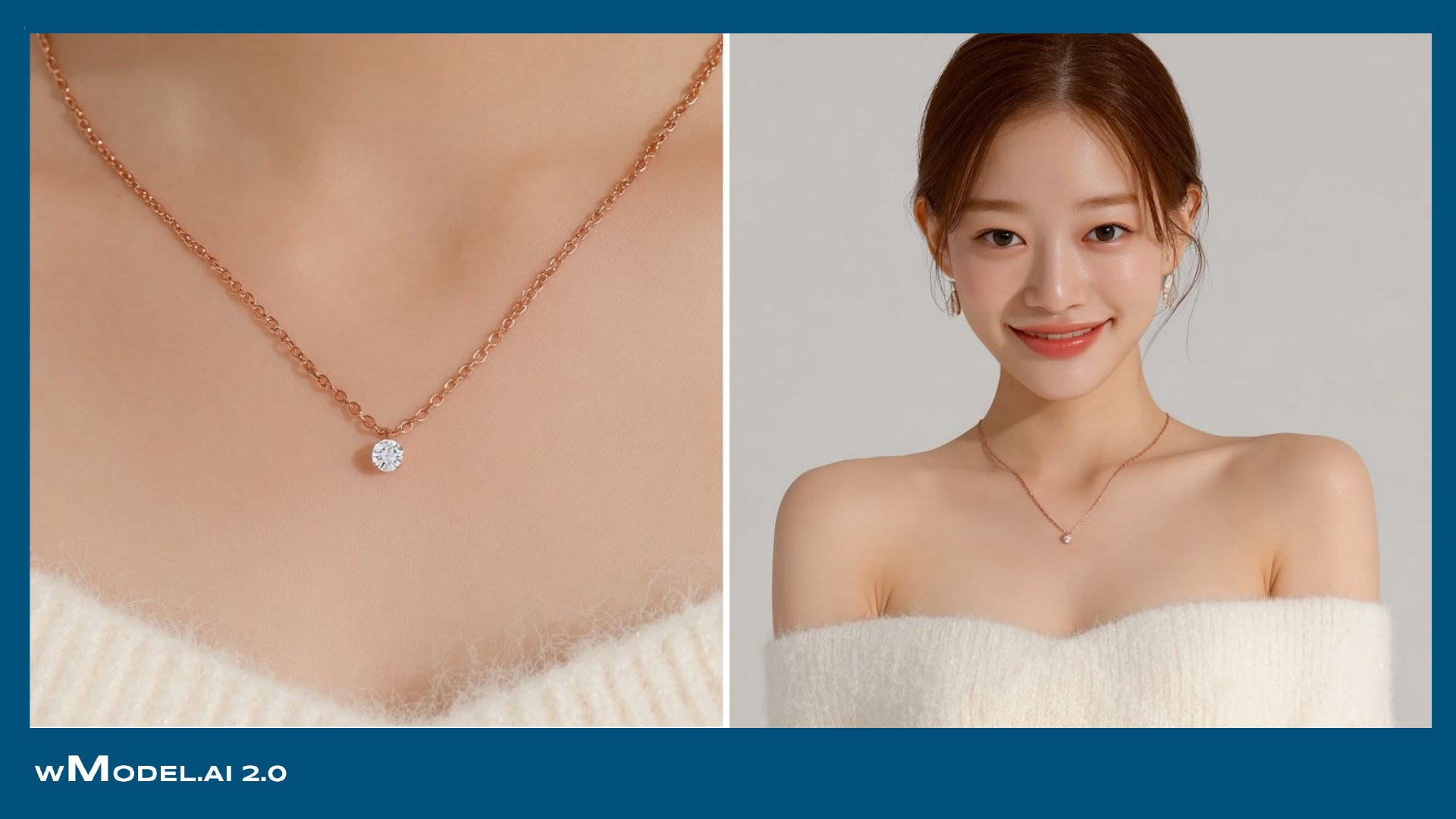
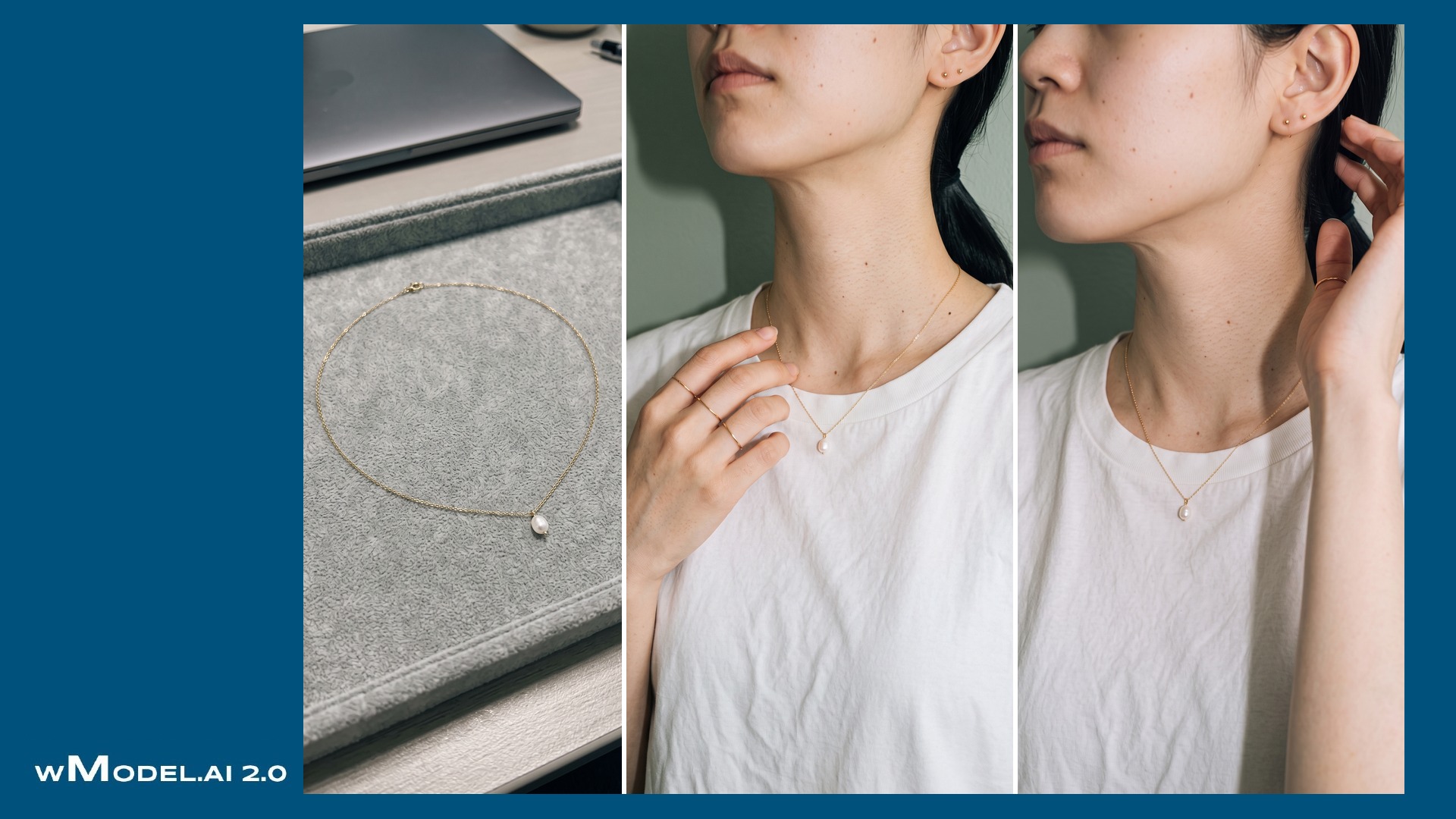
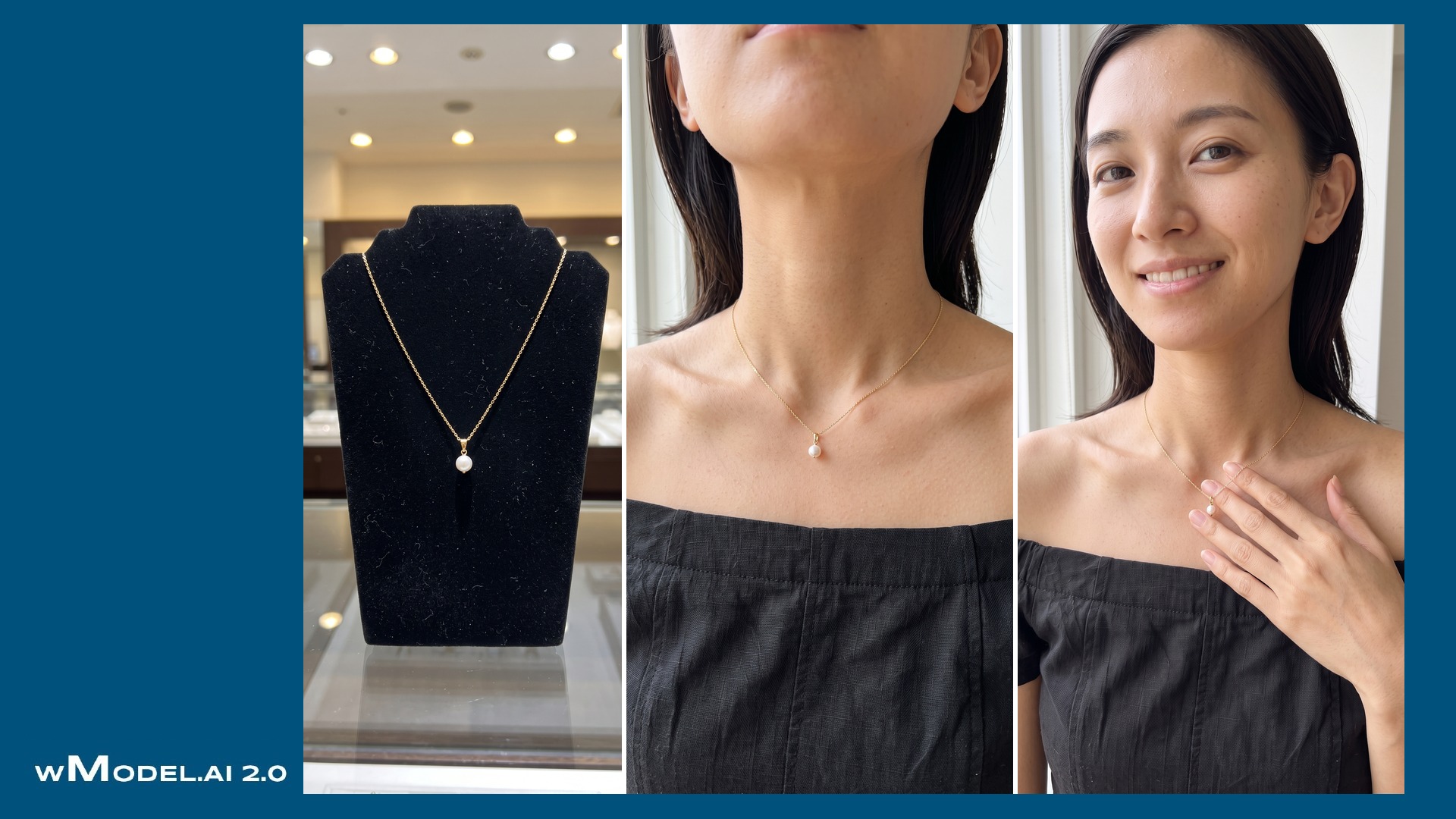

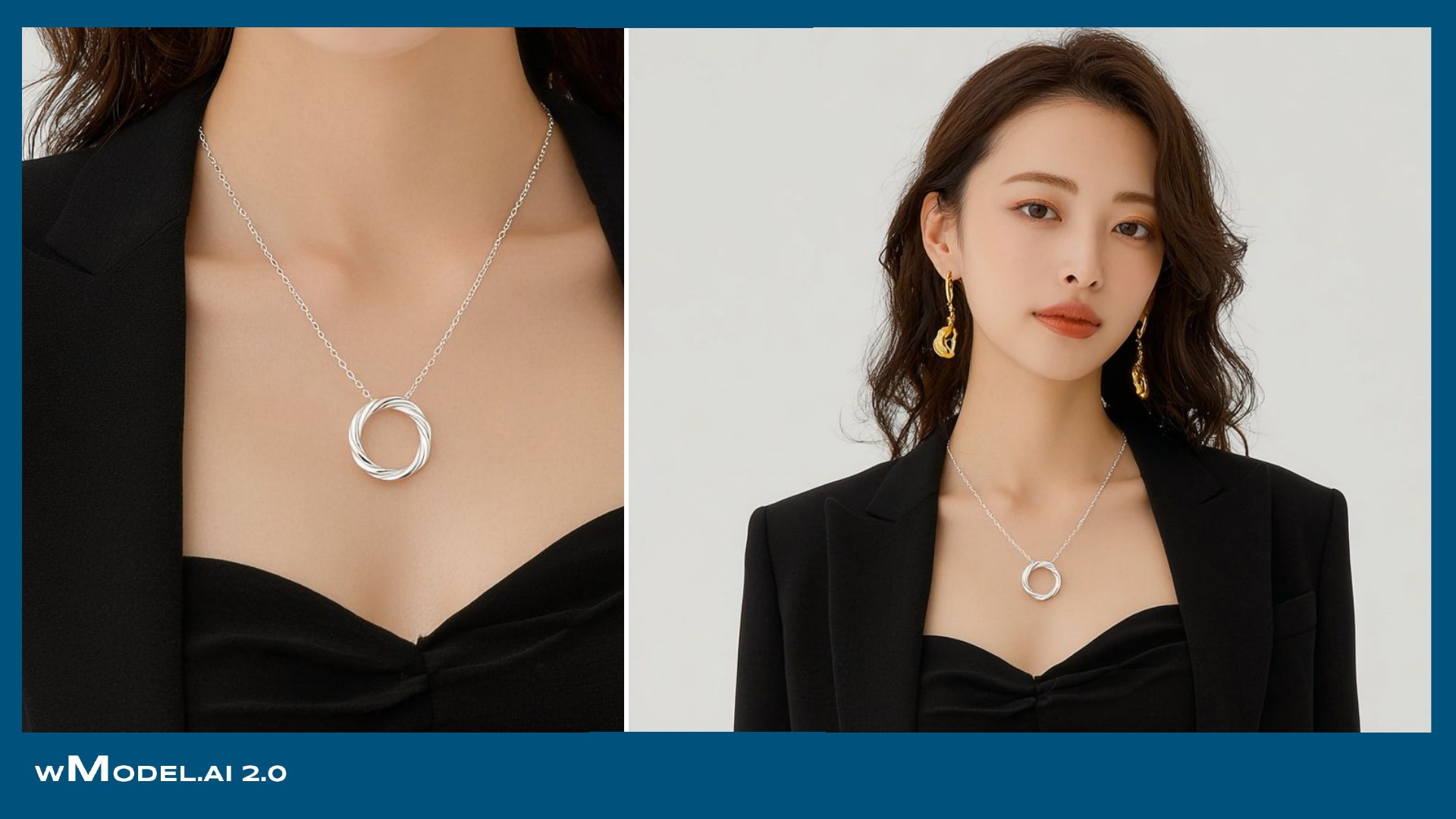
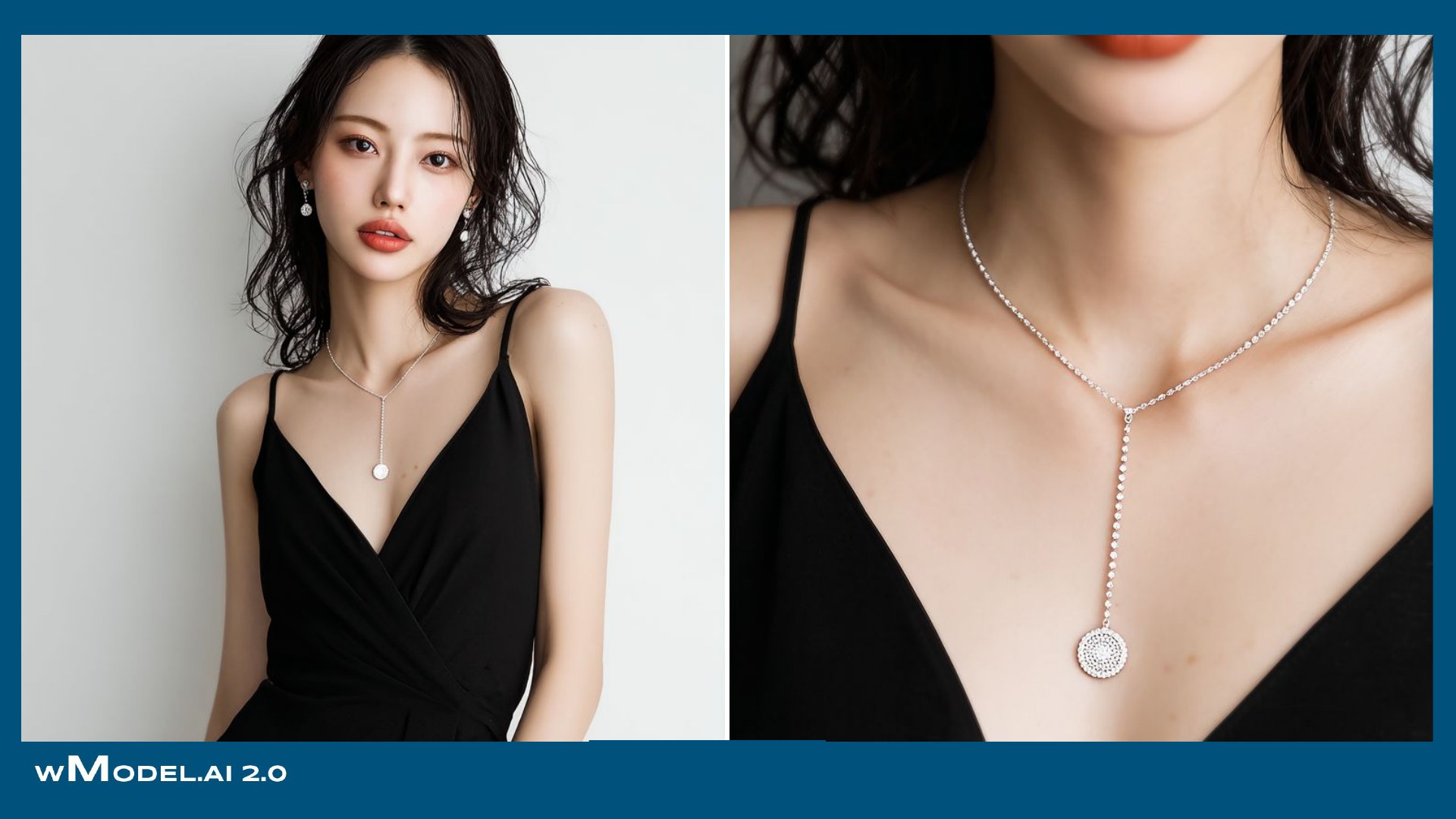
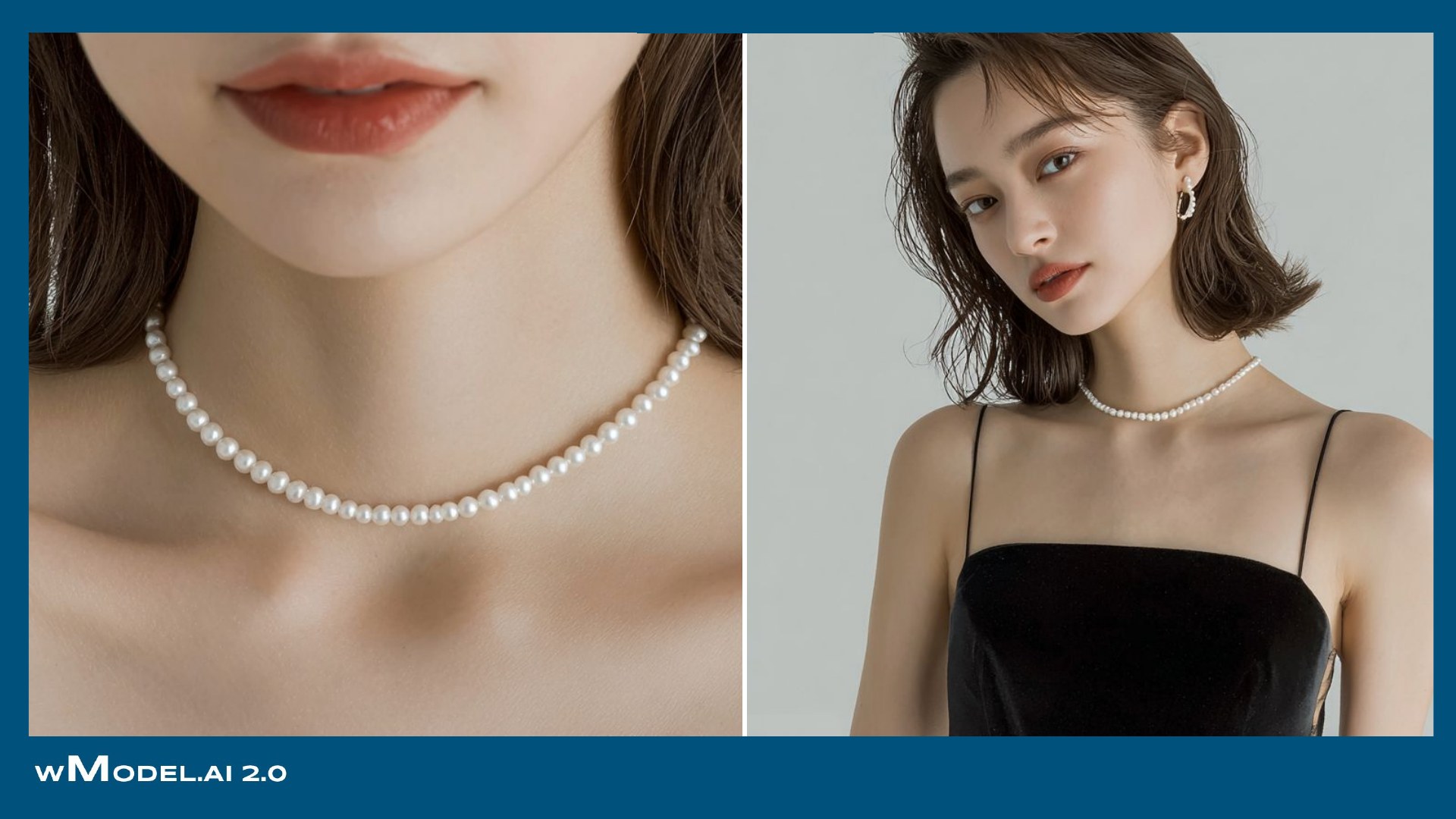
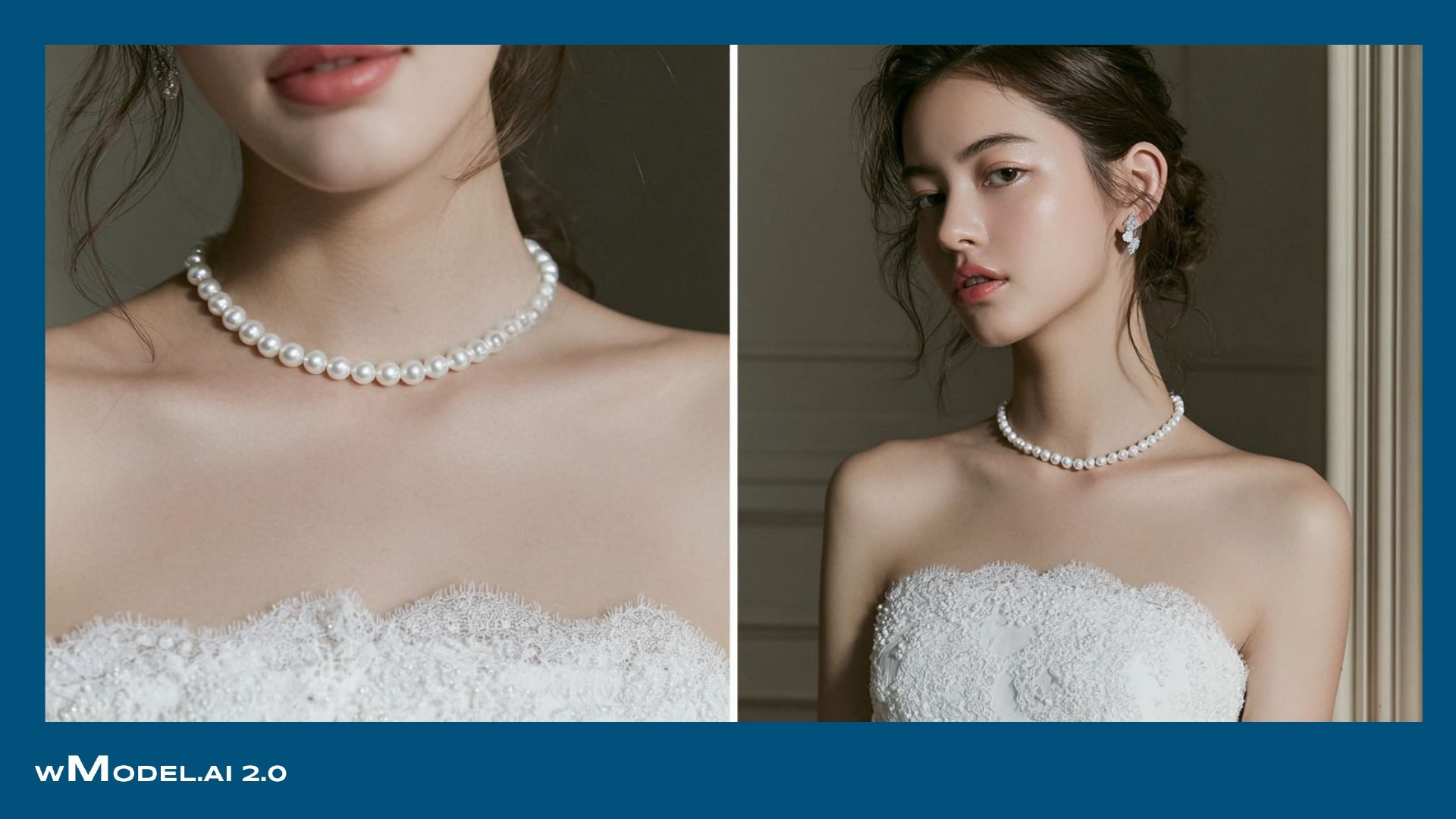
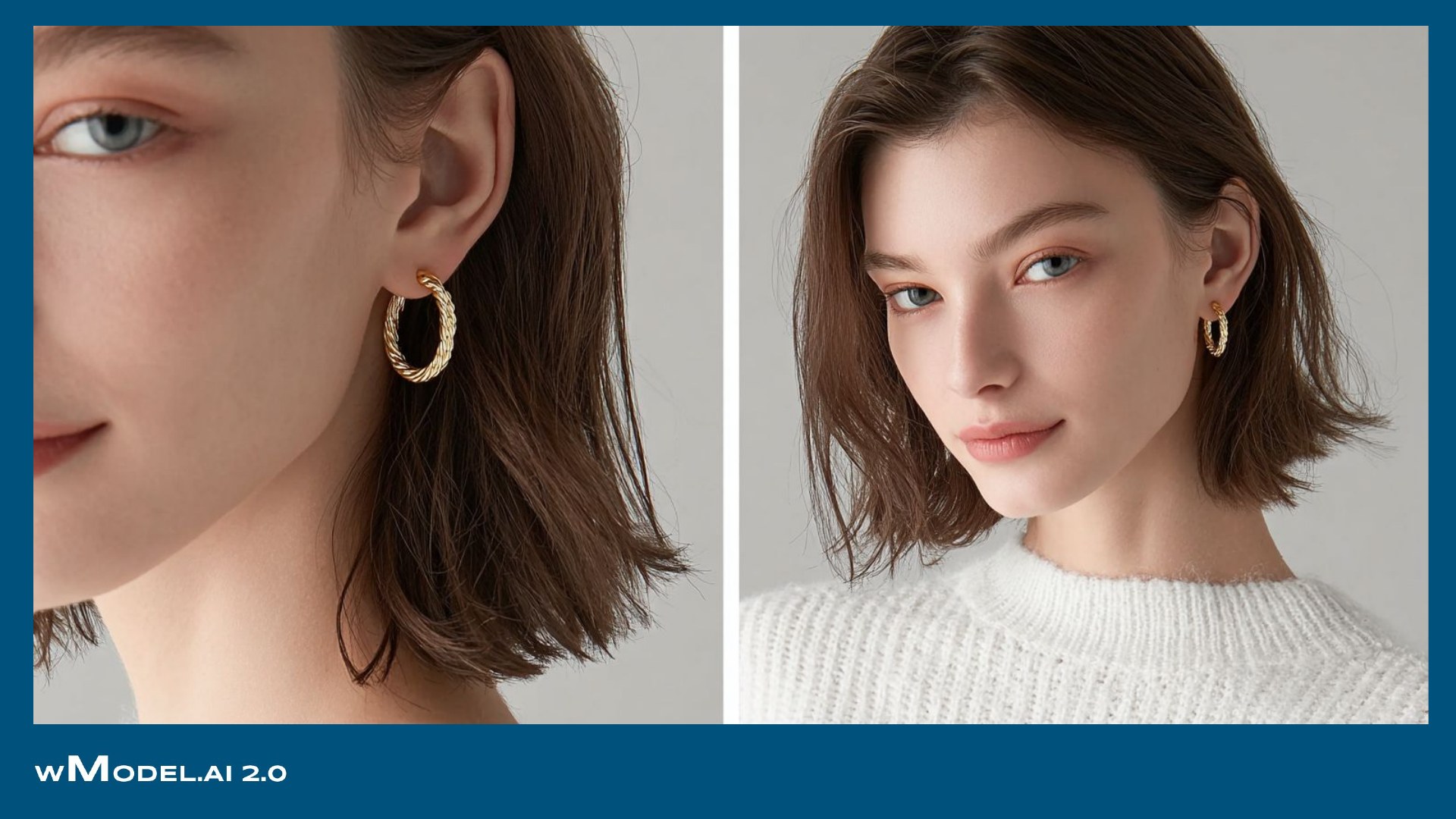
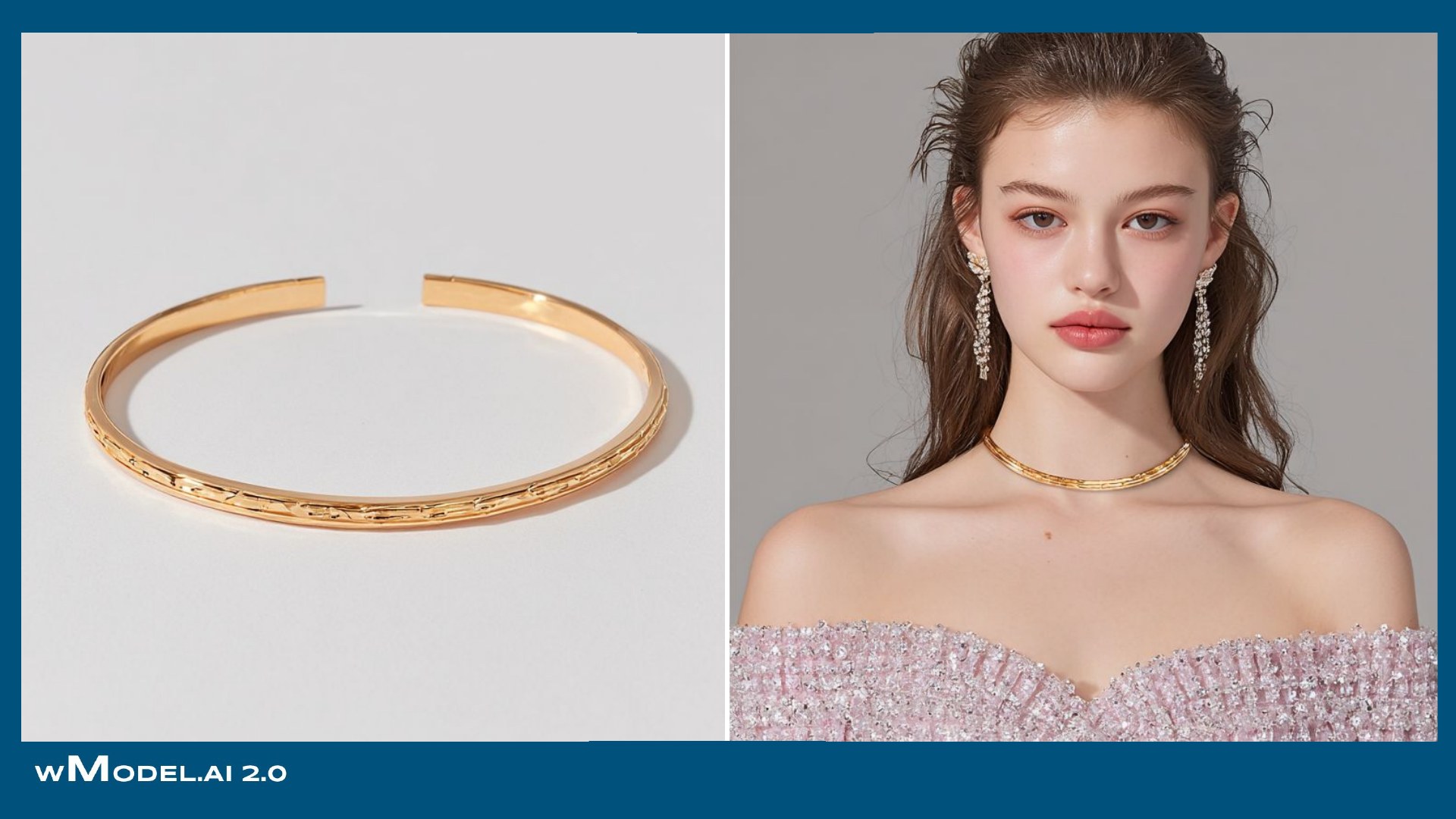
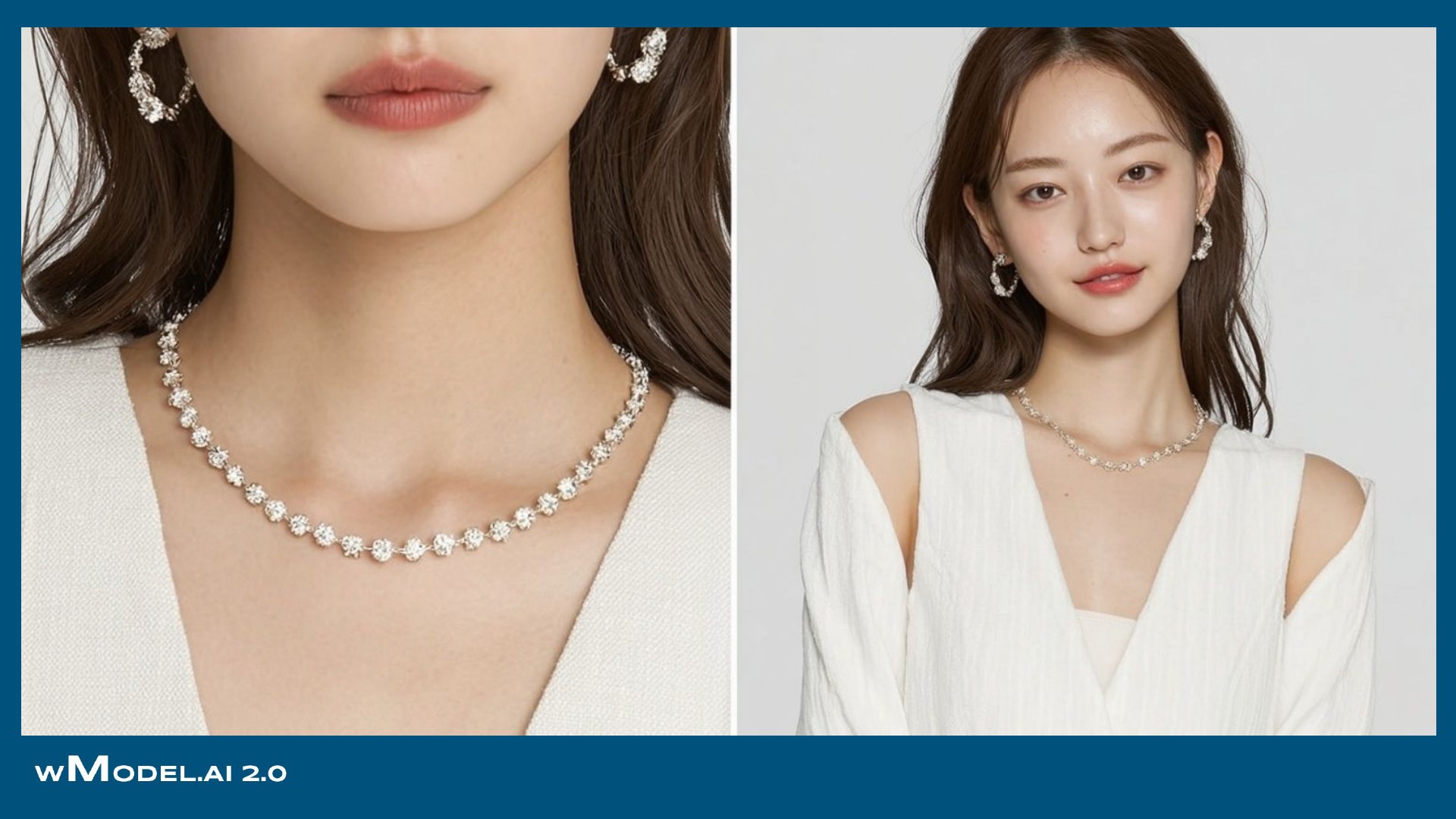
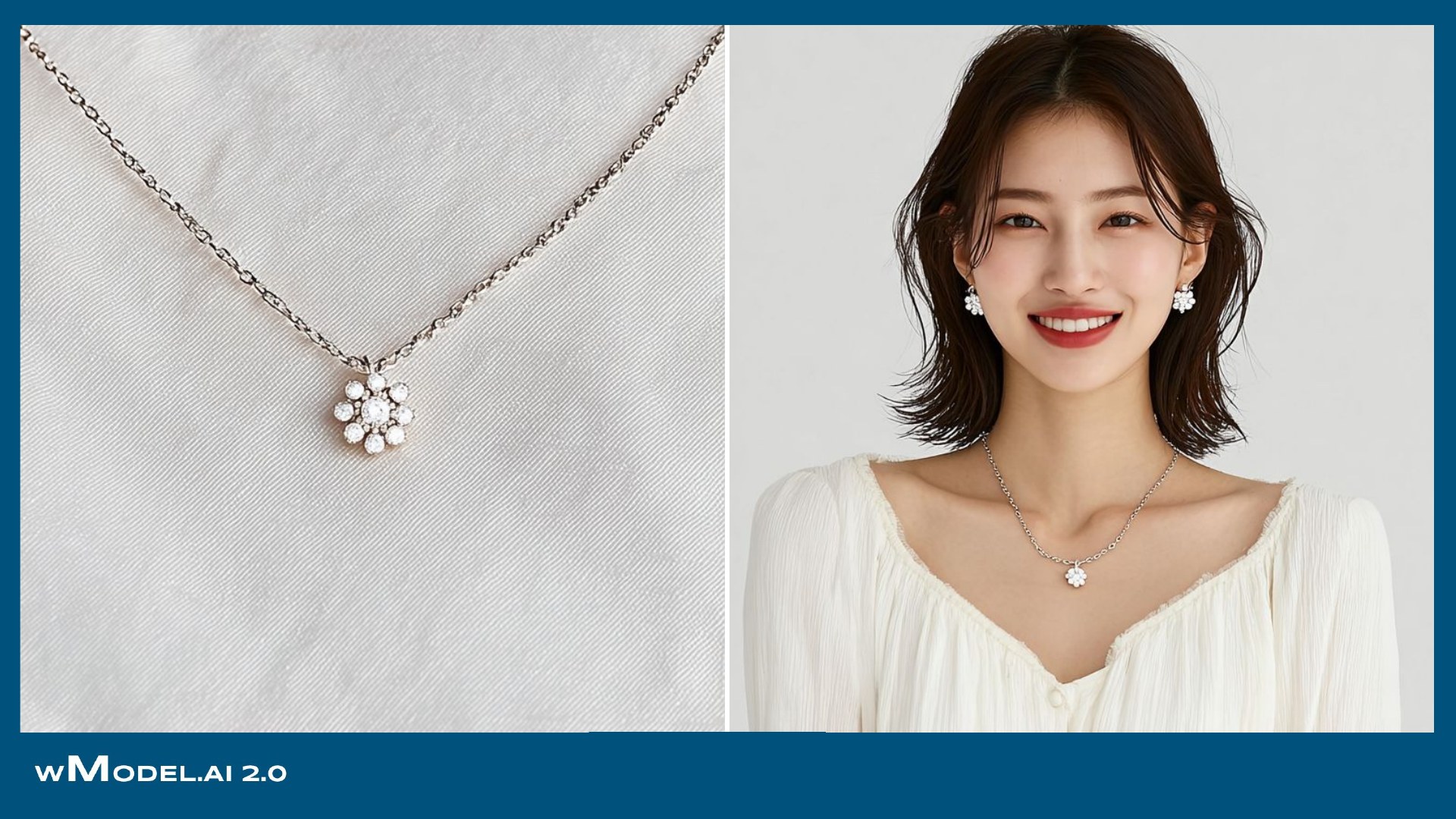
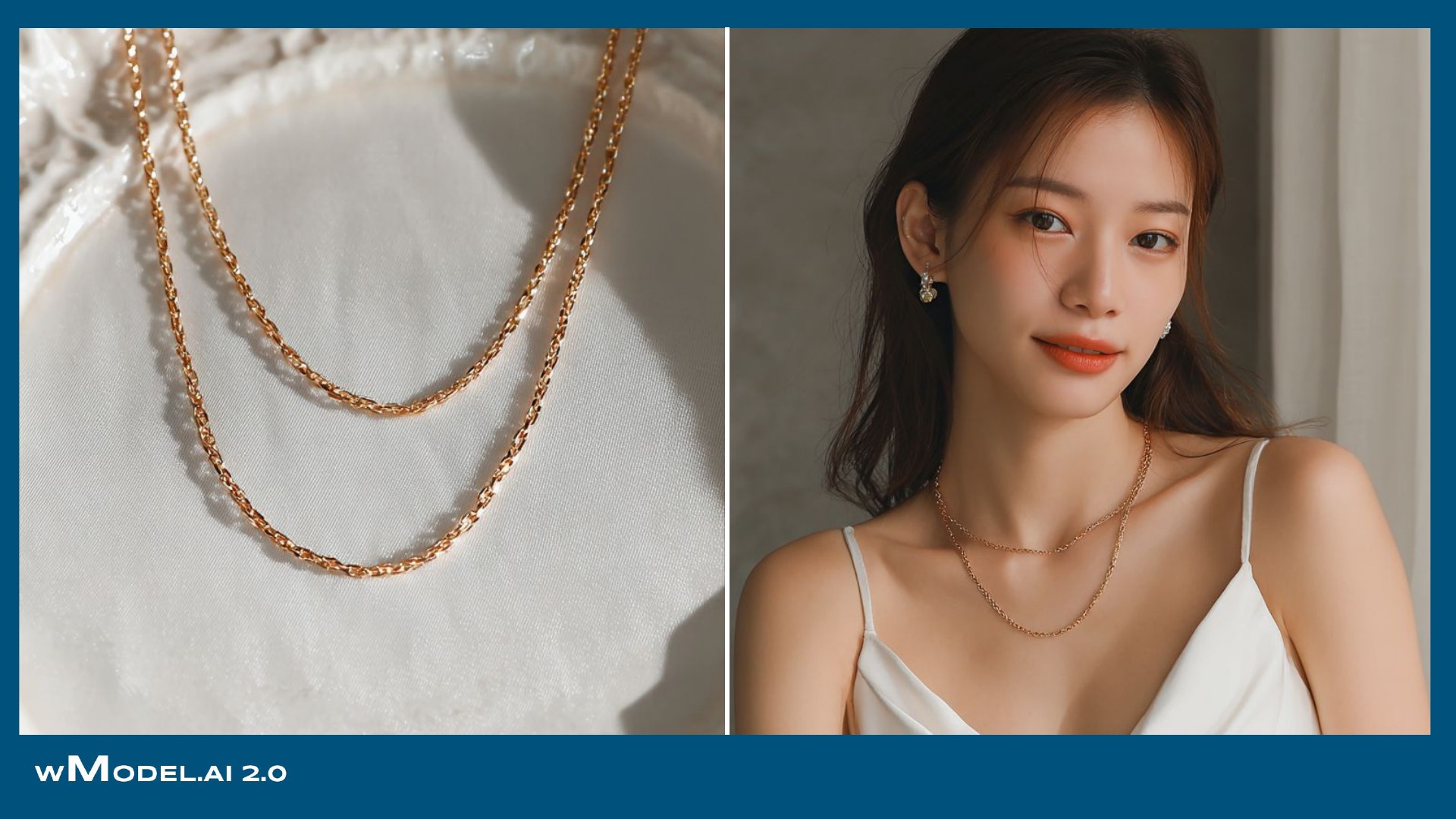
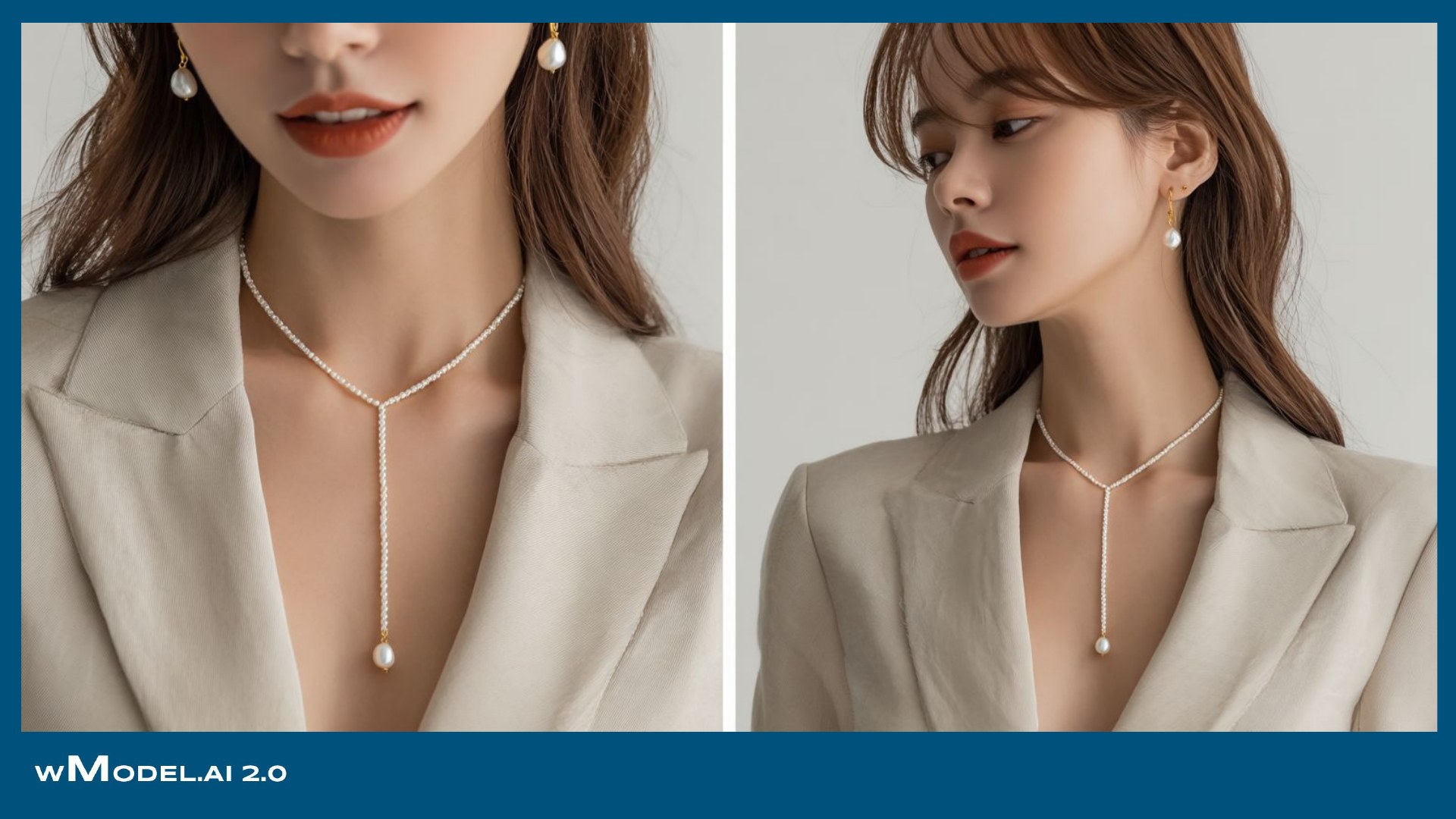
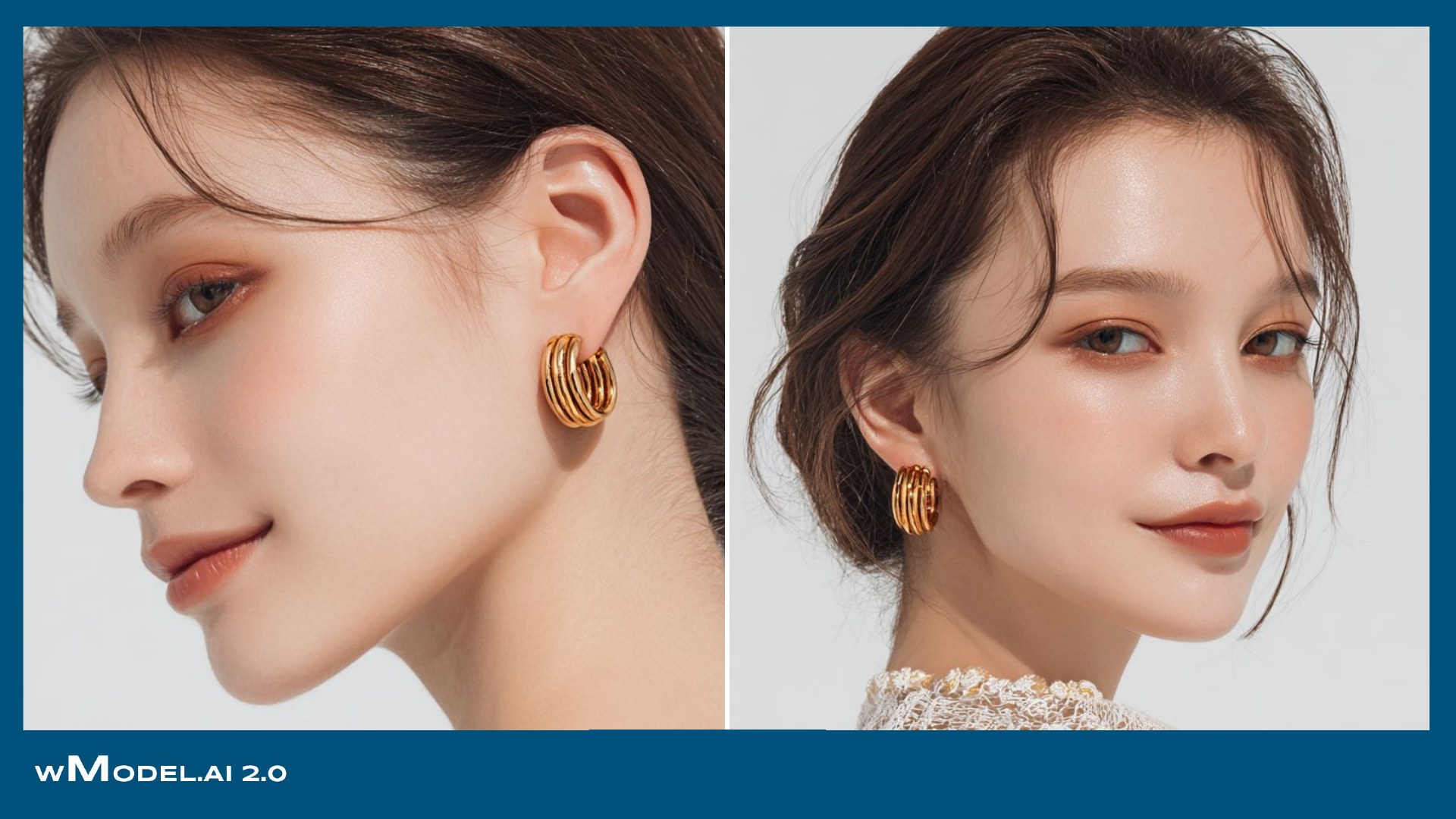
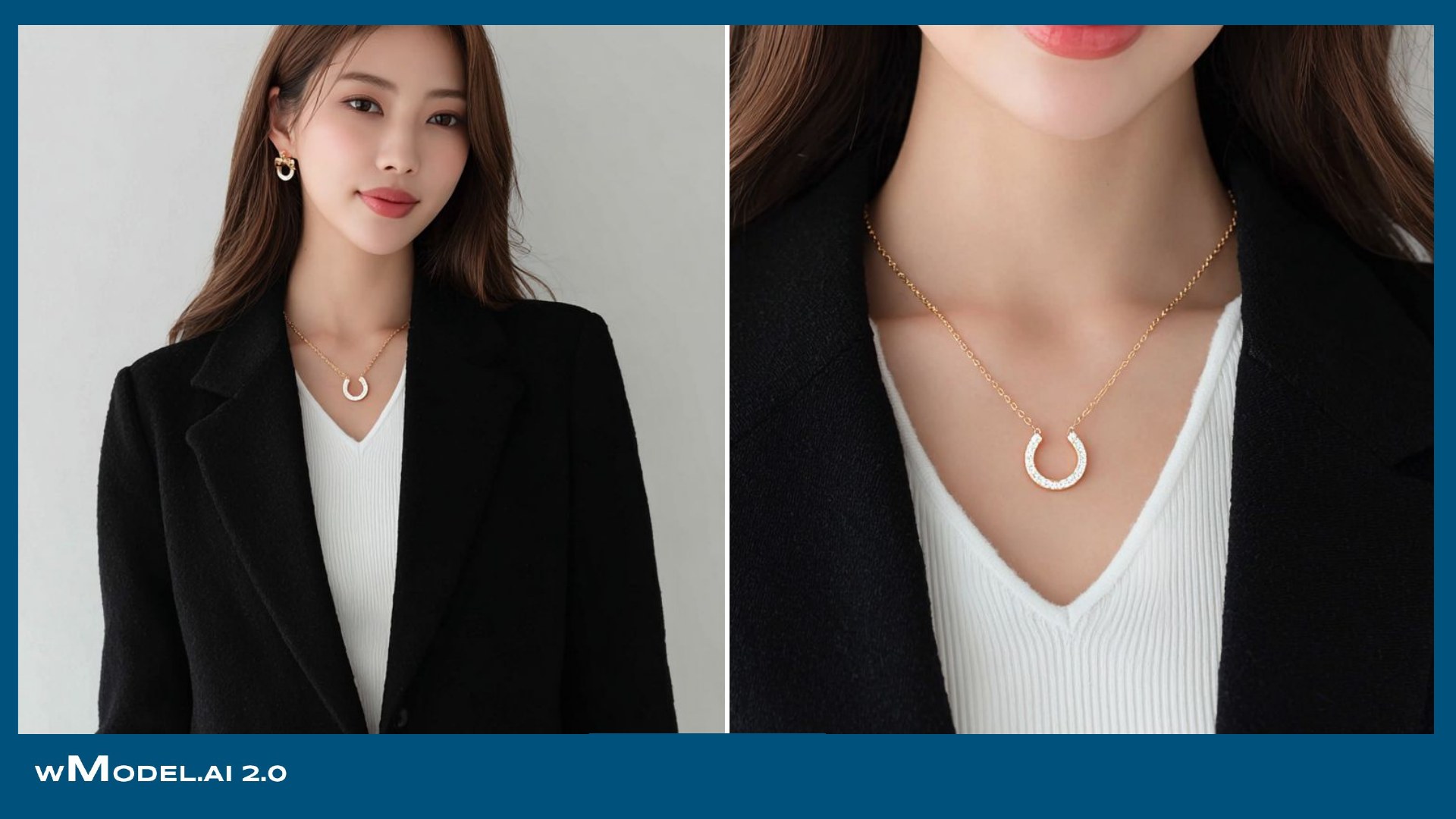
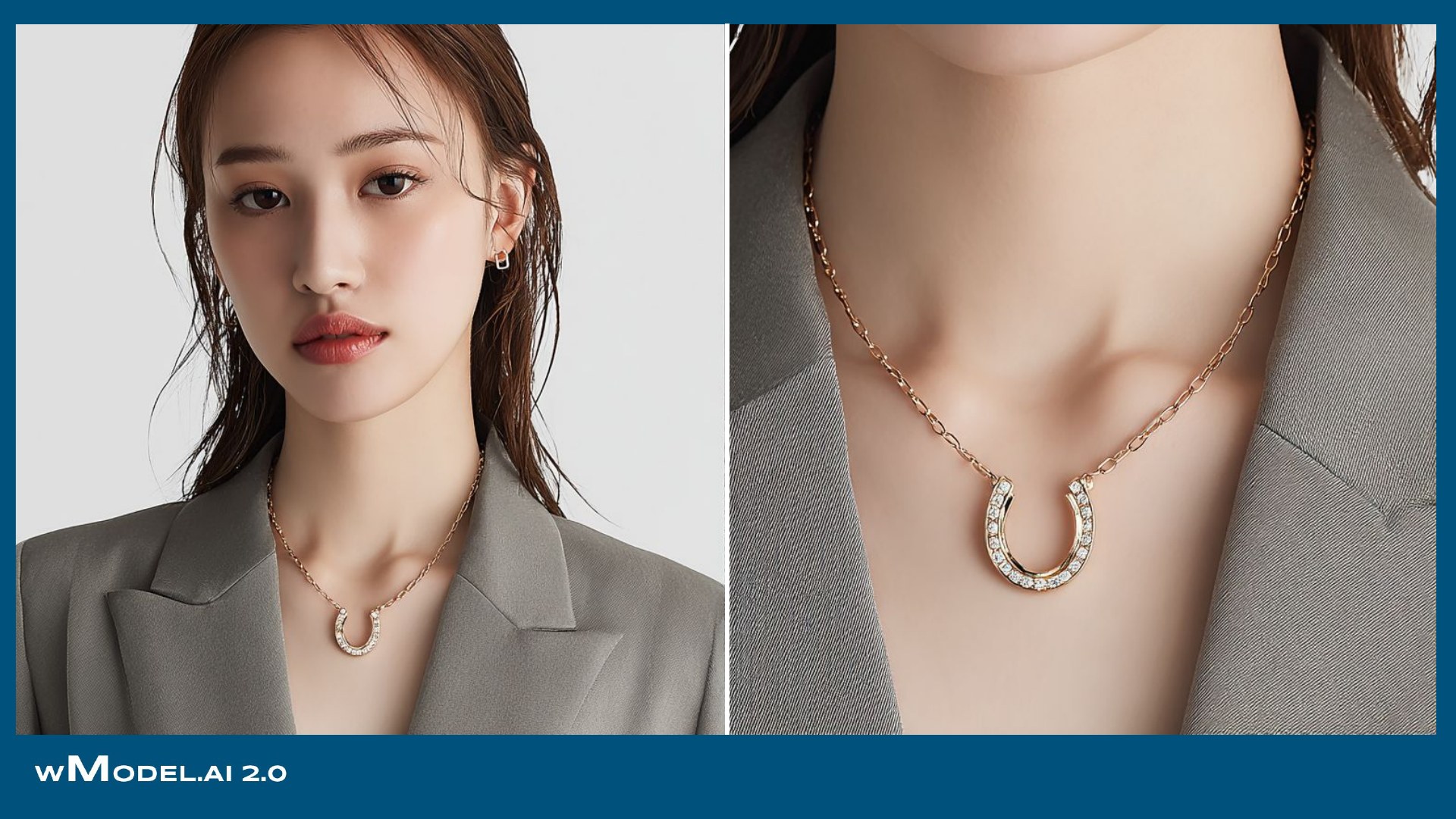
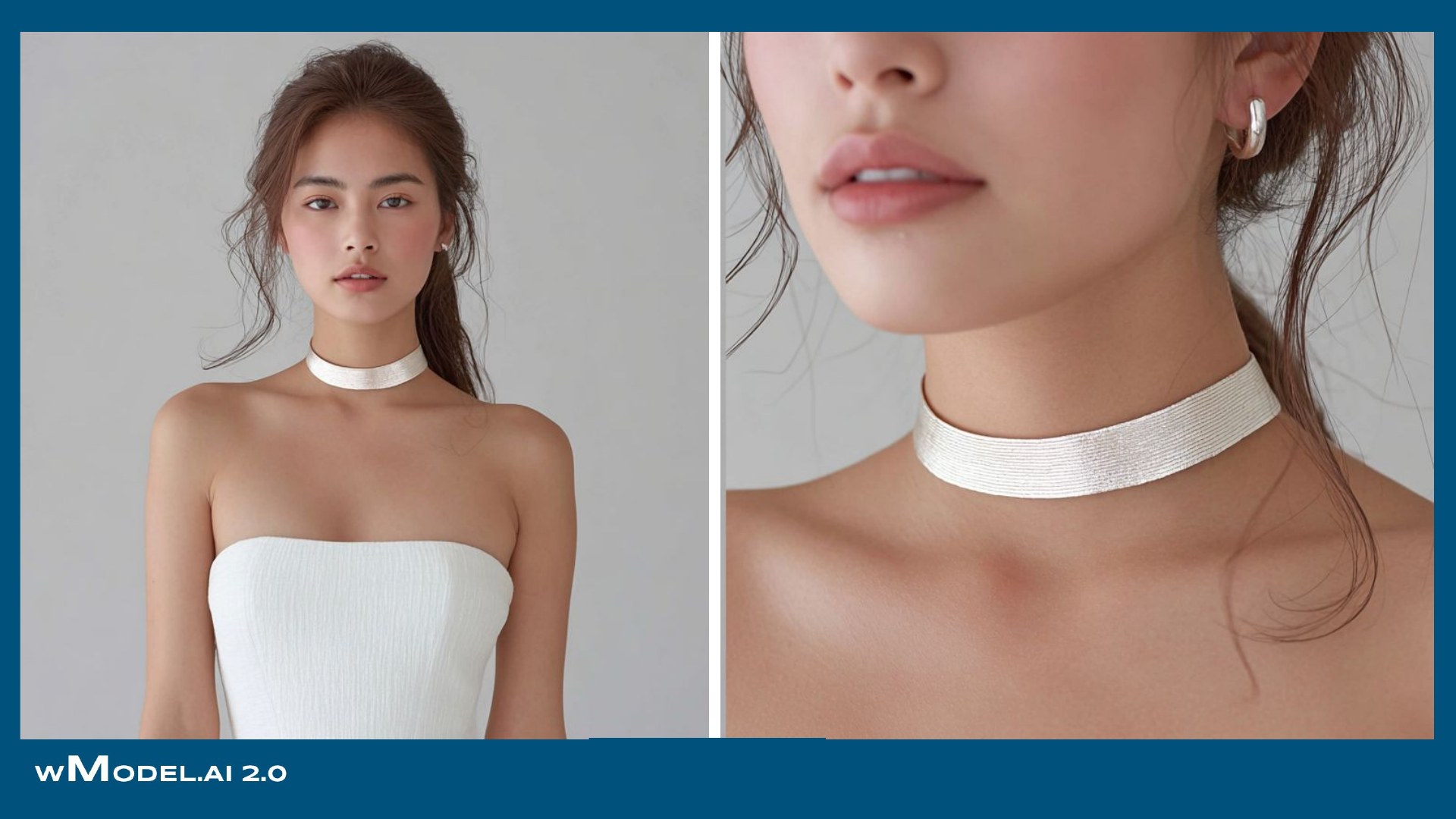
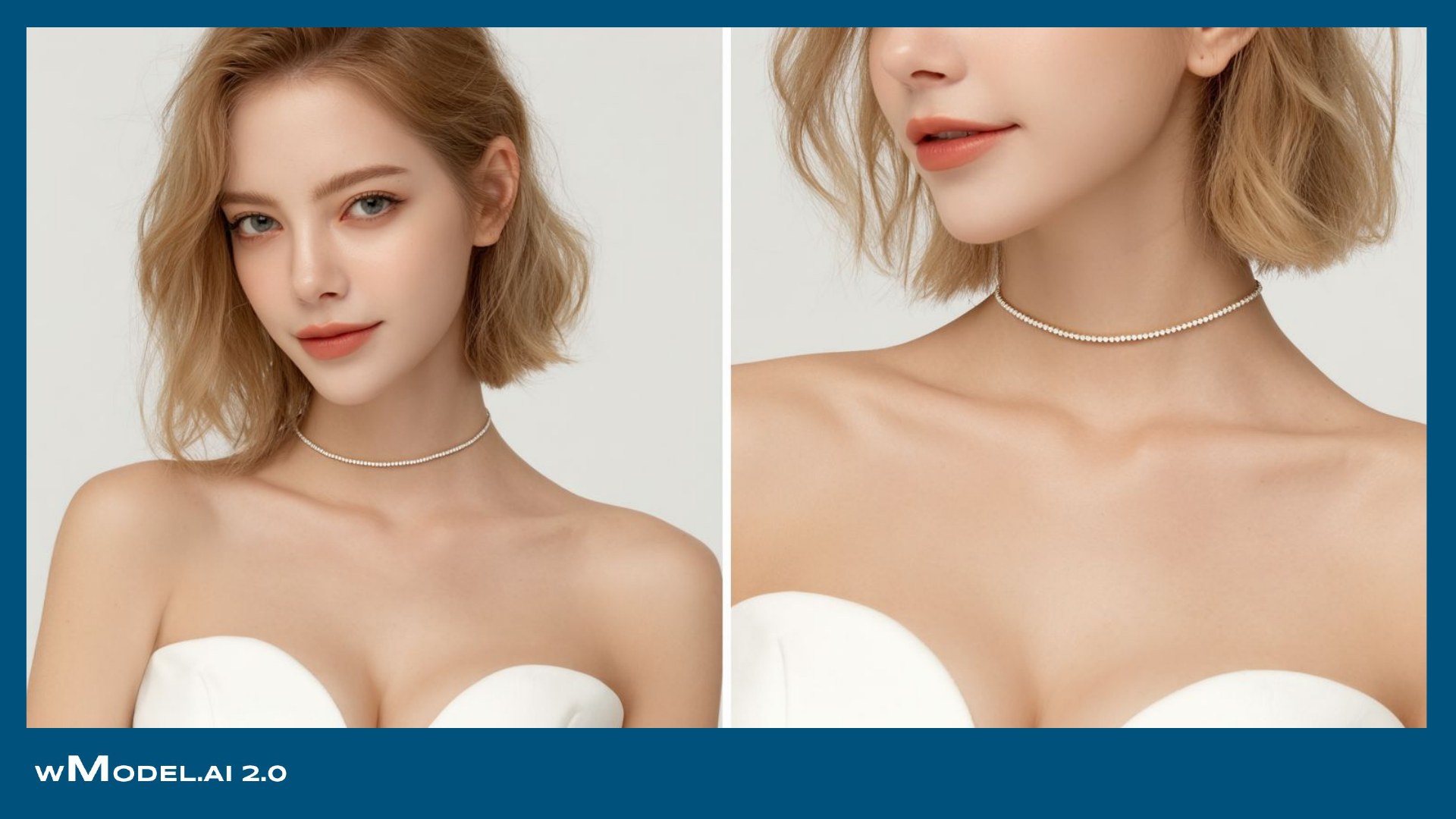
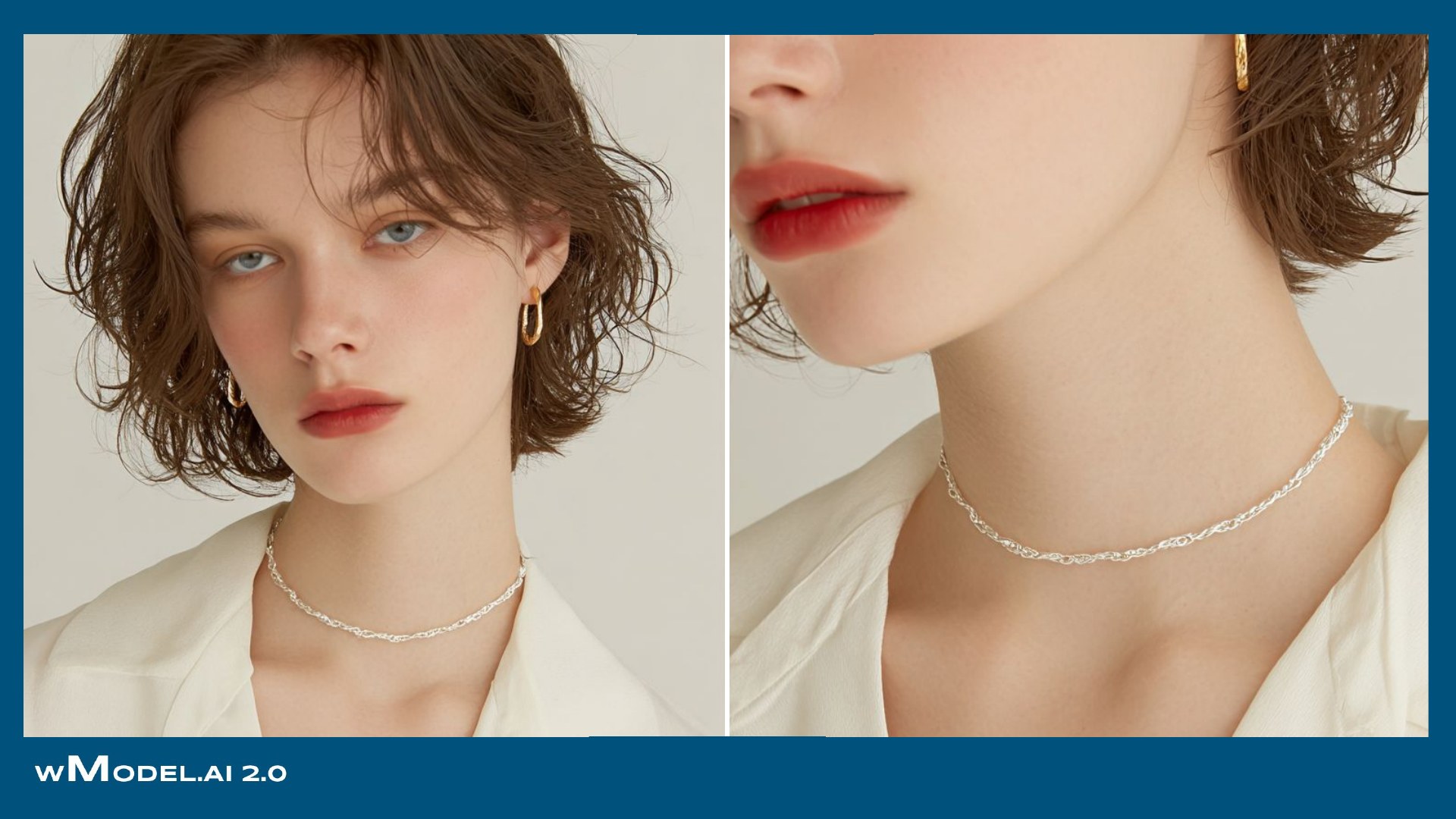
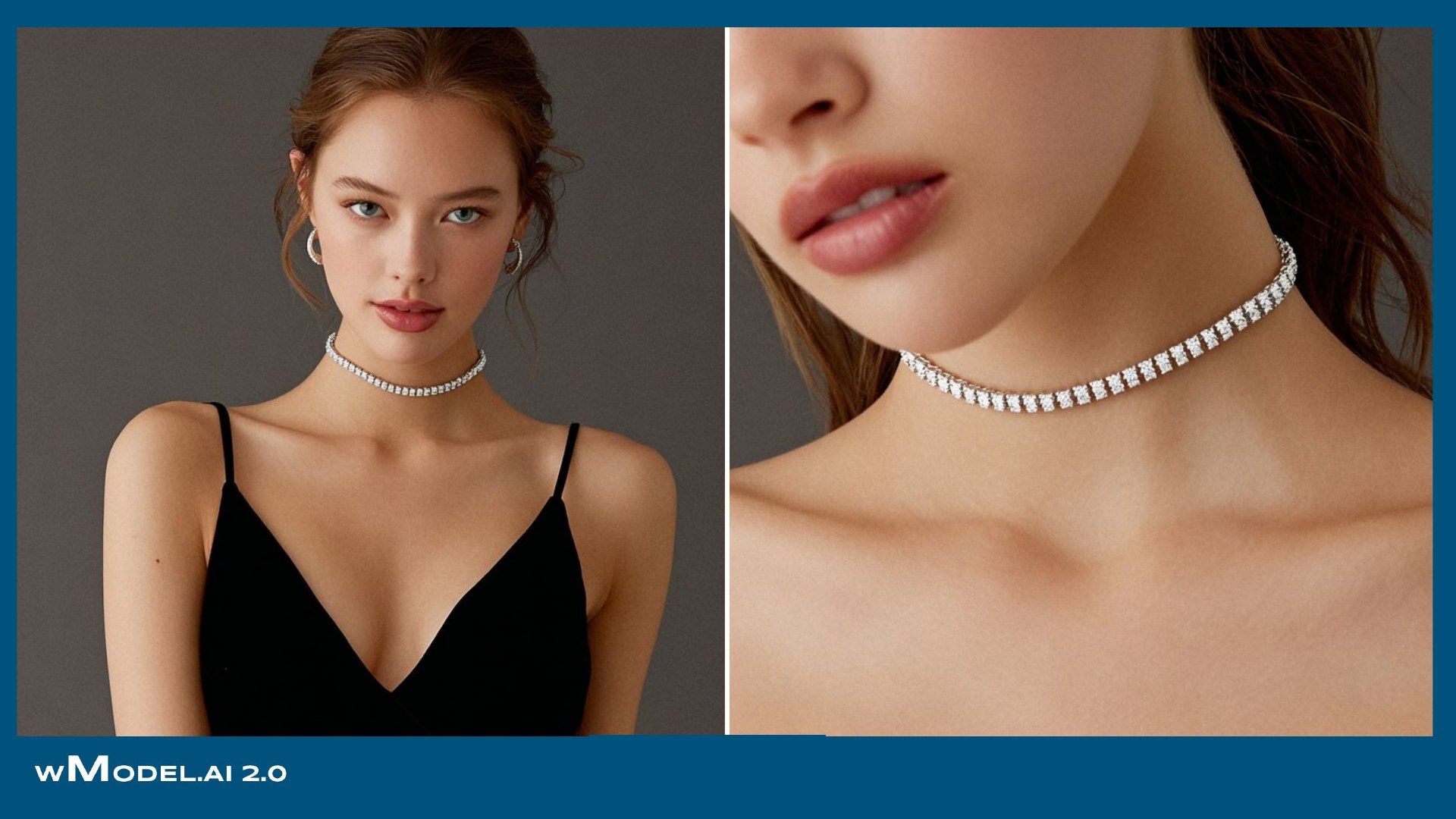
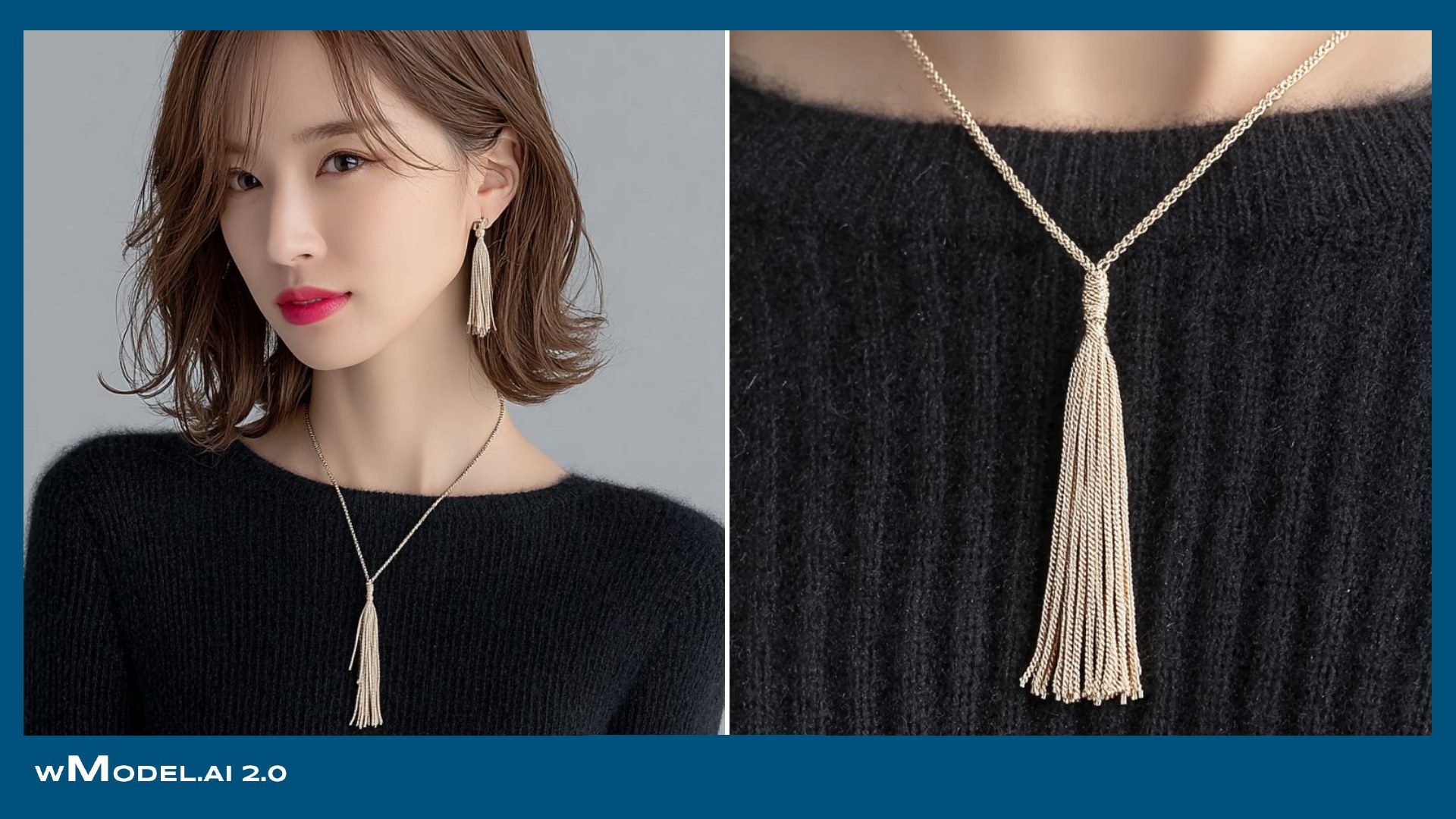
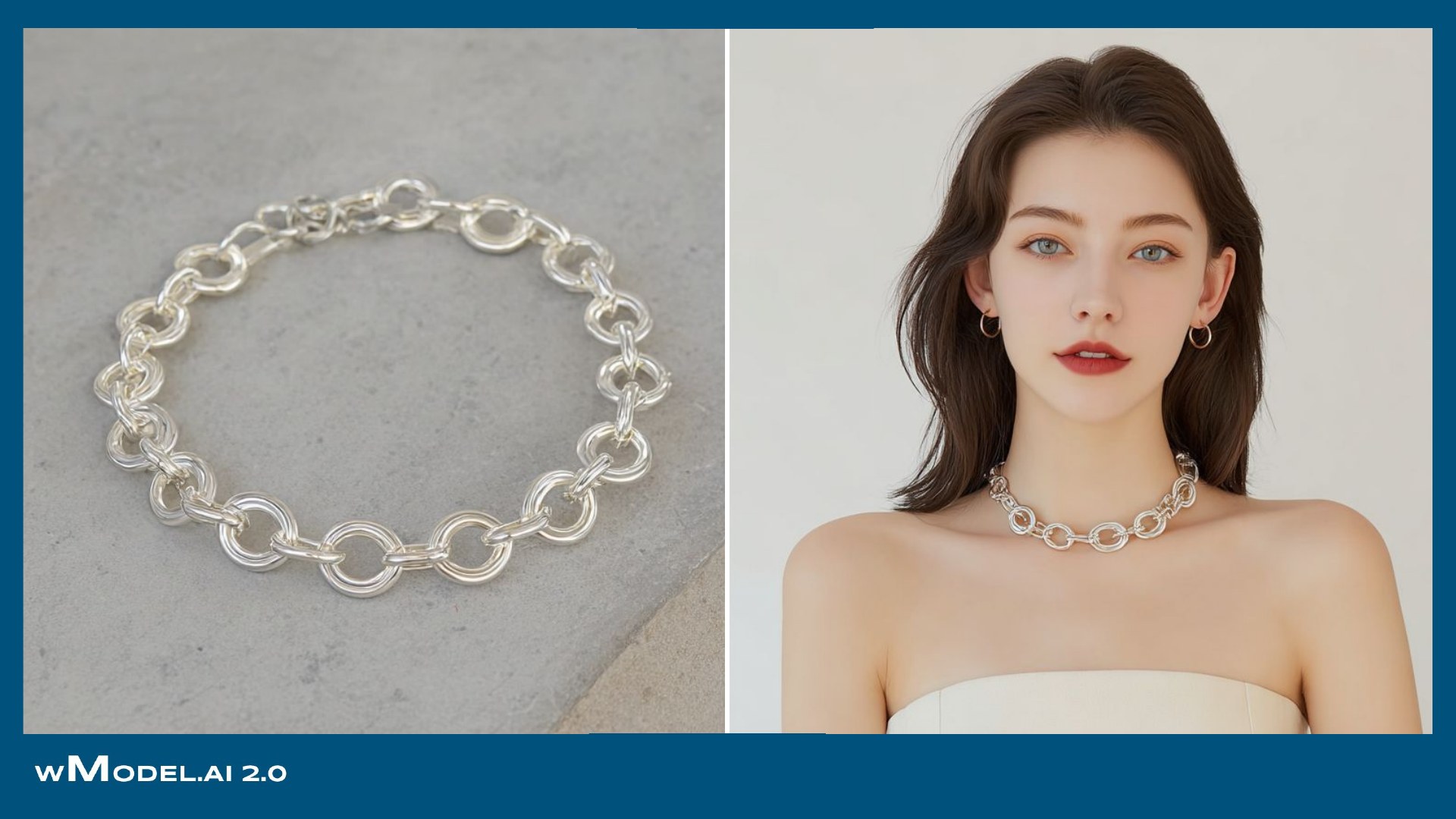
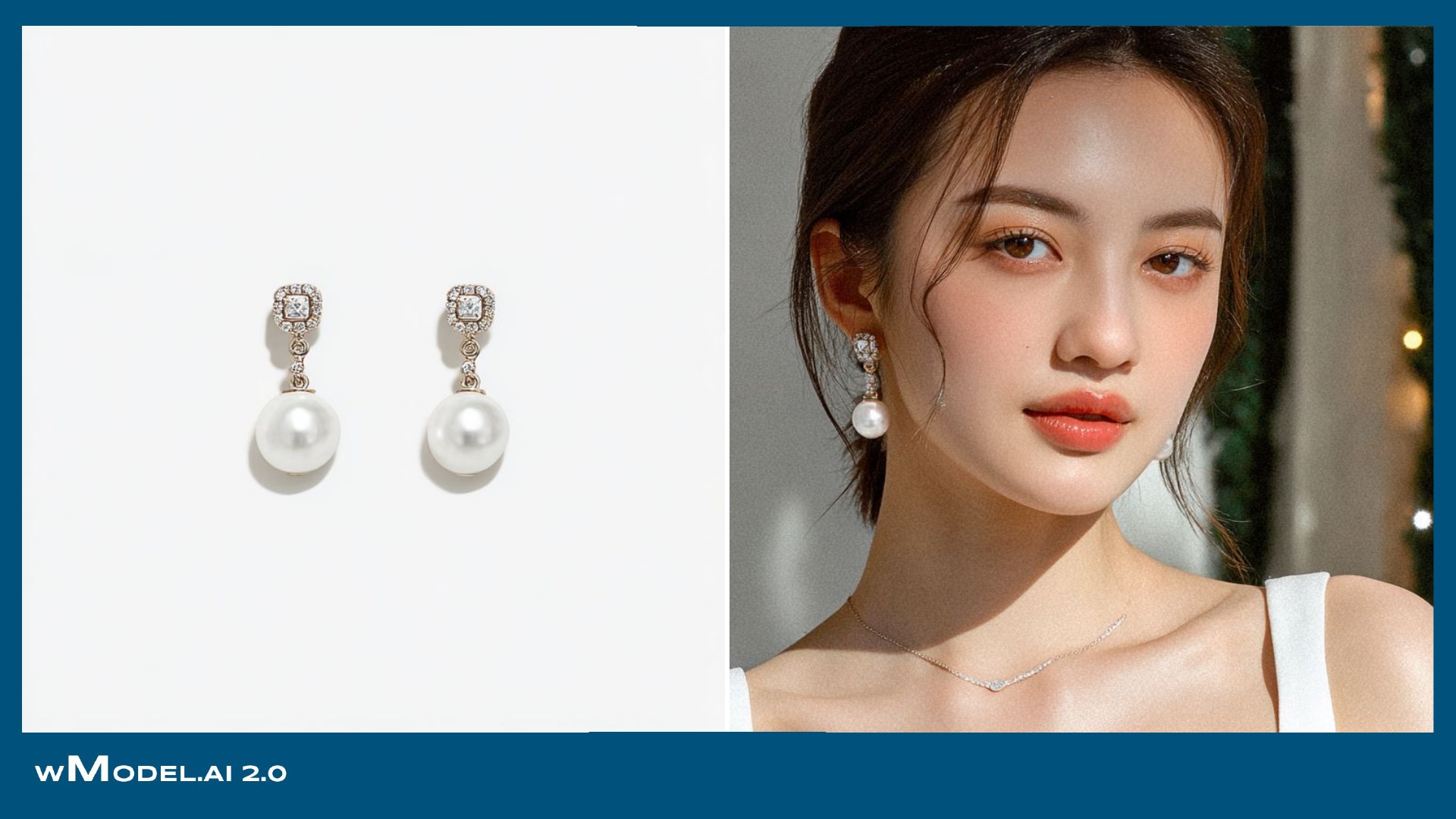
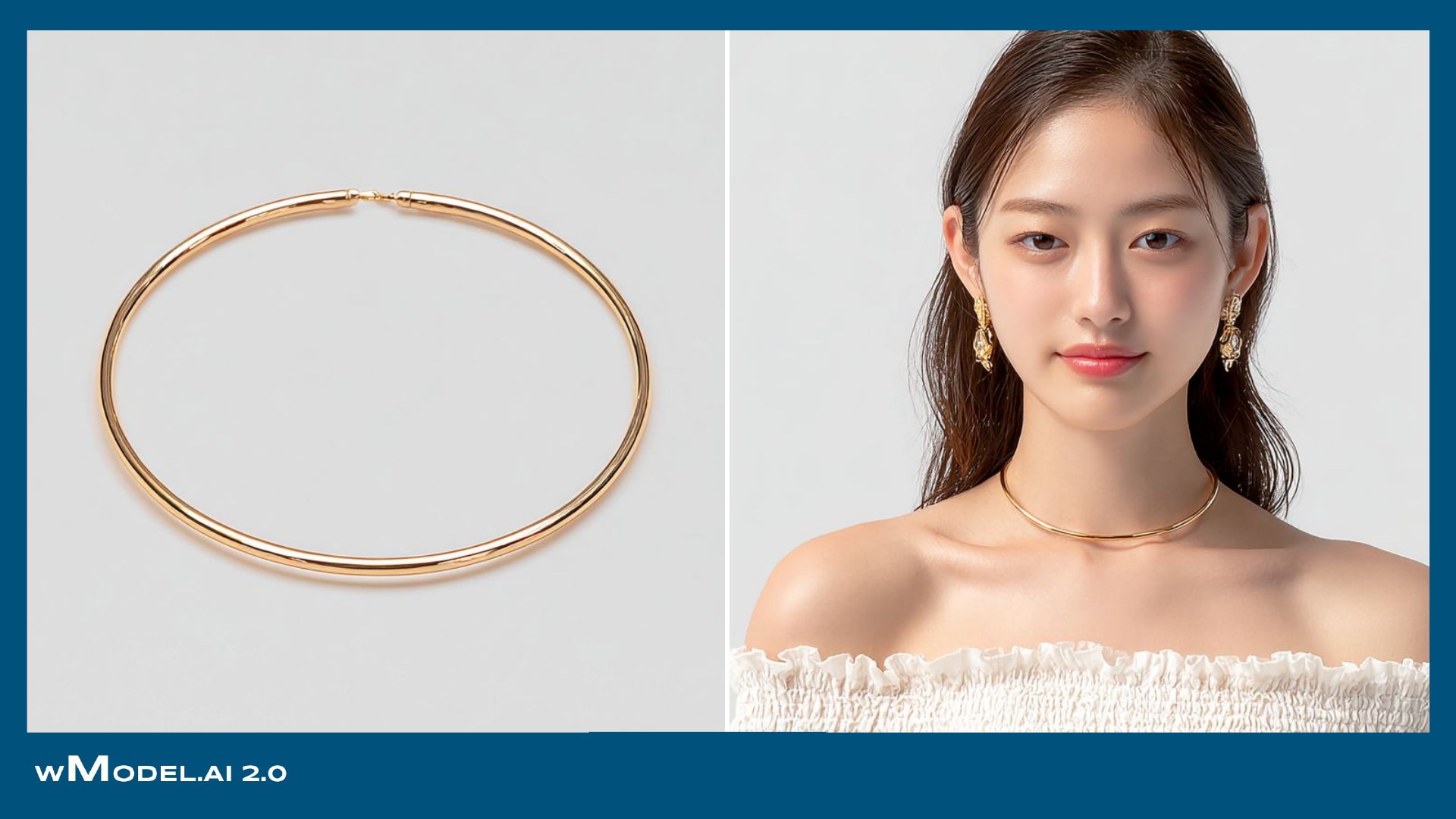
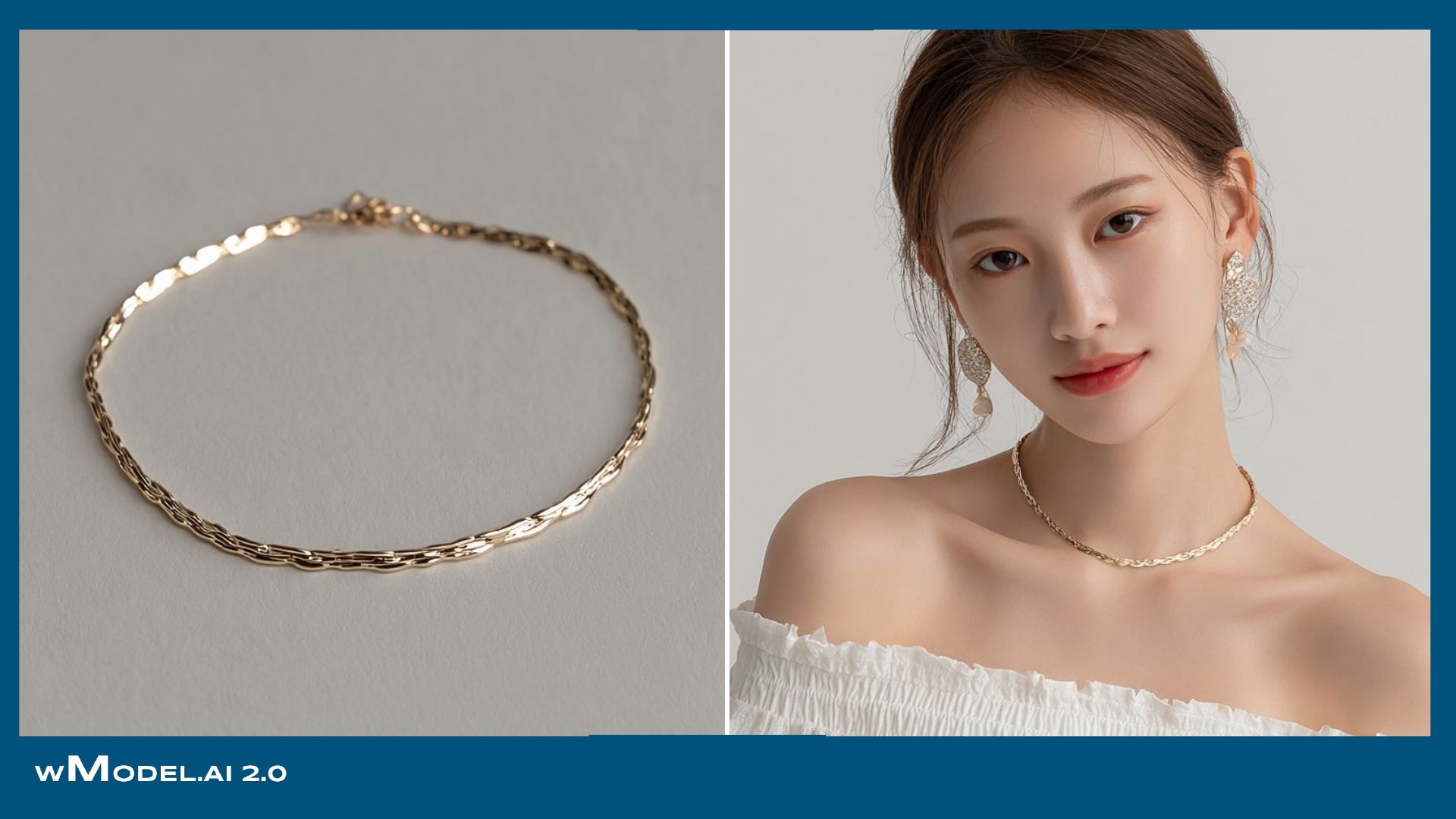
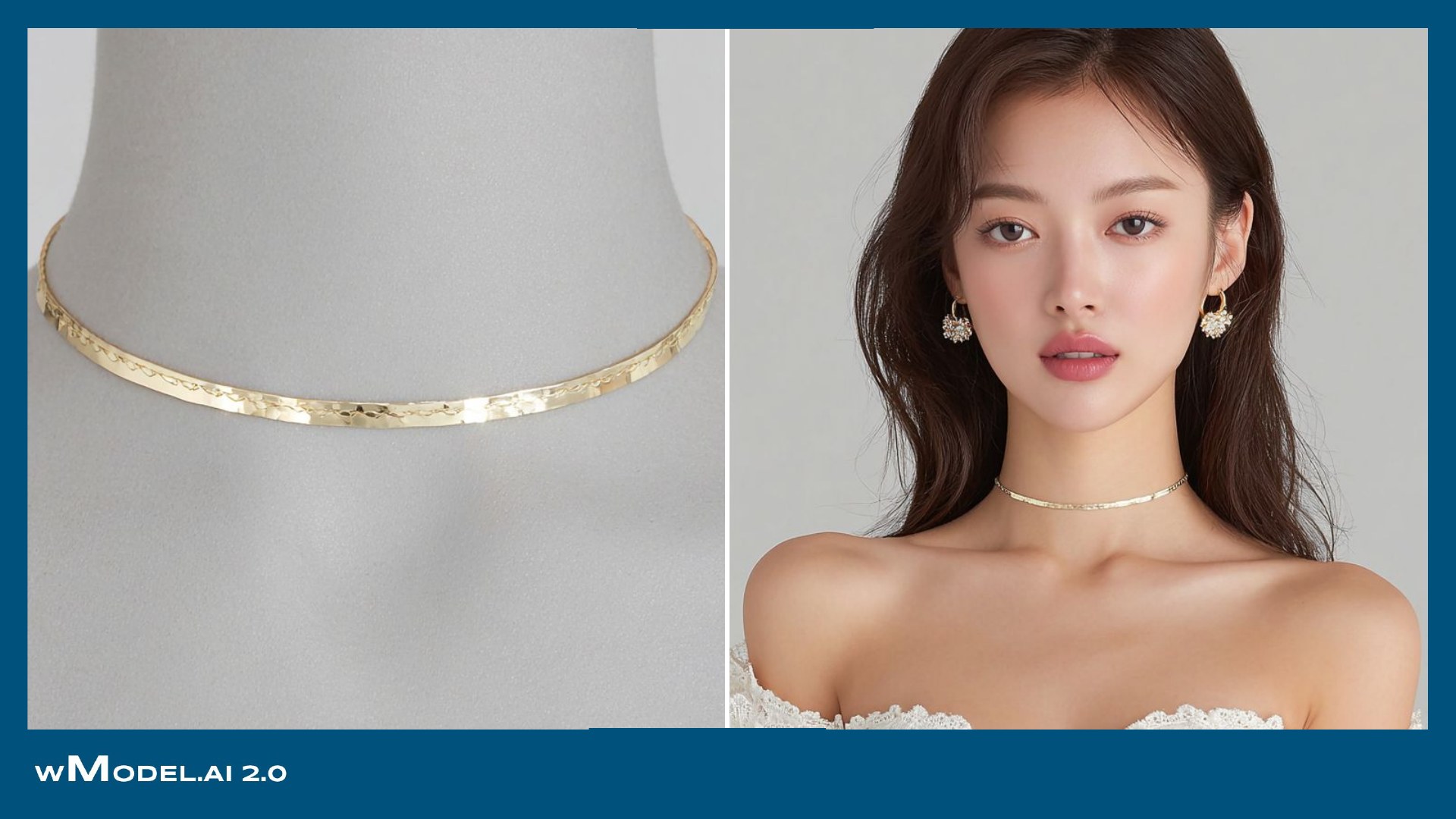
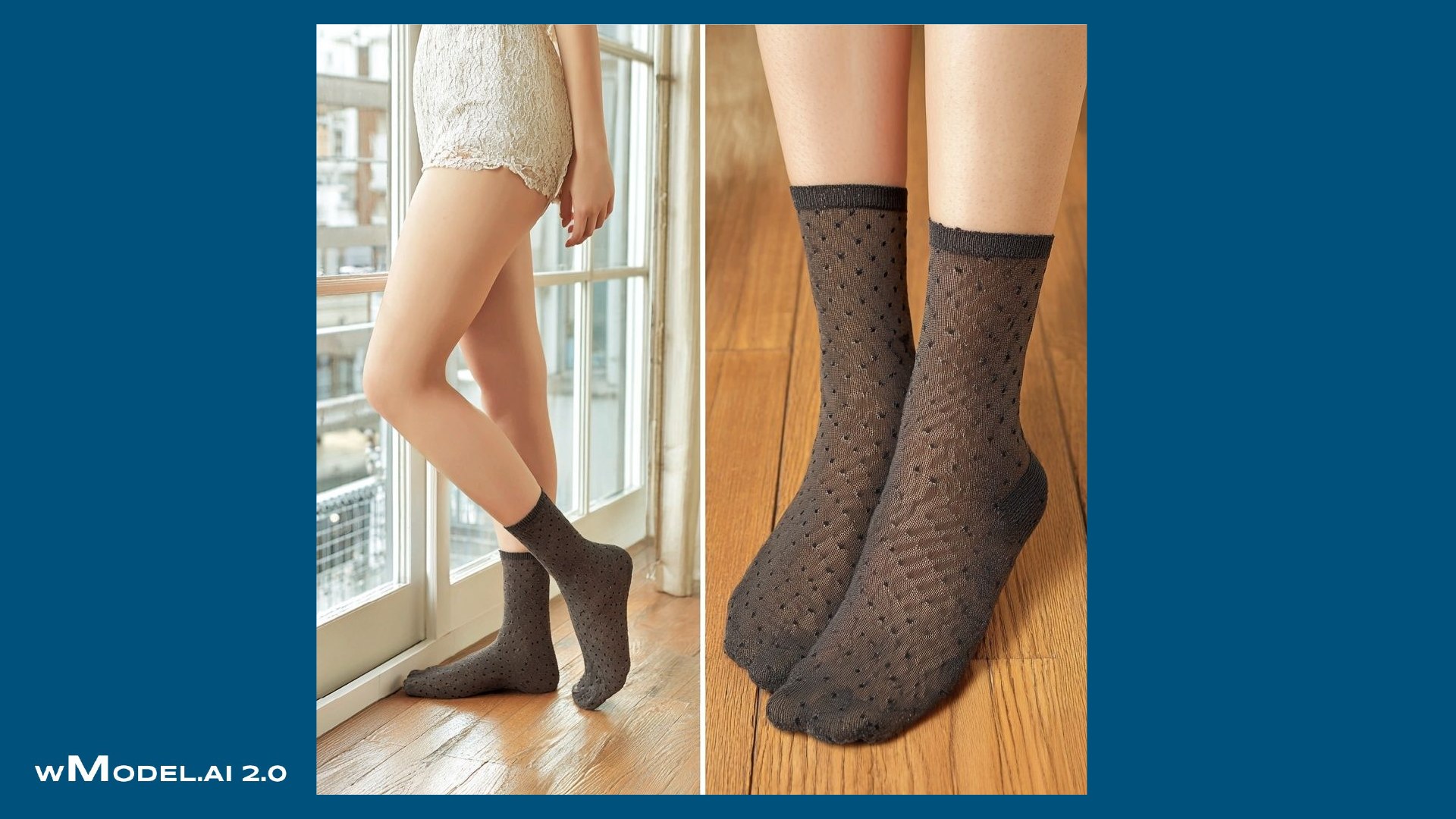
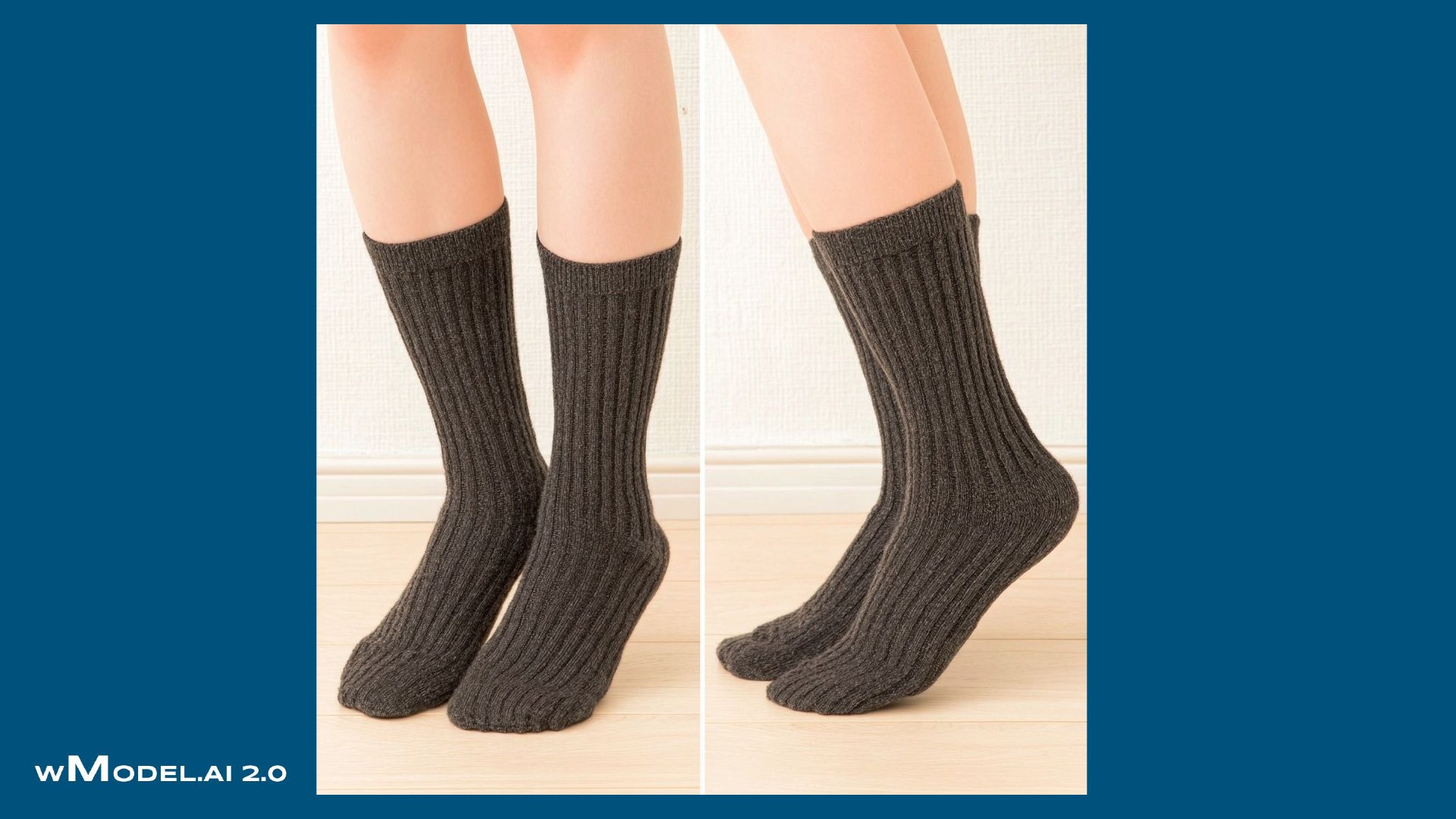
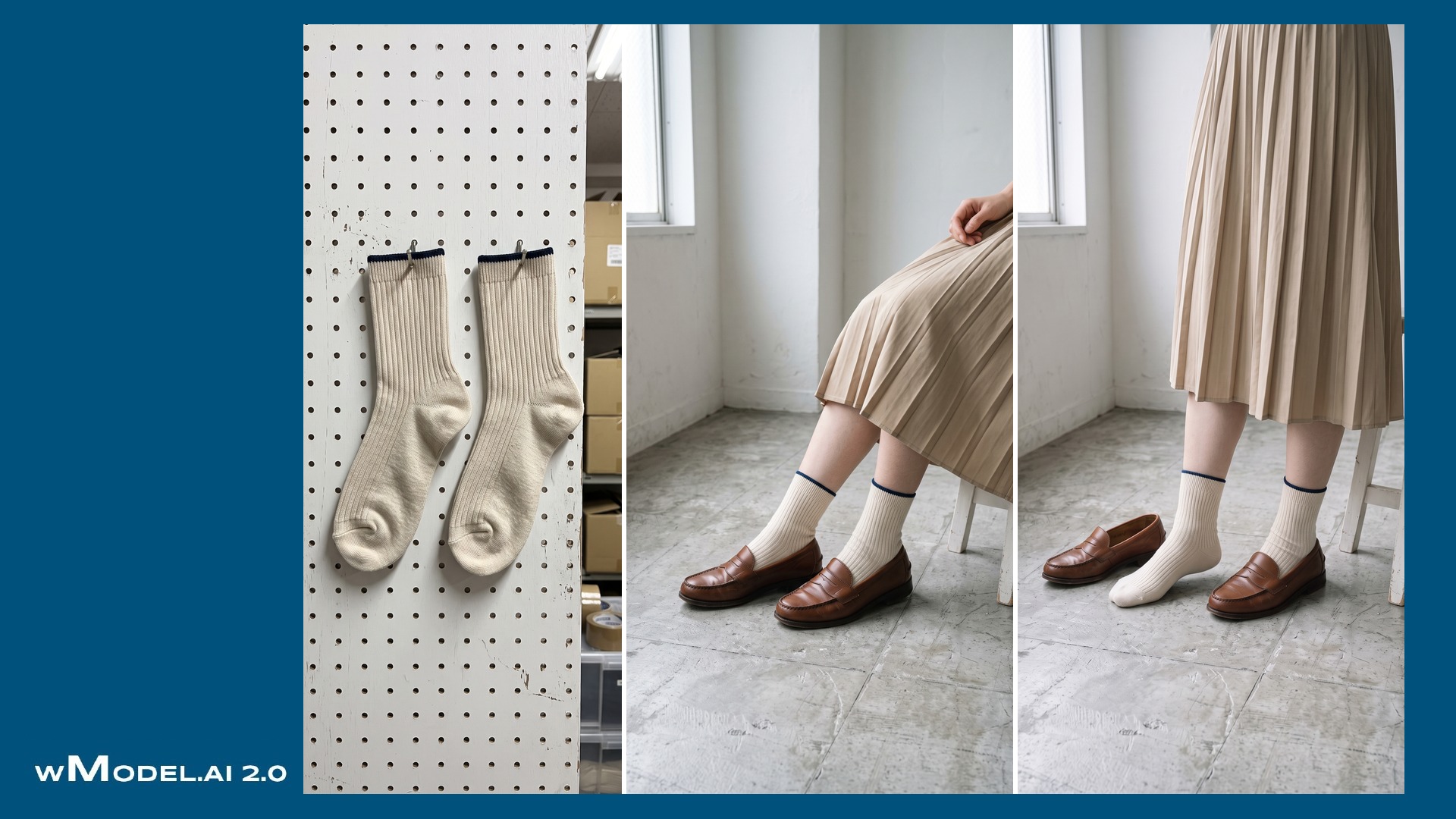

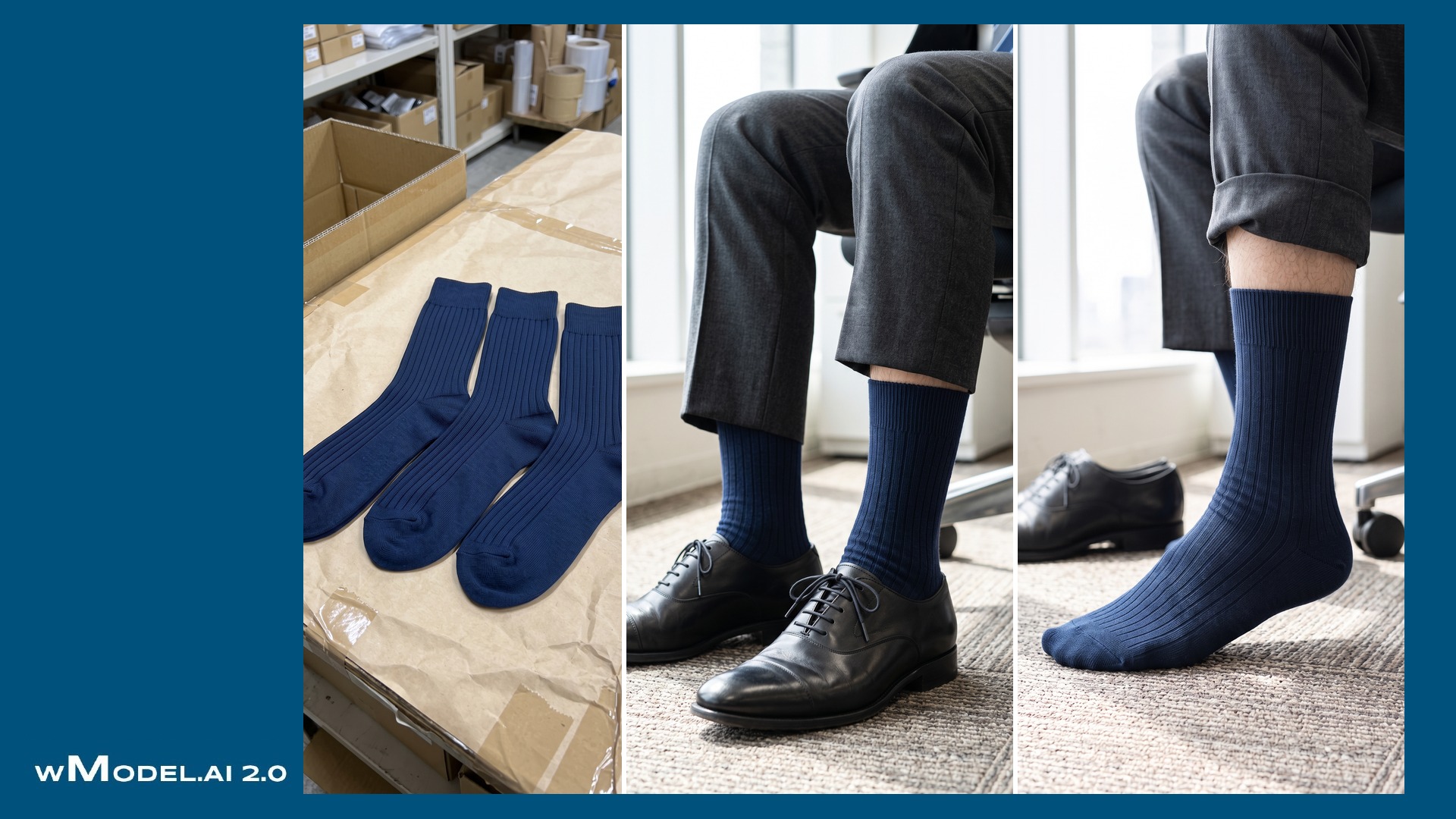
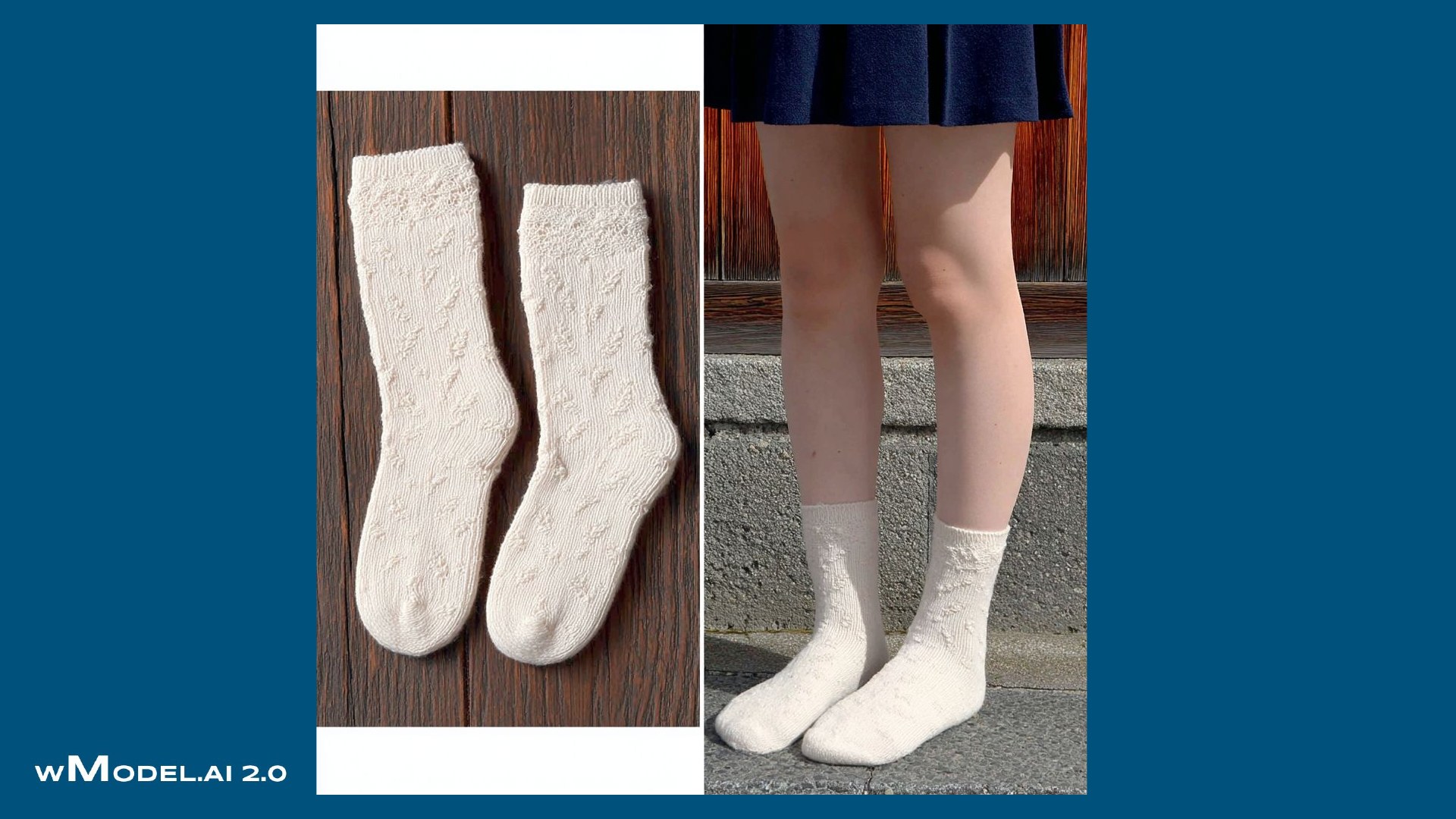
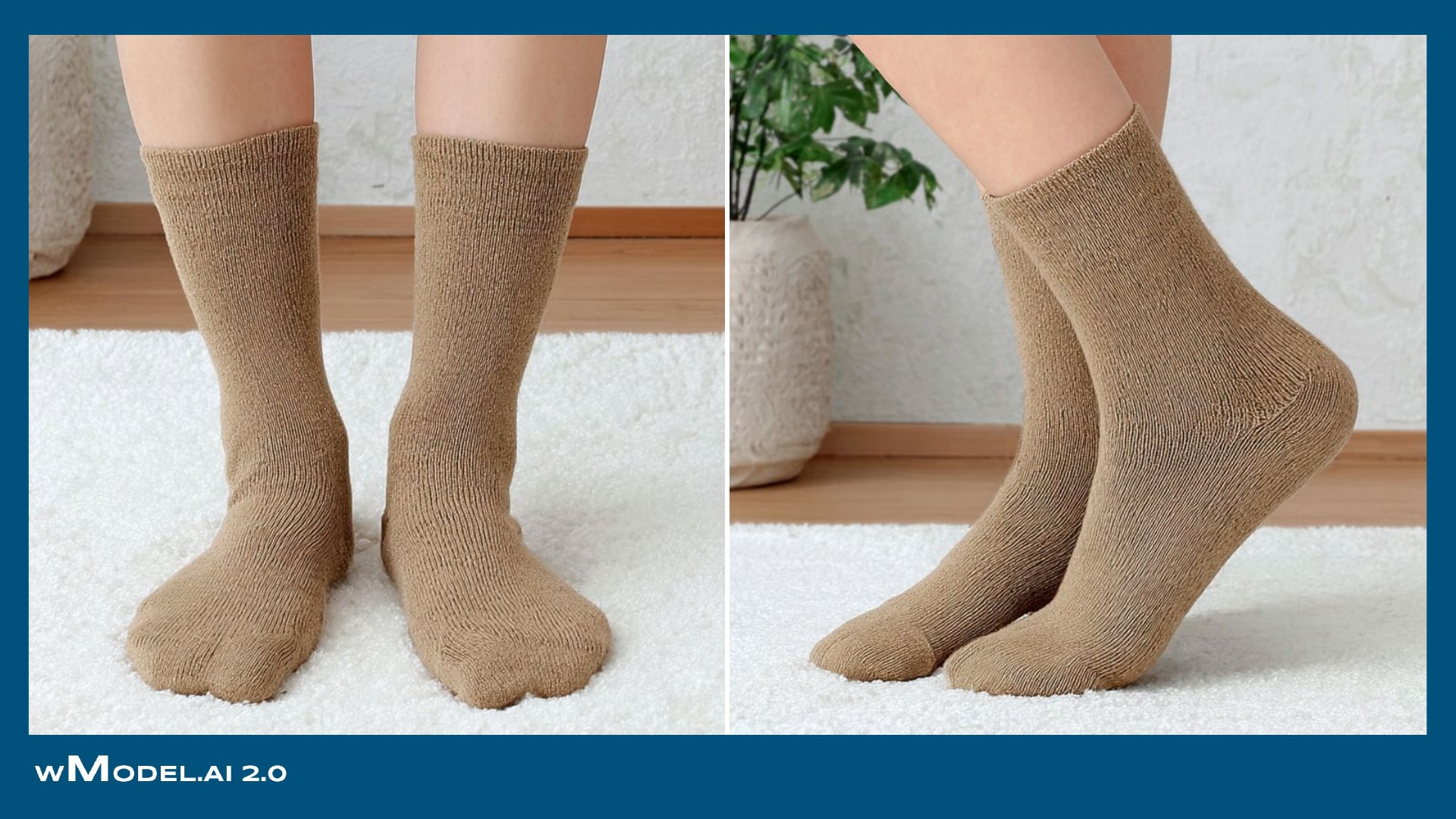
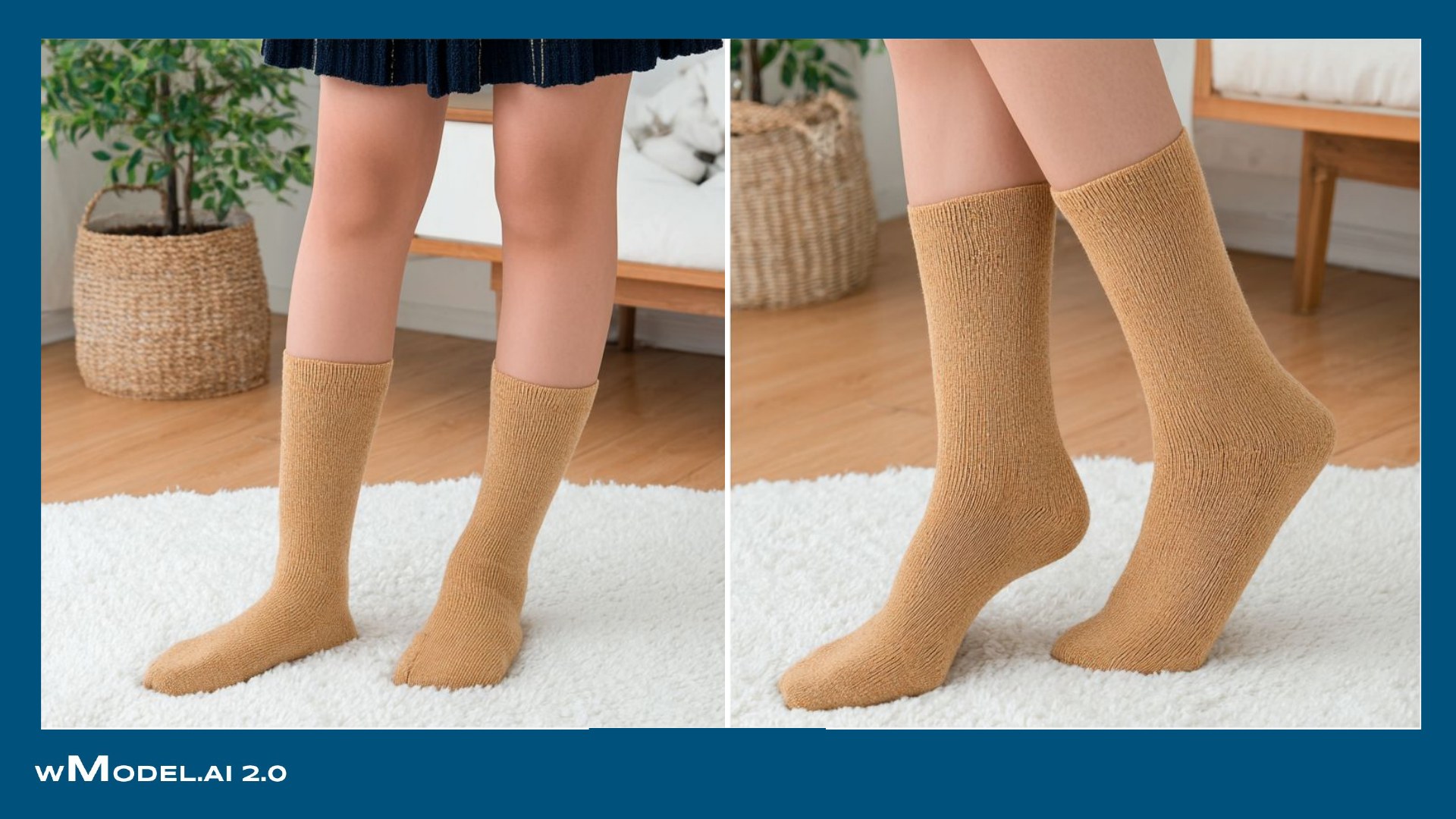
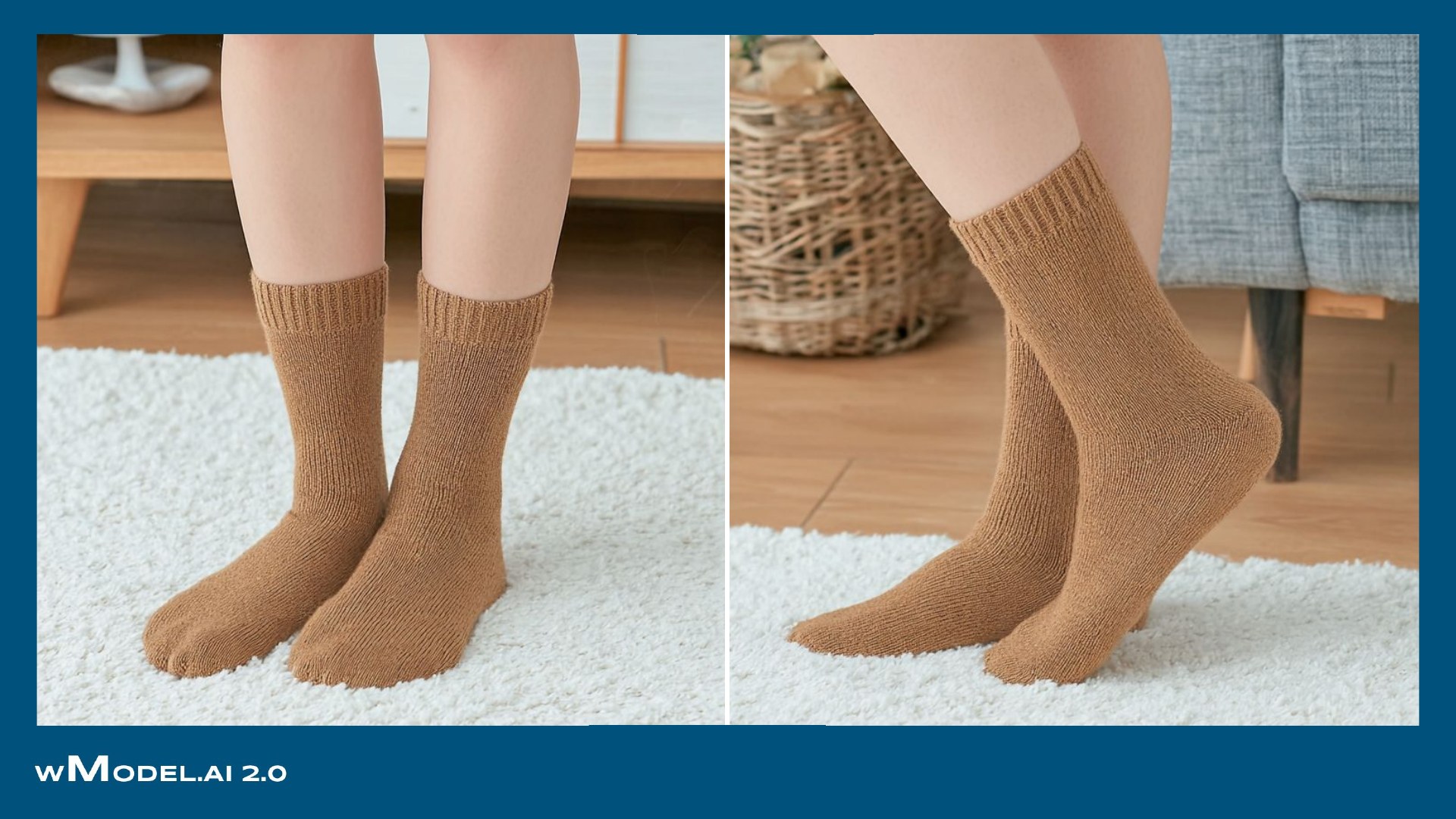
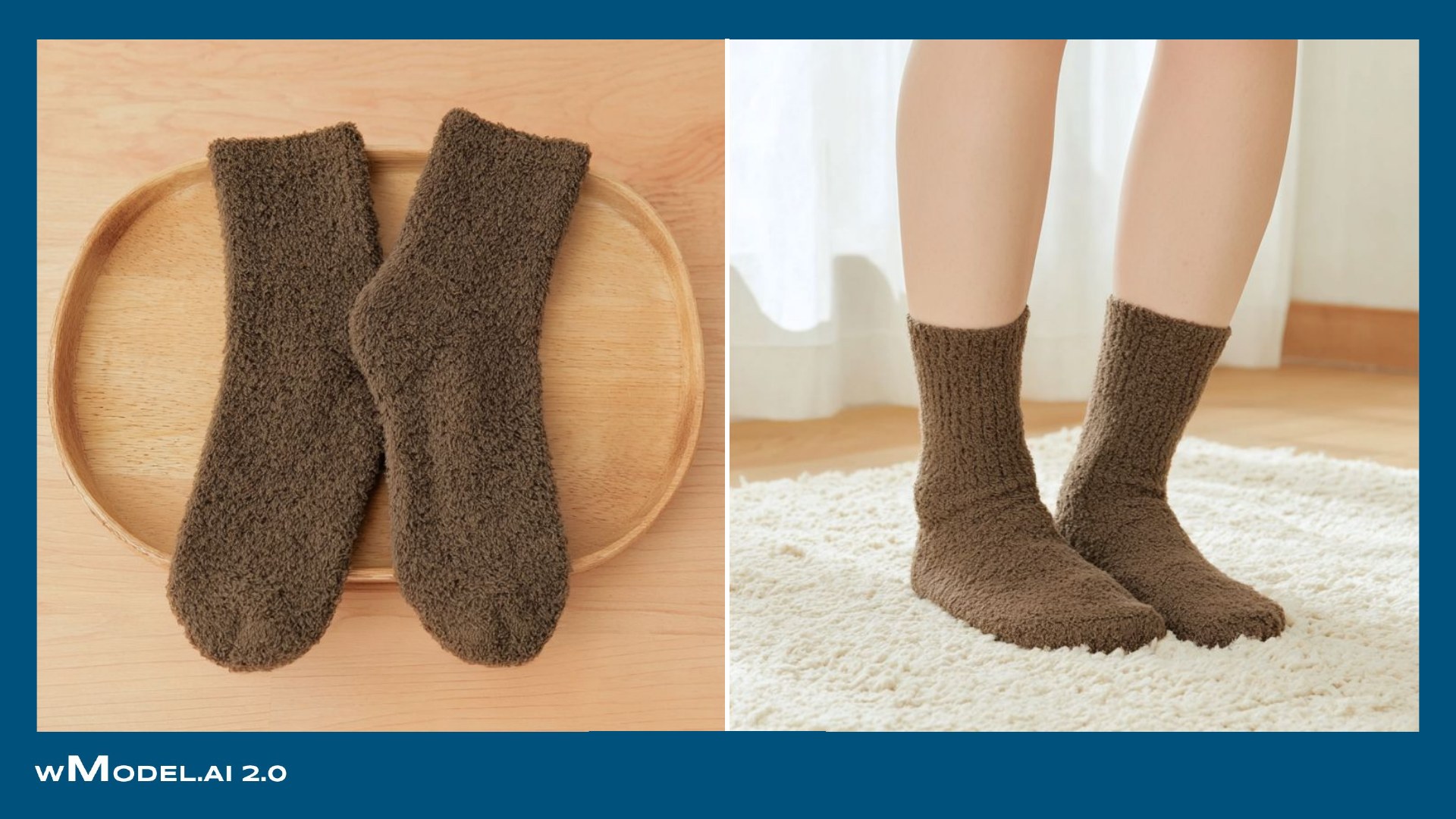
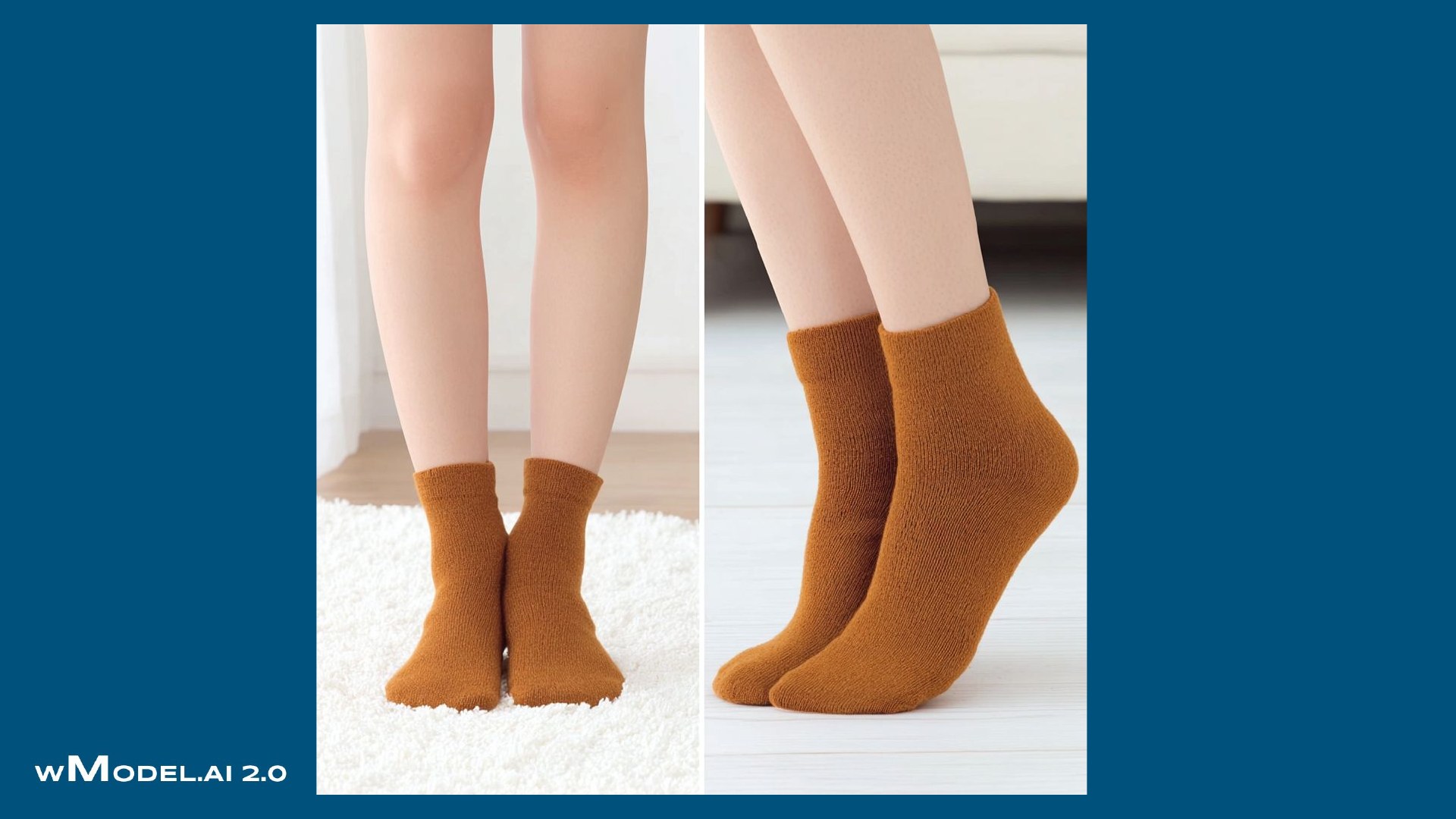
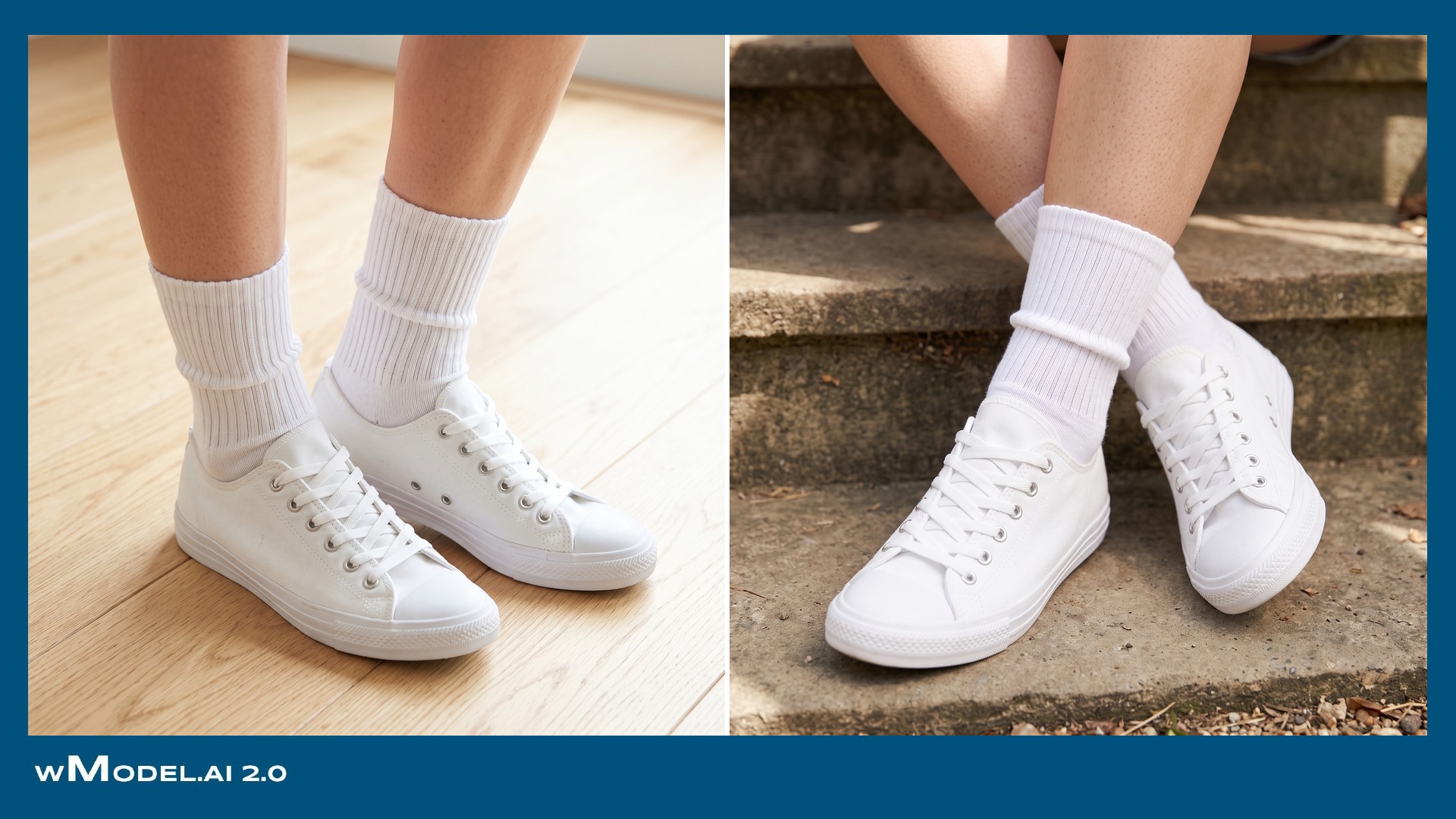
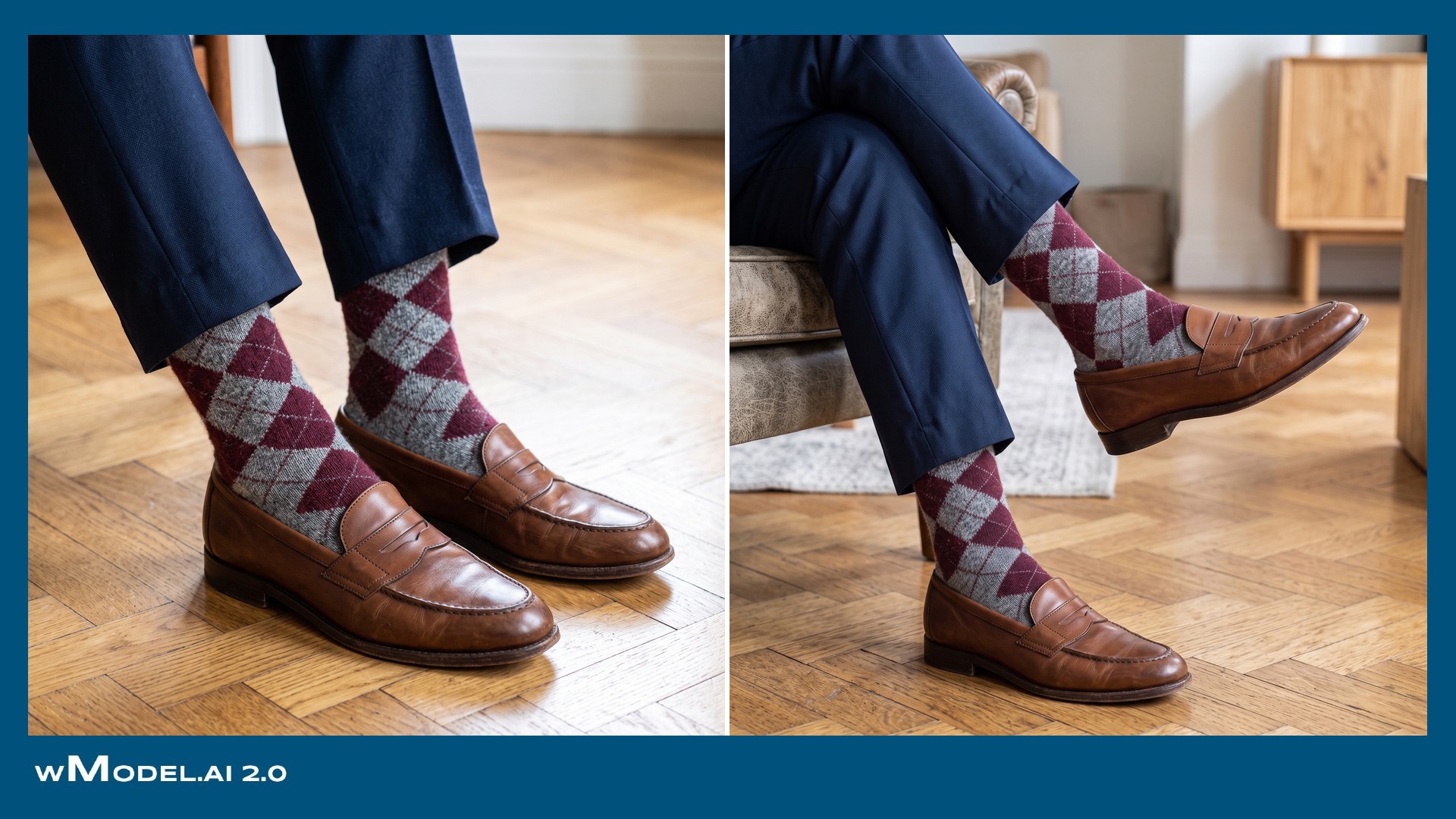
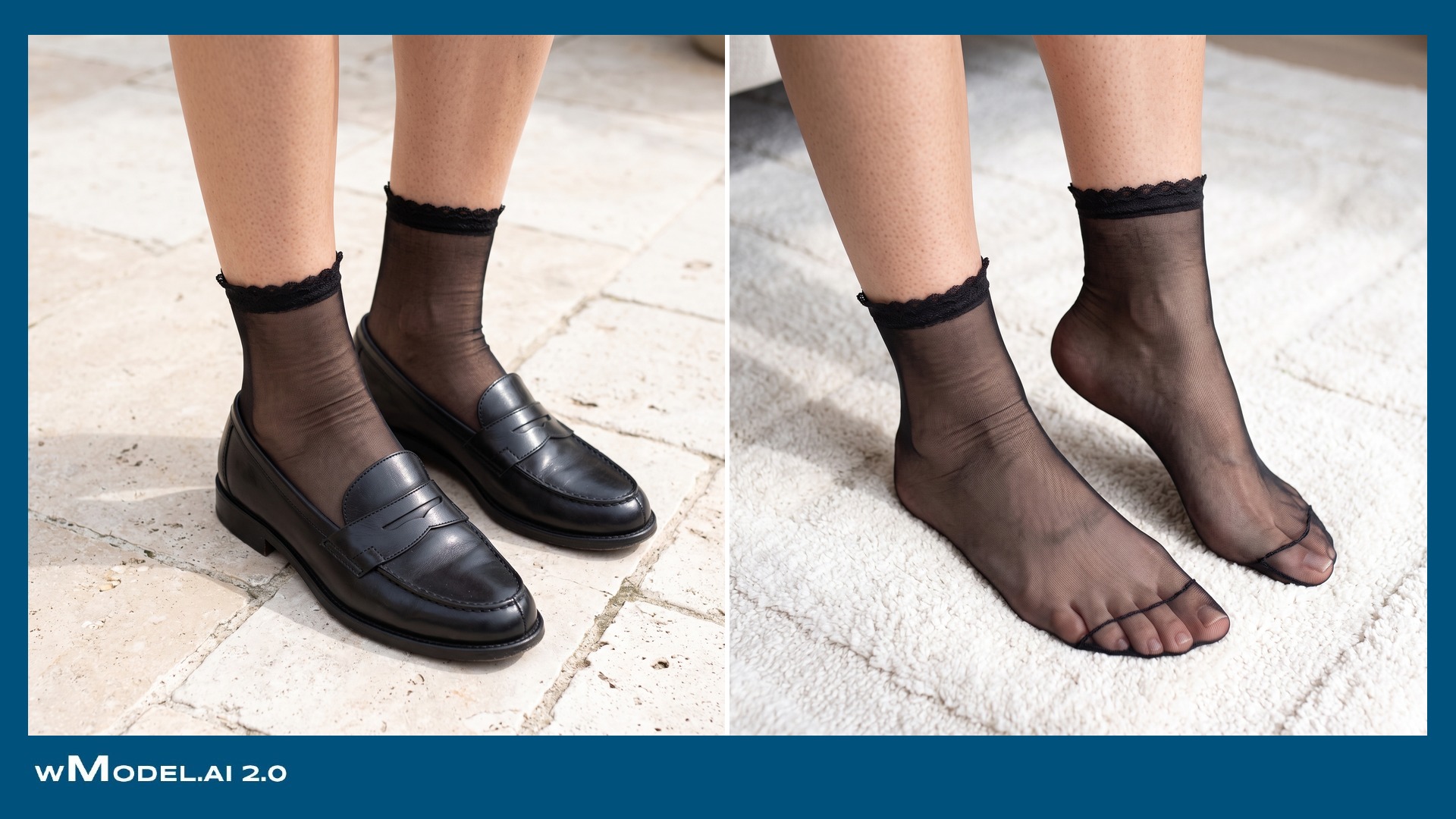
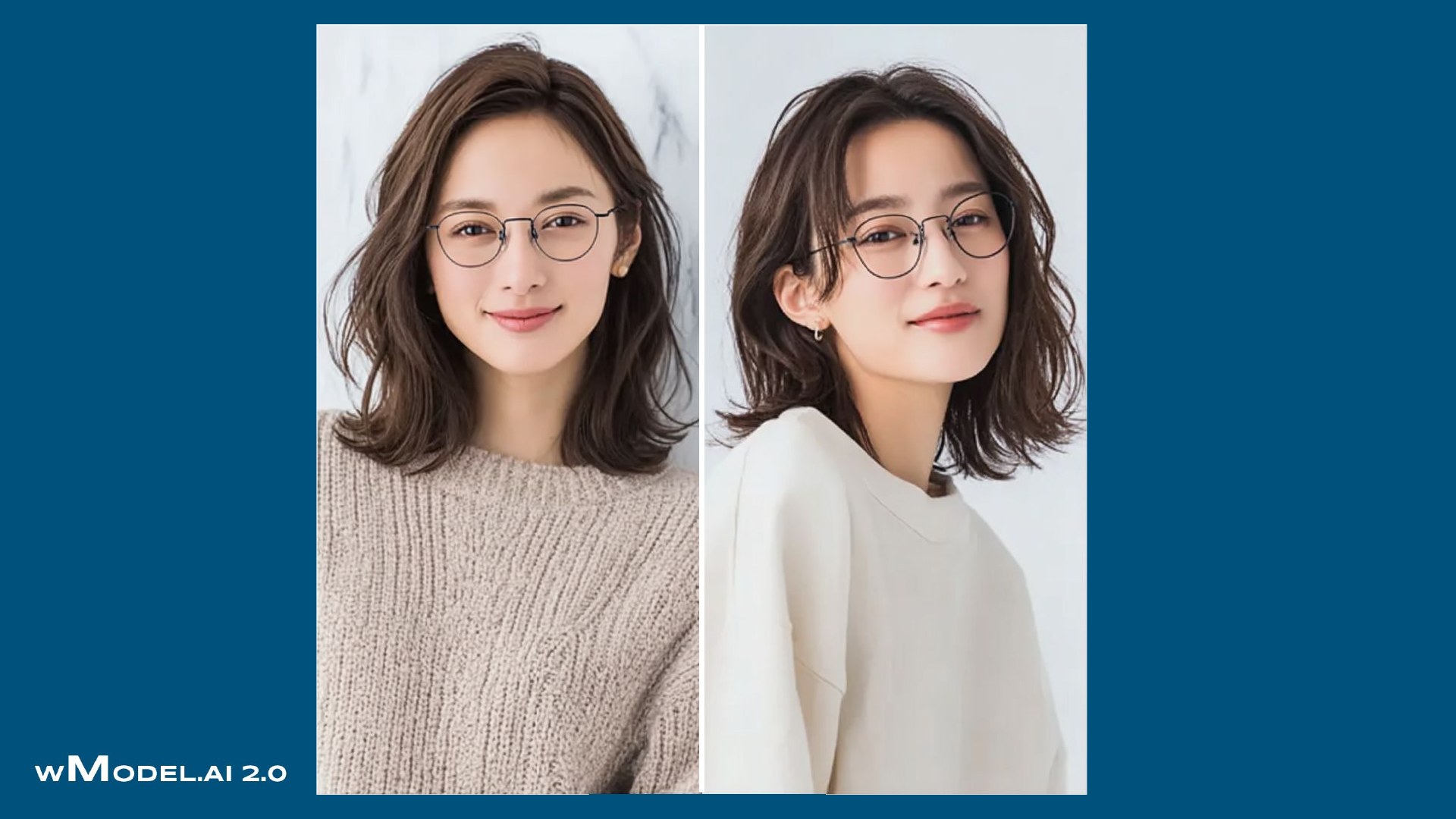
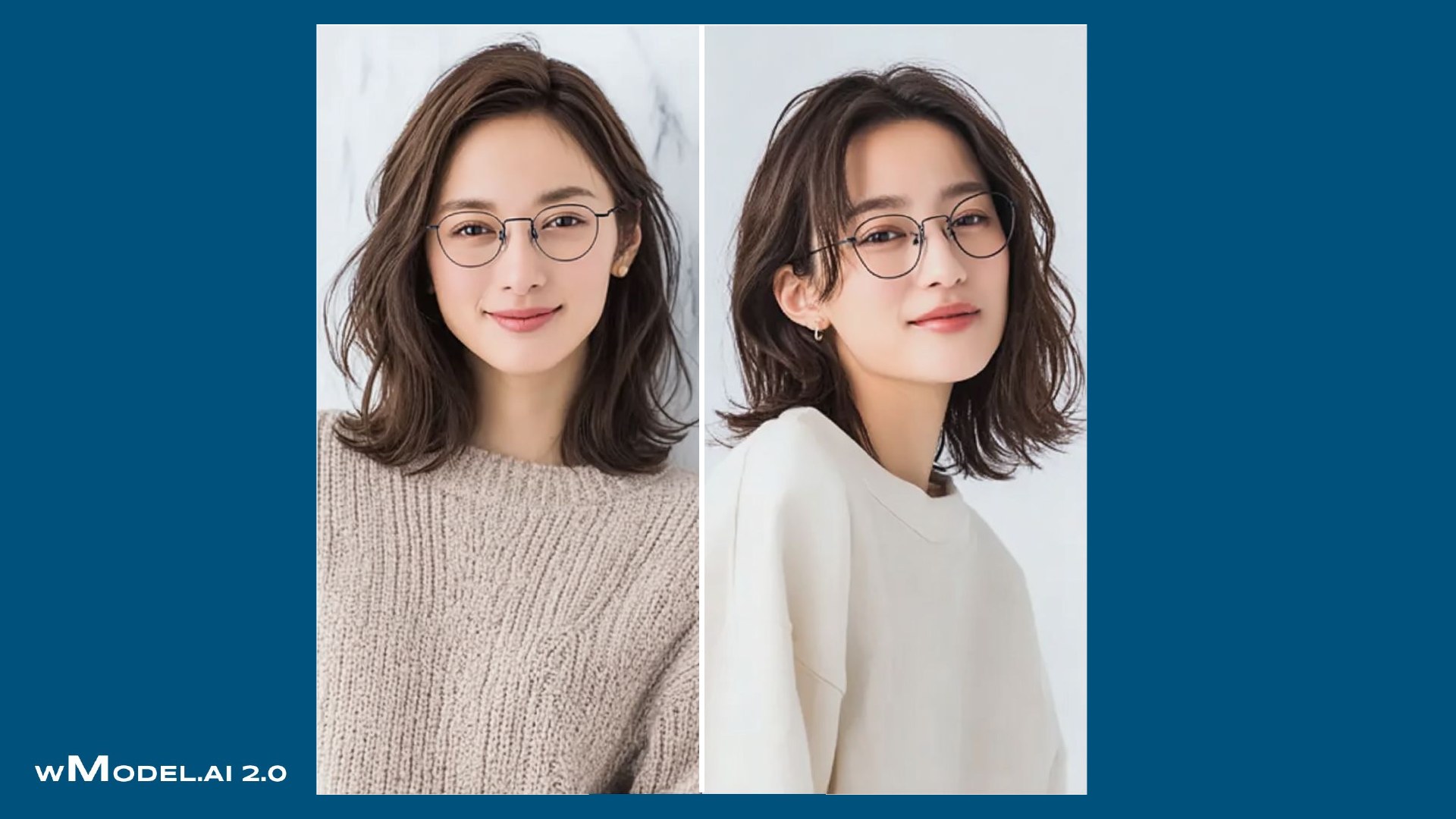
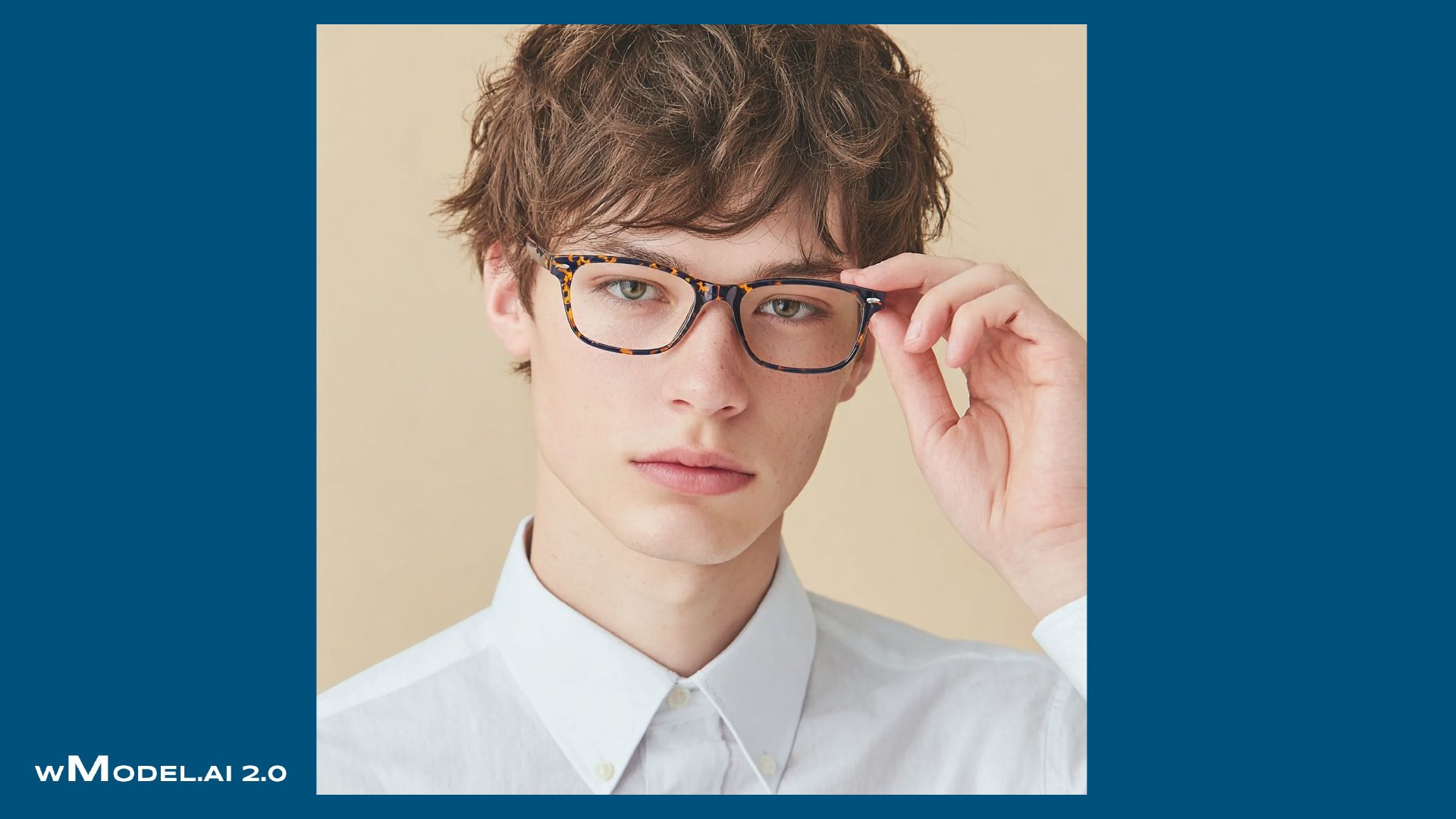
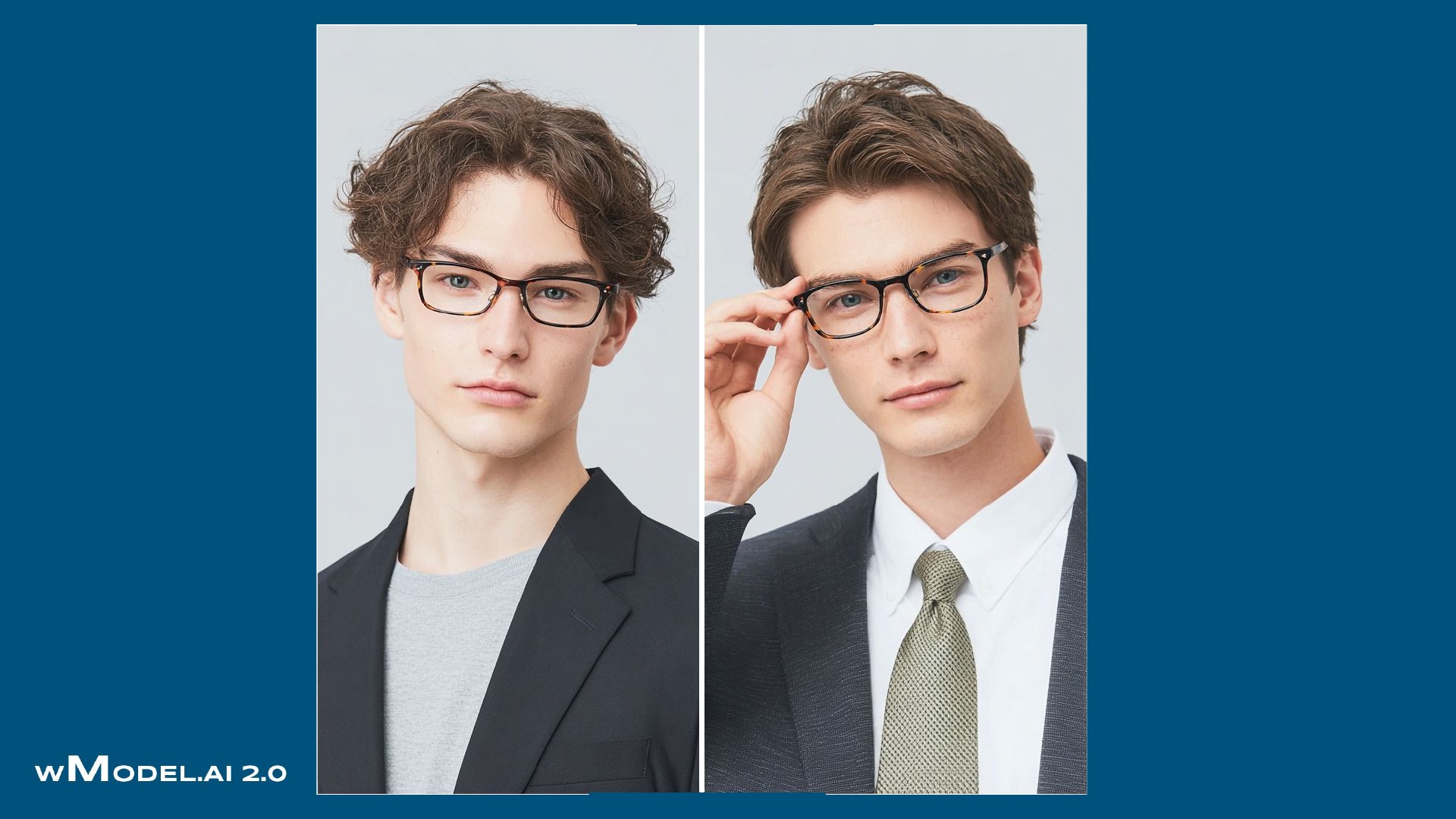
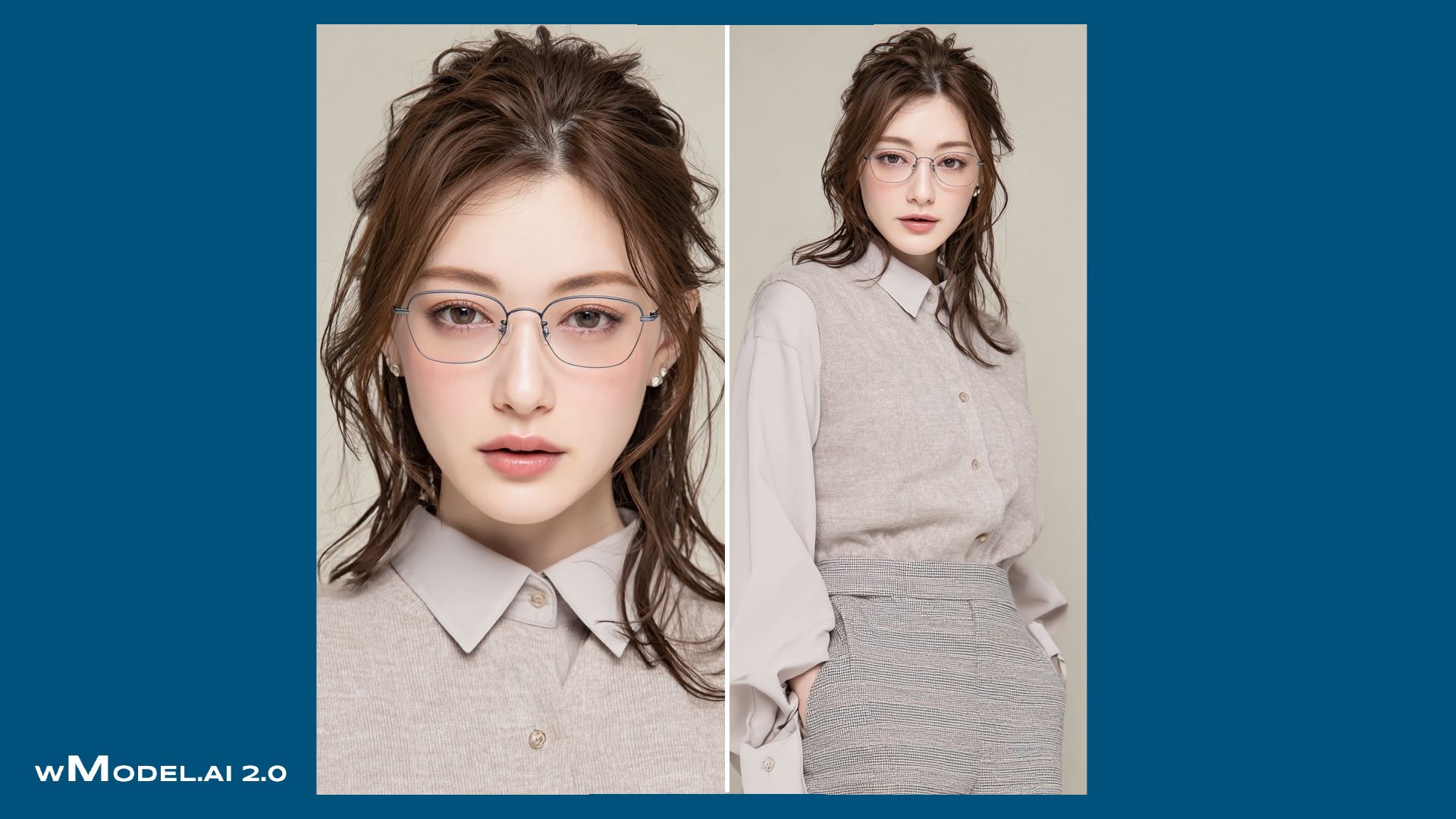


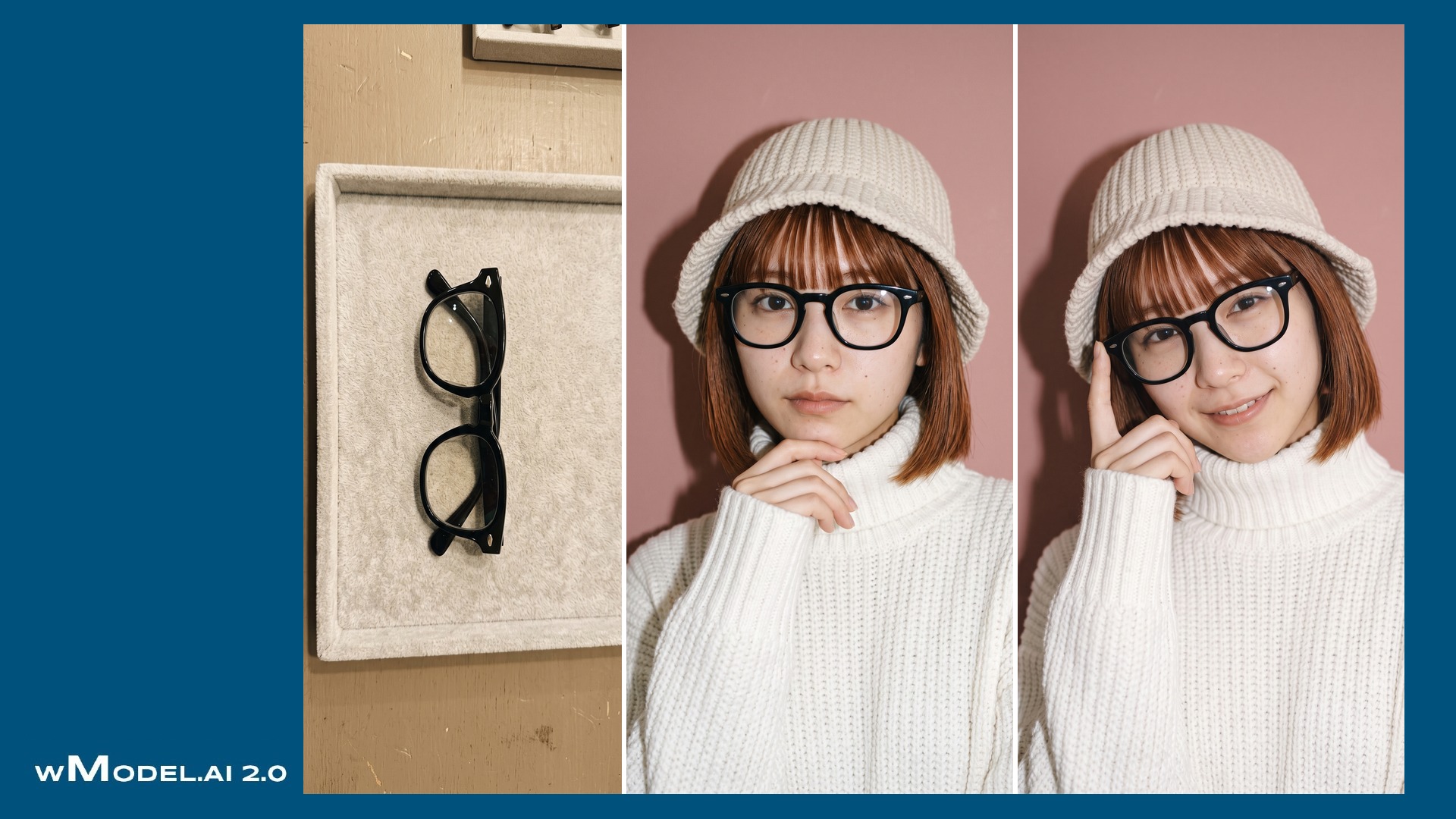
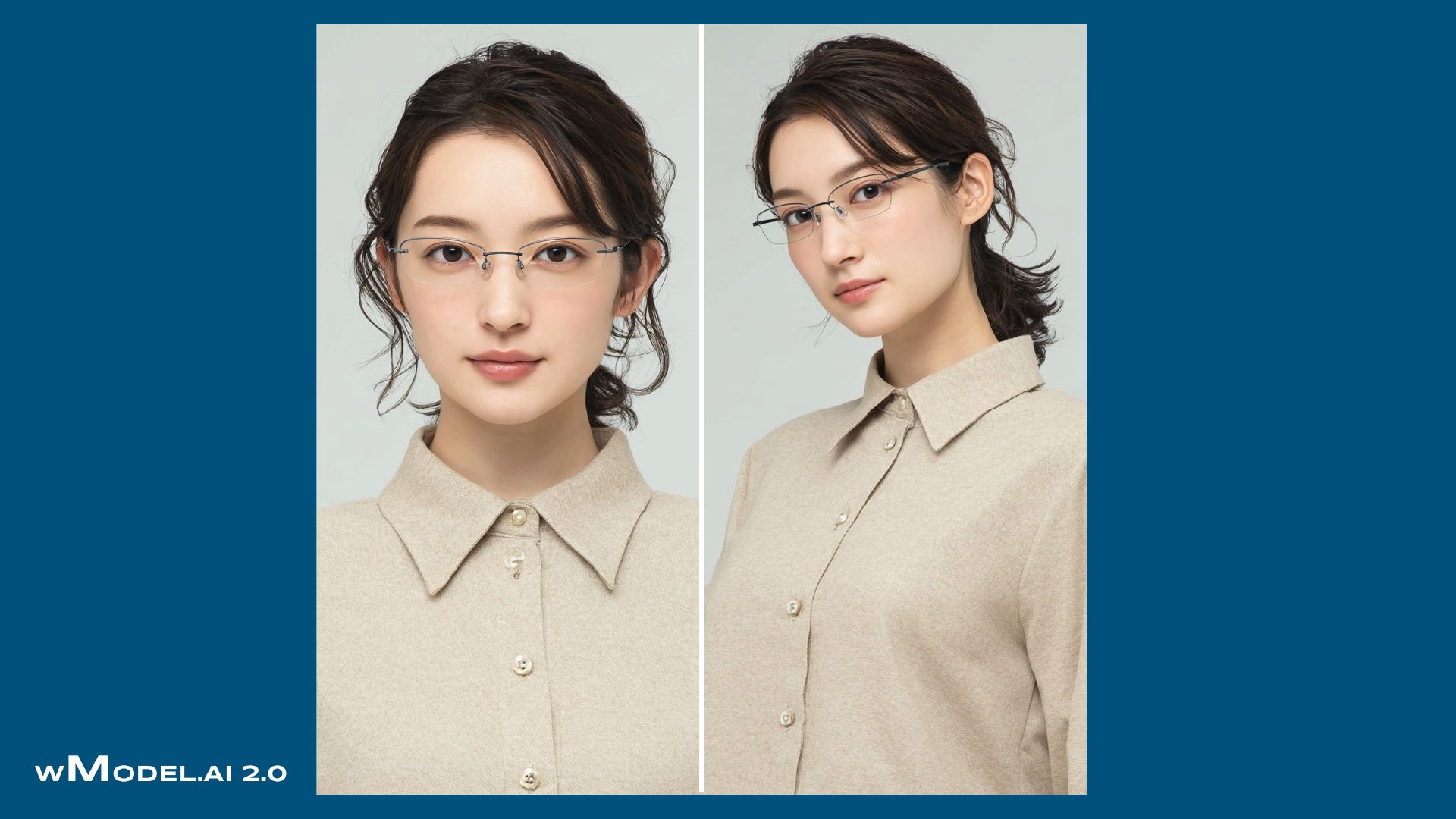
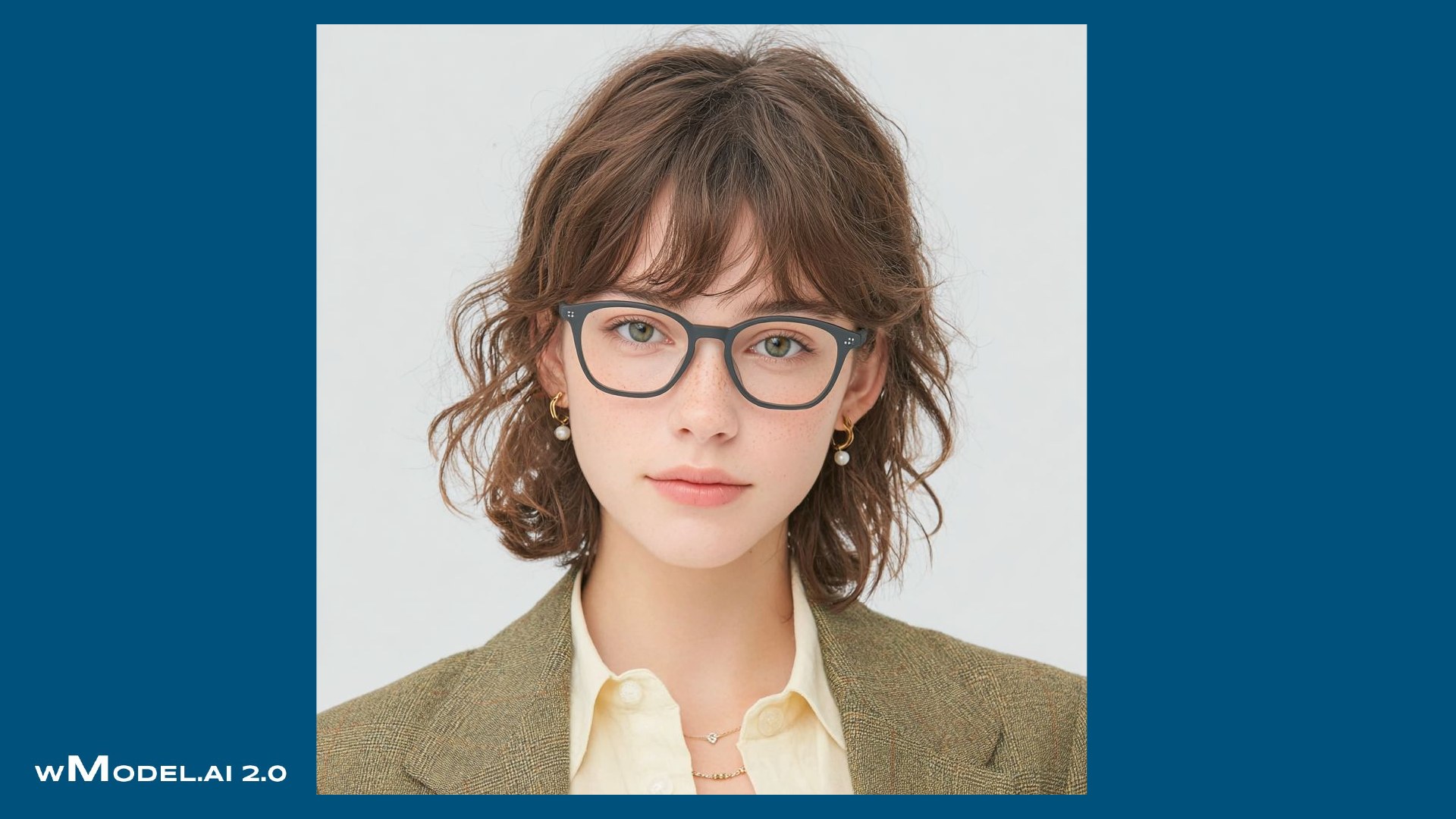
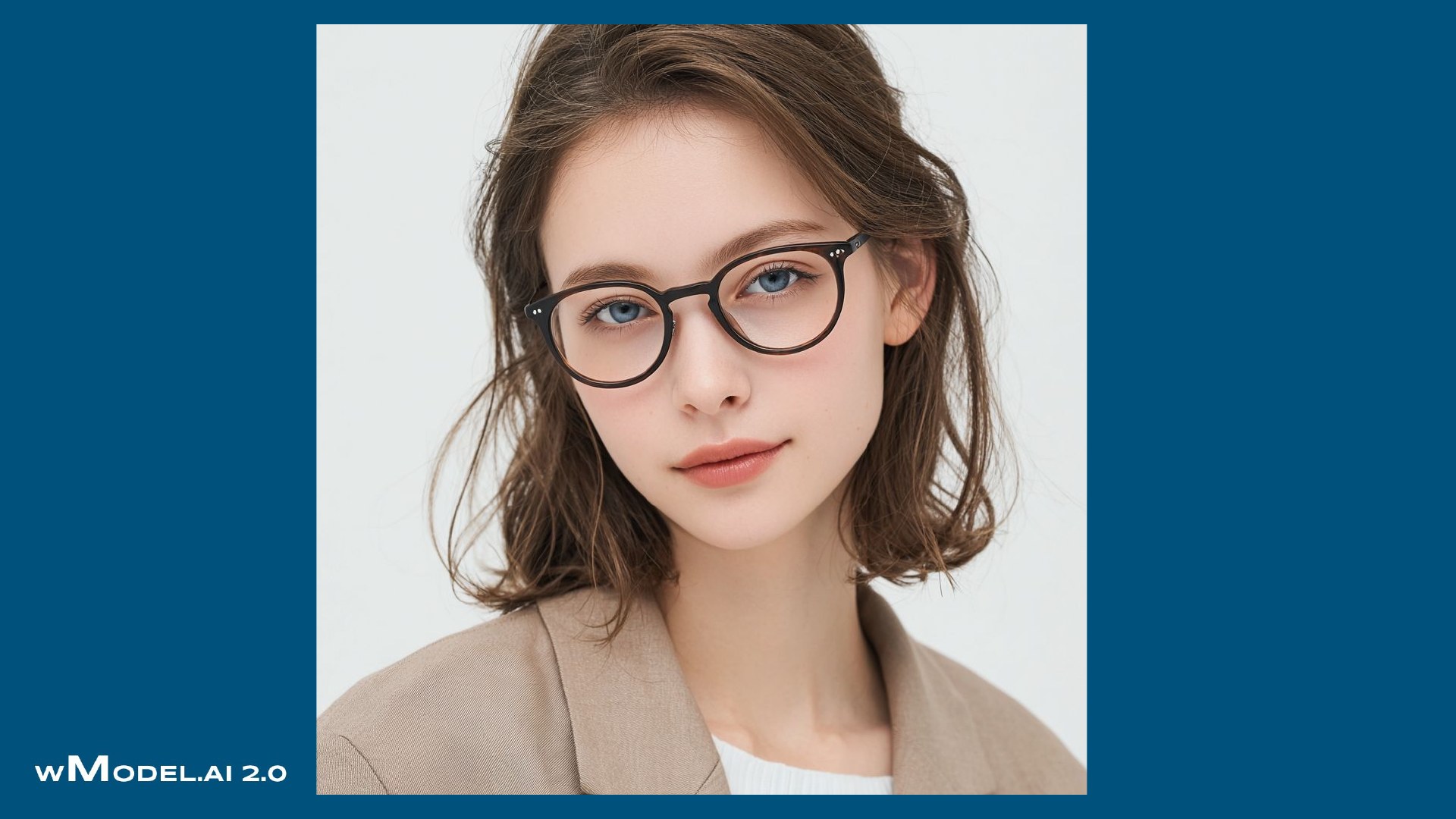
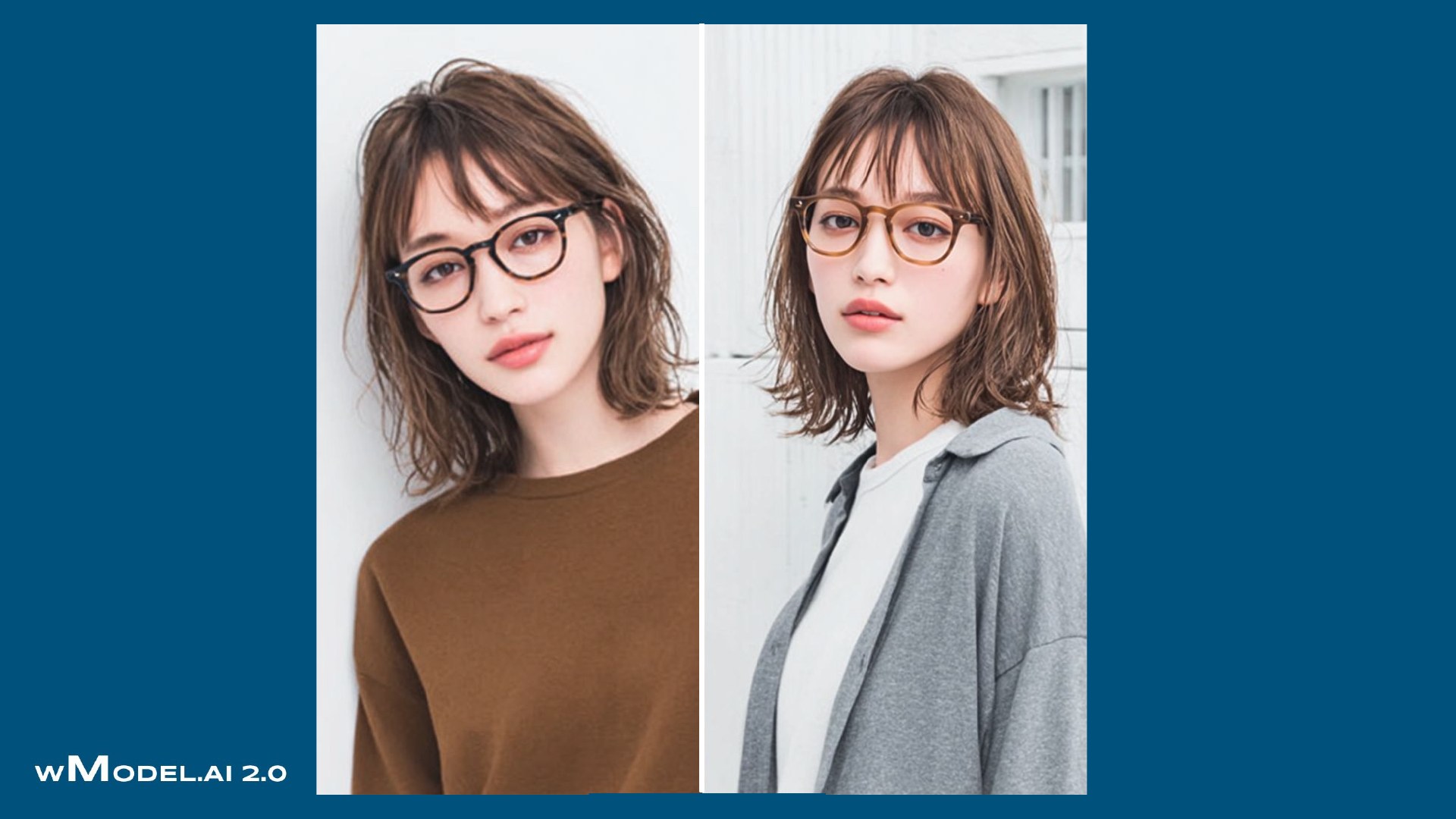
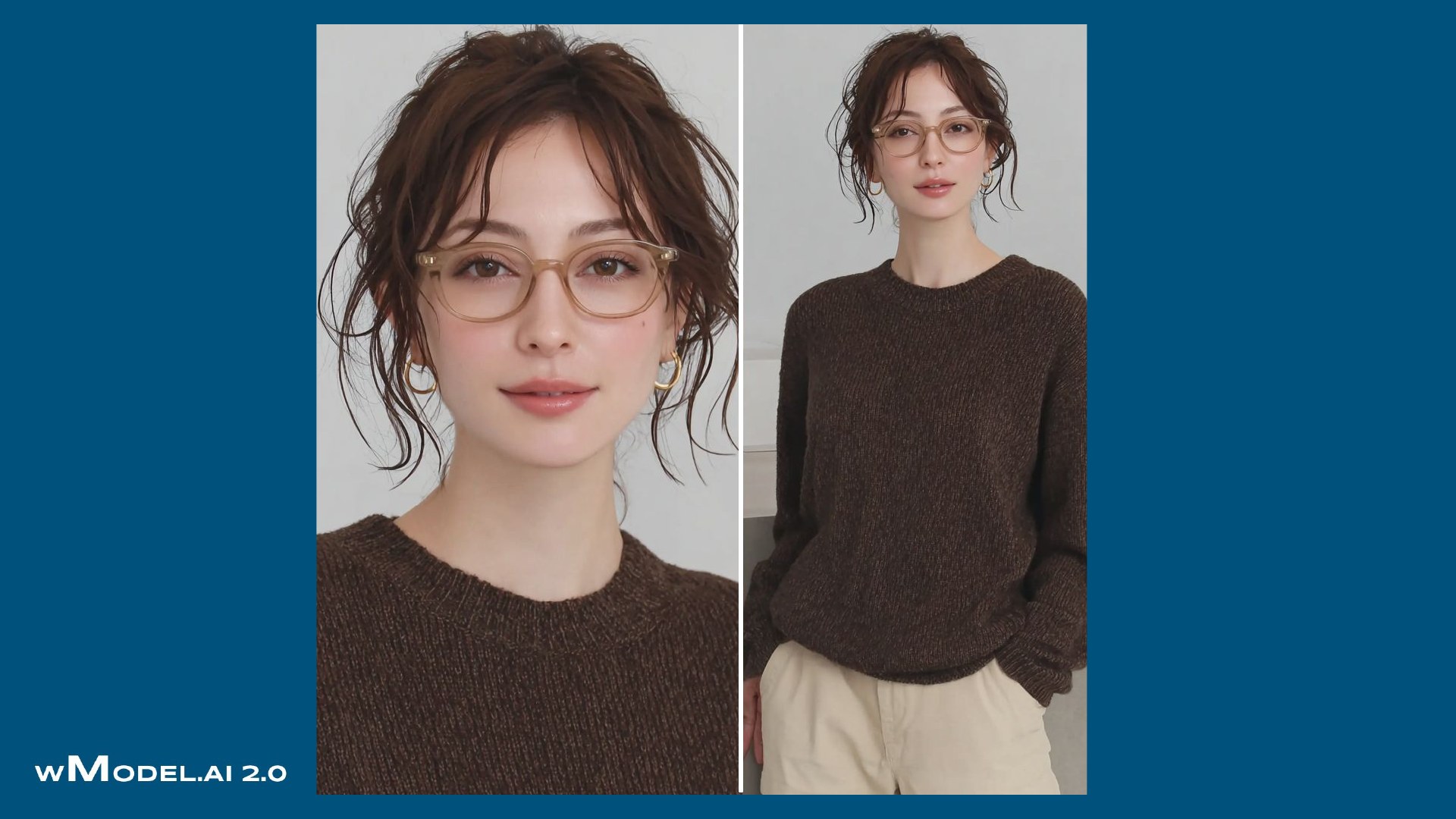
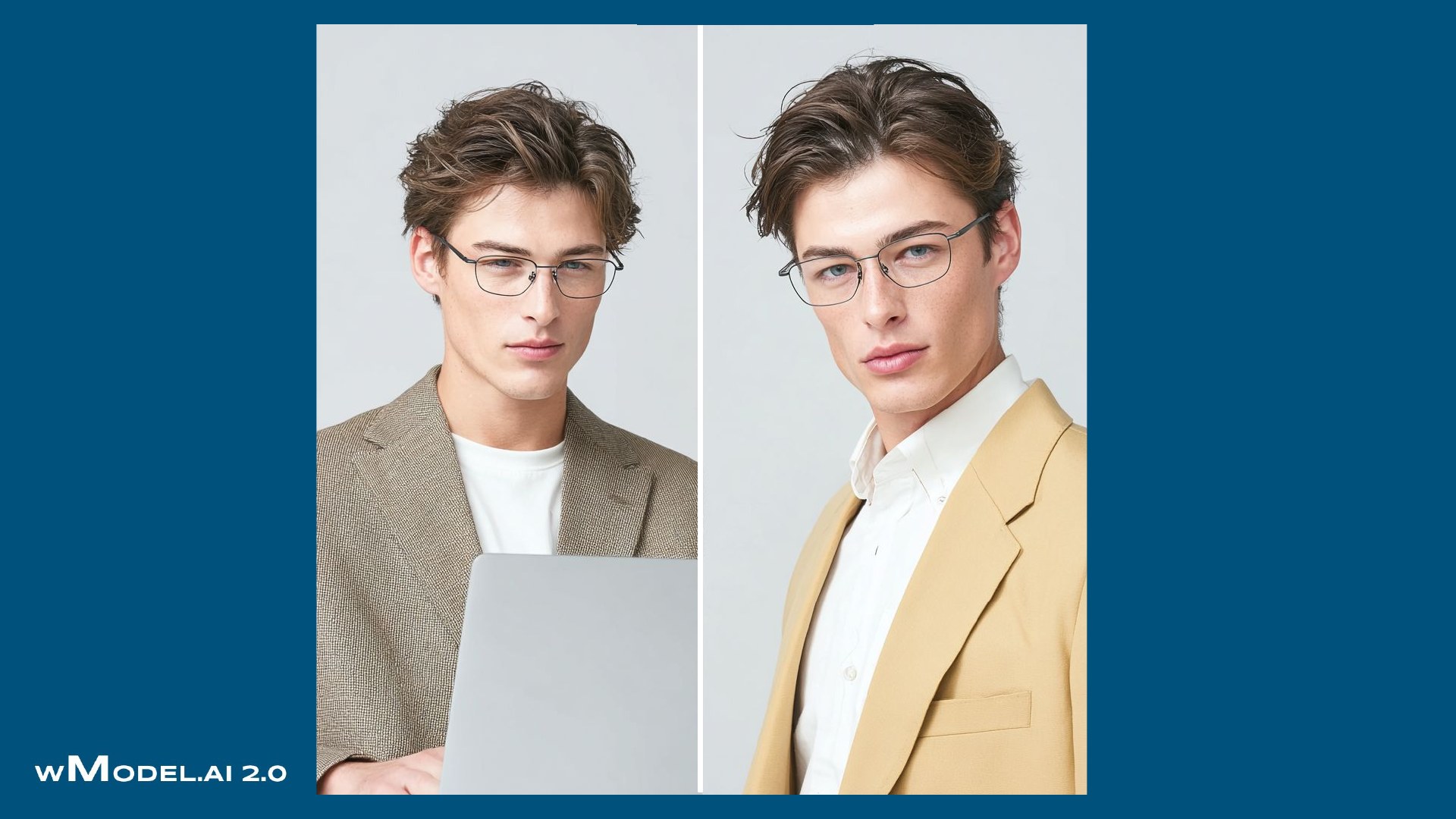
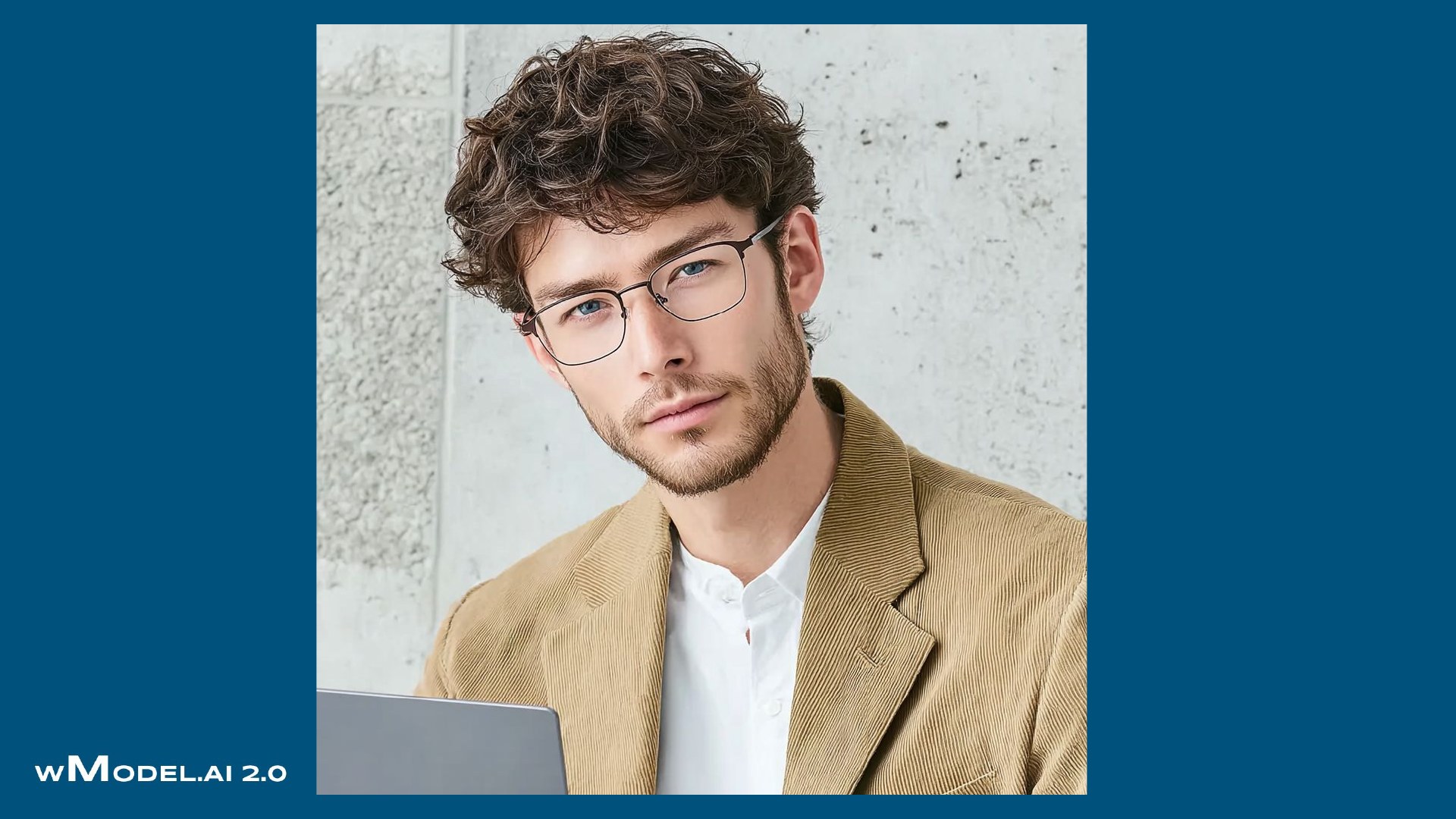
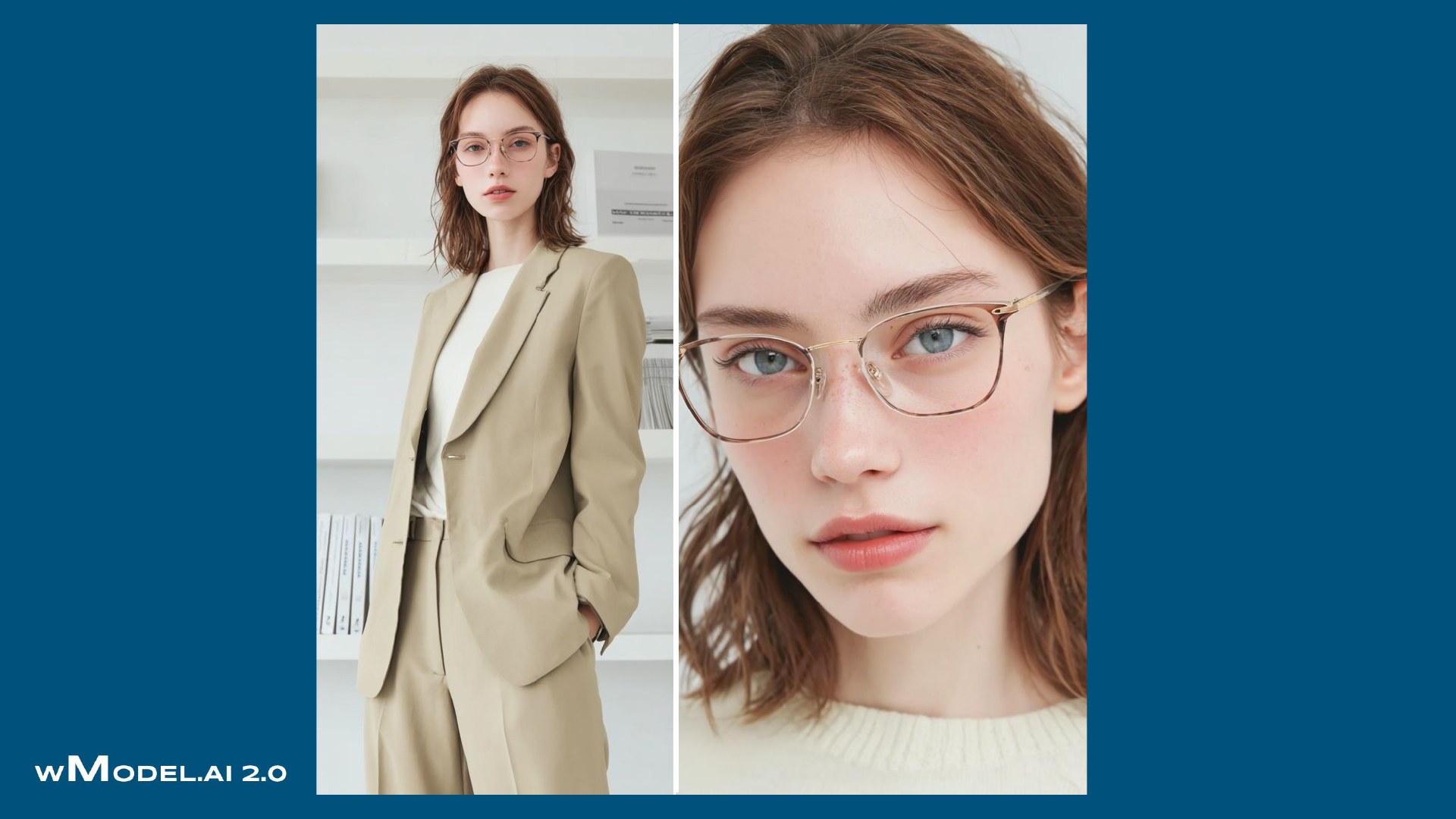
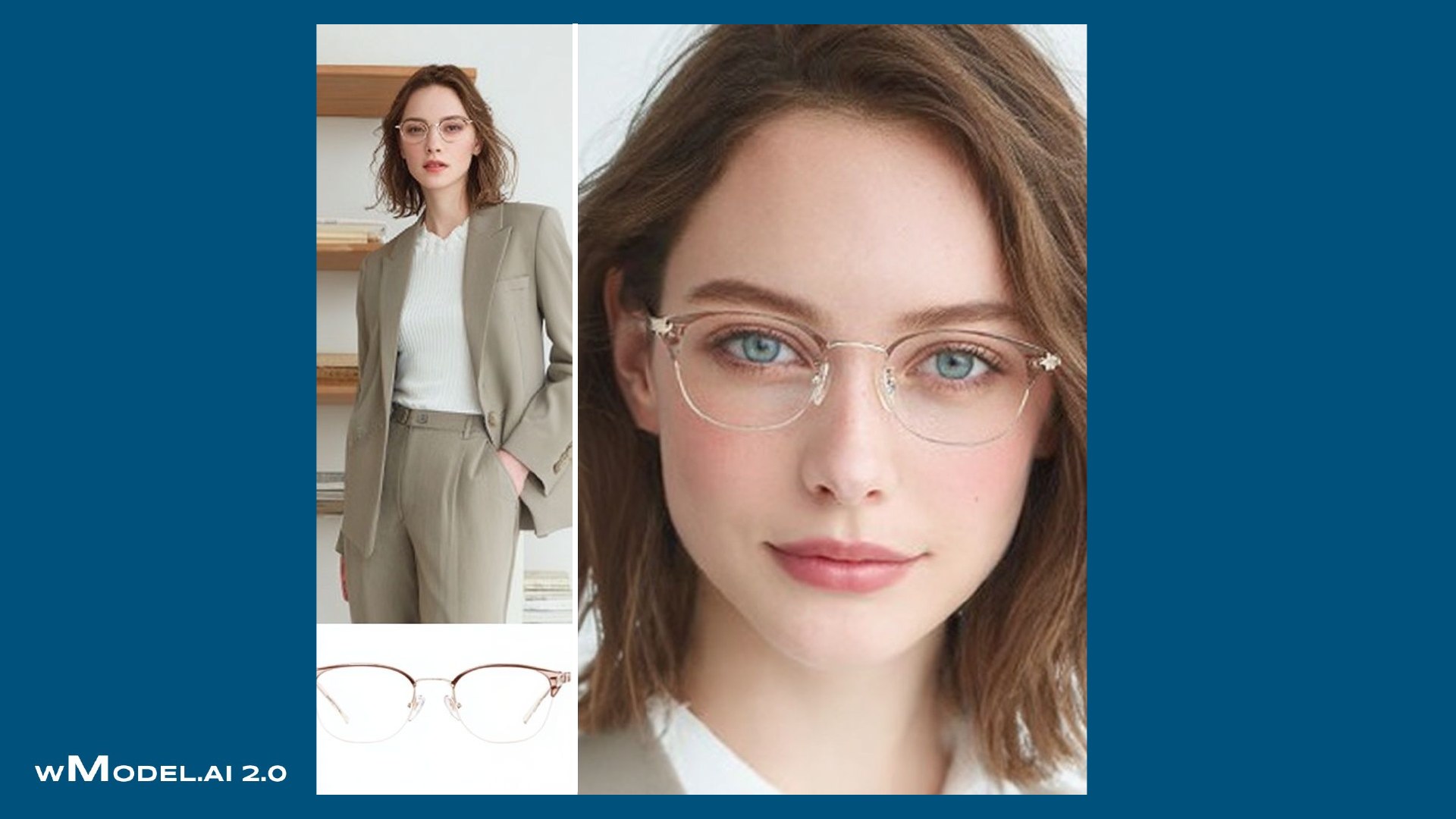
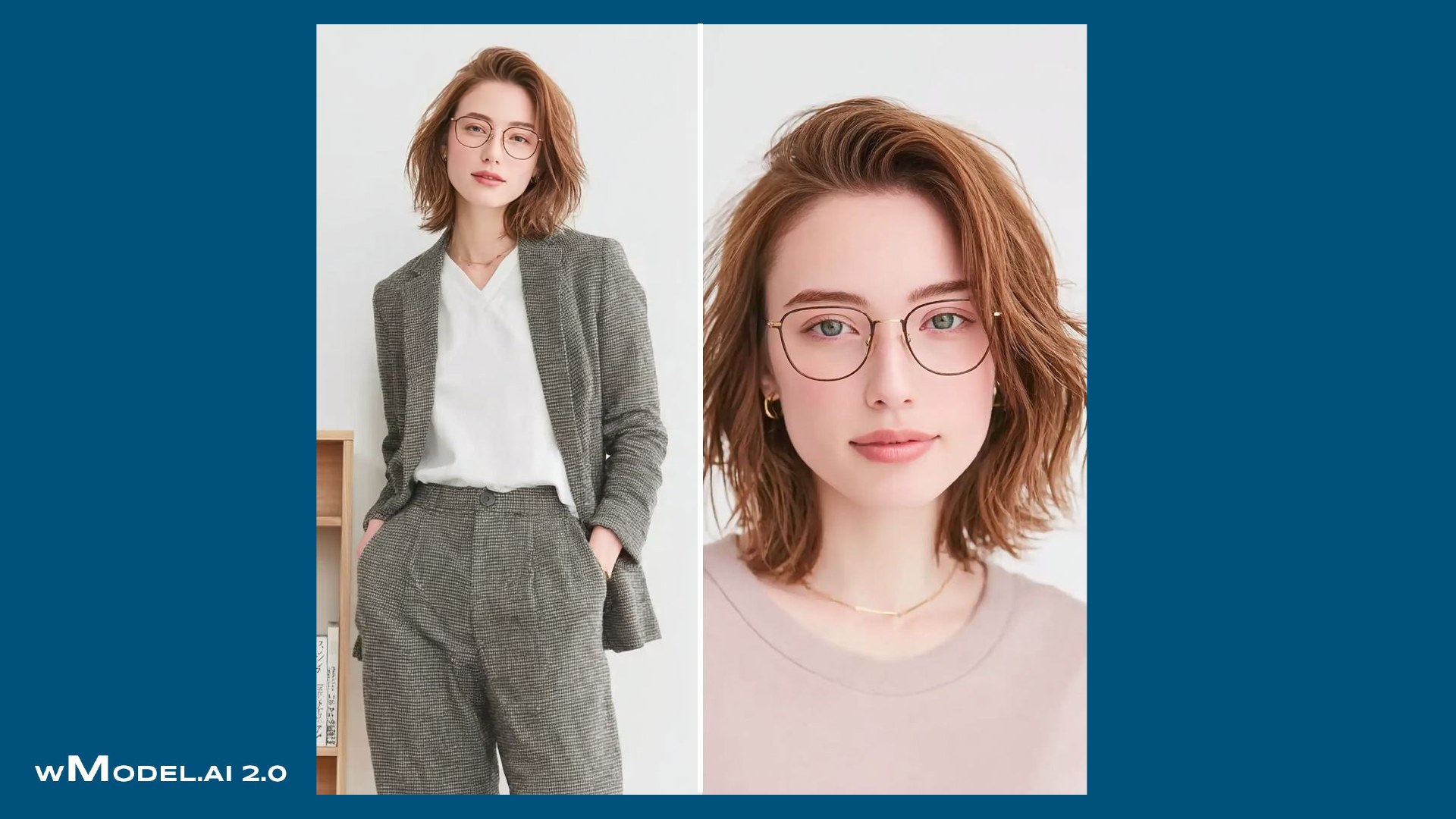
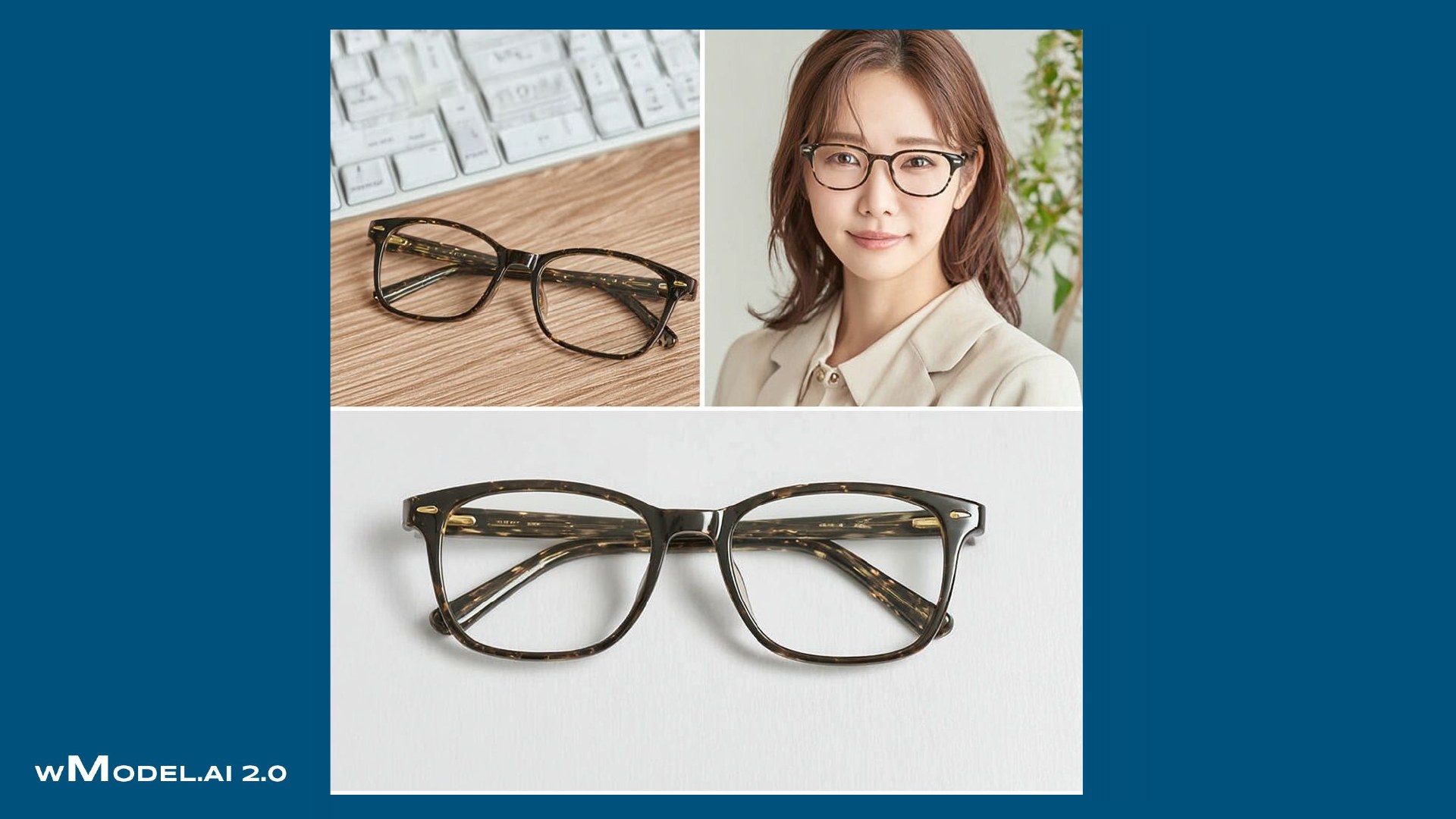
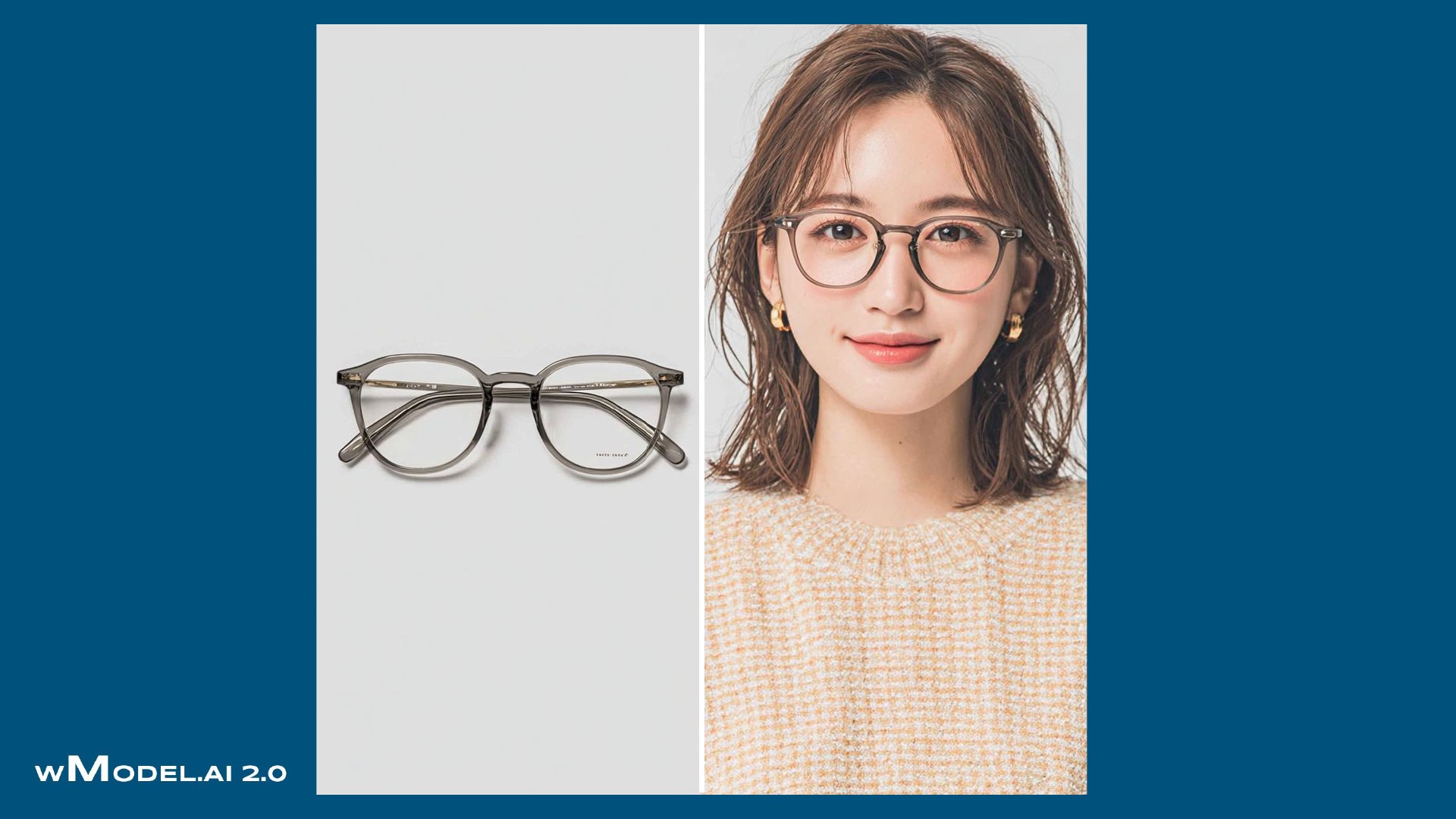
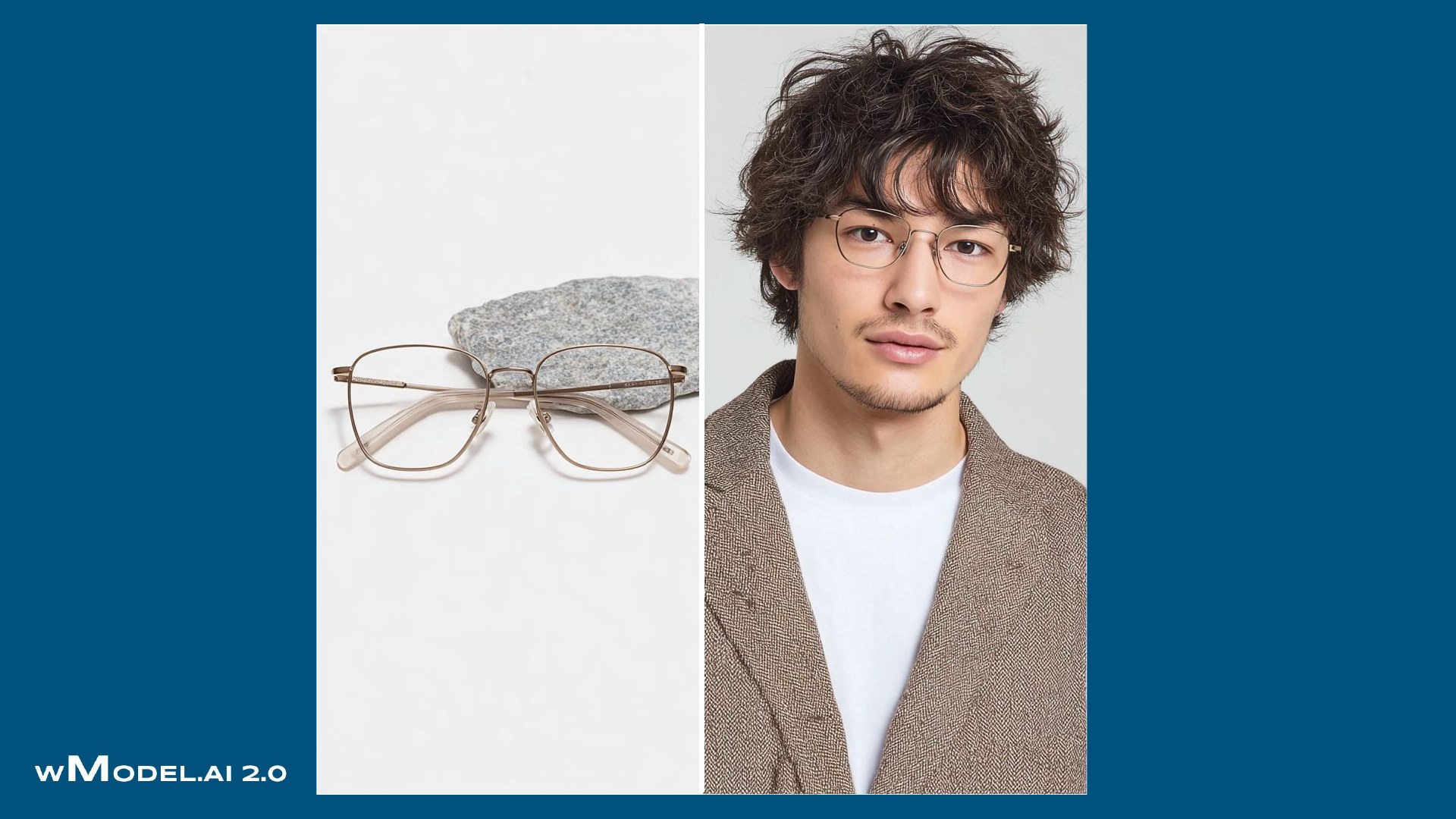
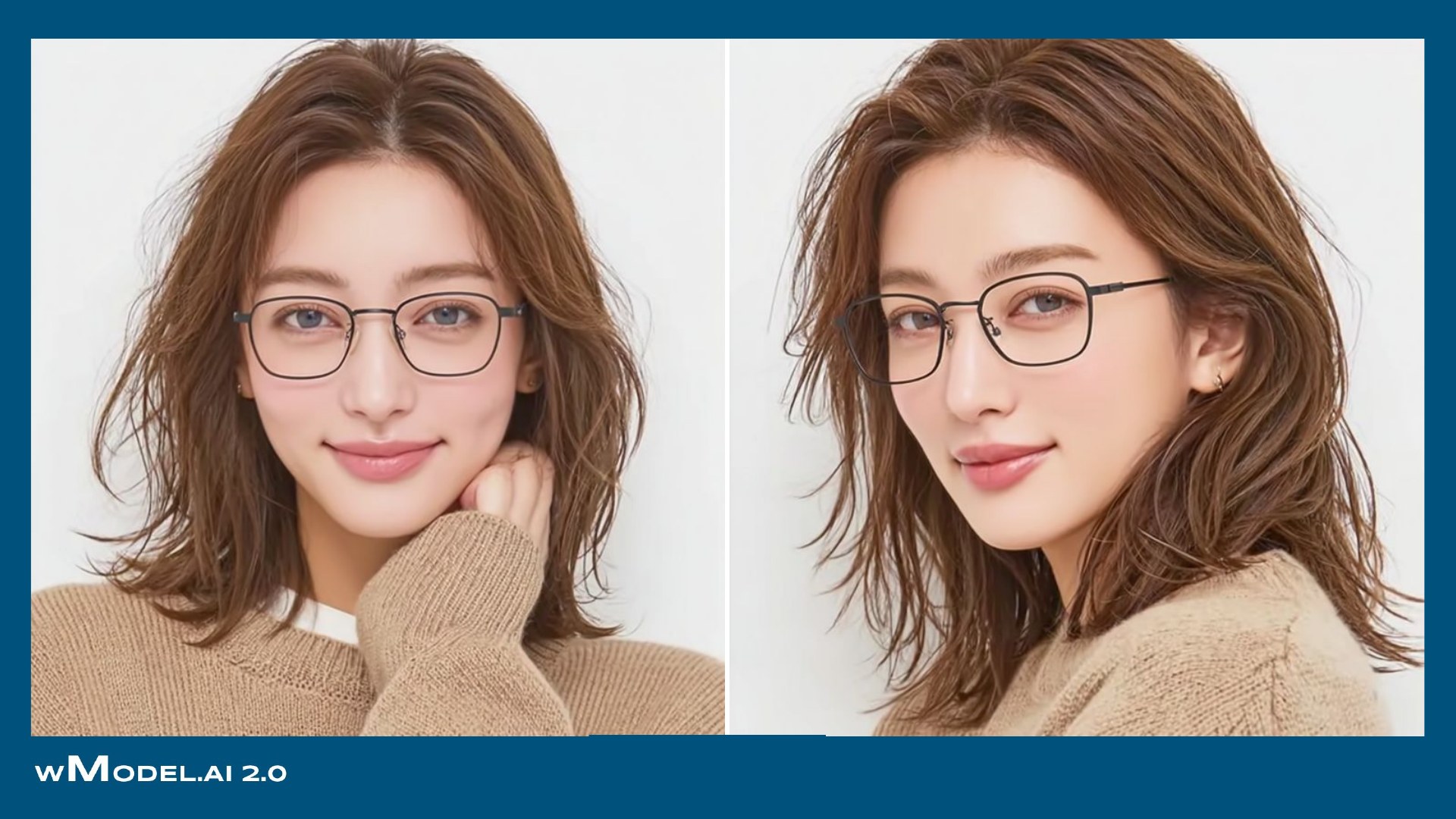
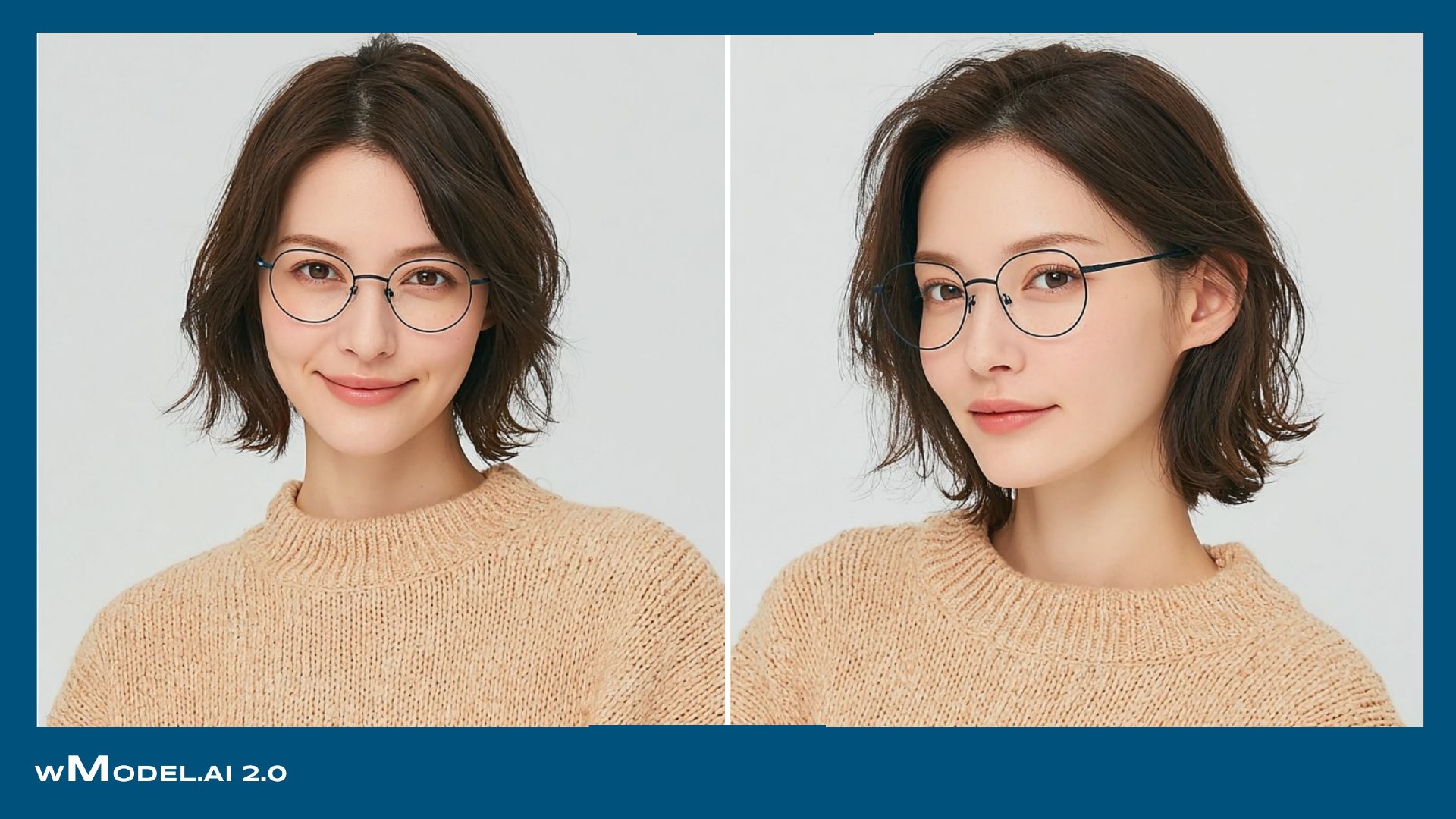
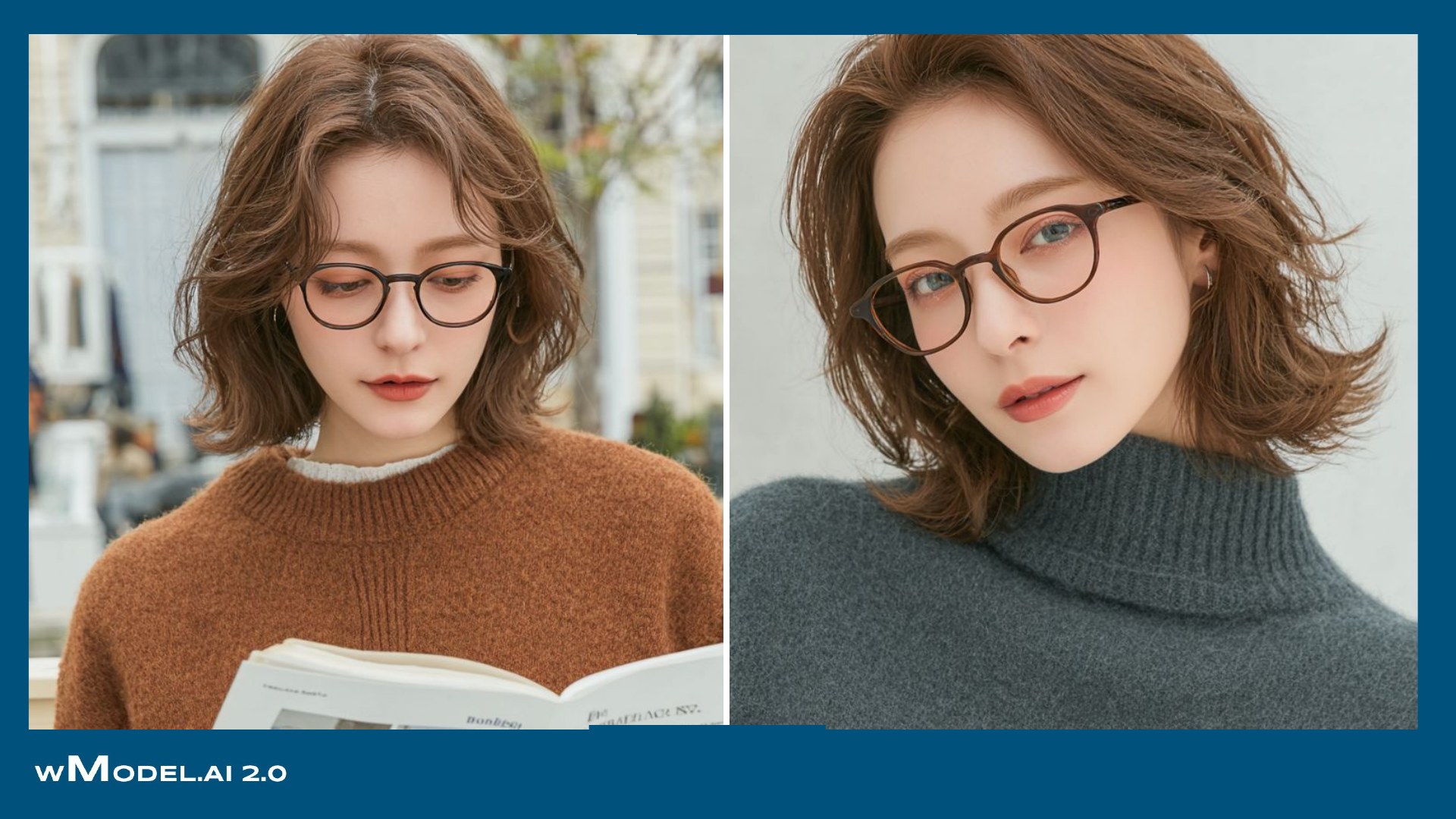
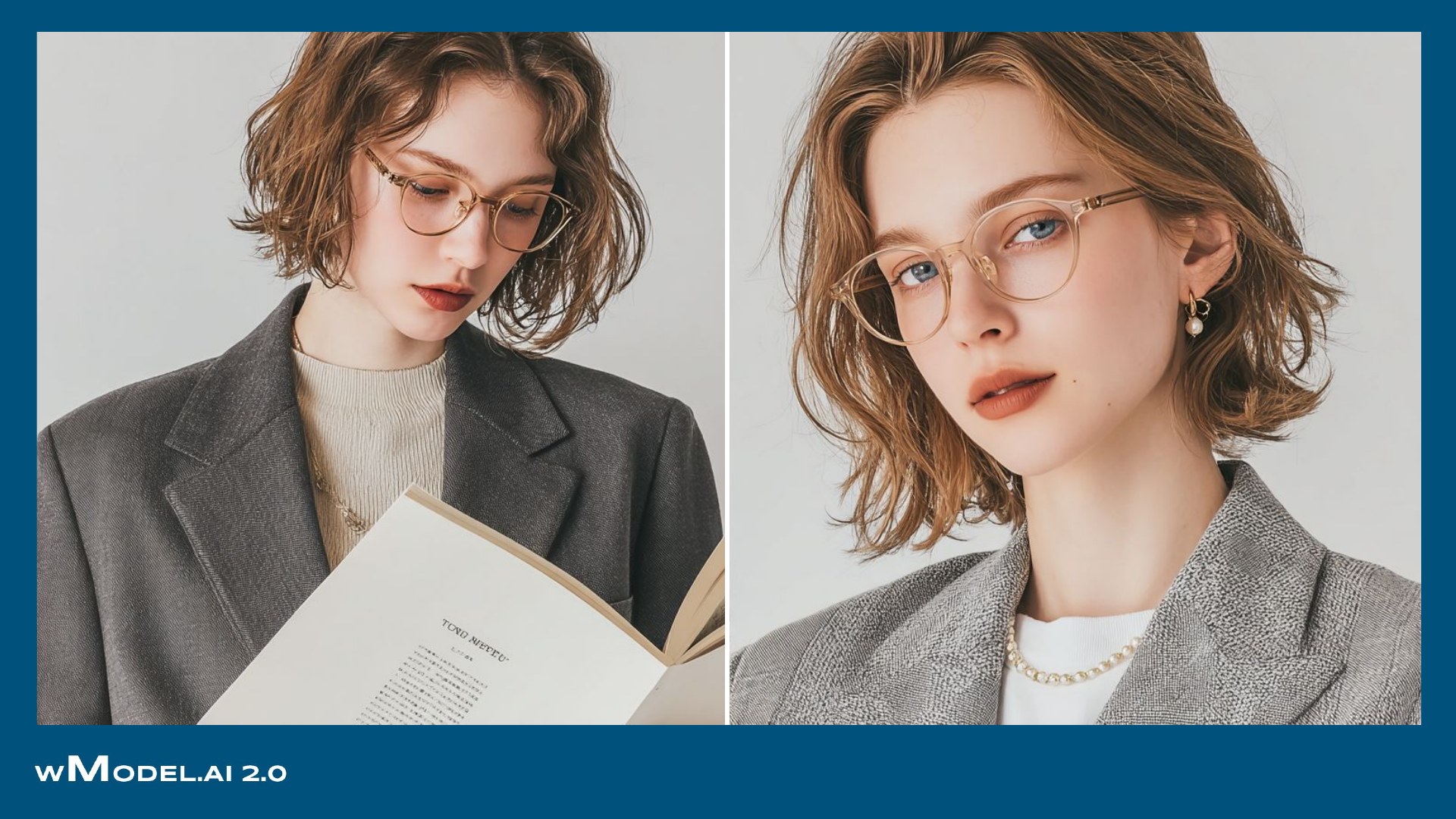
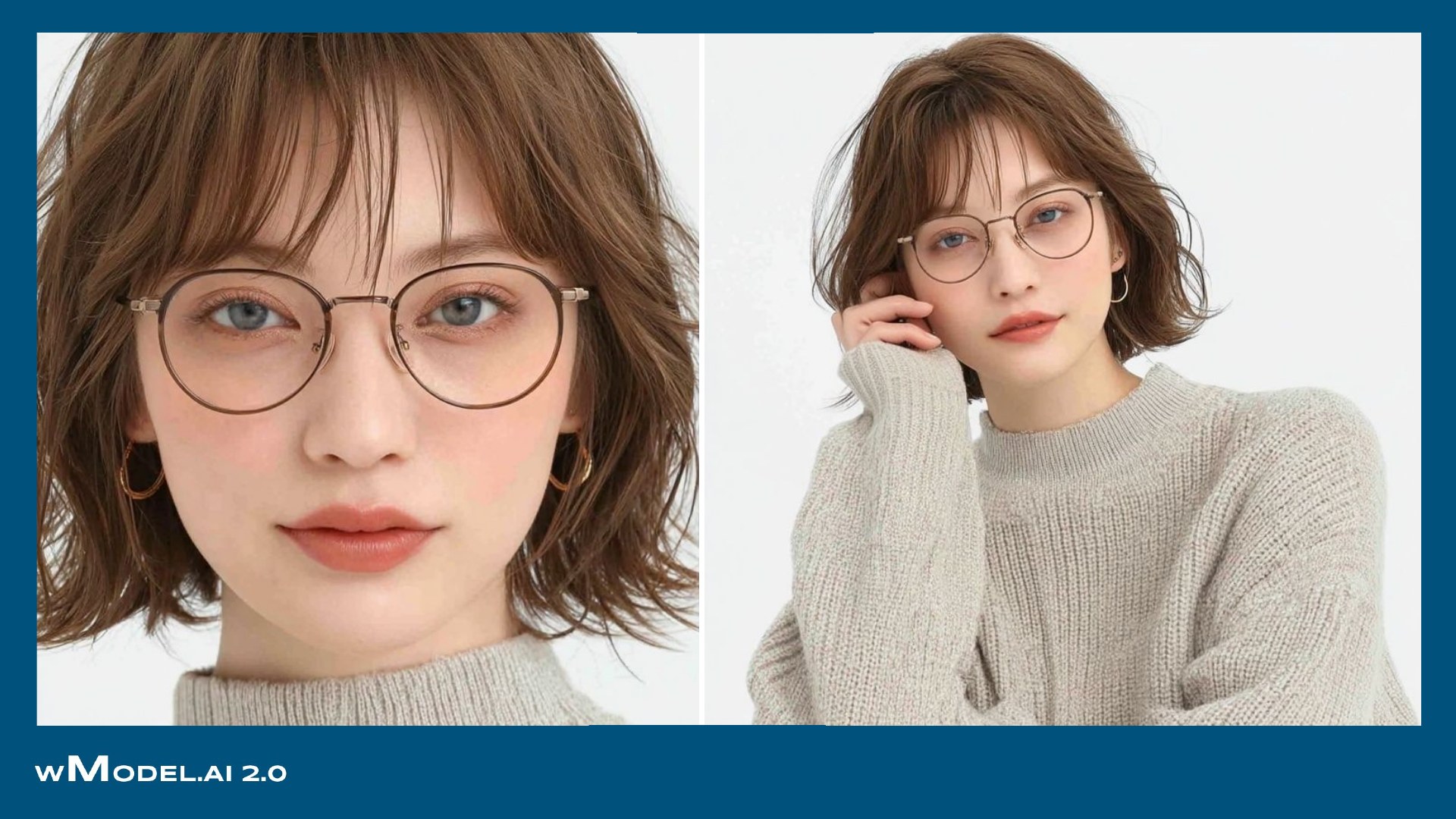
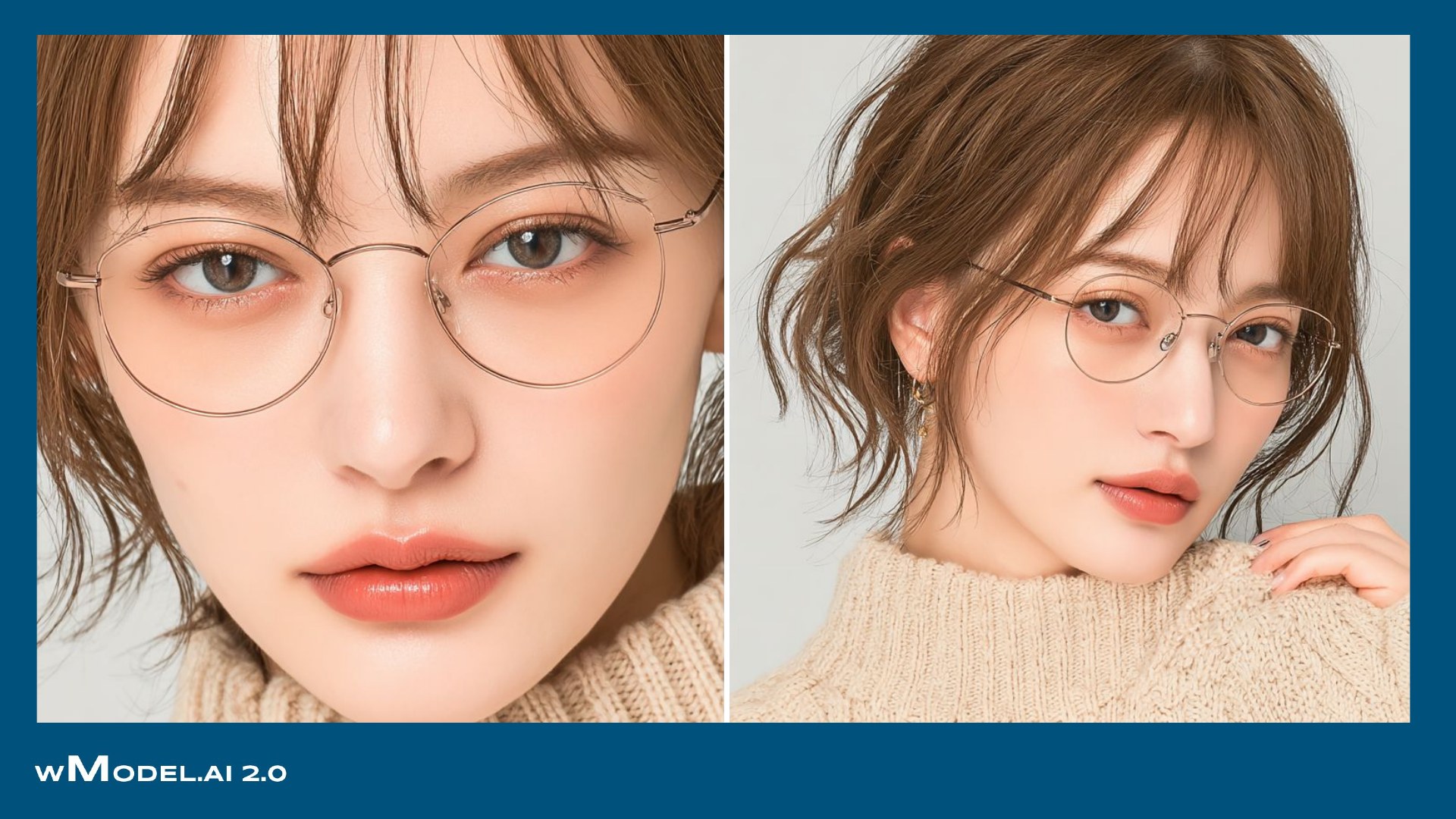
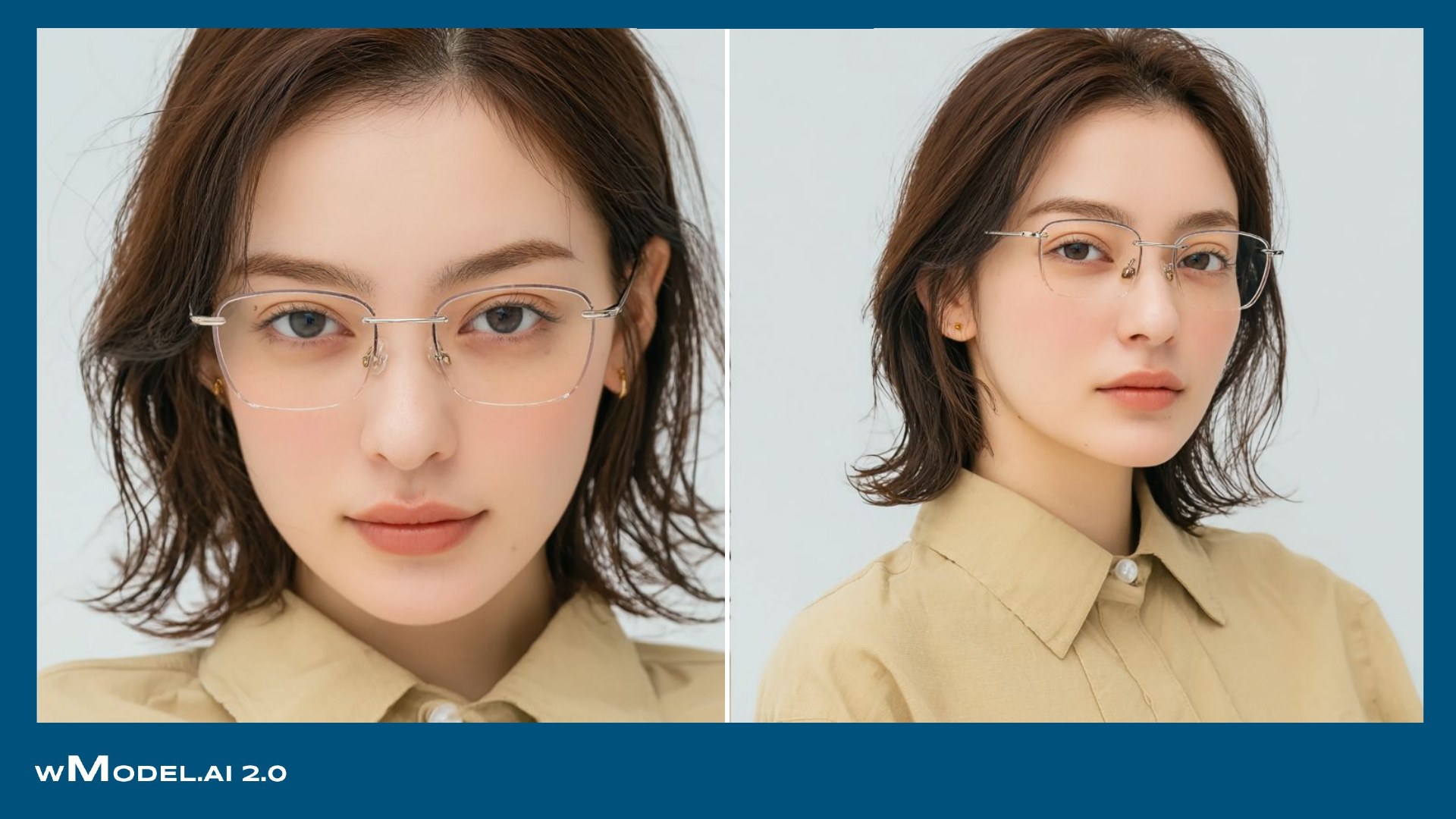
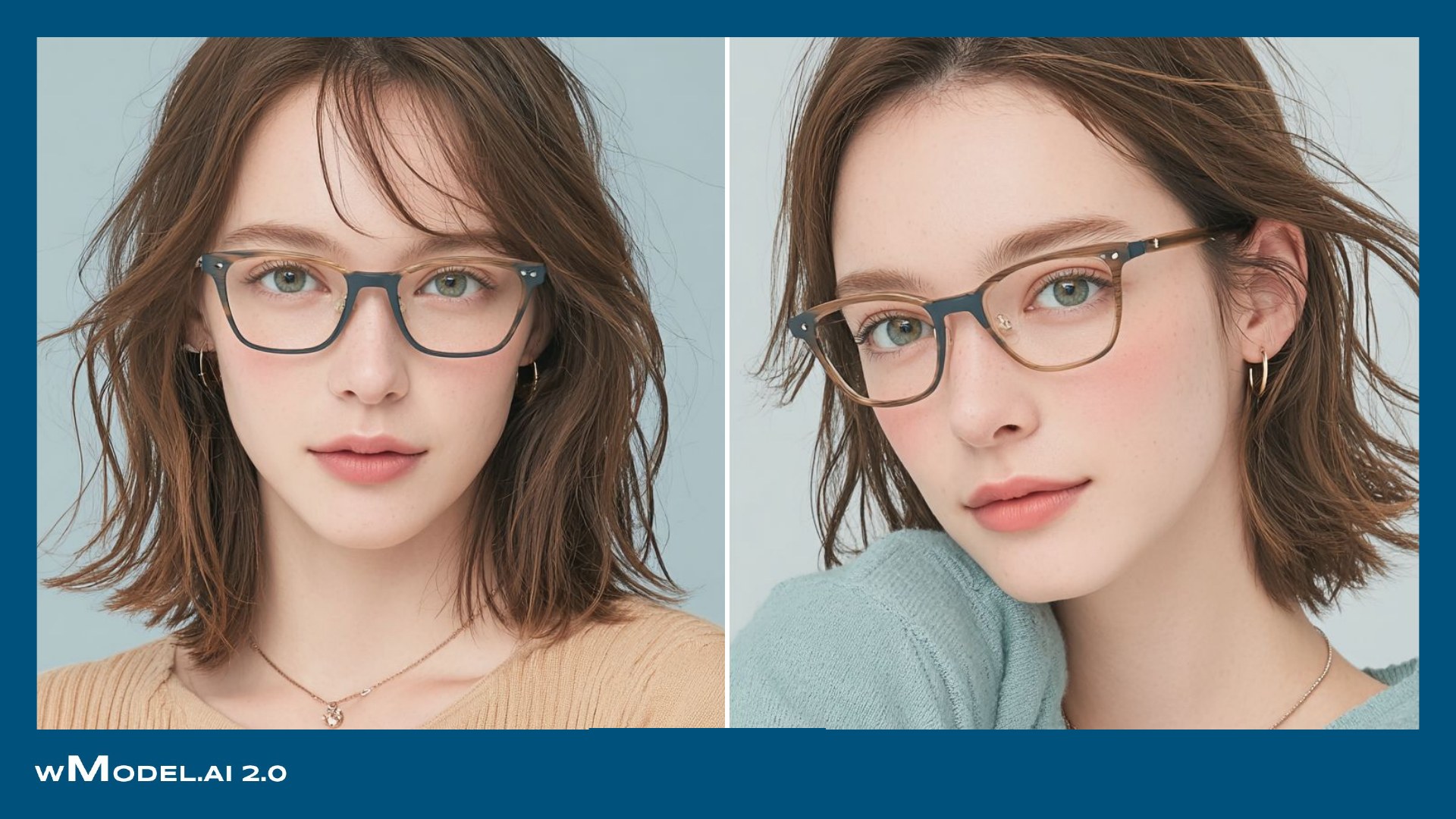
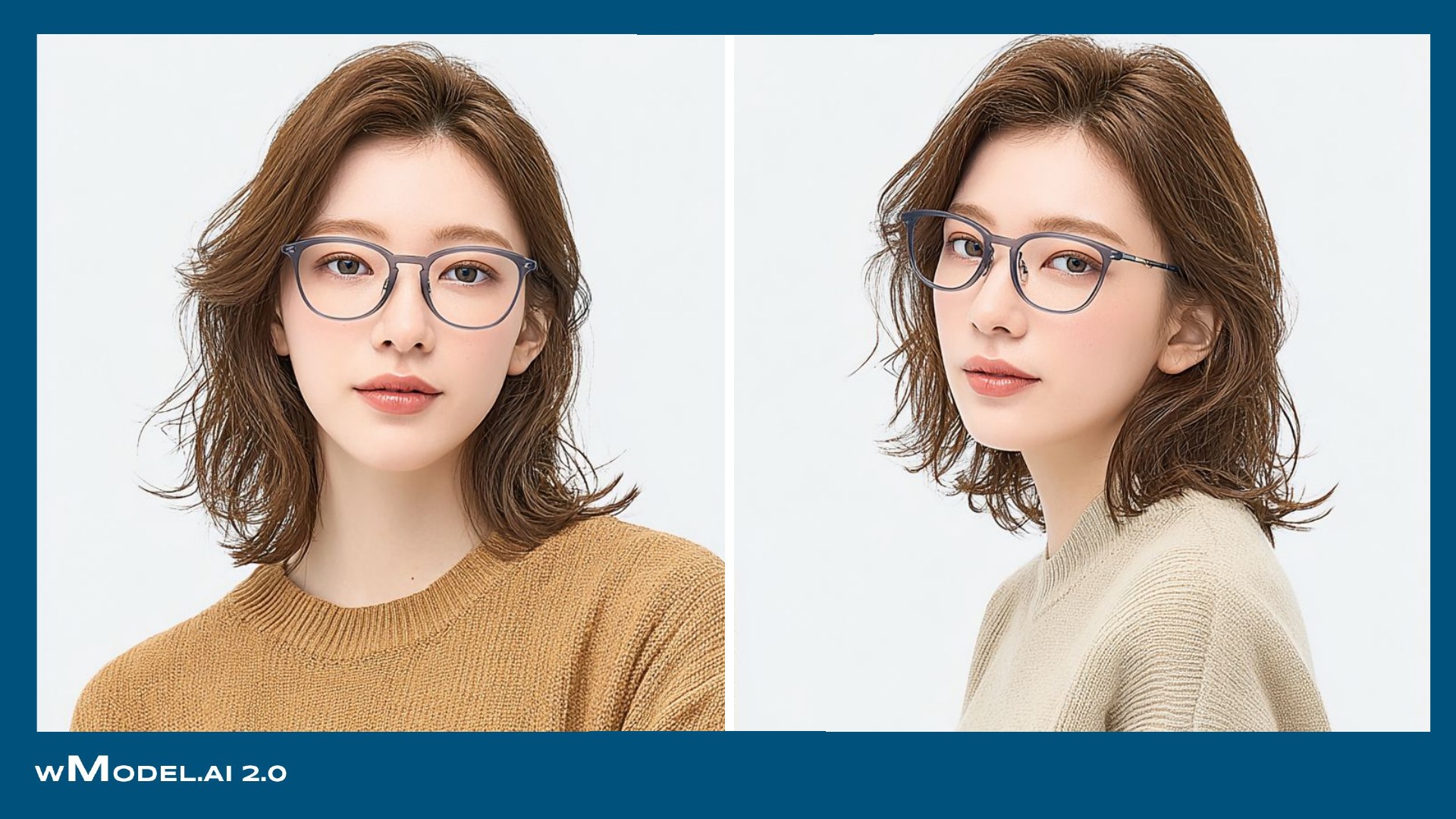
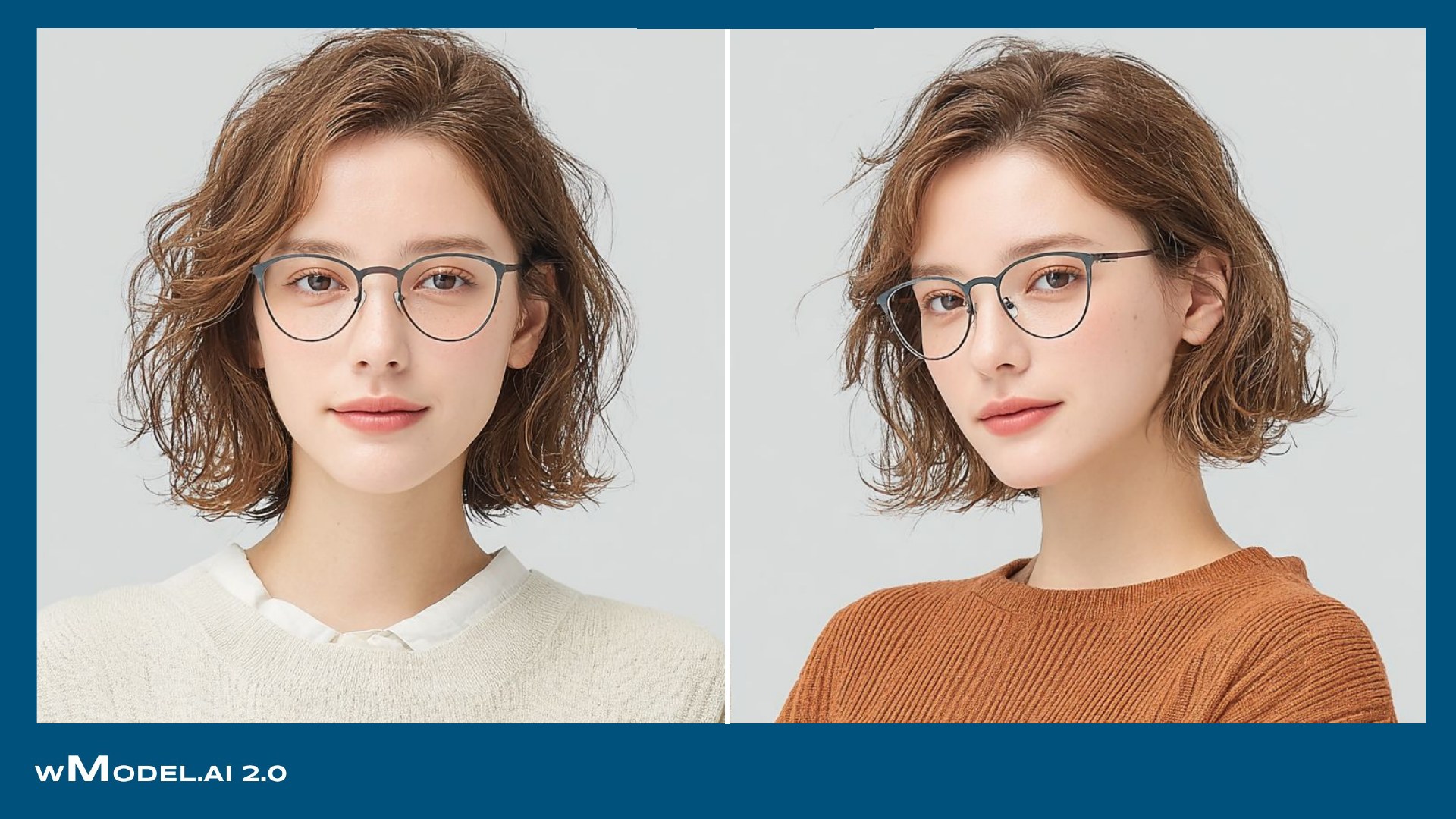
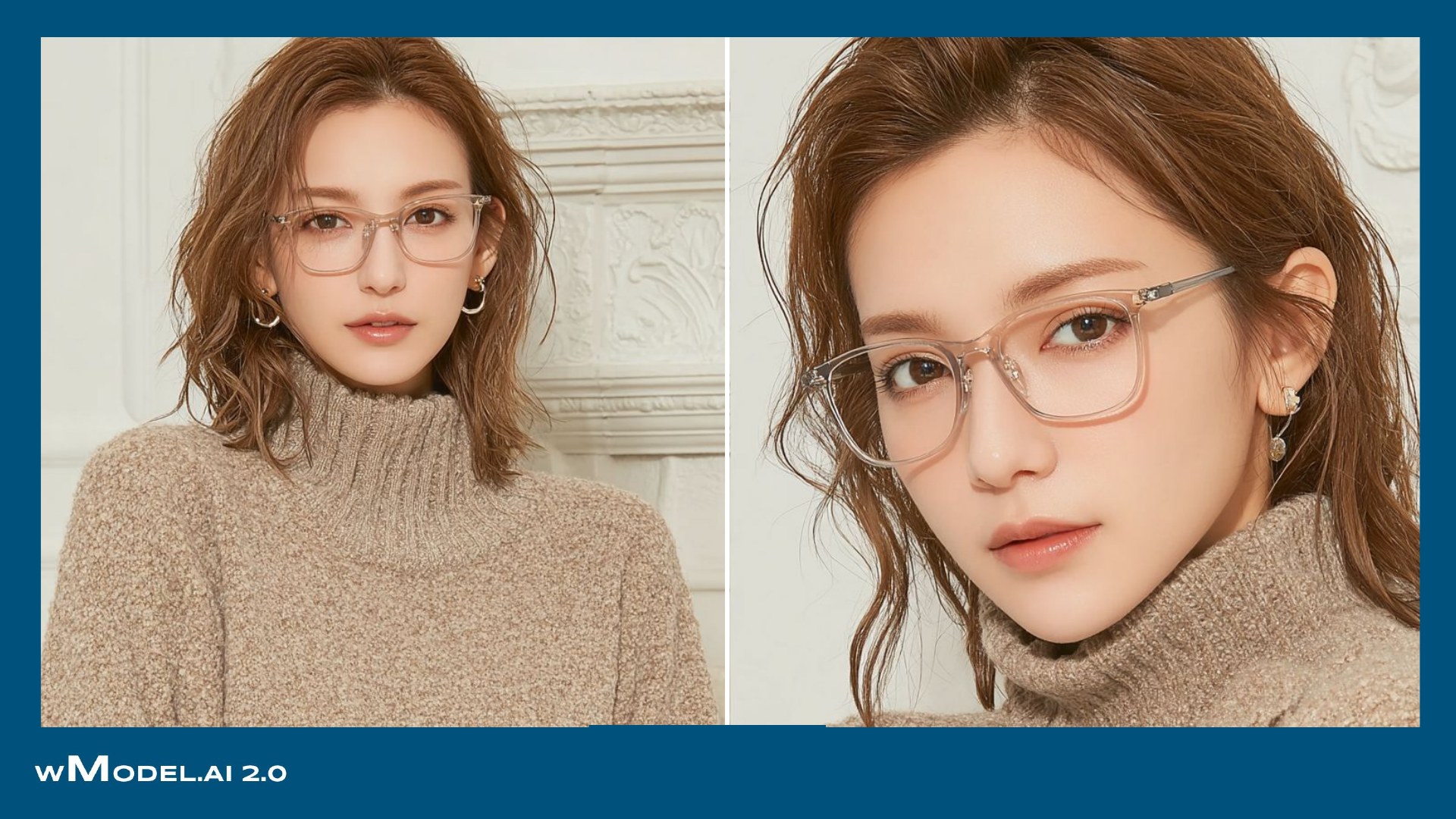
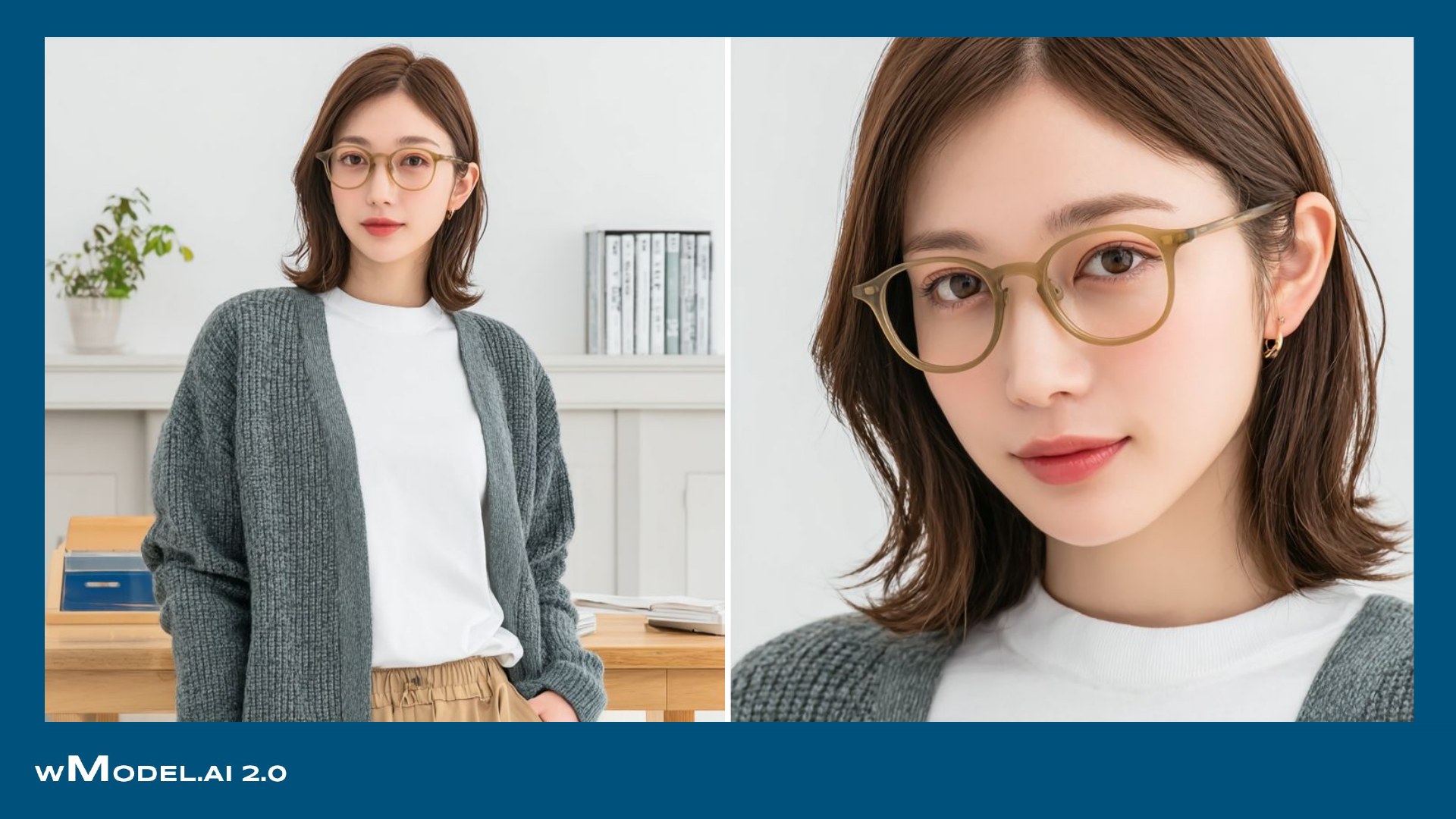
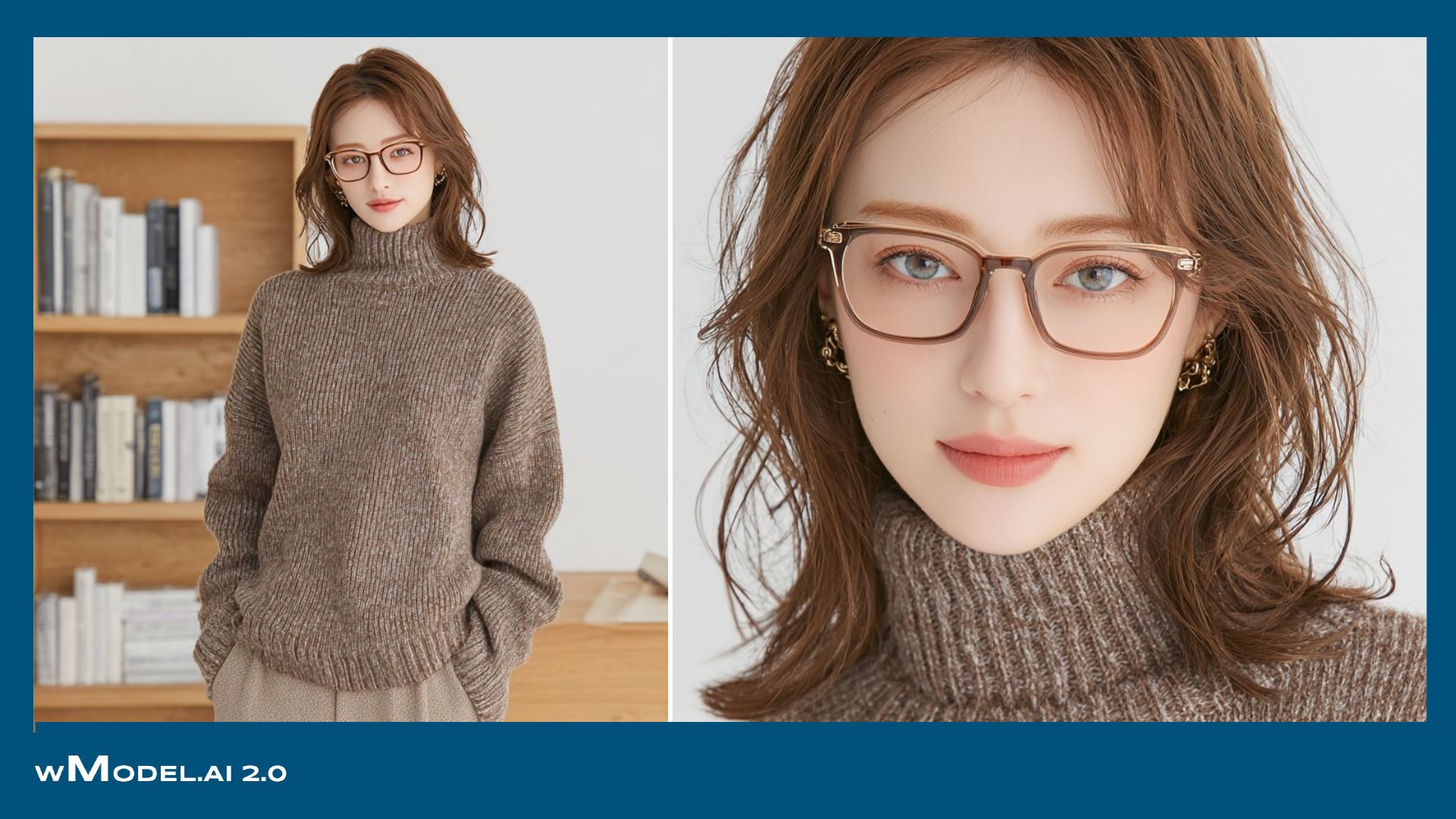
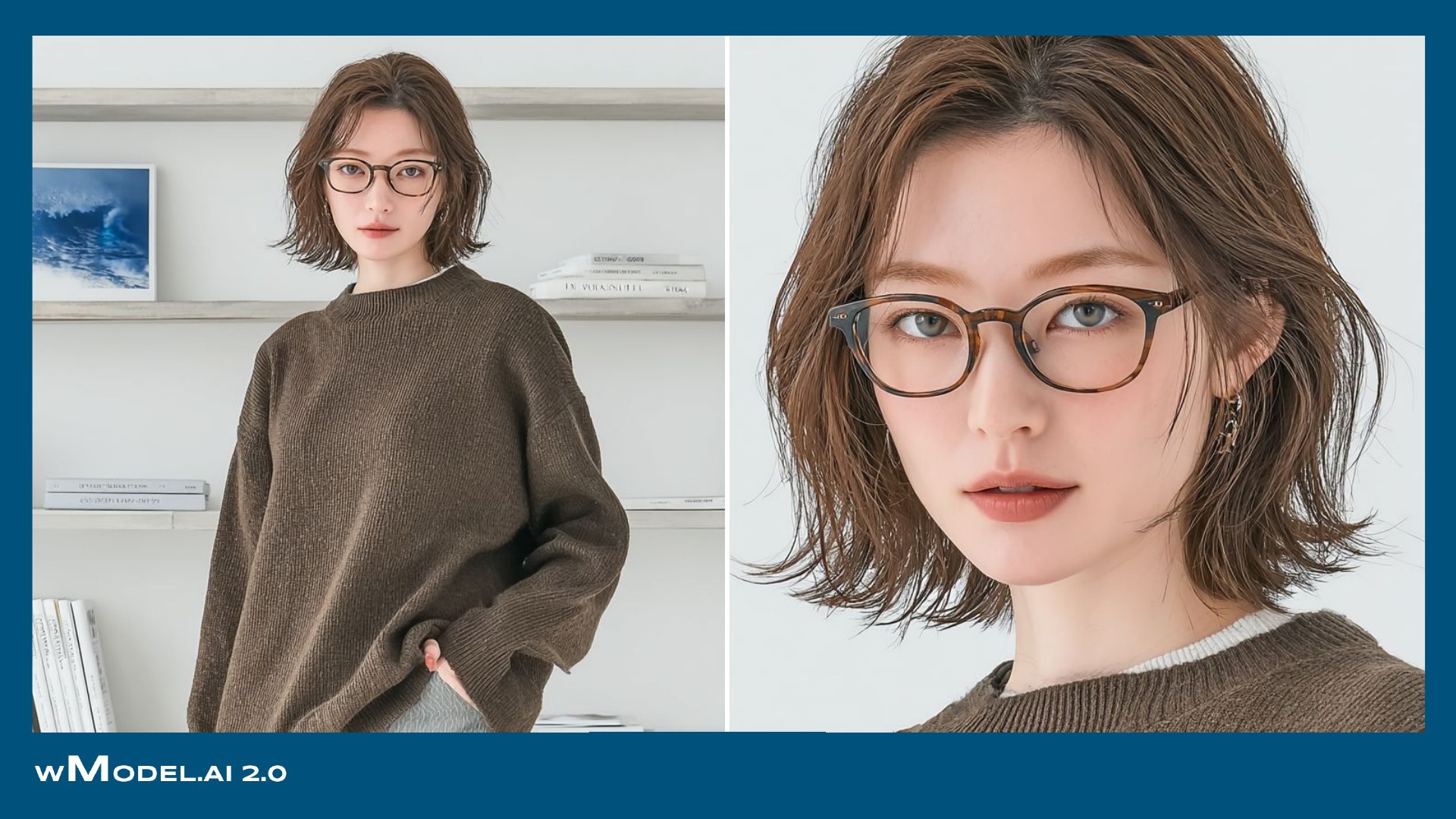
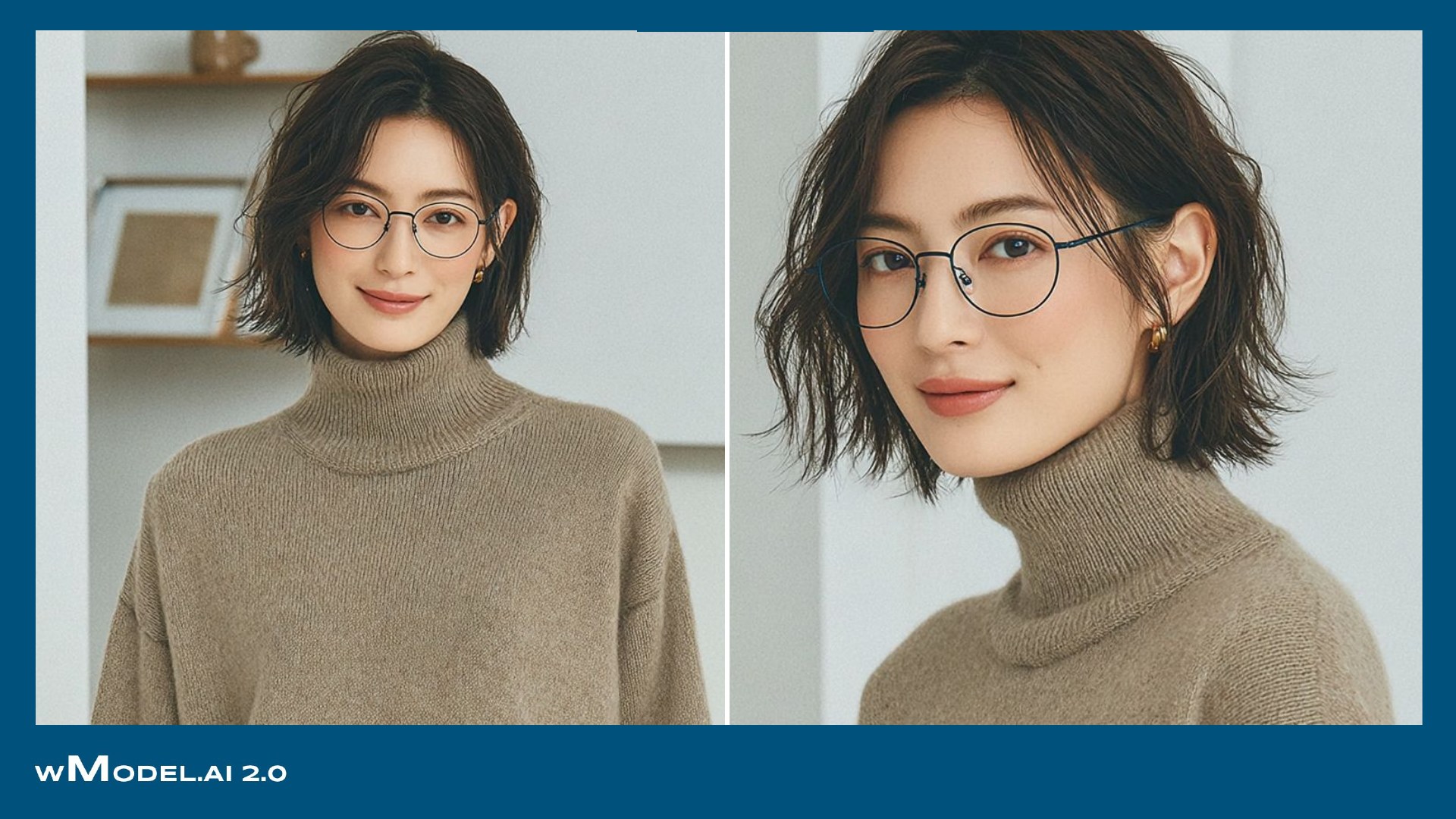
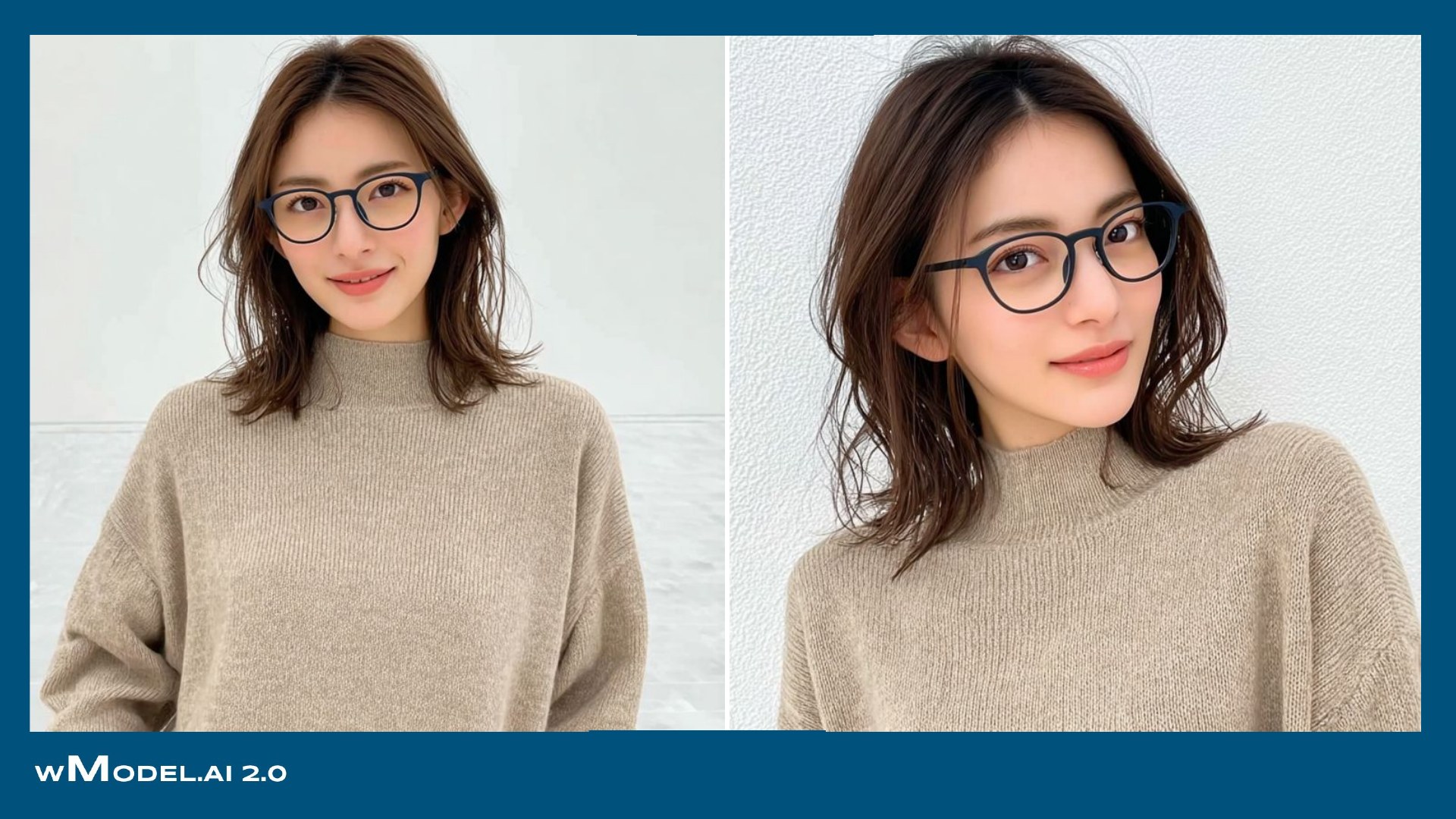
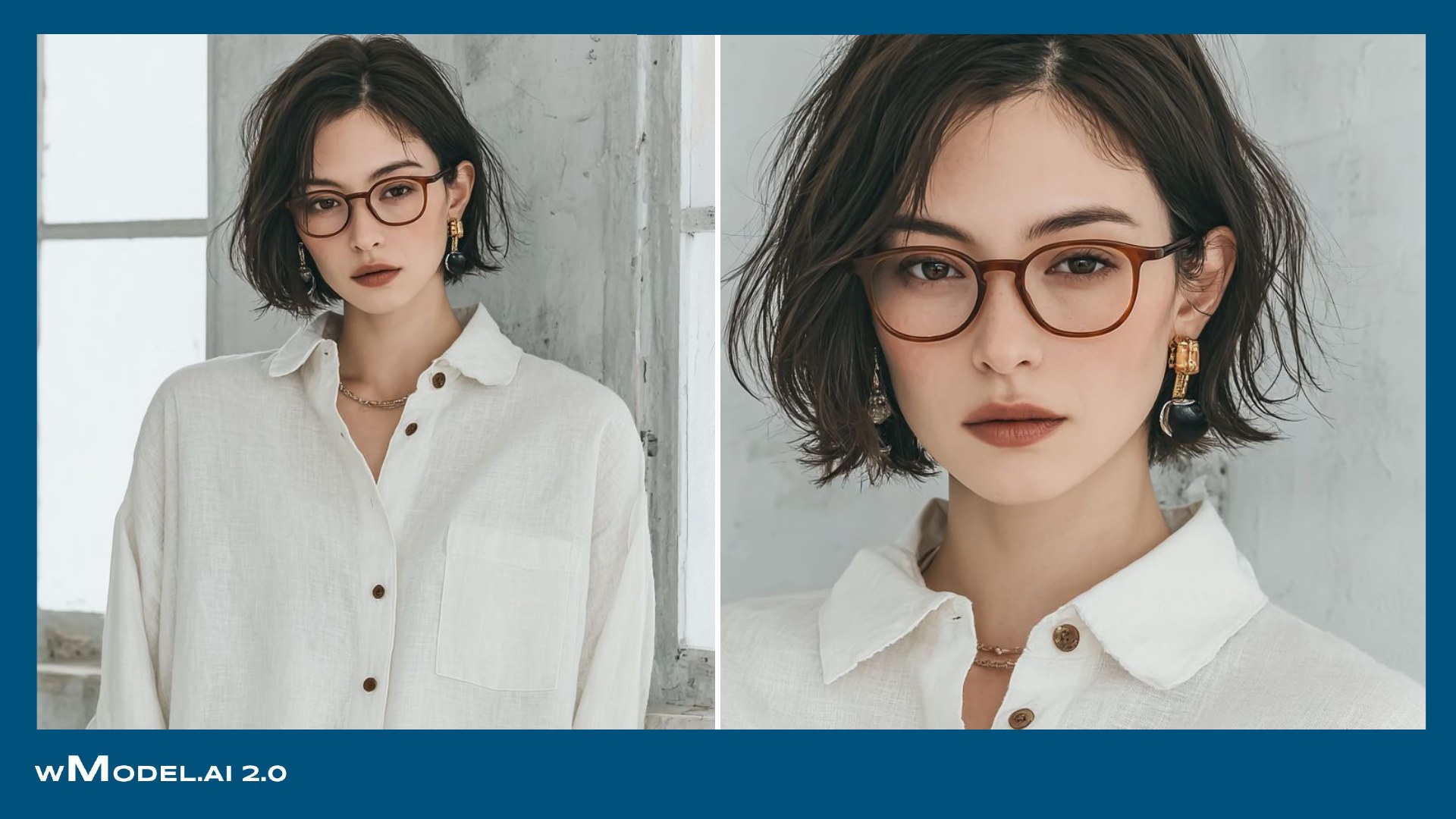
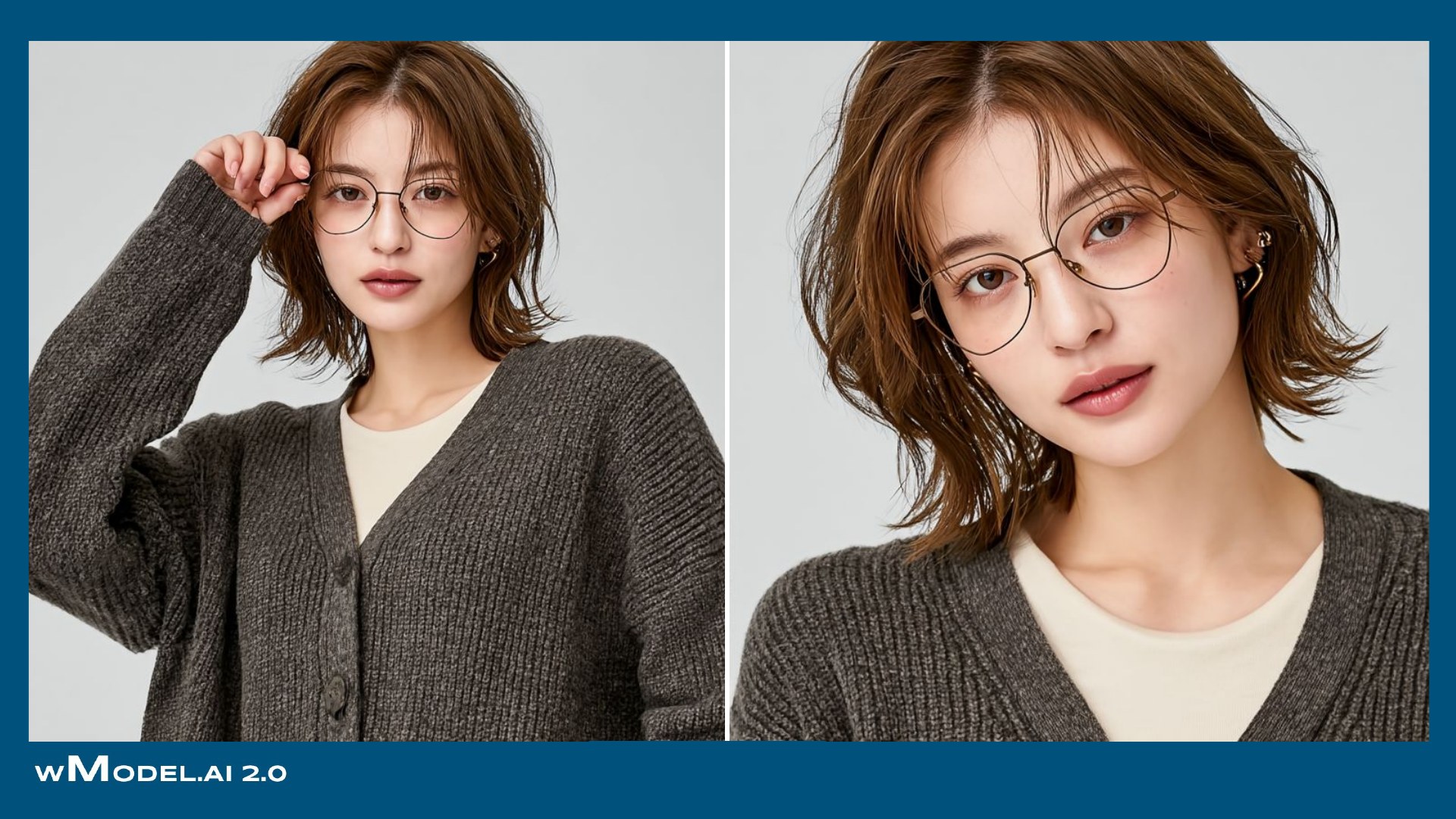
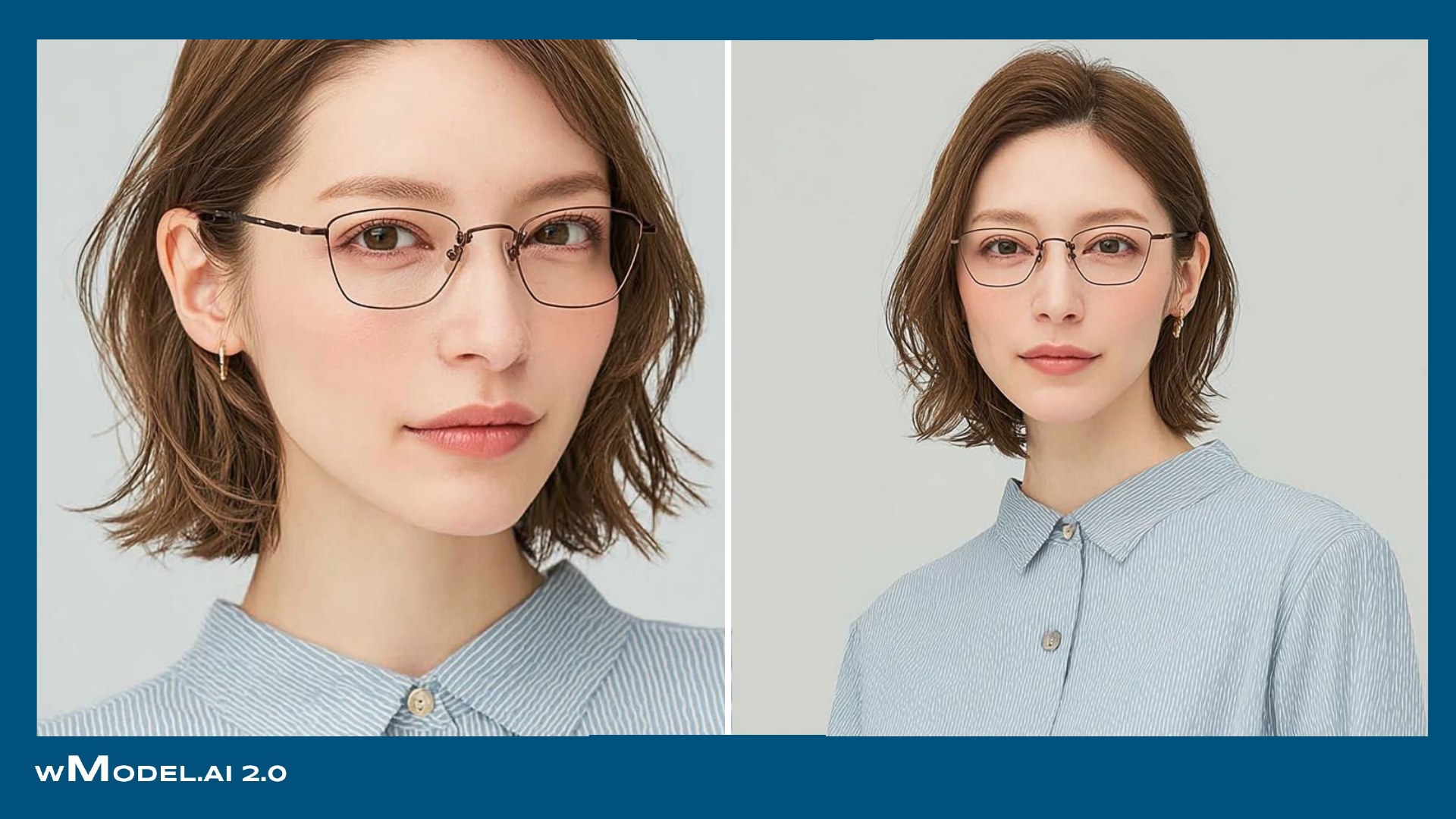
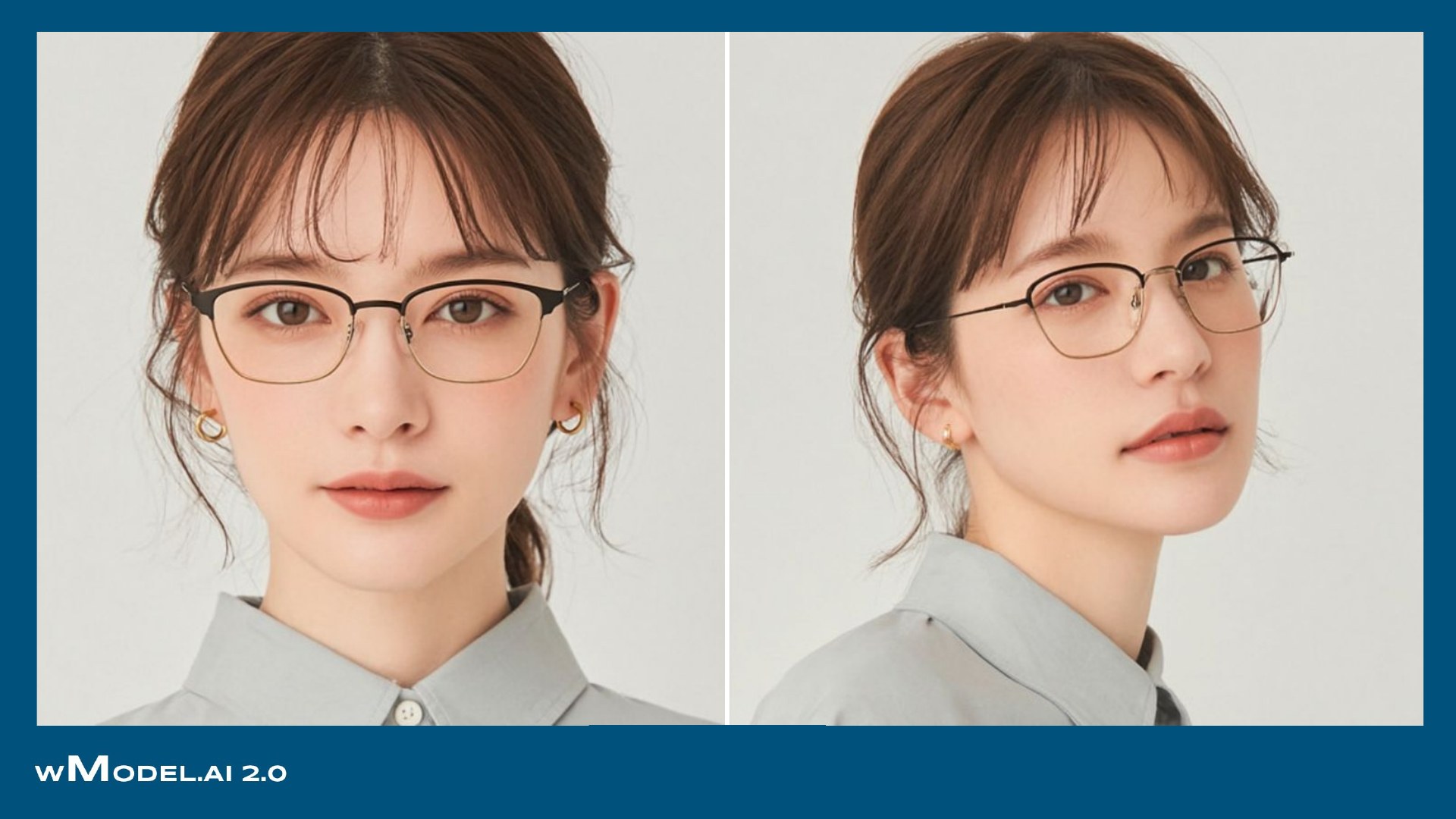
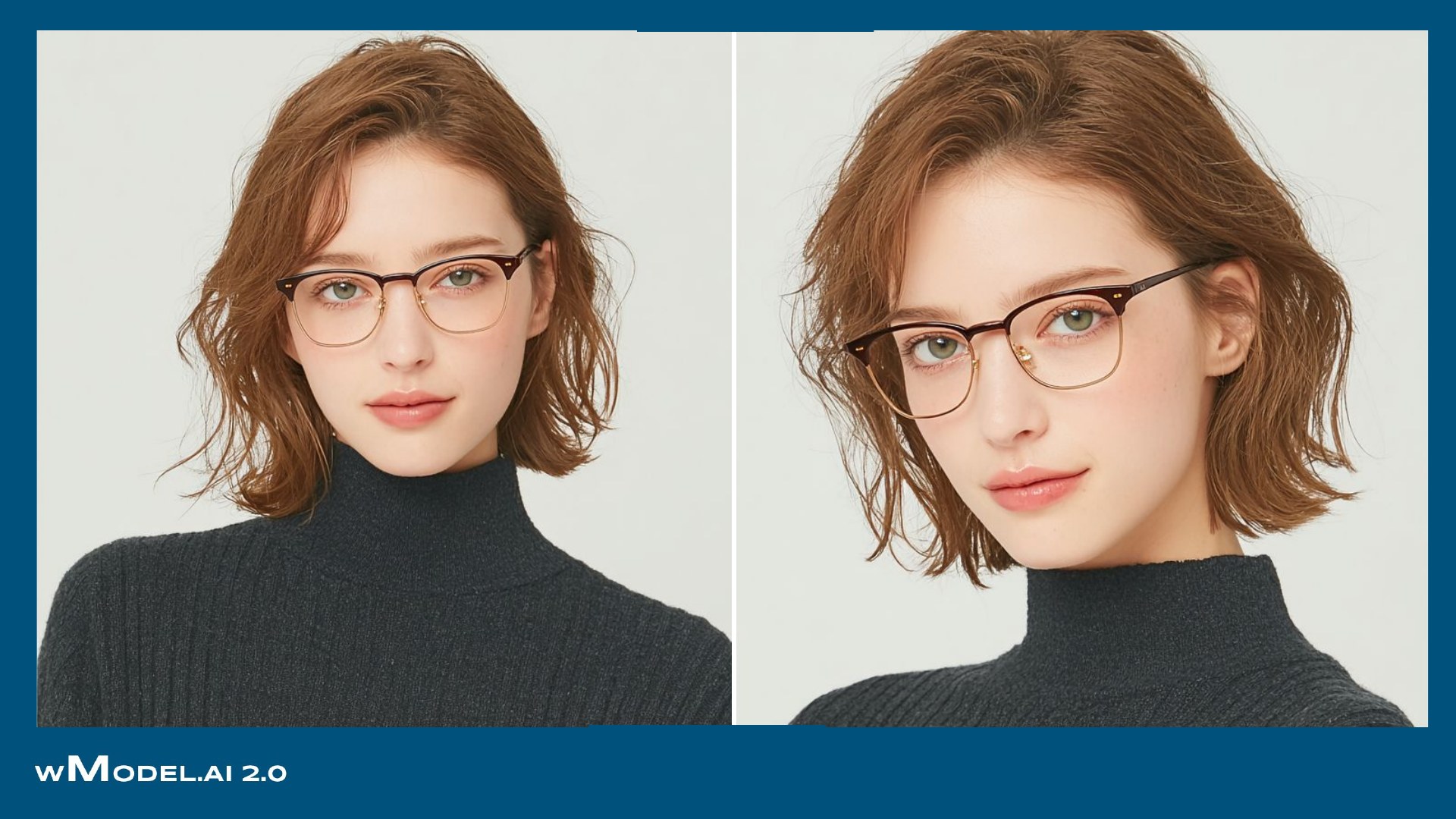
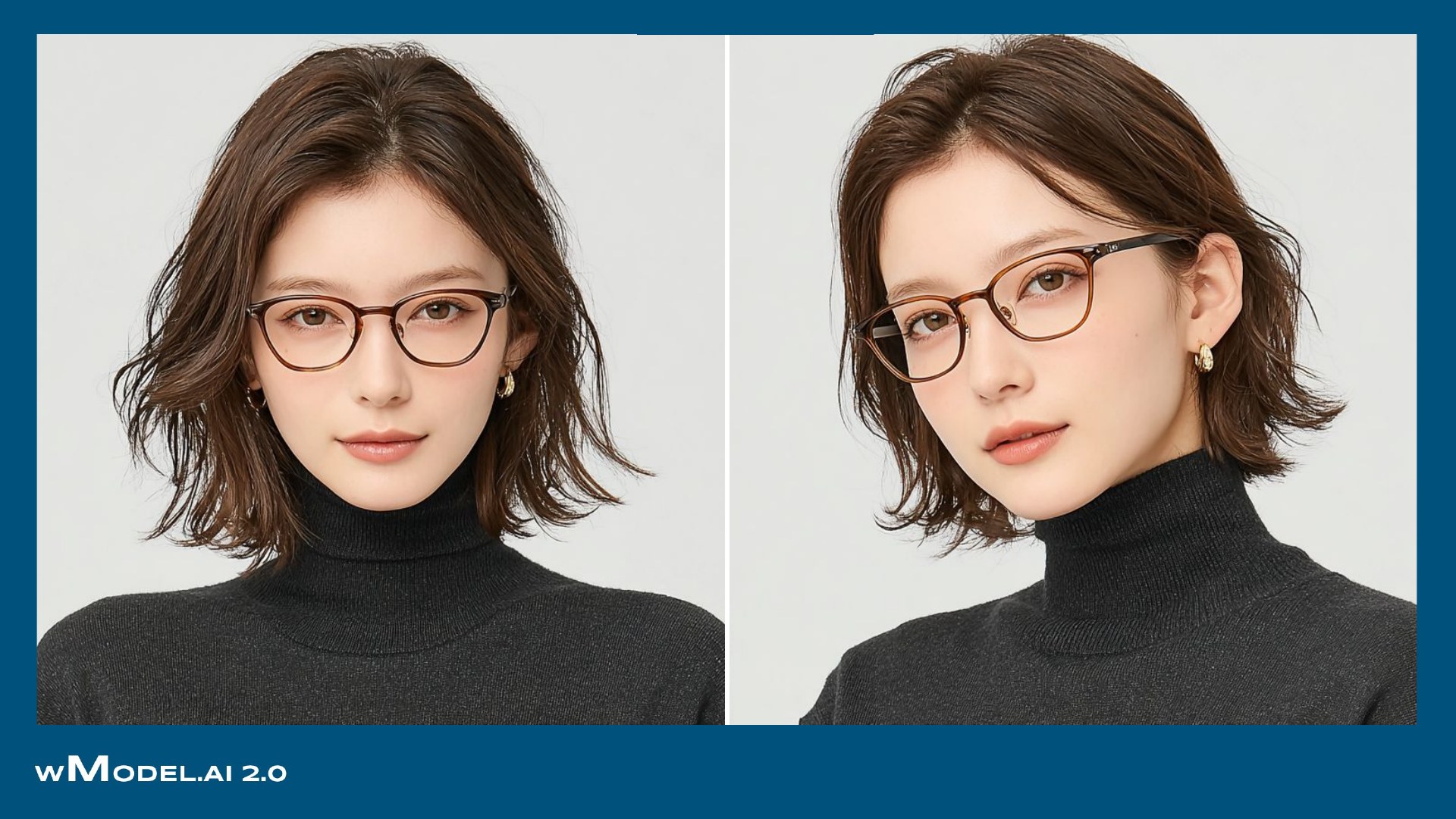
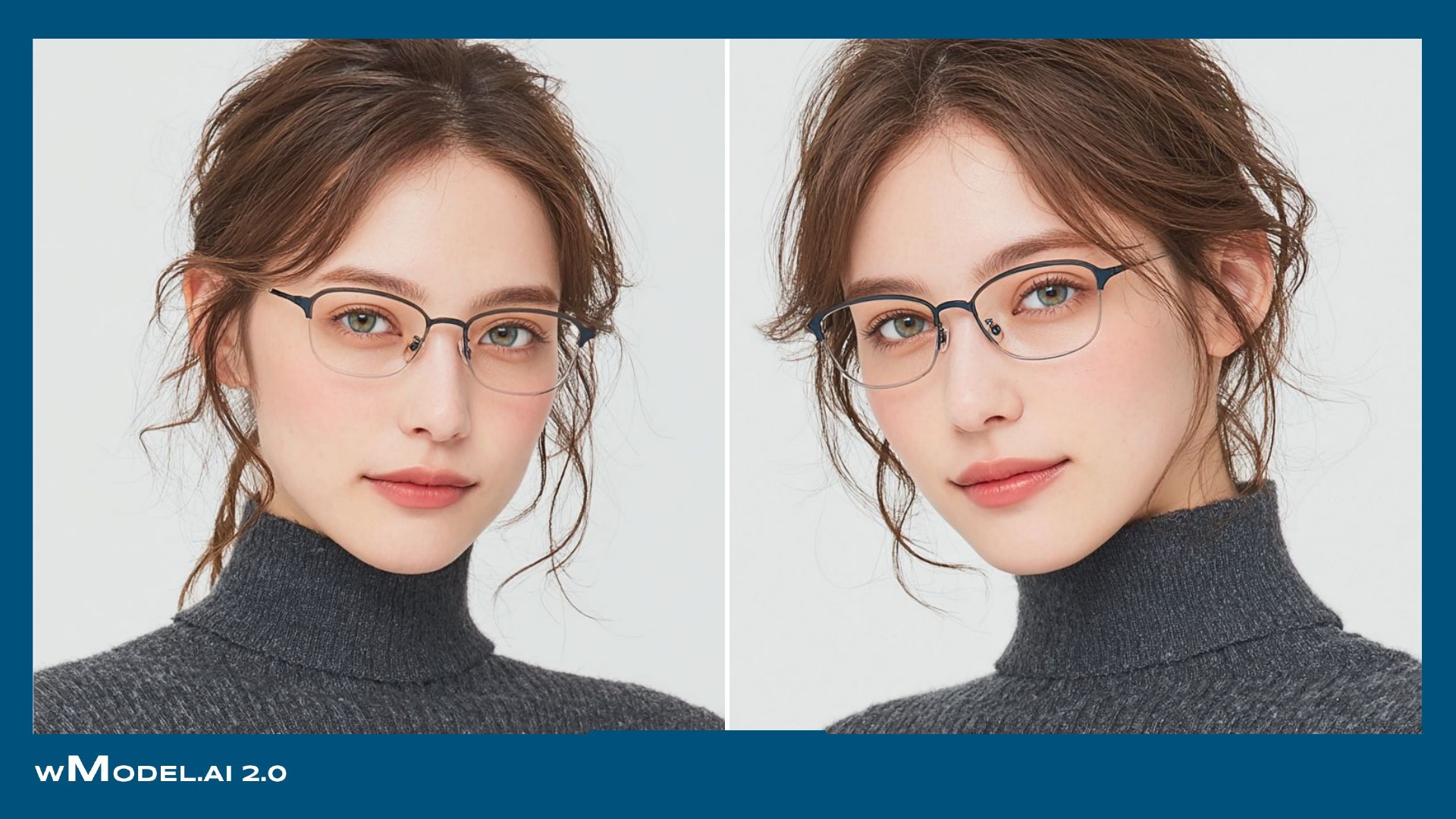
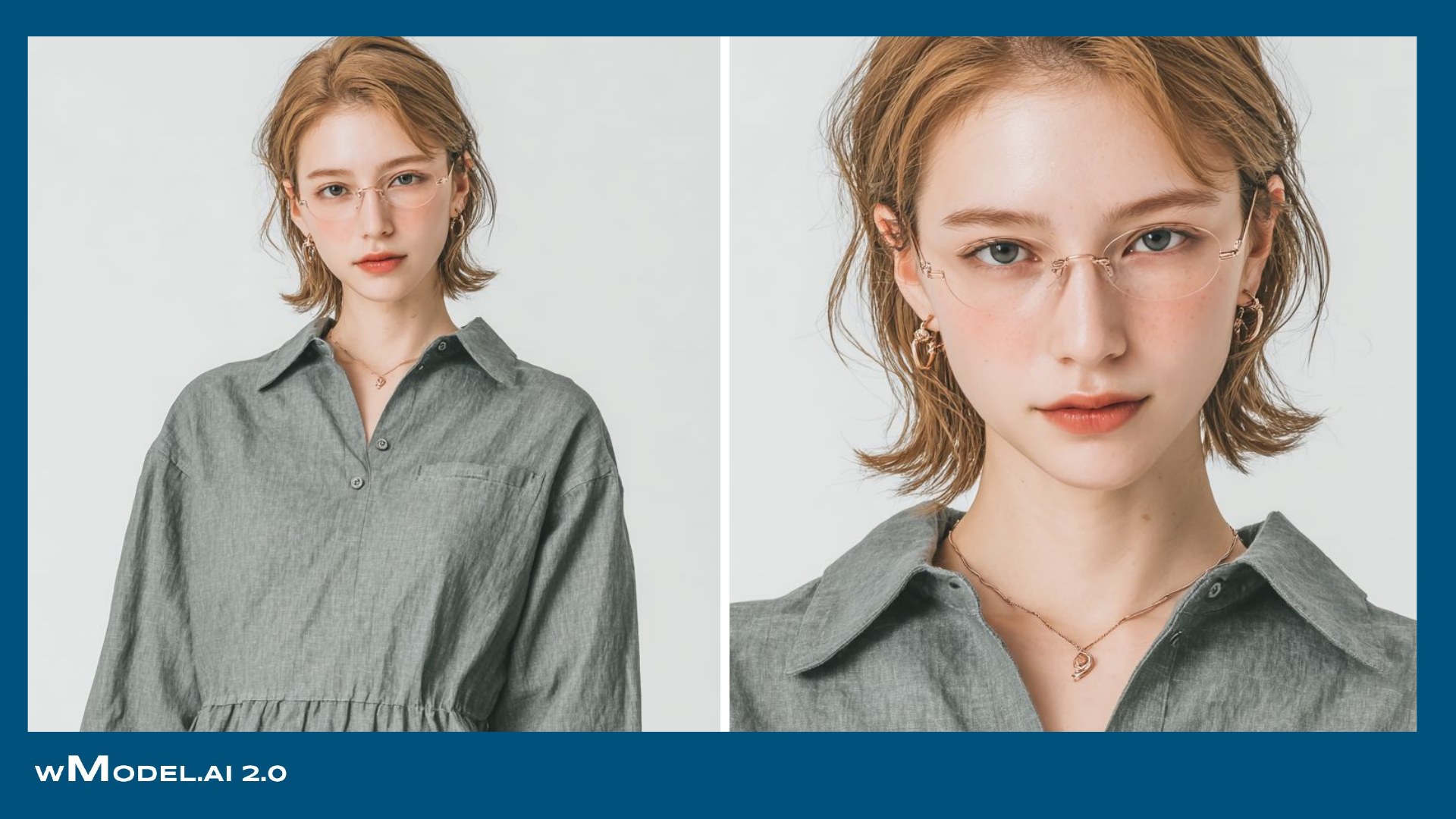
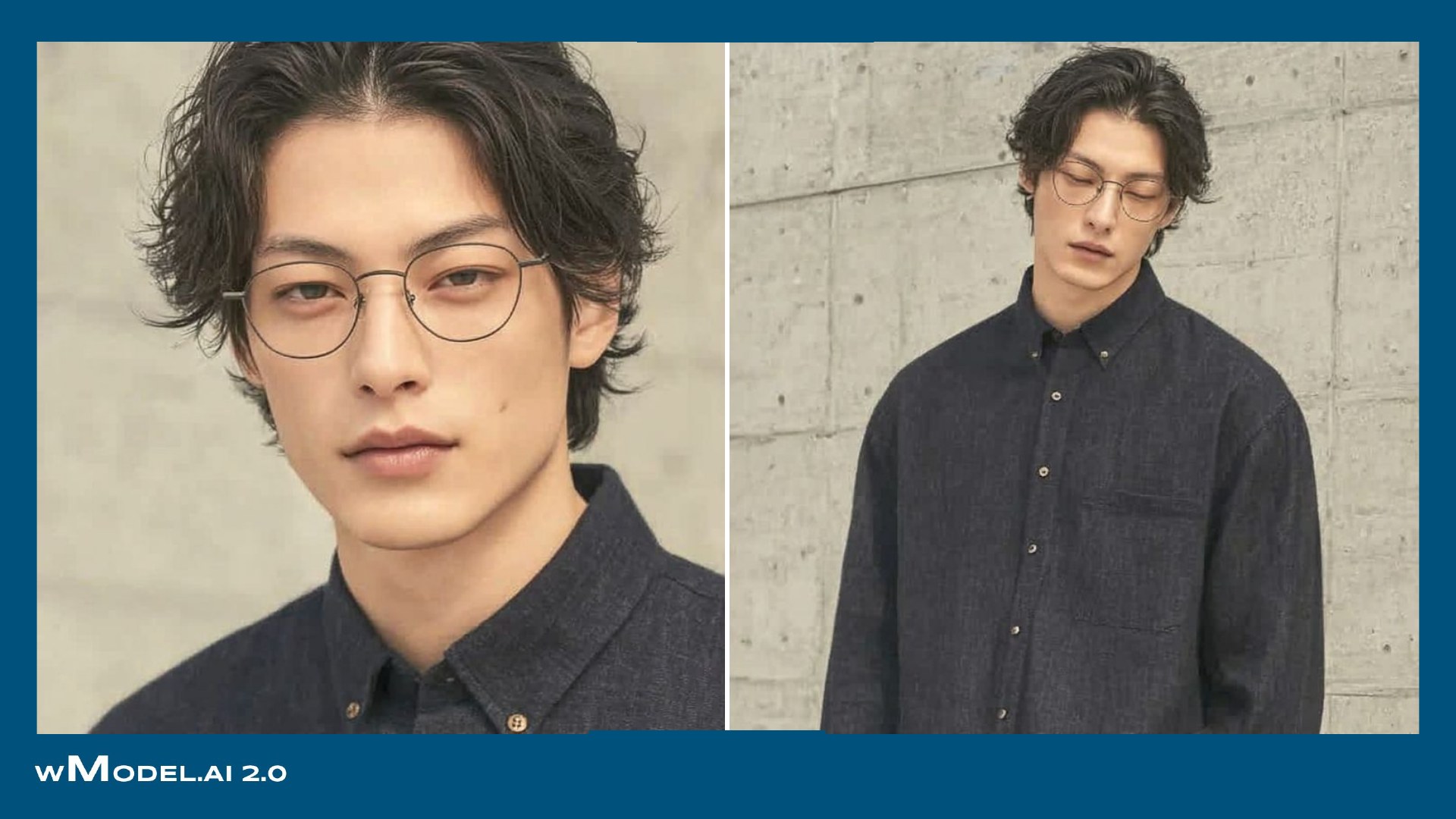
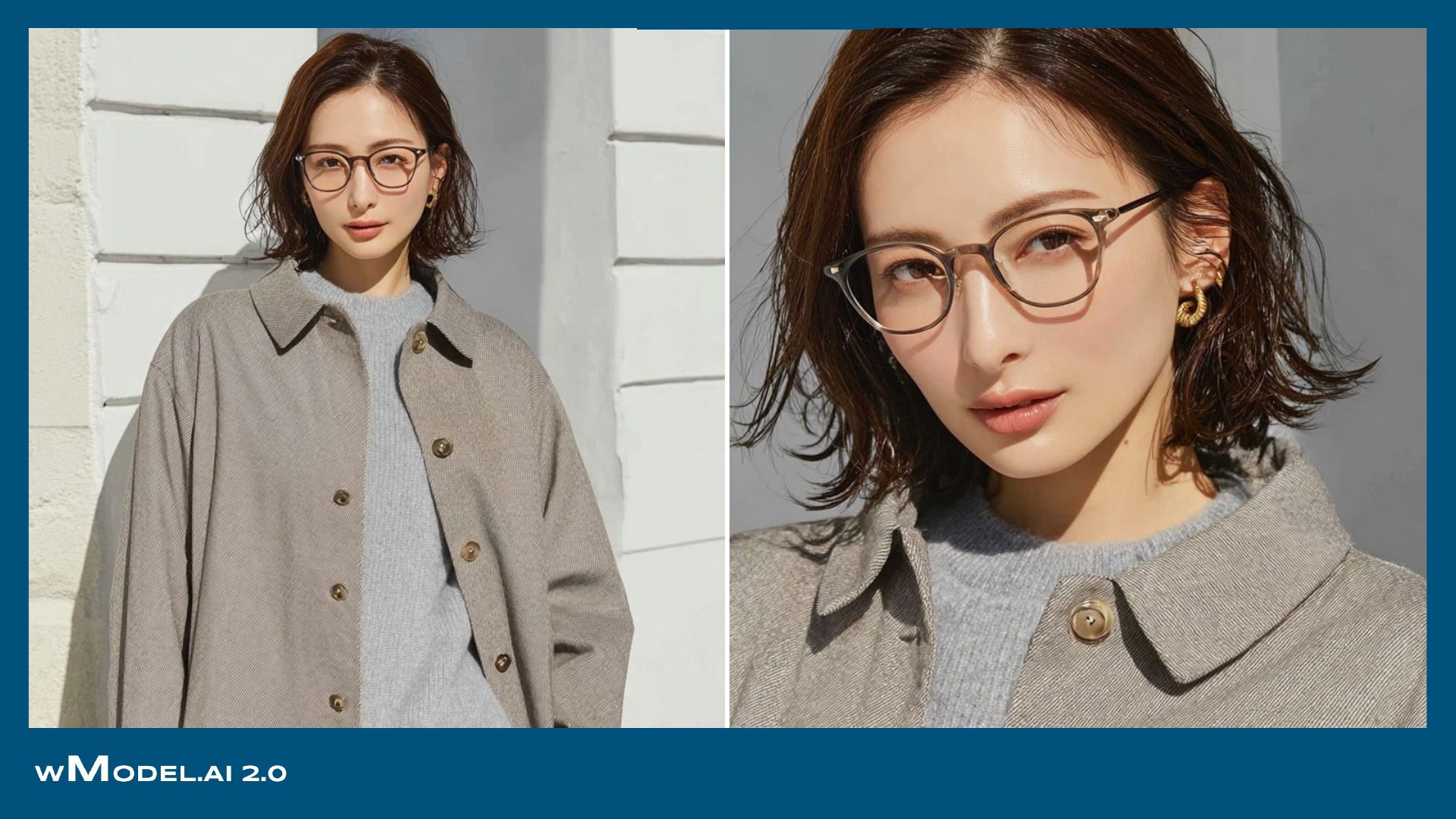
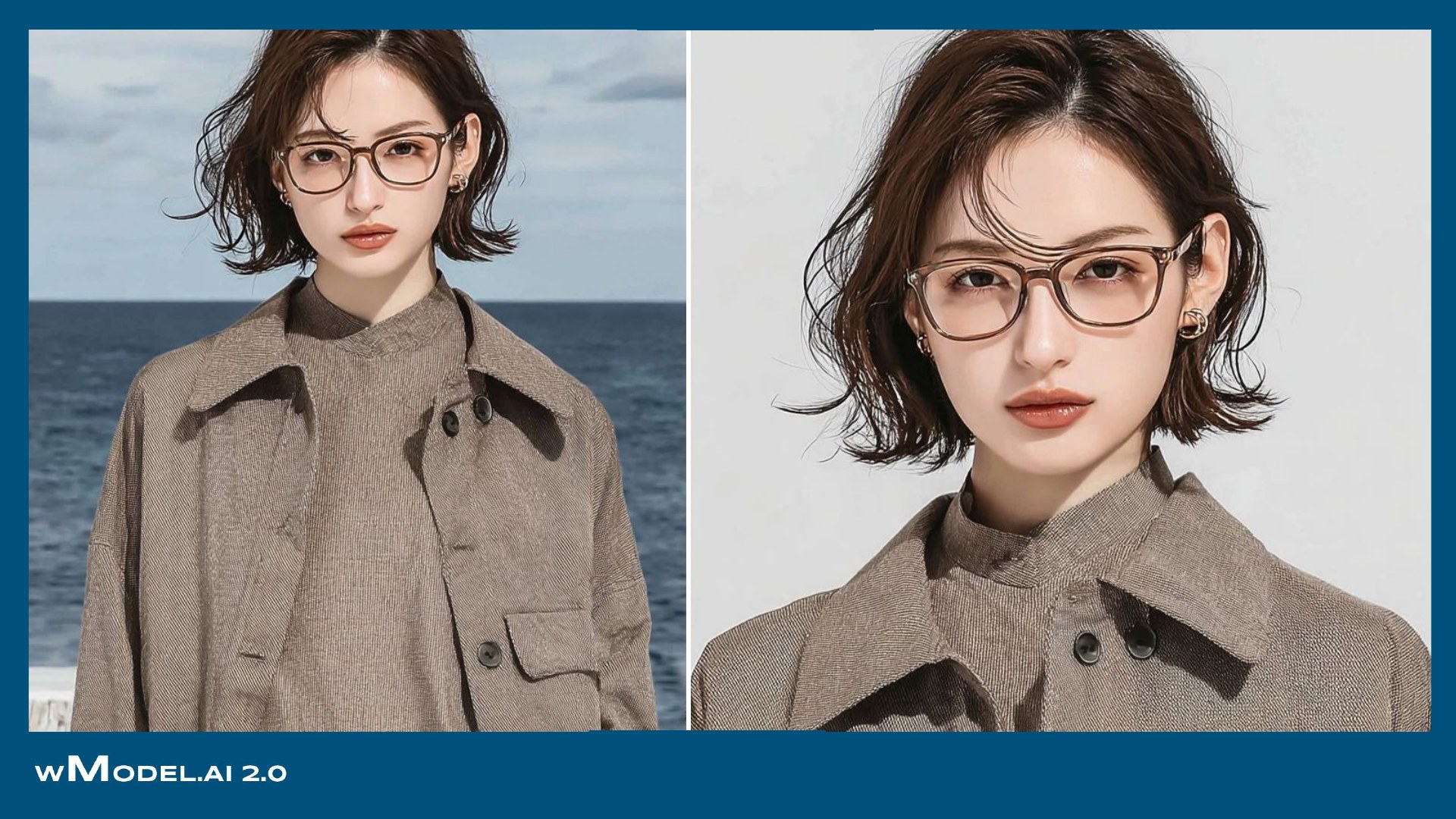
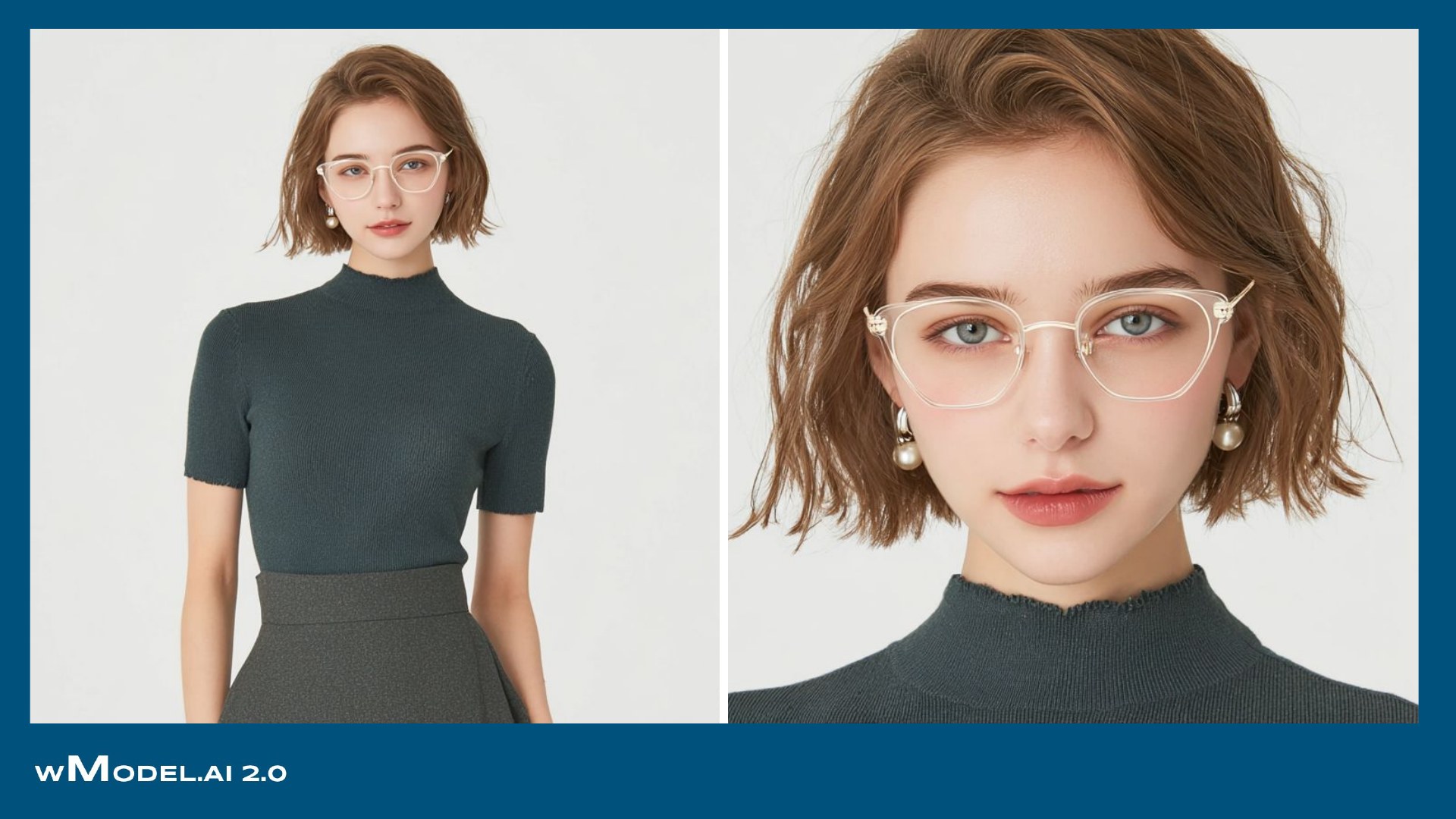
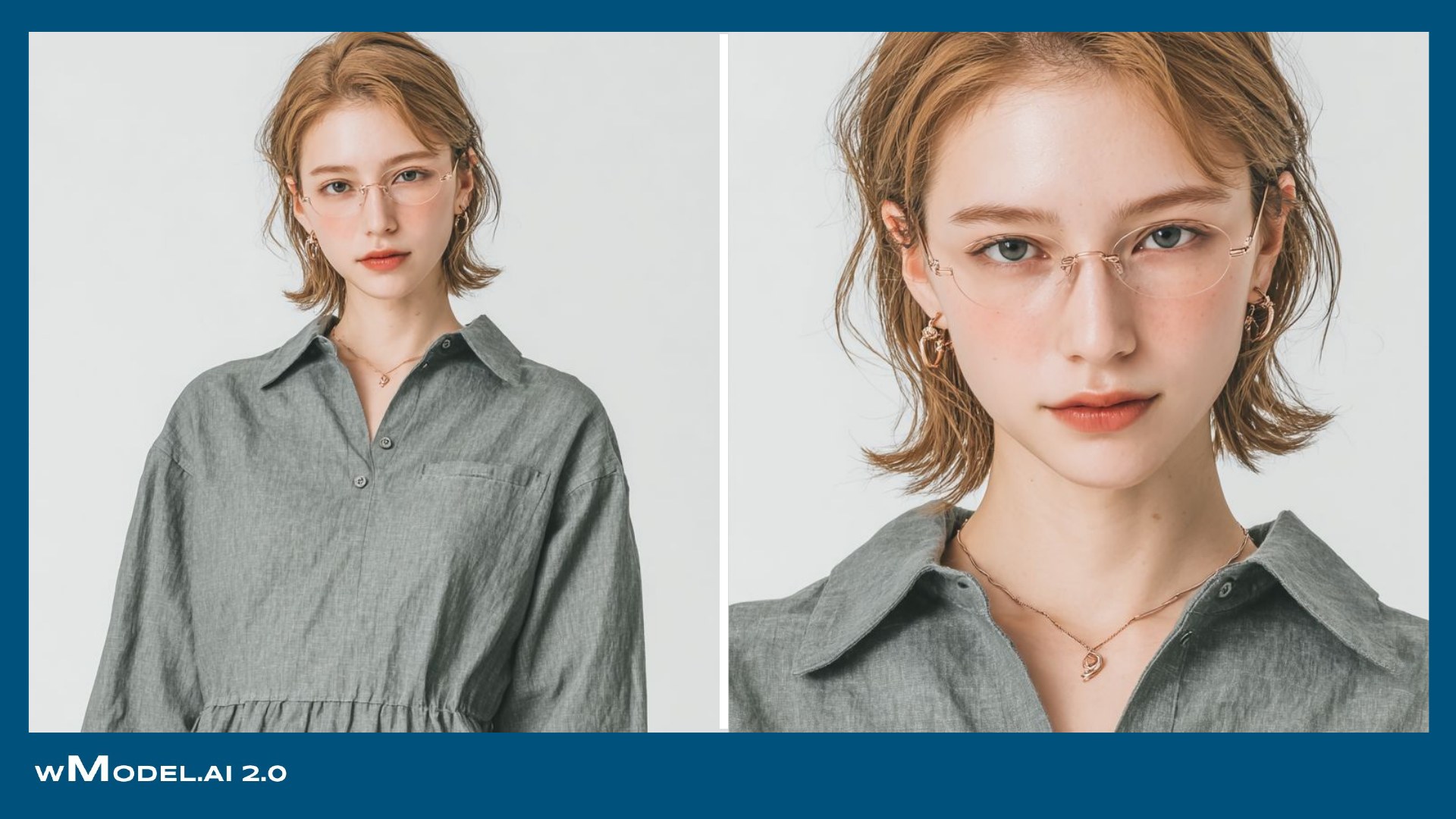
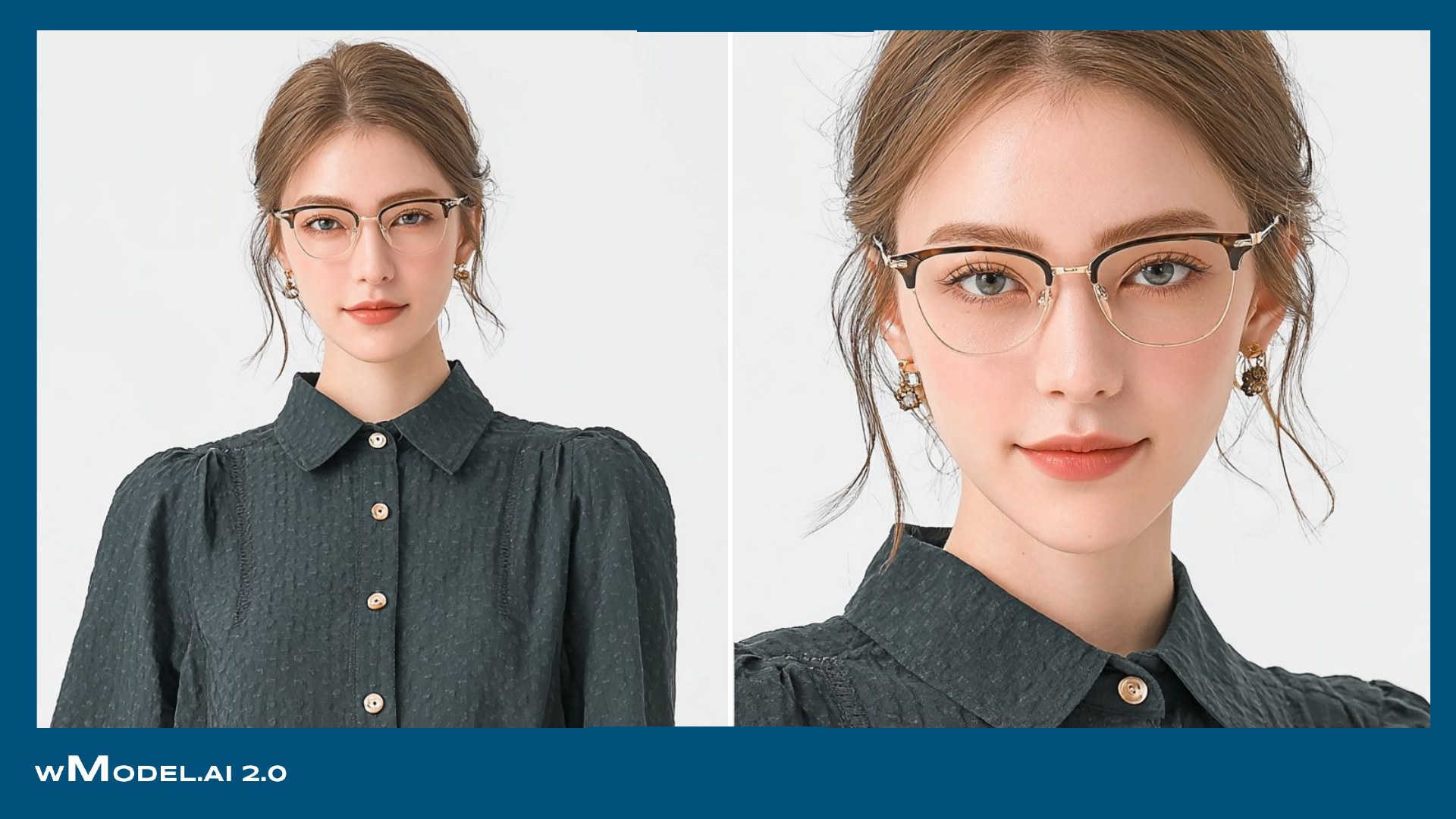
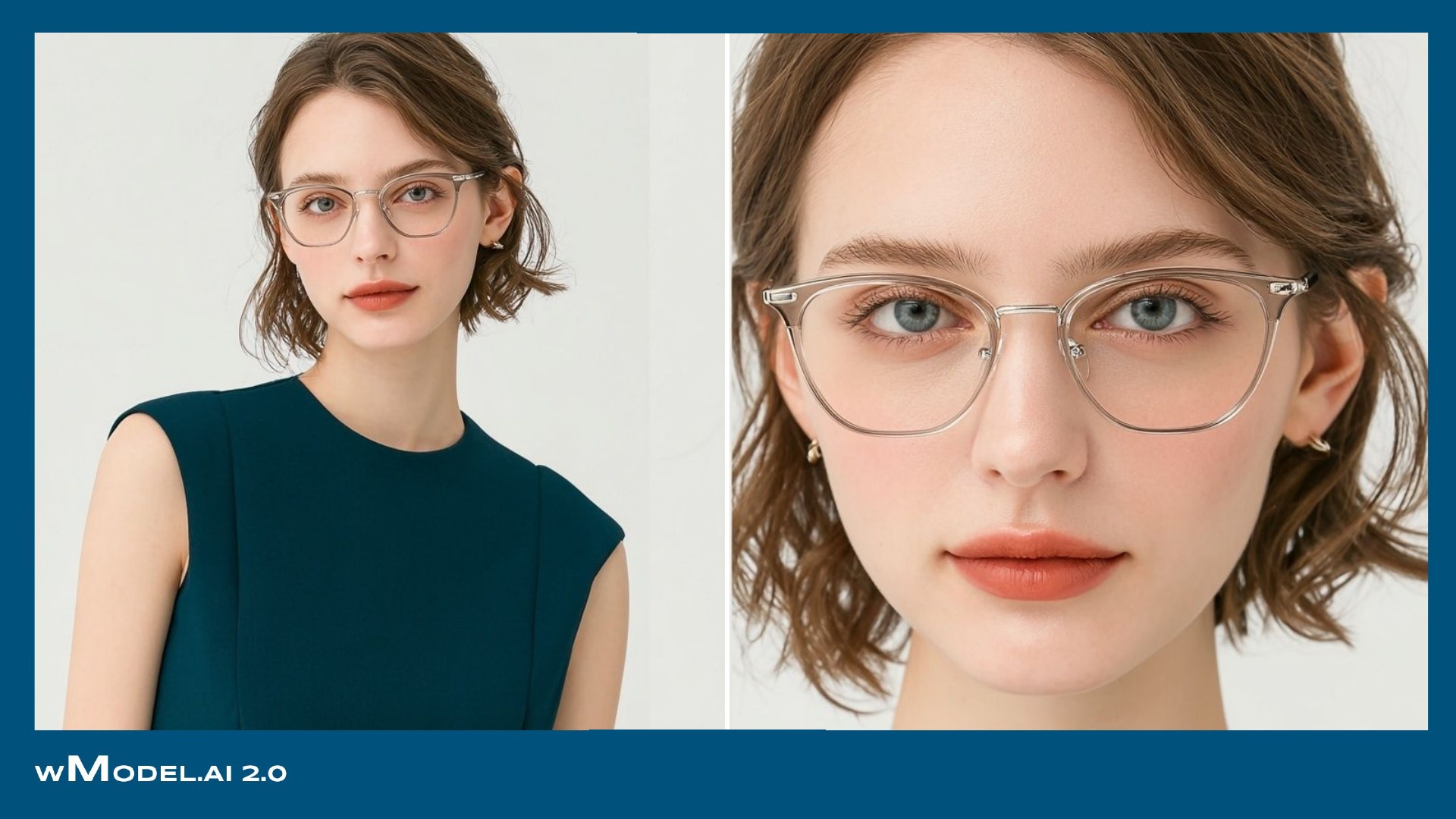
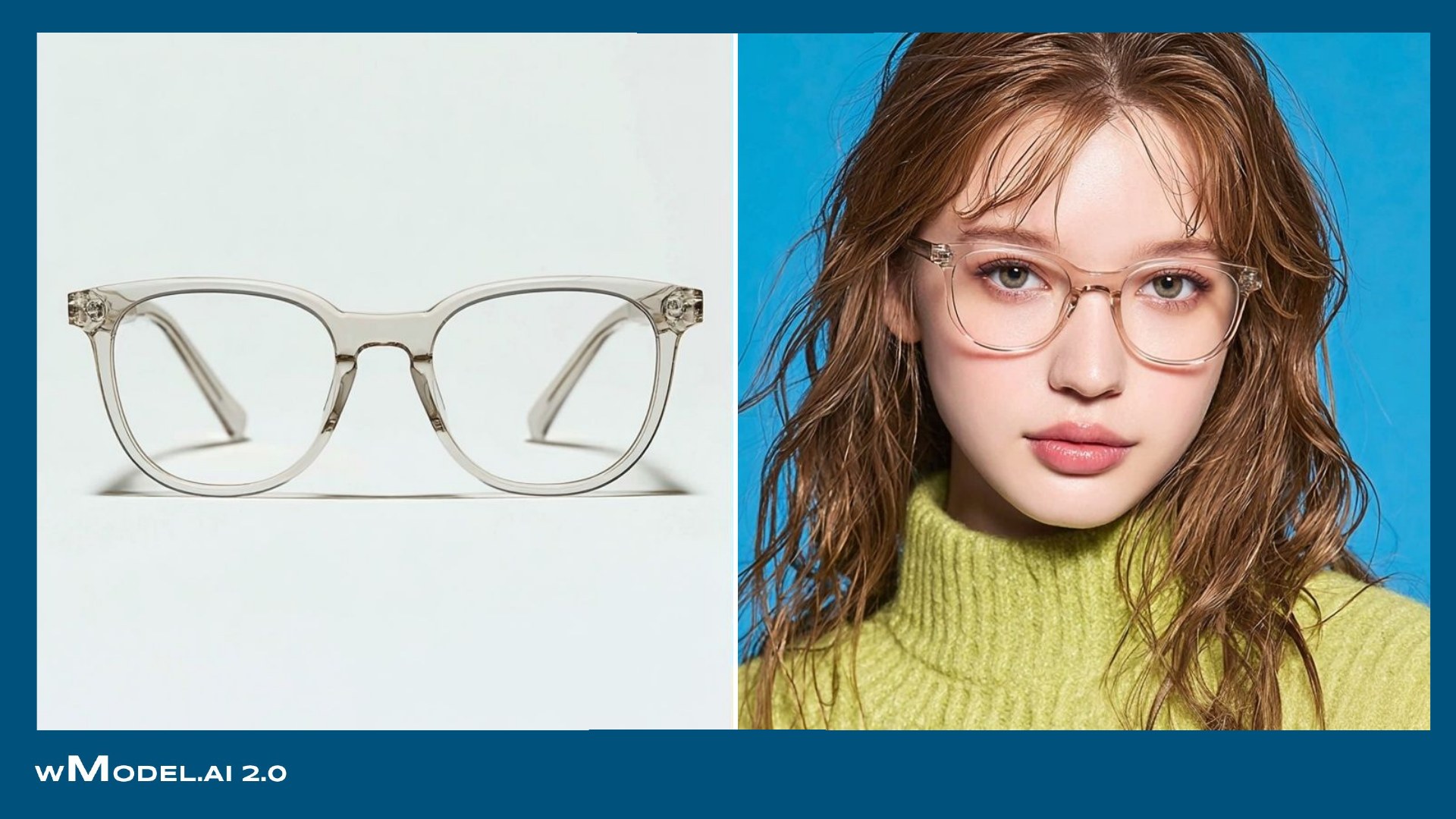
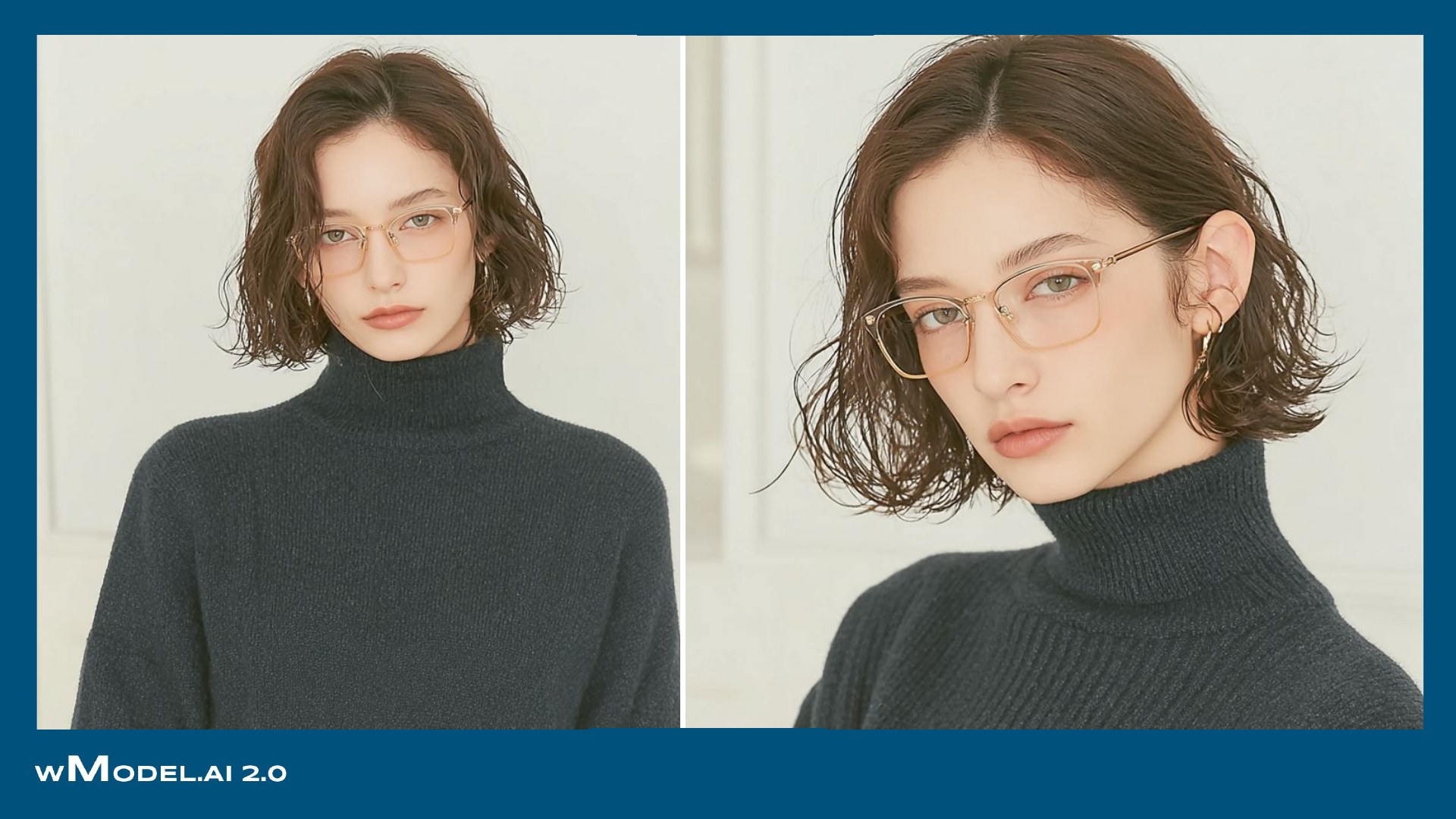
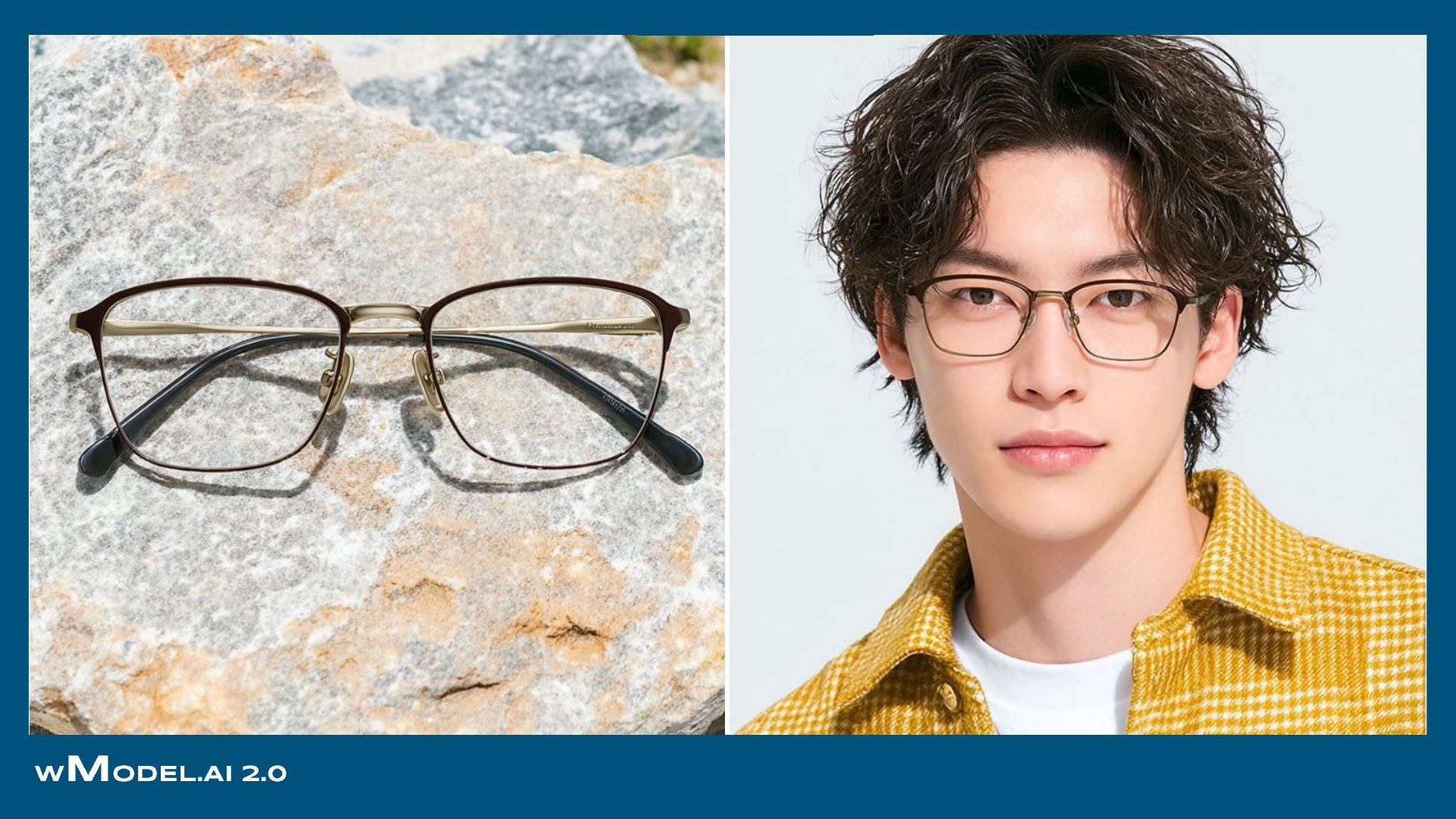
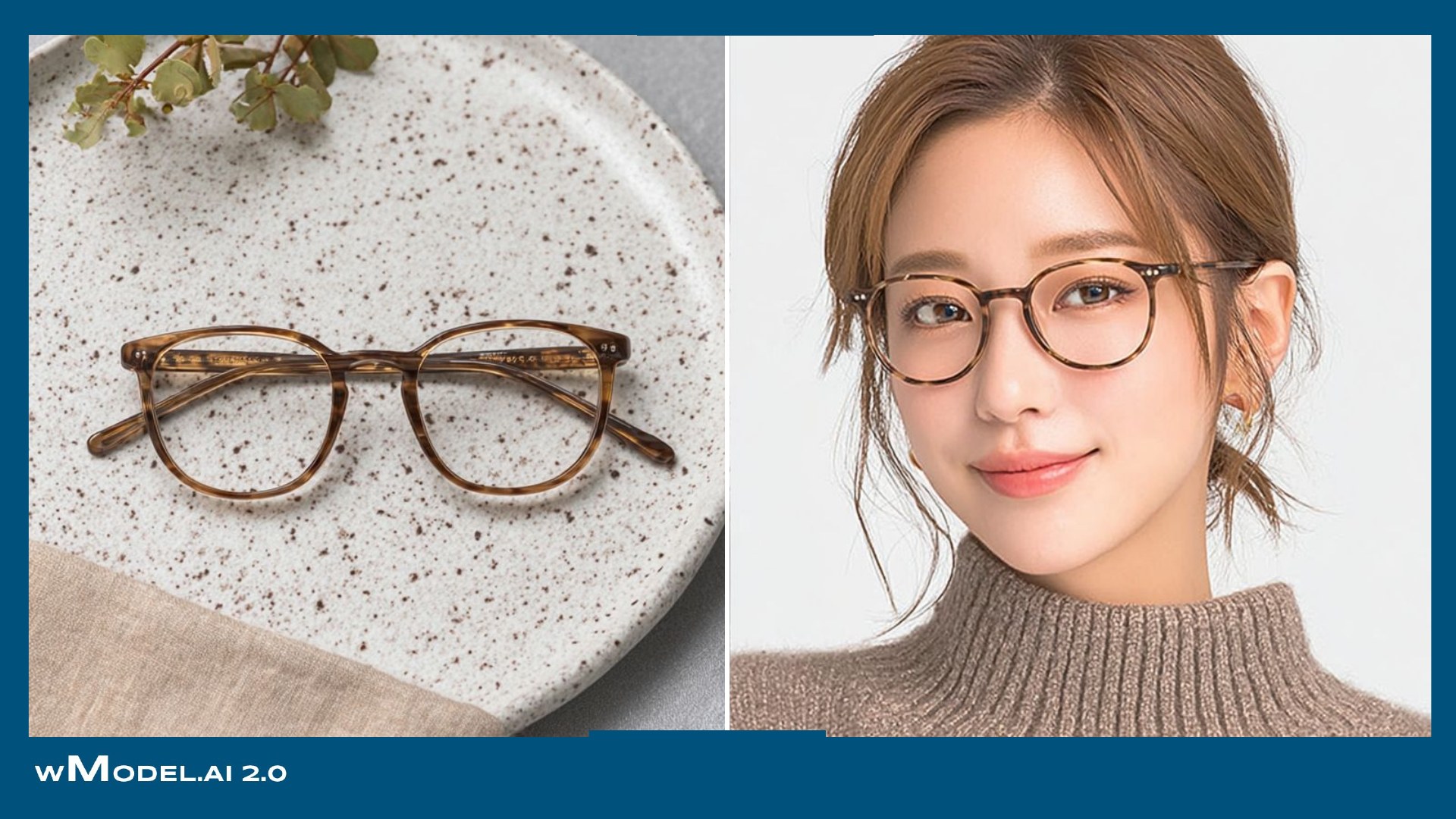
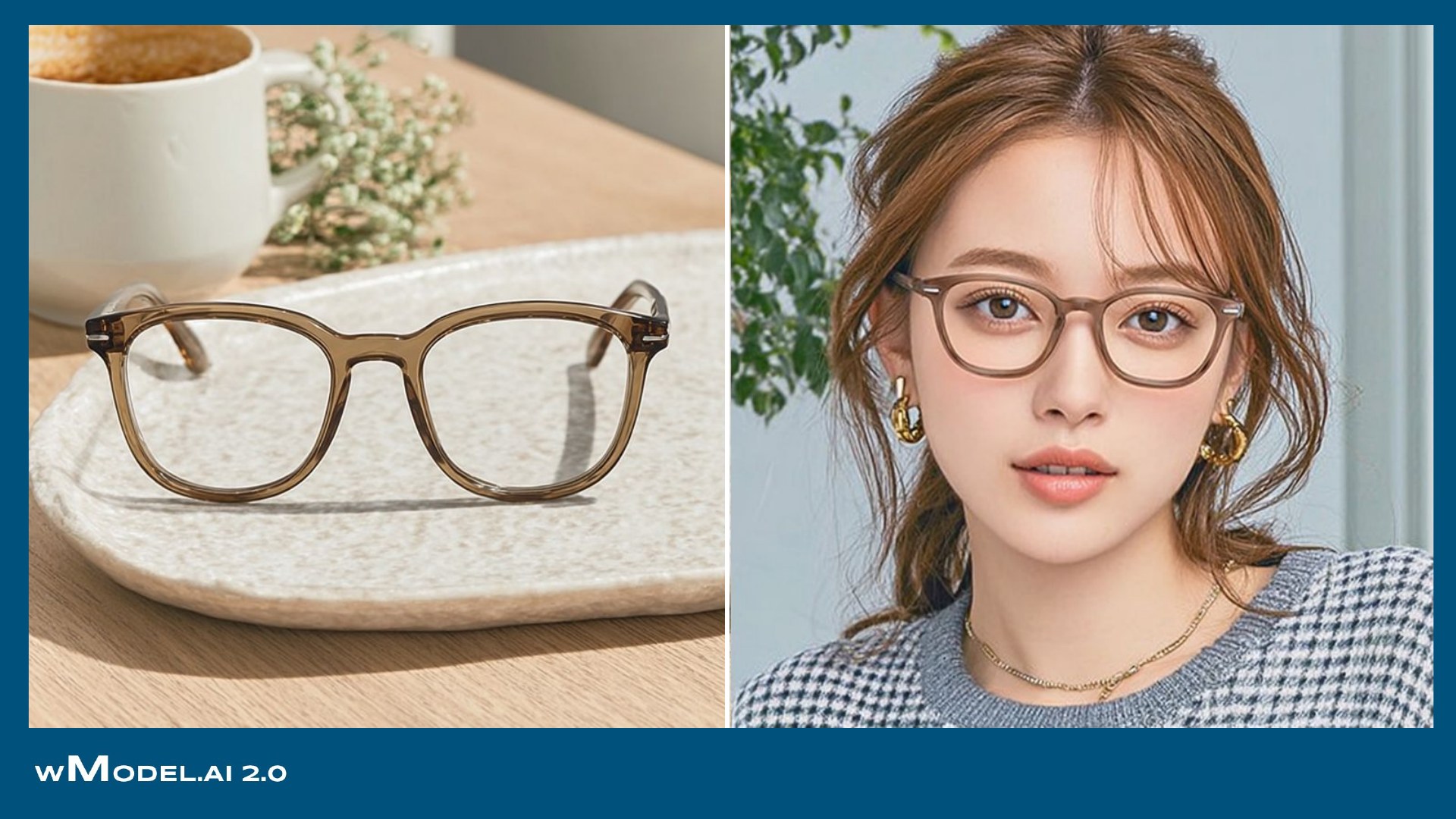
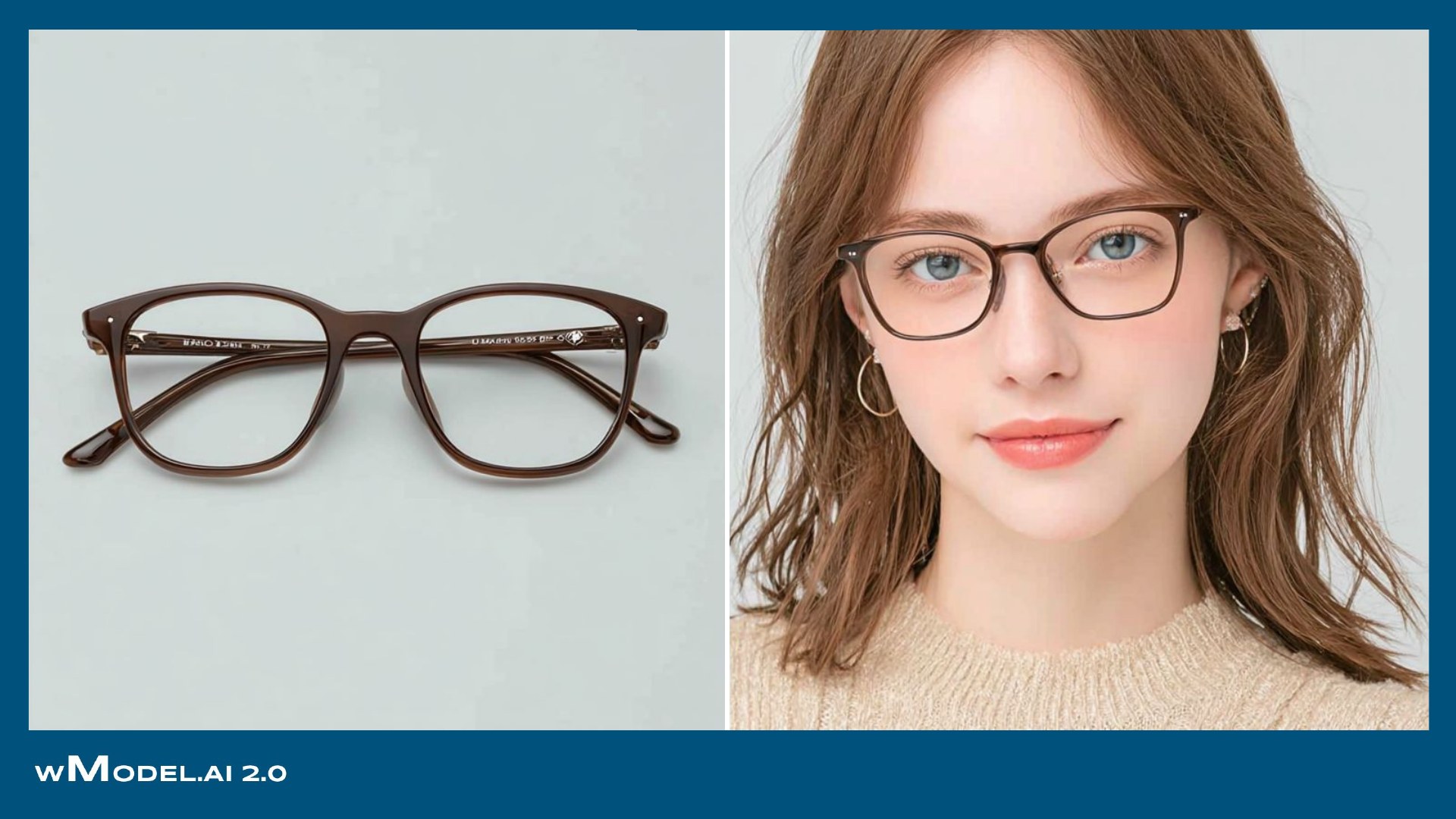
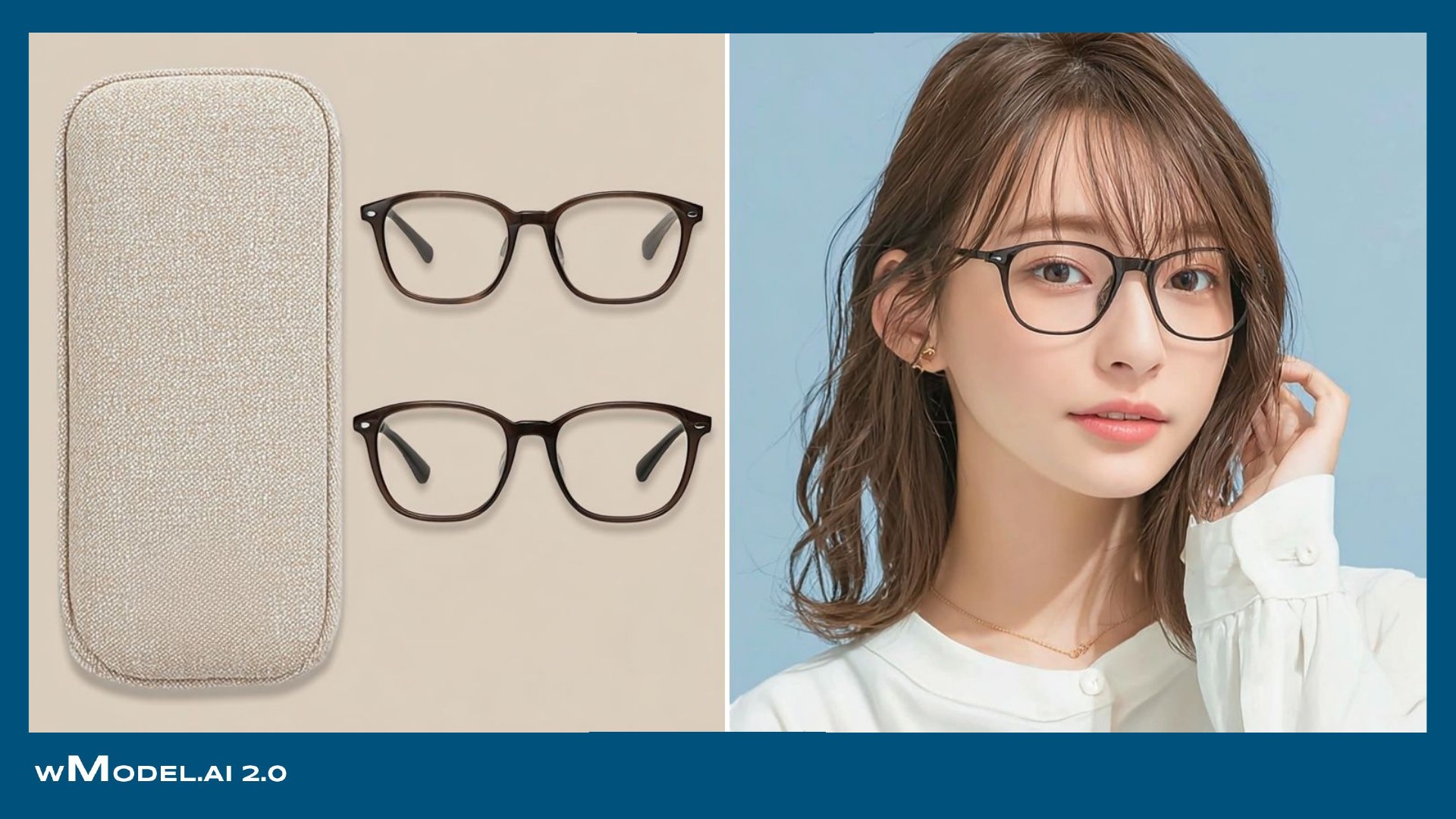
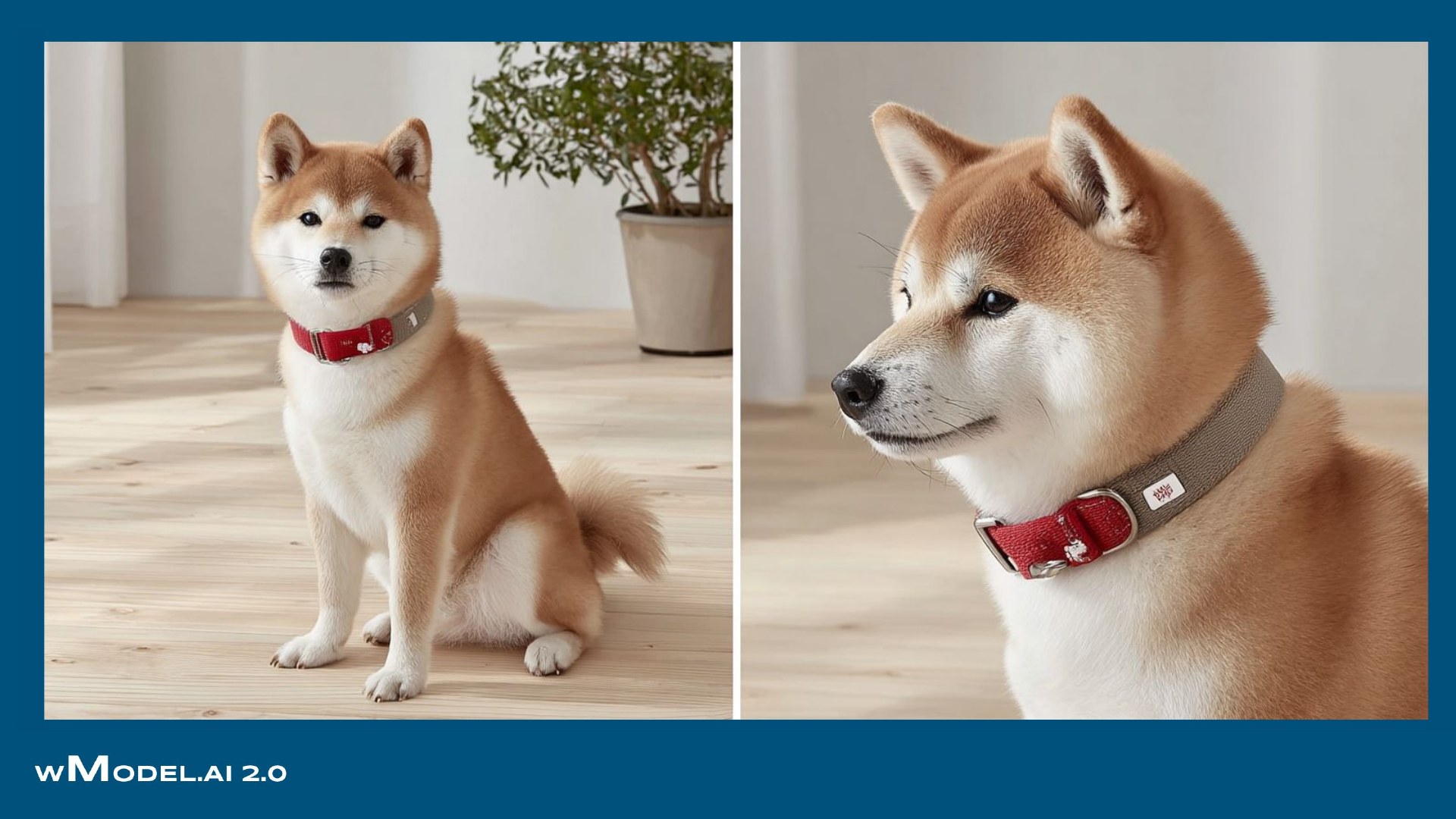
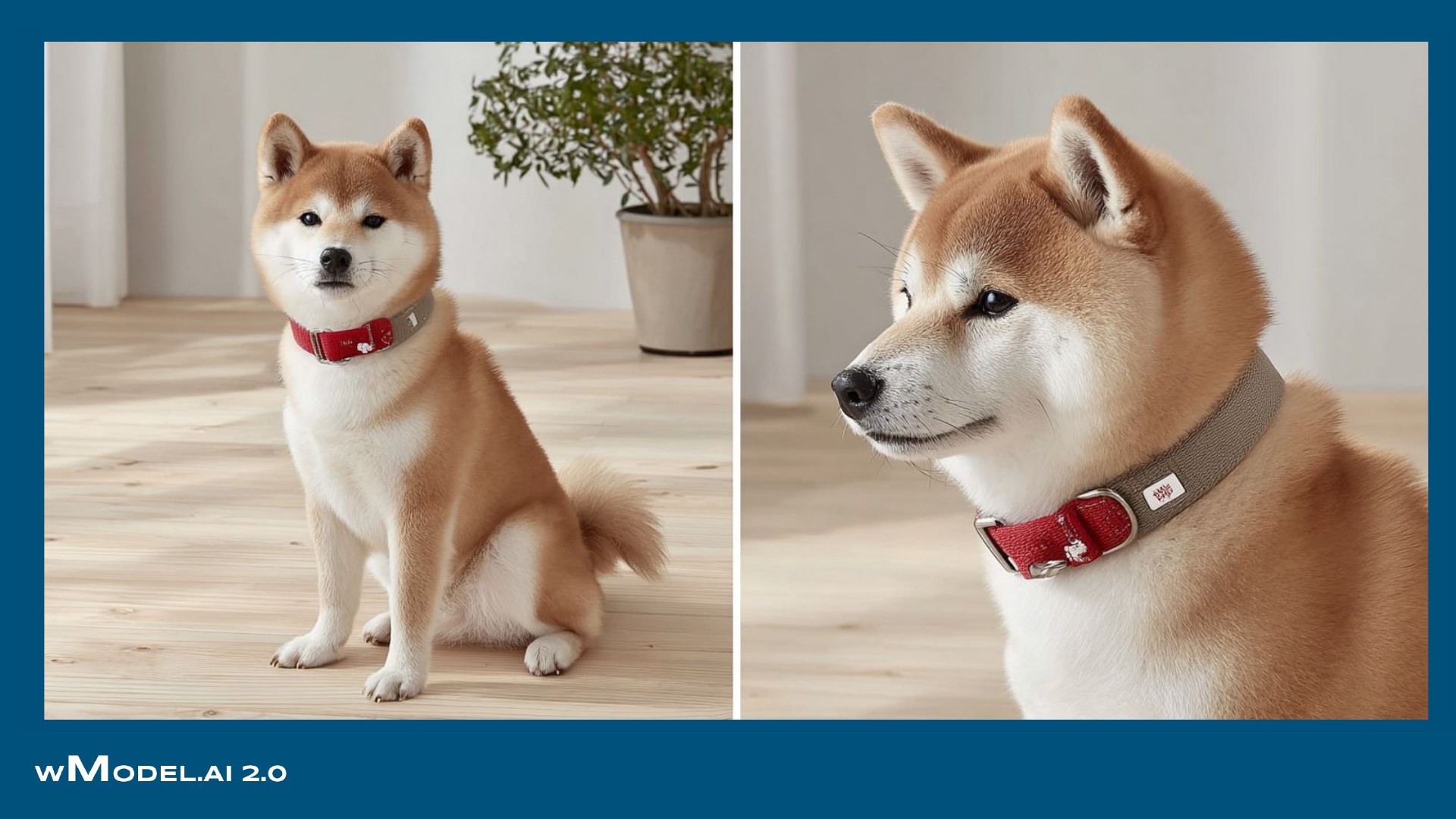
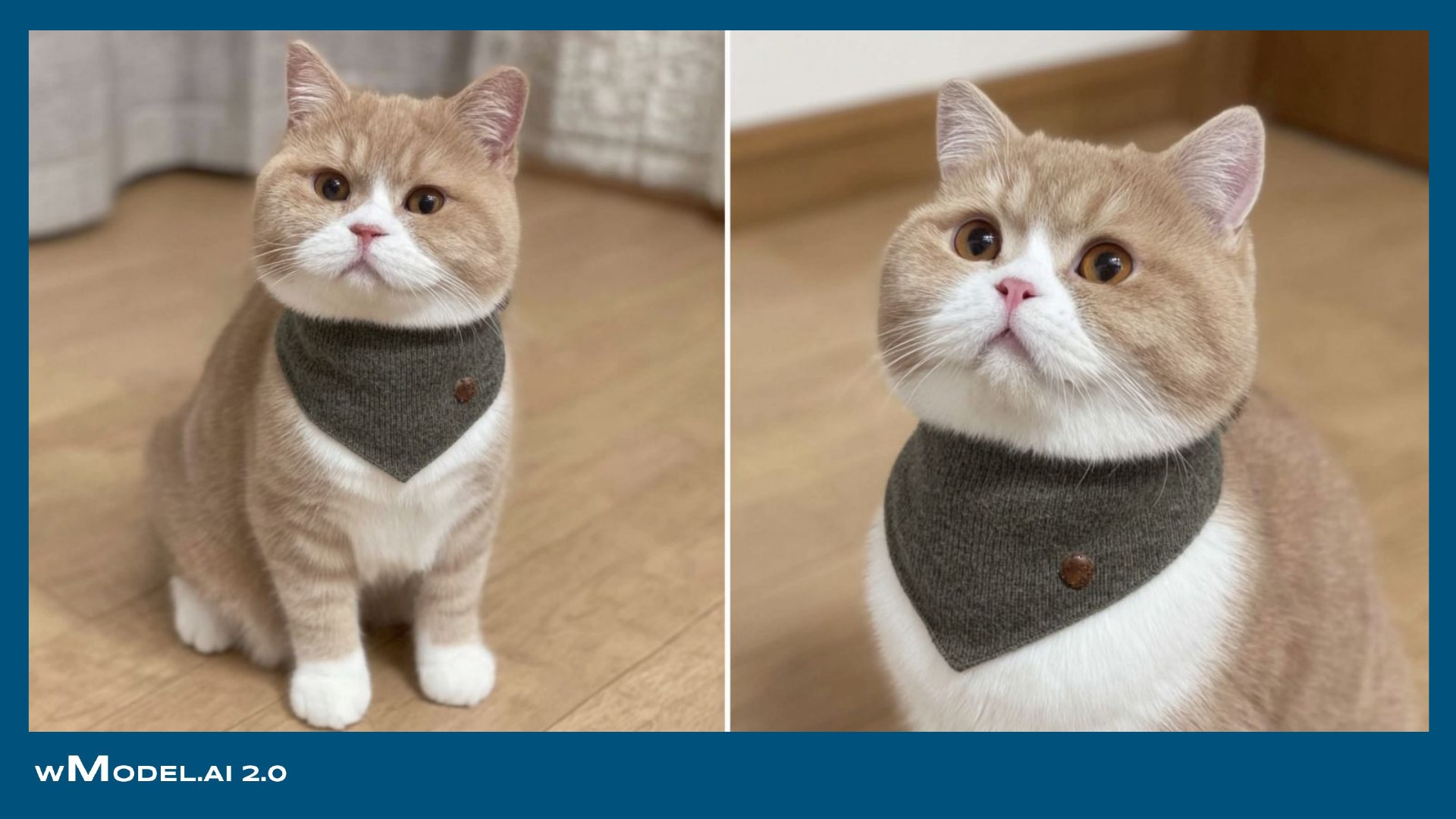
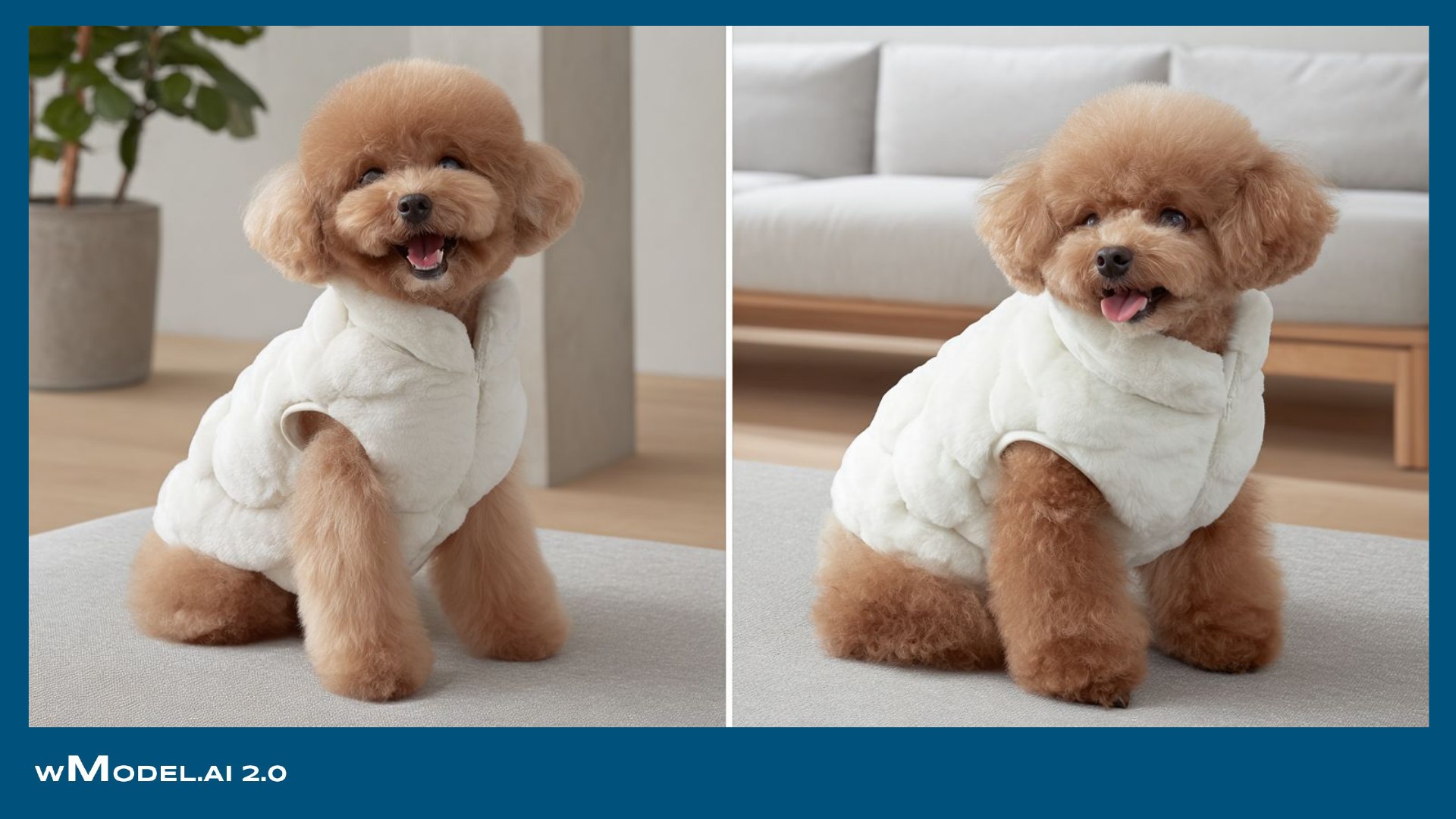
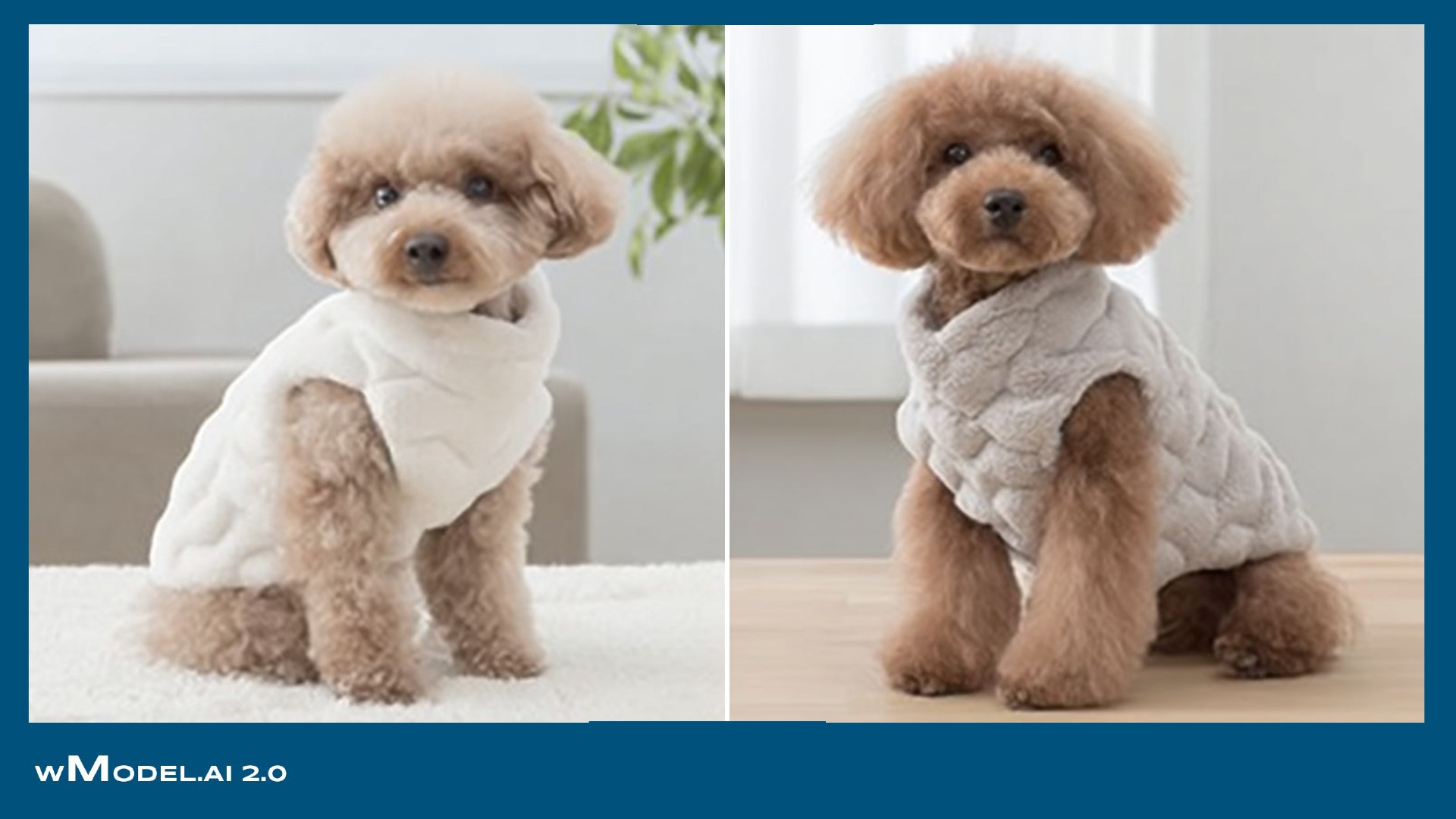

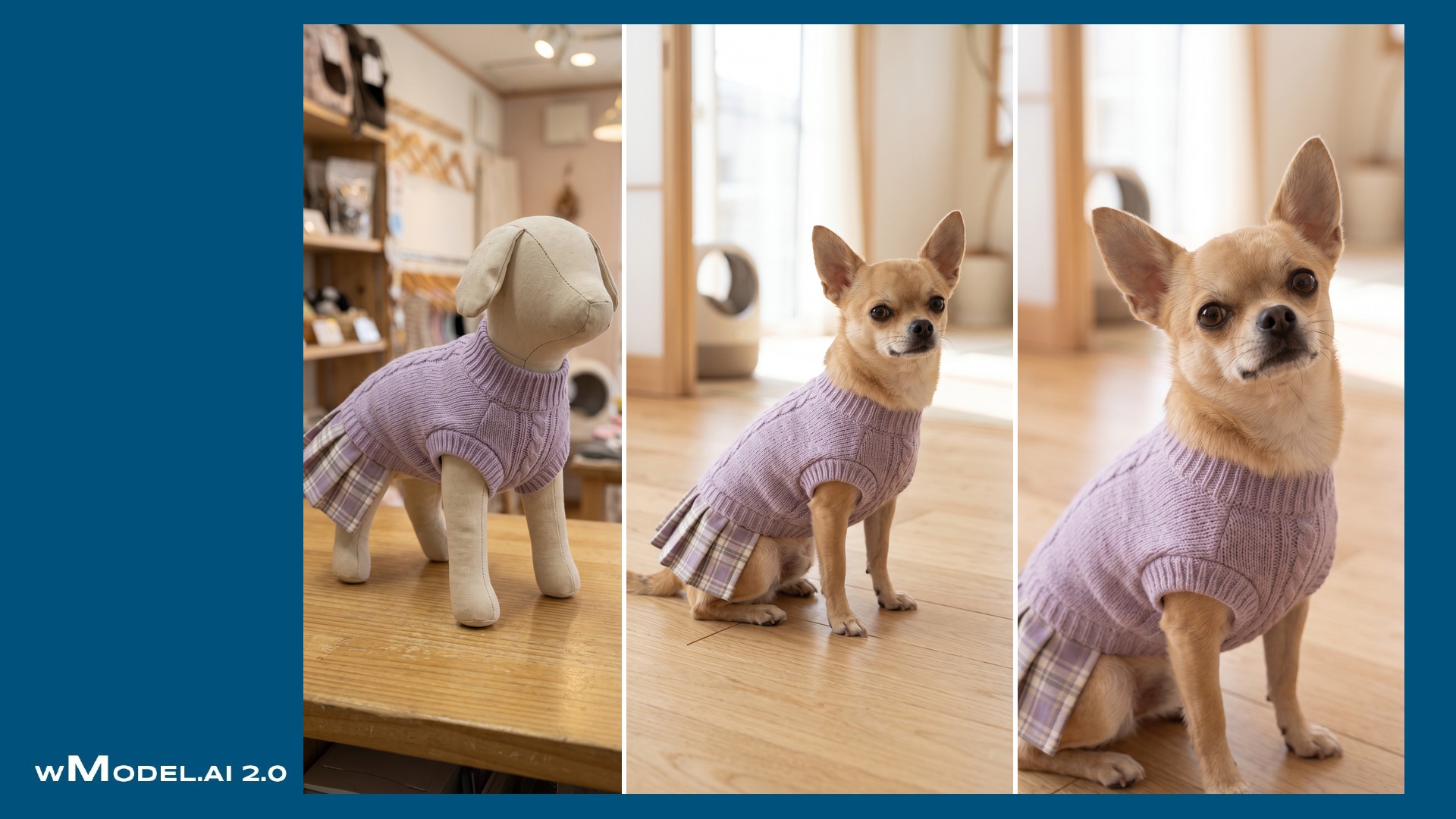
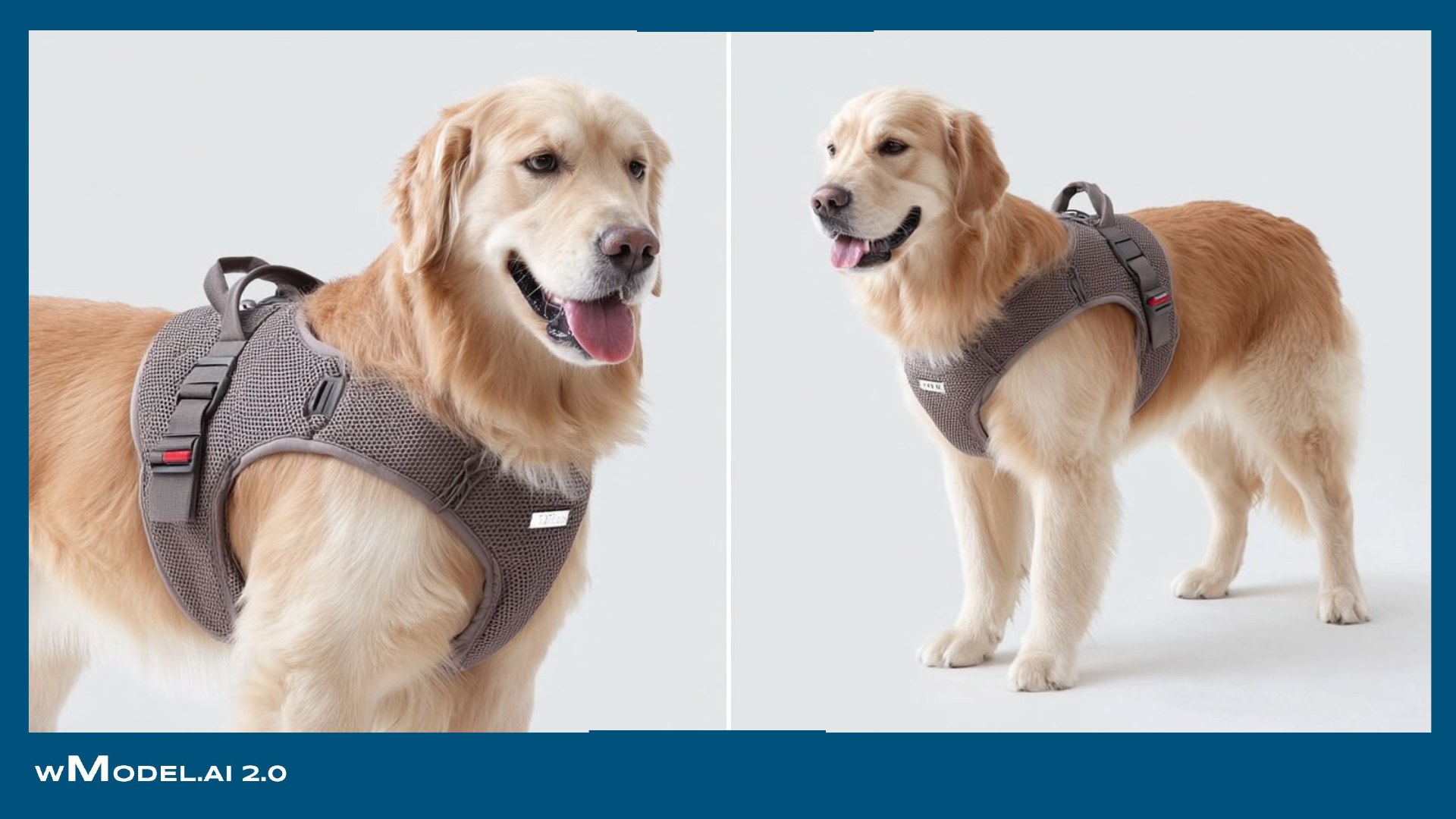
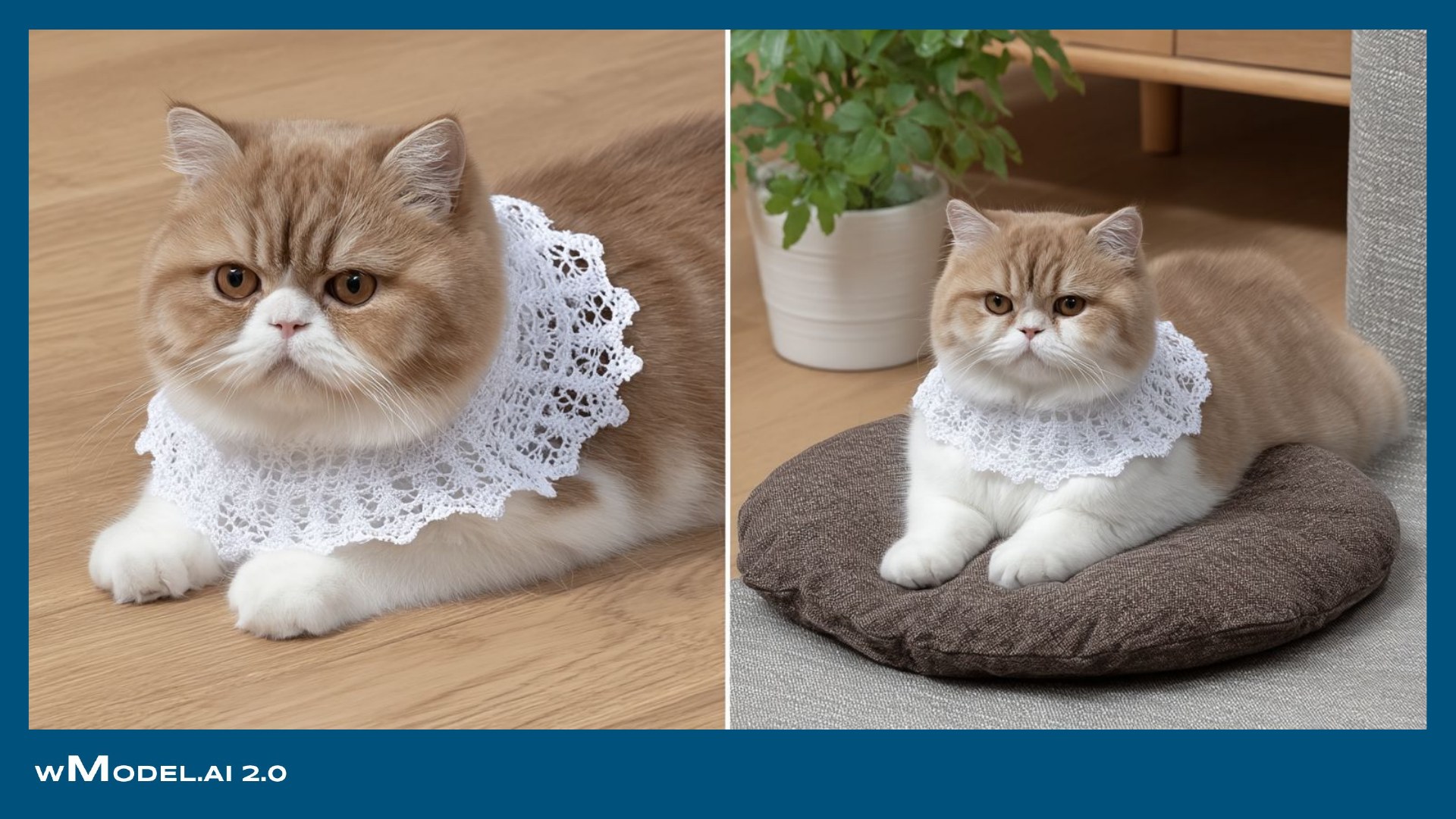
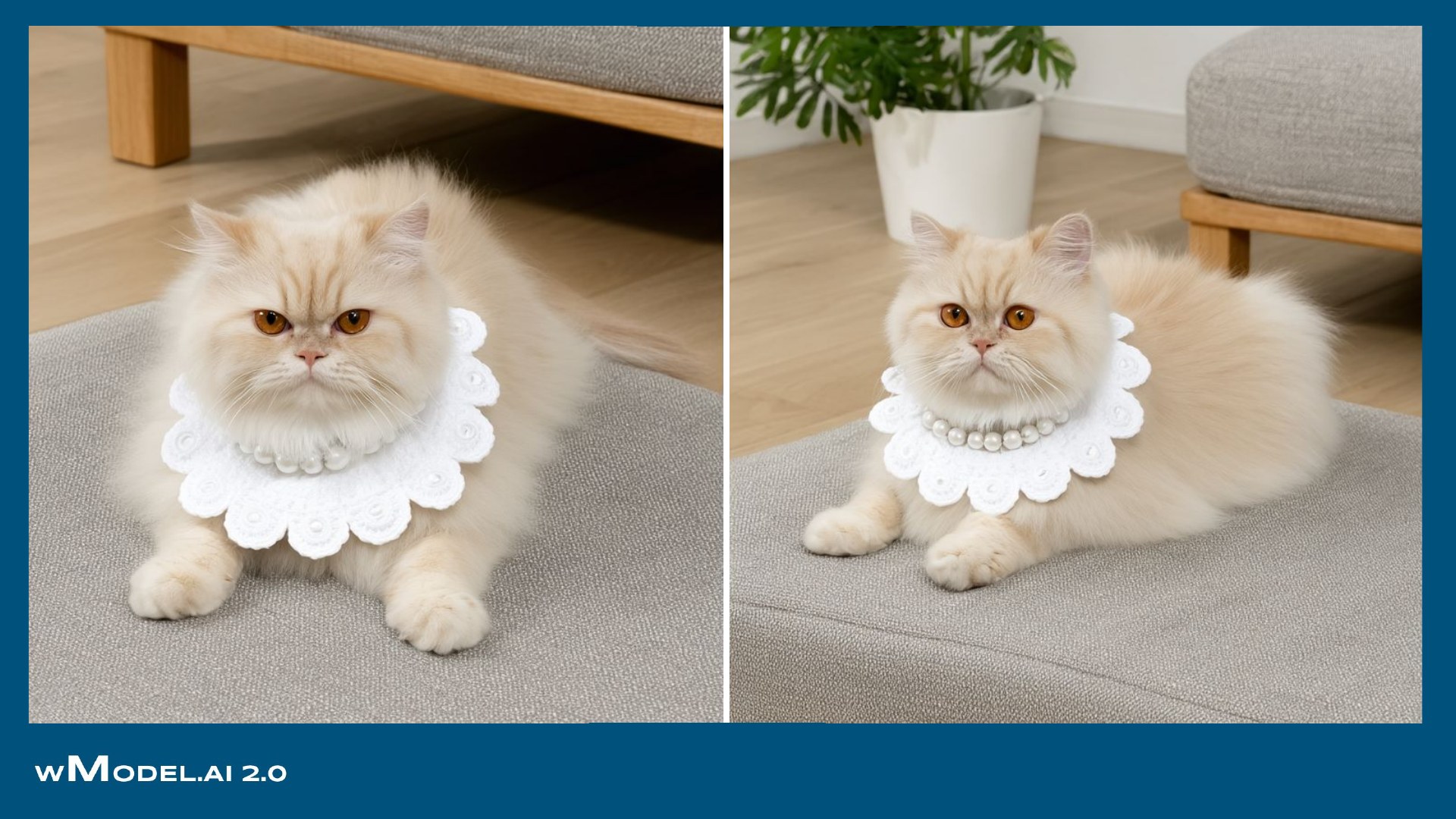
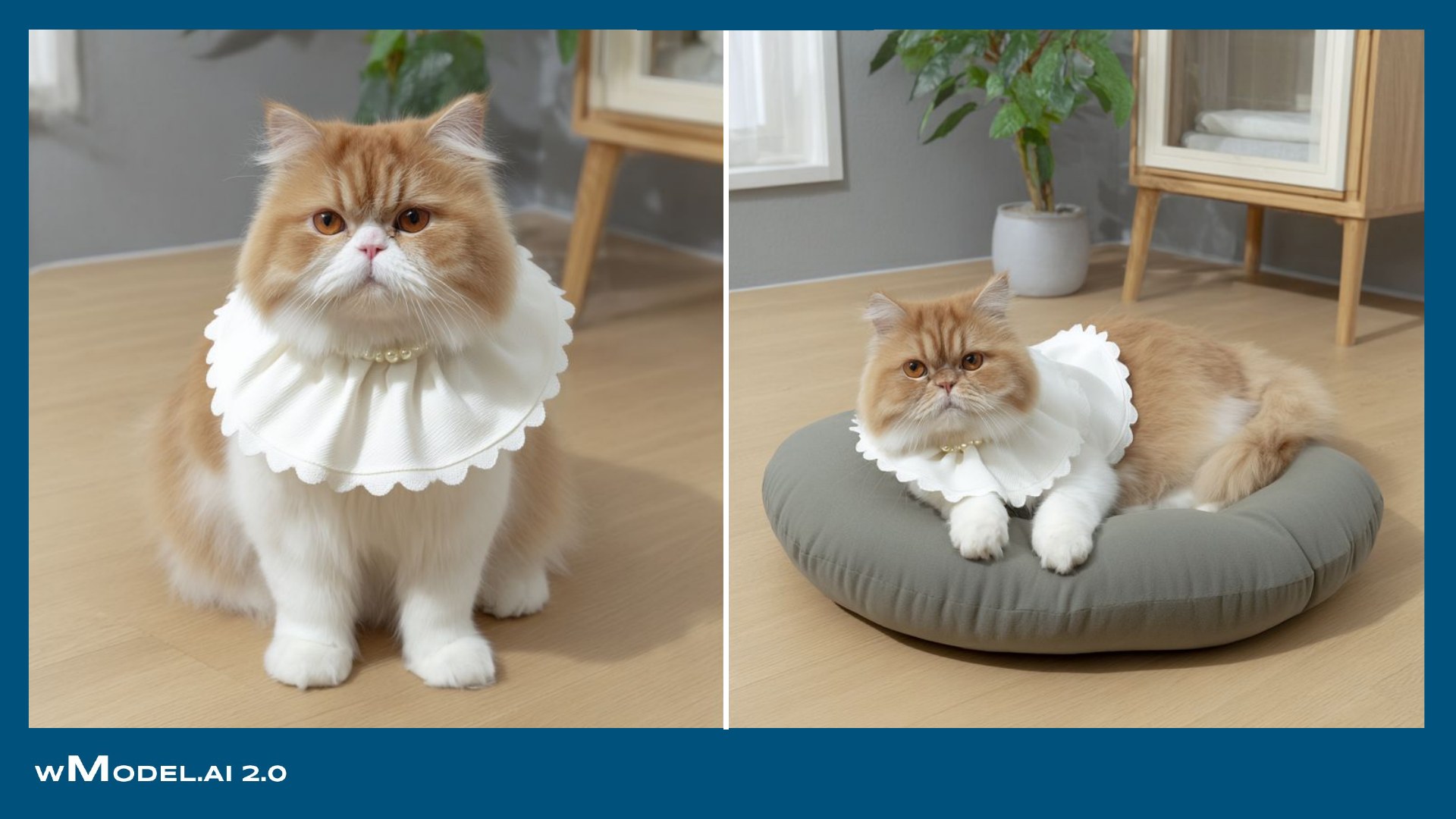
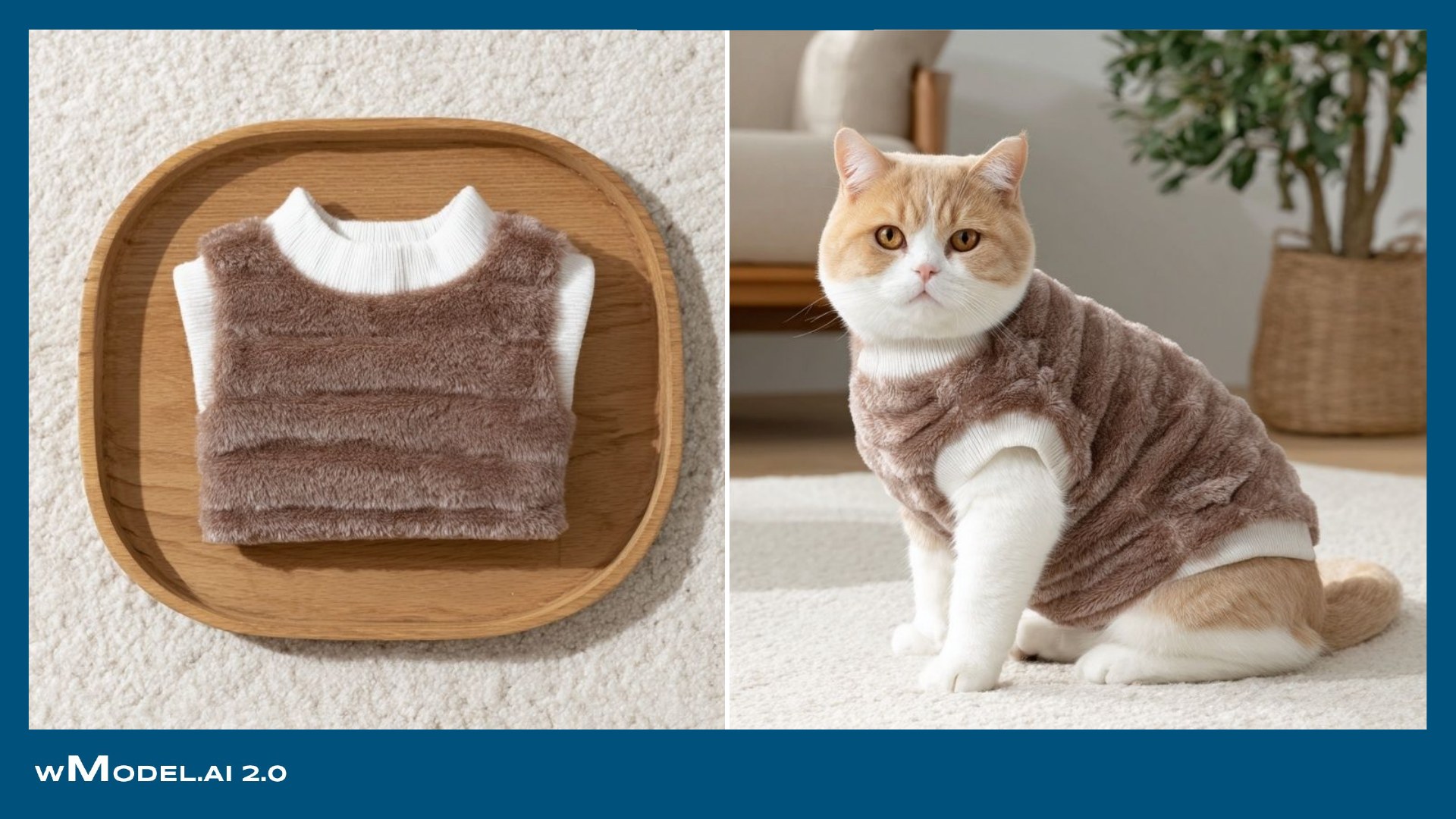
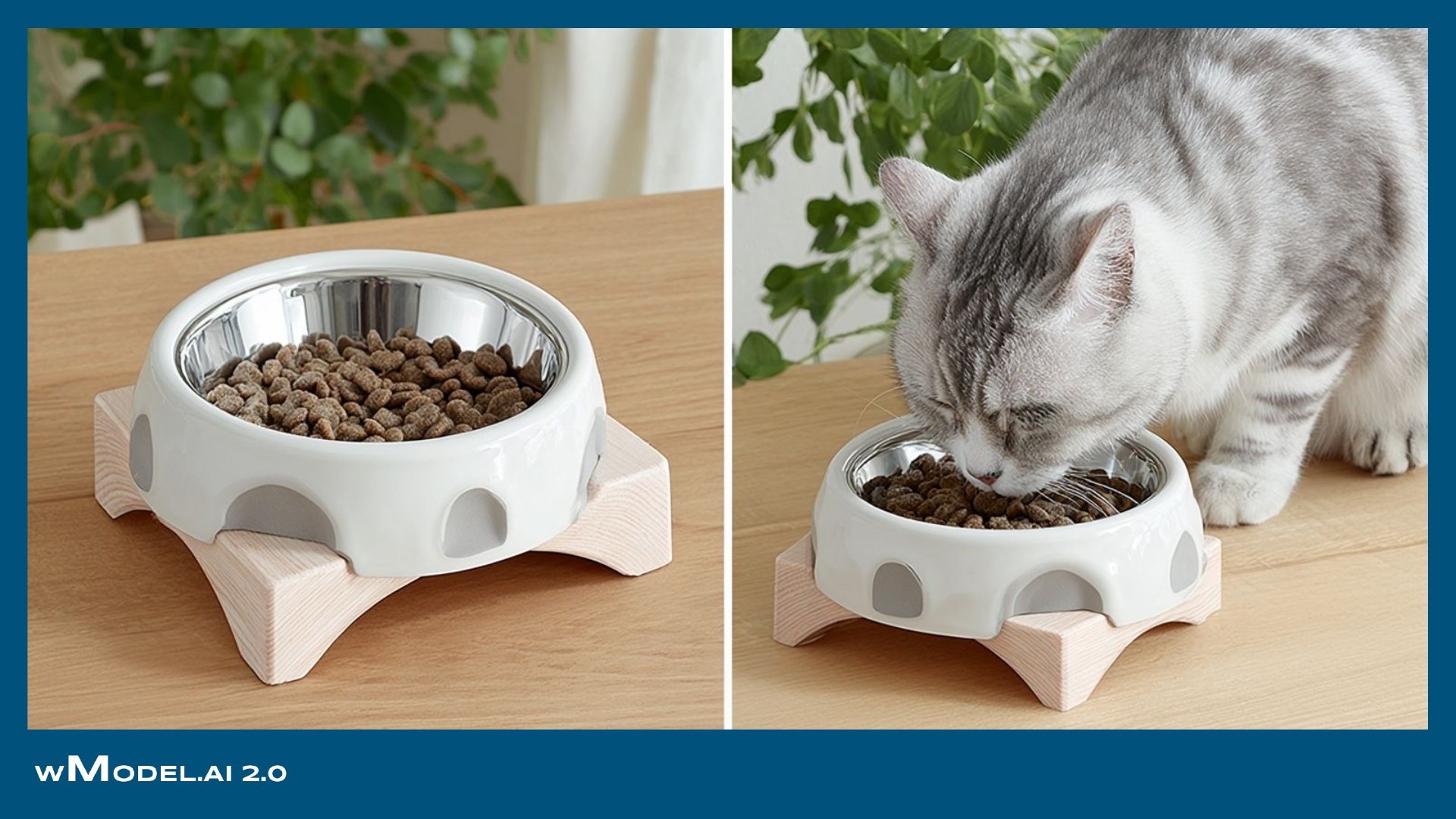
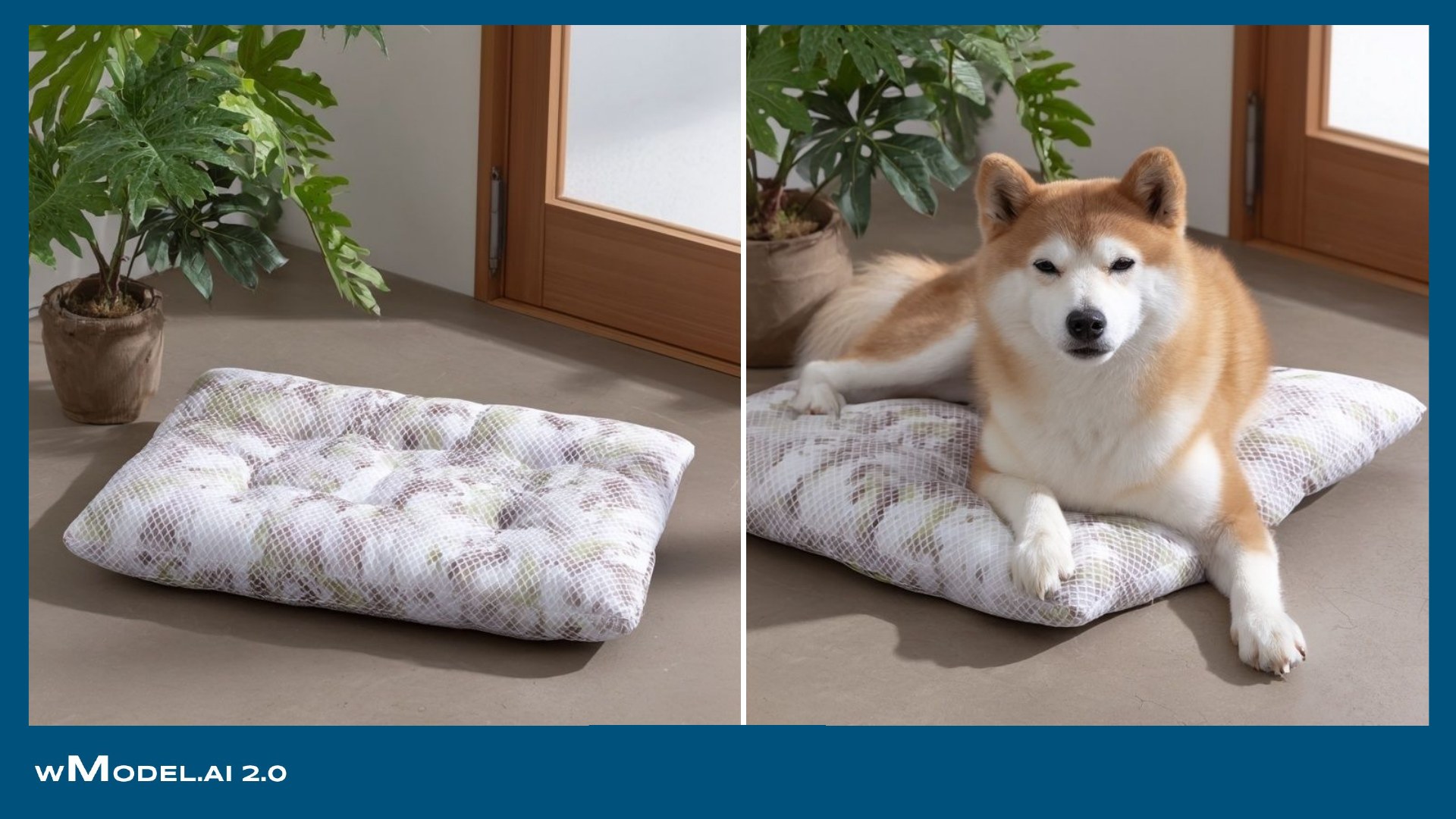
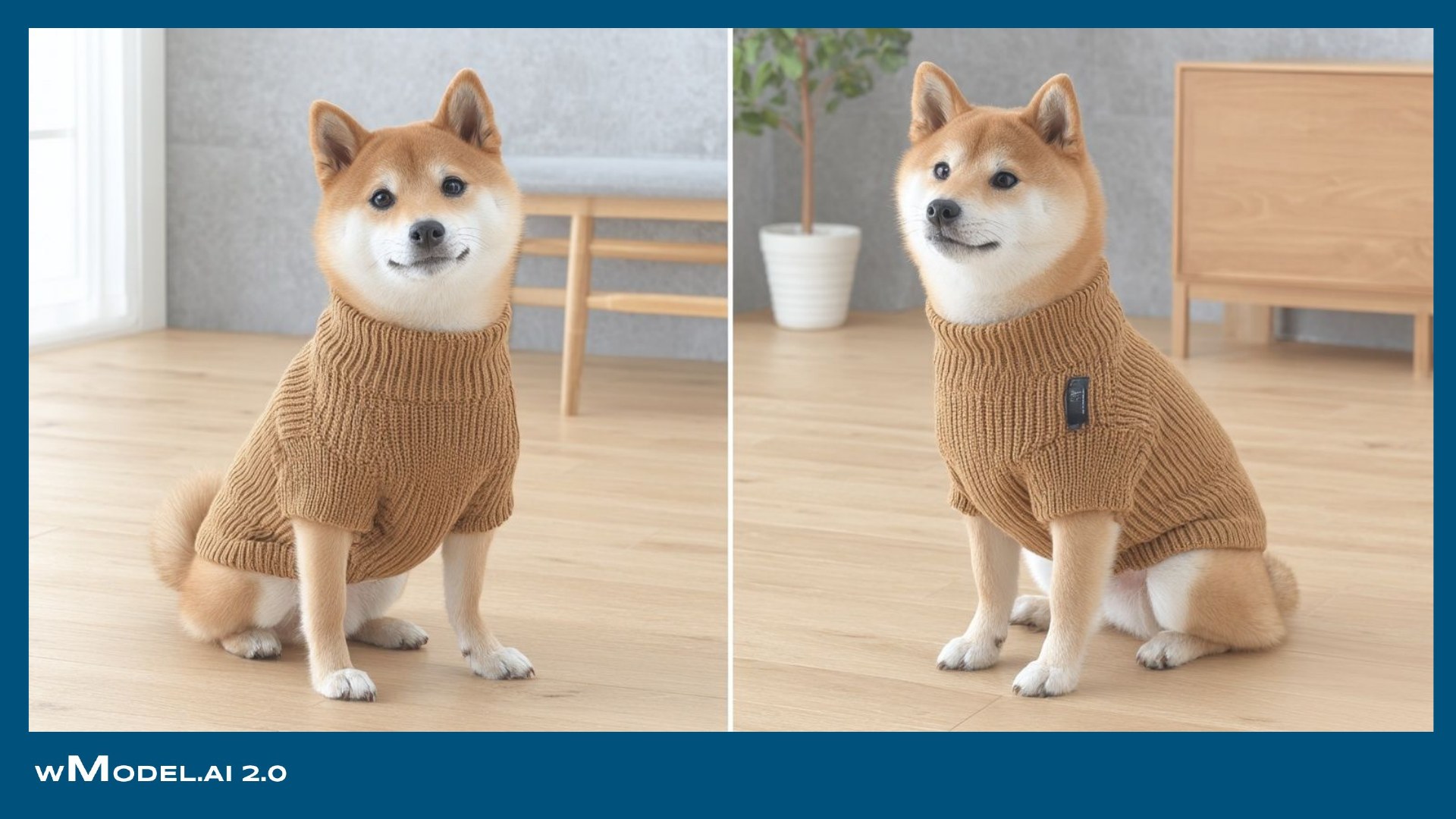
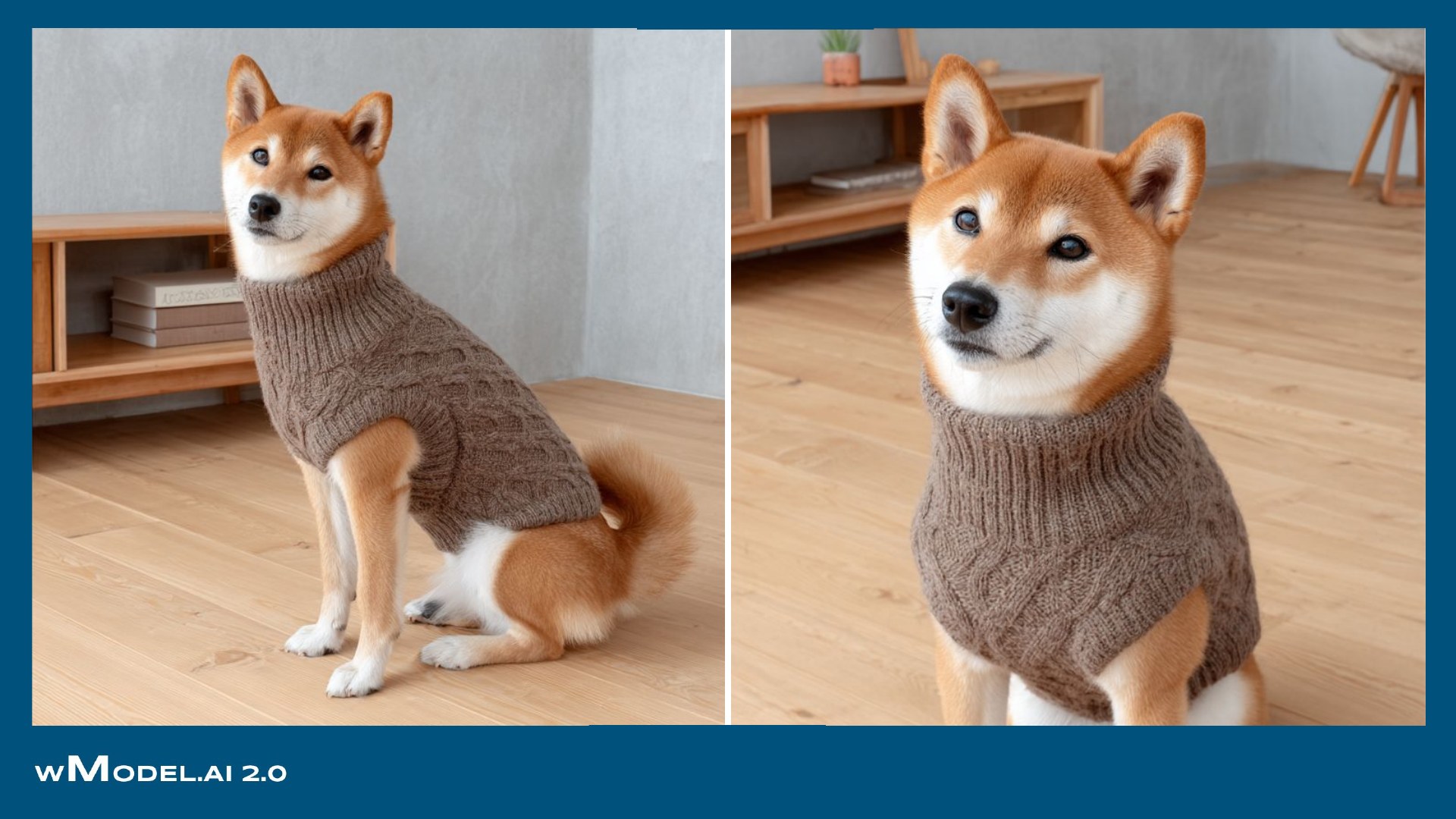
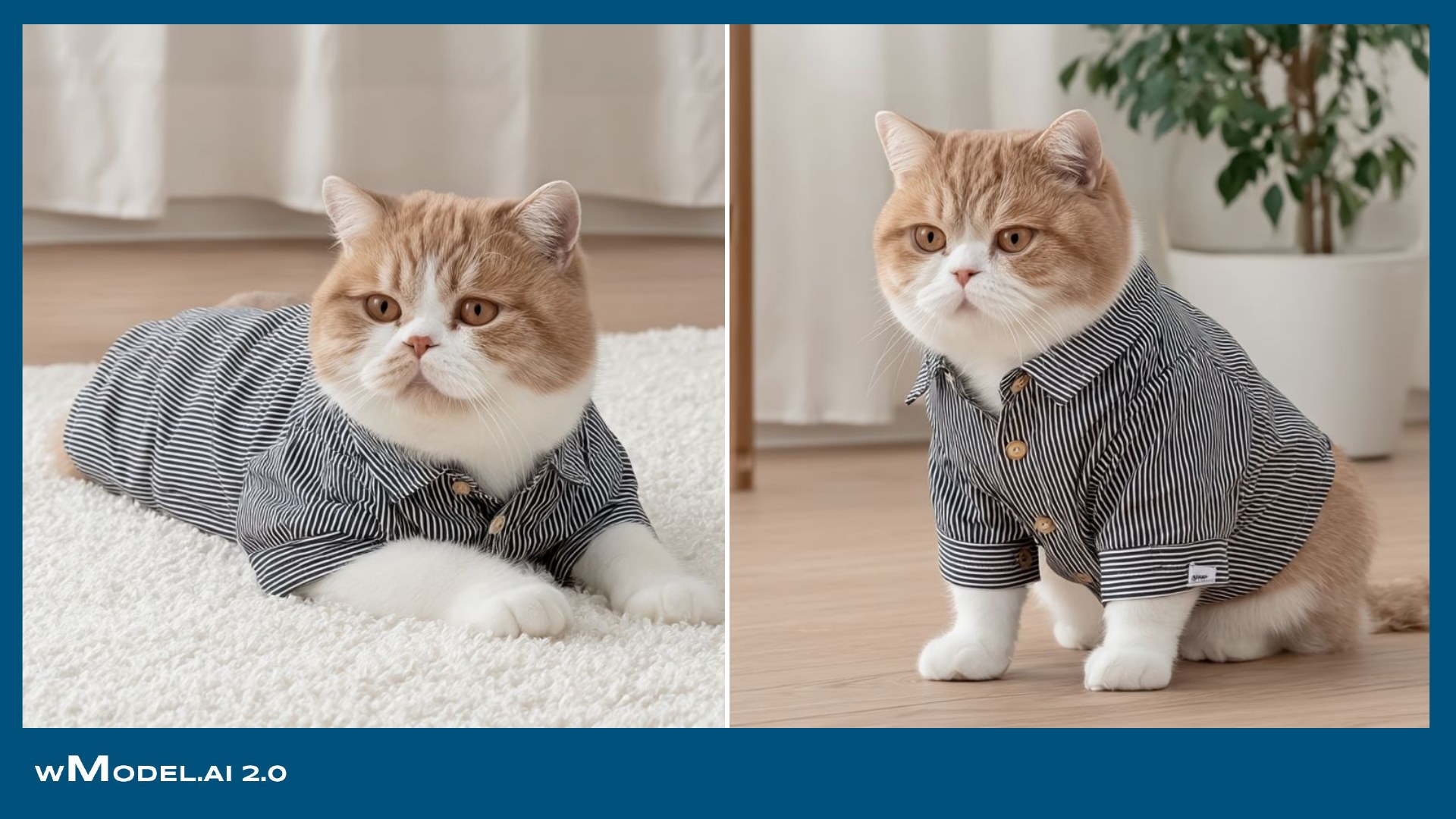
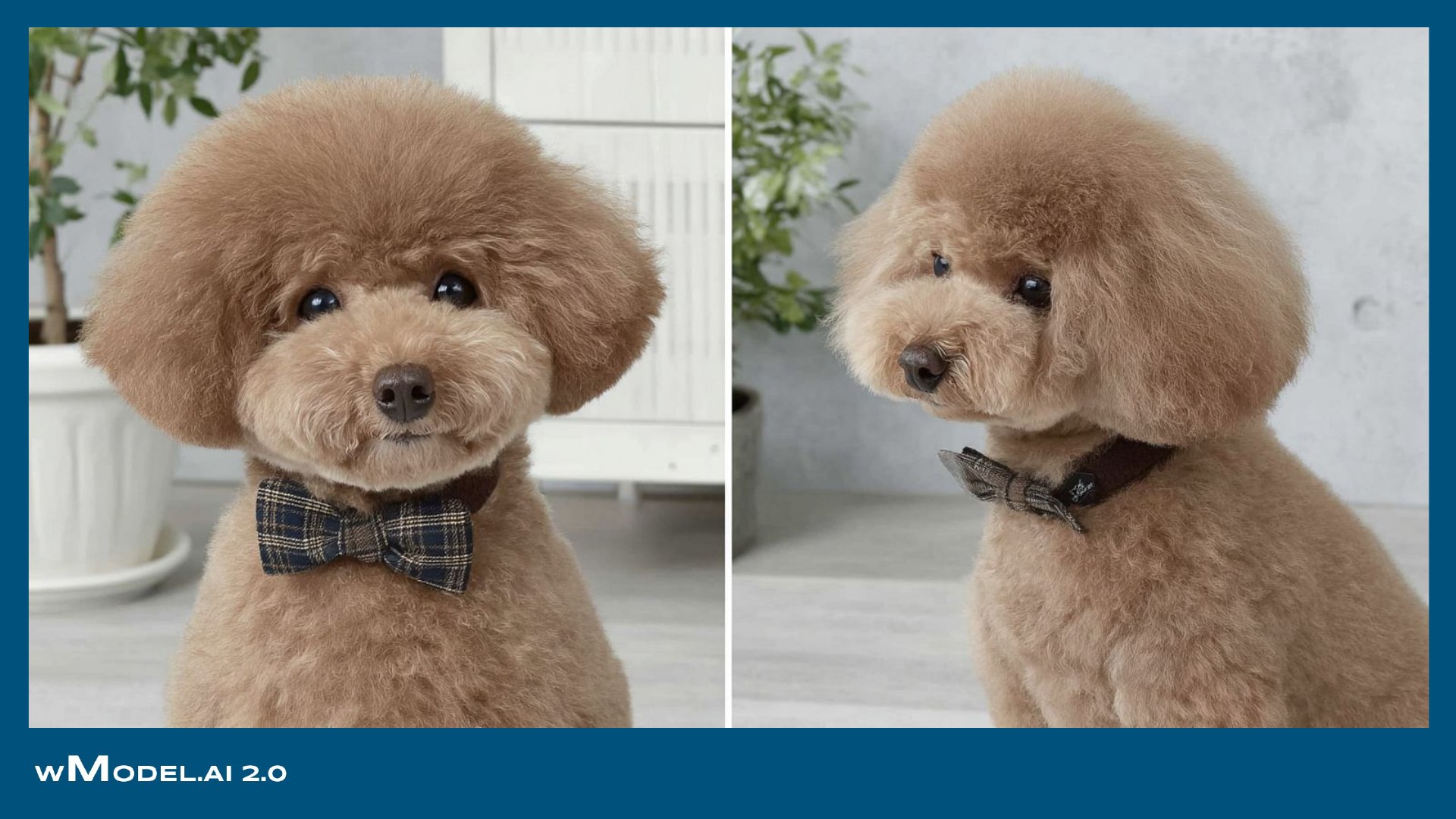
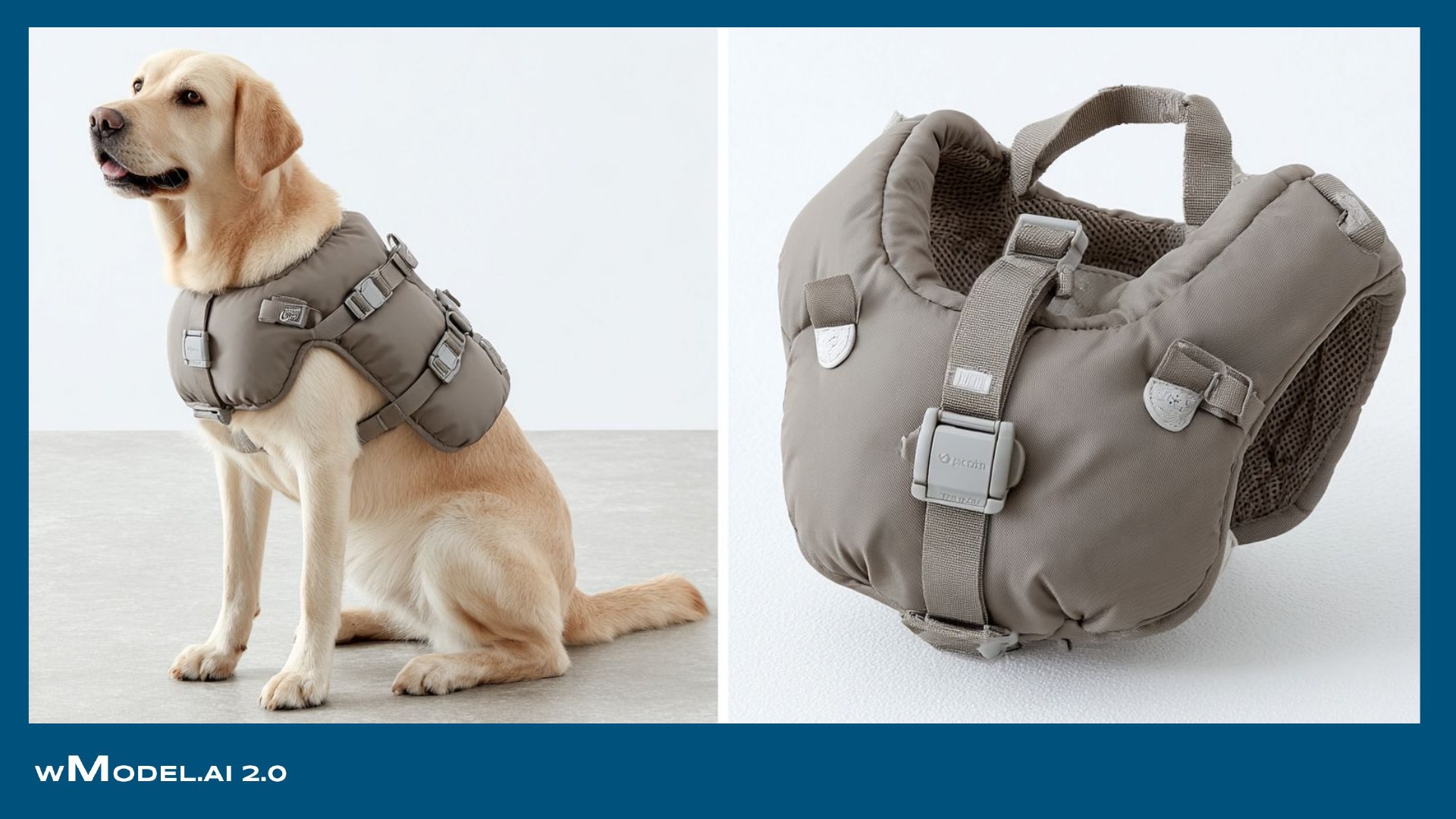
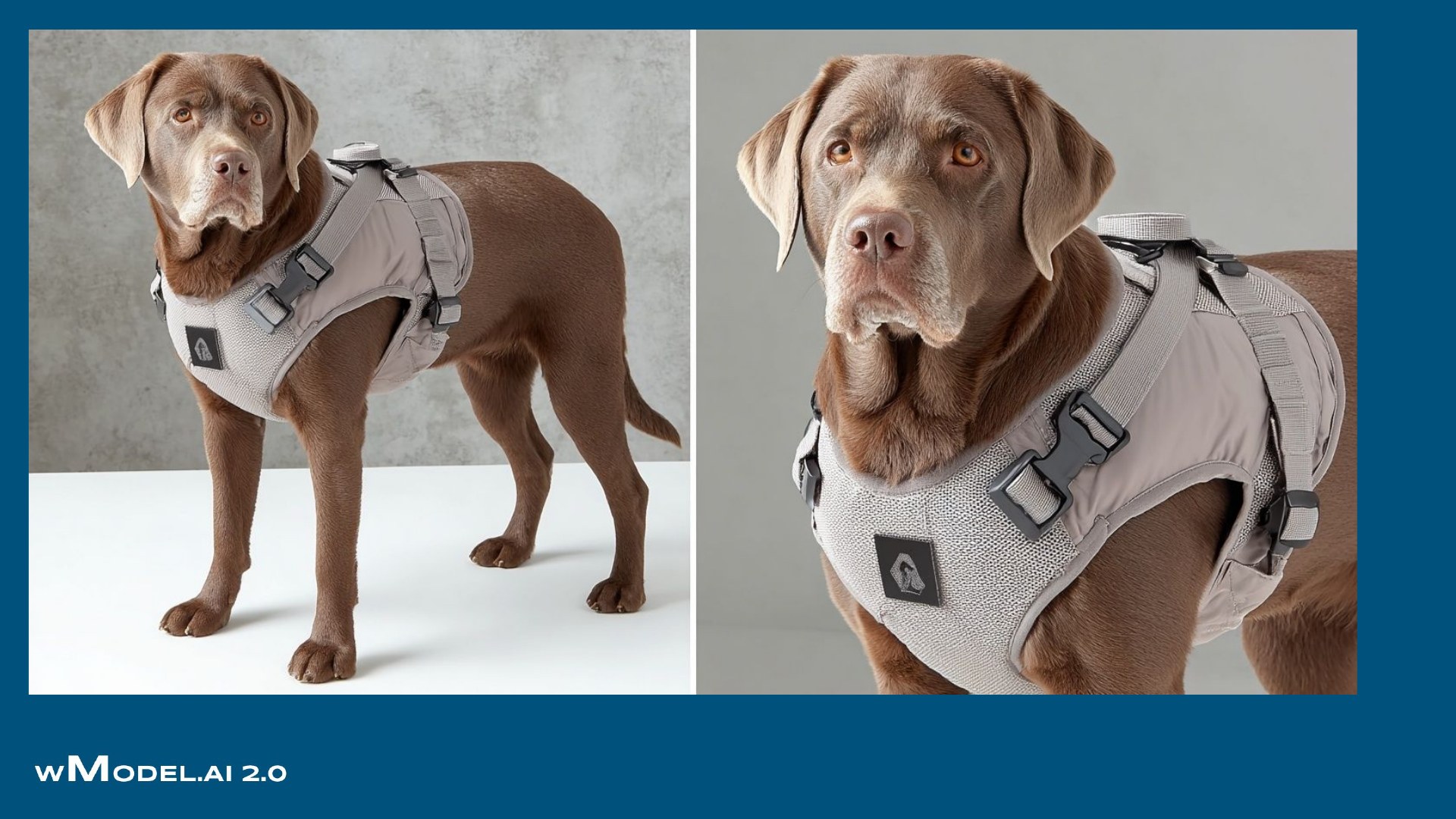
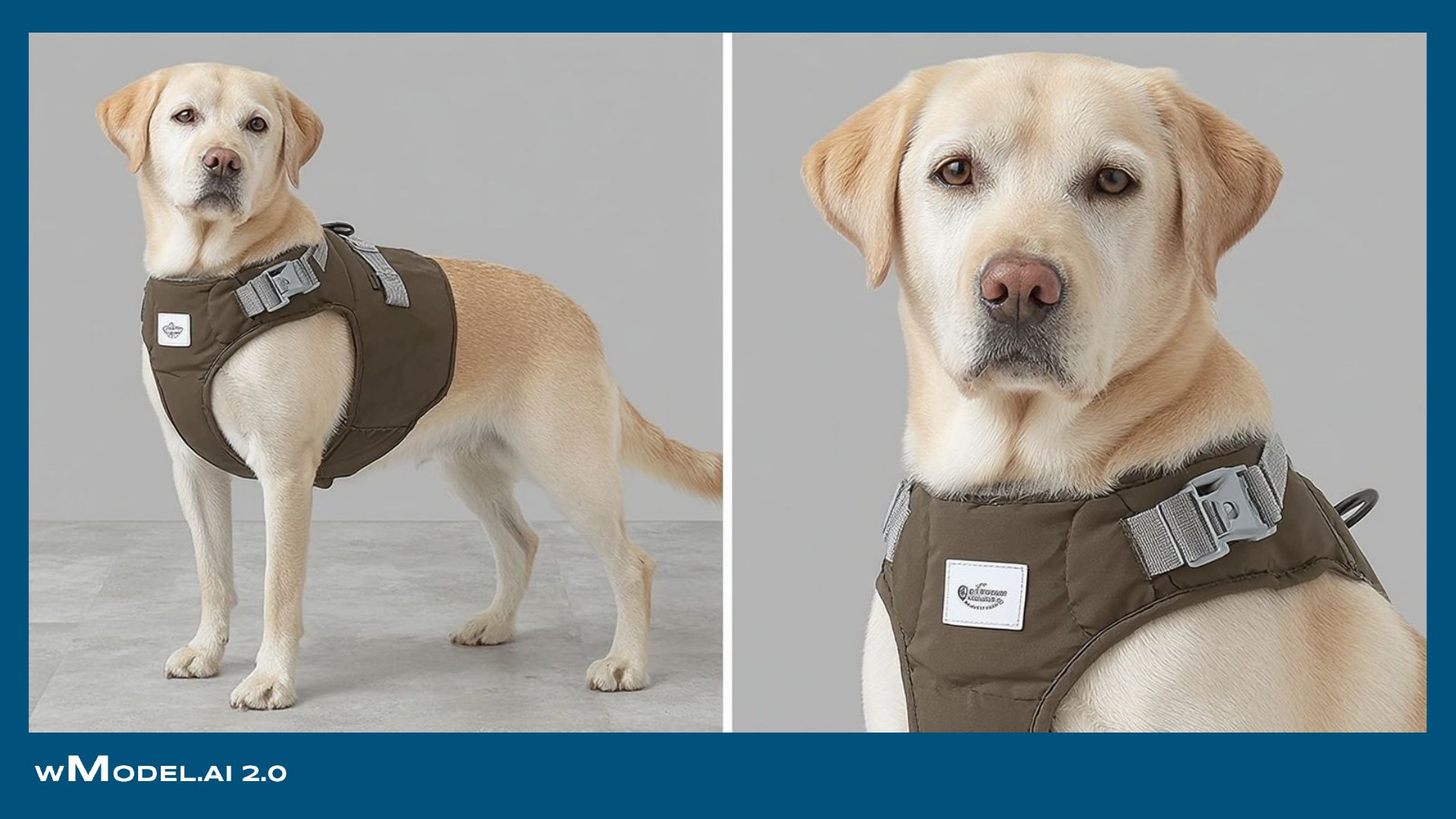
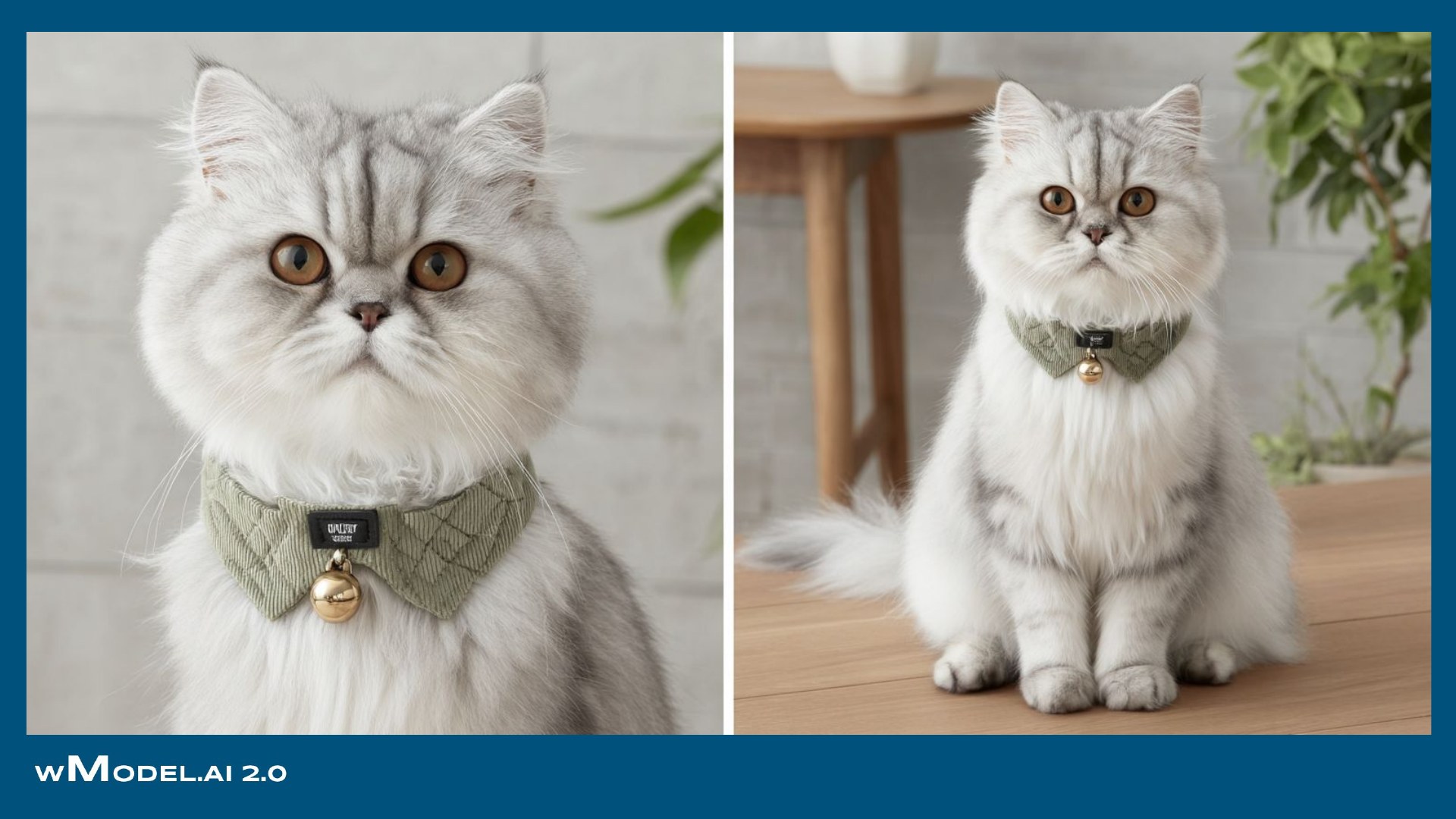
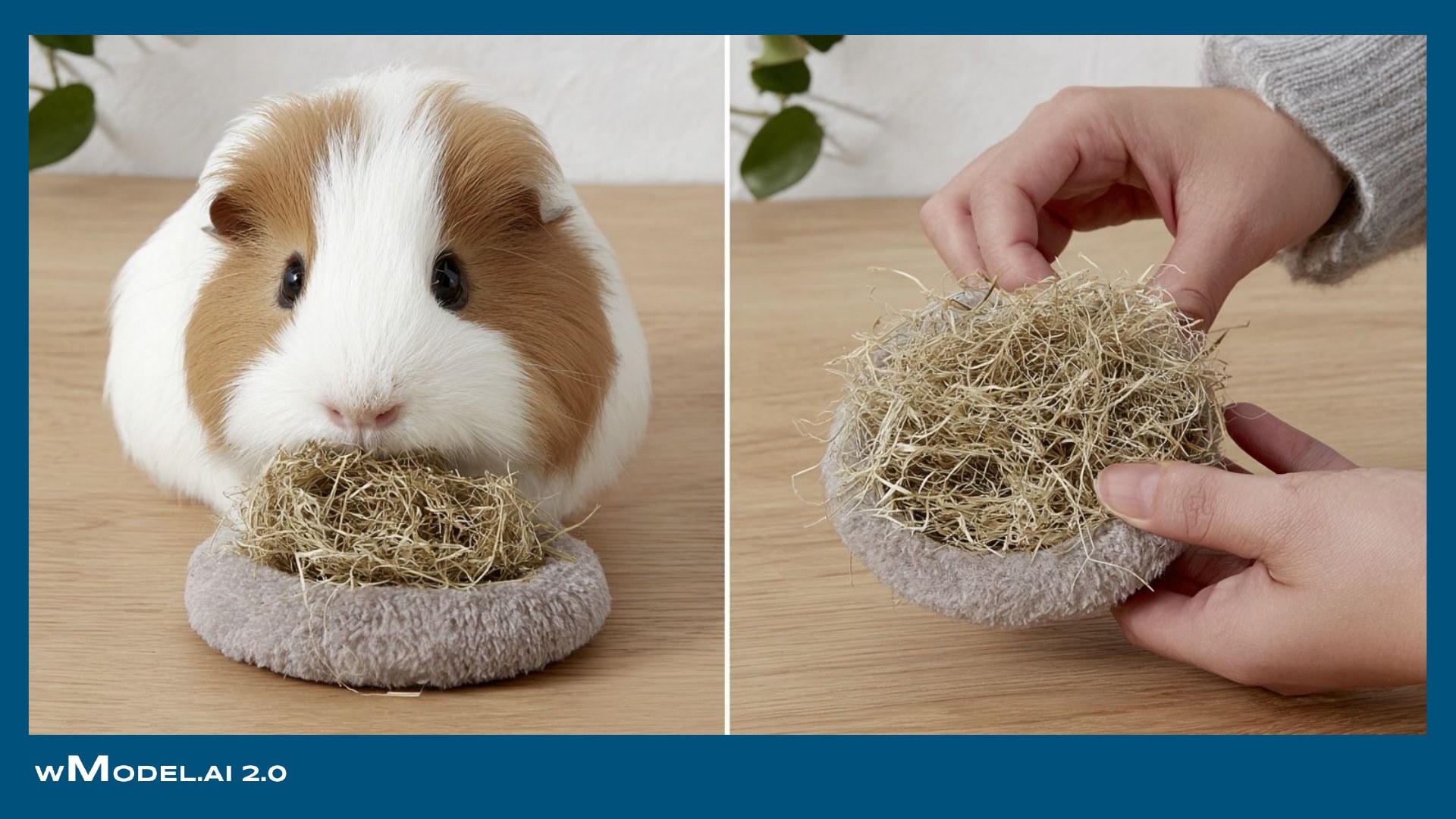
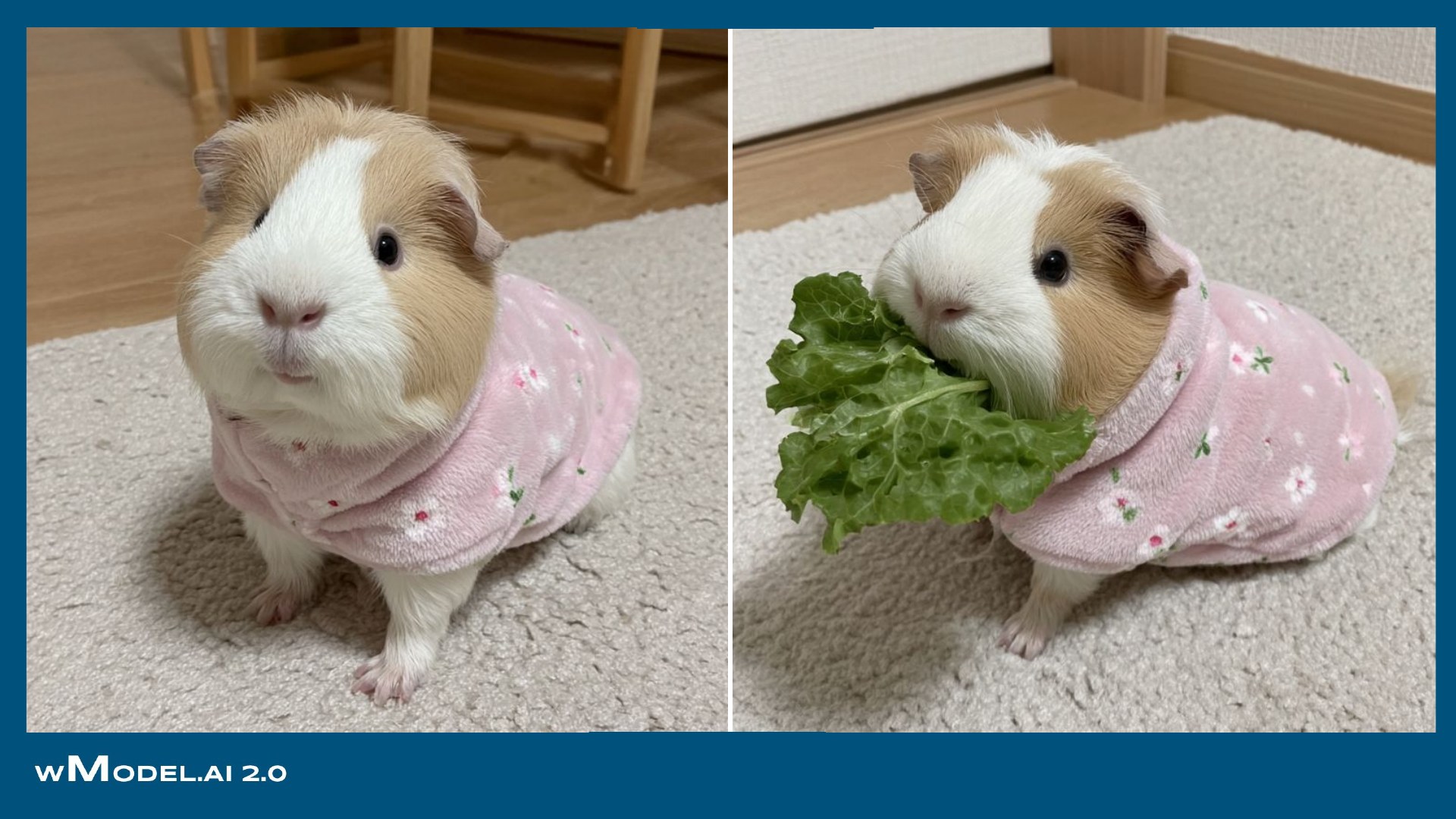
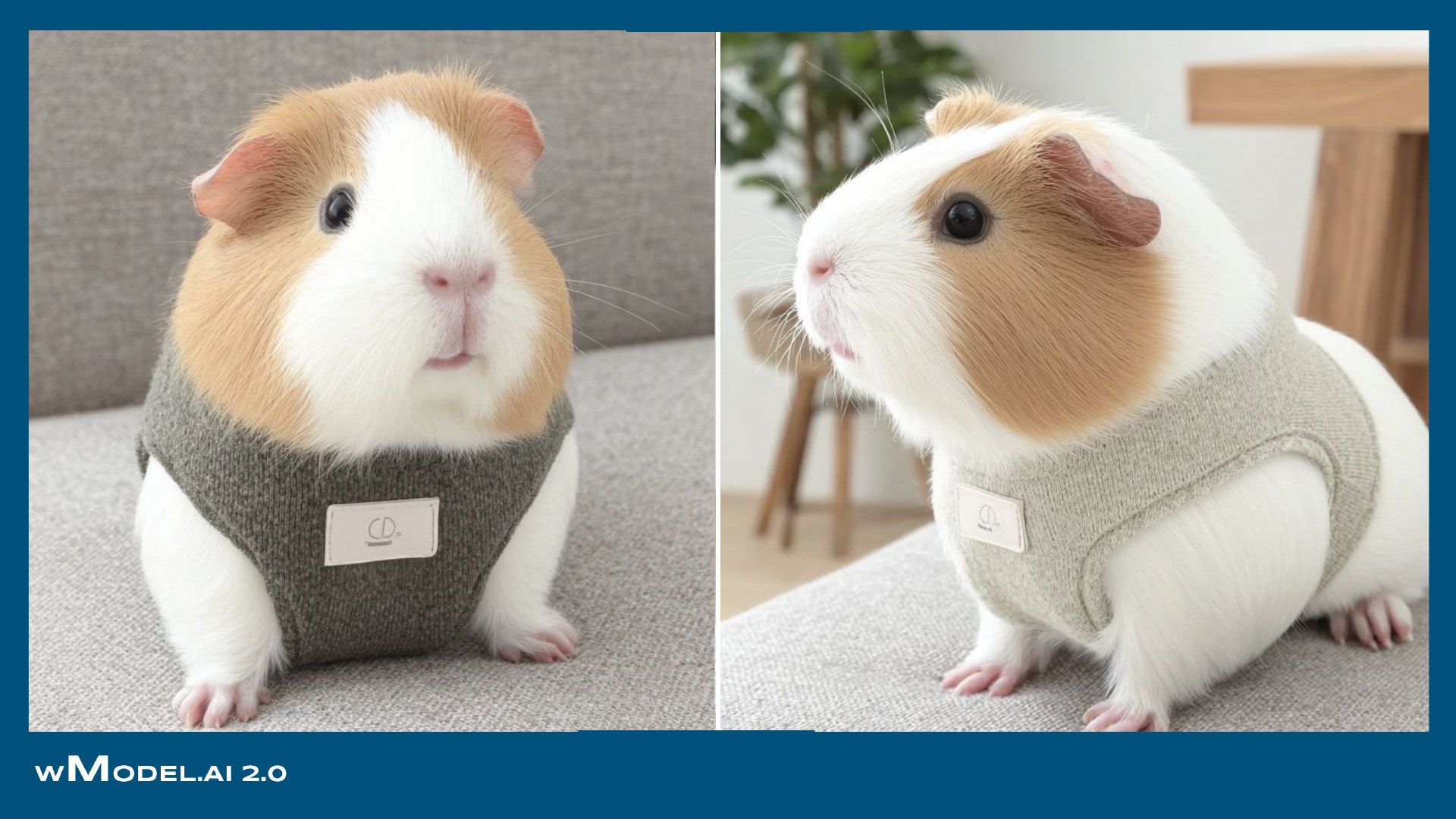
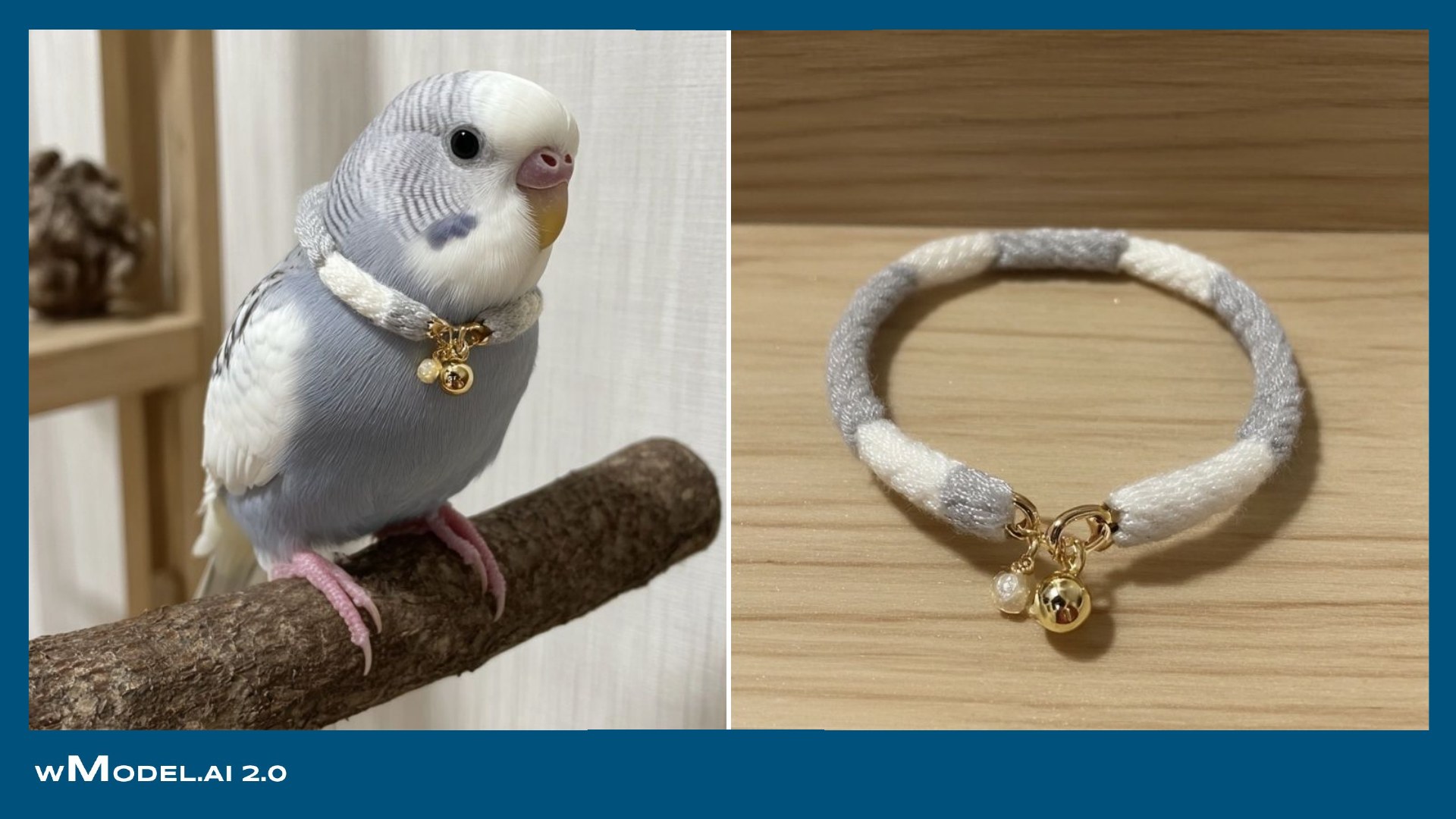
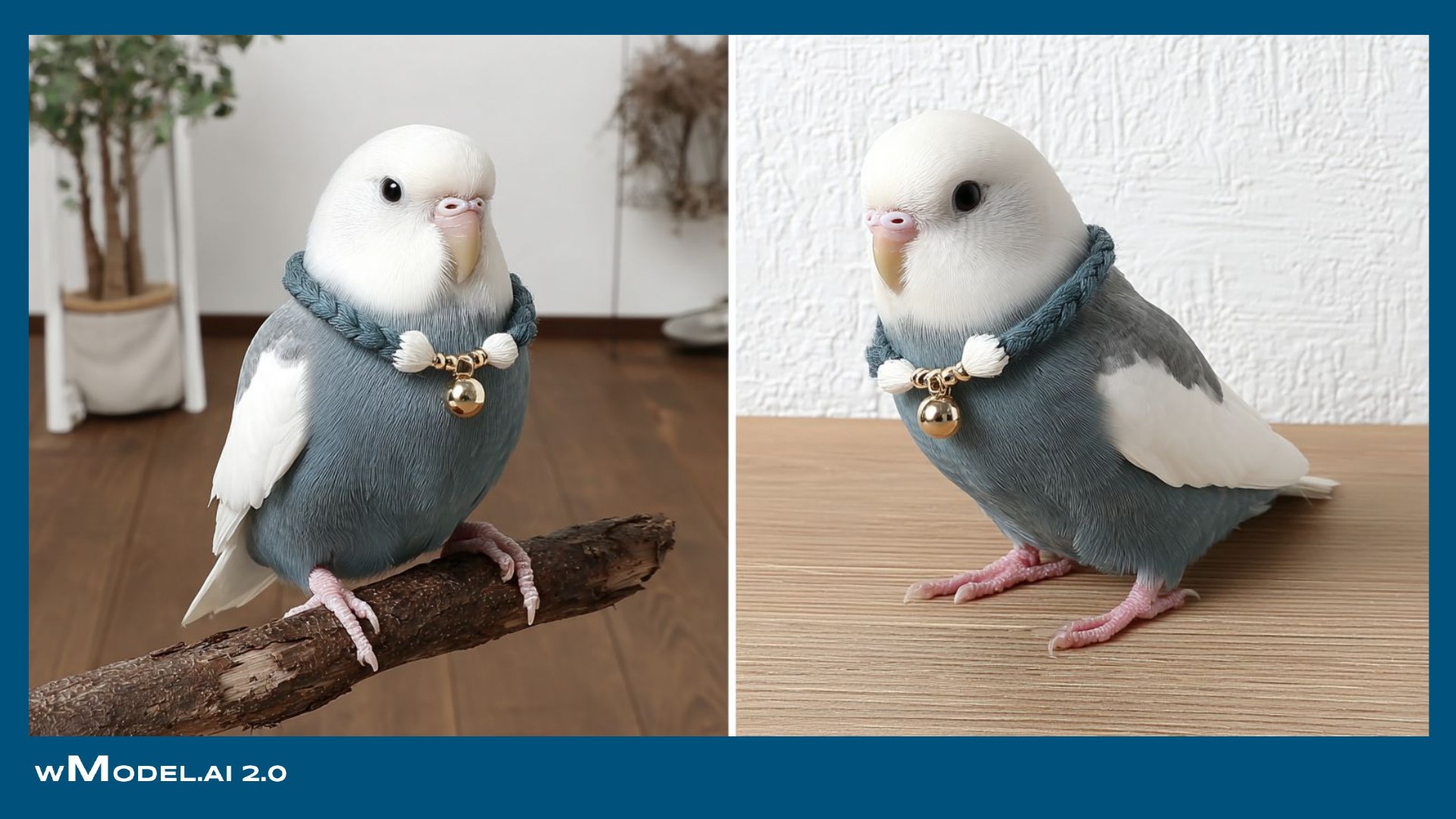
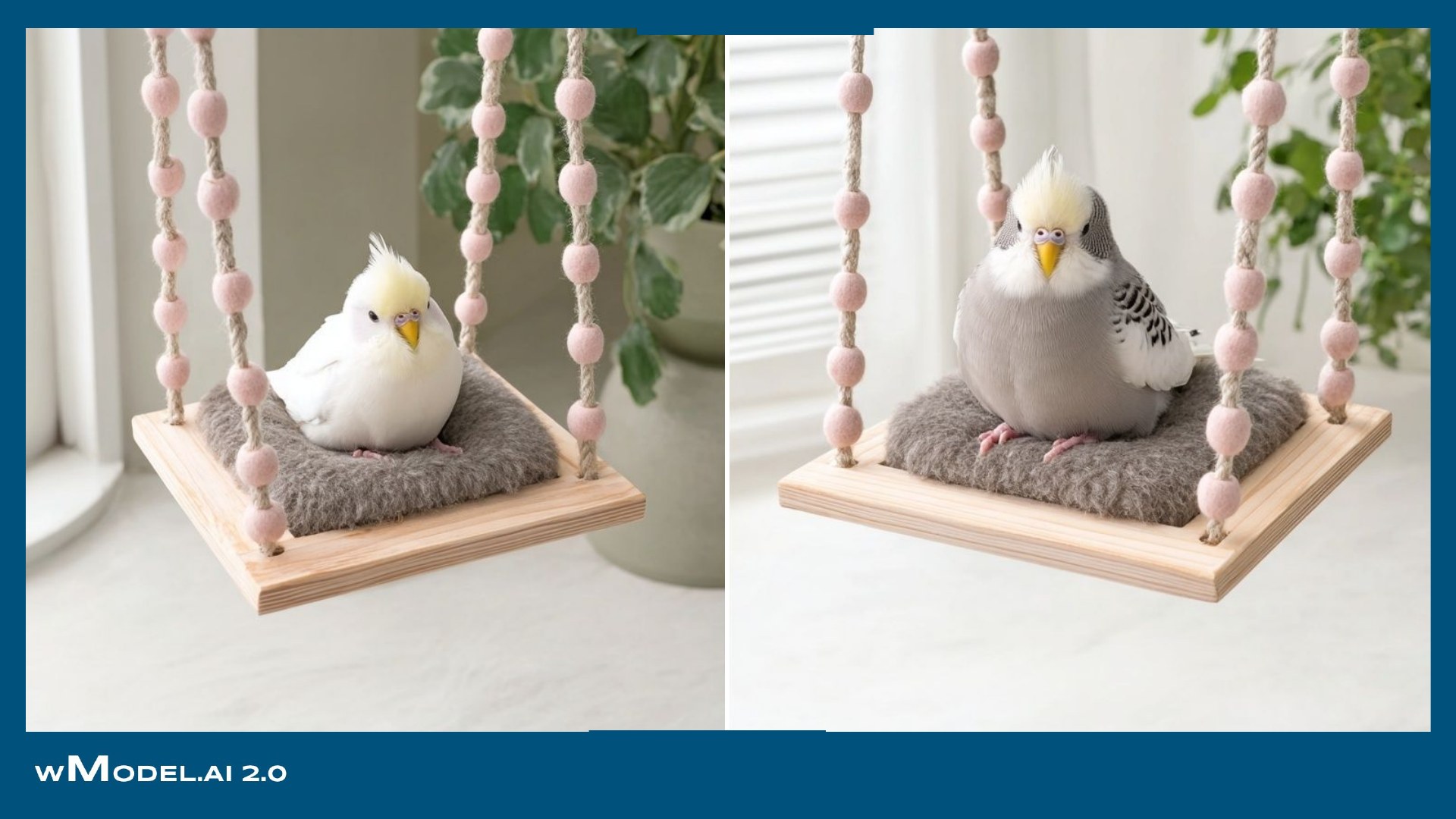
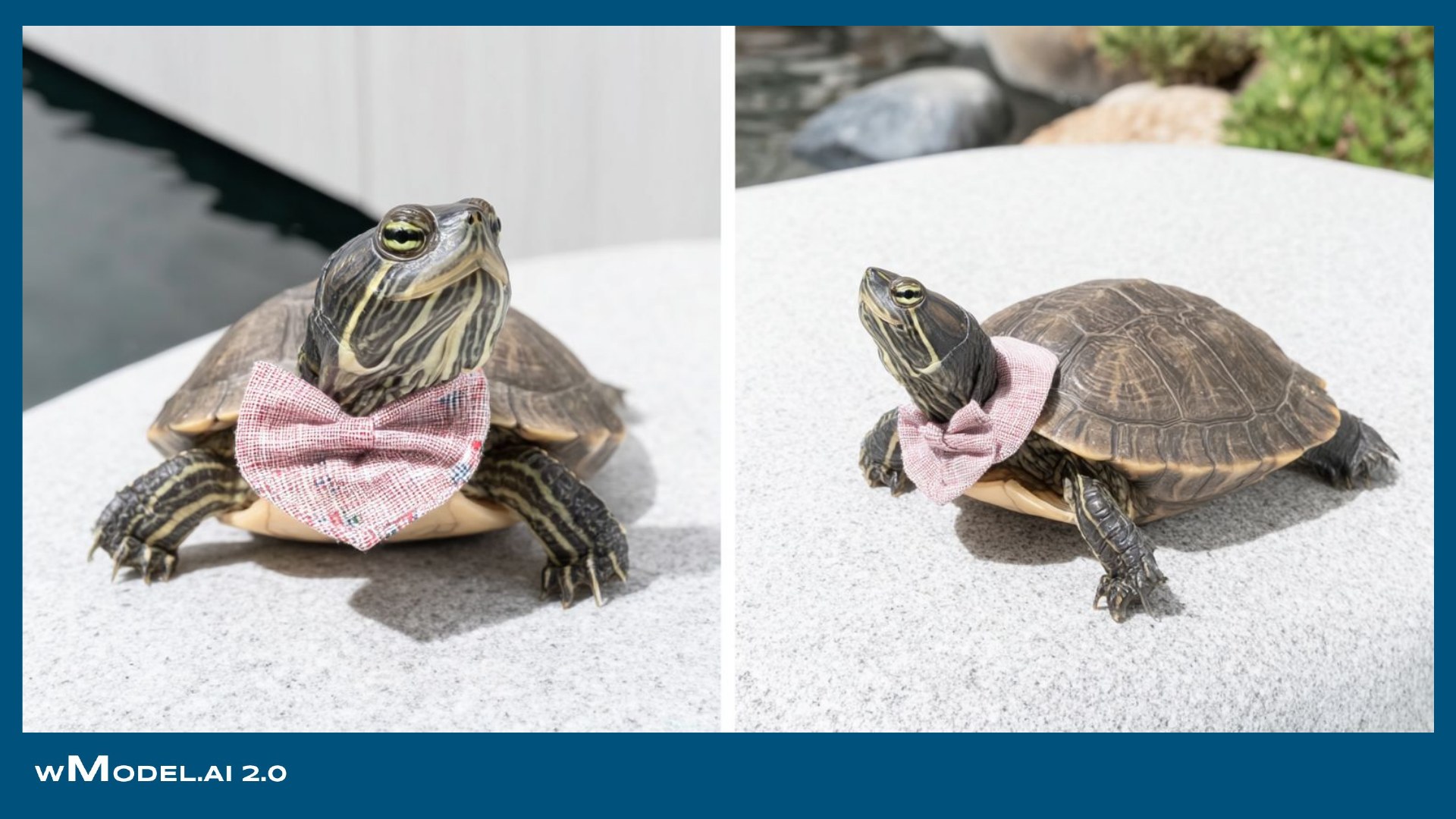
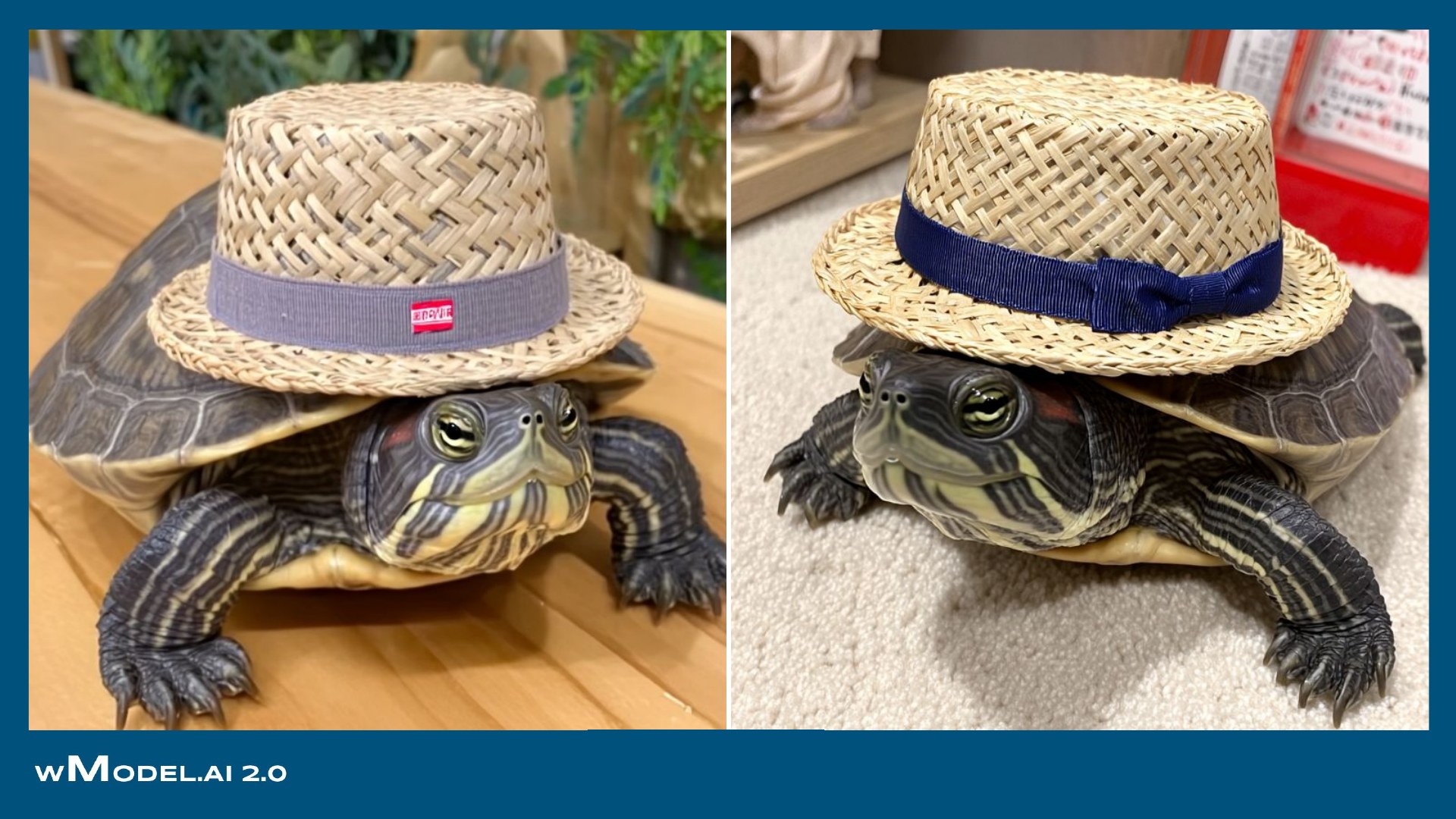
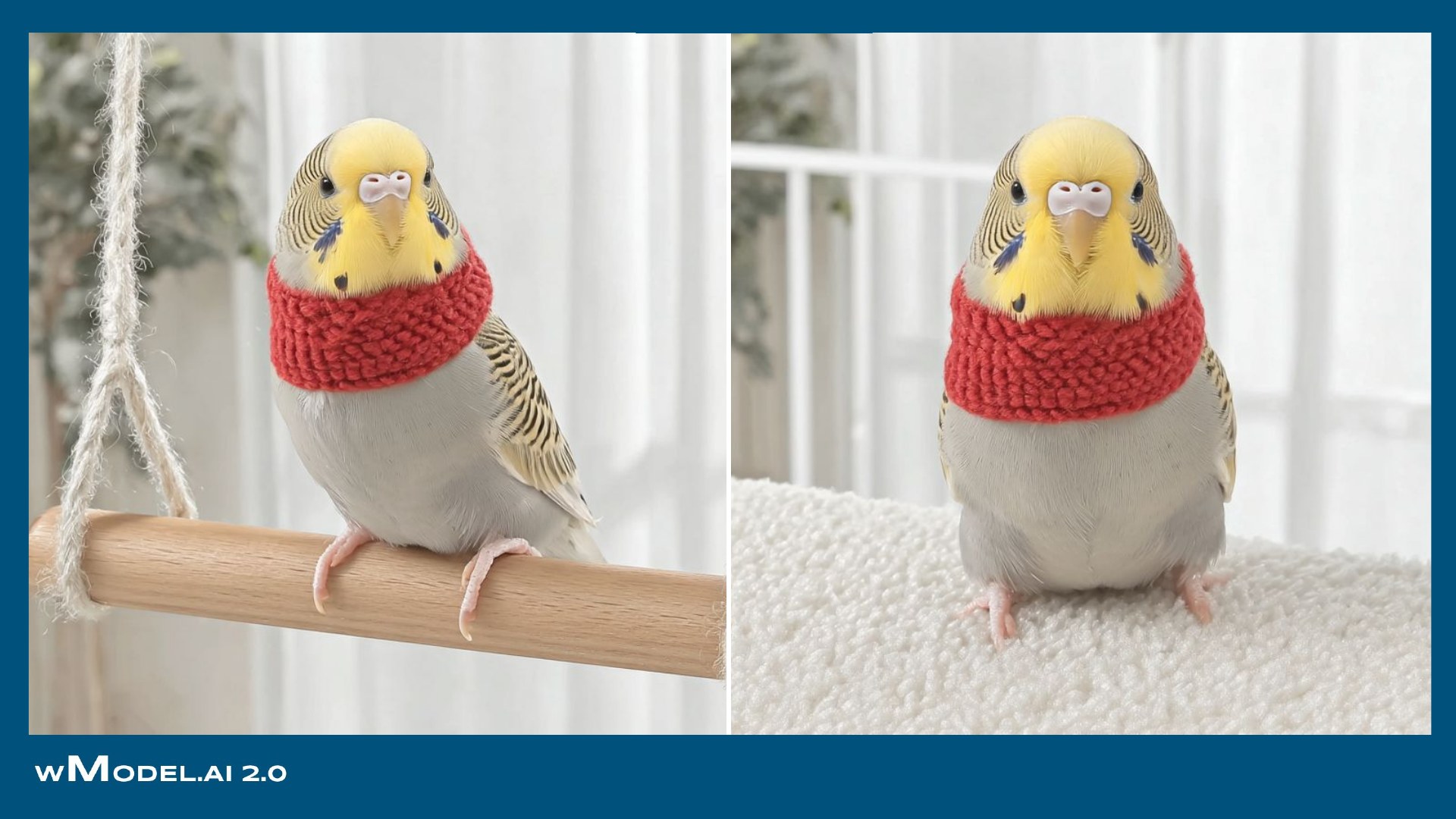
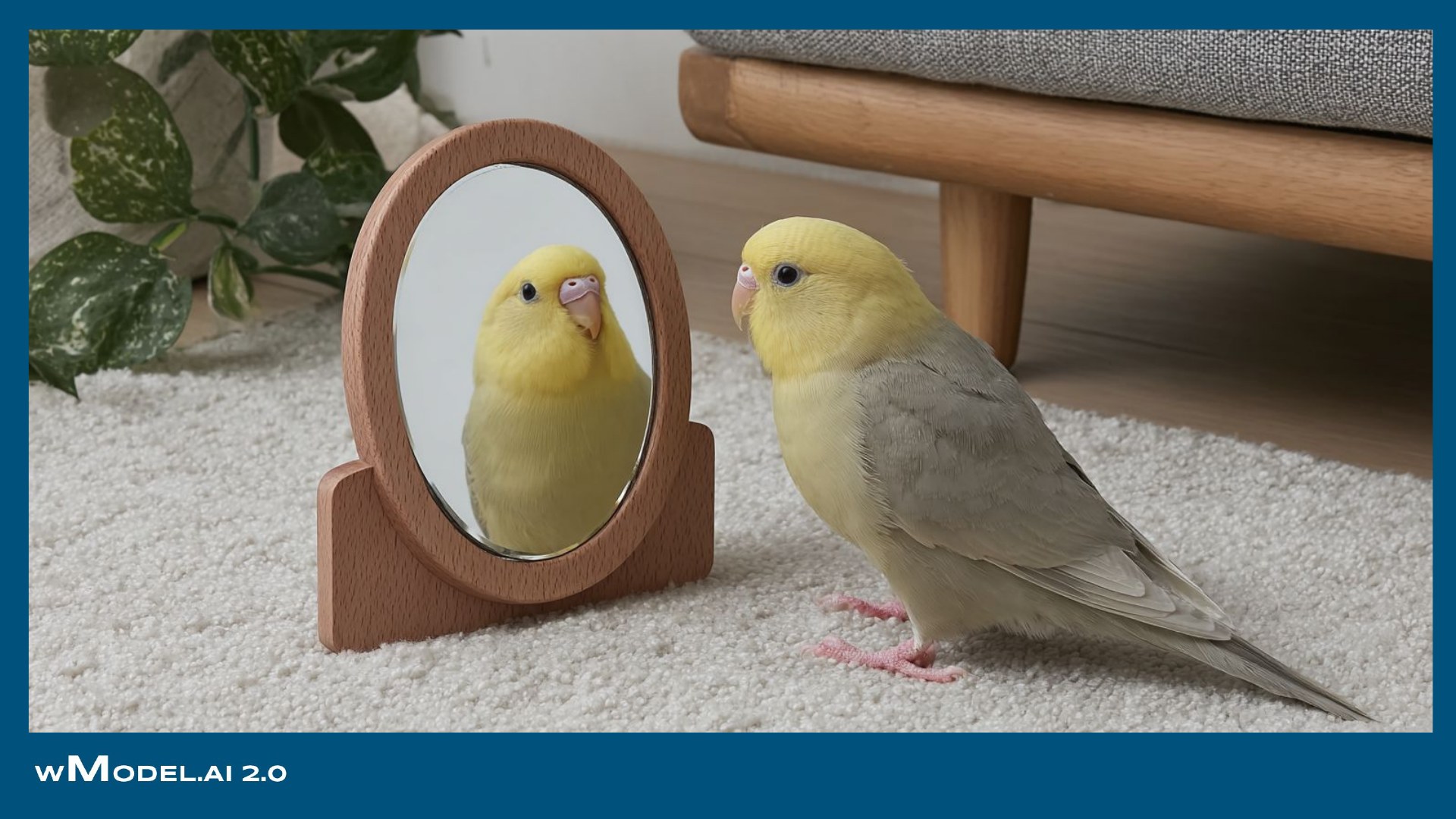
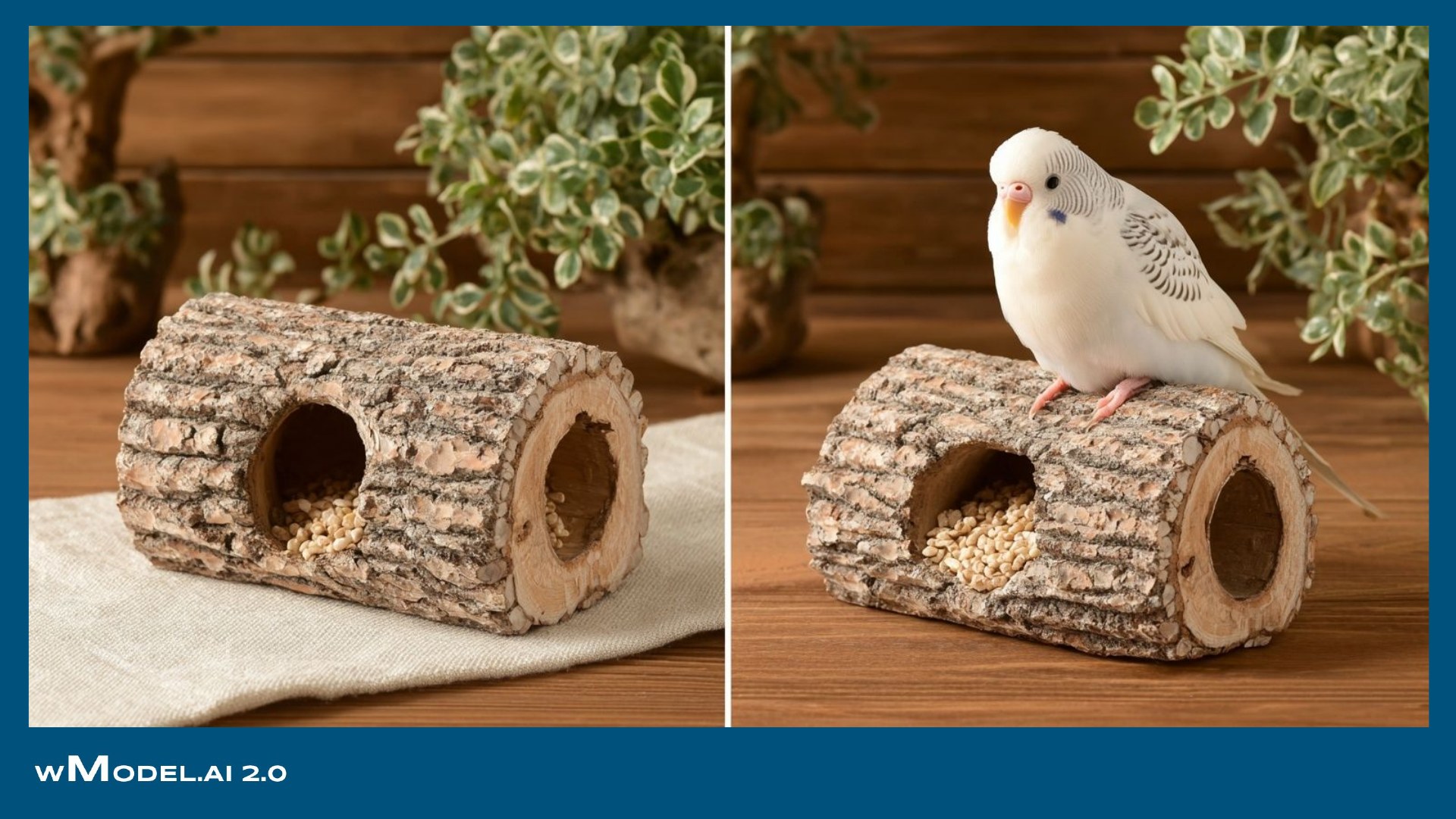

Show animal models using cat houses, dog beds, toys, bird boxes and other pet products. We can also work from a photograph of a specified pet, making the product's size and use easier to picture.
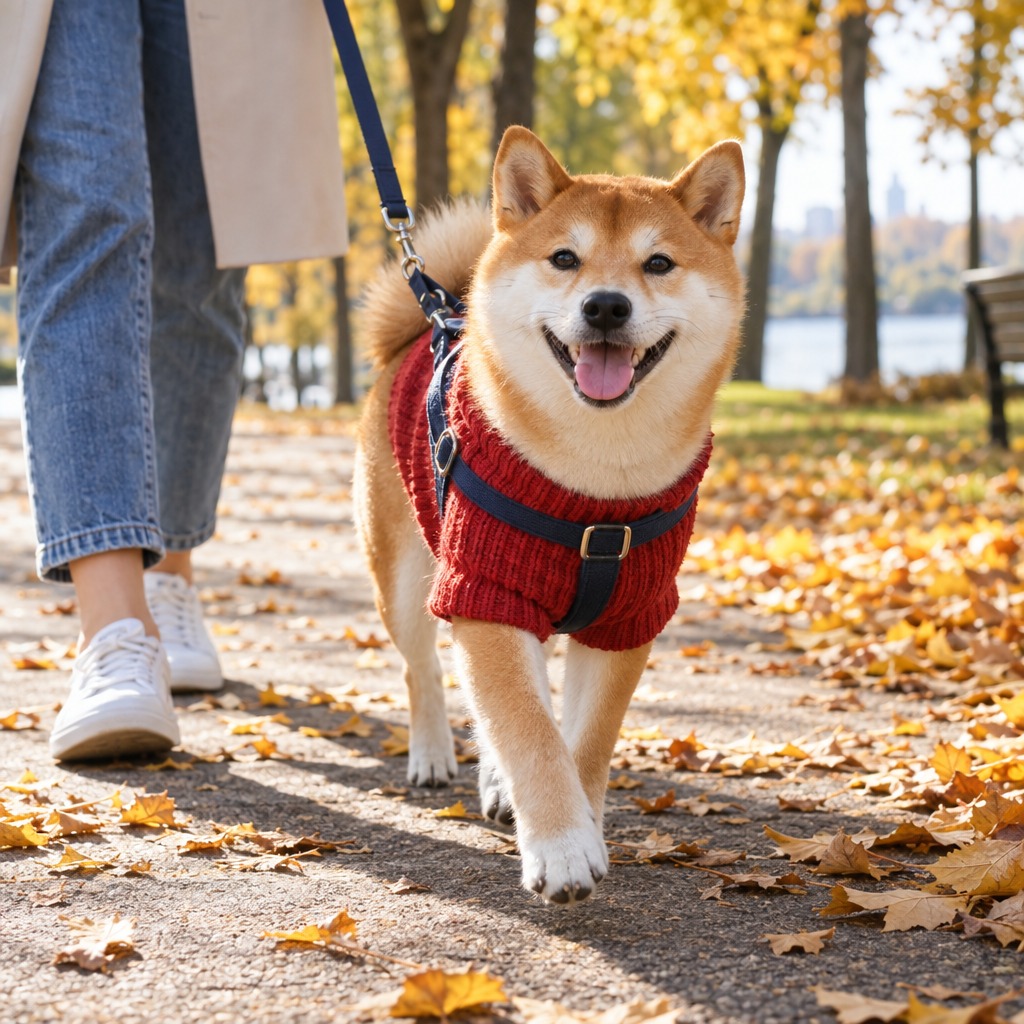
Create images of AI dogs and cats wearing collars, leads, harnesses and pet clothing. Realistic on-animal views help communicate fit, scale and the wearing experience.
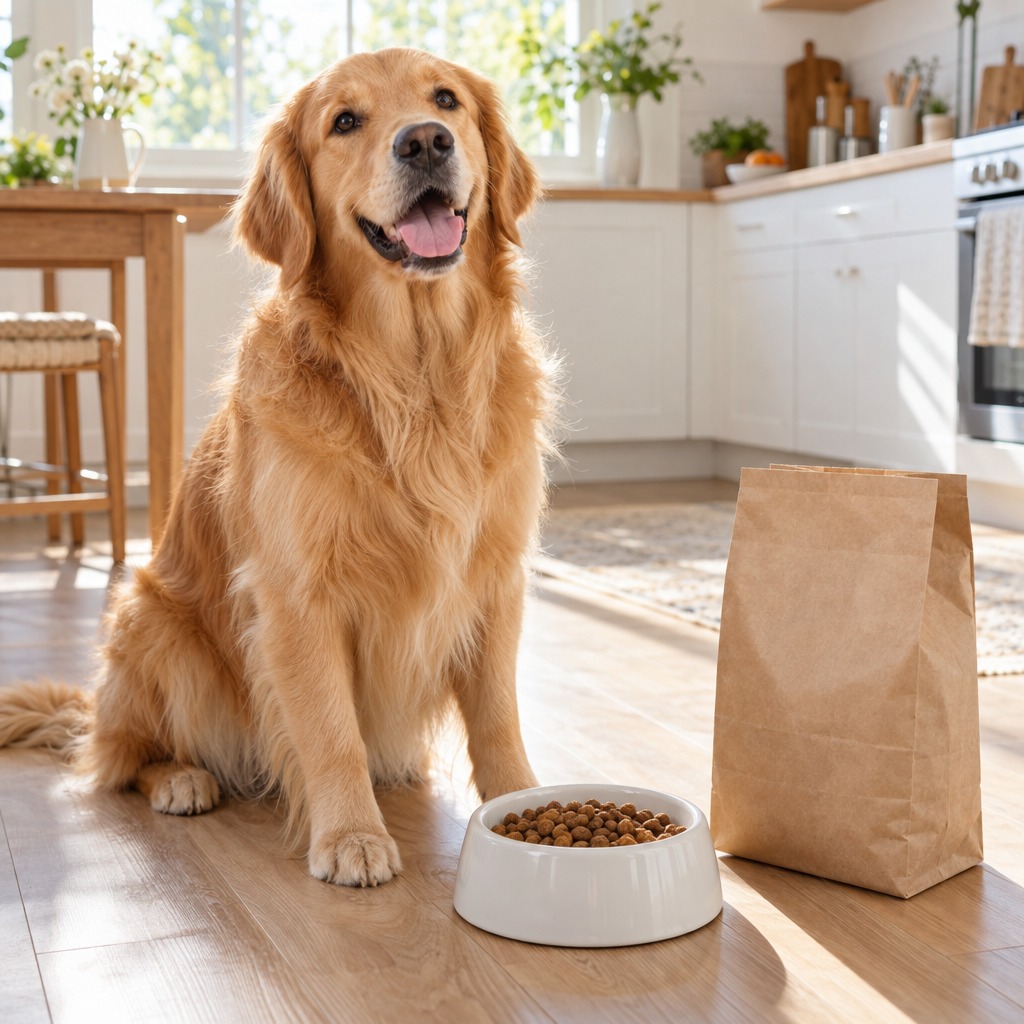
Present dog food, cat food and treats in appealing feeding scenes, from large dogs to cats, birds and guinea pigs. Go beyond the package image to show enjoyment and build a reassuring brand impression.
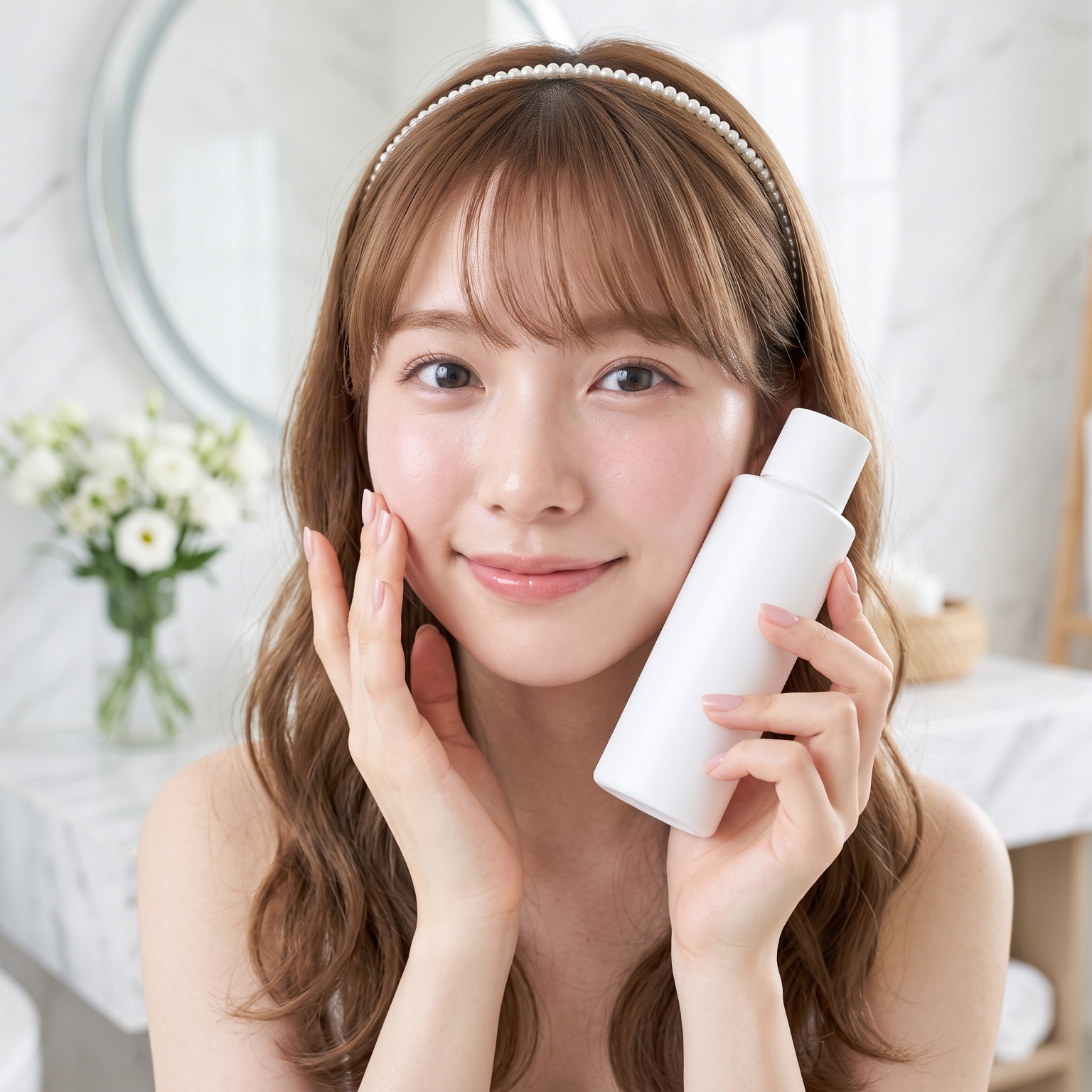
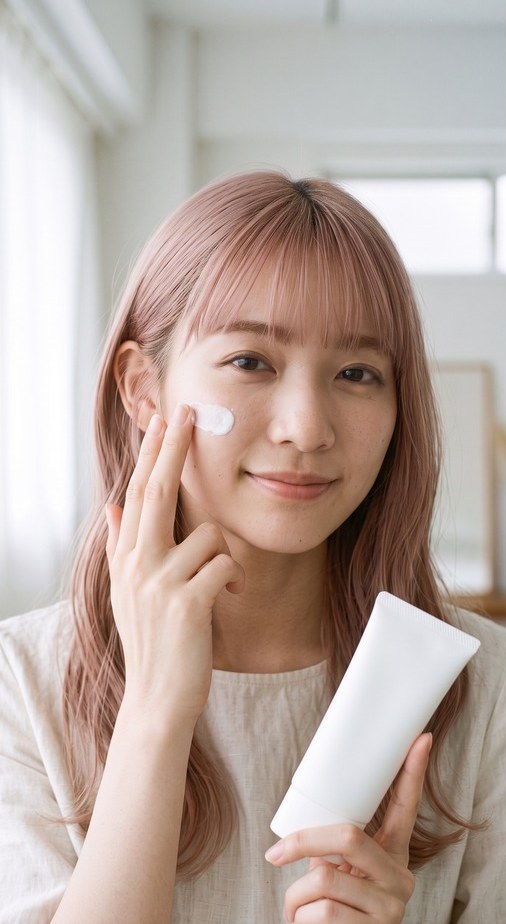
Turn one cosmetics or skincare product image into an advertising visual with an AI model holding the product. Lighting and skin texture are finished for a photographic look, creating brand-led key visuals for website heroes, online stores and banner ads.
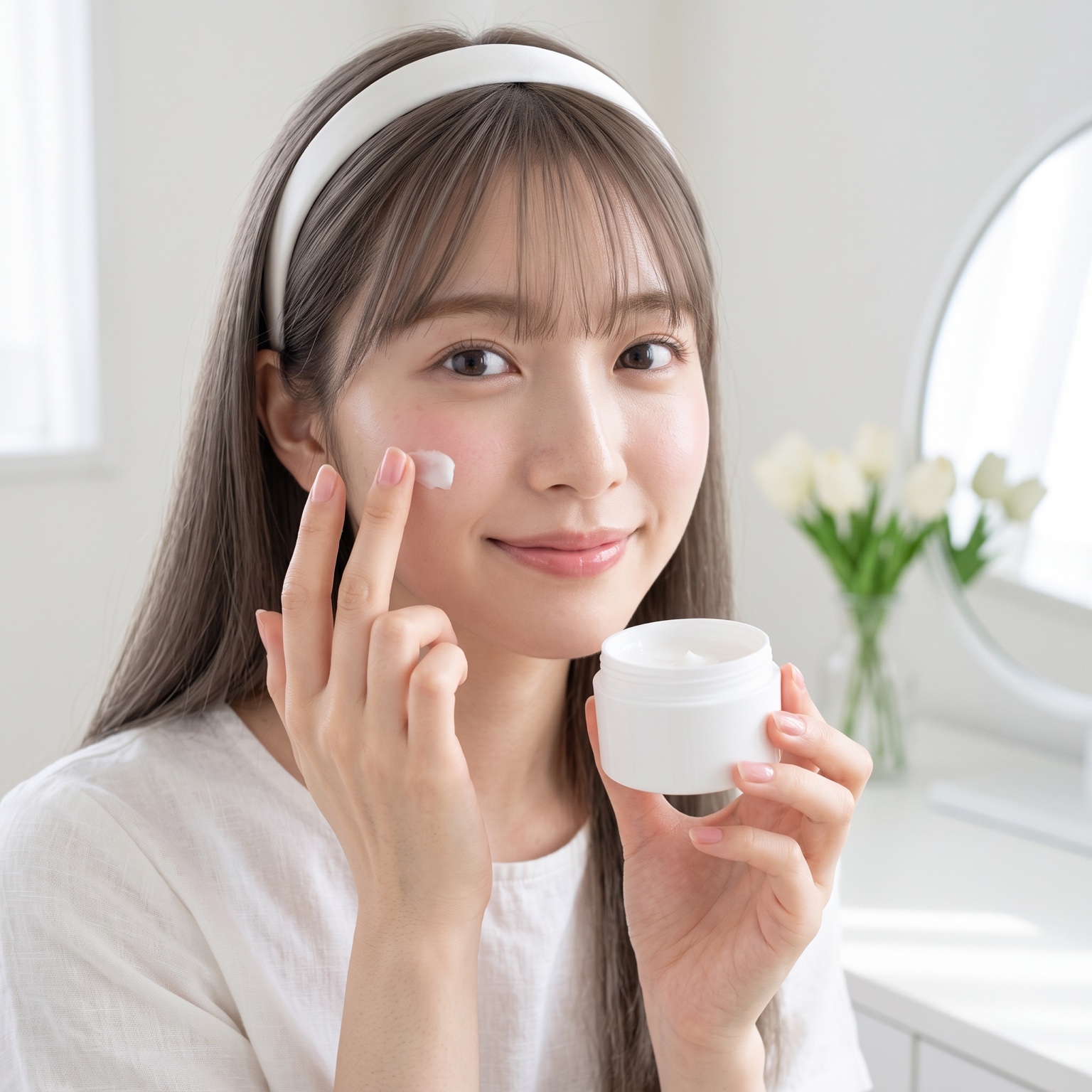
Show cream being worked into the skin or a drop of serum being applied. AI-model usage scenes make texture and application easy to understand and give product pages a more convincing demonstration.
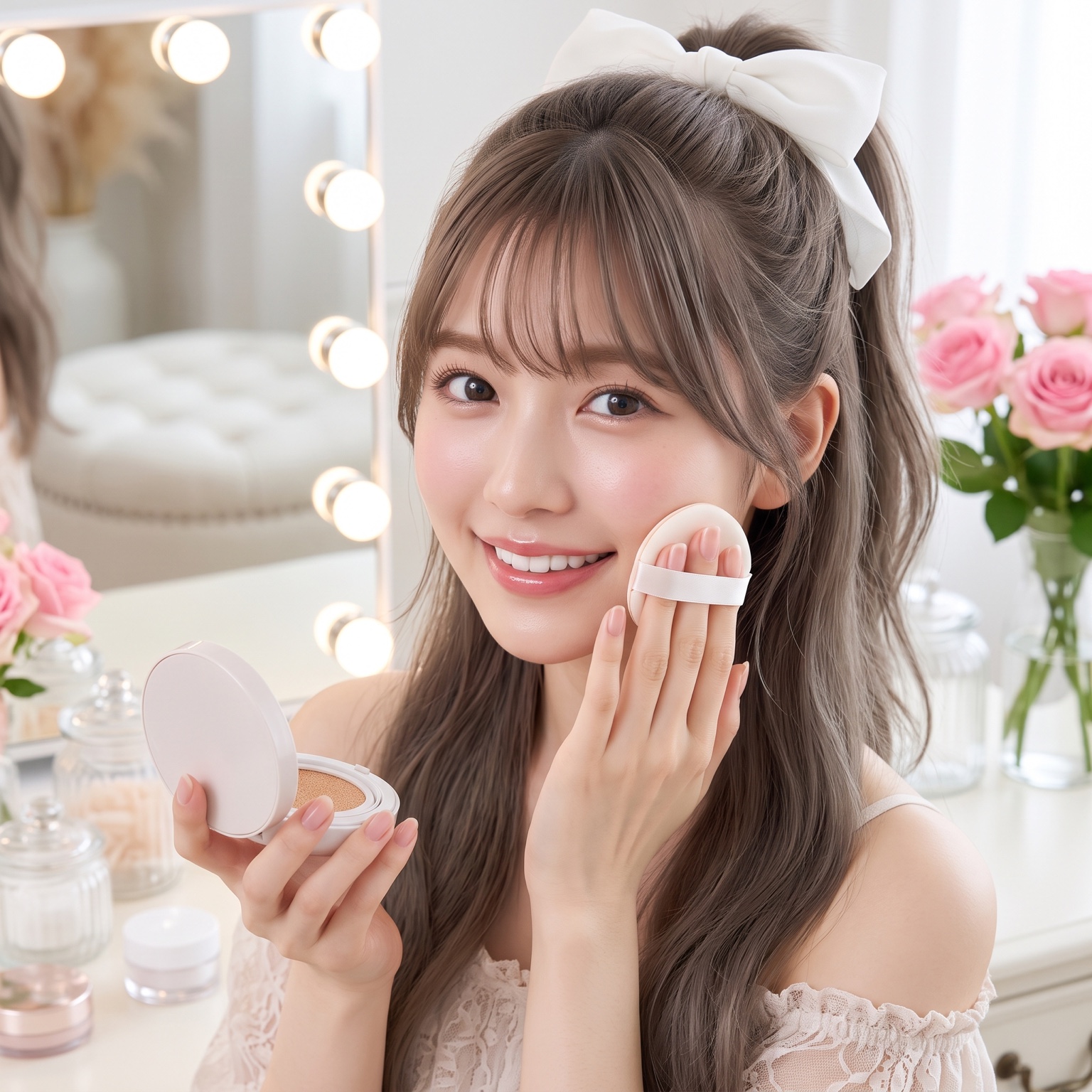
Create natural lifestyle scenes at a morning dressing table or beside a window. Build a consistent set of everyday images for social media and product pages.

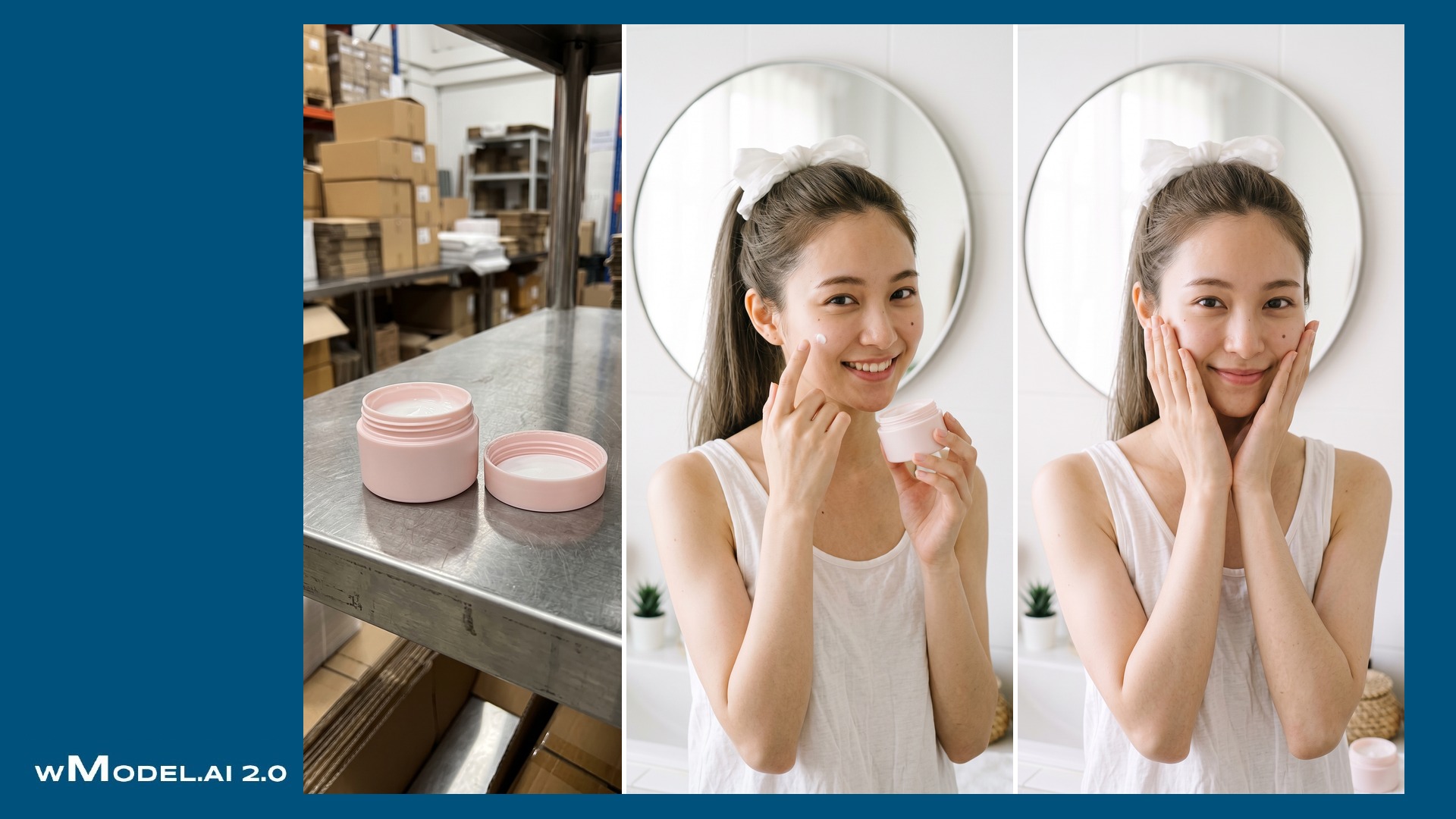
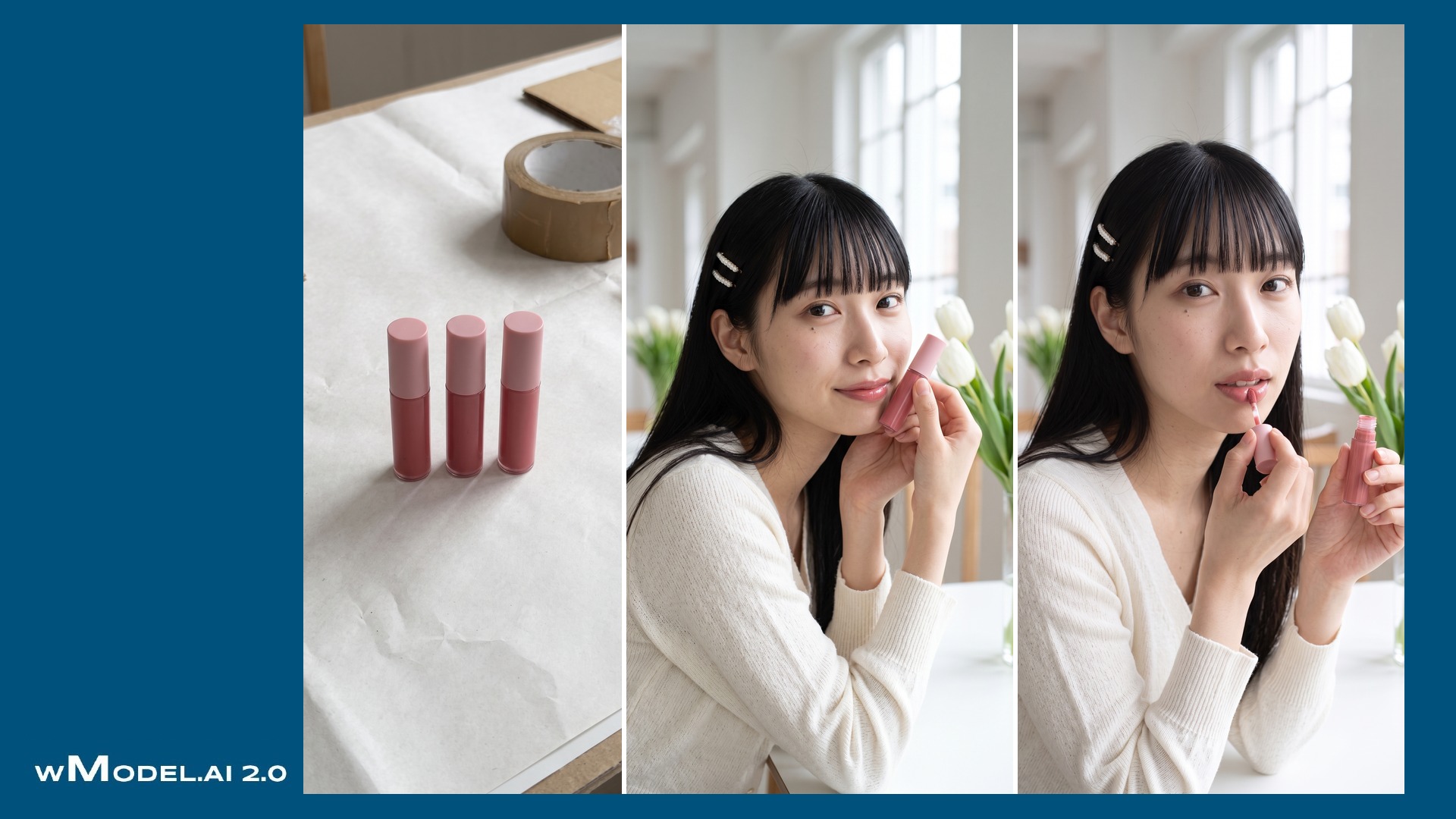
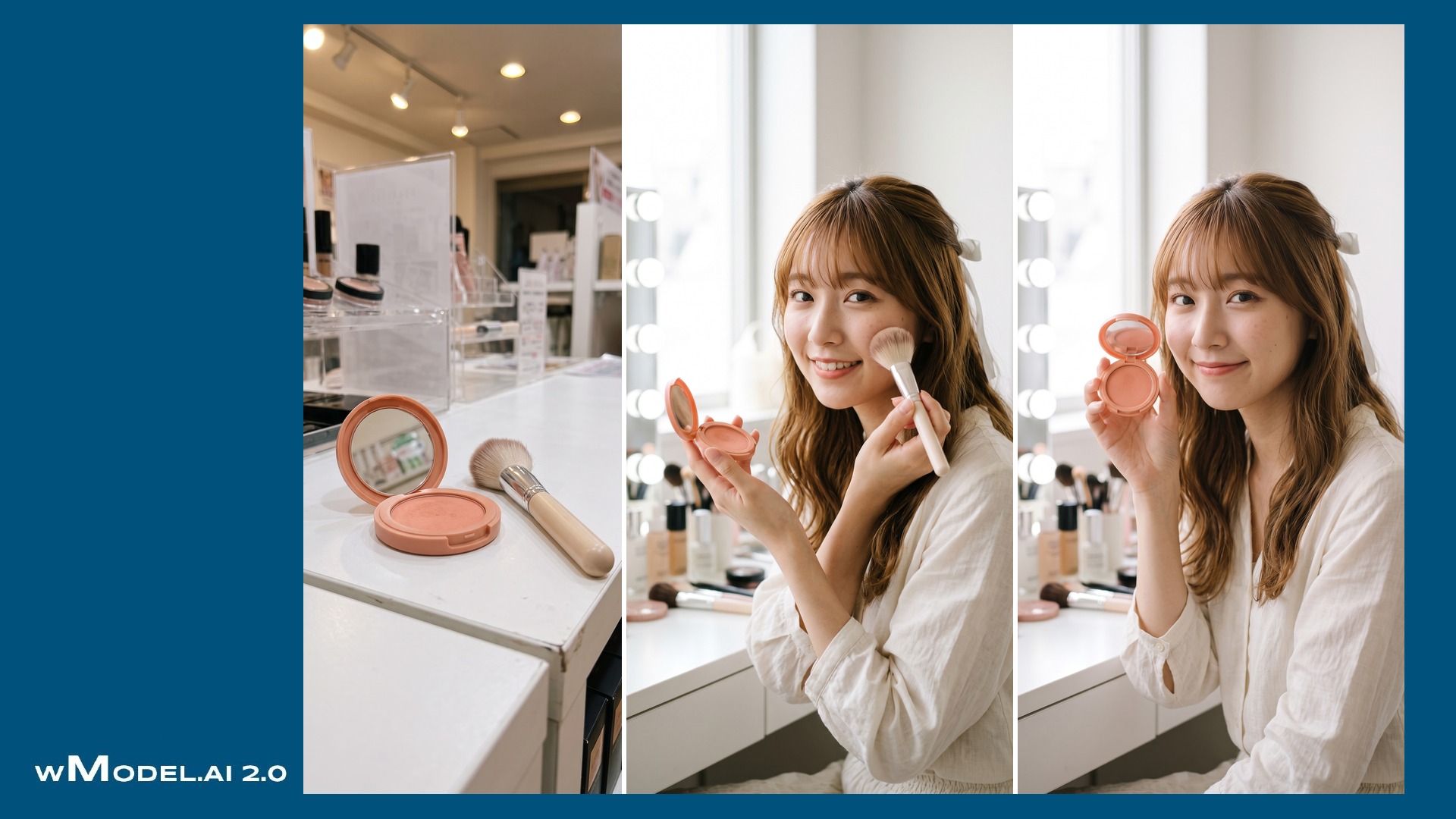
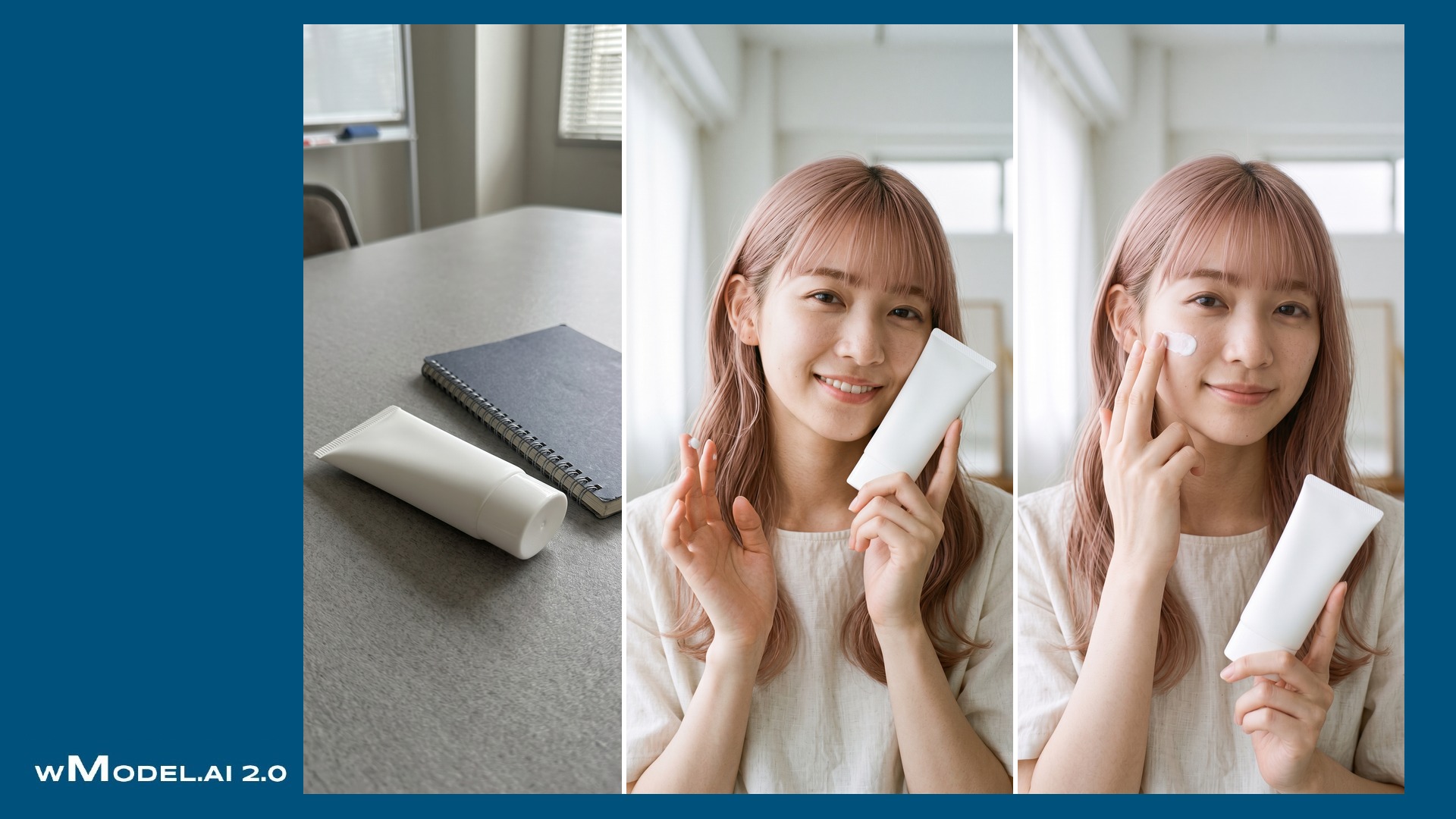

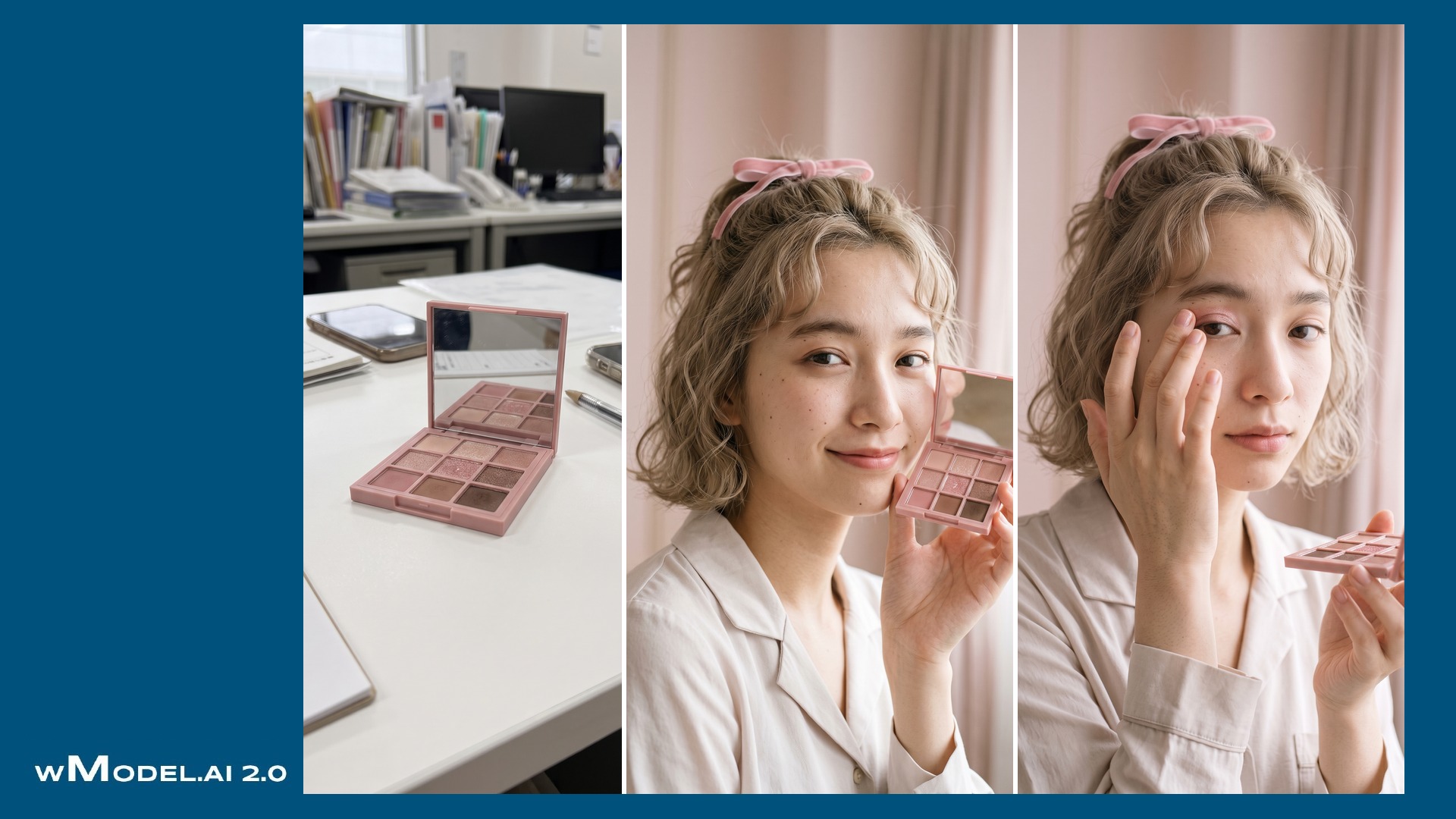
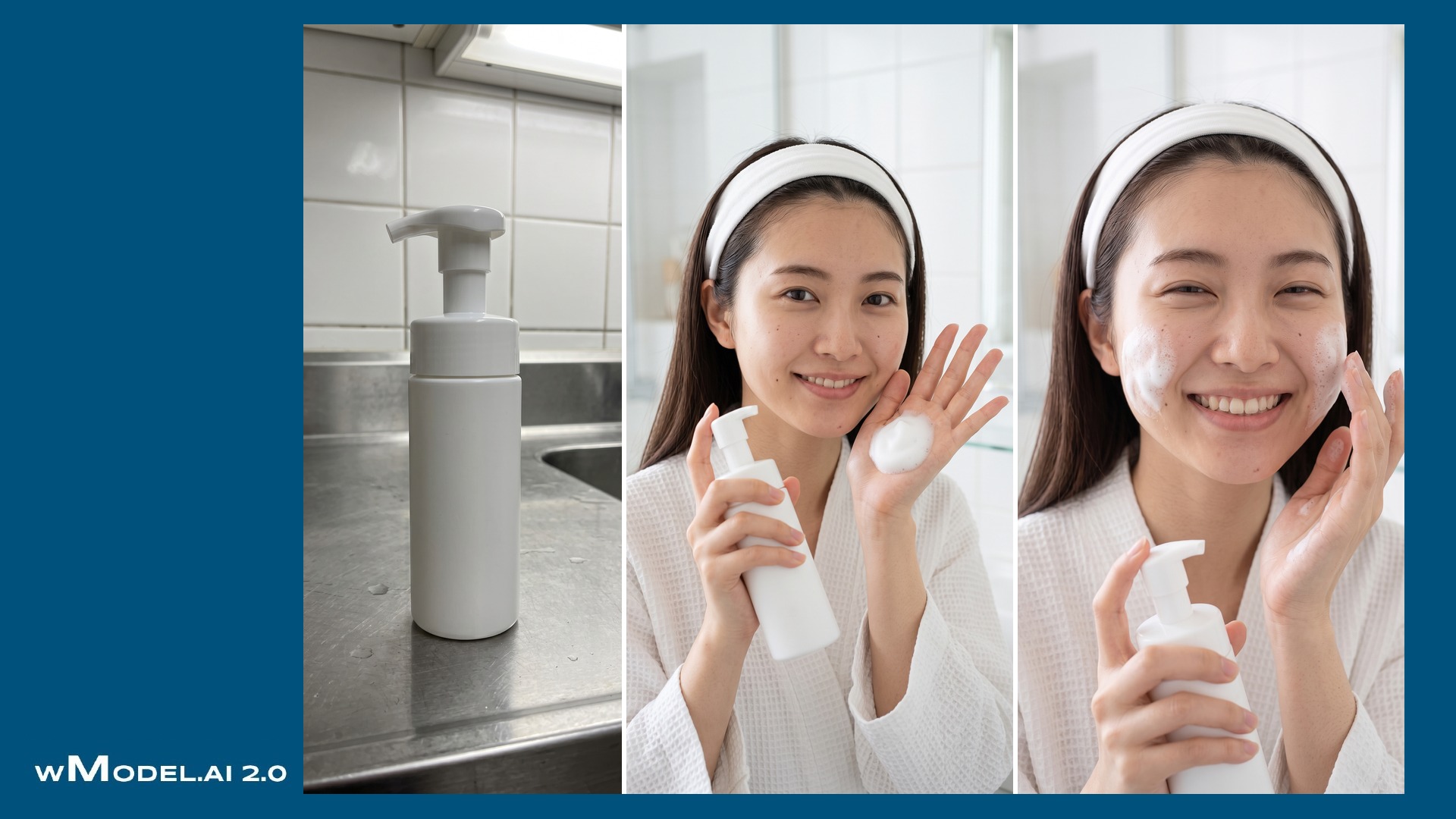
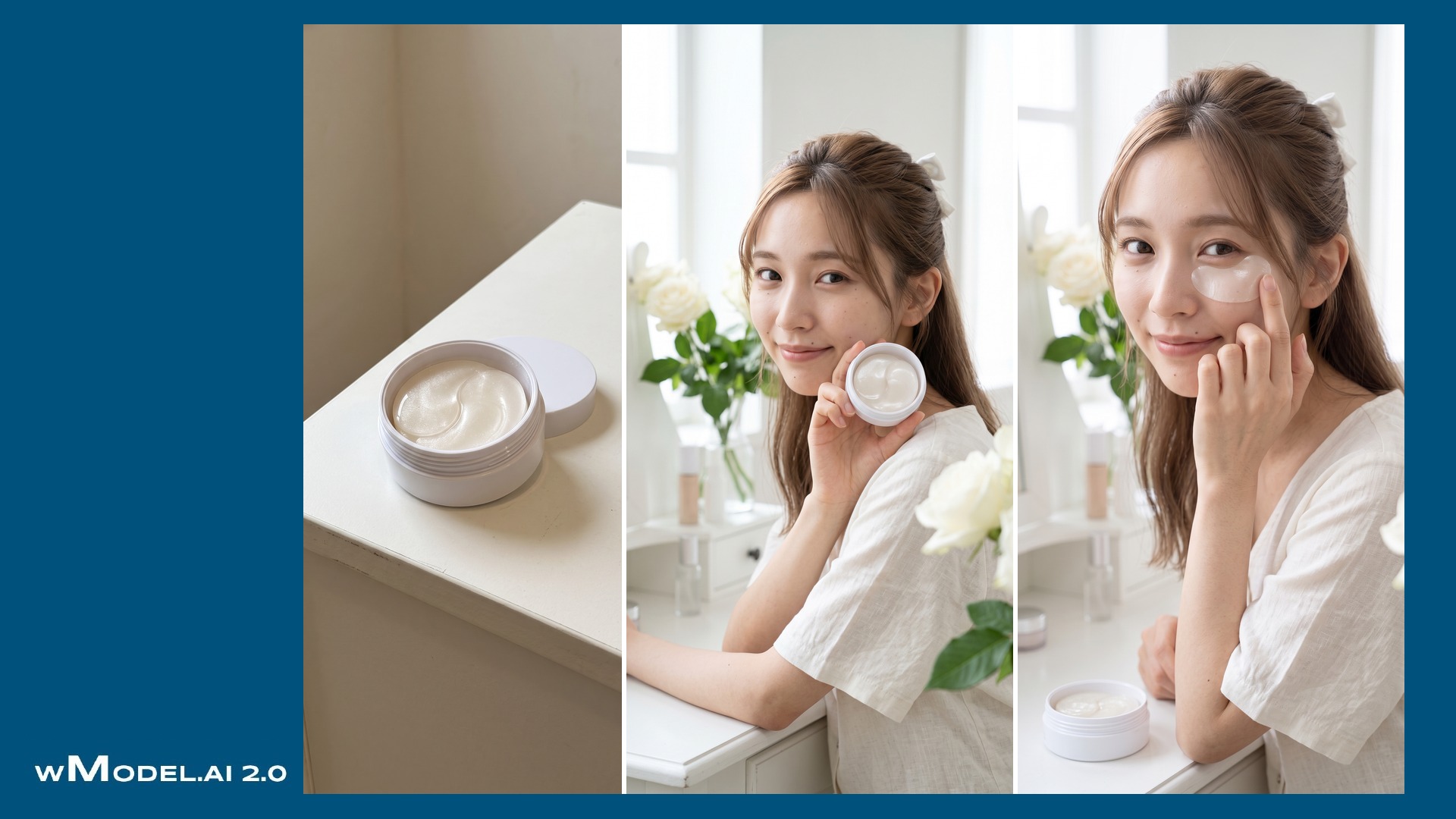


A product image and a photograph of you—or an AI-generated model—can become a promotional image showing the product in use. A surfboard photo and a portrait, for example, can become a scene of you riding a wave.
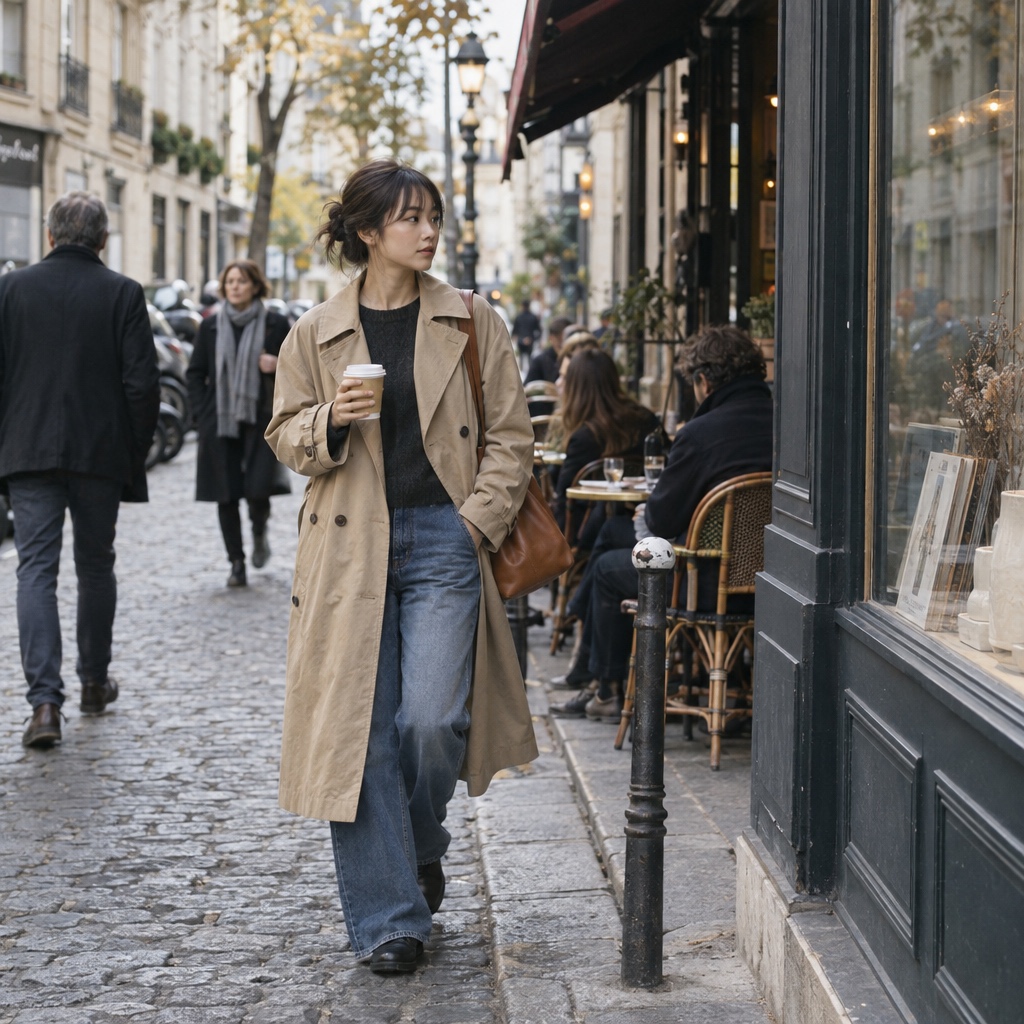
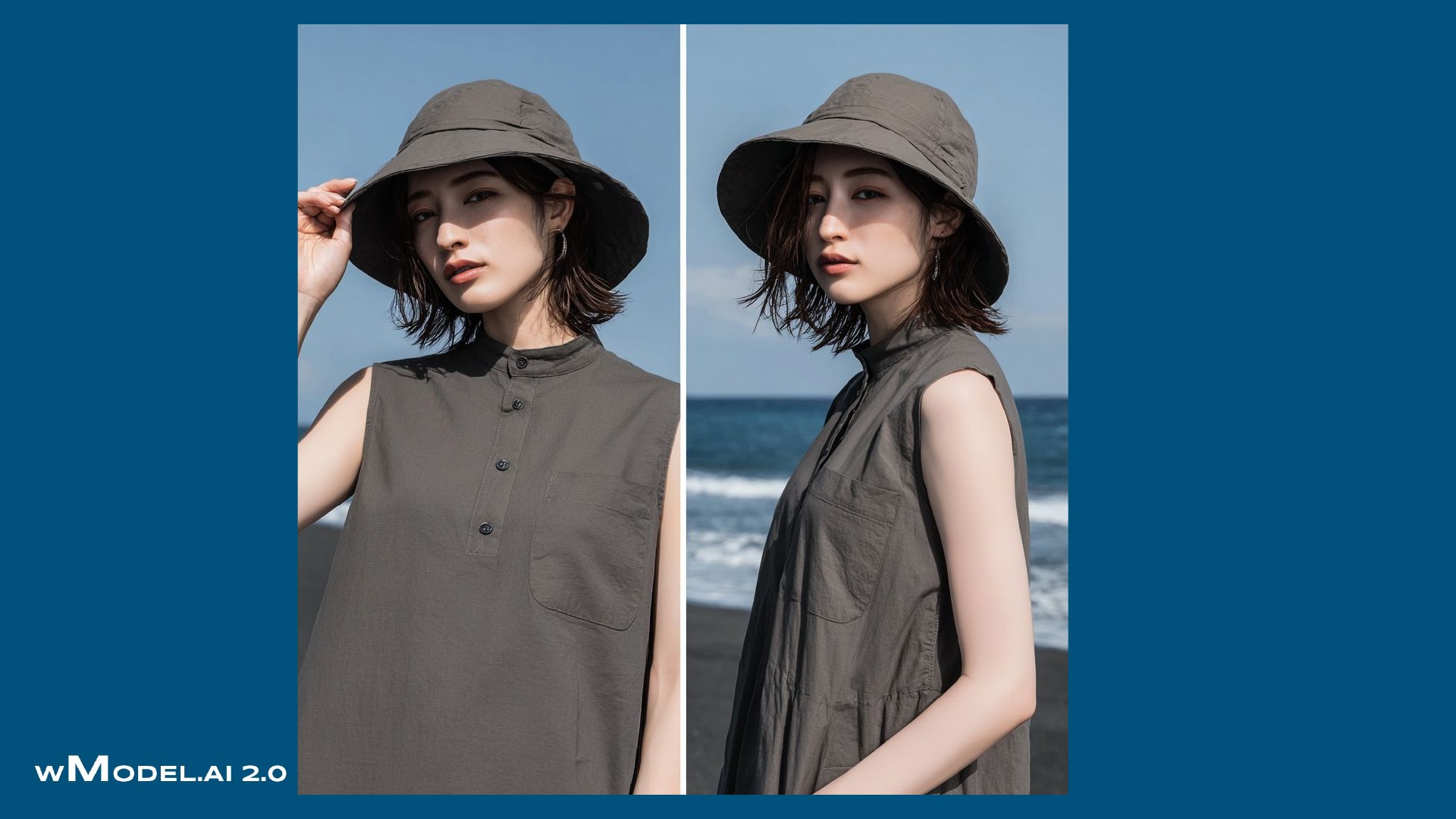
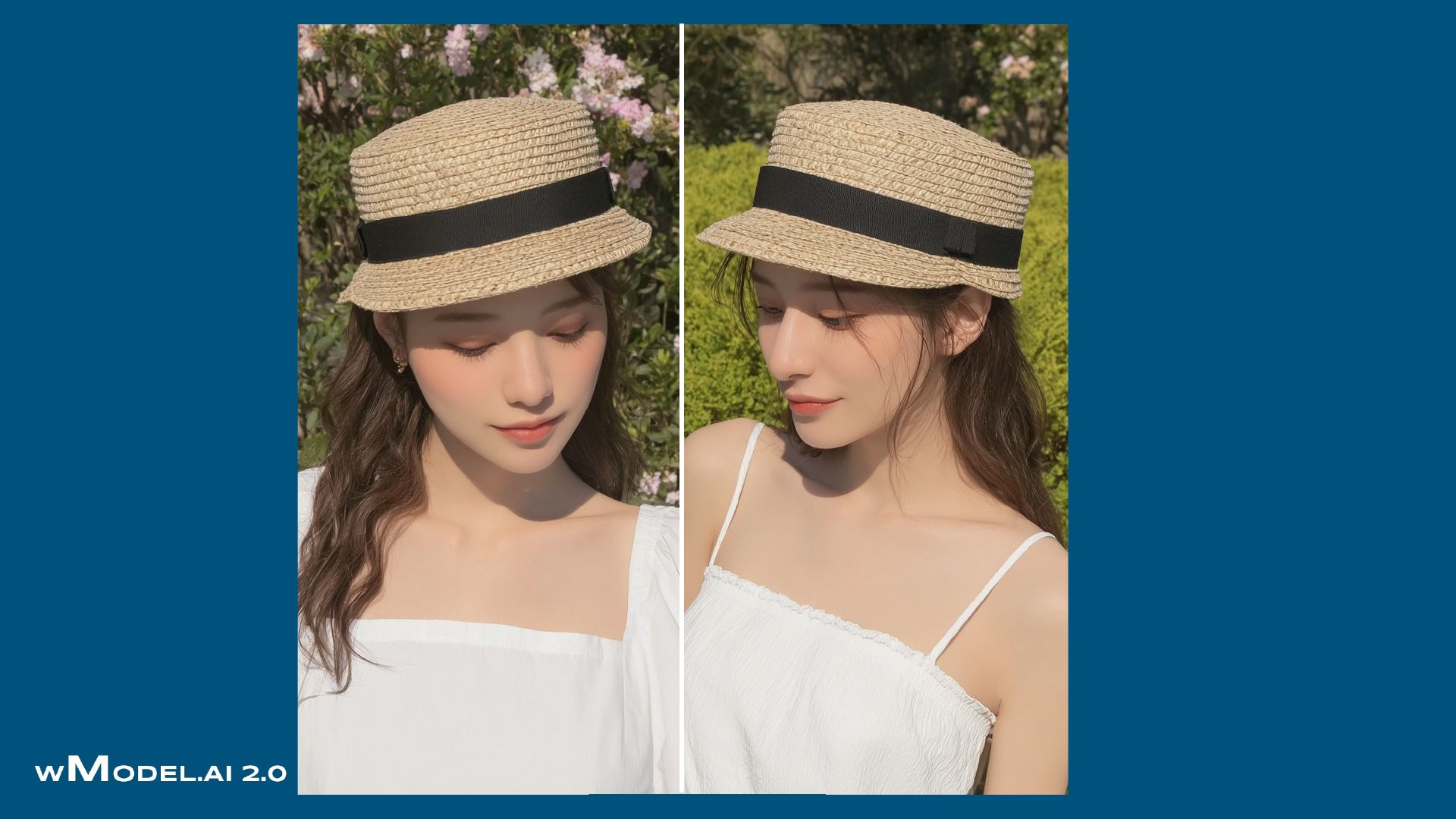
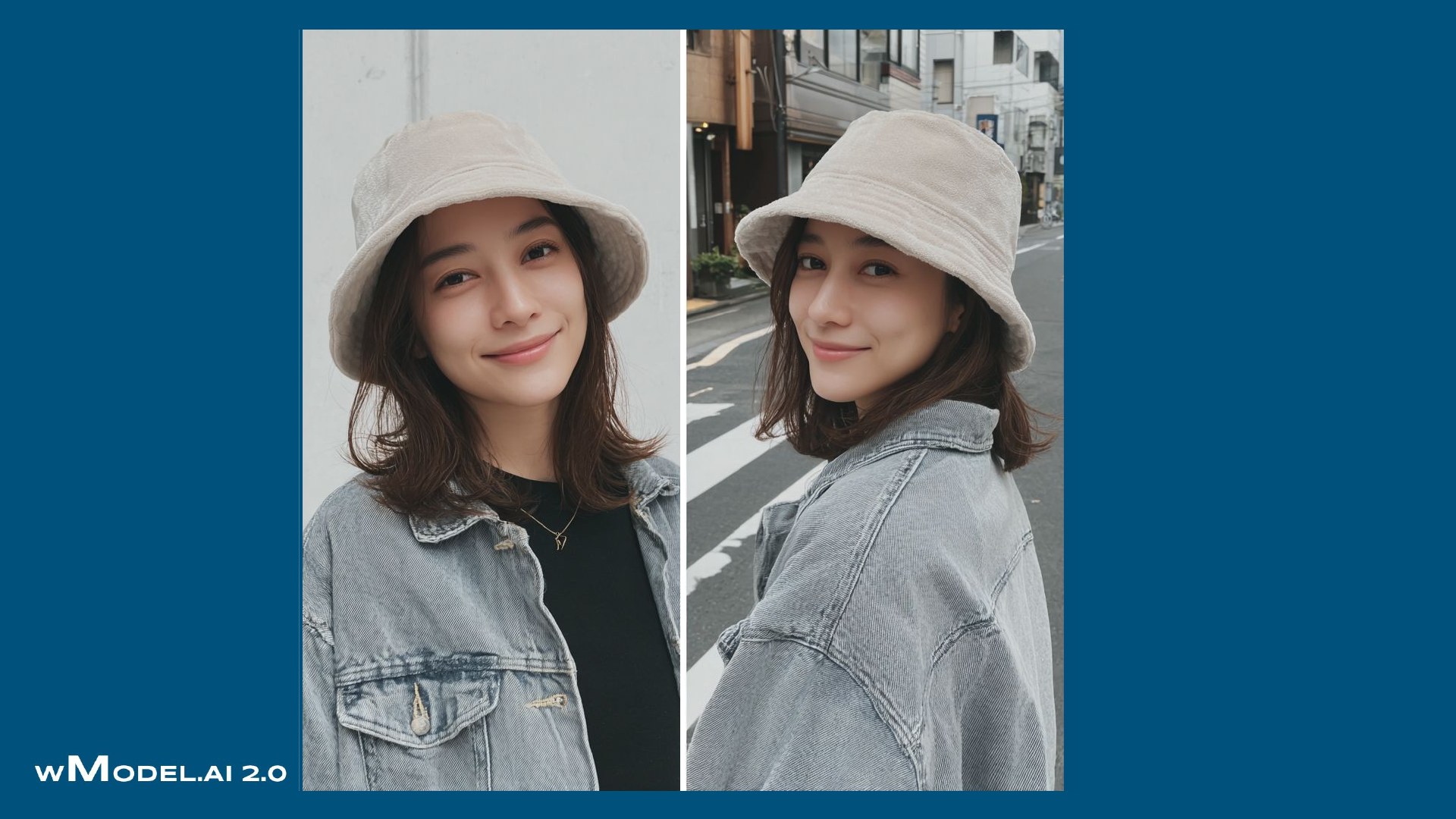
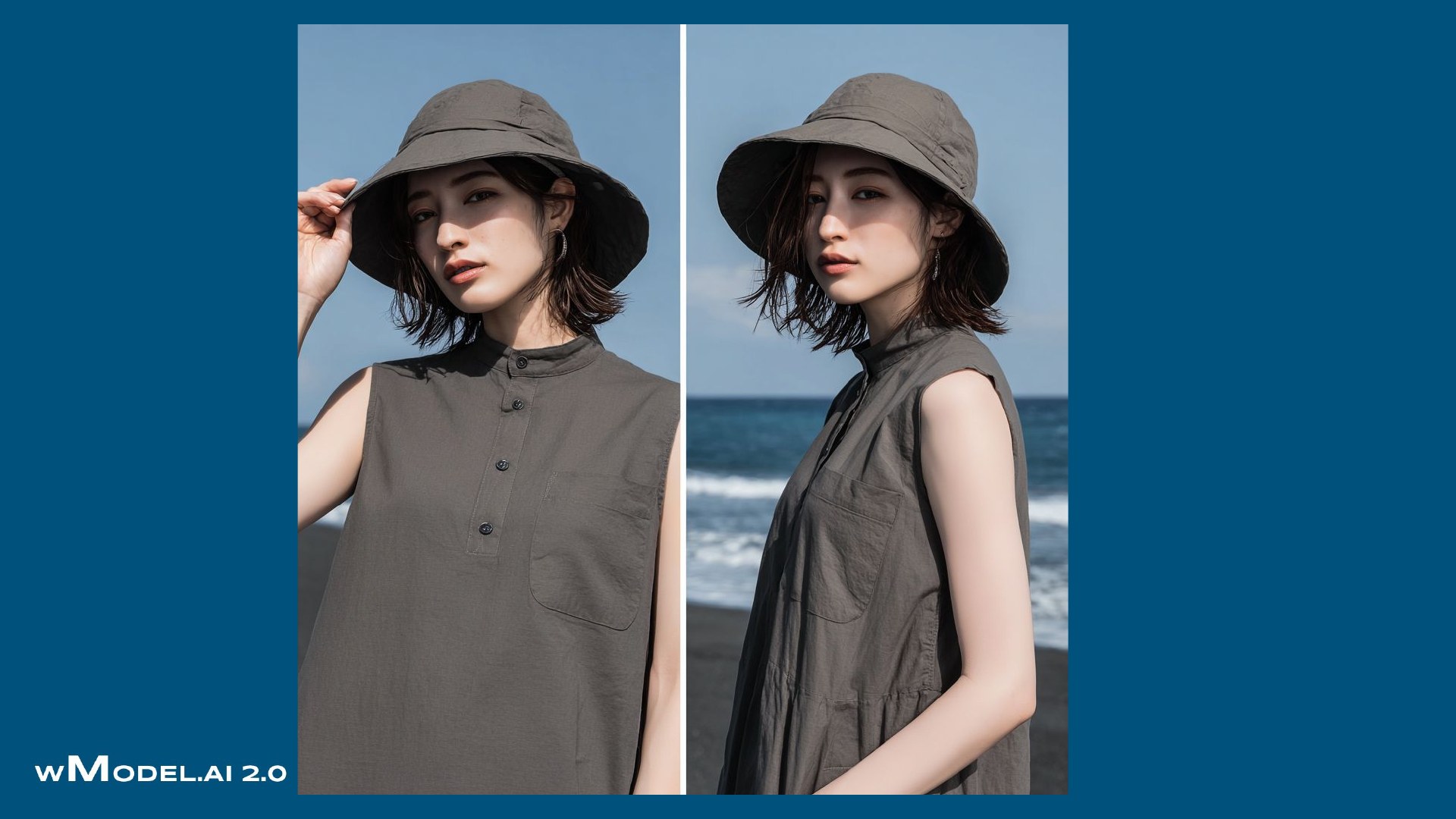
Show yourself or an AI model wearing your clothing and bags. Café terraces, city streets and other engaging settings help create social posts with an influencer-style presentation.
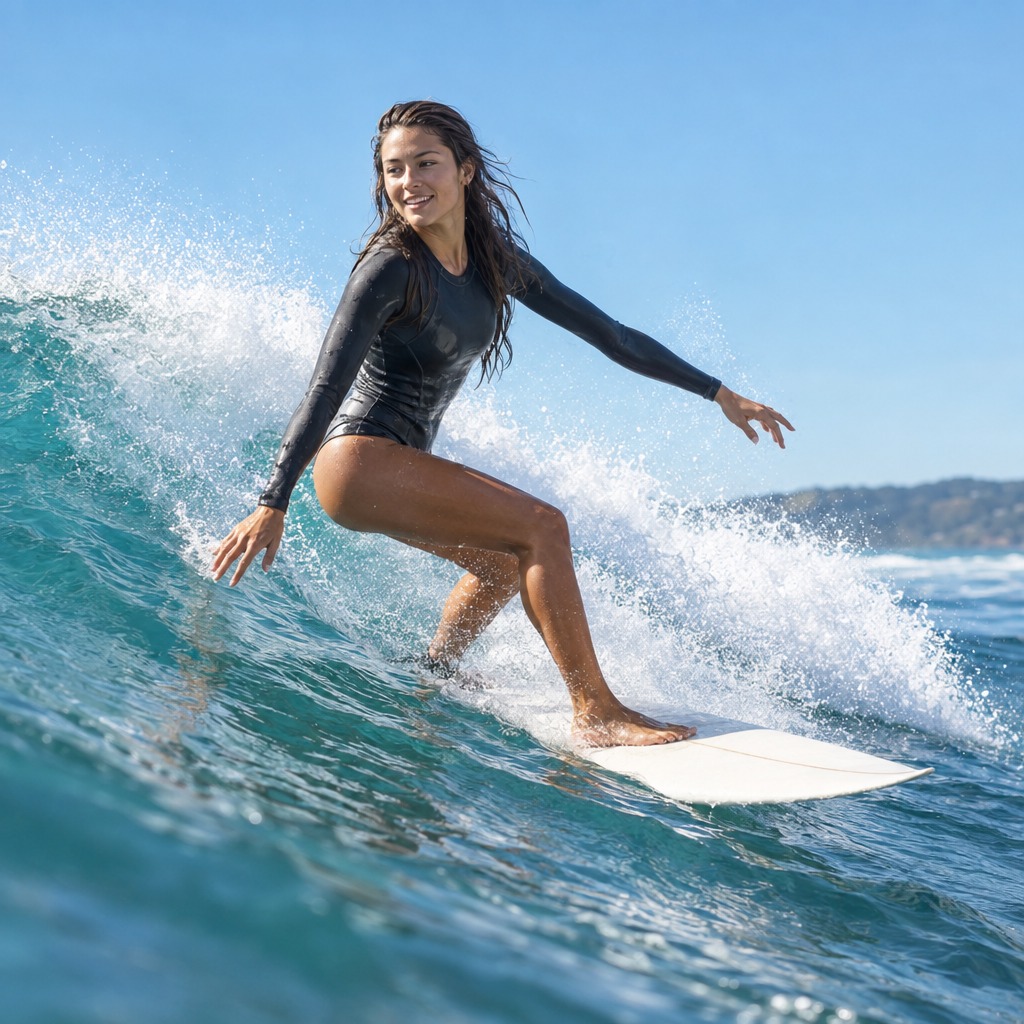
Capture energetic sports scenes such as surfing and running. A well-chosen action moment helps communicate the functionality of sporting goods and outdoor equipment.

Set the scene at the pyramids, a tropical beach or a snowy mountain. Create travel and outdoor product visuals featuring you or an AI model at destinations around the world, without arranging an overseas shoot.
We also work with products beyond apparel. Tell us what you have in mind.


03 / 12
Beyond 2K, 4K and 8K, generate images at 10,000, 20,000 and 30,000 pixels. Explore skin, hair, stitching and material detail, with image data prepared around the intended placement and output size.
Image width, height, file format and output use define the required specifications. Video resolution, frame rate, duration and aspect ratio are specified separately.
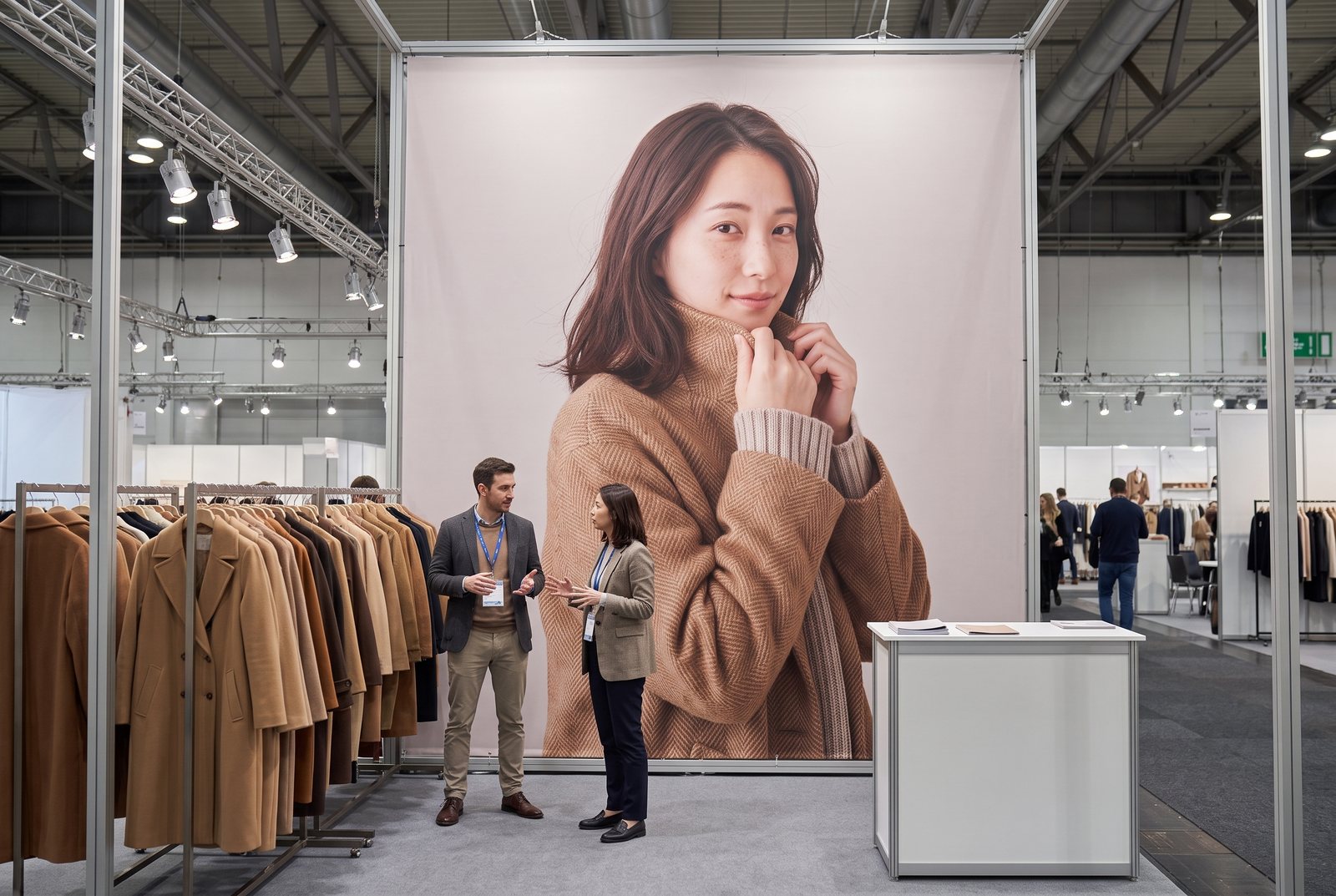
The larger the print, the more visible the flaws. We prepare image files at 4K, 8K and up to 30K-class resolution to suit the use and output size, including files ready for outdoor and large-format print production.
 AB


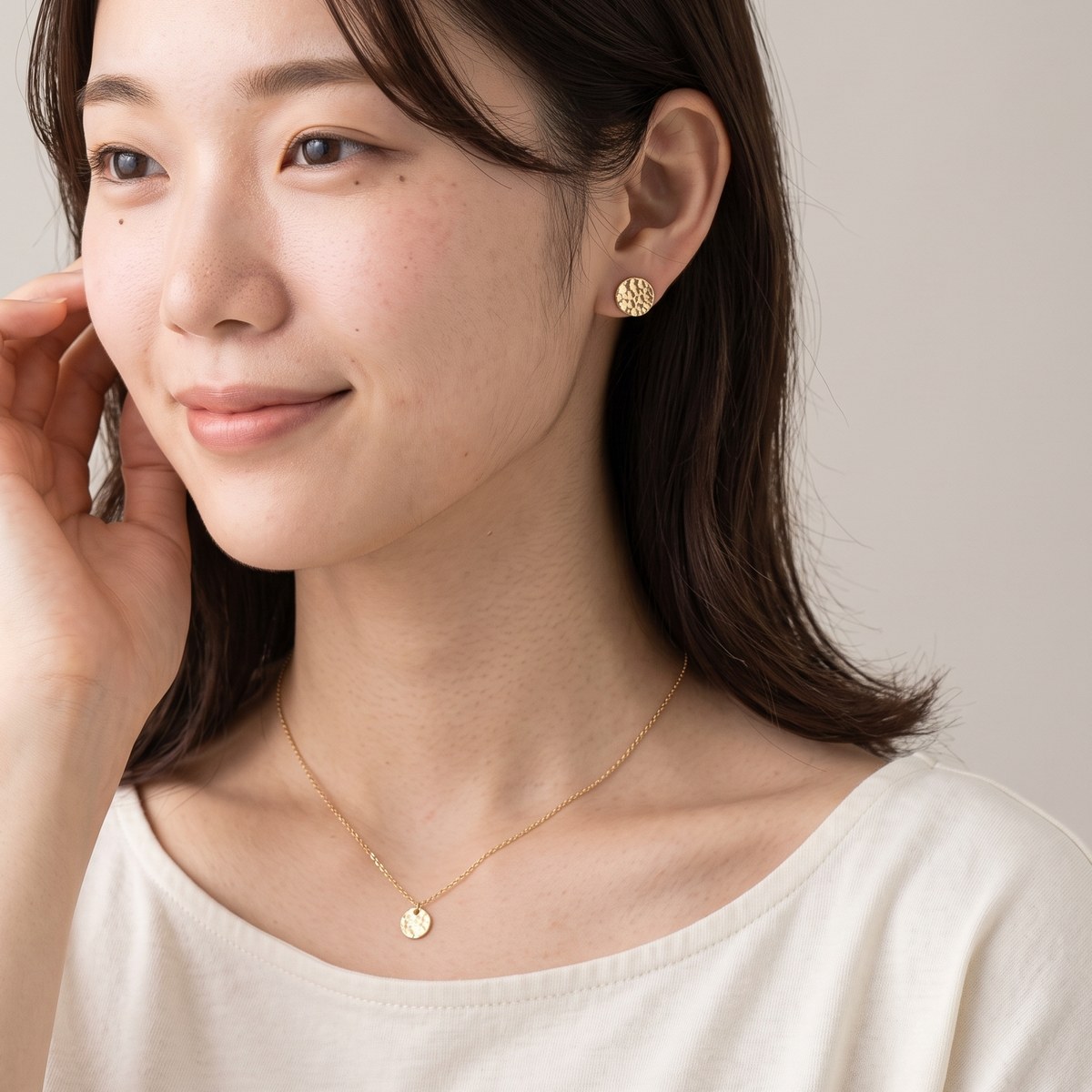
This is a section cropped from the source at actual size, showing skin texture, fine facial hair and individual wool fibers.
Product images for online stores and social media, on-model visuals, packaging, catalogs, brochures, posters, website films, short-form video, social video and longer advertising films: your company's wTransformer supports the full range. Coordinate stills, print-oriented work and moving images through one service.
From websites and social channels to catalogs, publications, packaging, large-format posters, outdoor advertising and campaign films. Shared product and brand standards guide finished assets prepared for the expression and specifications of each channel.
People, color, materials and visual direction. Keep the brand expression consistent as the channel changes.
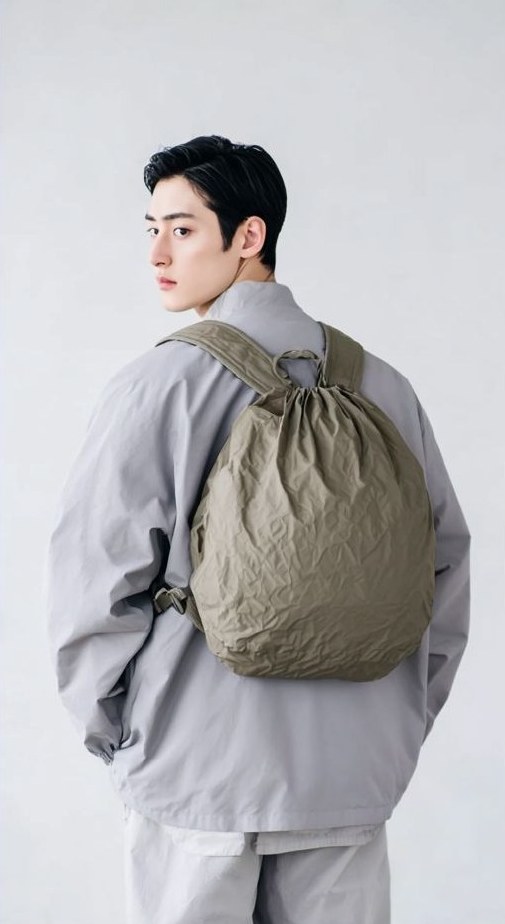 E-commerce hero image
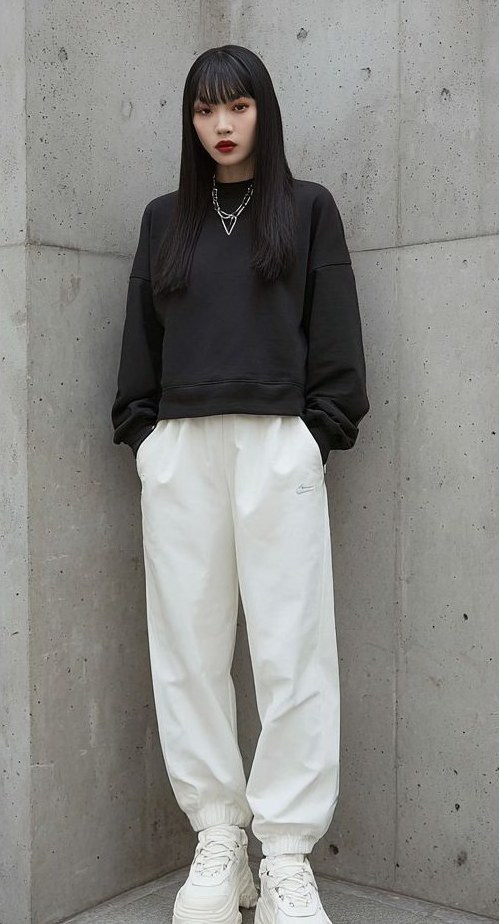 E-commerce supporting image
 On-model view
 Color variants
 Social portrait format: 4:5New-product posts with the same model and tone as the online store.
 Social square format: 1:1Export marketplace and social formats from the same image.
Produce hero images, supporting views, color variants and on-model shots to consistent standards, adapted to marketplace rules and social-media aspect ratios.
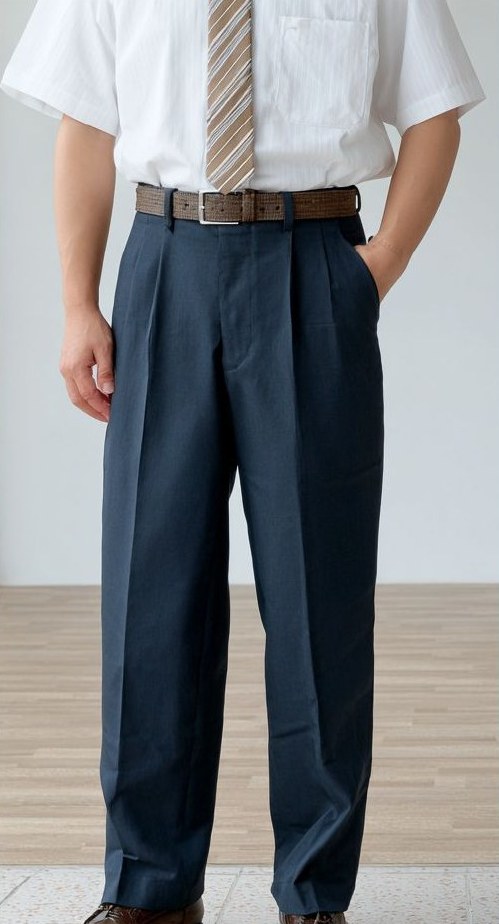
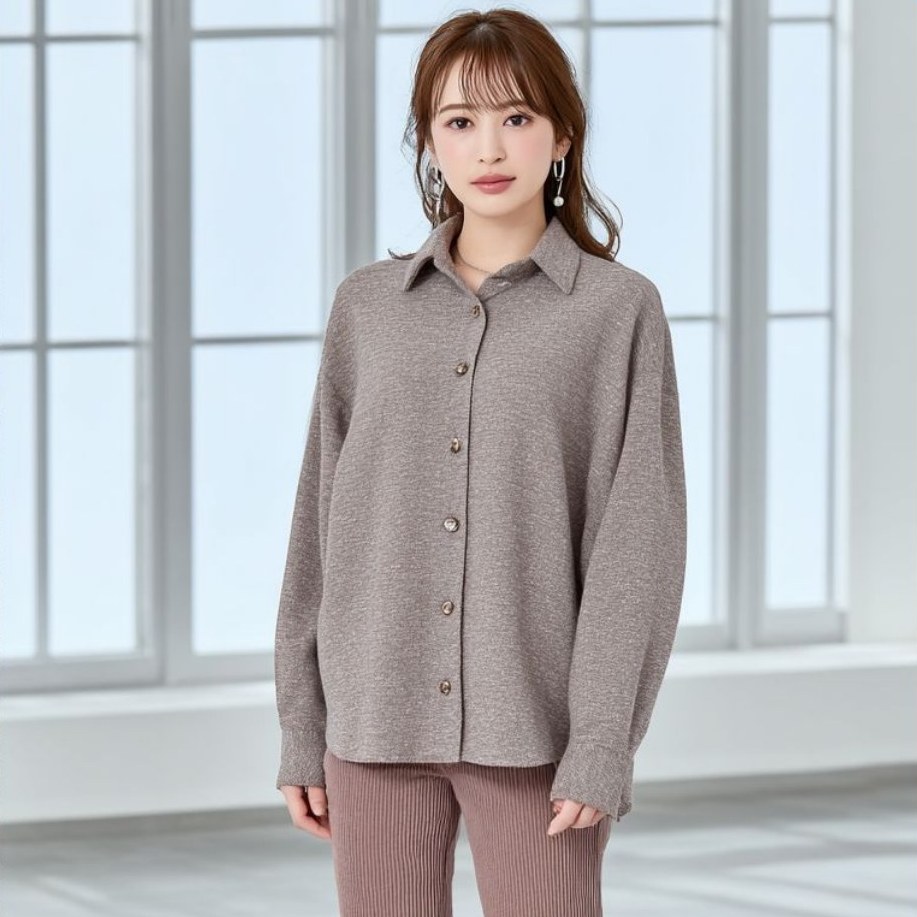
Show your products worn or used by a model suited to your brand. Keep a company-specific model consistent across age, mood and appearance requirements.
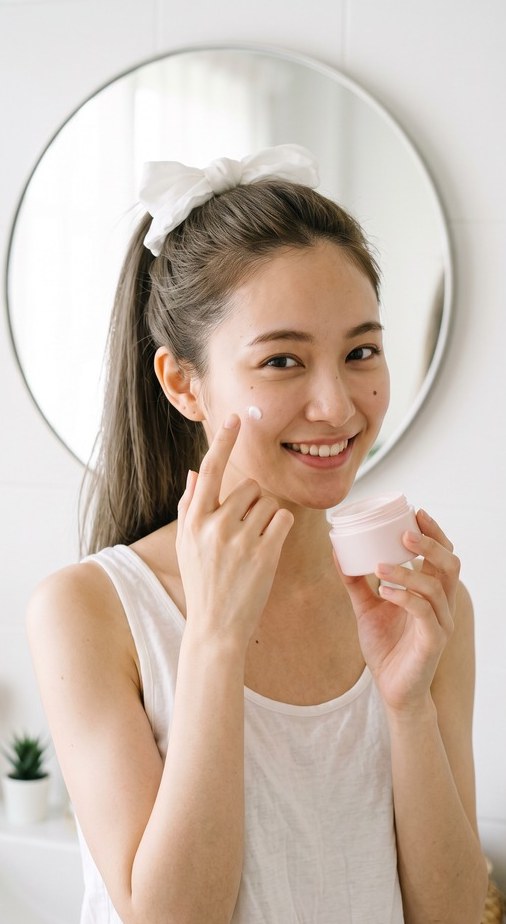
Packaging visuals for boxes, labels and sleeves. Shared models and color standards align the impression on the shelf and online.
AUTUMN / WINTER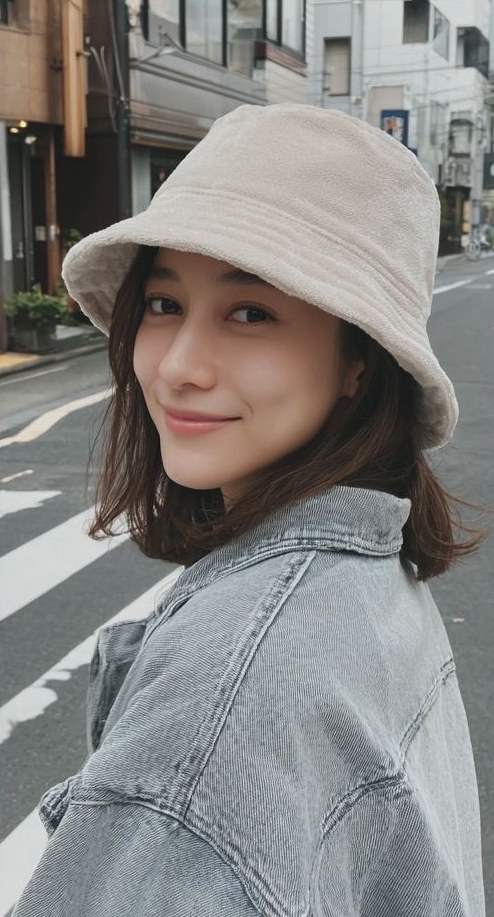
Bring a season's entire product range together in one catalog, with the same model and visual world.
Seasonal catalogs, product brochures and sales materials, built from your product data and images.
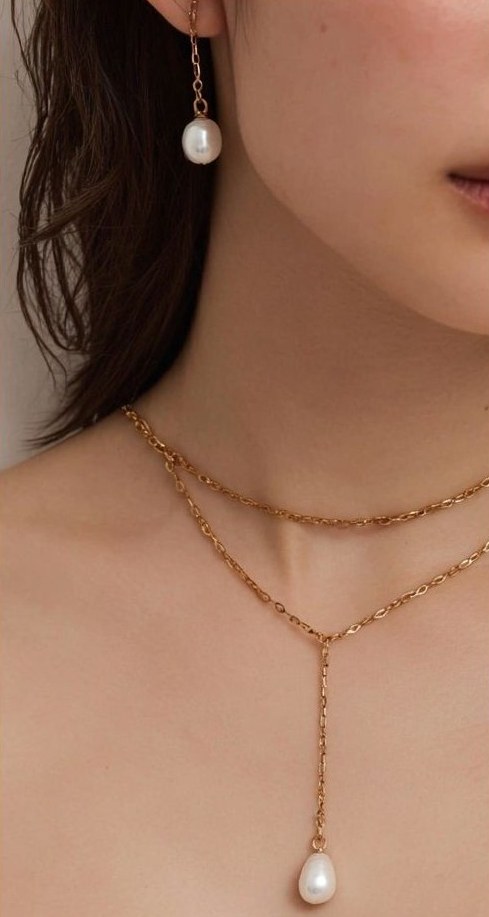
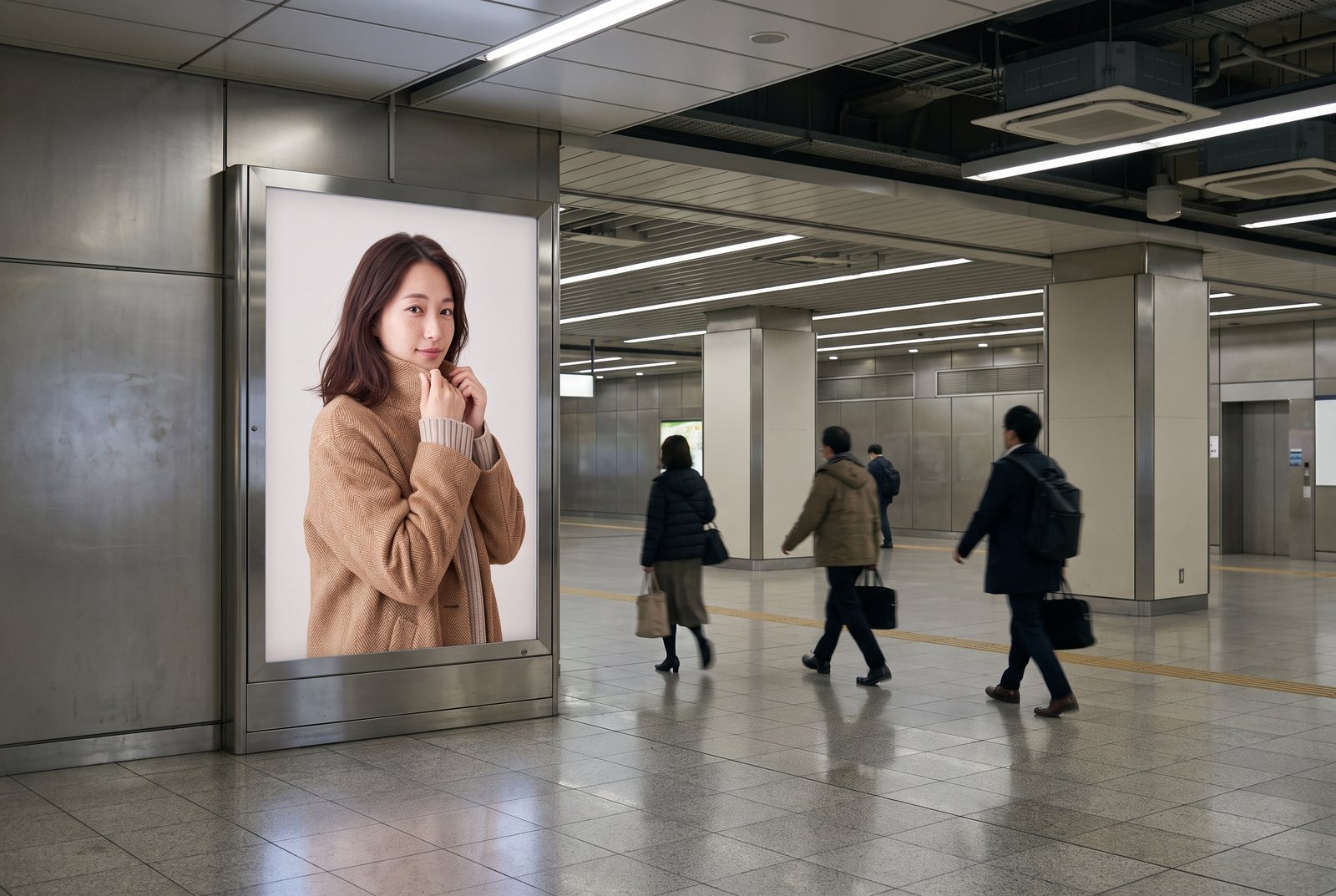
Create the face of a campaign for stores, events and transit locations, with resolution appropriate for large-format printing.
Product-page films, vertical short-form videos and social videos, featuring the same models as your still imagery.
Brand films and longer advertising videos, with scenes shaped into a complete piece from structure through finishing.
From seasonal fashion catalogs to uniform and workwear brochures, keep models, lighting and color consistent throughout the book, with compositions planned for facing-page layouts.


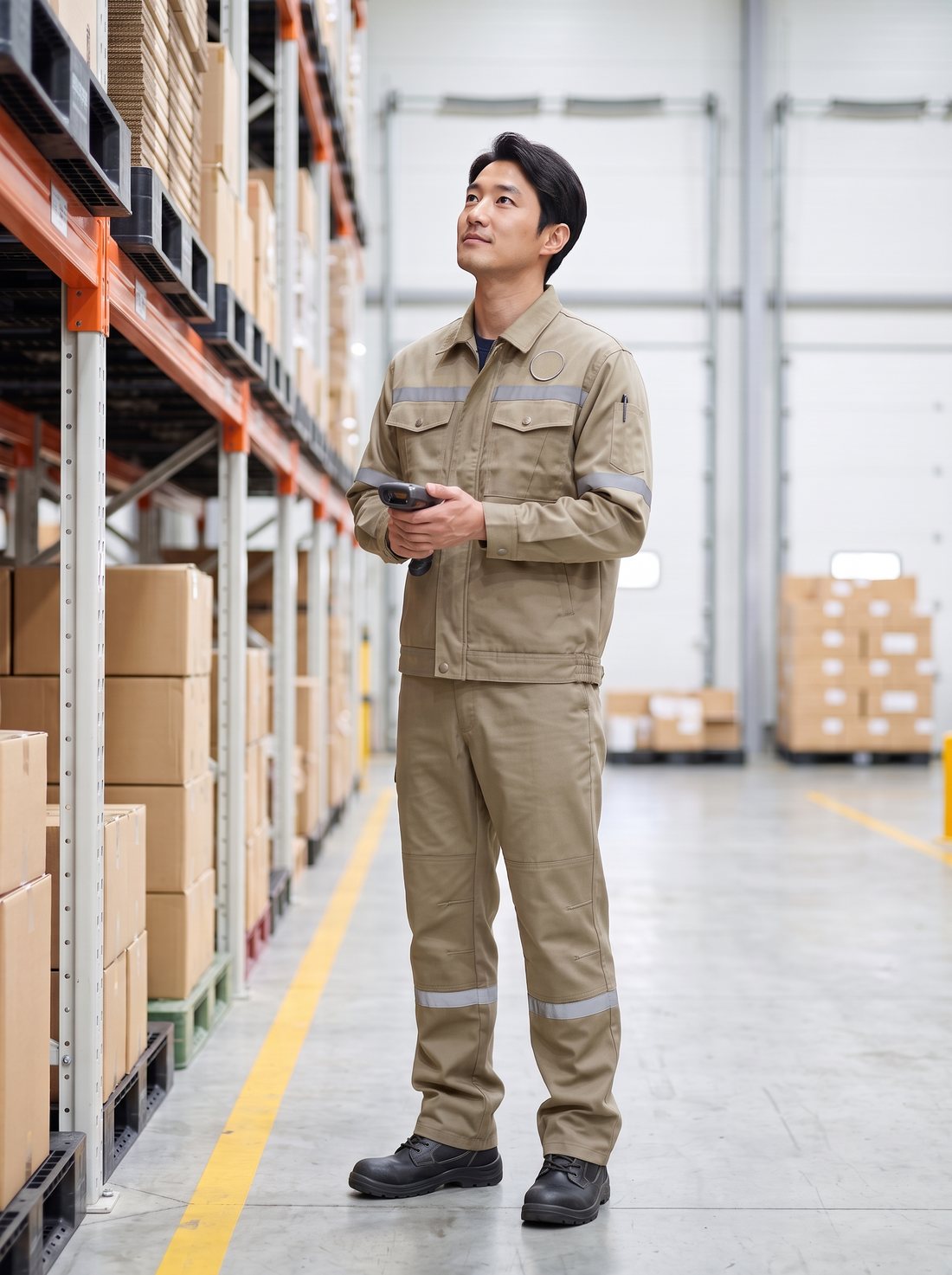
Color variants: changing the color can accidentally change buttons, stitching and pocket shapes.
→Change the color while keeping the product details consistent across the full range.
Models: faces change from page to page, breaking the consistency of the catalog.
→Use the same brand-exclusive model throughout the catalog.
Facing pages: a face or product falls into the gutter and disappears after binding.
→Plan the composition for a two-page spread, keeping important content clear of the gutter.
Workwear: reflective strips change position or number, and embroidered chest marks become distorted.
→Check reflective strips, embroidery, pockets and pen holders against the product specification.
Size ranges: different sizes can produce unnatural proportions in garment length and width.
→Develop wearing views that follow the proportions in the size chart.
Why wModel
wModel combines a dedicated AI generation platform with quality review, handling everything from understanding your requirements to delivering finished assets.
| What matters | Operating generation tools in-house | wModel |
|---|---|---|
| How you work | Operate the tools and select the outputs | Share your requirements and receive reviewed, finished assets |
| Fit for your business | Configure the tools and build your own workflow | Generation and review tailored to your brand and quality standards |
| Quality review | Manage output review and revisions internally | AI checks product shape, colors, logos and text, plus hands and anatomy. Revisions and staff review before delivery. |
| Scale | Expand according to your tools and operating capacity | From one trial image to hundreds, with parallel generation across products and projects. |
From one trial image to ongoing generation at scale.Start with a single image or run ongoing projects across multiple products in parallel. Your generation workflow is tailored to your business requirements.
How wModel sees AI progress
The measure of AI is how much of the finished result you can entrust to it.
SaaS made software available as an ongoing service. wModel 2.0 advances what customers can entrust to AI: the work through to finished delivery. In a tool-based workflow, people learn controls, adjust inputs, select outputs and repeat revisions. We bring more of that understanding, judgment and iteration into the AI generation system, connecting the brief to ready-to-use work.
What should the result show, what is it for, and how should it look? AI interprets that intent alongside the company's product information and brand standards. It generates, checks its output, revises and generates again toward images and video ready for real use. Learning a complicated interface, mastering prompts and trying again until something works should not become the customer's job. We connect the request and the finished result in one service.
wModel.AI connects the 4A AI Engine with wTransformer, toBeReal, Clearium and wBoard. Your dedicated generation line joins requirement understanding, generation, AI inspection, correction and regeneration, with final staff review and your approval of the result before delivery. Normally, no physical product shipping is required. Existing product photos become finished assets for web, social media, catalogs, publications, large-format and outdoor advertising, and video.
AI keeps learning from requirements, feedback on the result and the reasons for revisions. Independent persistent memory carries that learning beyond a single project and supports understanding of the next brief. Generation and quality-review results also inform improvements to wTransformer’s trans: units combining generation procedures, rules and review criteria. Evaluate the result and feed learning back into understanding and execution—a recursive improvement cycle that develops both persistent memory and the generation workflow.
A shared AI foundation and dedicated enterprise generation lines support expansion across products, shots and media, guided by company standards. Learning from requirements and feedback informs the next brief and the next generation workflow. wModel delivers finished assets while refining the quality and execution behind them: an AI generation service designed to evolve with the enterprise.
Stand in front of the car and turn the crank by hand.
Operate the starter; an electric motor turns the engine.
Read a paper map and work out the route yourself.
Enter a destination. Navigation calculates a route and adapts its guidance to traffic conditions.
With wModel, the starting point is the result you want. AI and the generation foundation take on the iteration between that request and finished delivery.
No complex interface, tool training or prompt craft to master. Start with product photos and your requirements. AI interprets the intent, generates, checks and revises. We carry the process through to finished delivery, including the repeated attempts it takes to get there.
Ship-to-studio photography
Products go to a studio for photography, followed by a review of the resulting images.
Self-service AI tools
Upload photos, write instructions and adjust settings. You select the outputs and check their quality.
wModel.AI
Normally, no product shipping. Your dedicated AI generation line connects generation, AI inspection, staff review and revisions, delivering finished assets for your intended use.
Memory and improvement
wModel 2.0 is an enterprise AI generation service connecting the result you request with finished work you can use. It learns continuously from requirements and feedback, deepens its understanding of your business, and improves its own generation, quality-review and revision process. The service carries the work through to delivery.
Learn from requirements, feedback on finished work and the reasons for revisions, then carry that understanding into the next project. Independent persistent memory supports continuity across conversations and helps distinguish what should stay from what should change.
Compare outputs with the required standards. Identify where differences arose and which revisions worked. Refine generation, review and revision procedures, compare the results using the same quality criteria, and carry verified improvements into the next generation workflow (trans).
Within each project, generation, verification and revision move the work toward completion. Across projects, requirements and feedback inform persistent memory and execution procedures. Learning from results feeds back into the next brief and generation workflow, refining the company’s dedicated AI generation capability.
Images from 2K, 4K and 8K to 10,000, 20,000 and 30,000px, with close attention to skin, hair and materials.
Explore this section ↓Generation, quality review and revision, followed by delivery of assets prepared for their intended use.
Explore this section ↓Social channels, catalogs, publications, packaging, outdoor advertising and campaign films.
Explore this section ↓Bring your product information, brand standards and approval process into the workflow.
Explore this section ↓Expand across products, shots and channels, carrying review decisions into the next round.
Explore this section ↓Check product shape, color, logos and materials while maintaining the model identity used across projects.
Explore this section ↓Review resemblance risks and retain revision and approval decisions.
Explore this section ↓Stills, print-oriented visuals and video share the same wTransformer. Brand rules, approved references and your models carry across media, keeping online-store images, posters and films visually aligned.
Image and video AI engines handle production. An AI inspection engine checks the work against each medium's criteria, followed by a final review by dedicated staff.
Images, packaging, catalogs and videos appear on the same board, so you can see progress across media in one place.
Deliver images and videos at scale while retaining product character and brand standards. AI and a dedicated company production environment support generation, quality checks and project management.
wModel.AI / 4A AI Engine
4A supports a wide range of products and visual possibilities. A dedicated generation system executes that work against company standards, reviews quality and records decisions. wModel 2.0 connects these capabilities into the path to a finished asset.
wModel and its supporting technologies—wTransformer, Clearium and toBeReal—are researched and developed in-house at our Osaka headquarters.
Our company and its affiliates pursue R&D in web-based 3D engines, e-commerce systems, AI security, long-term AI memory and recursive self-improvement (RSI). We put that expertise to work on real business needs. wModel applies advanced technology to generation, quality review and continuous improvement, addressing production challenges faced by businesses and industries.
Connect dedicated generation, verification and revision around product information, brand standards and review requirements.
Explore the technology ↗Shared progress, versions and reviewTrack progress, versions, revisions and approvals, retaining a record of what changed and why.
Explore the technology ↗Technology for natural-looking peopleRefine natural skin, hair, light and materials while retaining product and identity constraints.
Explore the technology ↗AI Public-Figure Likeness CheckProprietary AI detection technology identifies resemblance to real public figures and potential risks relating to likeness and publicity rights.
Explore the technology ↗Customers rely on product images when deciding what to buy. wTransformer checks dimensions, outlines, color, logo placement, text and materials against source information. The aim is faithful product information, including details small enough to affect purchase confidence and returns.
With colored contact lenses, the overall diameter (DIA) and graphic diameter determine how large the lens appears on the eye. Wearing visuals are checked against dimensional proportions, edge thickness and pattern density.
A garment that looks too short or too narrow can cause a return. Check the marked measurement points in the size chart—back neck to hem, underarm to underarm, shoulder to shoulder and shoulder to cuff—and their proportions on the model.
Logo placement, print size and subtle brand-color changes matter. The inspection design measures logos and prints against reference lines and compares color with the source using ΔE, with tolerances set to the company's criteria.
A single distorted character in a product name, ingredient list, item number or size label can make an image unusable. Check text against the source, together with knit structure, weave direction, leather grain and metallic finish.
Compare each generated cut with the original product materials. If an item fails a check, return it with an explanation of the difference. Only passing work proceeds to the final staff review.
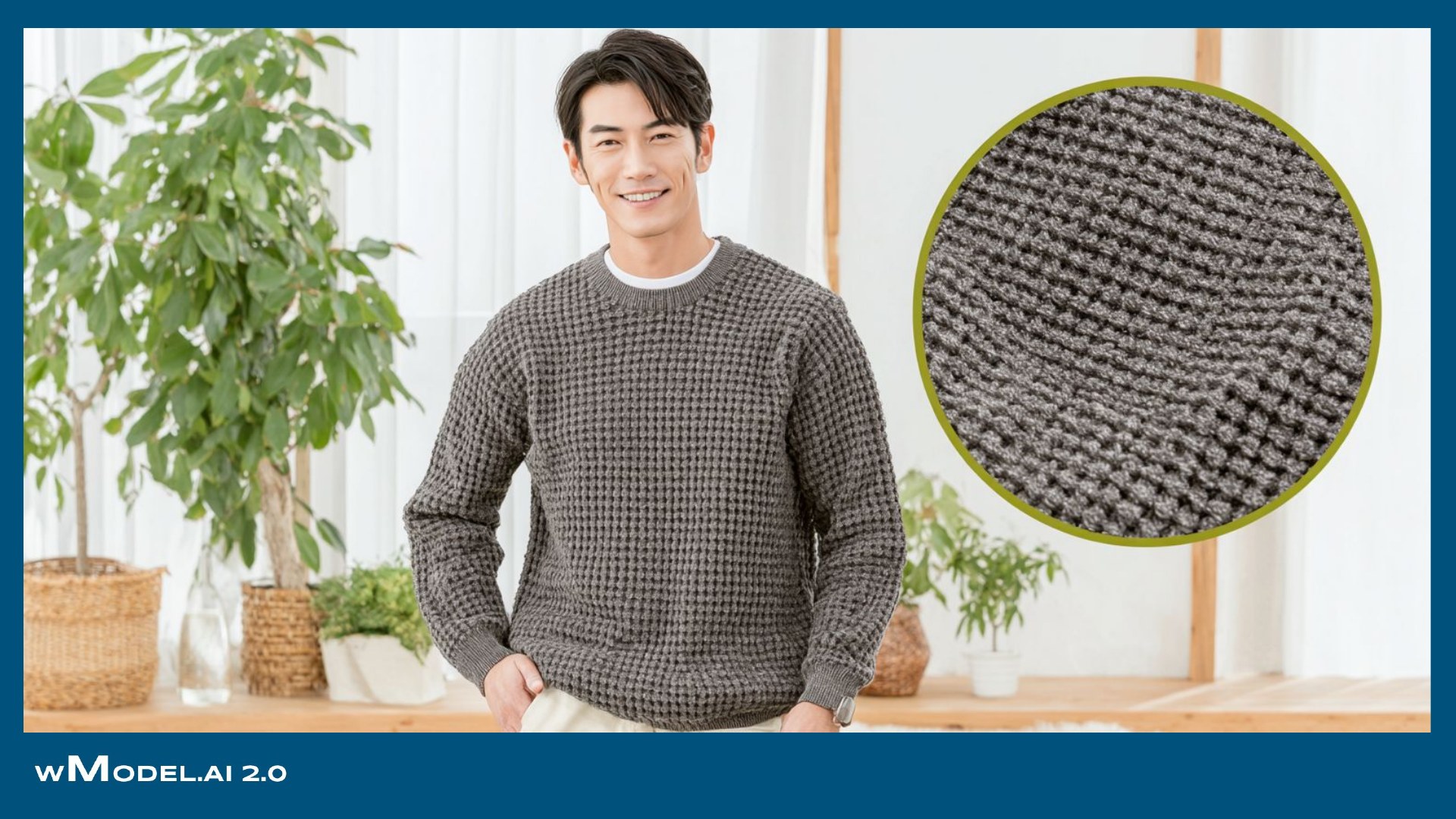
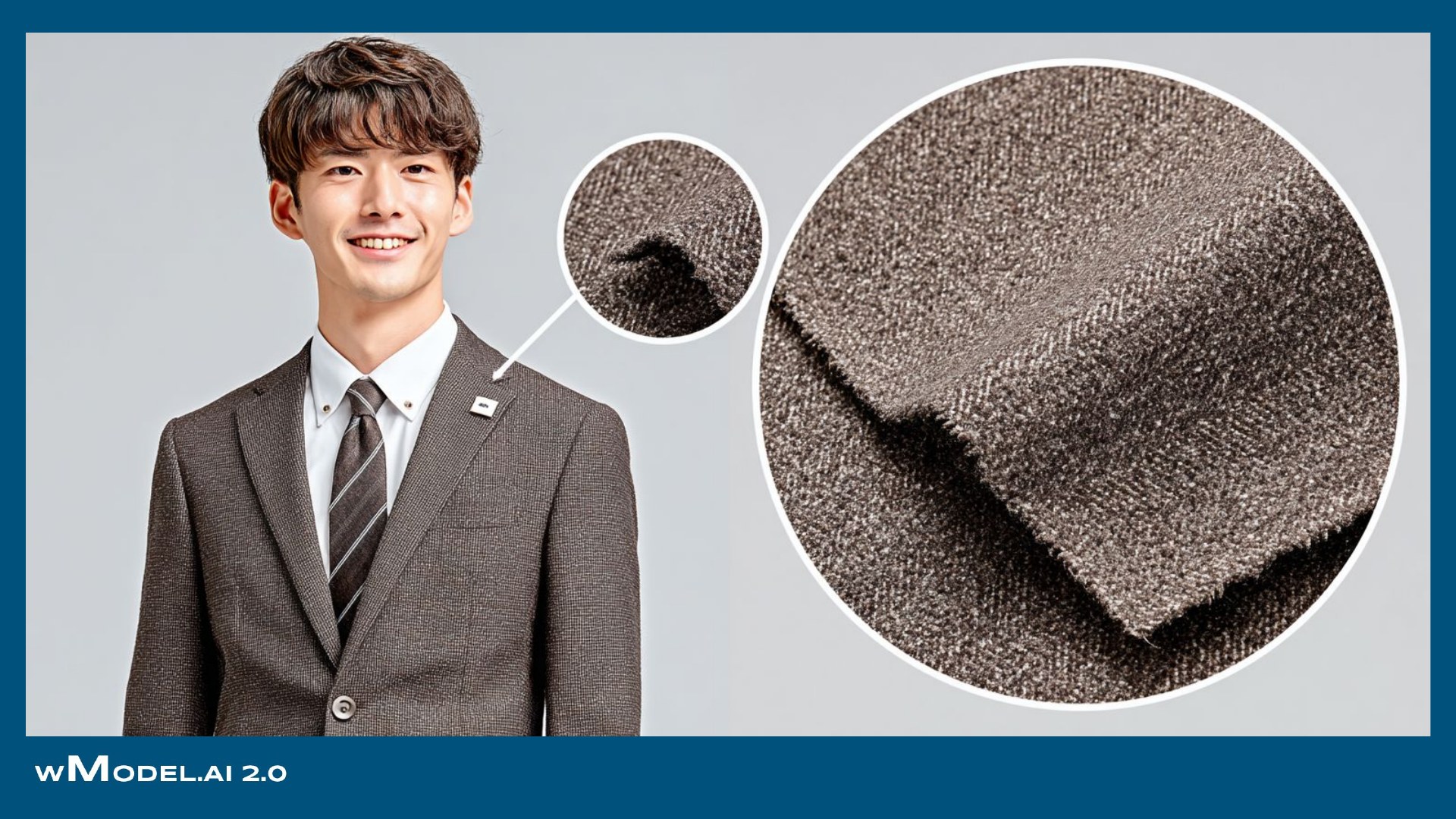
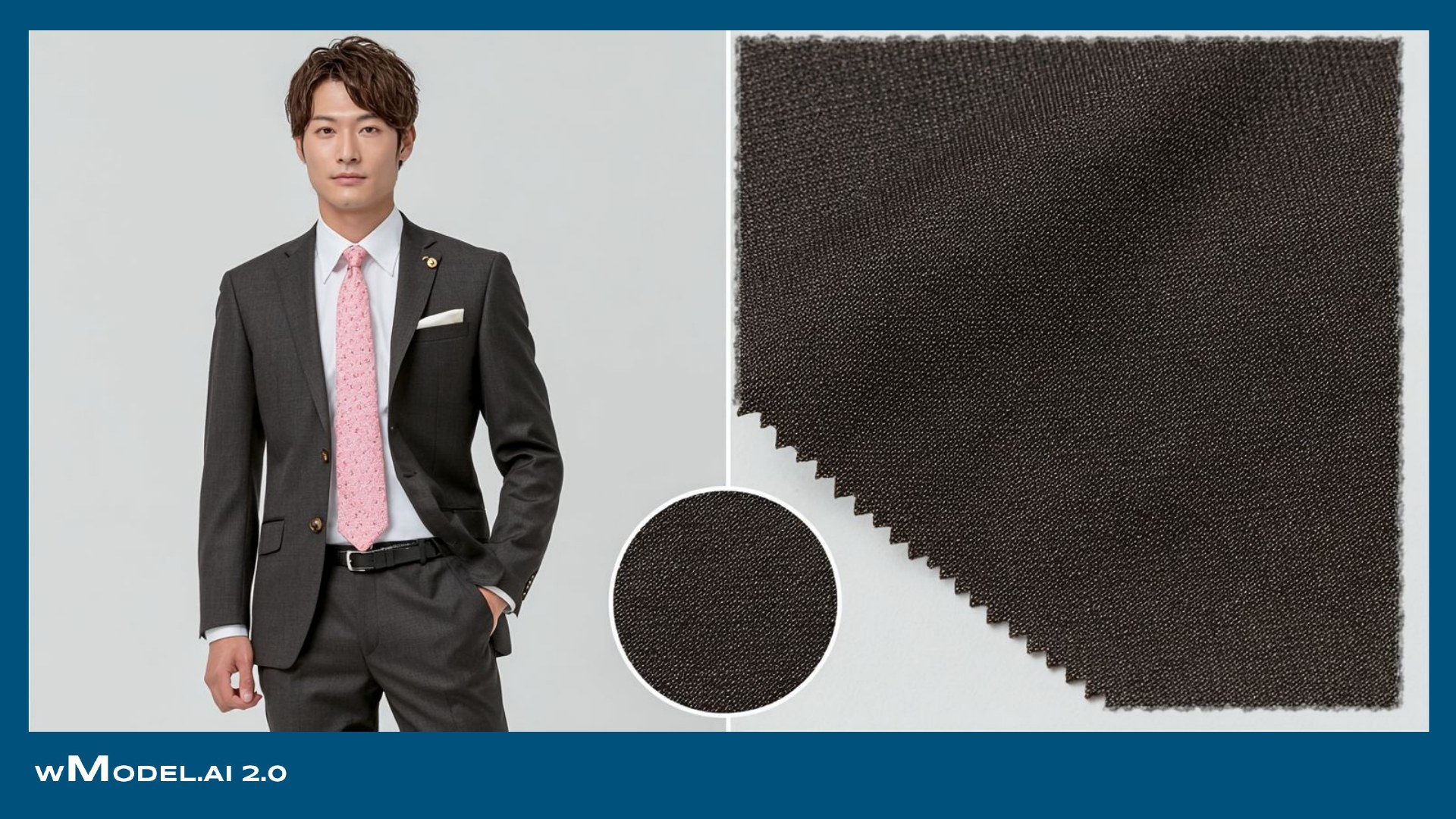
Suit patterns, seam stitching and button counts are often more troublesome than the face in AI-model imagery. Product details must still look right when enlarged. wModel focuses on the original fabric structure and construction details.

 Source imageCommon AI-image issue
Generated resultwMODEL
Wavy stripes → Straight, continuous pattern
Check pinstripe spacing, herringbone direction and check repeat, including continuity across pockets and body seams.

 Source imageCommon AI-image issue
Generated resultwMODEL
Broken stitching → Evenly spaced double stitching
Preserve double-stitch width and spacing, denim twill and fading, and the shapes of rivets and buttons, avoiding missing, extra or distorted details.

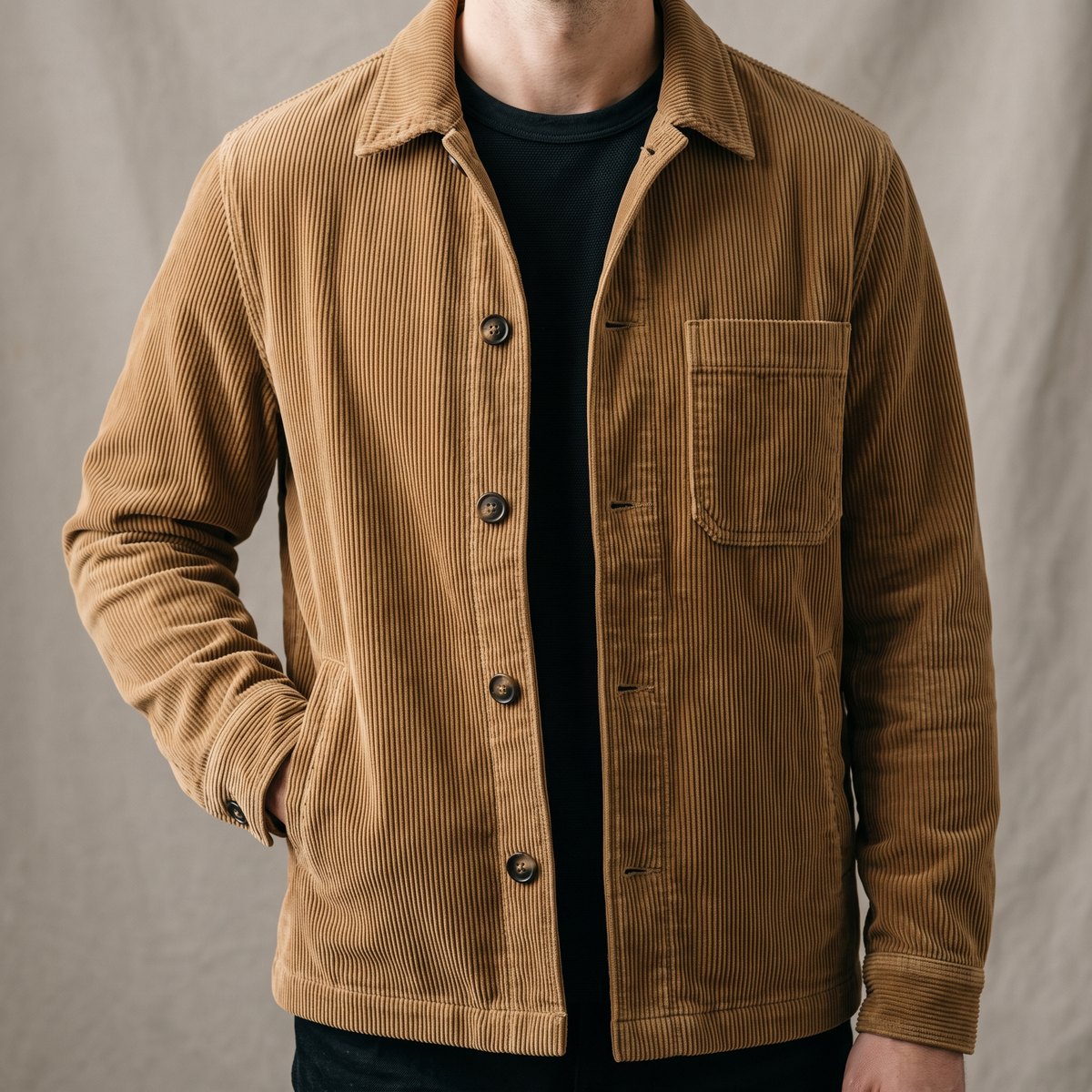 Source imageCommon AI-image issue
Generated resultwMODEL
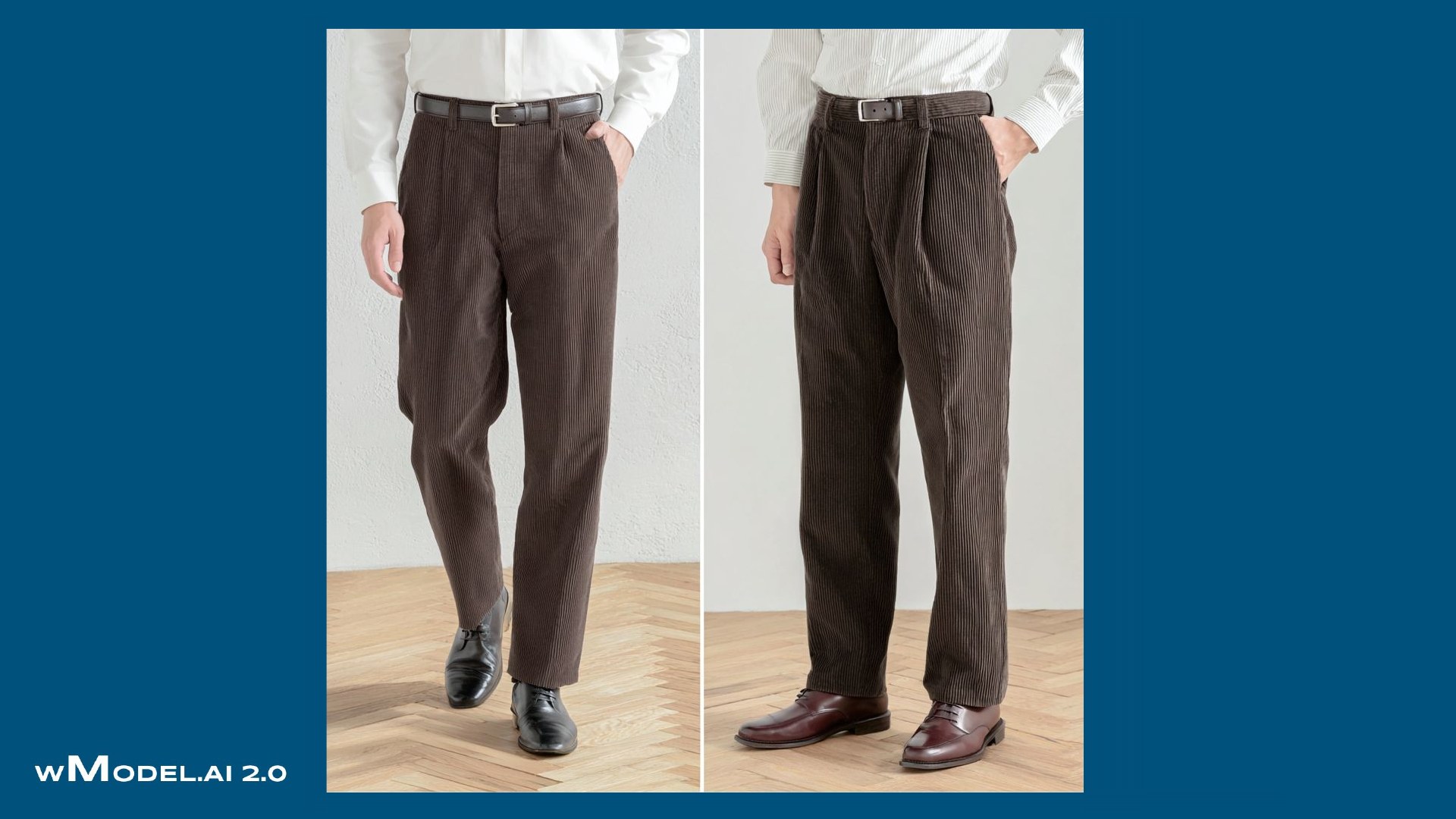
Flattened ribs → Distinct individual ribs
Corduroy ribs flatten into a fuzzy surface, or their shadows disappear with the lighting.
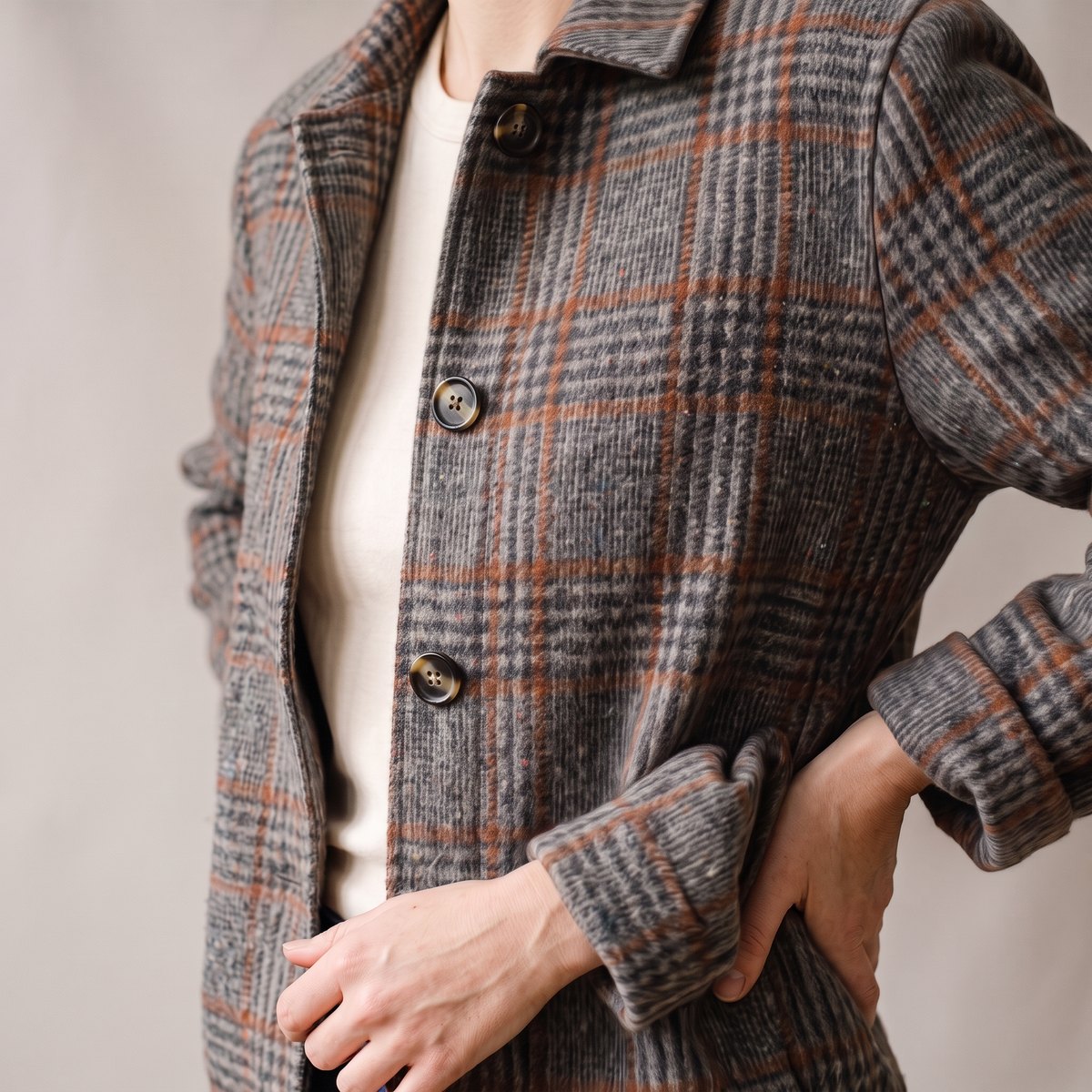
 Source imageCommon AI-image issue
Generated resultwMODEL
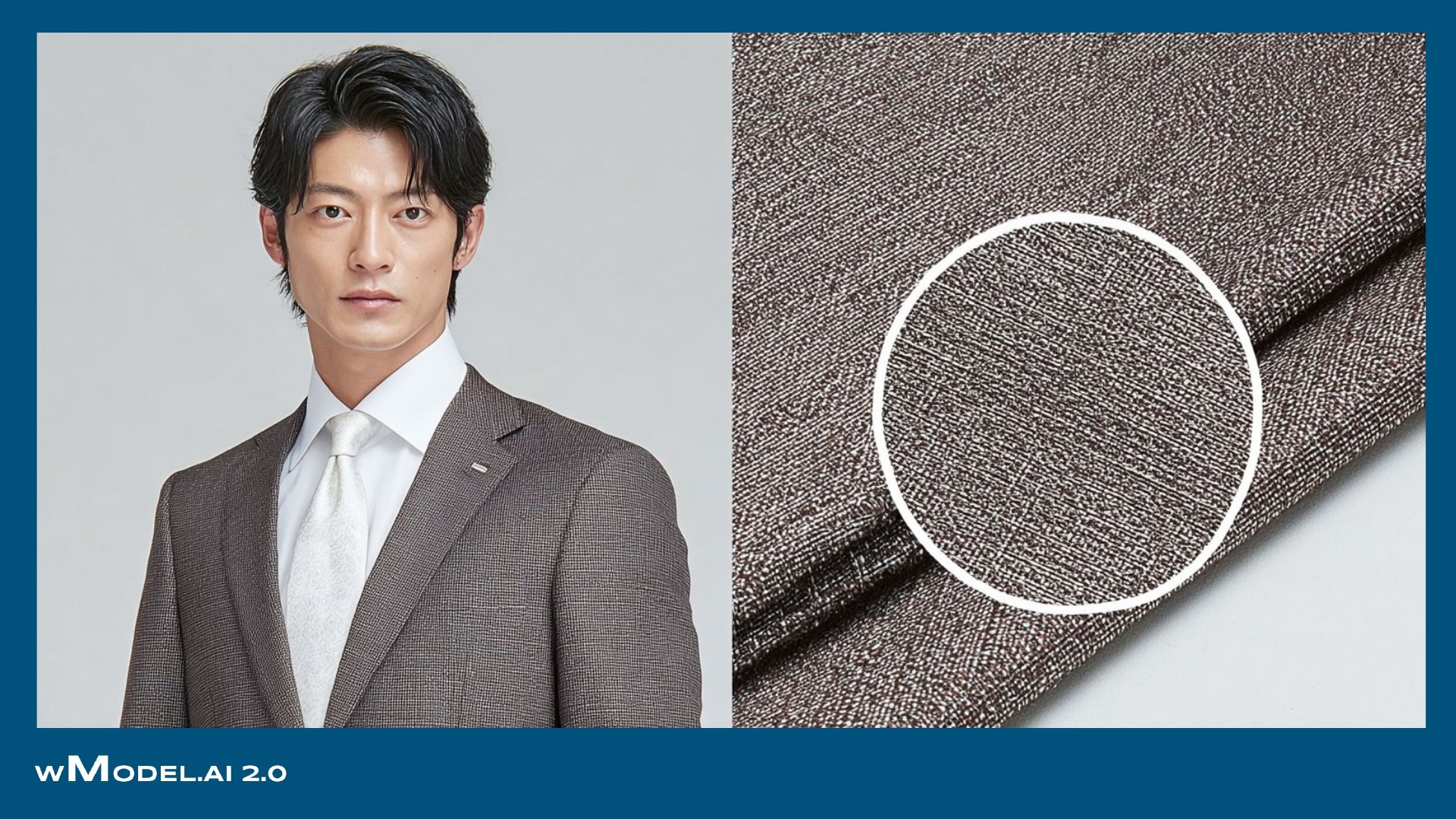
Blurred checks → Fine lines and surface fibers
Fine glen-check lines blur, and wool loses its surface fibers.

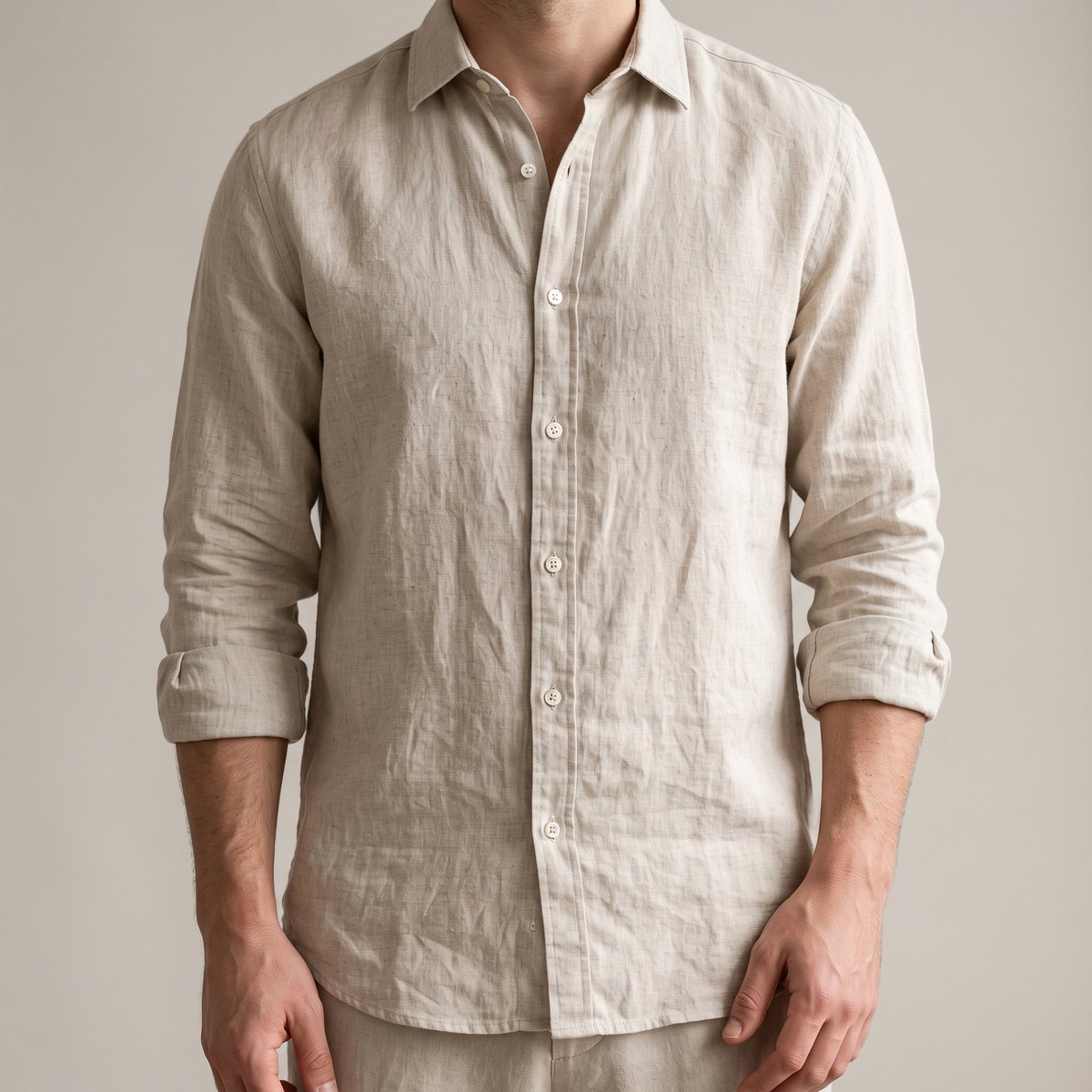 Source imageCommon AI-image issue
Generated resultwMODEL
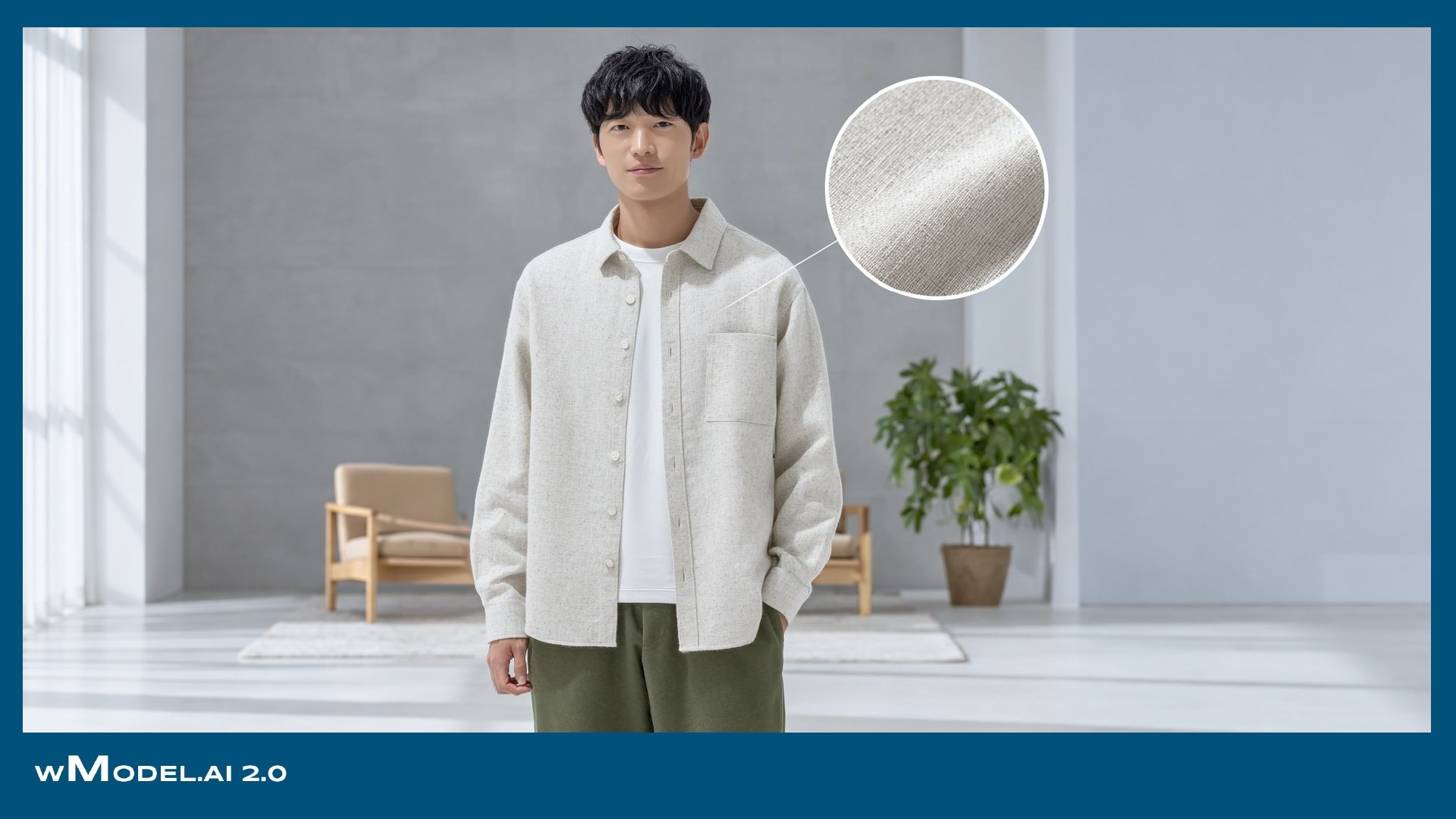
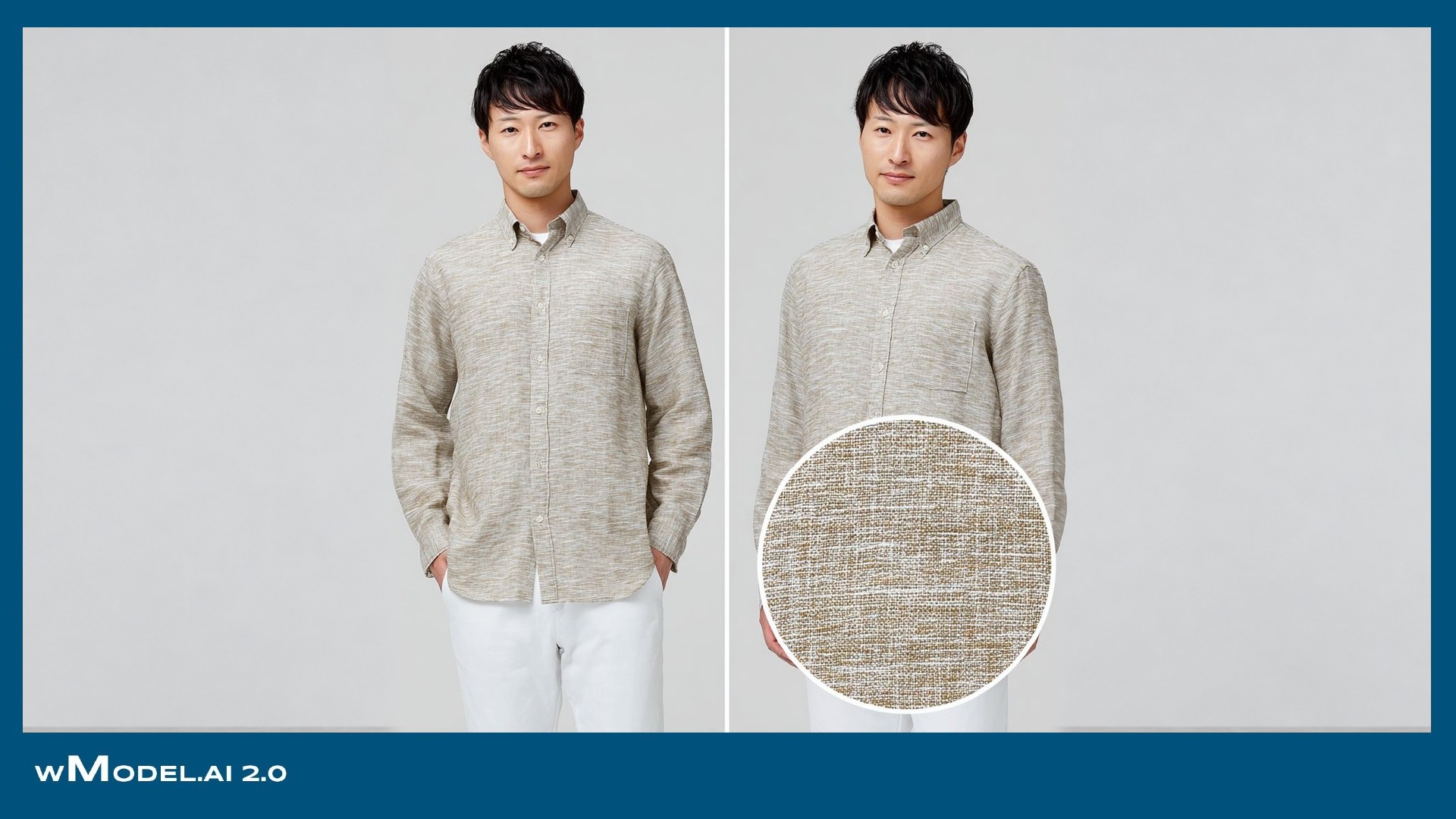
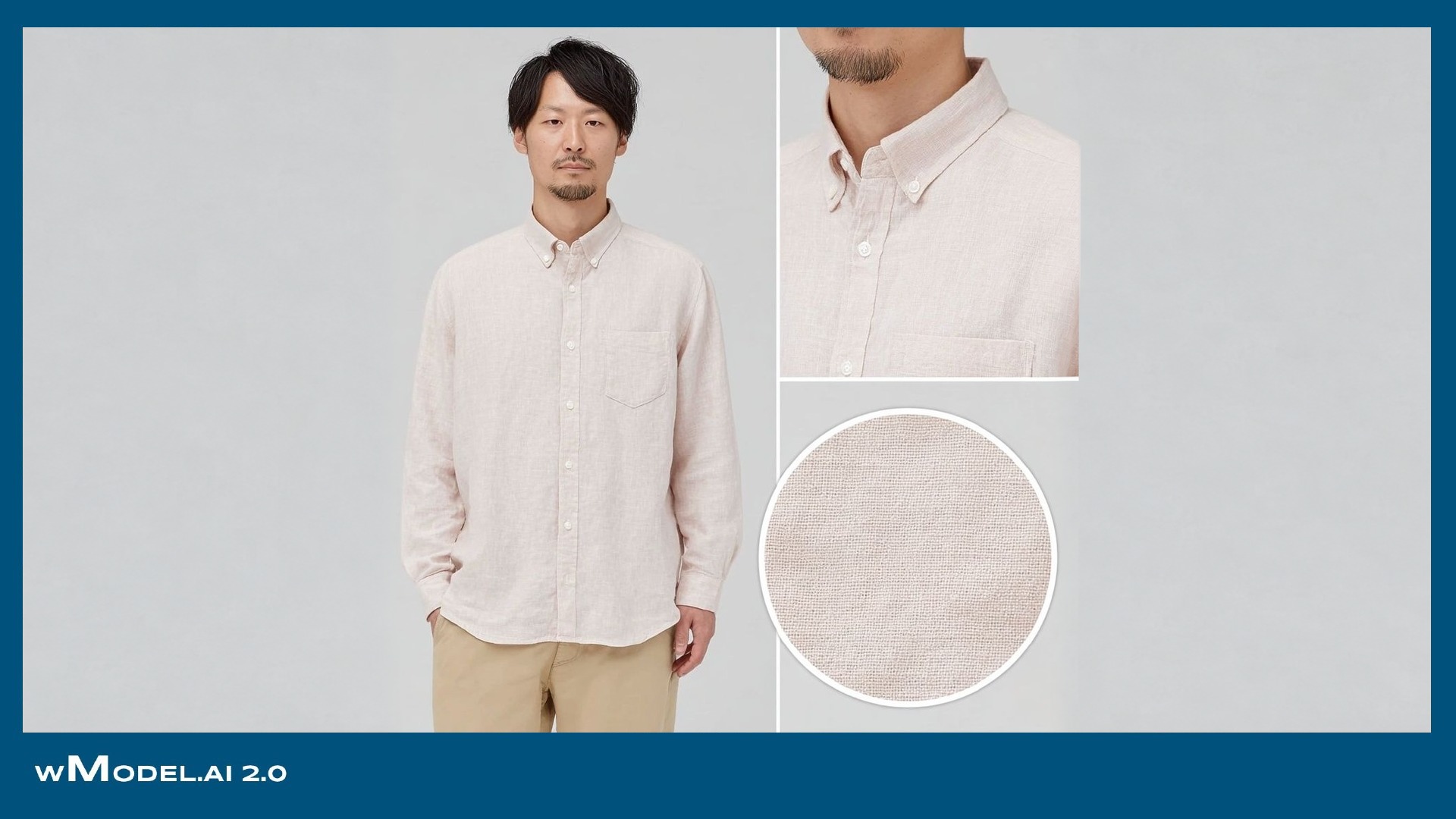
Overly smooth surface → Linen's irregular weave
Linen becomes smooth like synthetic cloth, losing the irregular thickness of its threads.
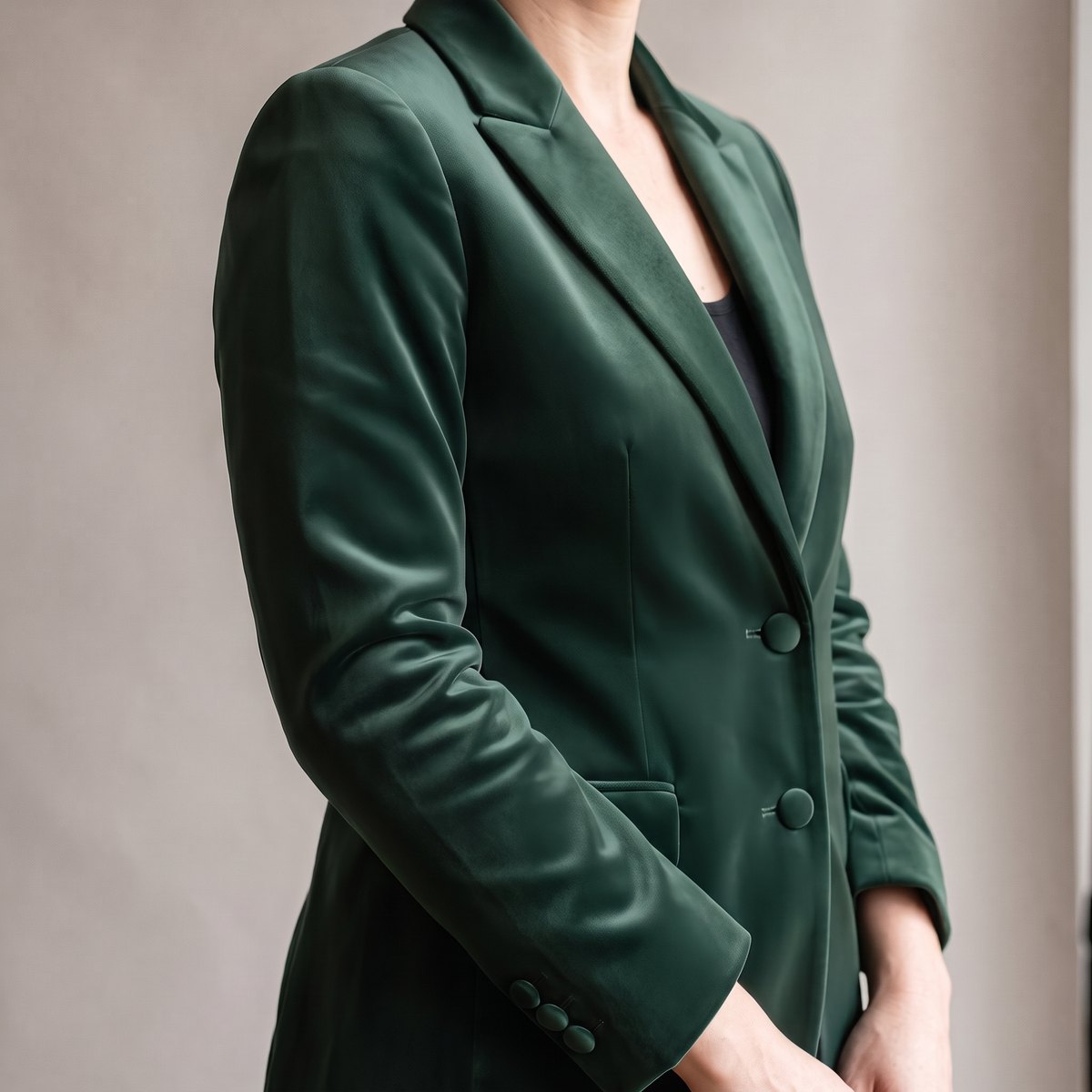
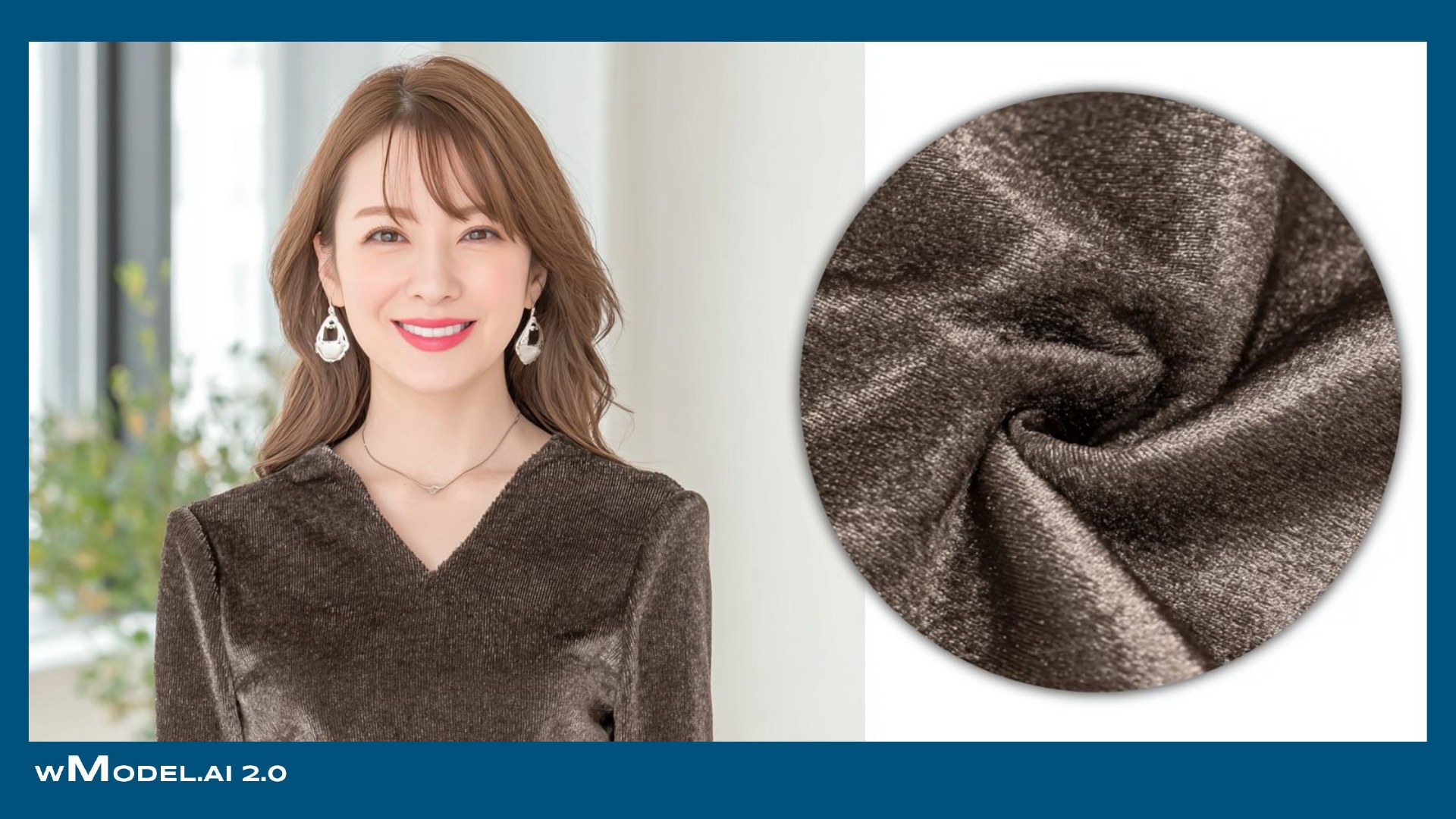
 Source imageCommon AI-image issue
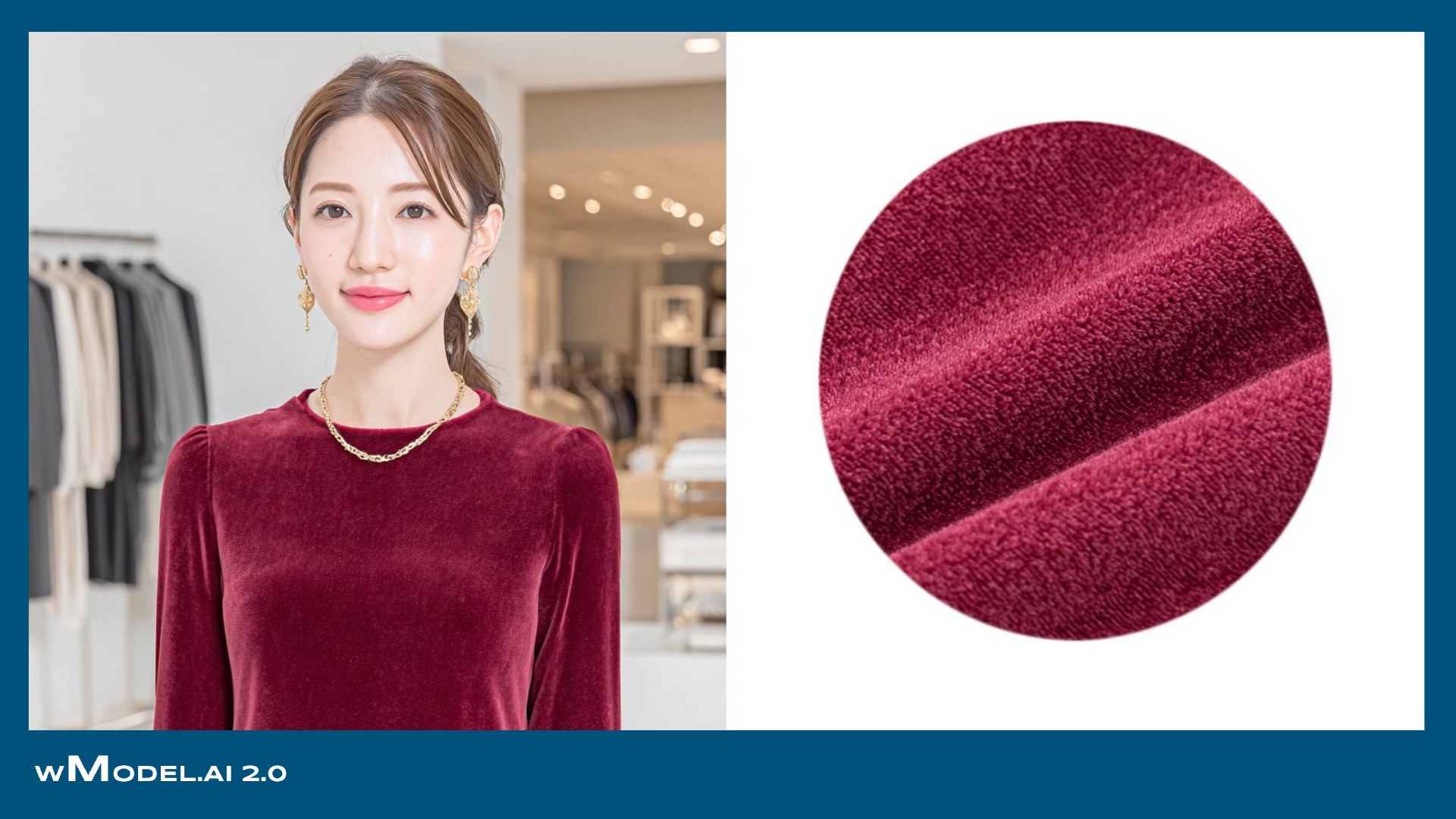
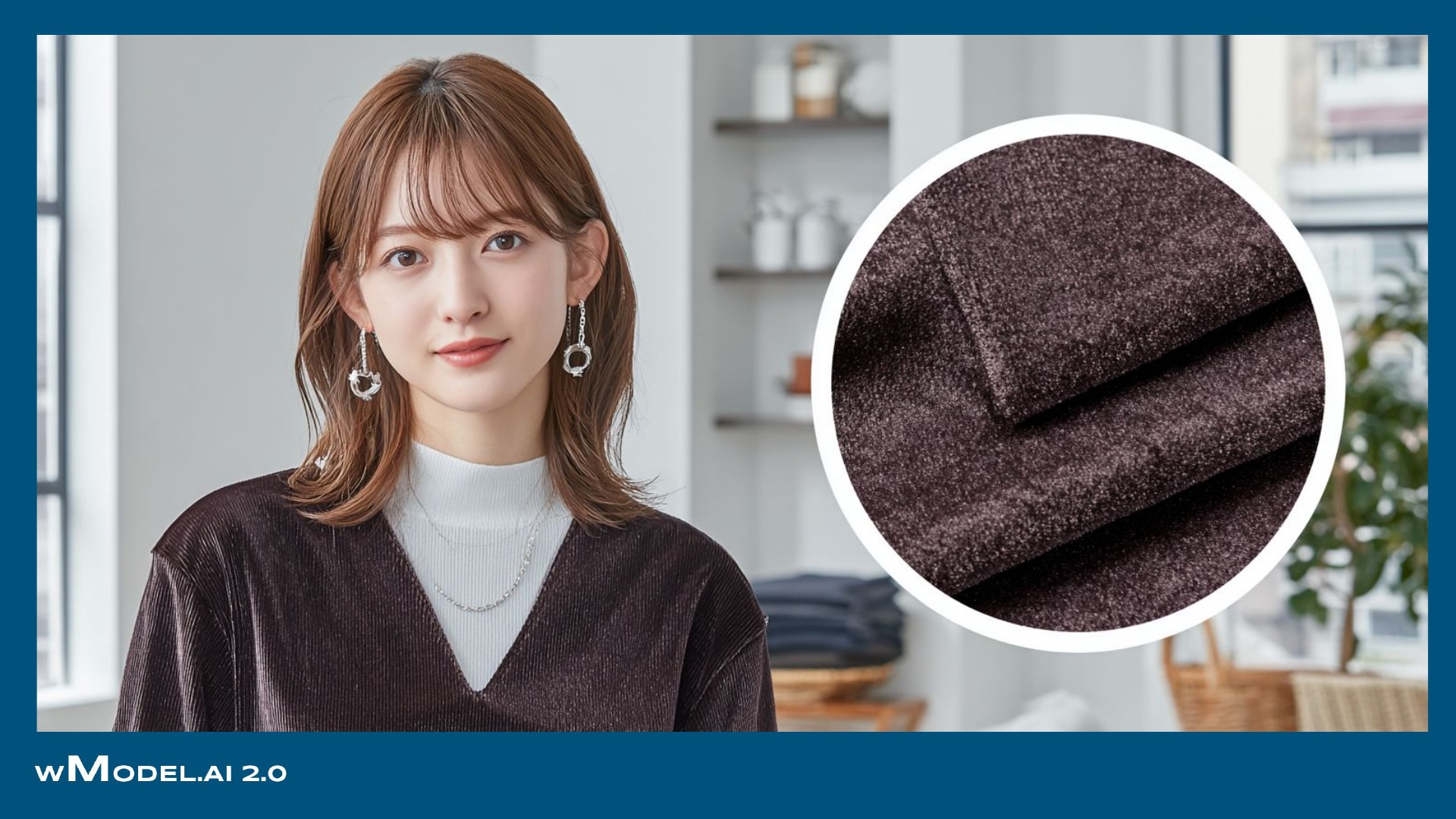
Generated resultwMODEL
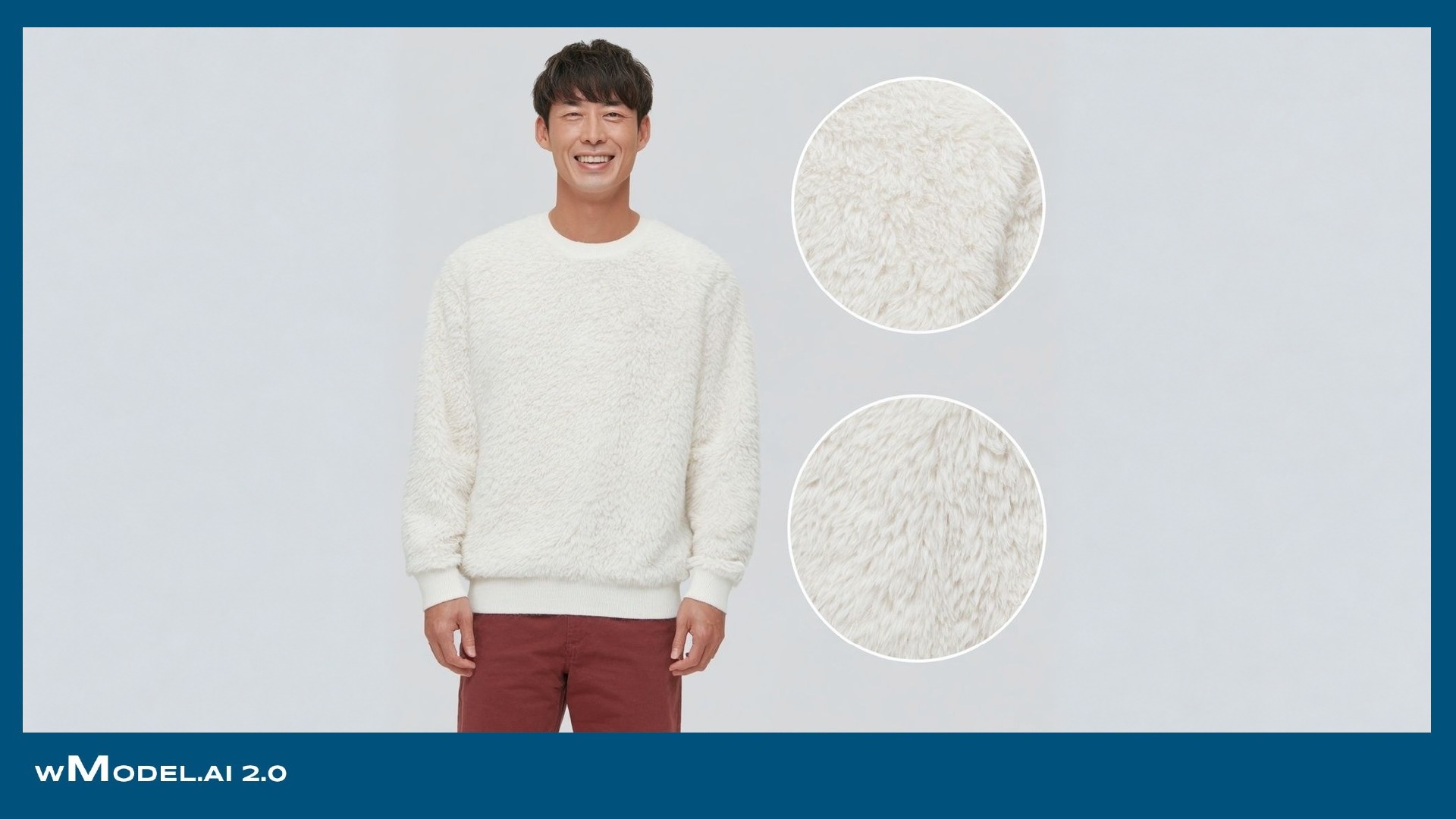
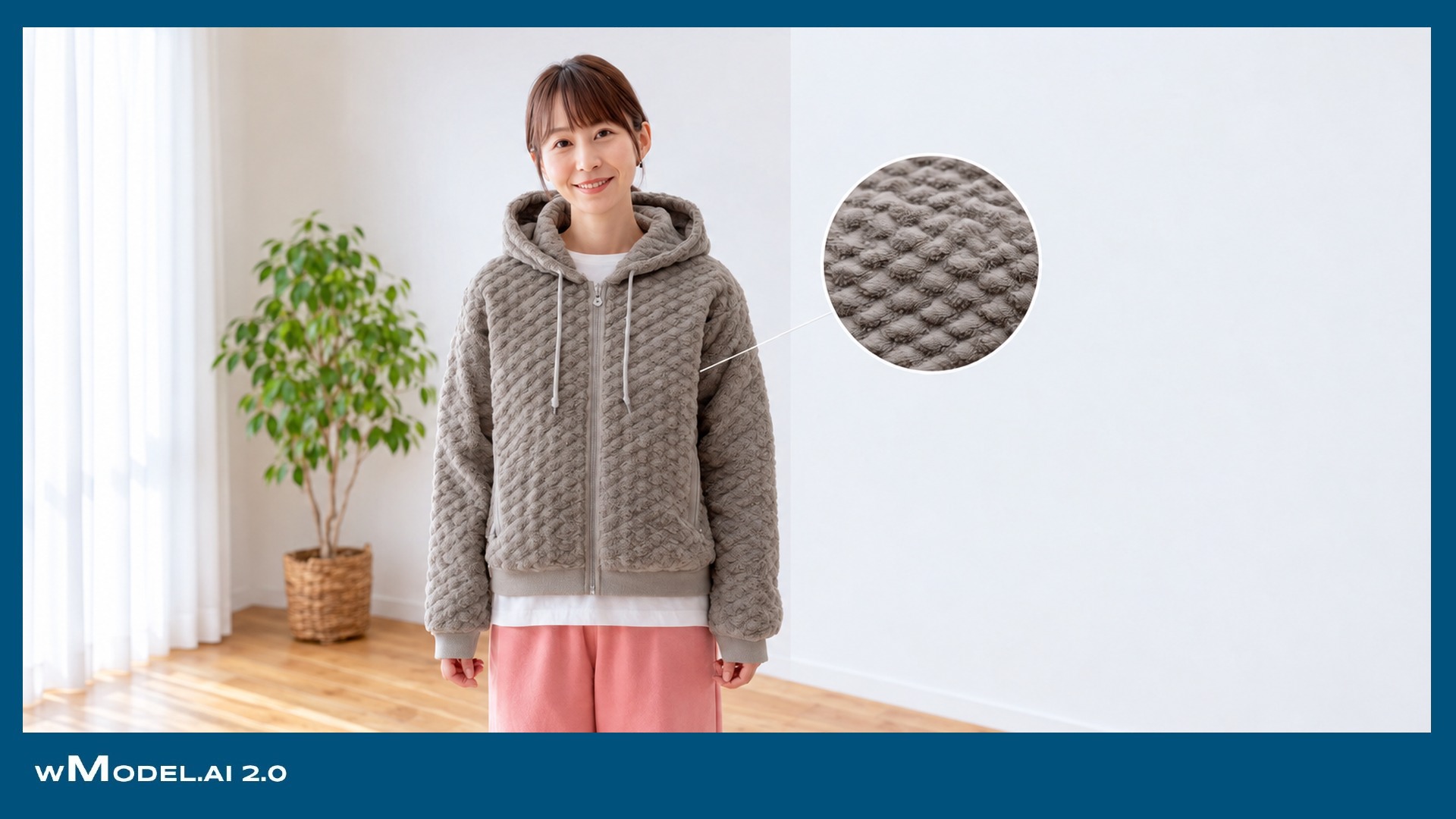
Vinyl-like shine → Shadows shaped by the pile
Changes in pile direction disappear, leaving a vinyl-like shine.
Three buttons become two from another angle, or a pocket appears where none exists. These errors stand out across image sets and in motion. Keep herringbone direction, button counts and positions, and pocket shapes consistent across every cut.


Compare the views from each angle
Shirt collars, skirt pleats, knit stitches and bag hardware each have different failure points.

Common issue: collar-tip buttons disappear, or the two sides of the collar do not match.
wModel checks collar-tip buttons, collar-stand height and left–right shape.
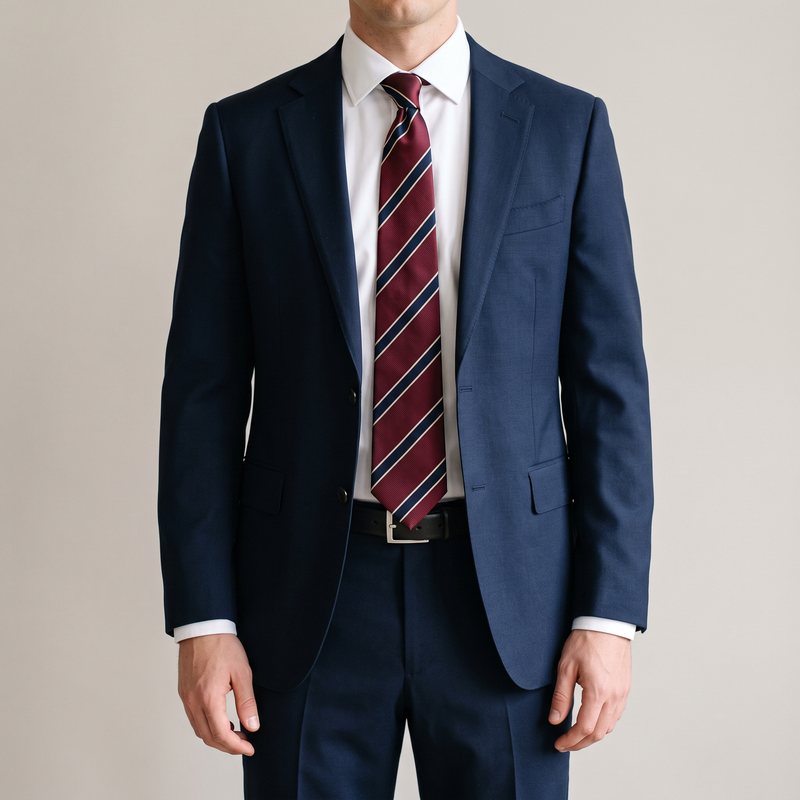
Common issue: diagonal stripes reverse direction, or the pattern breaks at the knot.
wModel checks stripe direction, width and color sequence against the original product.

Common issue: pleat widths become uneven, or pleats dissolve in a walking shot.
wModel keeps pleat widths and folds consistent in shots with movement.

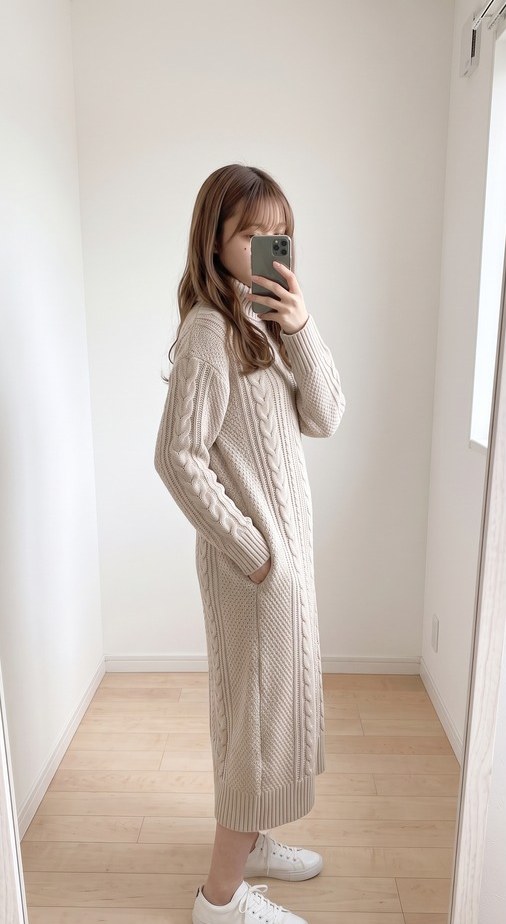
Common issue: cable-knit crossings do not connect, or the pattern order changes.
wModel checks the direction of cable crossings and the sequence of the knit pattern.
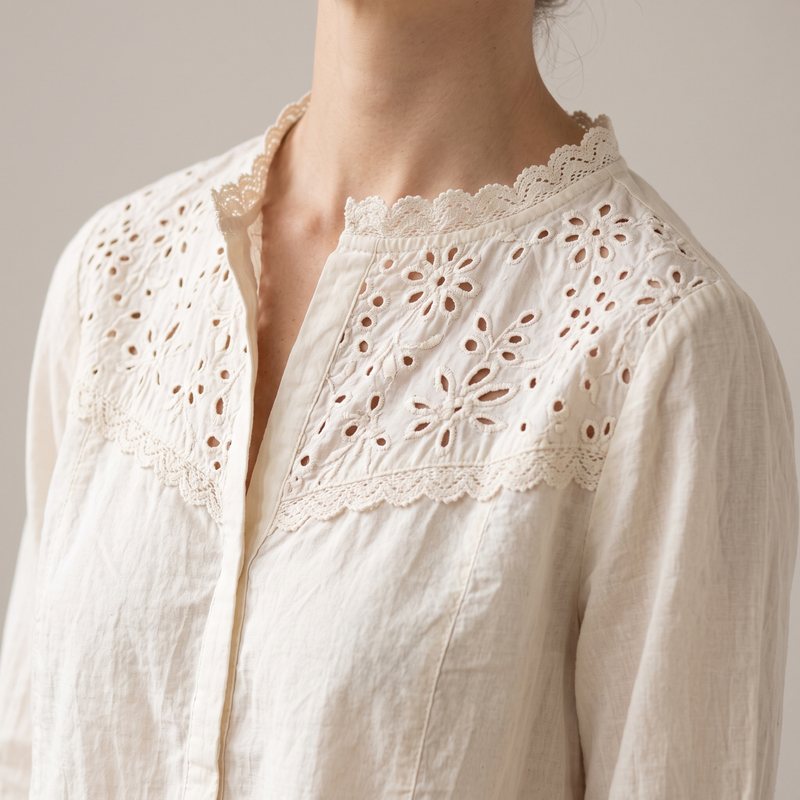
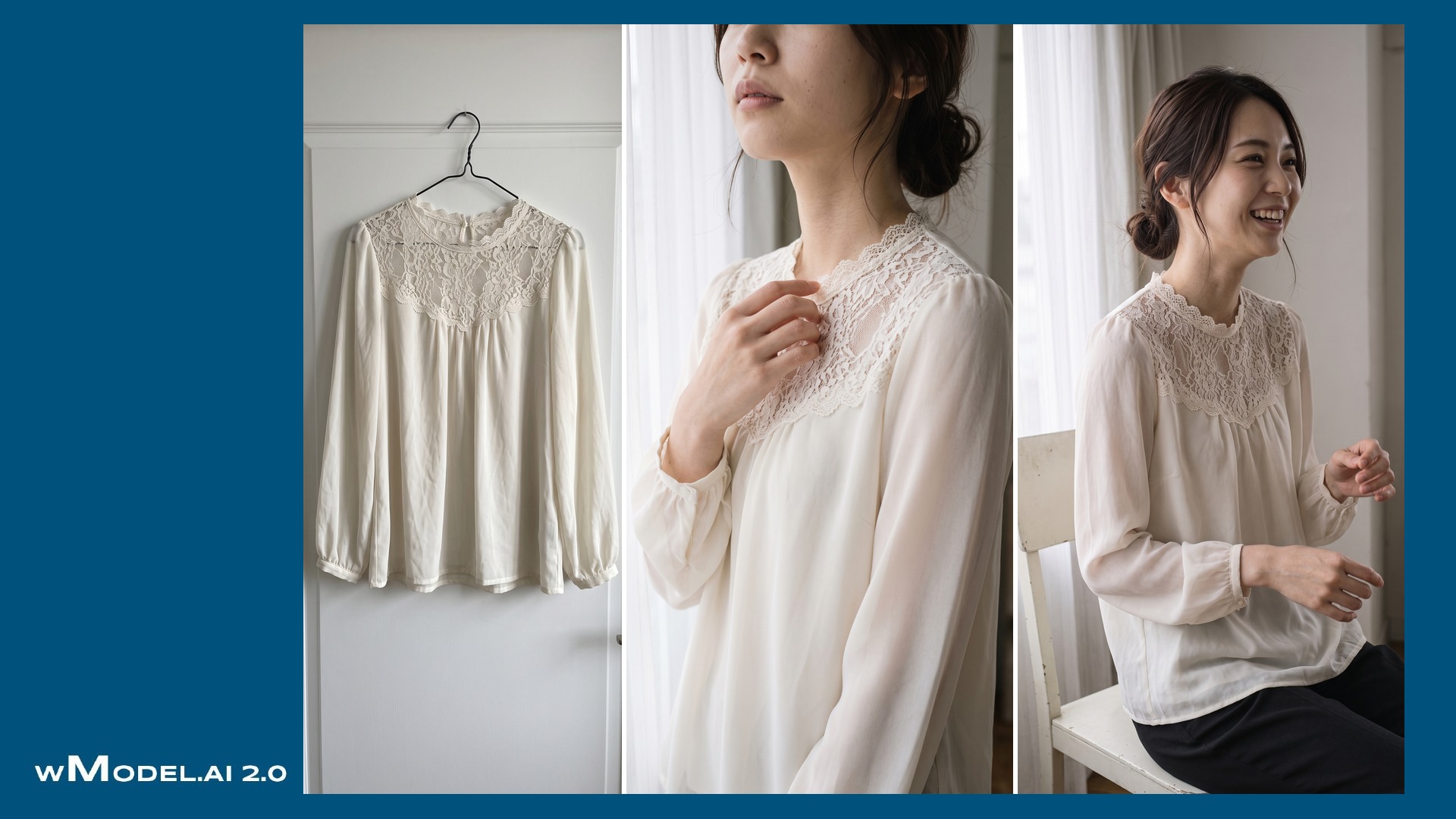
Common issue: openwork becomes a different pattern, or the scalloped edge disappears.
wModel compares openwork shapes and edging with the original product.

Common issue: a pattern becomes too large or small, or collapses at the placket.
wModel keeps pattern scale, density and color count aligned with the source.

Common issue: quilted rows change in number, or the zip moves.
wModel checks quilted rows and the positions of zips and stitching.
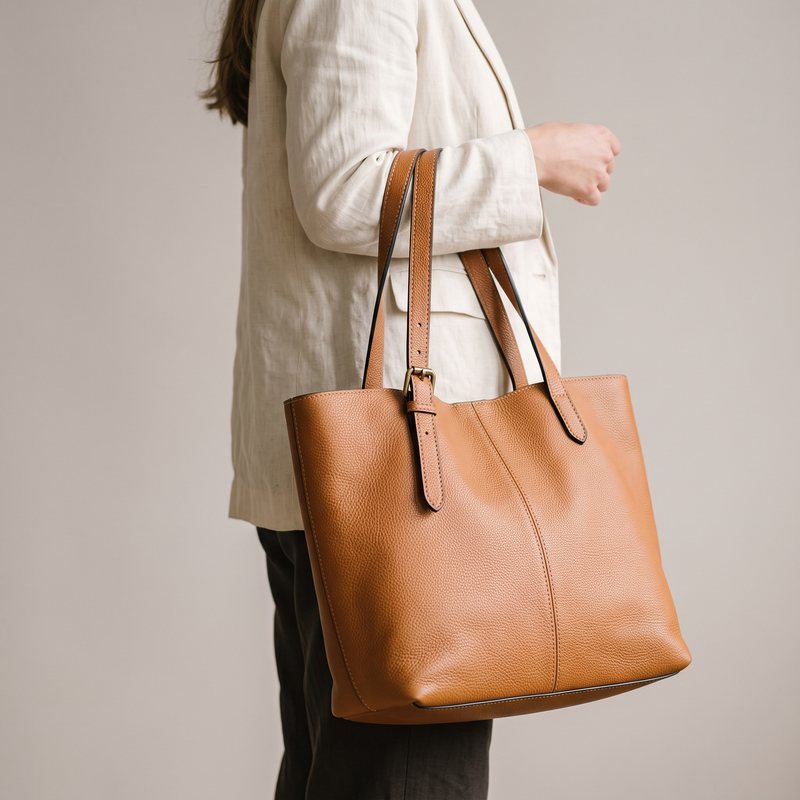
Common issue: extra handle fittings appear, or leather grain becomes flat and vinyl-like.
wModel reproduces the hardware count, stitching and leather-grain texture.
Pattern: checks and stripes become wavy or fail to align across seams.
→Compare pattern spacing, direction and continuity with the original product.
Stitching: topstitching or double rows disappear or become uneven.
→Preserve stitch-row count, width and spacing.
Buttons: three become two, or their size and number of holes change.
→Check button count, position and holes.
Hardware: zips, buttons and rivets become distorted or multiply.
→Check the shapes and counts of hardware and accessories.
Pockets: shapes change, or a rear view gains pockets or embroidery that do not exist.
→Keep the construction faithful to the original from the front, side and back.
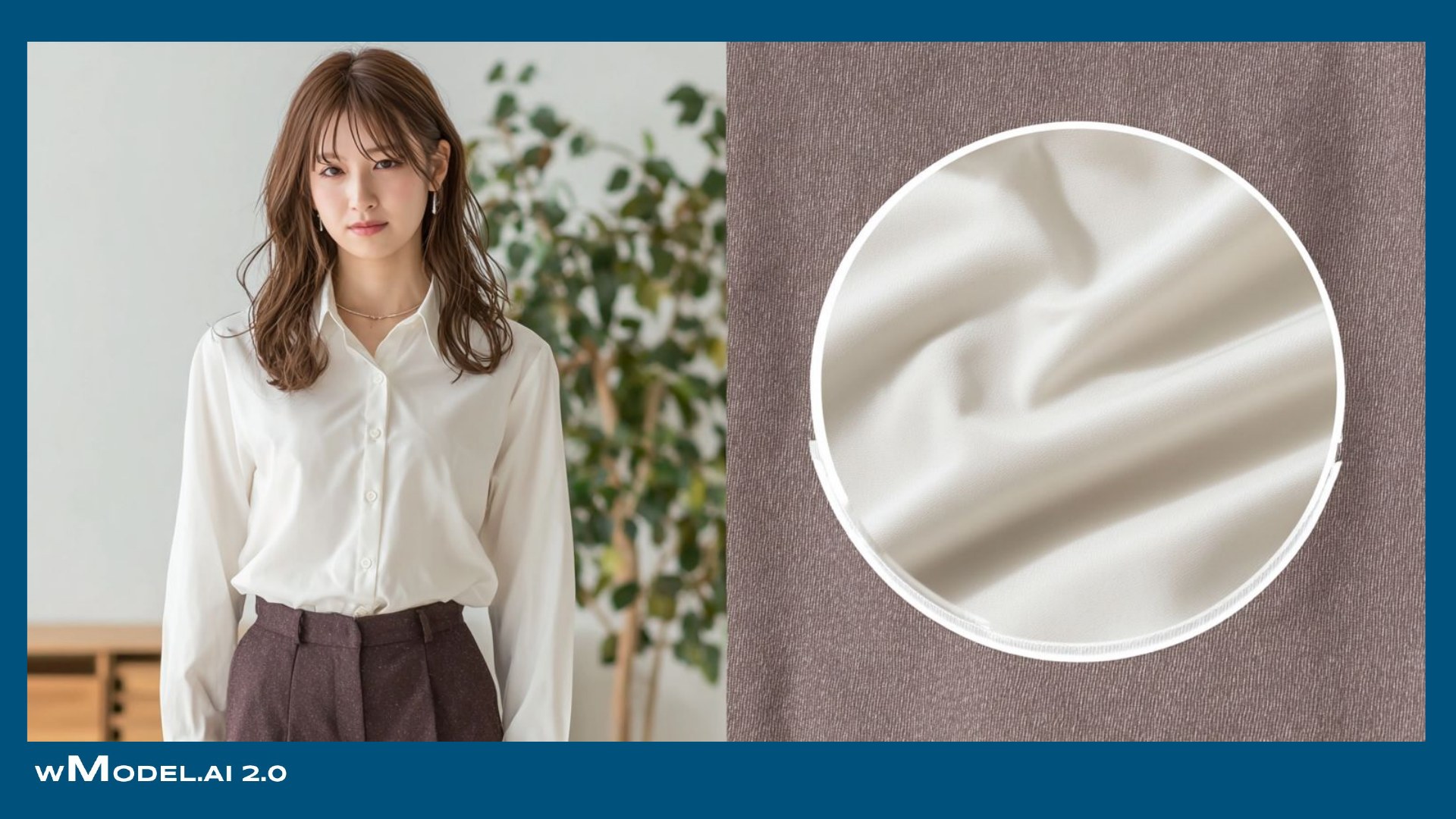
Material: knit stitches become a flat pattern; silk and velvet look plastic; fine weaving disappears.
→Distinguish knit structure, weave and sheen according to the material.
Creases and drape: excessive smoothing leaves the fabric unnaturally flat.
→Retain creases and drape appropriate to the fabric's weight.
Logos: a chest logo melts into almost-readable lettering.
→Check the shape, orientation and position of logos and prints against the product.
Consistency: front and back colors differ, or each cut appears to show a different product.
→Keep still images and video consistent as the same garment.
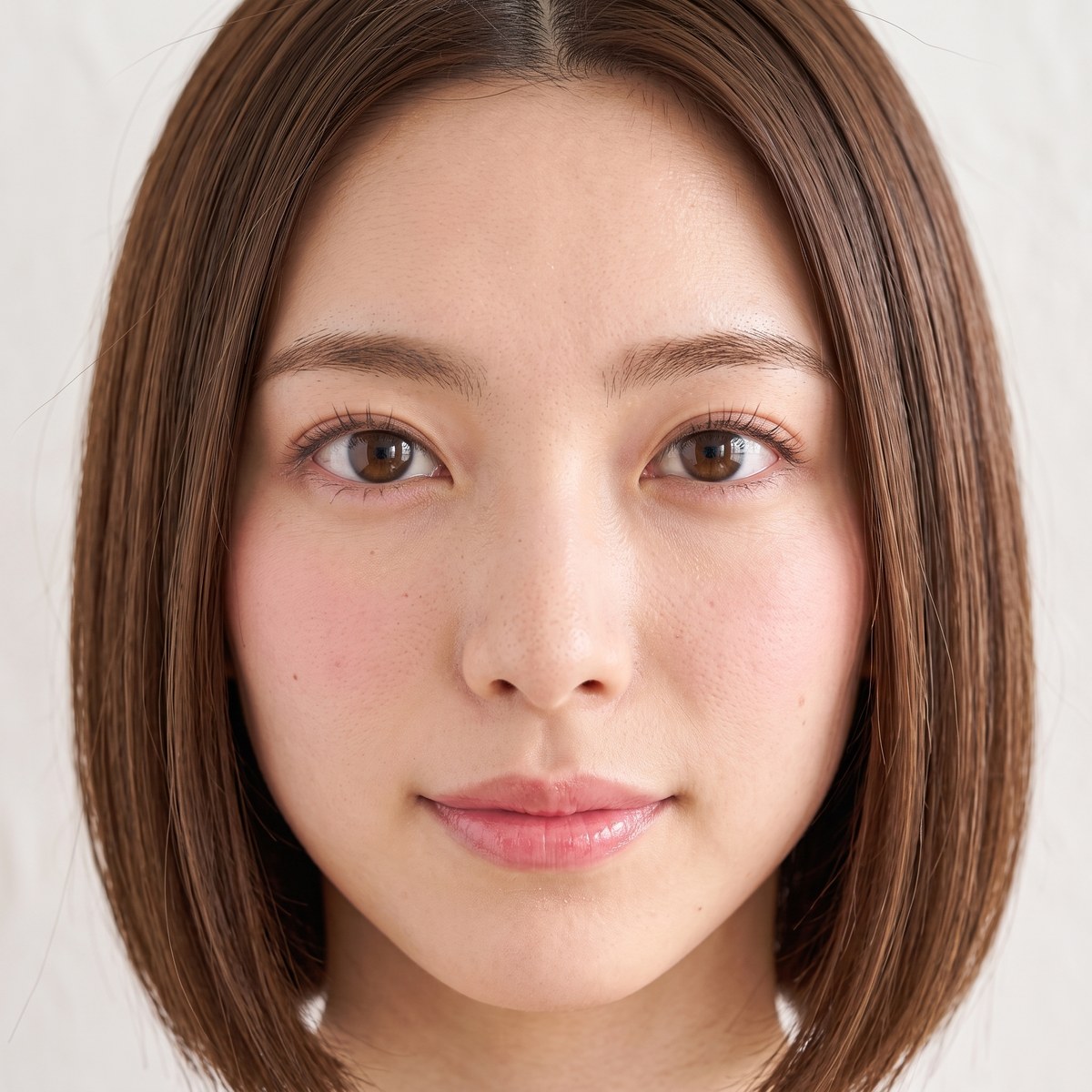
Over-smoothed skin, artificial lighting and awkward fingers make AI imagery feel unnatural. Our in-house toBeReal process refines skin texture and photographic rendering while preserving the person, pose and product. Move the comparison slider to inspect the difference.

 Source imageCommon AI-image issue
Generated resulttoBeReal
Over-smoothed skin → Natural pores and skin texture
Bring back pores, fine texture, facial hair and small marks to skin that looks over-filtered, while keeping the face and expression consistent.

 Source imageCommon AI-image issue
Generated resulttoBeReal
Overly smooth fingers → Joints and nails
Add joint creases, nail structure and subtle surface detail to overly smooth fingers, with a more natural grip on the product.

 Source imageCommon AI-image issue
Generated resulttoBeReal
Overly uniform hair → Individual hair strands
Give overly uniform hair natural variation and selective shine, with appropriate beard and skin texture.

 Source imageCommon AI-image issue
Generated resulttoBeReal
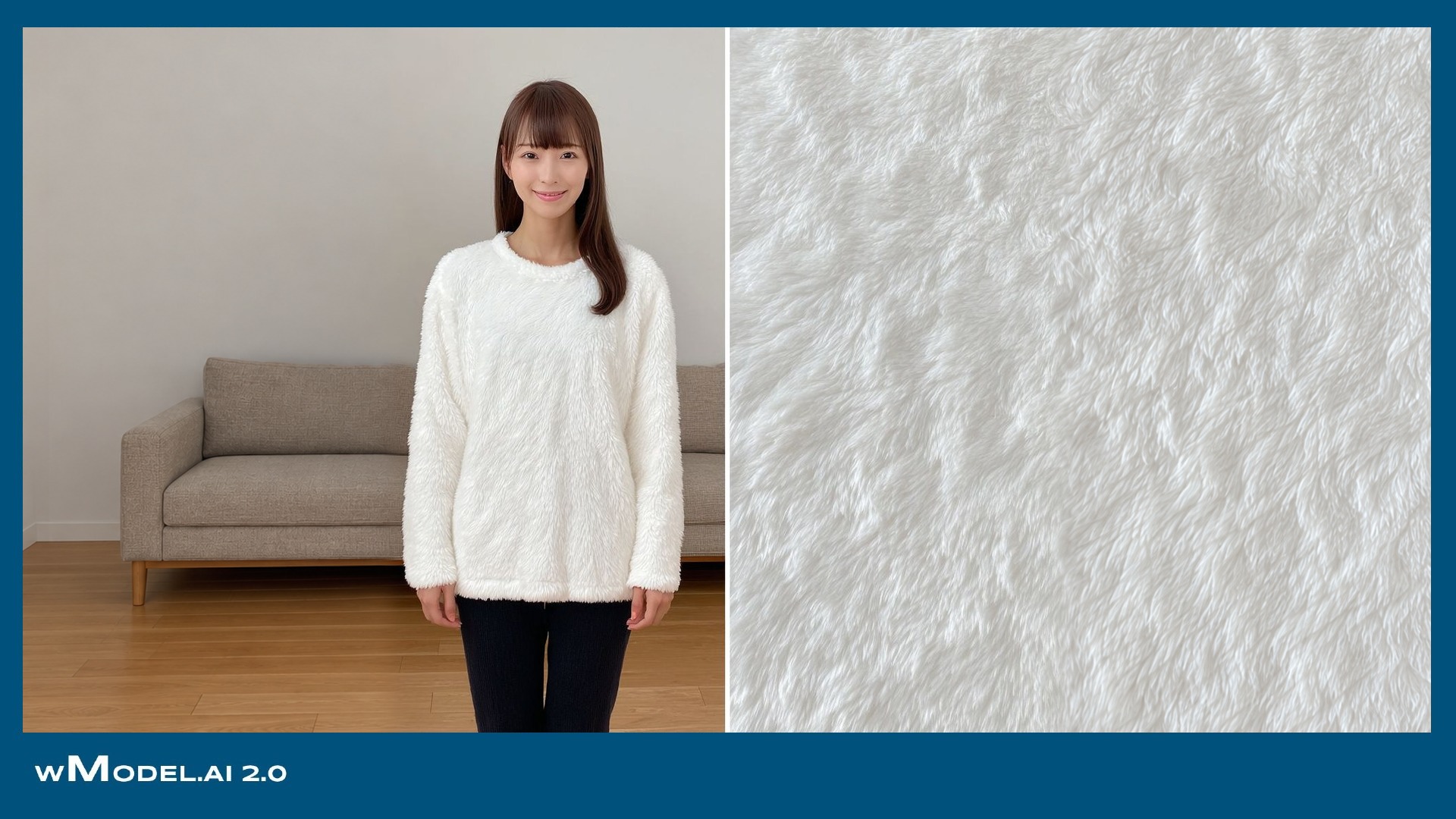
Overly uniform knit → Wool fibers
Restore wool fibers, the relief of cable knitting and surface fuzz so the fabric's material is visible.
Drag across the image to compare Before and After.
Preserve pores, fine texture, facial hair and slight tonal variation, avoiding an excessively uniform, over-processed skin surface.
Align light direction, shadow softness and background blur with a coherent photographic treatment.
Check fingers, joints, nails and how a hand holds an object—areas where AI imagery often fails.
Keep natural variation in hair ends, highlights and flyaways rather than a single solid mass.
Match creases to body movement and drape to fabric weight, preserving details that shape the product's impression.
Aim for focused eyes, natural catchlights and a believable expression.
An attractive finish should still feel human. Avoid an over-corrected, uncanny appearance and preserve the person's character. AI inspection and staff review both consider whether an artificial look remains.
toBeReal is wModel's in-house finishing technology. It brings texture and rendering closer to photography while retaining the person, pose and product.
An in-house AI system for detecting likeness-rights risks, covering 100,000+ public figures
Our proprietary AI detection technology analyzes similarities between people in AI-generated images and real public figures from multiple perspectives.
It detects potential risks relating to public figures’ likeness and publicity rights, supporting safe, confident use of AI in commercial content across advertising, e-commerce, social media, and more.
Media spend, printing, production and time spent rebuilding a campaign can all be affected, along with brand trust.
Compare generated faces with public-figure references during production and flag similar faces before delivery.
The first checks whether photos of known public figures return the correct identity. The second measures how generated images are classified for further action. We present these internal test results separately.
The upper test checks whether photographs of public figures return the correct identity. The lower test determines which generated images need further review or regeneration. These are two different checks.
Internal tests conducted in October 2026. Of 40 photos of real public figures, 39 returned the correct identity and one was not detected. The 39/40 figure measures correct identity returns. A separate count found scores of 99 or higher in 38/40 images. The 103 generated images were classified as 94 requiring no additional action, six requiring review, and three requiring regeneration. The 94 comprise 79 with scores below 95 and 15 with no returned match. Scores from 95 to below 97 were assigned to review, and scores of 97 or higher to regeneration. No generated image scored 99 or higher: 0/103. The 103 images include before-and-after toBeReal examples and four images of hands without a face; they are not 103 distinct people. The score is not a percentage of facial similarity.
Results determine whether an image proceeds to staff review or face regeneration. Regenerated images are checked again, and the results and actions taken are recorded as part of the delivery workflow.
Even an accidental resemblance can lead to image-rights or publicity-rights claims and inquiries from a person's representatives.
The source workflow checks faces against 100,000+ public figures before delivery. A same-person match is not used and is sent for regeneration.
Waiting until someone points out a resemblance can waste advertising, printing and production costs, as well as time.
Flag concerns internally before publication. Staff review faces marked Review before the work is delivered.
Adverse publicity can affect brand confidence and, for listed companies, market perception. Internal approval and later explanations need a record of the checks performed.
Keep a comparison record for each image, supporting internal approvals and any later explanation.
Scroll the chart horizontally.
The displayed comparison time is the median of 128 internal test runs in the source page, adding little relative to image-generation time.
Clear results are available for the intended uses shown in the service.
Regeneration is recommended for advertising and key visuals when a result needs review.
A result in the regeneration category calls for a new face and another check. The new result determines the next action.
Advertising projects can be configured to regenerate Review results as well. Discuss the setting with us.
These 16 examples are drawn from the 103 generated images checked in the internal test: 15 required no additional action and one required review. Each badge shows that image's actual classification. The names of returned public-figure matches are not displayed.
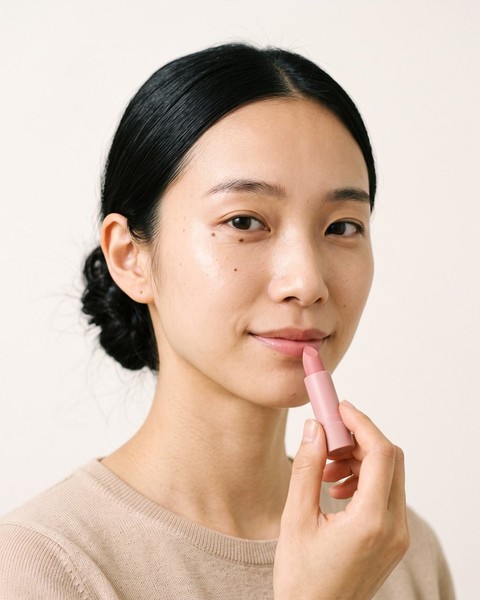


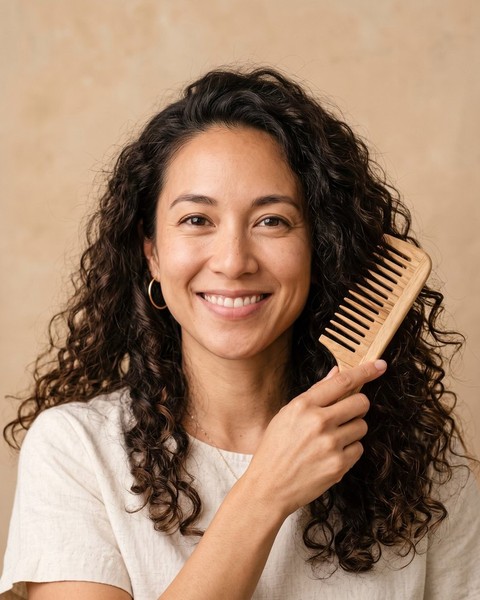


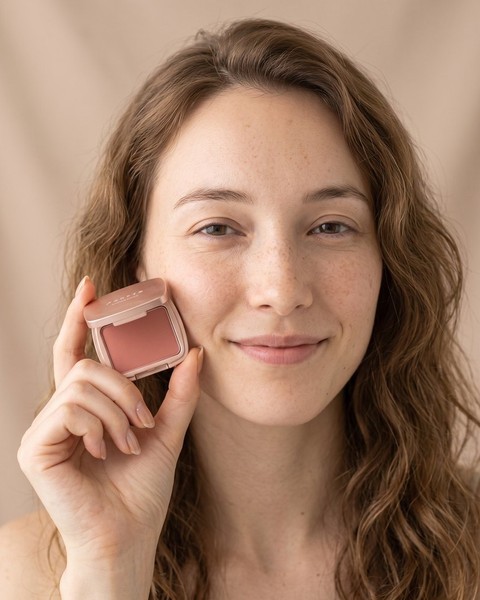

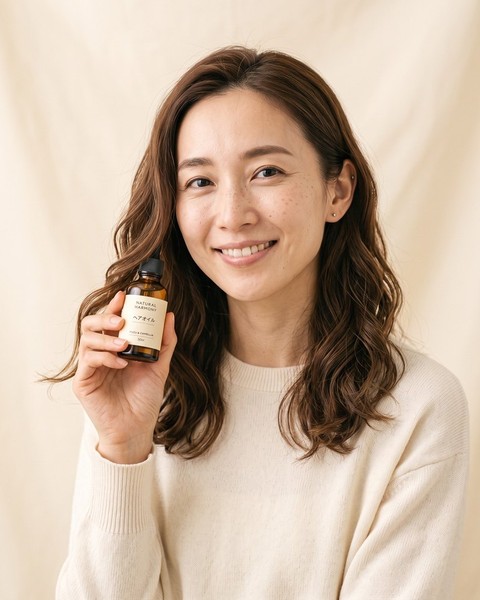




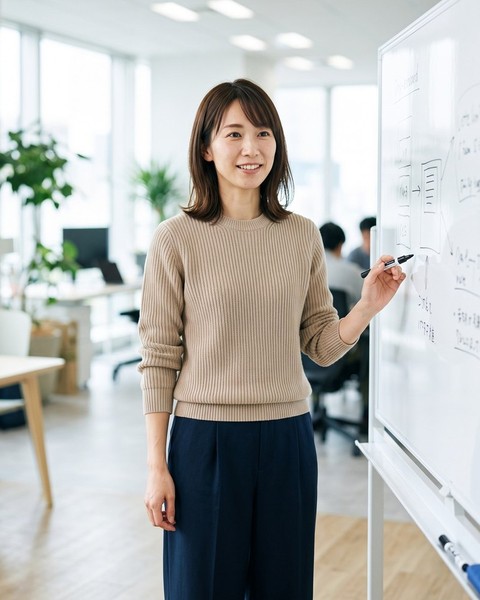
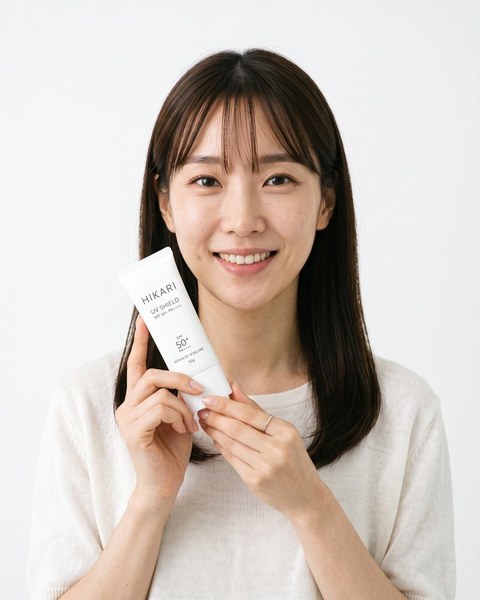
In an internal test, faces were regenerated and checked again across seven image pairs flagged for review or regeneration. Six fell below a score of 95 after one regeneration. The examples shown come from that test. Regenerated images are checked again to determine the next action.


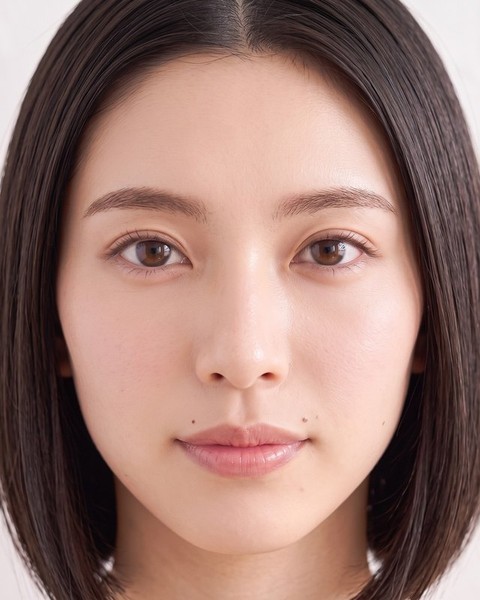
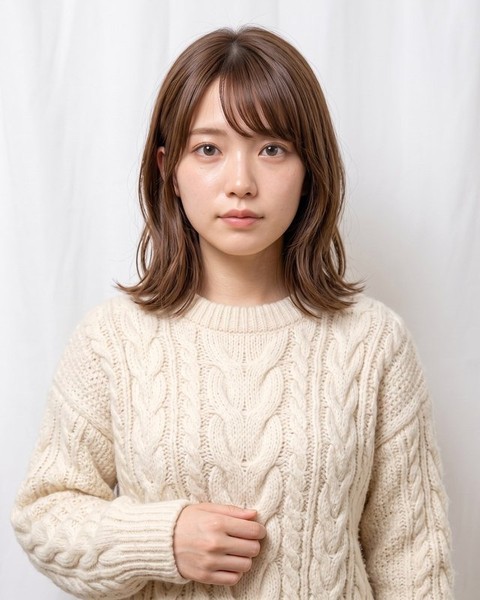
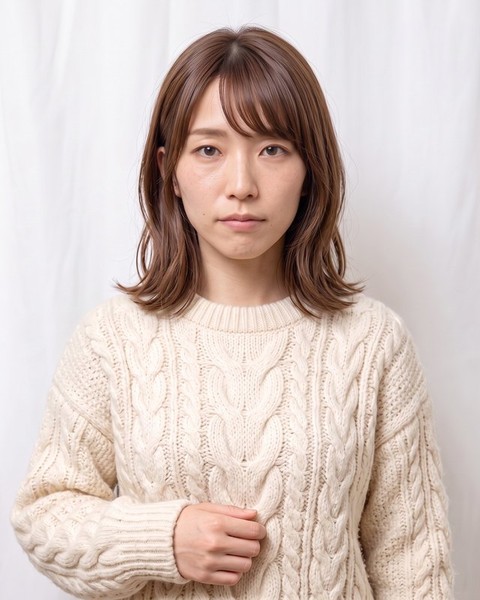
Internal test examples showing face regeneration followed by another likeness check.
The comparison set covers actors, entertainers, musicians, athletes, politicians, executives and international public figures. The comparison set covers 100,000+ public figures, exceeding the roughly 11,000 people in a representative Japanese talent directory.
The correct identity was returned for 24/25 images from Japan, 10/10 from Europe and North America, and 5/5 from China and South Korea: 39/40 in total. These groups describe the subjects of the test photos, not the number of people in the full reference collection or a pass rate for generated images.
Identification tested on 25 photos of public figures from Japan.
Identification tested on 10 photos of public figures from Europe and North America.
Identification tested on five photos of public figures from China and South Korea.
The correct identity was returned for 24/25 images from Japan, 10/10 from Europe and North America, and 5/5 from China and South Korea: 39/40 in total. These groups describe the subjects of the test photos, not the number of people in the full reference collection or a pass rate for generated images.
Japan: 24 of 25 images; Europe and North America: 10 of 10; China and Korea: 5 of 5. The intended public-figure face was matched to the correct name in 39 images. This identity-recognition count is separate from the count scoring 99 or higher.
Five people, each with five image transformations—crop, 256-pixel downsize, blur, color change and heavy compression—all returned Match.
From actors, entertainers, artists and athletes to public figures in politics and business.
Of 103 wModel-generated images, 94 required no additional action, 6 required review and 3 were routed to regeneration. The 94 comprise 79 low-score images and 15 with no returned match. These are post-comparison action categories counted by image, not a test of 103 distinct models.
Ask us about individual people not in the comparison set, such as newly represented talent.
Advertising images are cropped, resized and recolored. In the source internal test, photographs of five real public figures underwent five transformations; all 25 transformed images returned Match.






The chart illustrates those transformations using a wModel-generated person.
Record when an image was compared, the result, the action taken and who reviewed it. The delivered work includes comparison records for internal approval and quality review.
Image-level records show what was checked and how it was classified. They support internal approval, quality review and documentation under the company's AI-governance rules, including rules informed by Japan's AI Guidelines for Business.
For images based on a person's photograph supplied by the client, record the comparison result without automatically replacing the face.
Match results return to regeneration and another comparison. Staff review Review results before approved work is delivered.
A. Clearium first classifies generated people as Match, Review or Clear. Match faces are regenerated; Review faces receive a staff check before delivery.
A. For images based on the client's own supplied portrait, we retain the comparison record without regenerating the face automatically.
Accidental resemblance to a real person can occur. wModel includes Clearium comparison in the generation and delivery workflow, routing results to regeneration or staff review as needed. Comparison results and the action taken are recorded as part of the checks before delivery.
A. We recommend regeneration for Review images. Advertising projects can be configured to regenerate these results automatically; discuss your requirements with us.
Depending on the result, images proceed to regeneration or staff review. We deliver the finished assets with records of the checks and actions taken.
A. Yes. In the source test, all 25 images subjected to cropping, resizing, blurring, recoloring or heavy compression returned Match.
A. Yes. Each image retains its comparison time, result, action and staff-review record for internal approval and quality review.
A. Please discuss the individual case with us.
Every industry has conventions: tie length for suits, measurement positions for apparel, appetizing presentation for food, or marketplace image requirements. wTransformer combines these conventions with your company's internal rules and quality criteria.
Requirements and feedback inform future generation conditions and quality criteria. As product ranges and use cases grow, your standards remain part of the process and quality is continuously refined. Progress and version differences are shared through wBoard, and finished work is delivered after your review.
A suit image may need the tie tip at the center of the belt buckle. Such presentation rules become inspection criteria in wTransformer, alongside the company's own requirements, so each cut can be checked against them.
wTransformer is an enterprise AI foundation that incorporates your brand rules, product requirements, industry quality standards, and review and approval process. Multiple Transformers with different roles are combined into a dedicated generation line, connecting generation, comparison, revisions and review.
Requests such as a slightly darker color or keeping a model’s hair down help the AI learn the intended expression. Feedback on revisions informs future projects, reducing the need to explain the same requirements from the beginning.
Analysis, composition, generation, consistency checks and finishing are organized as production stages. Multiple cuts, colors, angles and uses can proceed in parallel under the same criteria, supporting larger seasonal commissions.
Revisions focus on the requested area, with the rest of the approved image kept consistent.
This display illustrates the process.
Generated images do not go straight to delivery. An AI inspection engine checks every cut against the product for shape, color, logos, text, fit, anatomy and brand rules. Work below the standard returns to production with reasons; dedicated staff review the work that passes before approving delivery.
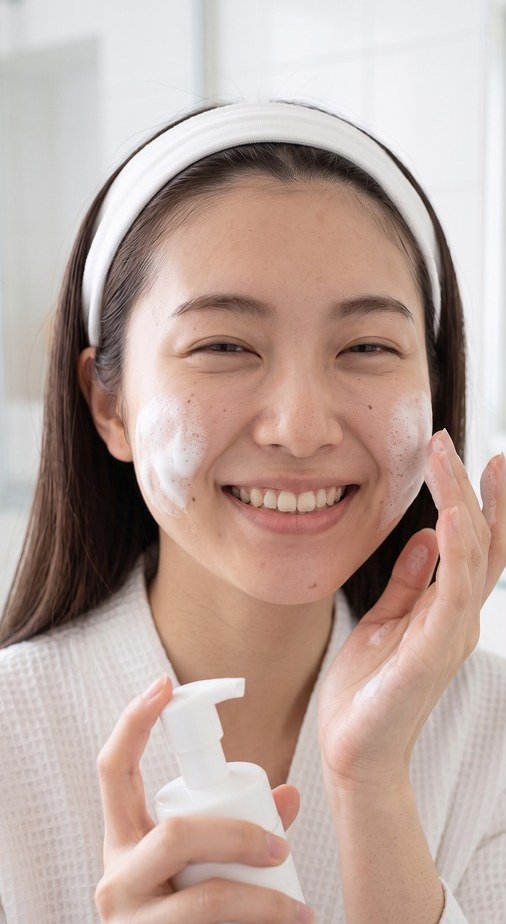 Passed both review stagesAI check: hardware shape
Brand character matters as delivery expands. Learning from requirements and feedback informs review criteria, helping maintain a consistent visual direction across categories, teams and seasons.
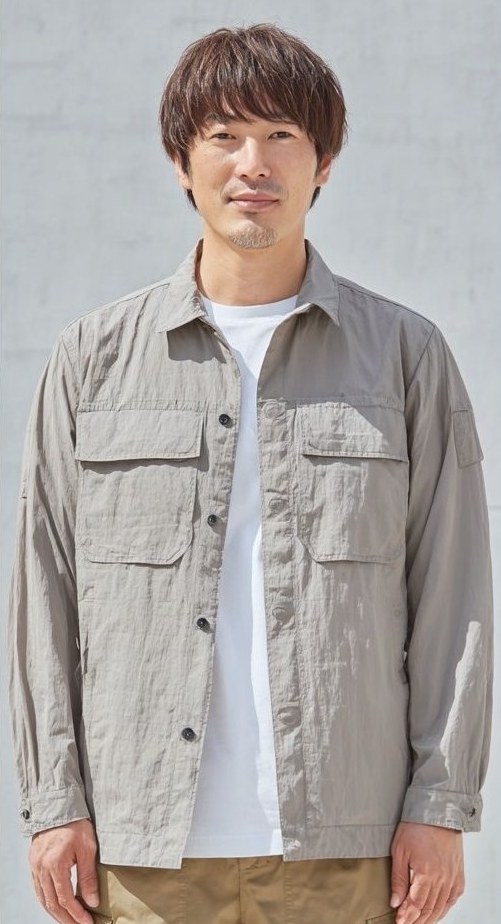
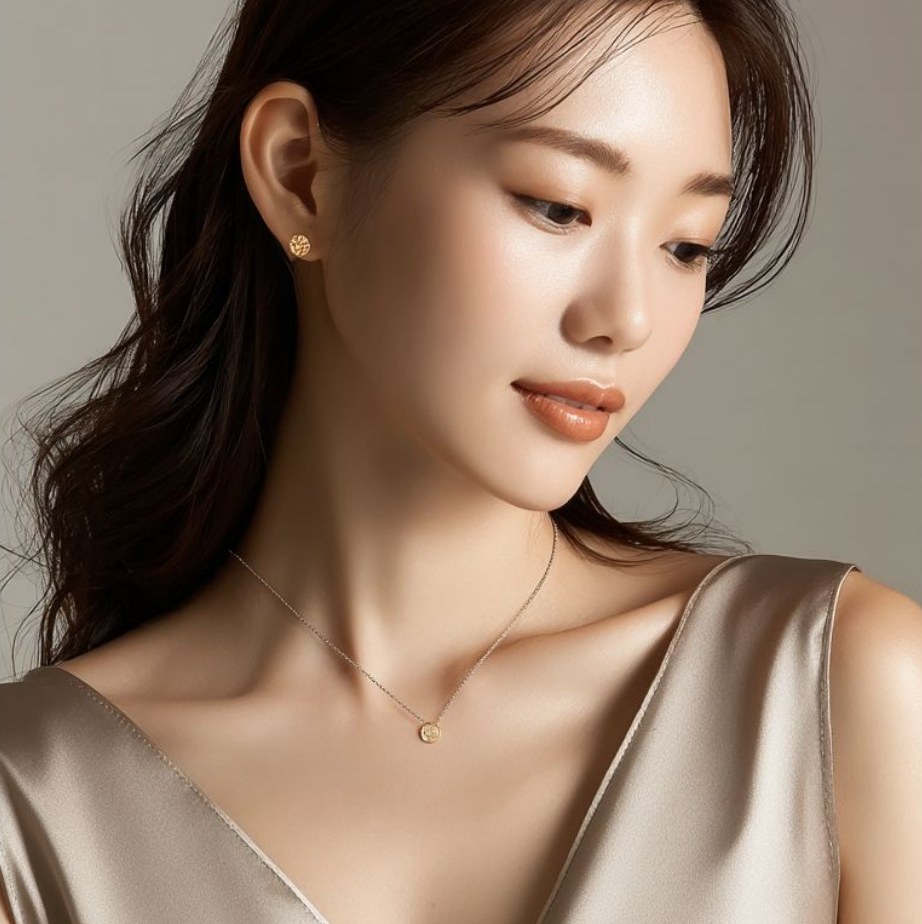
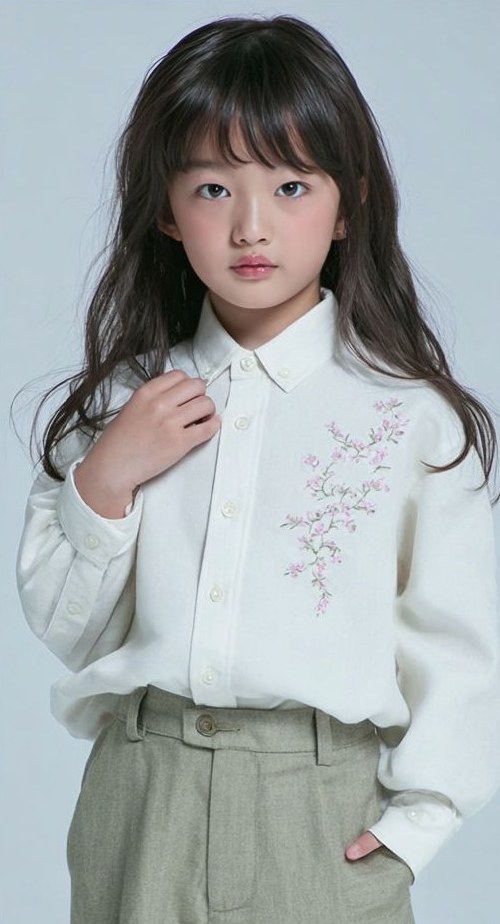
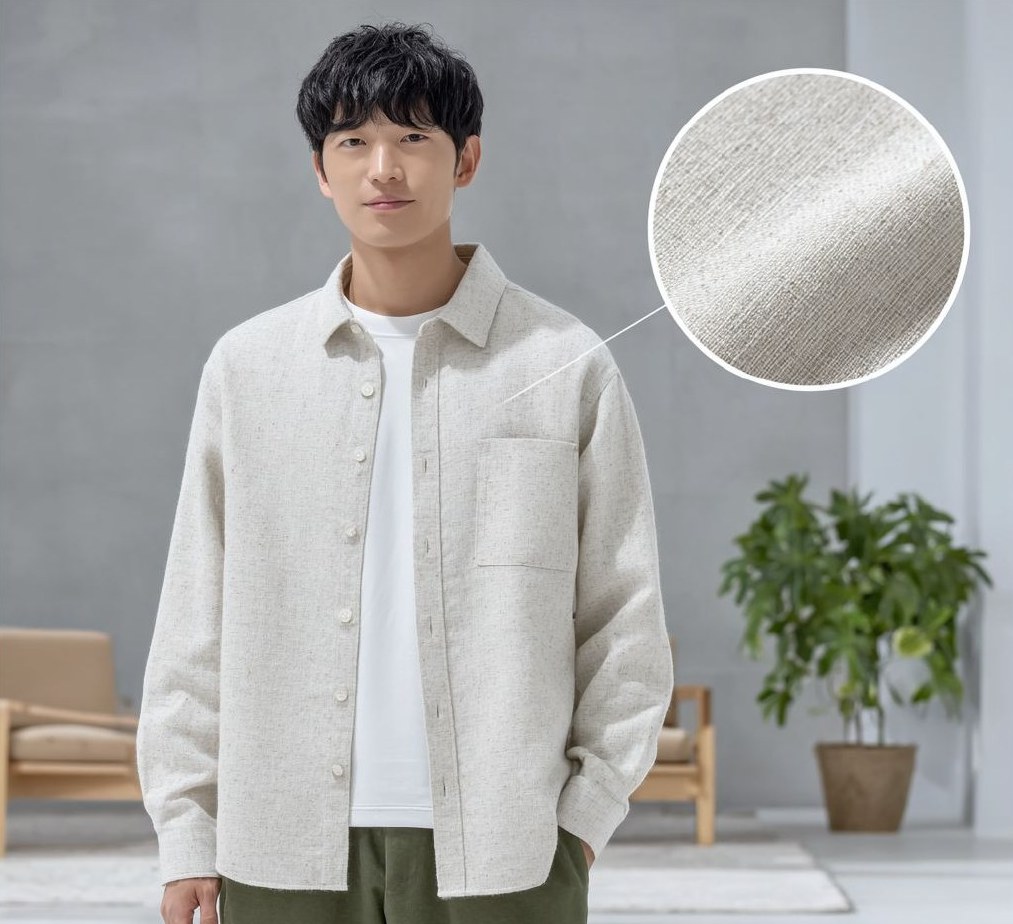
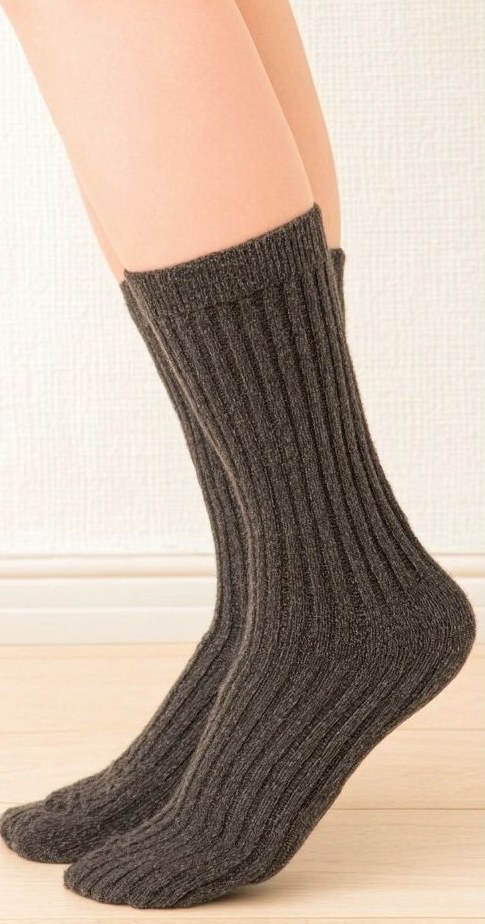
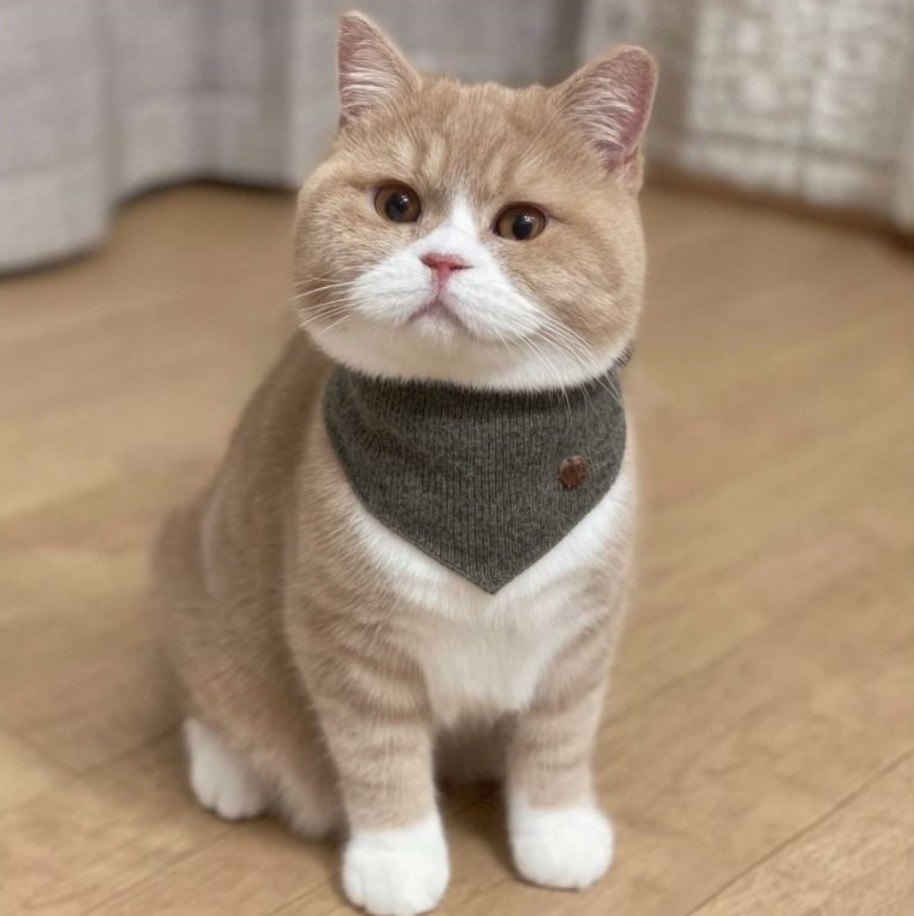
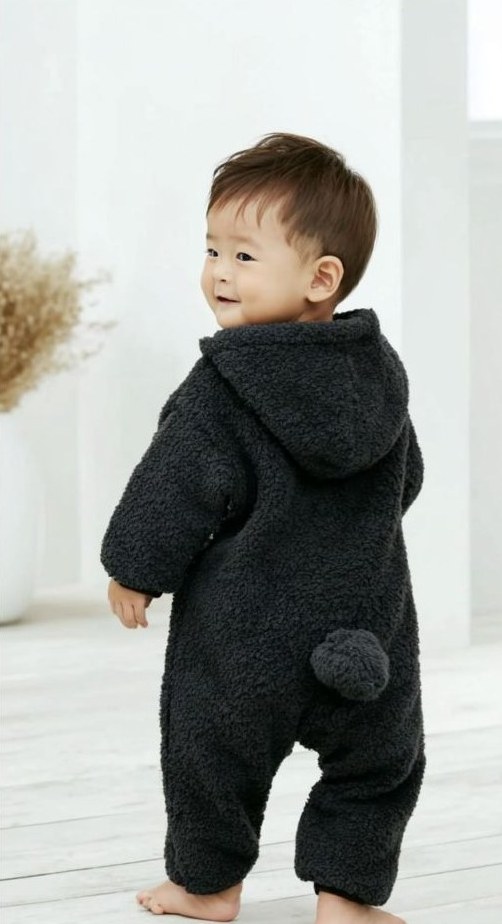

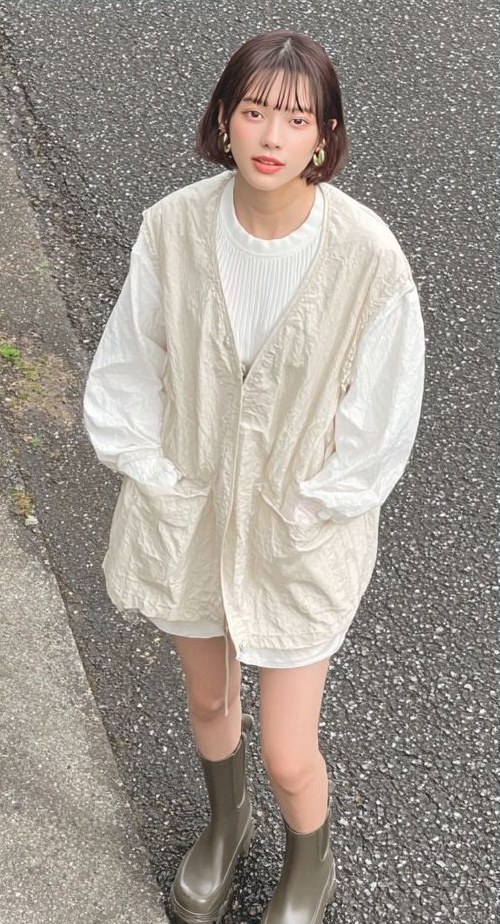

Each company's wTransformer is configured separately. Your brand rules, product information and decision history are used for your company's production rather than mixed into another company's work.
wModel supports everything from a single trial image to ongoing generation at scale, week after week and season after season. The generation workflow is tailored to your quality standards and review process so it can become part of your everyday operations.
Each company's wTransformer is separate. Brand rules, product data and decision history support that company's own production.
Deliver images in the sizes, aspect ratios and formats required by their destination, ready for the agreed publishing use.
Record who did what and when, including AI production, inspection results, final staff review and client approval, for each project.
| 10/02 09:14 | Client | Brief received | 12 autumn/winter knit items |
| 10/02 09:15 | AI engine | Production instructions prepared | Knowledge layer: rules and previous project |
| 10/02 10:02 | Staff | Confirm production instructions | Confirm deadline and color range |
| 10/03 11:40 | AI engine | Generate No.05 v1 | Consistency check passed |
| 10/03 11:52 | AI inspection engine | Compare No.05 v1 with the product | Shape, color, logos, text and hands meet the criteria |
| 10/03 14:22 | Staff | Final review and approval of No.05 v1 | Share in wBoard |
| 10/05 18:03 | Client | Client feedback by reply | Cuff and washed-out tone |
| 10/06 13:31 | AI engine | Generate No.05 v2 | Revise the flagged areas |
| 10/08 10:12 | Client | Approve v2 | Proceed to delivery |
This display is an illustration of the project record.
Each cut has version numbers. Review what changed and which version was approved at any time.
Revisions follow the sequence: agree the plan → produce → inspect with AI → final staff review → client approval. Establish the shared understanding before reworking the image.
Whole seasons, multiple brands and multiple categories can use the same production structure: parallel AI creation, inspection of every cut and a final staff review, scaled to the project's workload.
wBoard is the online board for shared project status. Follow each cut from intake to delivery, including what the engine produced, what AI inspection found and what staff reviewed. Revision plans, version differences and the conversation history stay together, with notifications linked to the same project record.
Intake, AI production, AI inspection, final staff review, client review, revision and delivery: see the current stage of each cut.
Each stage shows who handles it—the production engine, AI inspection, staff or your team—making responsibility and pending actions visible.
Compare v1 and v2 with an overlay slider and inspect the actual visual changes.
Revisions are first presented as a plan. The engine then reworks the agreed items.
Replies are synchronized into the board so the project retains who said what and when.
Retain which version was approved, when and by whom, supporting your internal review workflow.
wTransformer connects your brand standards, product information and approval process in a dedicated generation line. An image AI engine generates the assets, AI inspection compares them with the original products, and specialists perform the final review. As production scales, each stage follows your standards through to delivery of ready-to-use assets.
Share your product information, intended use and brand standards. We handle generation, inspection and final review as one connected process, delivering finished commercial images ready to use. Track progress, revisions and approvals in wBoard, with email available for everyday communication.
Shared brand rules and models help keep the visual tone consistent across different media.
How does one product photograph become an on-model image?
Share your product photo. We combine the model, product, interaction and style to create the finished visual.
The four dimensions are illustrated below.

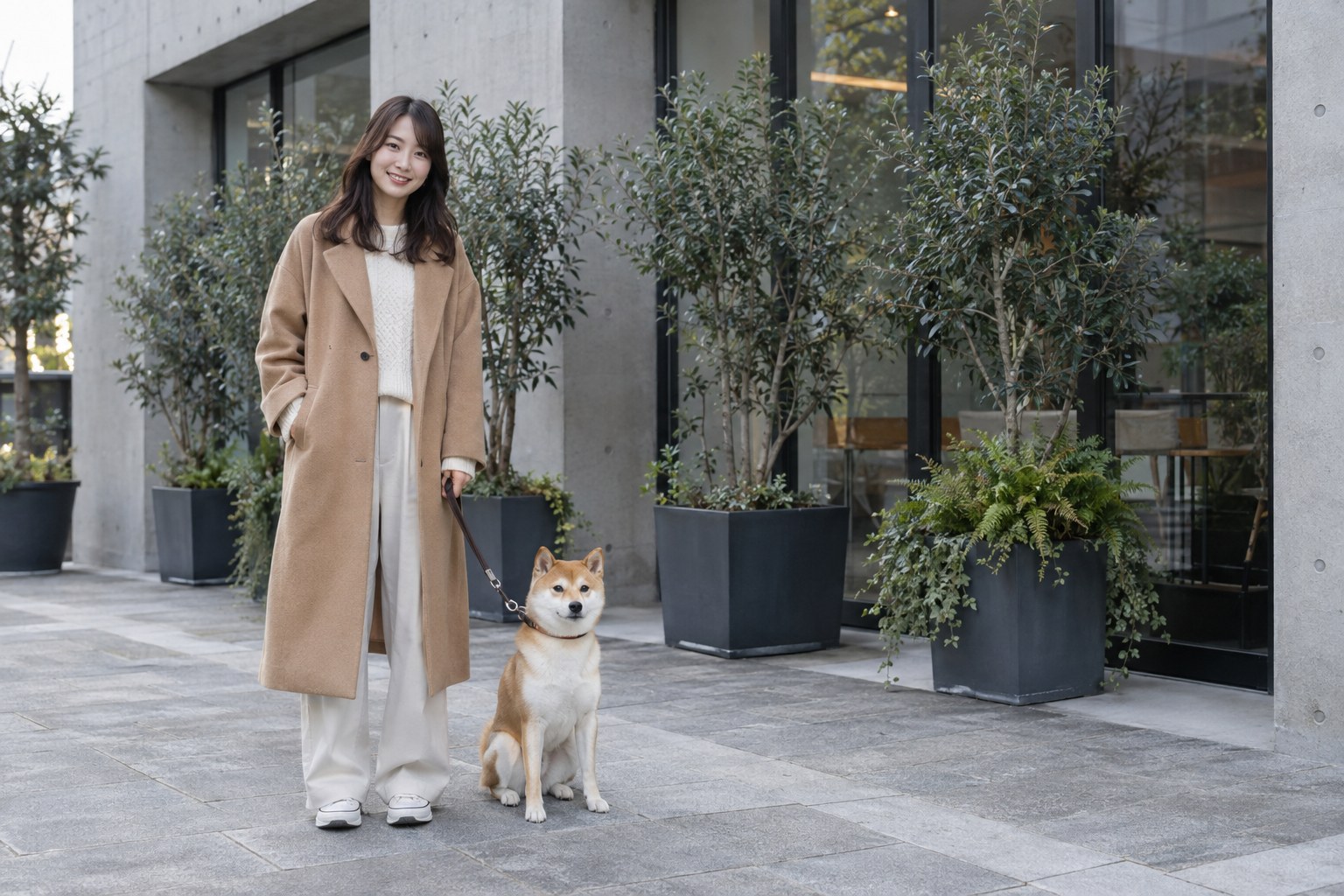
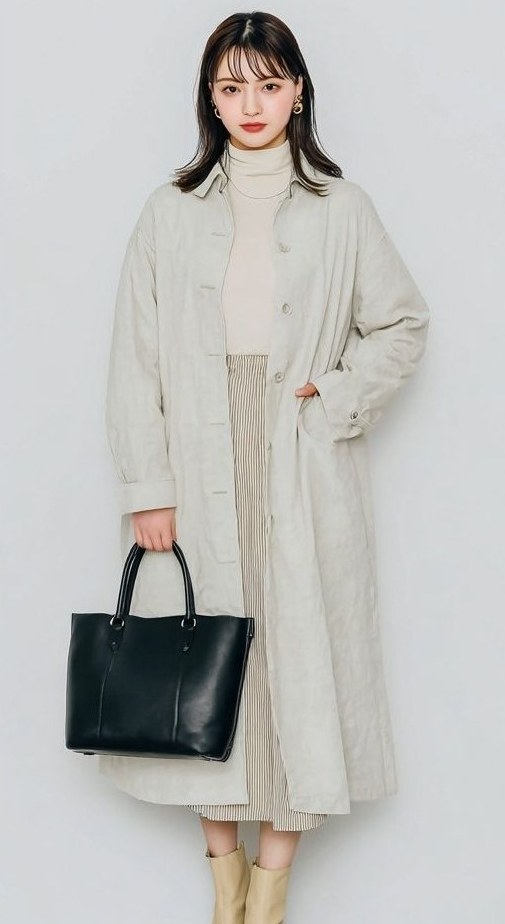
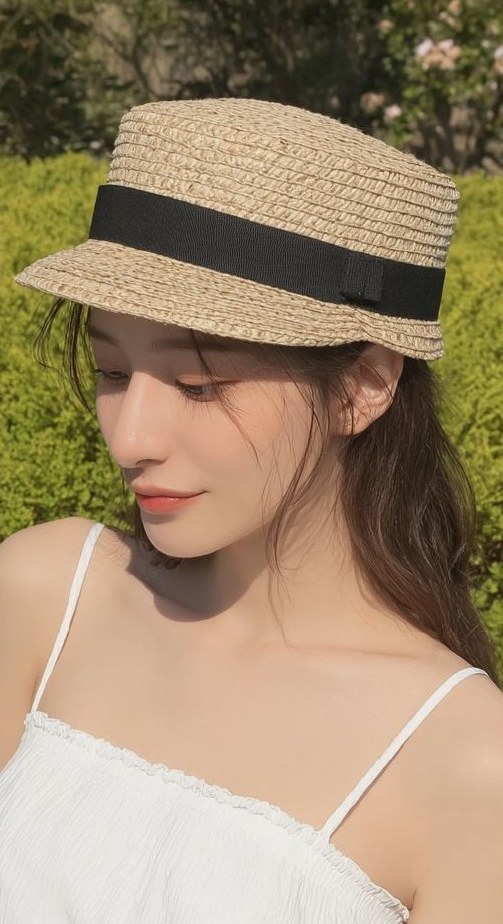
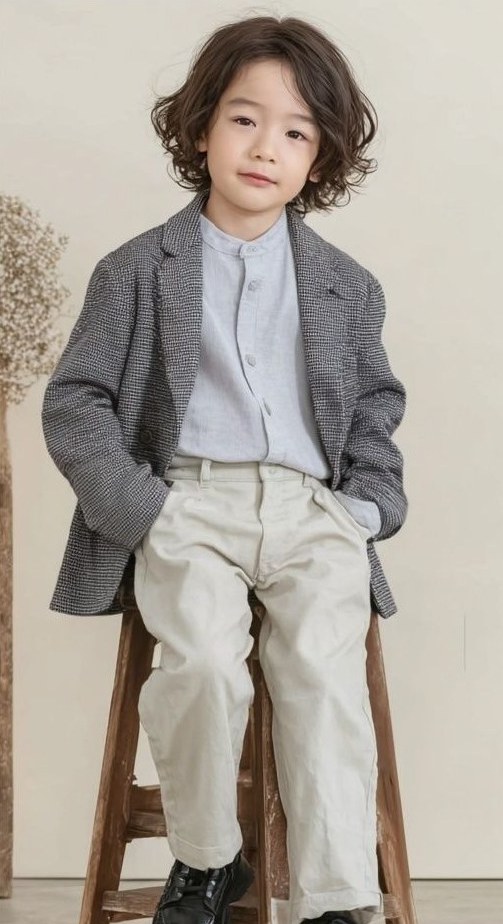
Work with AI-generated people, animals, plants, buildings and more.
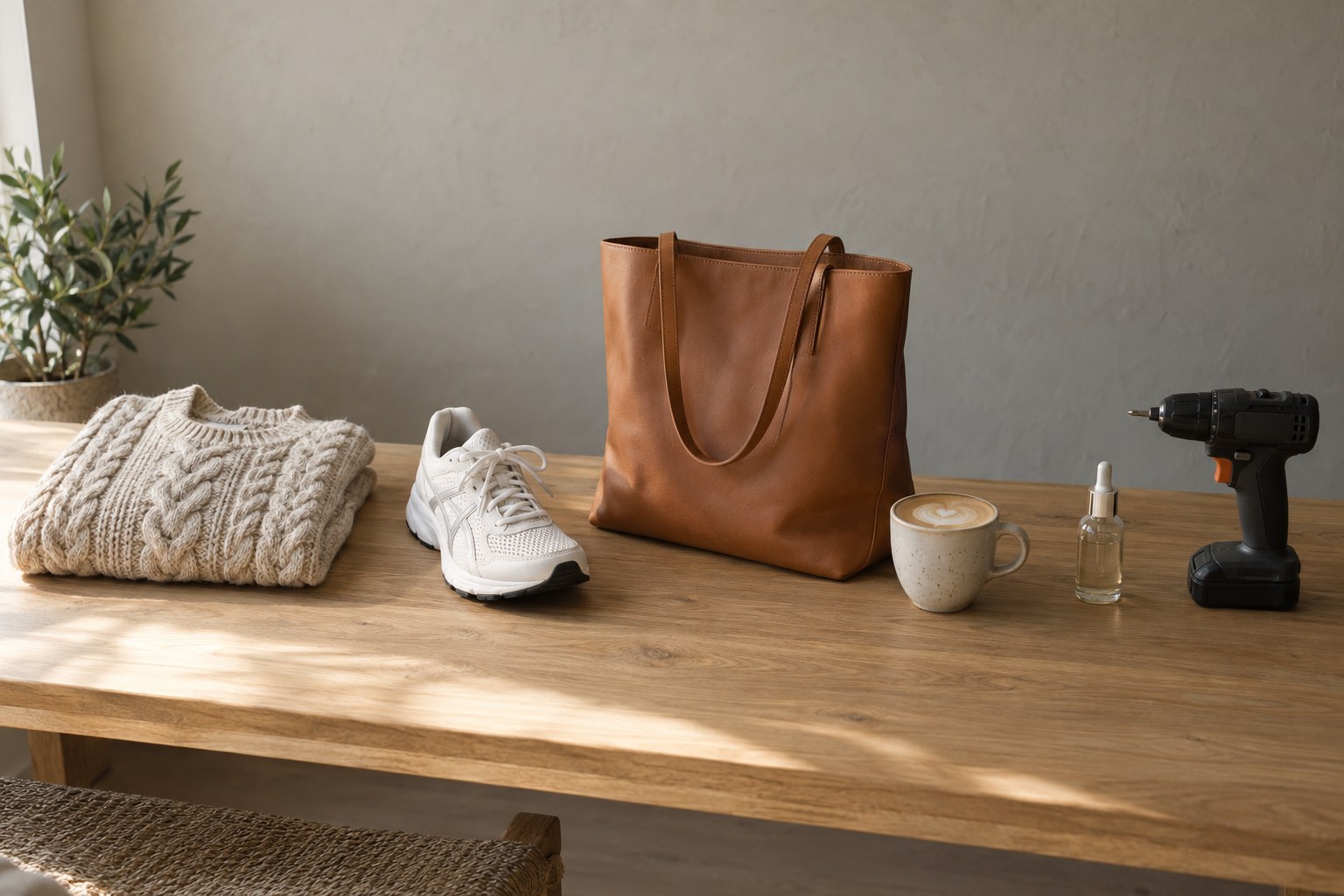
For products and services across apparel, fashion, sport, food, manufacturing and other industries.

From images and videos of physical products being worn or used to scenes that illustrate services, hospitality and entertainment.
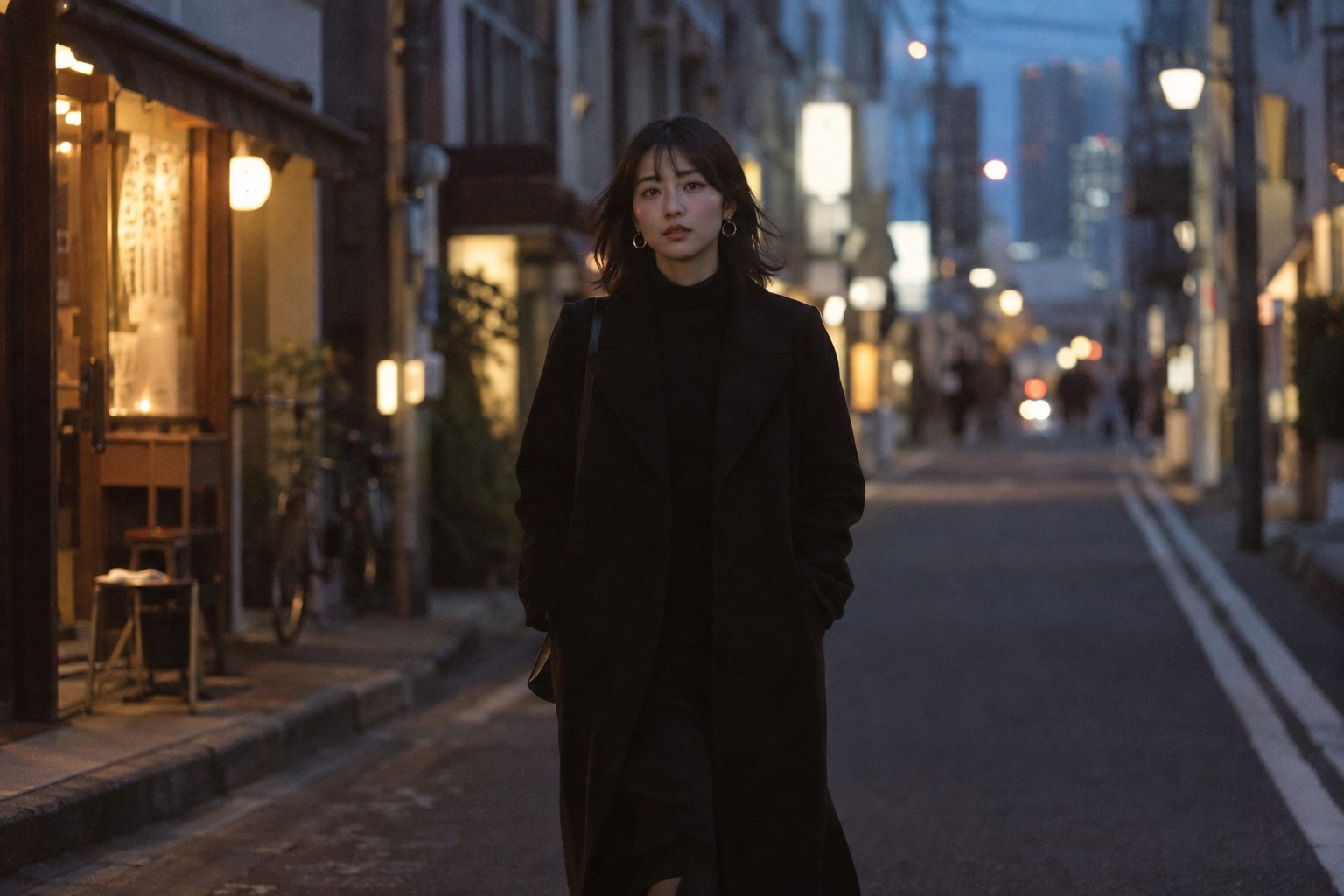
Different moods, visual styles and delivery specifications for websites, social media, catalogs, publications, still images and video.
See what we can create from a single product image you already have.
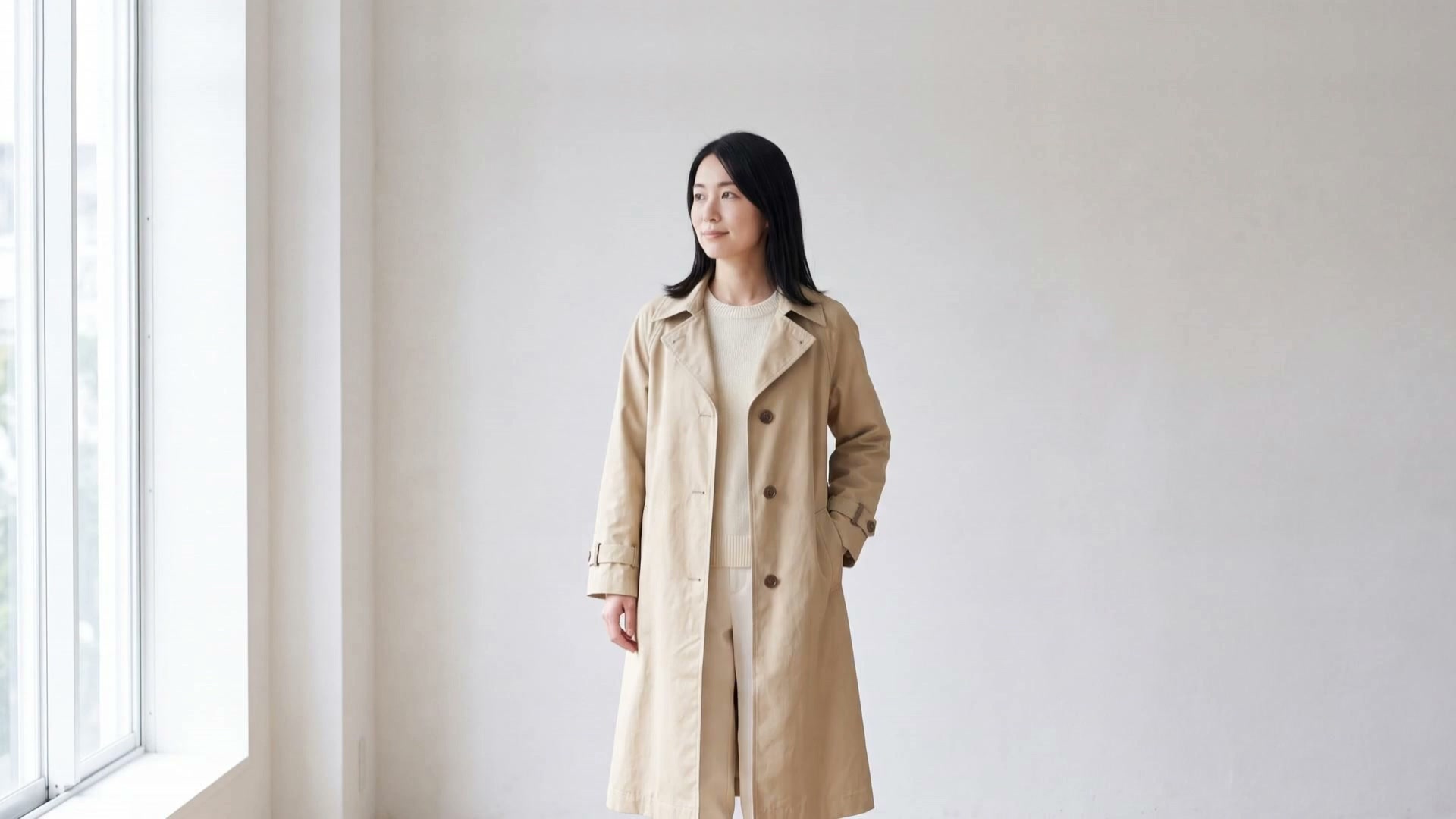
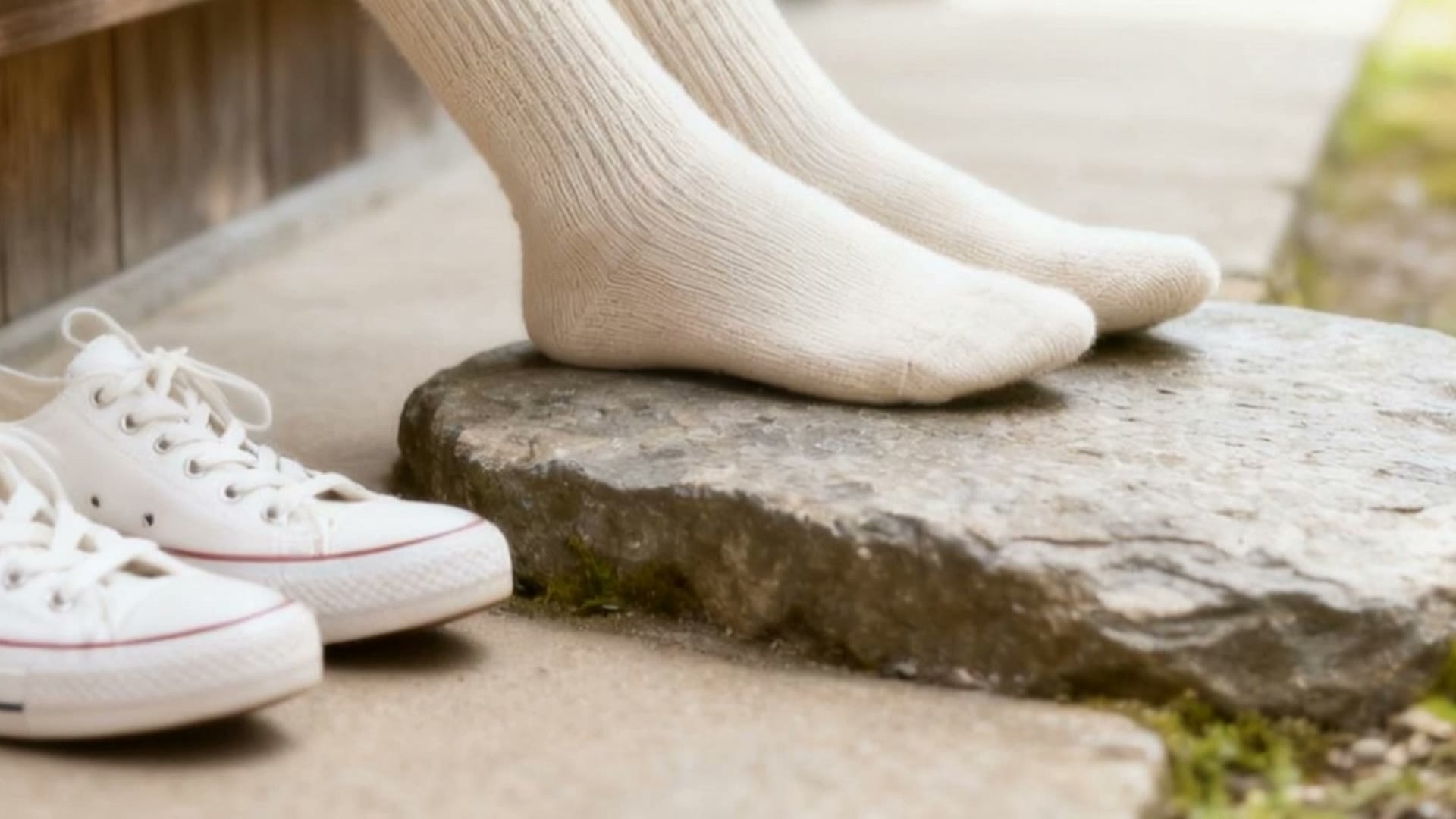
Brand key visuals, catalogs and publications, large-format print, Web, social media and advertising video. Expand your expression worldwide with consistent models and products.
Take your brand to the world.
Model appearance, skin tone, age and setting, selected for your product and the market you want to reach.4K, 8K and larger image output. Generated locations and studio settings, with material texture and fine detail.
AI models × apparel categories × wearing and usage × styles
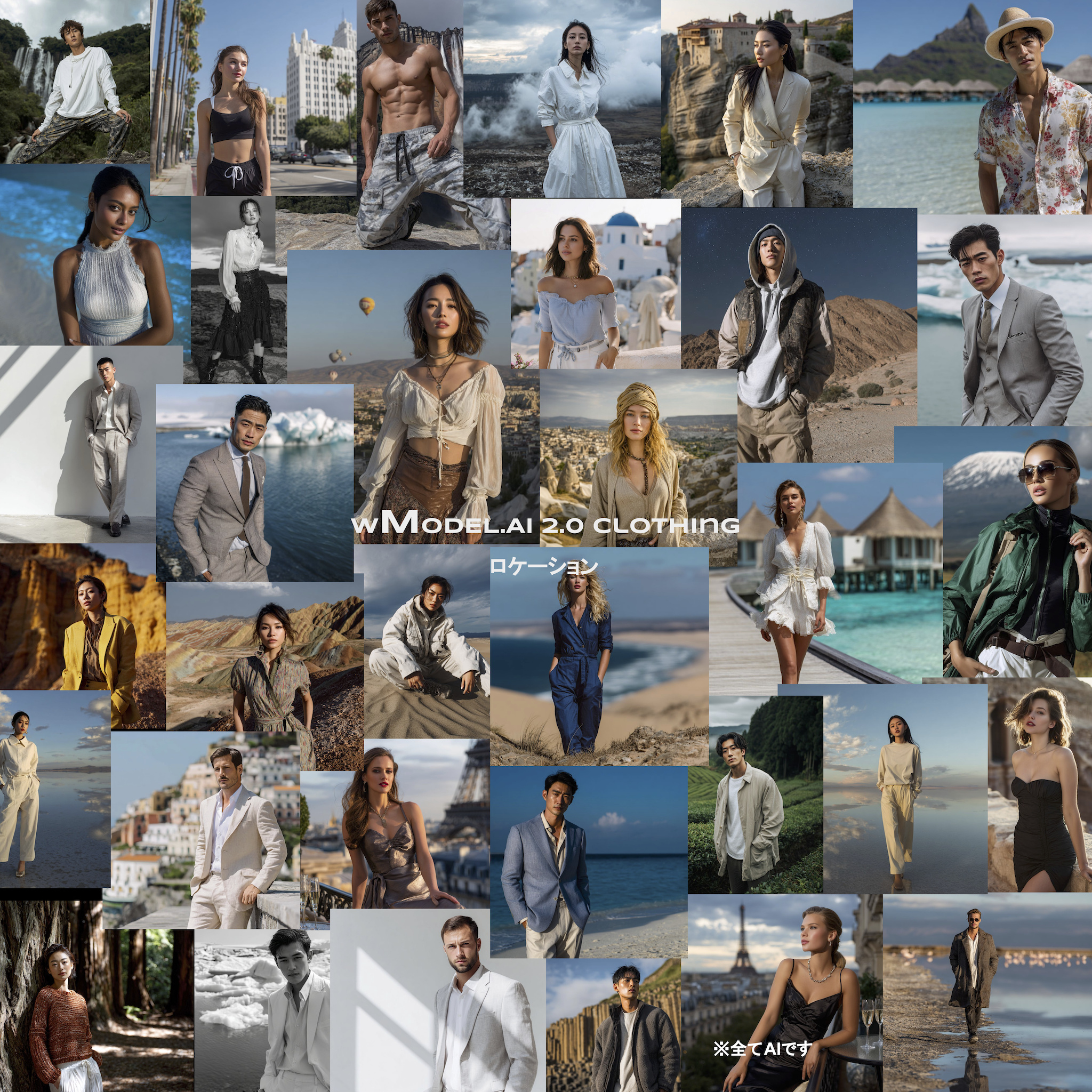
High-resolution image output: 4K, 8K and 10,000–50,000-plus pixels
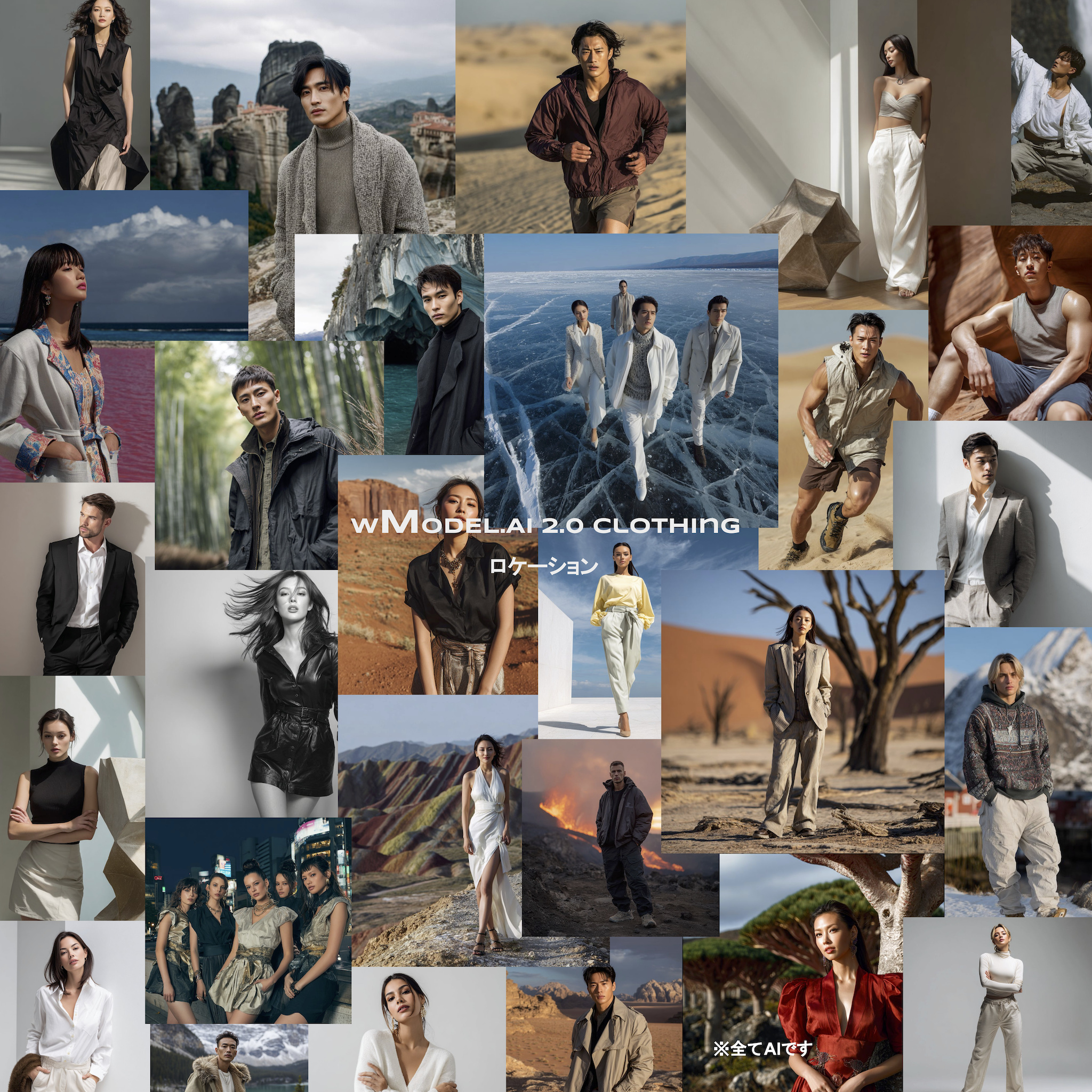
Reproducing details, patterns and material texture
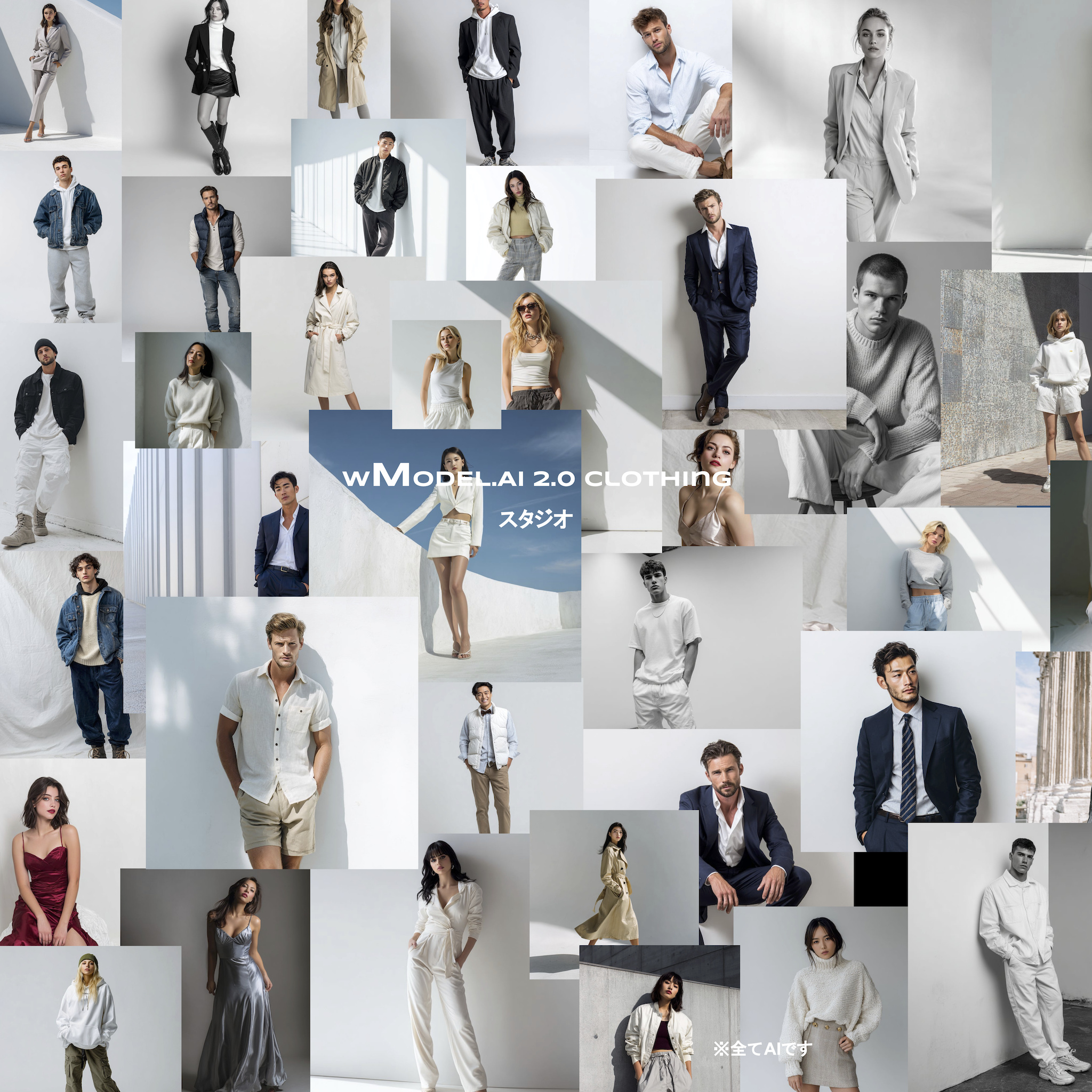
Flat lays, mannequins, hanger photographs and other source formats
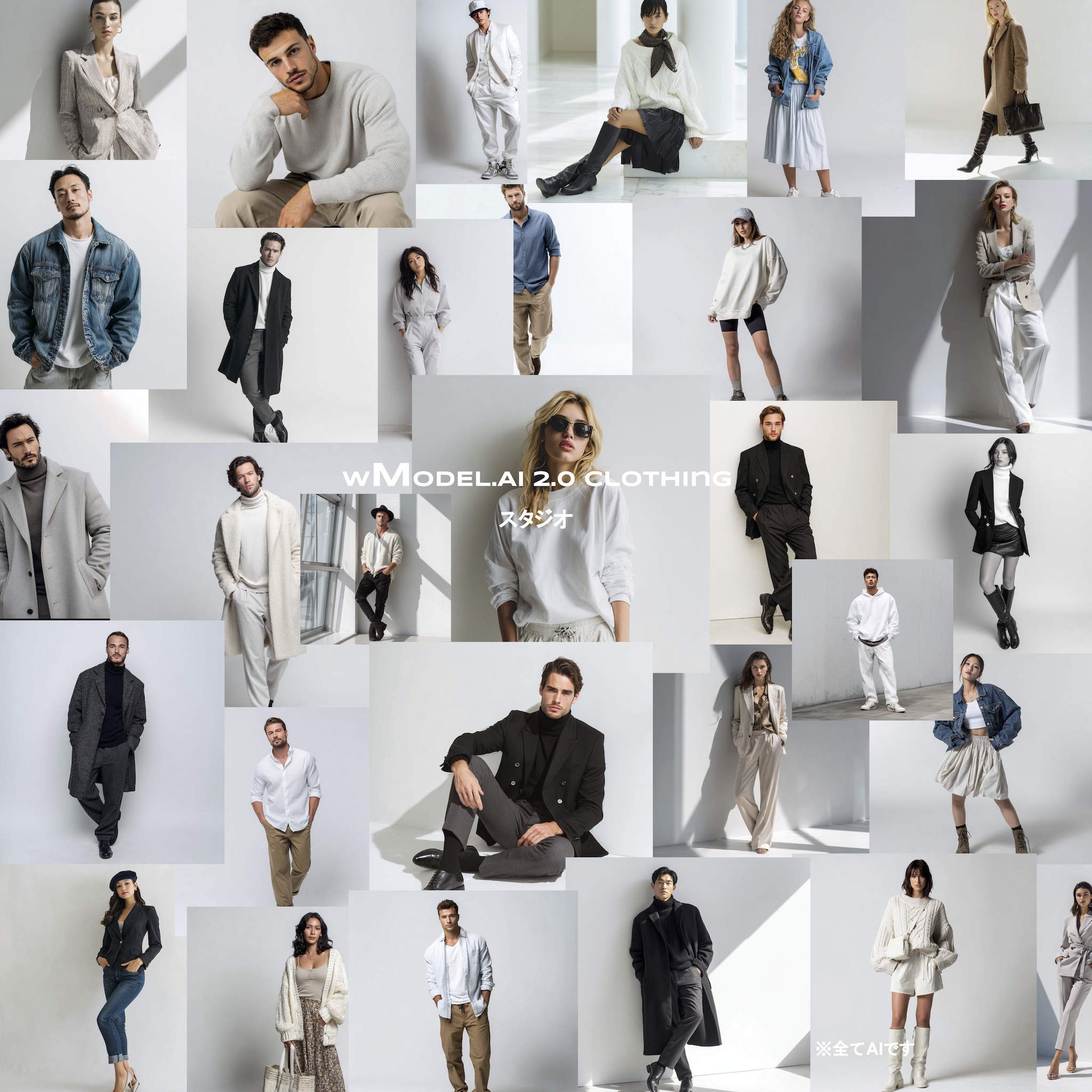
Generate images and videos of people, animals, plants, buildings and other AI subjects, with products and services shown in different ways, settings and visual styles.
Put the finished images to work.
AI-model production for e-commerce, catalogs, social media and advertising.
On-model images for e-commerce, catalogs, social media and advertising.
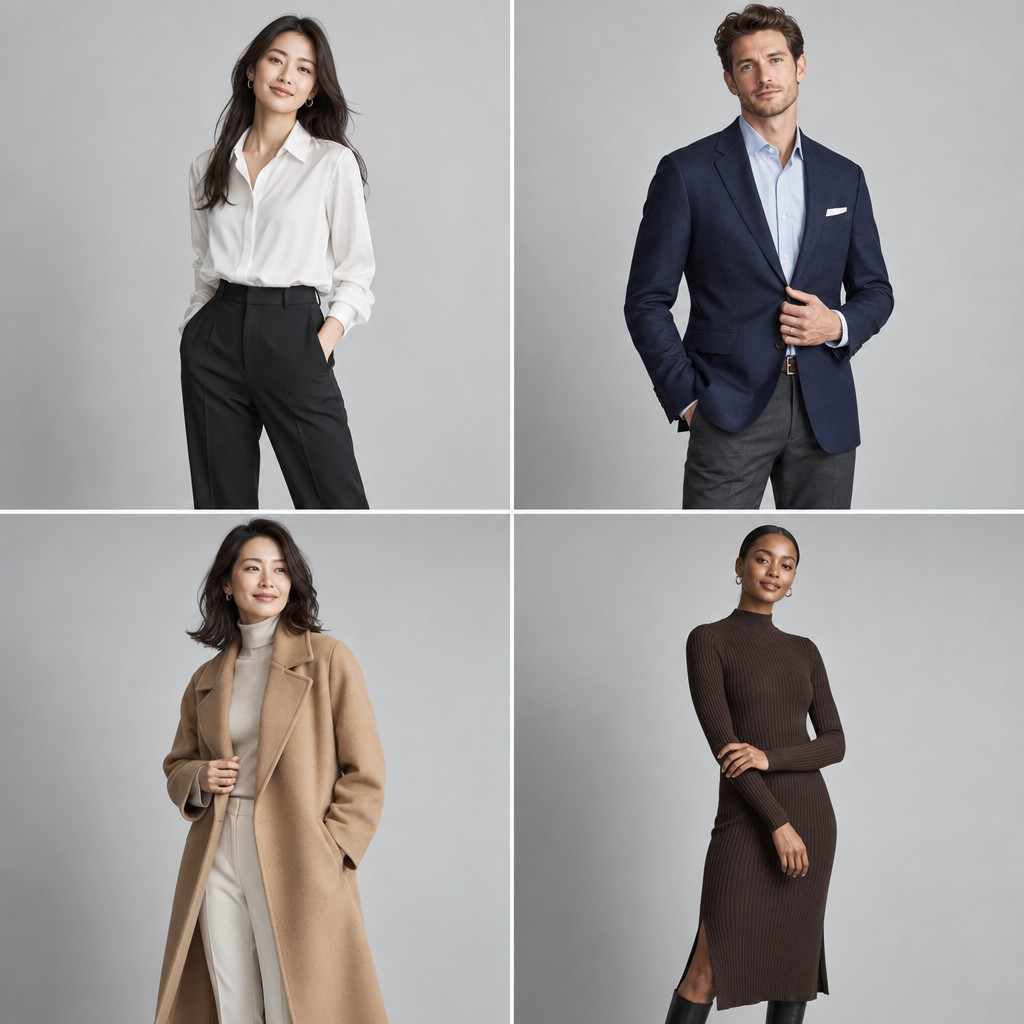
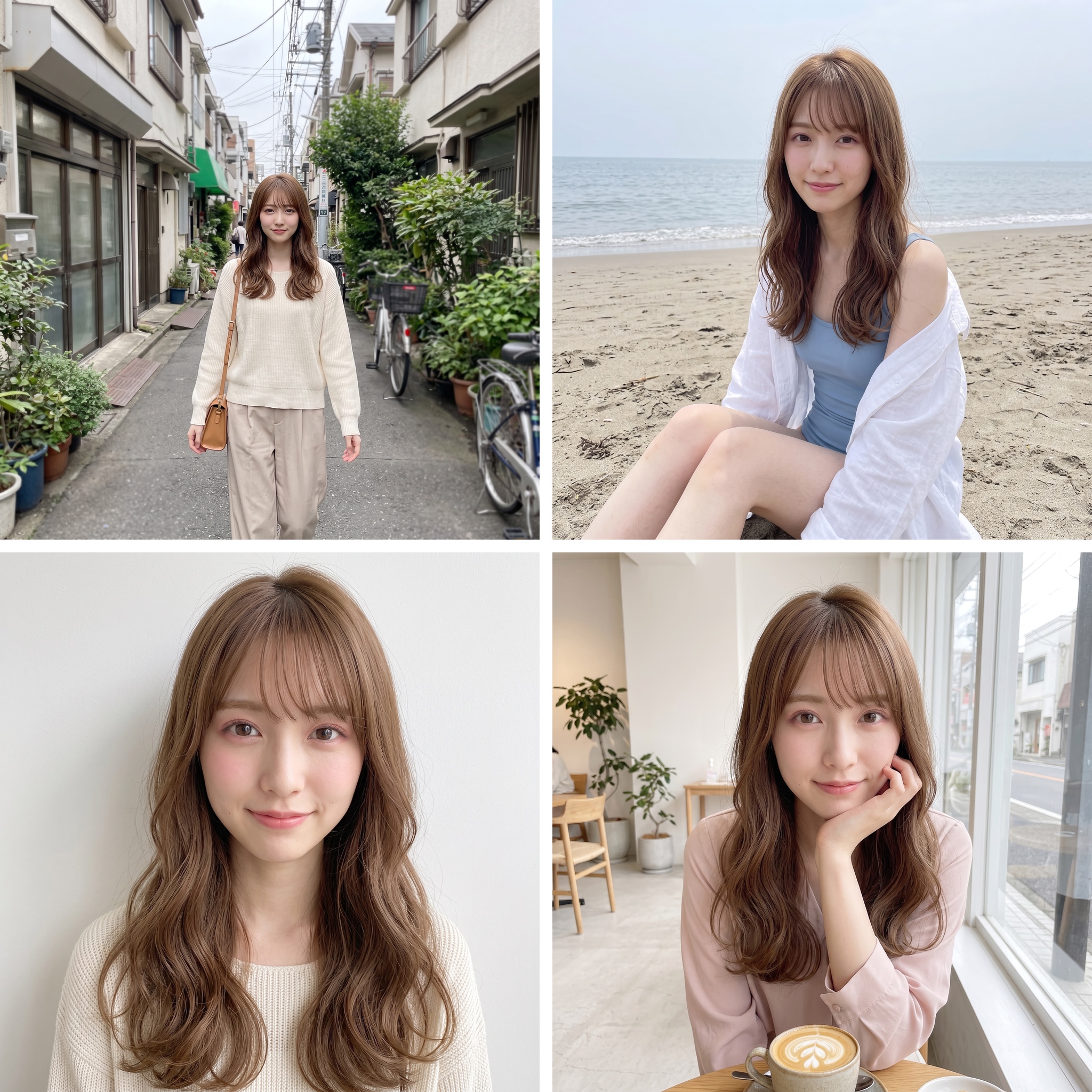 AI-generated examplesAI-generated examplesAI-generated examplesAI-generated examplesAI-generated examplesAI-generated examplesAI-generated examplesAI-generated examplesAI-generated examplesAI-generated examplesAI-generated examplesAI-generated examples
 AI-generated examples
 AI-generated examples


From a brand-exclusive model to a broad range of visual expressions, discuss an approach suited to your intended use.
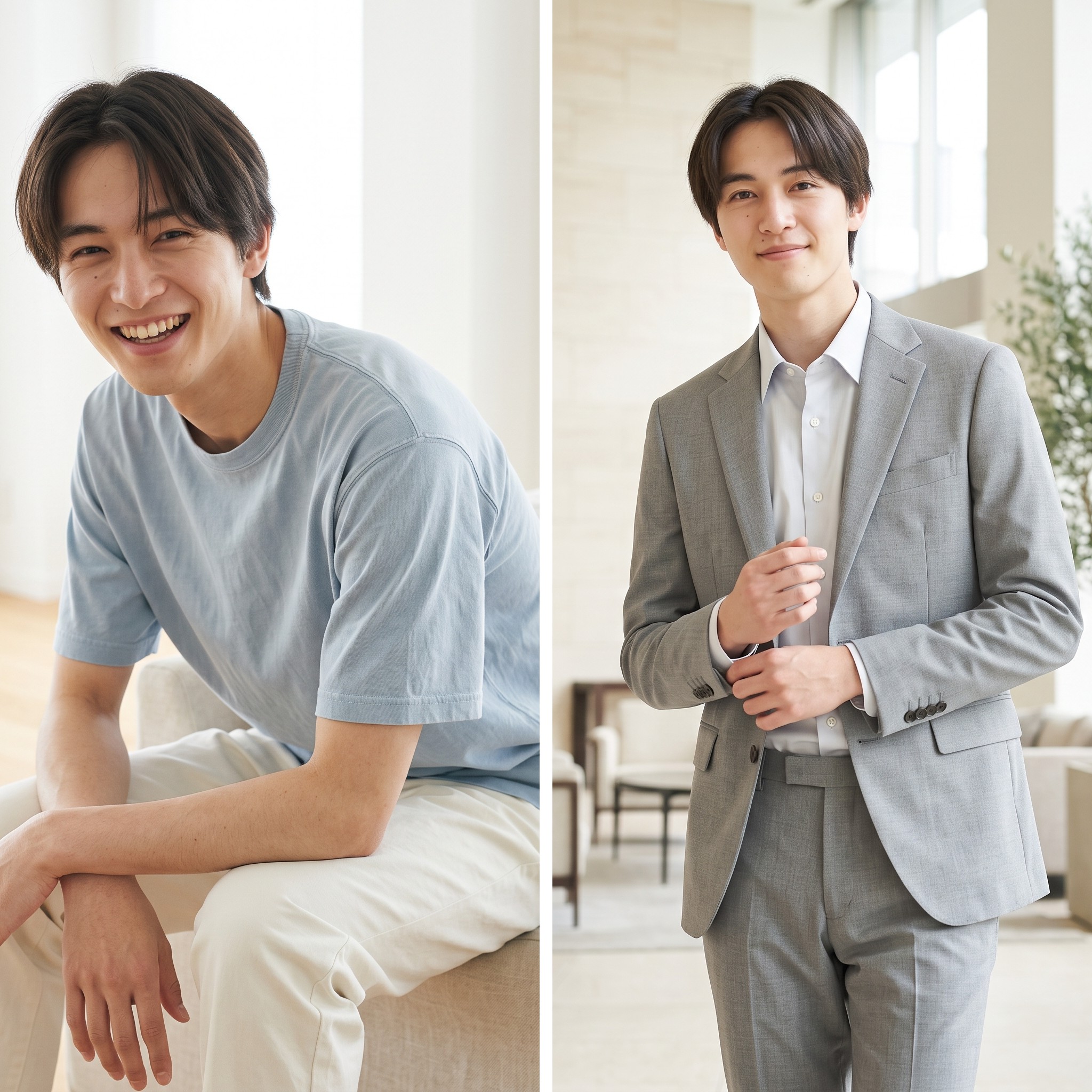
You do not have to choose from a fixed roster. We develop model options for your products, audience and brand, across different ages, genders and nationalities, as well as animals and plants. There is no fixed registered-model headcount; select from candidates developed for your brief.
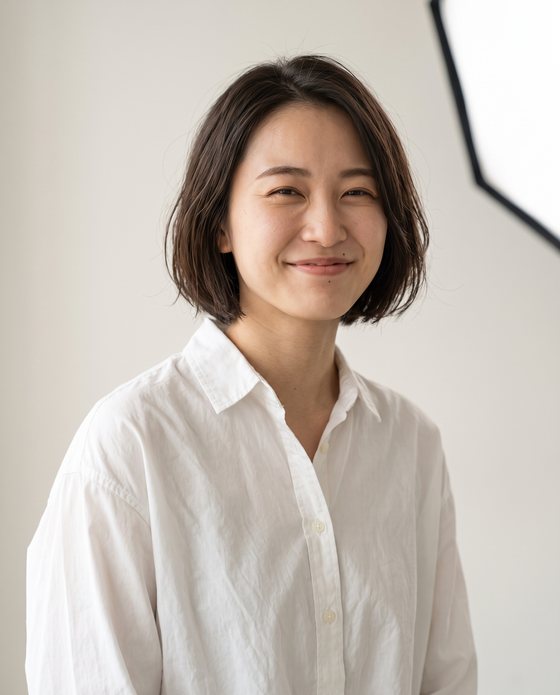


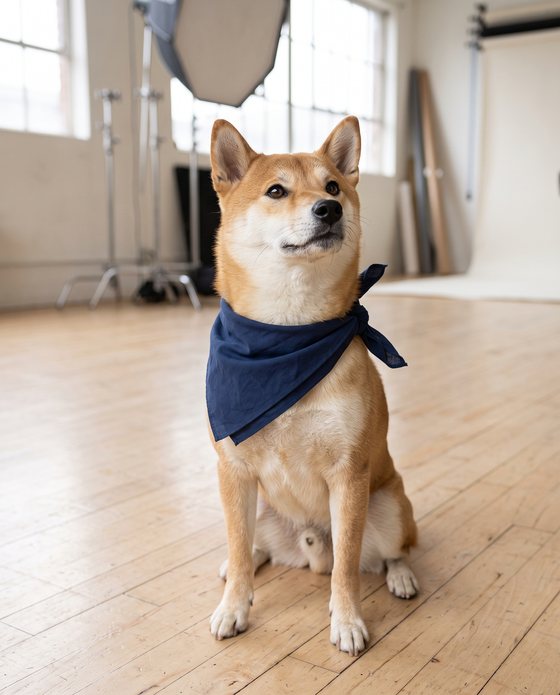
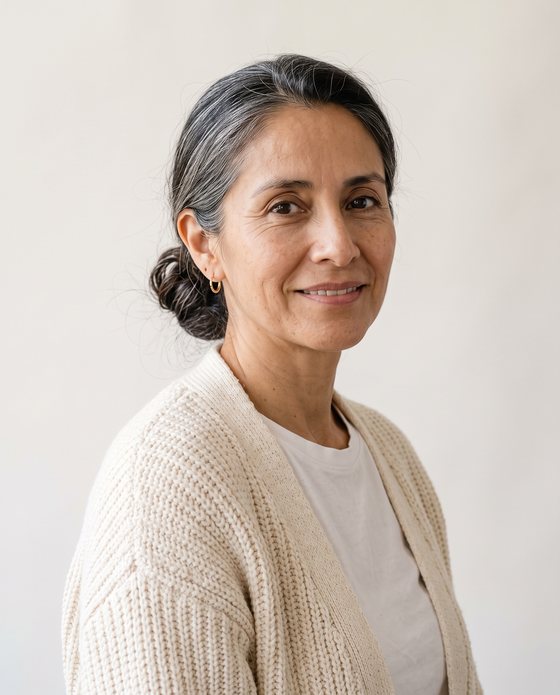





Define a dedicated AI model around your products, audience and brand identity.
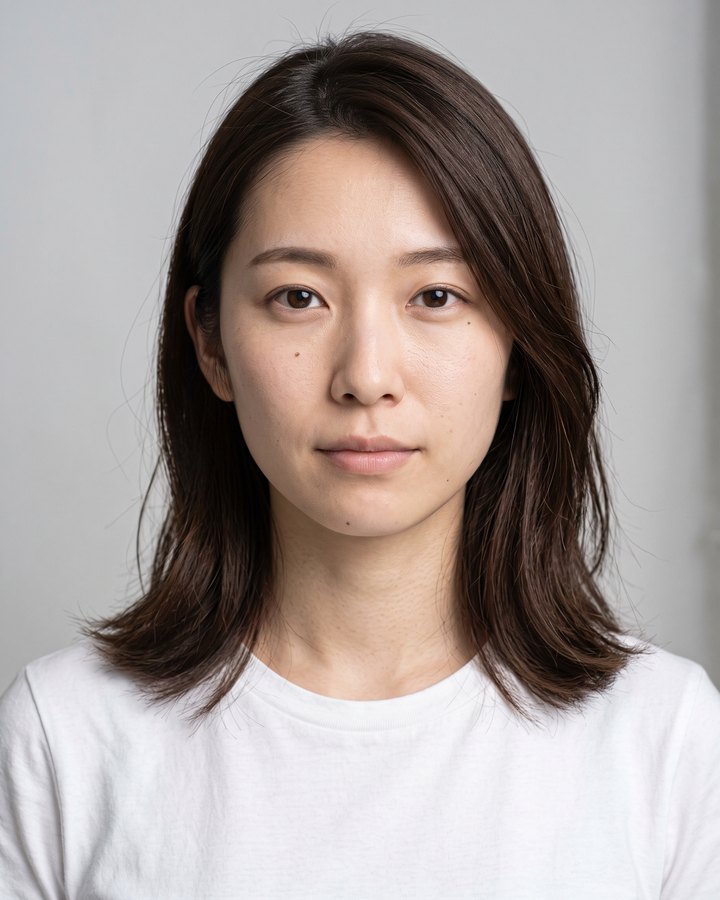 Selected
Your team chooses from candidates suited to the brief.
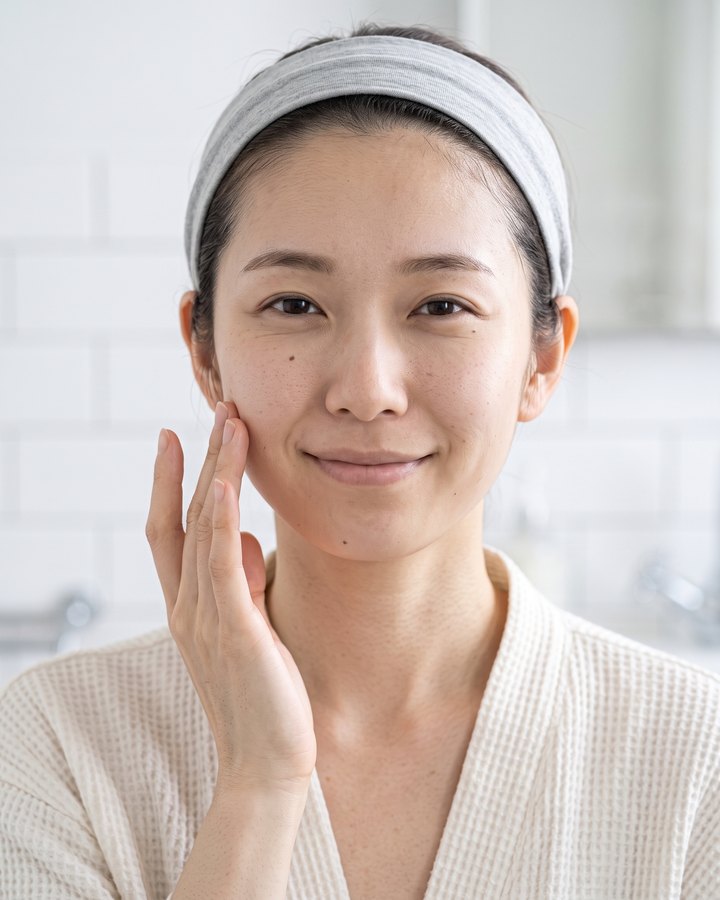
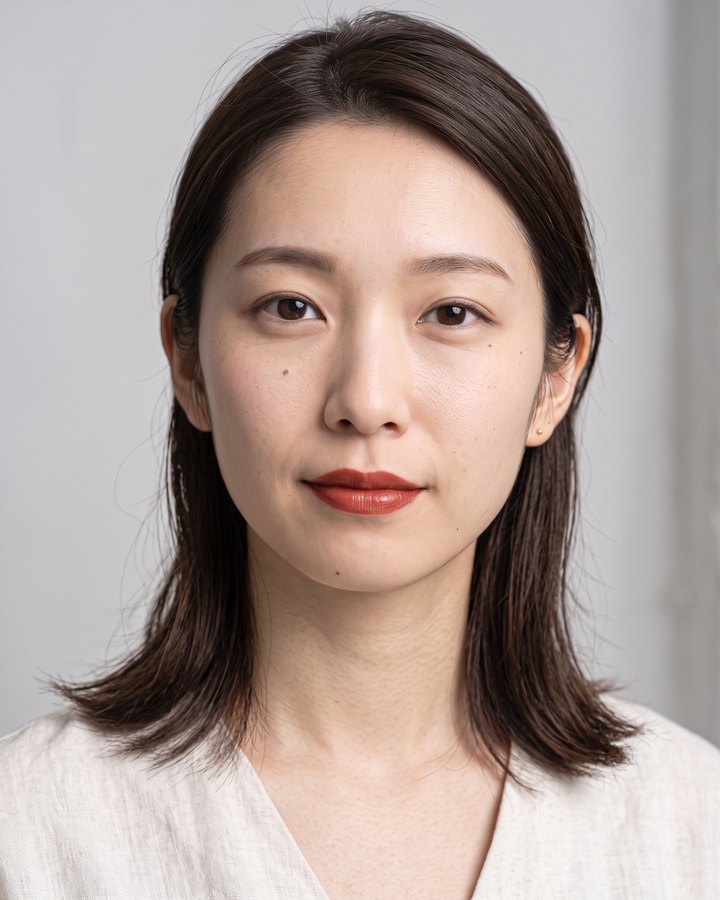

The model you choose becomes your exclusive brand model.How we maintain the same identity →
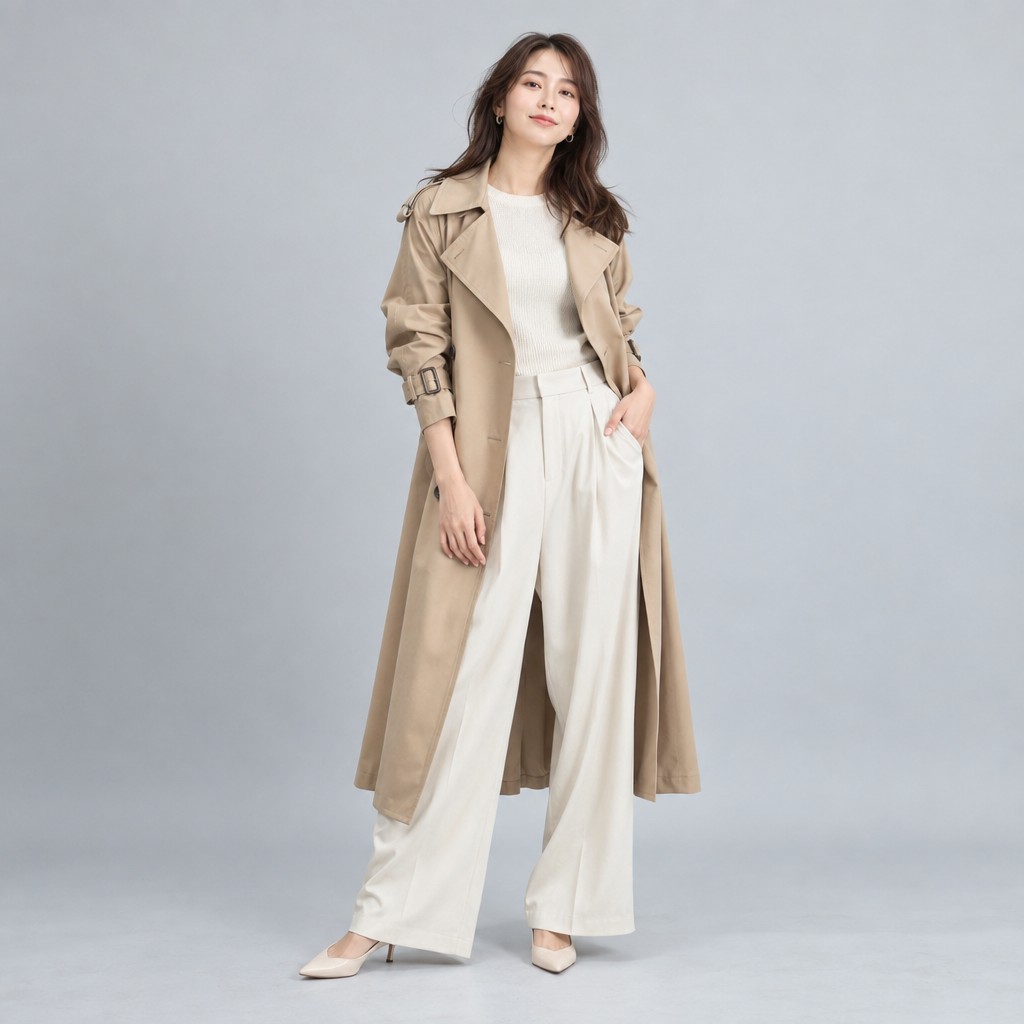
Our business-model image service creates AI visuals of models wearing or using your products. Provide product images and we develop model looks suited to your brand, with options across age, gender, nationality and mood. We handle the development of the model's appearance.
Prepare the views you need for launches, product pages and campaign banners, with different poses, expressions and backgrounds. This service creates product-specific images efficiently; the model's face is not exclusive to your company. Choose a brand-exclusive model when you need an exclusive identity.

A brand-exclusive AI model gives your company an exclusive face. The same recognizable person can appear on the Portuguese coast, a Hawaiian beach or in a studio, becoming a lasting face for your brand.
Create an overseas-location look without coordinating travel, model availability or weather. Keep catalogs, advertising and social media consistent without finding a new model for every campaign.
Continue working with the same exclusive model across seasons and build a recognizable brand asset. Both the product imagery and the model's face are dedicated to your company.
Identity consistency is one of the hardest problems in AI product imagery. Different poses, cuts and production dates can subtly alter eyes and facial contours. wTransformer retains company-specific model references and compares facial appearance and body shape across cuts to support a consistent brand face.
Extend one approved reference into different products, compositions, seasons and video. The examples below were generated from the single central reference. Select an image to view an illustrative facial-reference overlay.
Reference

Facial landmarks in this image. Reference-face overlay, shown as an illustration of comparison.
 Reference
Approved facial features, body shape and hairstyle are retained as company-specific model data and used as references for new cuts.
Keep a recognizable model identity across online stores, social media, catalogs and video, even when the medium or framing changes.
Continue the same model impression from spring to autumn and build a recognizable brand face over successive seasons.

Create an AI model based on your own portrait. A fashion-brand distributor, for example, can appear wearing the clothing they sell or holding a featured drink in a promotional image.
From photographic scenes to fantasy and science-fiction visuals, place yourself on a Hawaiian beach or in front of historic architecture without traveling to the location.
Put a familiar face behind your promotion. For business owners strengthening their social presence, creators and influencers building a personal brand, an AI model based on your own face helps present products and services in your own voice.
Go beyond human models to animals, plants, objects and historical settings. Lifelike animal models can make pet products immediately understandable; natural environments can bring products inspired by plants and nature into focus.
Re-create a historical backdrop or a particular period to bring out a product's cultural context. Period settings work especially well for clothing, accessories and furniture associated with a specific era.
Turn a brand vision or story into distinctive AI-model visuals. Combine a photographic presentation with creative settings to support marketing and leave a memorable impression.
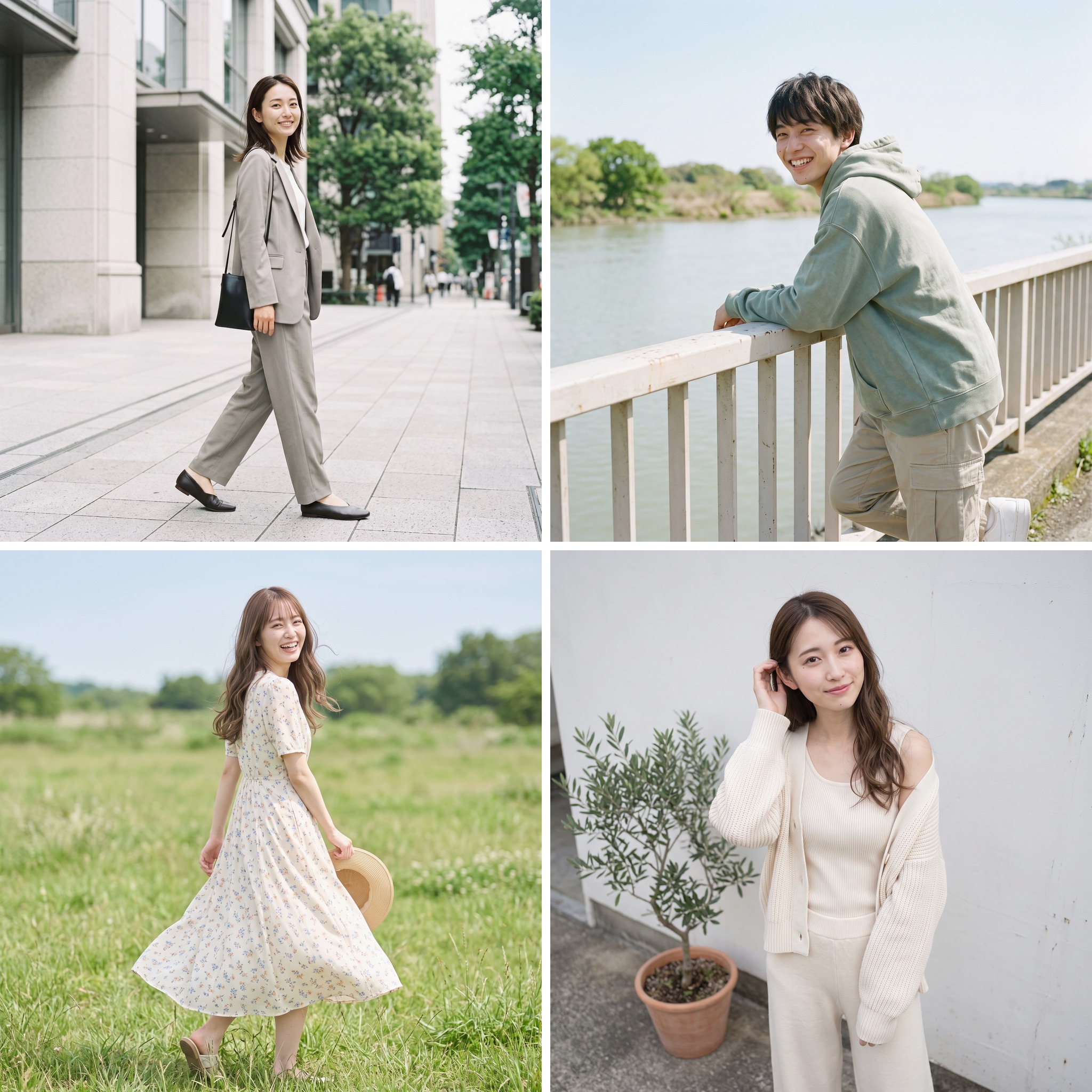
Formal, casual, bohemian or minimal: develop model imagery that fits the product and the brand. Present the same item differently for different audiences.

Choose a city skyline at night, a natural landscape or an imagined world. Audience-relevant settings help the product stand out in social feeds.
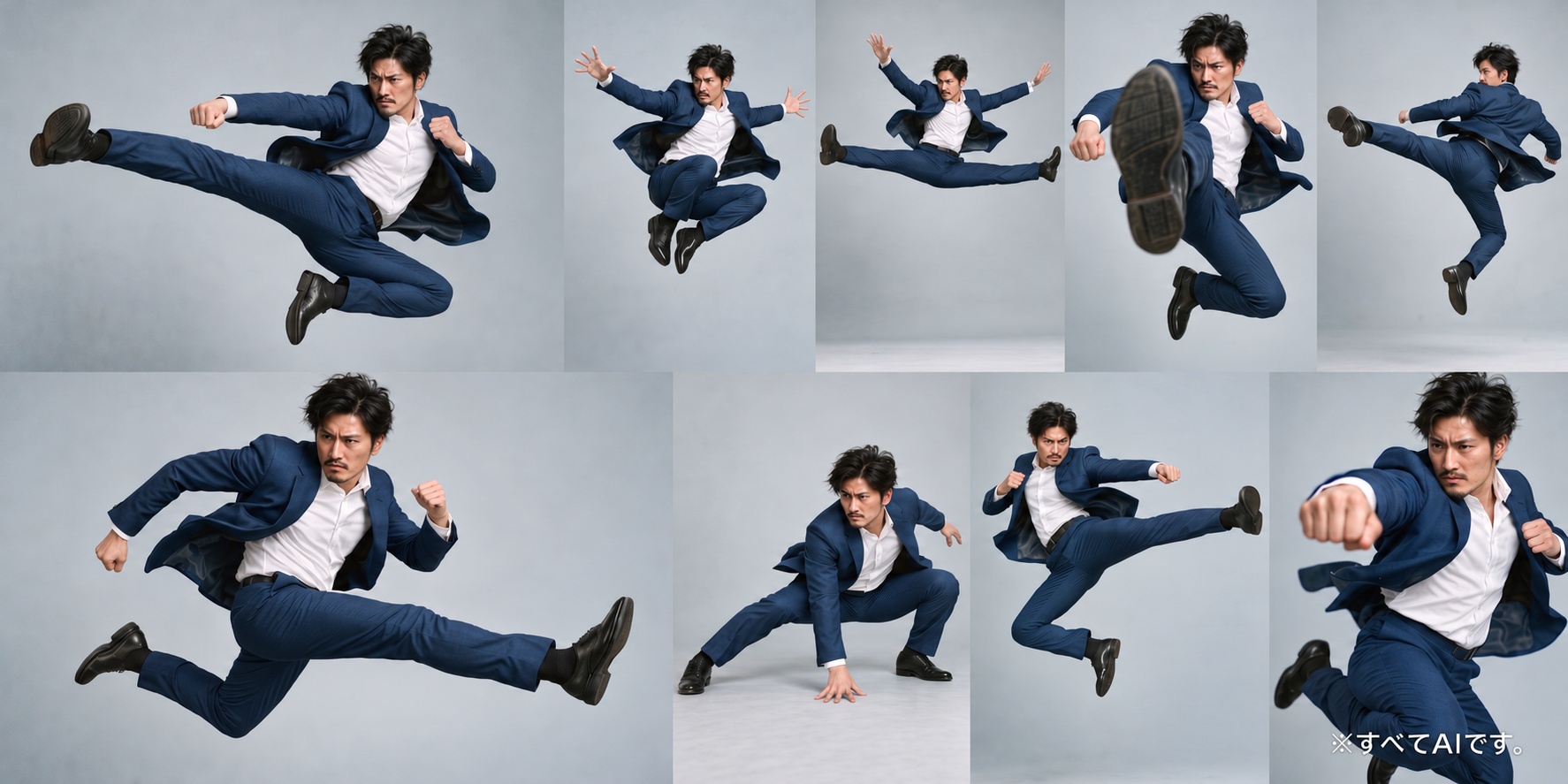
Keep the same model through a sequence from a run-up to a flying kick and landing. Show how suit fabric stretches and folds as the person moves, so the material remains part of the story.
Let's find the right way to use AI models for your business.
A complete AI advertising service, from on-model images to advertising visuals.
AI advertising
Go beyond on-model product images. wModel creates campaign key visuals, overseas-location scenes, social-ad variations and seasonal promotions as one coordinated body of work.

Create the visual that leads your campaign, with composition that leaves deliberate space for your headline.
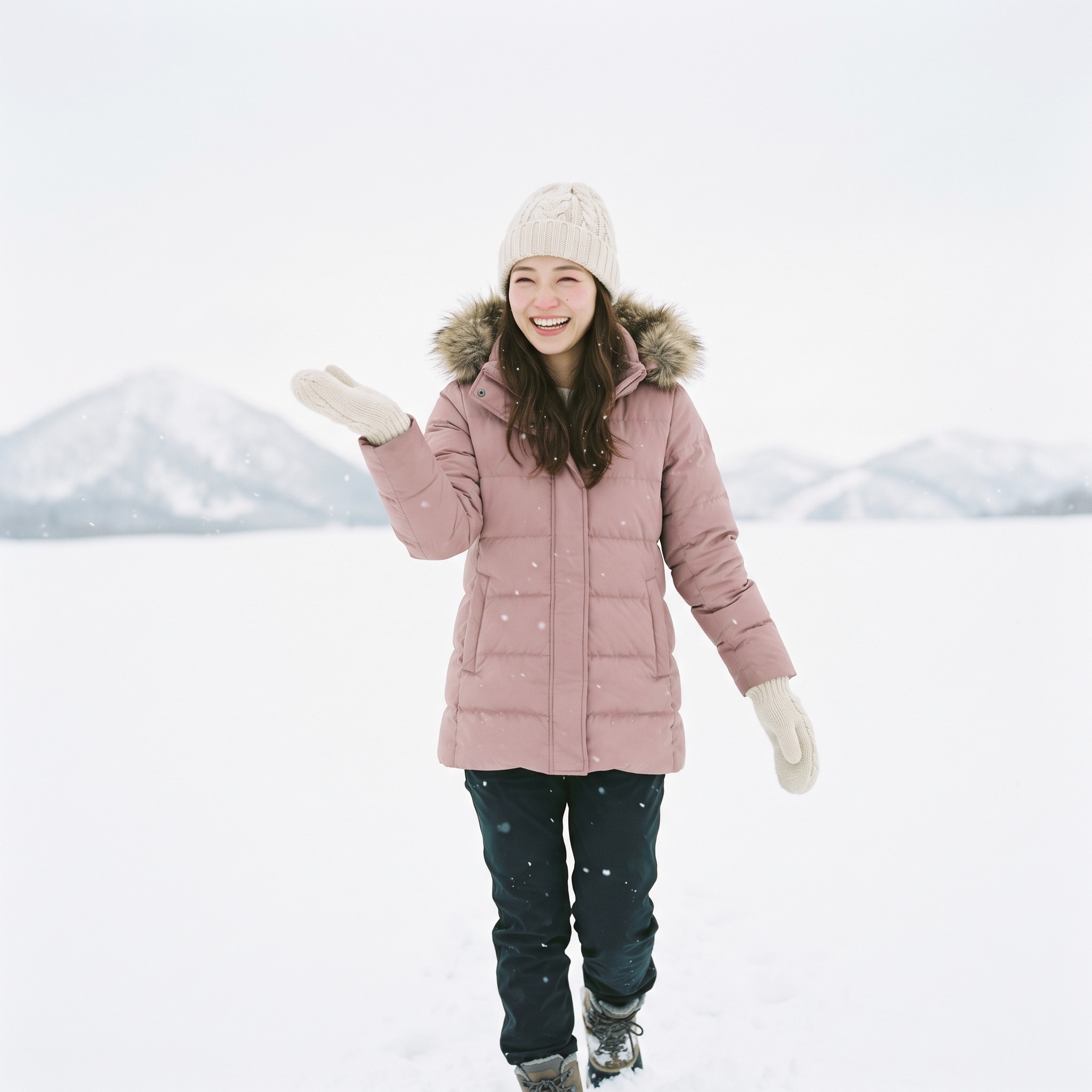
From an aurora-lit snowfield to a midsummer beach, create the scene your campaign needs without waiting for the right season.

Explore multiple settings for the same product and prepare creative variations together for advertising tests.

Christmas, summer sales and the start of a new chapter: prepare seasonal campaign images to match your promotional calendar.
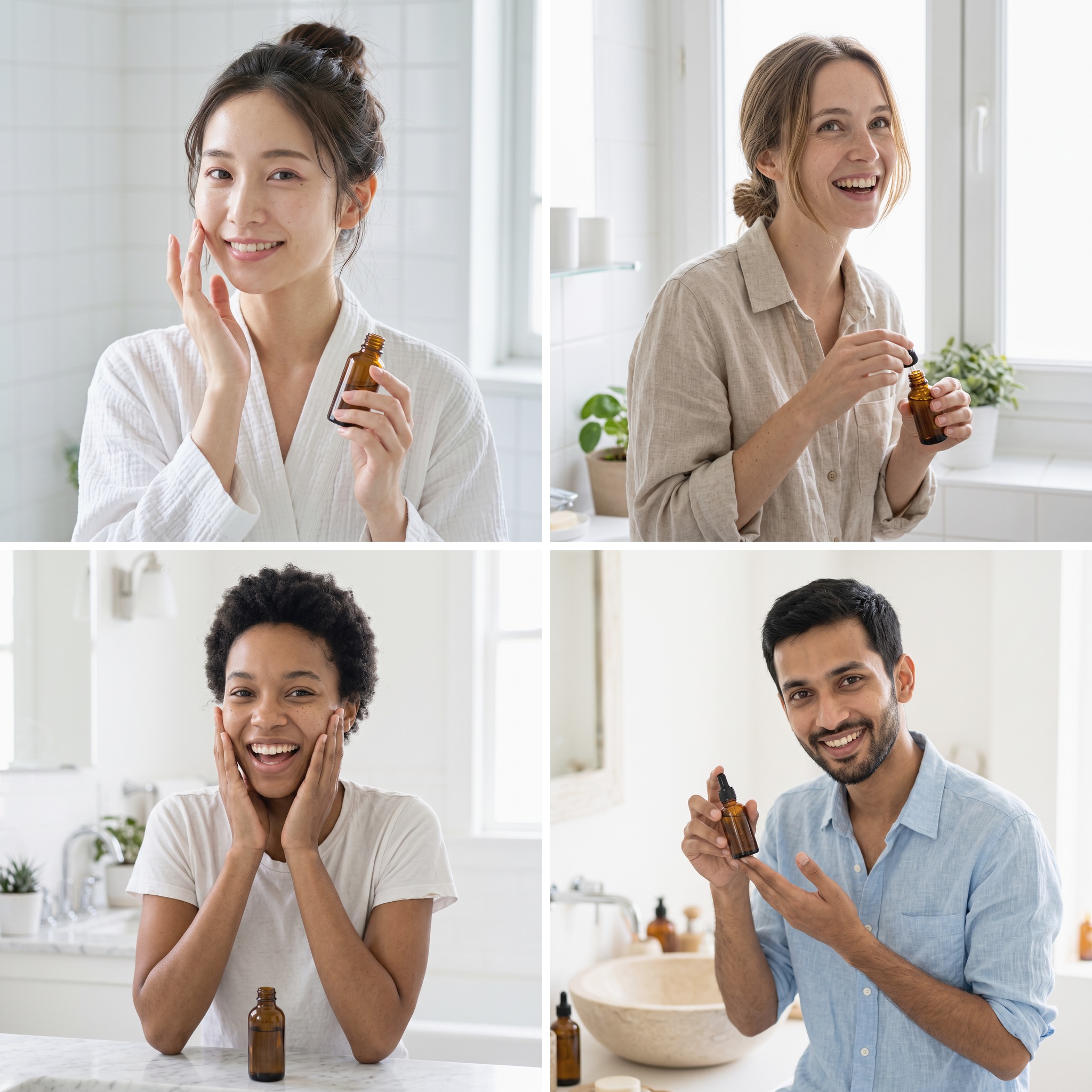
Adapt the same campaign with models suited to different countries and regions, supporting localization for international advertising.

Advertising visuals for hospitality, restaurants, travel, beauty and other service industries are also available.
Tell us about your advertising project through the inquiry form.
Requirements, AI production and inspection, revisions, final review and delivery. wModel handles the complete process.
From a product photograph to AI-model images and video, ready for e-commerce, social media and advertising.
One product photo. Finished on-model images and video.
From your product photos and requirements to images ready to use. Your first sample is free.Bring your product images and requirements. wModel handles generation, inspection and revisions, then delivers the approved image and video files.
Share product images, intended uses, quantities and the finish you want.
You and wModelCreate images and videos around the product and the brand's requirements.
wModelAI inspection and revisions, followed by final staff review.
wModelConfirm that the finished work meets the intended use and your requirements.
You and wModelReceive ready-to-use image and video files in the agreed specifications.
wModel → YouShare your product assets and requirements. AI engines handle production, an AI inspection engine checks every cut, and dedicated staff carry out the final review. Your company's wTransformer cloud brings the process together, with progress visible in wBoard. From e-commerce imagery to packaging, catalogs, posters and advertising video, we deliver finished, commercially usable work.
Next, see the process from your brief to delivery.
There is no need to learn a complex generation tool. Share your product images, intended use and requirements. AI organizes them into generation instructions, which our team reviews before generation begins. Generation, inspection, revisions and delivery follow in one connected process.
Share requirements, product images and reference materials. We also use your project history and company rules to clarify the conditions for generation.
Send feedback and revision requests in the ongoing conversation. The project history and wBoard stay in sync.
After AI inspection and final human review, receive finished assets in formats ready for your intended use.
Follow each stage from requirements review to delivery. Assets that do not meet inspection criteria return to the AI engine; only reviewed assets advance to the next stage.
Bring the brief and product materials into one project record, then align the production requirements with company-specific rules.
Generate the work using product information, approved reference images and brand standards. Multiple outputs follow the same criteria.
Check shape, color, logos, text, fit, hands, anatomy and brand rules against the source product. Return work that does not meet the requirements for revision.
Staff give automatically checked work a final review and share the approved version with you.
Receive finished files suited to your use, together with the review and approval history.
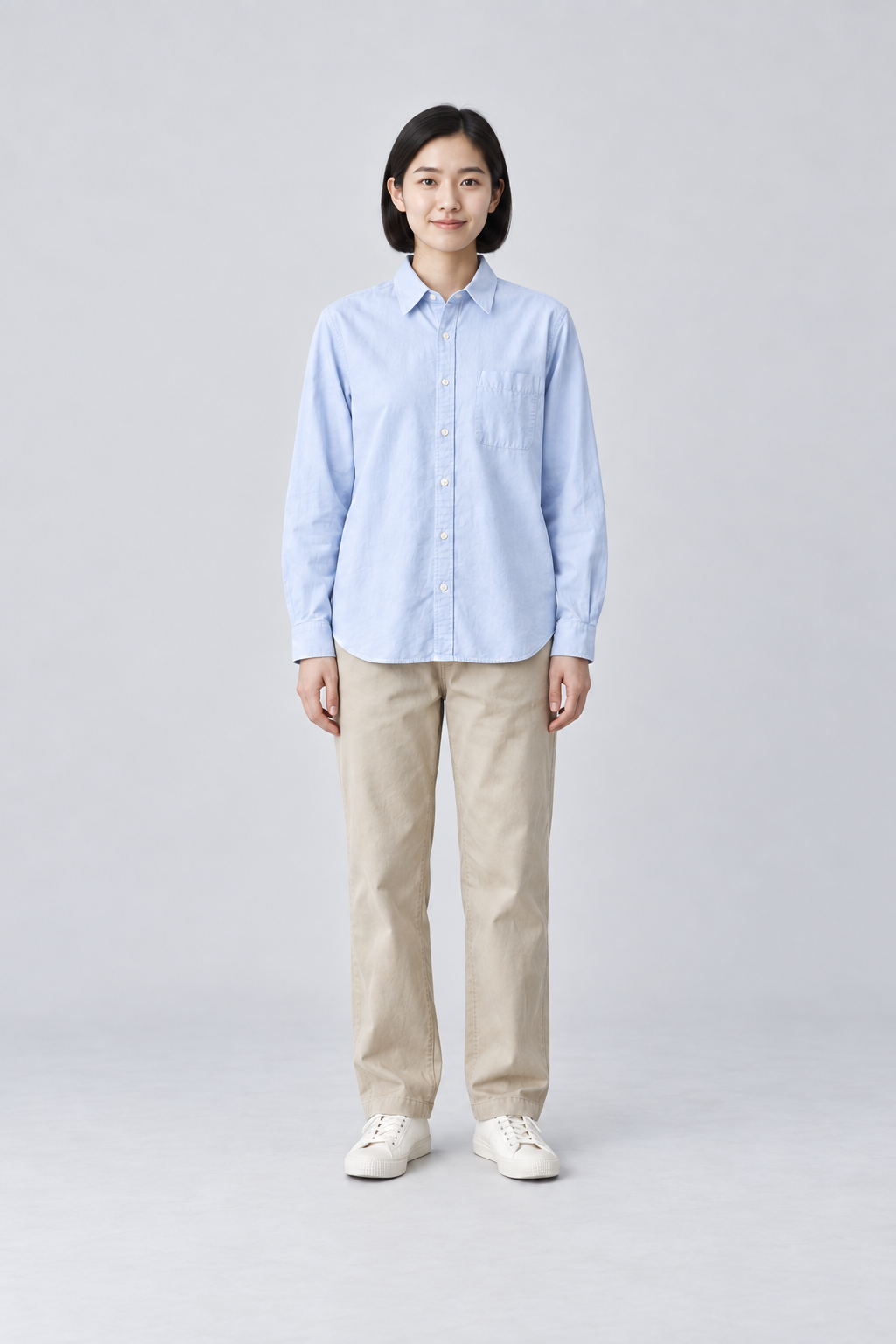
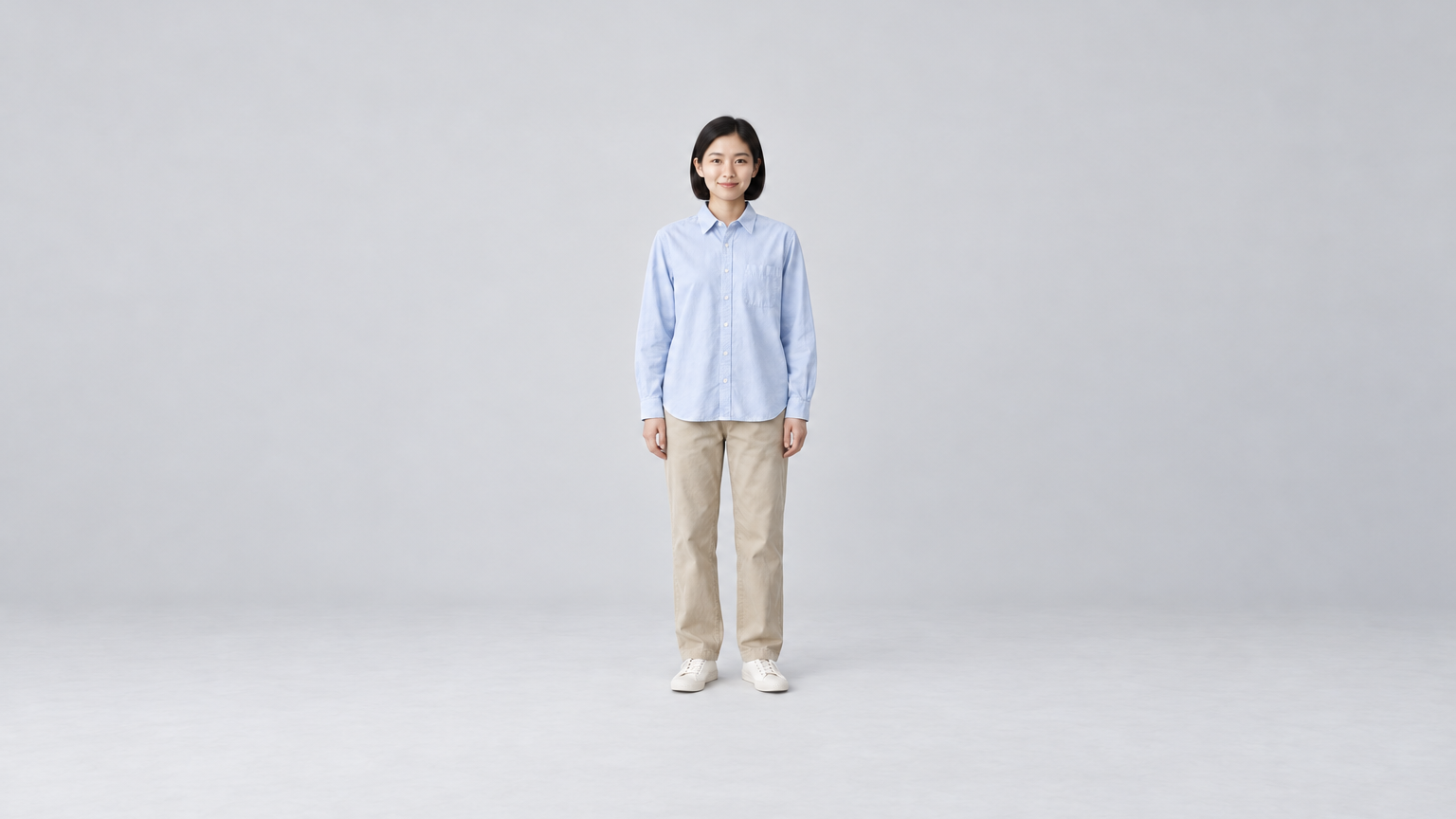
AI engines carry out image production. An AI inspection engine compares every generated image with the original product, and dedicated staff review the images that pass. Production, product checks and final human approval each have a defined role.
Using the brief and understanding developed through feedback, the engine connects composition planning, generation and refinement.
The AI inspection engine compares every generated image with the source product. Work below the agreed standard returns to production with the reason for revision attached.
Dedicated staff give AI-inspected images a final review, judging the overall impression, brand expression and suitability for commercial use. Only approved work moves to delivery.
| Typical image-generation service | wModel × wTransformer | |
|---|---|---|
| Client's work | Learn the interface and repeatedly generate and select images | Share requirements and receive ready-to-use finished assets |
| Production | Ad hoc generation with a shared general system | Production using company-specific knowledge |
| Quality decisions | Each user judges the output | AI checks every cut against the product, followed by final staff review and approval |
| Learning from previous work | Repeat the instructions from scratch | Retain decisions for future projects |
| Larger commissions | Limited by the user's manual workload | Parallel production and two-stage review support larger workloads |
| Shared progress | Separate internal tracking needed | wBoard and notifications align stages, versions and approvals |
| Scope | Different providers for different media | One service for product and social imagery, packaging, catalogs, posters and video |
| What you receive | Raw material that you finish yourself | Finished commercial work, ready for its agreed use |
From everyday product images to detailed product visuals, high-resolution brand imagery and large-format print. Choose a plan for the intended use and finish.
Choose a plan for the finish you want.
Simple per-image pricing, with no standard setup or AI-model fee.
 The same face, across every scene
| Up to 5 seconds | JPY 2,980 |
|---|---|
| Up to 15 seconds | JPY 9,800 |
| Up to 30 seconds | JPY 29,800 |
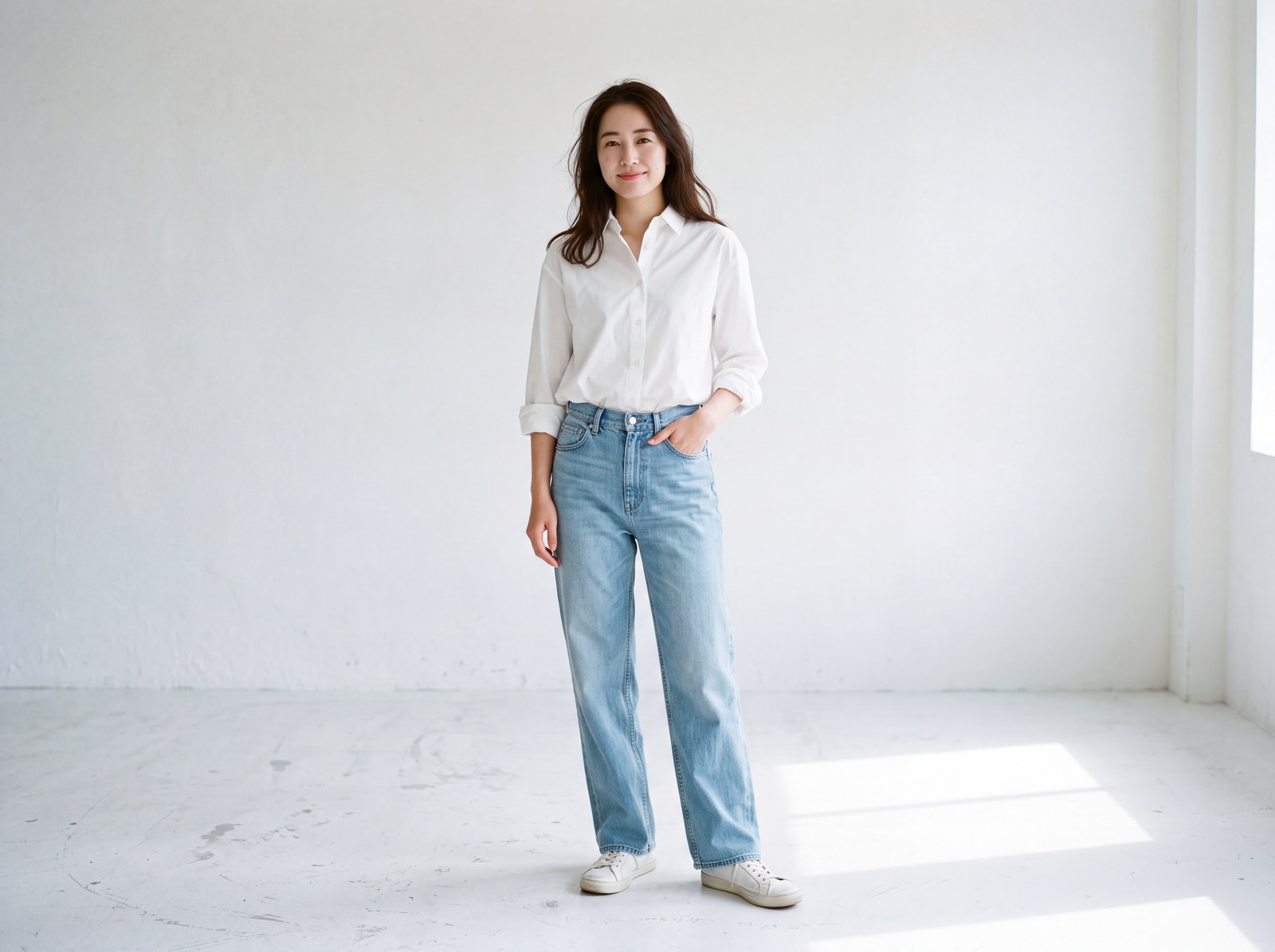
| Up to 5 seconds | JPY 7,980 |
|---|---|
| Up to 15 seconds | JPY 24,800 |
| Up to 30 seconds | JPY 69,800 |
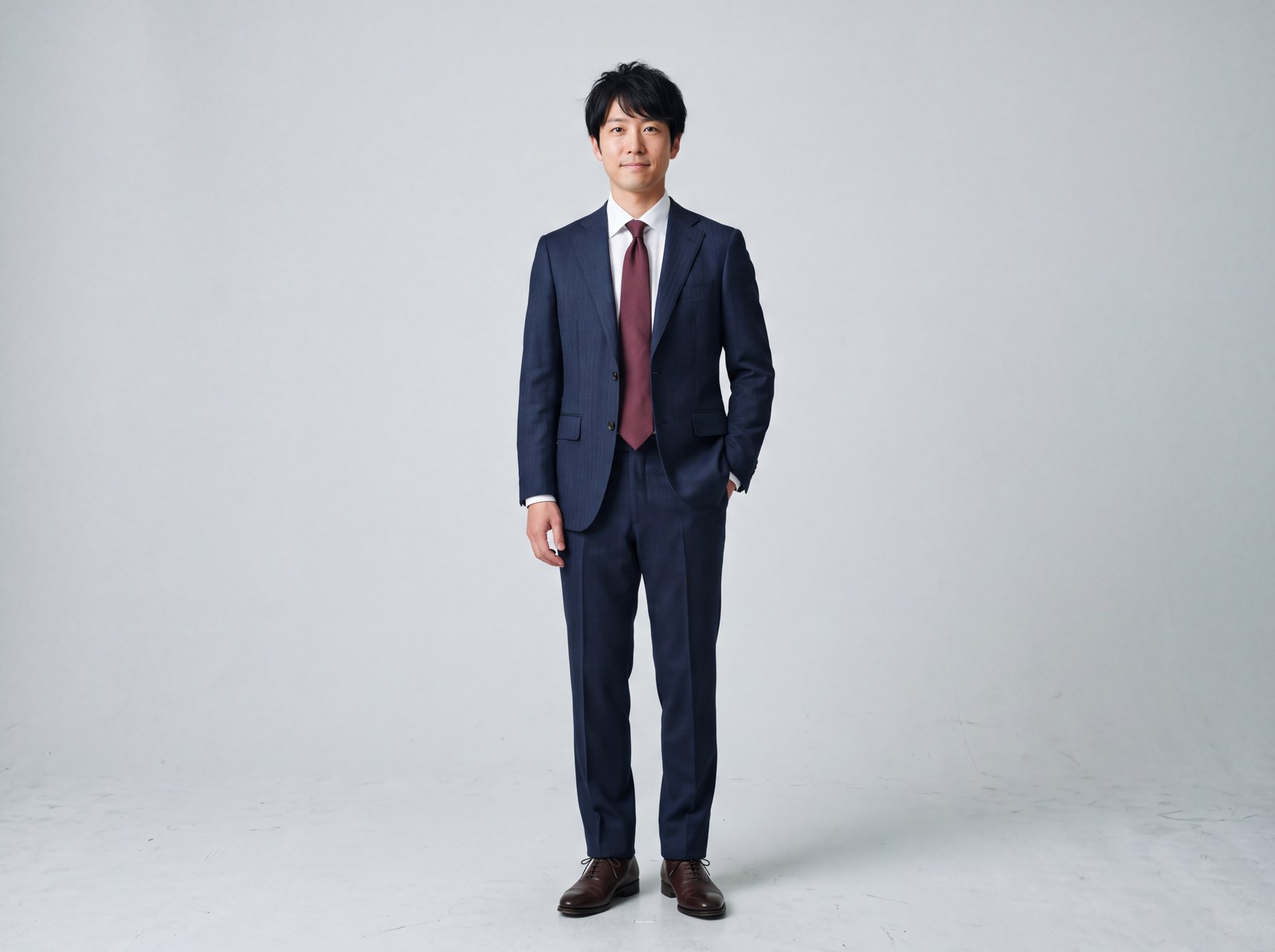
| Up to 5 seconds | From JPY 19,800 |
|---|---|
| Up to 15 seconds | From JPY 49,800 |
| Up to 30 seconds | From JPY 148,000 |


| Duration and content | Contact us for a quote |
|---|
About the models
There is no fixed limit on the choice of models. We select a model for your requirements.
Video pricing
Video prices are per clip and exclude tax. Duration is rounded up to the next listed bracket: an 8-second video uses the up-to-15-second price; a 20-second video uses the up-to-30-second price. Free revisions and the satisfaction guarantee also apply to video.
Explore applications for your business, customer examples and answers to common questions before you commission a project.
For e-commerce businesses, manufacturers and promotion teams.
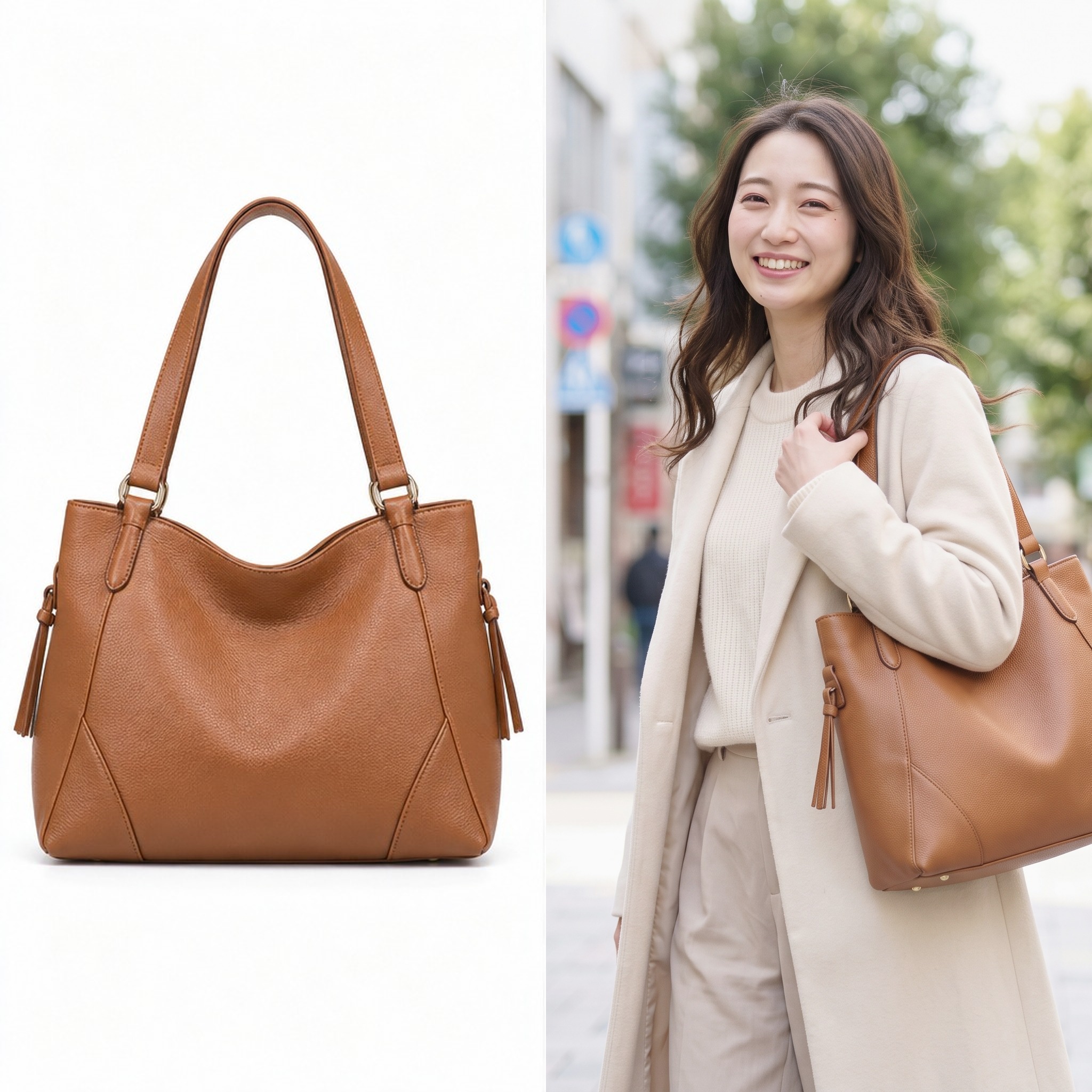
Compete through better images, beyond price alone. Make the same sourced product stand out without relying on a discount.

Give wholesalers, retailers and customers more ways to see a product's appeal. AI-model images from different angles support broader, faster distribution.
Bring ambitious ideas to life, faster and with fewer physical production hazards.
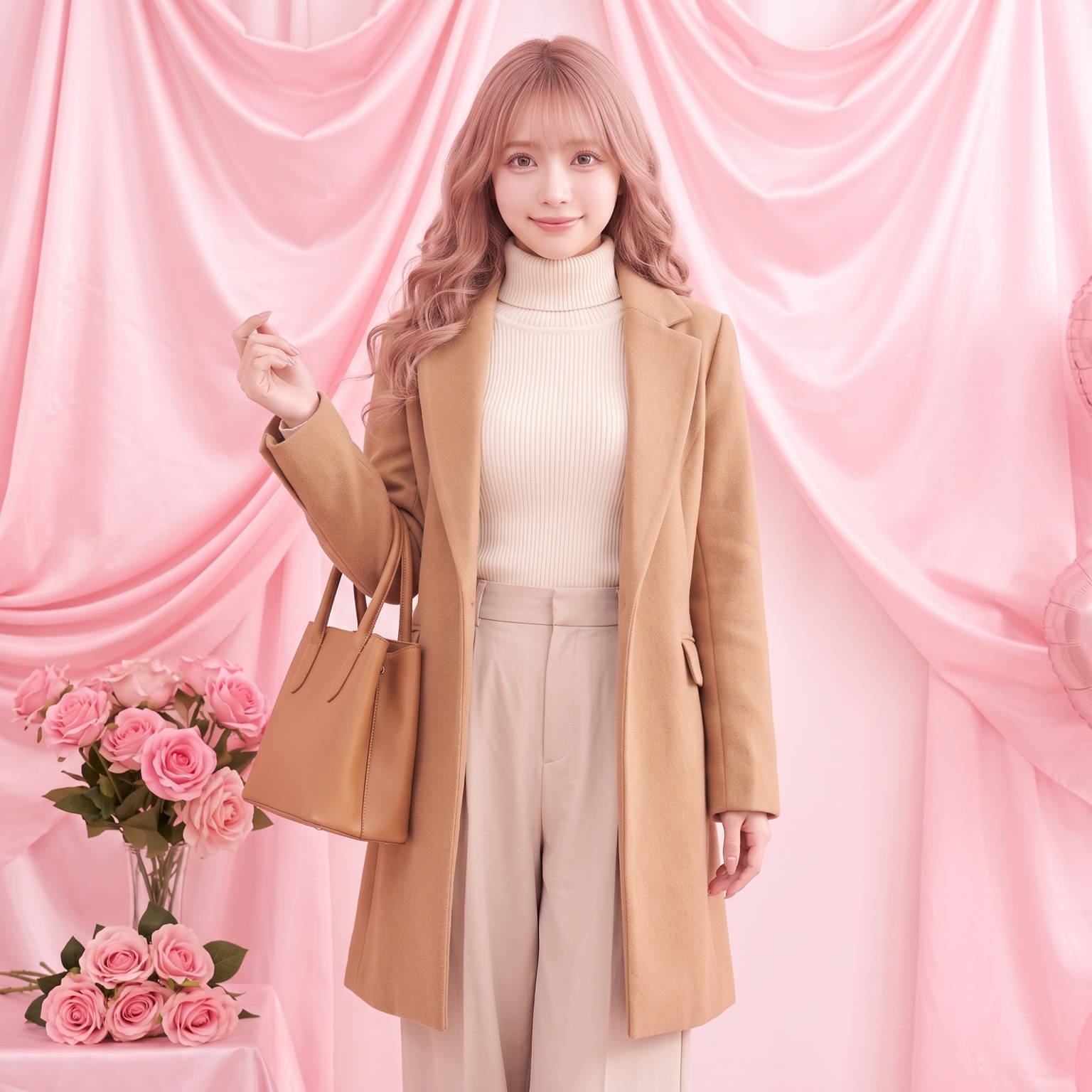
Product images strongly influence online and retail purchases. When stores share the same manufacturer-supplied photos, price can become their only visible difference. Distinctive imagery gives you another way to compete.
Starting with one product image, wModel creates original on-model visuals quickly and economically. Even when you sell the same brand and product as another store, your presentation can be your own.
On-model views communicate scale and styling that a white-background product shot cannot show alone. Present bags and clothing in different settings to help visitors understand the product and make a purchase decision.
Prepare promotional visuals for changing seasons, sales and events, so your storefront can respond to the market.
Make your product's appeal visible and give customers a reason to choose your store beyond price.
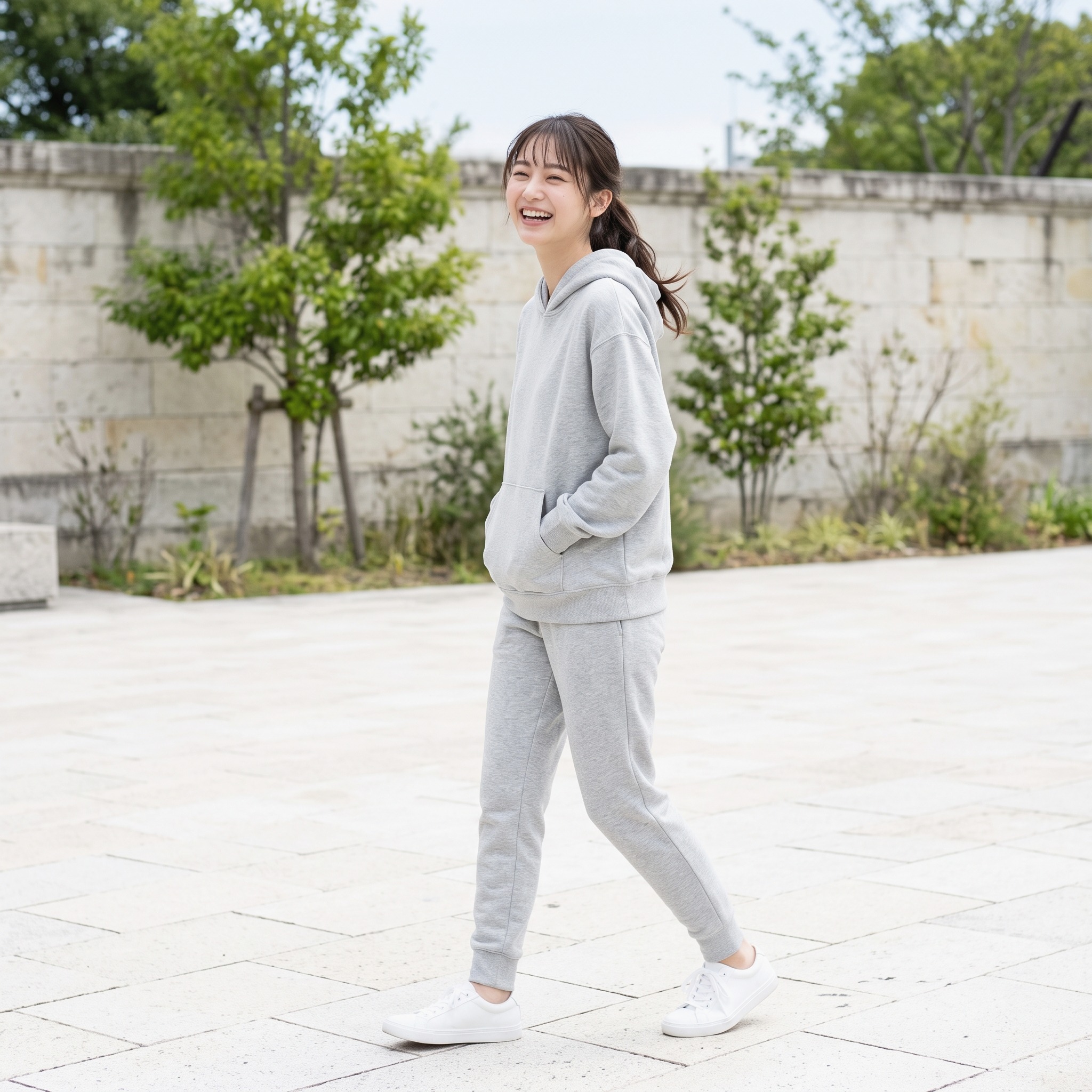
More useful images help wholesalers, retailers and end customers. wModel can present products with people of different ages and nationalities, animals and plants, in settings ranging from the past to the future and from Earth to space.
Choose models and settings that fit the product, making its features and uses immediately understandable.
Present a fashion collection with models from different cultural backgrounds in historical or futuristic settings. Or show an animal using a pet product aboard a spacecraft to create an unexpected promotional story.
Flexible choices of period and location make it easier to create seasonal and event-led campaigns and respond to market trends.
Help more wholesalers, retailers and consumers understand the value of your products with a broader range of AI-created visuals.
Advertising needs fresh ideas and images that make people stop. wModel turns a planned concept into a finished advertising visual.
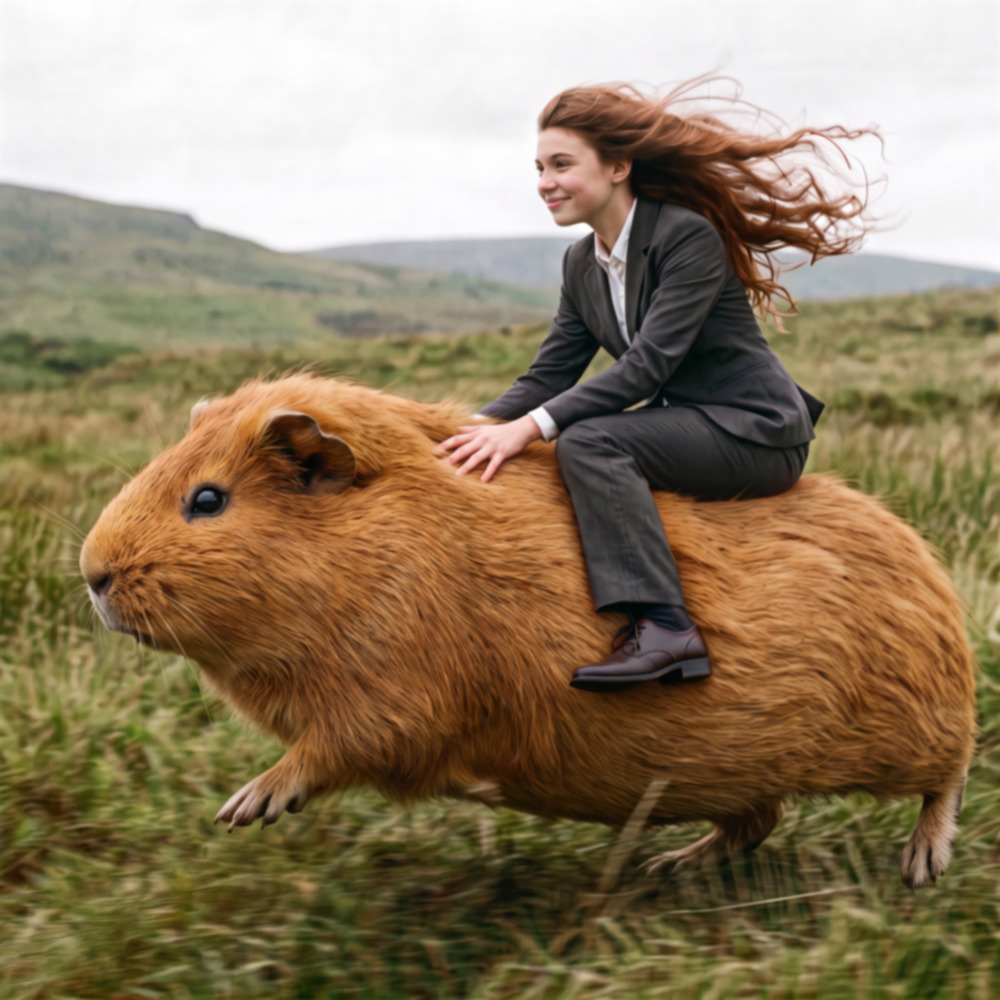
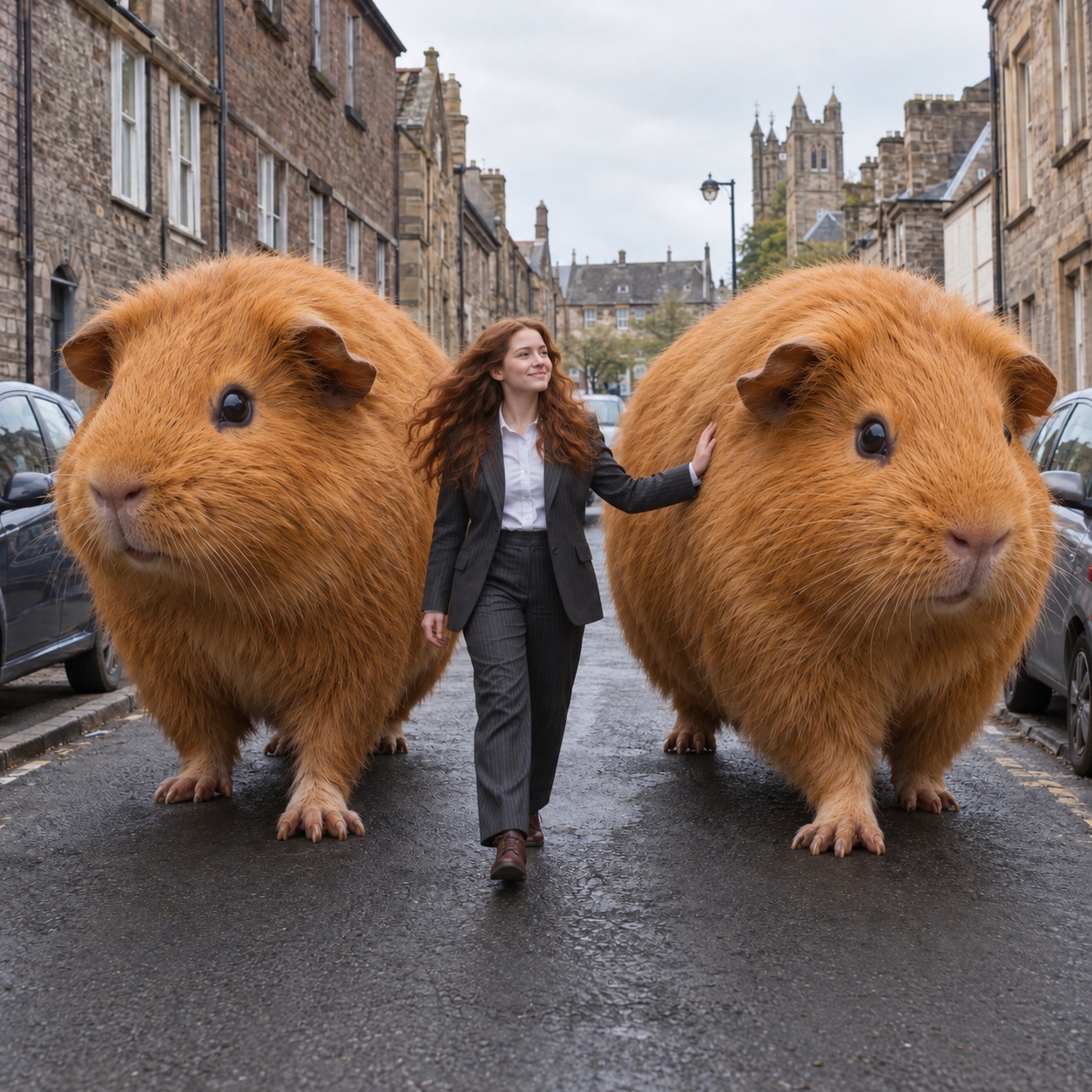
Ride a giant guinea pig through a city of skyscrapers: scenes that cannot be photographed in real life can be created with a photographic look, for memorable social and outdoor advertising.
Reduce the need for sets, location scouting and weather delays. Prepare revisions and variations efficiently to shorten the path from concept to campaign.
Create high-altitude action, dangerous stunts and restricted-location scenes without putting performers or crew into those physical situations.
wModel helps you develop advertising that expands what your ideas can show and strengthens the brand.

AI production helps prepare the number of images you need at a lower cost. Human or animal models and background choices can be specified without an additional selection fee under the existing service terms.

Generate visual variations in a short period to test product positioning and evaluate market response, supporting more flexible marketing decisions.

AI production reduces image-production time and helps deliver high-quality product visuals promptly.

Explore imaginative settings and difficult-to-stage scenarios to give your product a distinctive visual presence.

Traditional model contracts may limit usage periods, territories and product combinations. wModel.AI helps prepare the images your business needs for different markets, without coordinating a new physical shoot for each one.

Distinctive AI product visuals attract attention and help build brand recognition and a consistent brand image.
Our approach to client disclosure, and our own use of the service.
Since its January 2024 launch, wModel.AI has served businesses from large enterprises to small companies.
We leave disclosure of a client's AI use to the client. We have not required clients to publish their names or case studies for our own advertising.
This is the current policy described in the source and may change.
Using your product images and requirements, we generate the person, fabric, lighting and background as one coherent photograph. Inspection and final review come before delivery of the finished image.
What you do not need to prepare.
ANo. We can start with your product images and requirements.
A. No. The person, clothing texture, light and background are generated as one image, and the AI inspection engine checks the product details.
A. Every cut goes through Clearium before delivery, alongside identity-consistency checks, to look for unintended resemblance to someone else.
A. Yes. Extend one approved identity to different products, compositions and video while maintaining the reference model.
A. There is no need to wait for a physical sample to arrive. Work can proceed remotely; tell us your preferred timing when you first contact us.
Keeps learning. Improves its own process. Delivers work you can use.
Tell us about your product images, intended uses, required quantities and preferred finish.
Start by sharing a product photograph.
Share a product photograph and your requirements. We will propose an approach for your intended use.
Send us the product and what you want to achieve. Your company's wTransformer brings the production process together from there.
Contact us
Beyond beauty. Beyond passion.

Let's talk about your project.
See the results with your own products. Your first sample is free.
Request informationContactRequest a free sampleCopyright © wModel.A. All rights reserved.